
TL;DR
B2B video production is a model choice, not a campaign idea. Buy agency or service production when the proof does not exist yet: a customer, a place, a physical behavior, or flagship craft. For recurring explainers, demos, enablement cuts, and feature updates, the proof usually already lives in approved docs, UI, product images, and copy. Run those as an accurate, editable, repeatable asset-to-video workflow. Do not restart a production company engagement every time one claim or screen changes.
B2B video production is the work of turning a committee question into a reusable cut. The useful output is not a sizzle reel. It is an approved video that answers one job, carries one inspectable proof, and can be updated when the product or the claim changes.
That is a narrower job than SaaS video marketing. Marketing decides which stories belong in the lifecycle. Production decides how those stories get made without inventing evidence or restarting the crew every month. It is also narrower than scalable video production, which owns queues, capacity, and throughput. Use this page to choose the production model. Use the ops page when the bottleneck is the queue, not the brief.
The live US search results for `b2b video production` are mostly agency service pages. That is useful market language. It is a bad default for every brief. Moonb's 2026 guide says teams are no longer arguing about whether to use video. They stall when every request becomes its own production crisis. Awakened Films says the expensive mistake is greenlighting a shoot before the objective can survive a CFO question. Both pages then spend most of their length on funnel types, marketing strategy, and partner selection. Those are adjacent jobs. They are not the production-model decision.
Start from an approved script and source pack
01
B2B video production jobs at a glance
Start with the decision the viewer must make, not with a format menu. The table is a production router. If two jobs sit in one brief, split the project before anyone writes a script or books a crew.
| Production job | Viewer question | Proof the video must make inspectable | Default model | Do not ask this cut to do |
|---|---|---|---|---|
| Problem identification | Why is this worth a meeting? | A visible current-state failure a sponsor can repeat | Asset-to-video from approved messaging and diagrams | Implementation fit or pricing |
| Category or mechanism | What kind of system is this? | One stable analogy or workflow model | Asset-to-video from docs, diagrams, and approved copy | Configuration depth |
| Product demo | Can this handle our workflow? | The real interface or an approved UI sequence | Screen-record when the UI is the proof, asset-to-video when the idea is the proof | Customer outcomes you did not capture |
| Validation | Can we inspect the complete transaction? | One object moving from start state to stored record | Screen-record or asset-led UI reconstruction from the current product | Every exception and policy |
| Consensus | Can experts and non-experts discuss the same model? | One worked system that stays on screen | Hybrid: presenter plus durable diagram, or a long asset-led model | Cold homepage awareness |
| Enablement or SOP | Can a user complete the next step without a call? | Ordered steps tied to the current UI or document | Asset-to-video from the help doc, SOP, or approved screens | Brand storytelling |
| Customer proof | Did a peer get a result we can defend? | A named customer, a specific before/after, and permission | Agency or live capture of the interview | Animated testimonials that invent a face or a quote |
| Flagship launch | Does this moment need craft the team does not own? | Physical product behavior, place, people, or cinematic craft | Agency or specialist crew, with an internal proof pack | Recurring weekly updates |
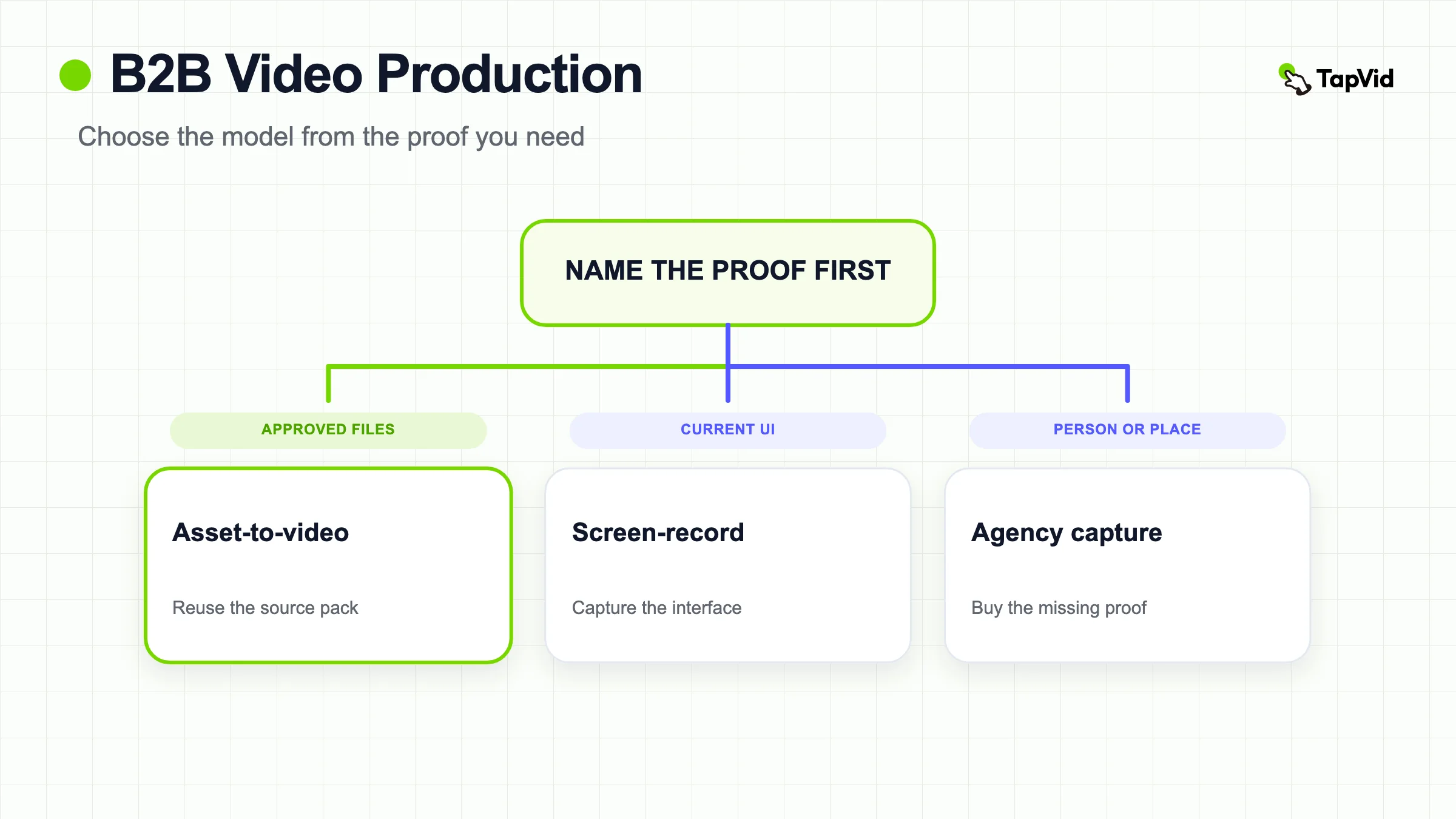
The pattern is consistent. If the proof already lives in files the company owns, default to asset-to-video. If the proof is a live person, a location, or a physical behavior, buy capture. If the proof is the current interface, record the interface. Mixing those proofs in one hero video is how B2B teams spend a quarter and still fail legal review.
For official explainer patterns by buying job, use 6 B2B explainer video examples. This page does not rebuild that listicle. It only asks whether those patterns change the production model.
02
The production decision is the model, not the campaign
Most failed B2B videos look finished. The lighting is fine. The logo is correct. The voiceover sounds confident. The cut still dies in review because nobody agreed what the video was allowed to prove, or who would update it next month.
Write one production contract before you book a crew, open an editor, or paste a prompt:
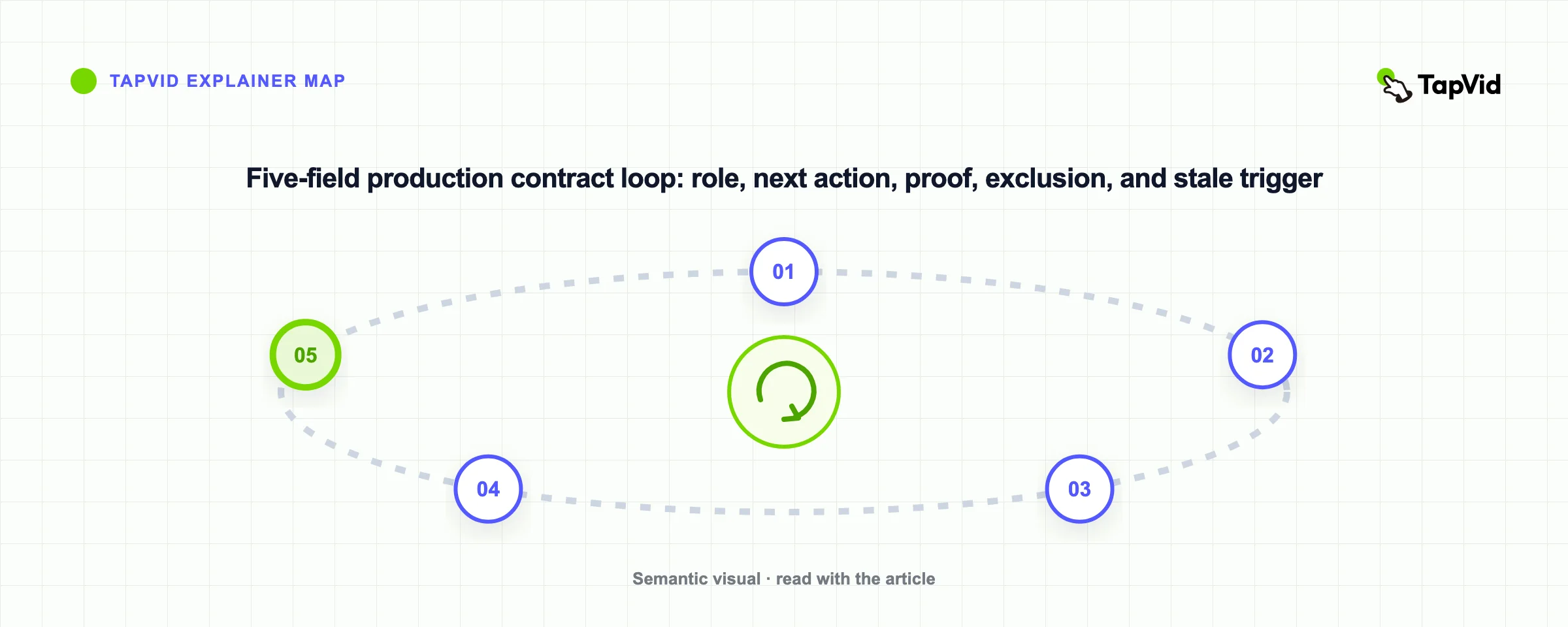
After watching, this [role] should be able to [repeatable next action] because the video made [this proof] inspectable, and it will not claim [this exclusion]. It will be updated when [this stale trigger] happens, by [this owner], without restarting the whole project.
That sentence does five things a moodboard cannot.
- It names one primary viewer. A champion, an evaluator, a process owner, and a new user rarely need the same cut.
- It names one next action. Book a demo, forward the clip to security, complete setup, or approve a requirement. Two actions belong in two videos.
- It names inspectable proof. A claim that cannot be pointed to on screen is not ready for production.
- It names an exclusion. Legal and product reviewers need to see what the video is forbidden to imply.
- It names a stale trigger. A UI rename, a price change, a retracted metric, or a new qualifier should not require a new agency kickoff.
Pixel8's B2B video production company guide is right that B2B buying is research-heavy and that a single annual brand film is a weak operating model. The useful correction is this: an always-on editing subscription is still a service model. It can raise volume. It does not, by itself, make a claim inspectable or a scene editable from the source pack. Treat cadence as a downstream ops choice. Treat the model as the first choice.
03
What agency or service production actually buys
Agency or service production is the right buy when you need people, places, craft, or coordination the team does not own. Awakened Films describes the standard path as pre-production, production, and post-production, with the expensive mistake happening before the camera starts. That path is real. It is also a project. You brief, you approve a script and a board, you wait through a shoot or an animation cycle, you collect stakeholder comments, and you receive finished files.
What you are actually buying is four things.
- Capture. A customer interview, a factory floor, a physical product in use, or an executive who will only sit once.
- Craft. Lighting, casting, location, sound, or cinematic motion the internal team cannot staff this quarter.
- Coordination. A producer who can run a multi-person day and a revision schedule.
- A finished file. A master that sales can post, plus the cuts the contract remembered to ask for.
What you are not automatically buying is a system. ContentBuck's 2026 cost guide, read on 2026-08-25, lists hidden costs that show up after the first invoice: extra script rounds, voiceover upgrades, music licensing, stock pass-throughs, format variations, rush fees, captions, and source-file release. Those line items are not bad faith. They are what happens when the deliverable is a file, not a source pack with scene IDs.
Service production also has a reuse problem. The next product update, the next legal qualifier, or the next committee objection often means a new brief. Pixel8 frames the alternative as a dedicated subscription at a flat monthly fee. That can be cheaper than a five-figure project for volume. It is still outsourced execution. If your team cannot point to the source asset behind a claim, or cannot change one scene without reopening the engagement, you bought output rather than a production system.
Use an agency or specialist crew when the proof is outside the building. Do not use one as a default because the search result for `b2b video production` is an agency landing page.
04
What an accurate, editable, repeatable asset-to-video workflow buys
An asset-to-video workflow starts from files the company already approved: a script, a PDF, a product URL, screenshots, diagrams, product images, brand colors, and the exact words legal will defend. The job is not to invent a prettier version of the product. The job is to keep correspondence: this narration, this scene, and this asset refer to the same product, version, and condition.
Accuracy here has three checks.
- Asset fidelity. The product image, logo, UI, or diagram stays recognizable. It is not redrawn into a different object.
- Information fidelity. Names, numbers, prices, parameters, and approved claims stay literal.
- Correct correspondence. The voiceover does not describe Feature A while the frame shows Feature B.
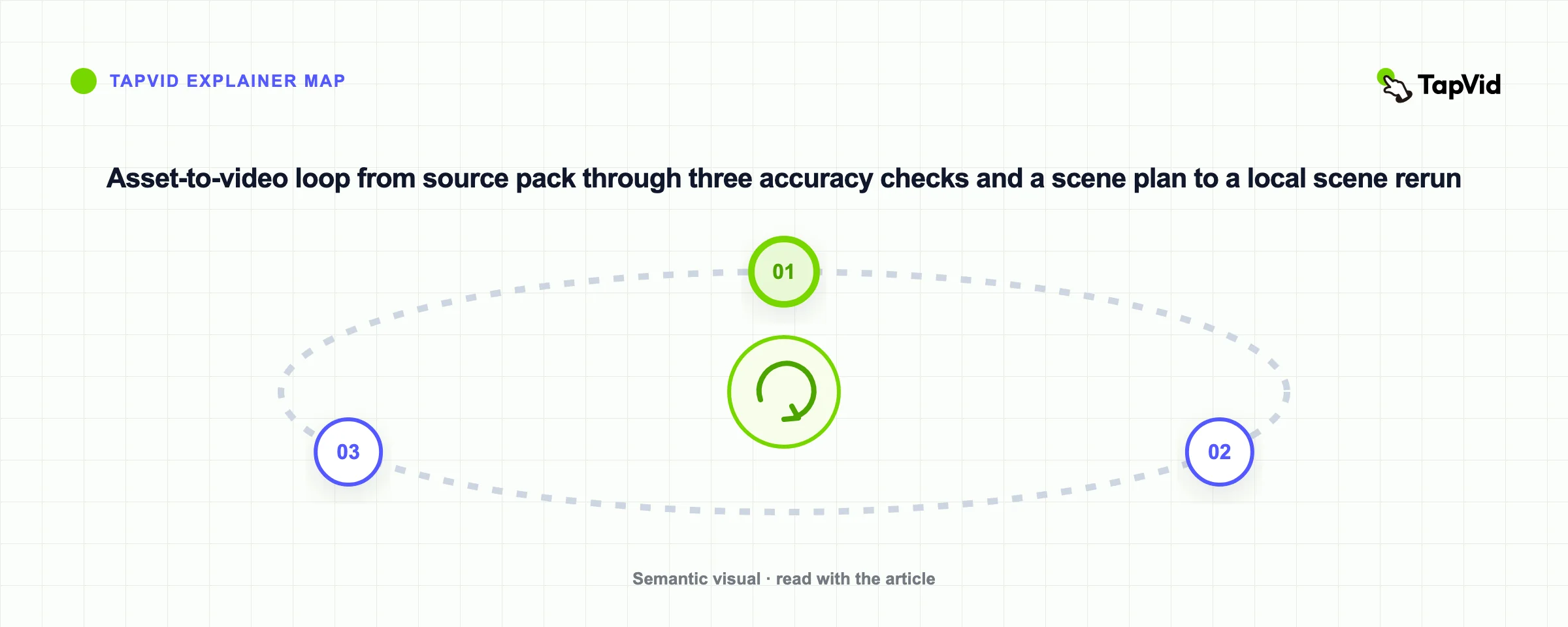
Editable means a later change can stay local. If the dashboard label changes, the owner should be able to replace that scene and leave the approved mechanism scenes alone. Repeatable means the next feature update uses the same source-pack rules, the same scene IDs, the same reviewers, and the same stale triggers. That is different from "we hired an editor this month."
Build the pack before anyone generates or films.
- Give every source a stable ID, owner, date, market, and permission note.
- Mark superseded screens instead of leaving five near-duplicates in a folder.
- Write the protected words separately from the visual treatment. Protected words are facts. Treatment is pacing, motion, and metaphor.
- Freeze a scene plan that a reviewer can read without sound. If the still frames cannot carry the claim, motion will not rescue it.
For the narrower case of one product video, product video production owns the source-to-scene loop in more depth. This page only needs the operating rule: recurring B2B cuts should inherit a pack, not inherit a new vendor kickoff.
A screen recording sits between the two models. If the proof is the current interface, record the current interface. Do not animate a fake UI and then ask sales to defend it in a security review. If the proof is the idea or the category, and the UI is unfinished, noisy, or beside the point, an asset-led explainer from approved copy and diagrams is the cleaner route. The AI product demo guide covers that split for demo work. Do not collapse it into "AI versus agency."
05
Choose the model from the proof, not from the rate card
Use this test on every brief.
- Does the proof already exist in an approved file, a current UI, or a permitted recording? If yes, default to asset-to-video or screen-record.
- Does the proof require a person, a place, or a physical behavior that has not been captured? If yes, buy agency or live capture.
- Will this cut need a local update within 90 days when a claim, screen, or qualifier changes? If yes, refuse any model that can only deliver a sealed master.
- Can one named owner approve facts, and a different named owner approve craft? If no, stop. Mixed review is how B2B projects add weeks.
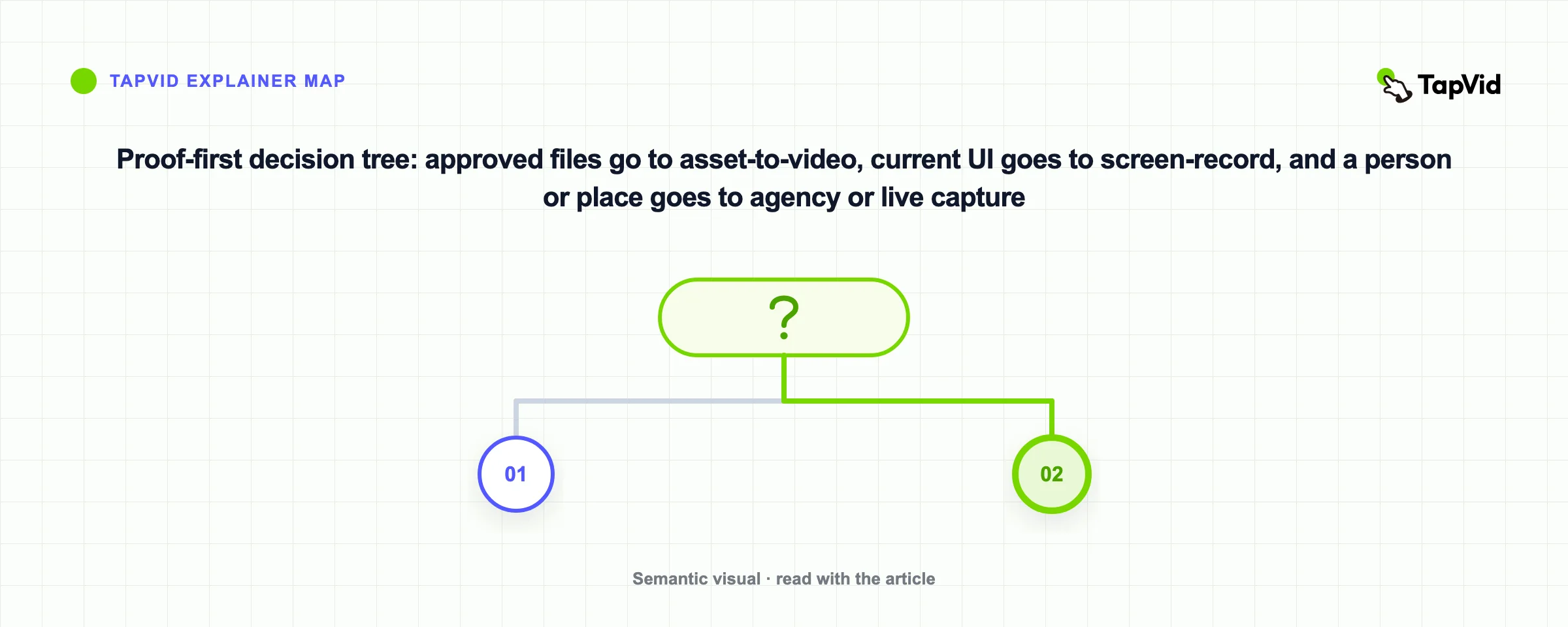
A hybrid is valid. A launch week can buy a short controlled shoot for the physical product, then run the explainer, demo, and enablement cuts from the same approved pack. The hybrid fails when the filmed hero is treated as the source of truth for claims the camera never showed.
Do not choose the model from average prices. ContentBuck reports, as of the 2026-08-25 reading, that most B2B companies pay $3,000 to $15,000 per project, or $1,500 to $5,000 per month on a subscription, with animated explainers commonly quoted from $1,800 to $10,000 and live-action brand films from $5,000 to $50,000. Moonb puts much of the work it sees between $1,000 and $5,000 per finished minute. Pixel8 puts traditional project work at $5,000 to $30,000 or more per video, and dedicated subscriptions at $2,000 to $3,200 per month. Those are vendor-framed ranges, not a TapVid rate card. They are useful only as a reminder that the same brief can be priced as a film, a subscription, or a reusable pack.
If two quotes differ by 10x, the briefs are not the same. One quote is buying craft and coordination. The other is buying a file from stock motion. A third option, often missing from the quote comparison, is keeping the source pack inside the team and generating only the cuts whose proof already exists.
06
When asset-to-video is the wrong route
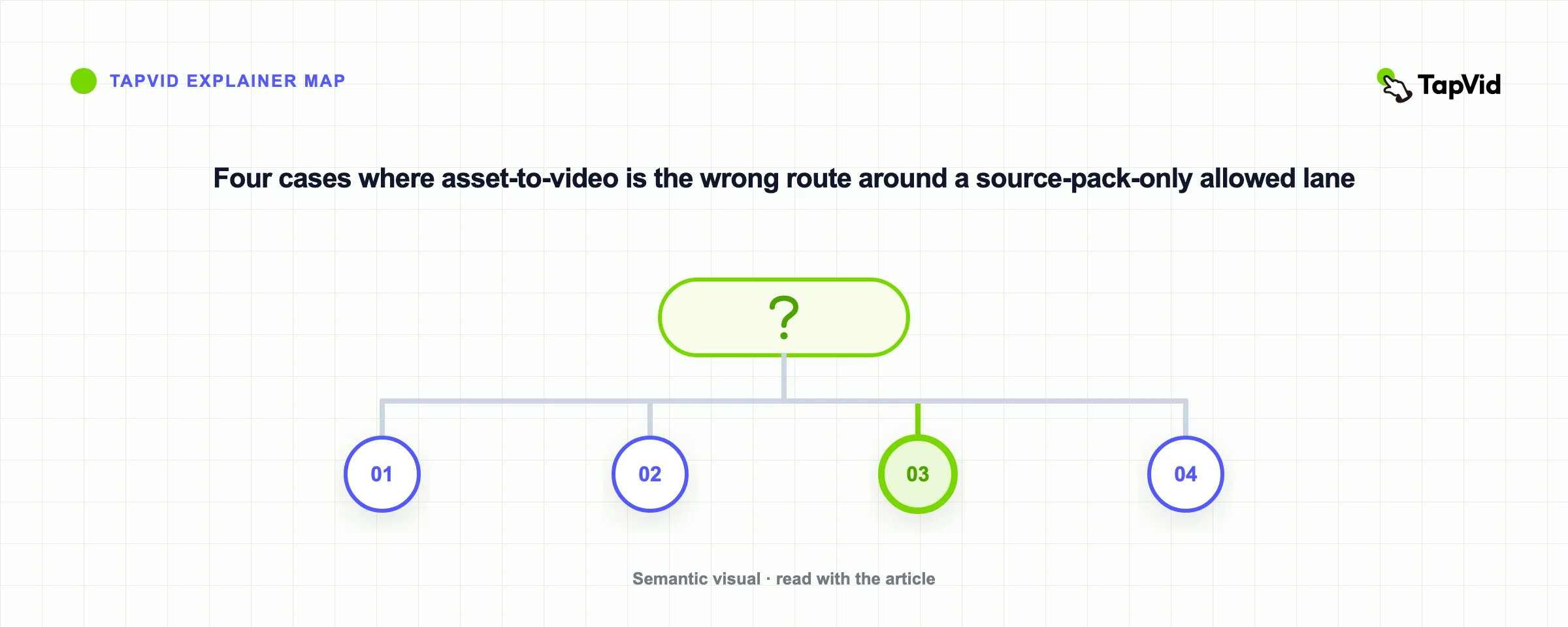
Asset-to-video is the wrong default in four common B2B cases. Name them in the brief so nobody "animates around" a missing proof.
Customer proof. A named customer, a specific before/after, and permission cannot be generated from a logo and a happy sentence. Film the interview, or do not make the claim. An illustrated testimonial that invents a face or a quote is a legal problem, not a style choice.
Physical behavior. If the buyer needs to see weight, fit, installation, a factory process, or a device in a real environment, capture it. Generated product imagery is not proof of handling.
Place and people. Recruiting, culture, and some executive trust cuts depend on recognizable humans and rooms. Motion graphics can carry the mechanism. They cannot stand in for the people.
Flagship craft. A brand film, an event open, or a cinematic launch may need a specialist crew. Buy that as an exception. Do not let the exception become the monthly operating model for changelog videos and SOP cuts.
IBM Technology's official What is Hybrid Cloud? lightboard, re-opened on 2026-08-25, is a useful example of the hybrid boundary. The presenter and the growing diagram are the proof that a mixed committee can discuss one system. The transferable decision is not "hire a lightboard crew." It is: keep one worked system on screen, add complexity in causal order, and do not ask a 60-second homepage explainer to do that consensus job. This embed does not prove homepage performance. Do not copy the diagram, script, or brand surface. For more official B2B explainer patterns, use the examples page.
If the brief is a company introduction rather than a committee proof problem, use company profile video. If the brief is one product claim with a source pack, use product video production. This page stays on the model choice.
07
Read cost as a reuse decision
B2B video production cost is usually discussed as a rate card. The more useful number is cost per approved, still-accurate cut over twelve months.
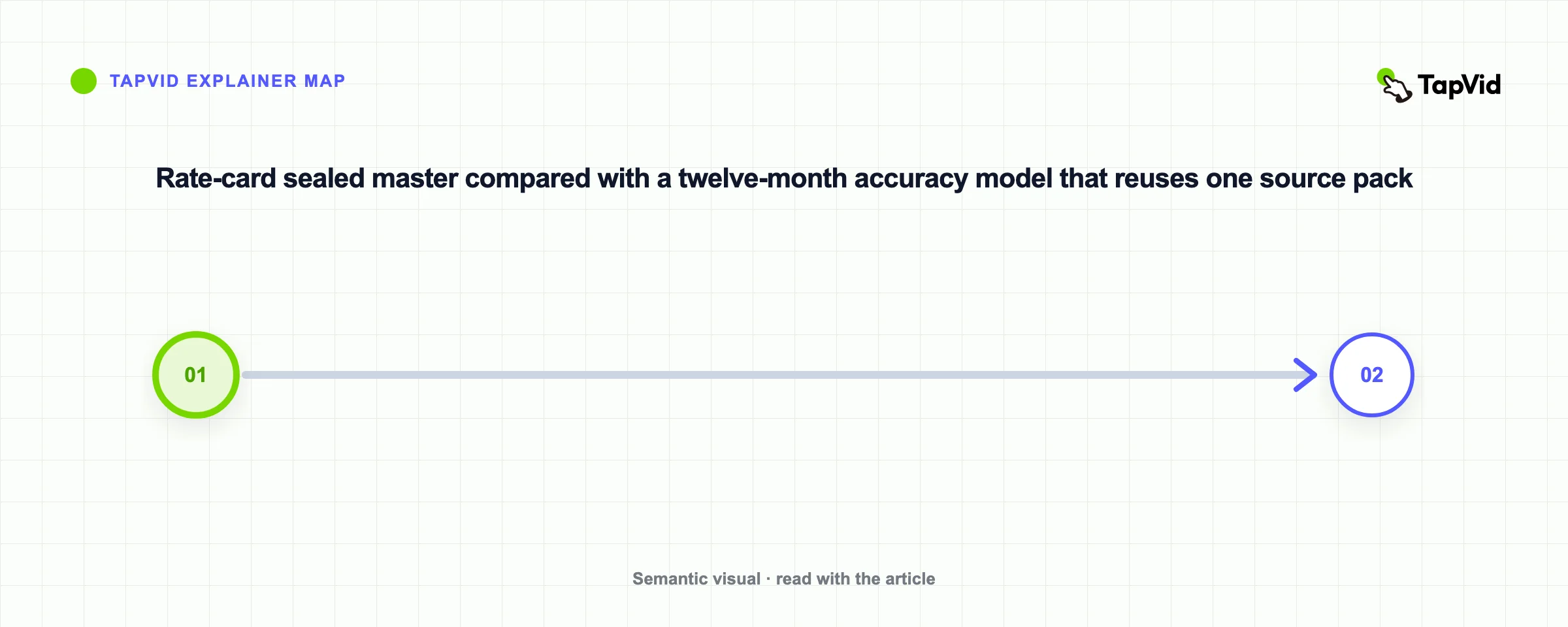
A $12,000 agency explainer that stays correct for a year can be cheap. A $3,000 explainer that is rebuilt four times after UI and pricing changes is expensive. ContentBuck's hidden-cost list is a checklist for service contracts: revision policy, voiceover, music, stock, aspect-ratio variants, rush, captions, and source-file ownership. Ask those questions when you buy a service. Ask a different question when you run asset-to-video: can we change one protected sentence and one screen without paying to reopen the project?
For a single explainer budget, the dedicated explainer video cost guide owns the format-level breakdown. Do not treat any third-party range as your quote.
TapVid, if you use it for the asset-led lane, is not a project quote. The official pricing page, read on 2026-08-25, prices rendered seconds on a credit plan and states that a failed or timed-out render returns the credits. Plan names and dollar amounts change. Read the live page before you budget. Credits are not a substitute for an agency day when the proof still has to be filmed.
08
When TapVid can carry an asset-led B2B cut
TapVid is useful only after the model decision says the proof already lives in approved material. It is not a B2B video production agency, a filming crew, or a substitute for a customer interview.
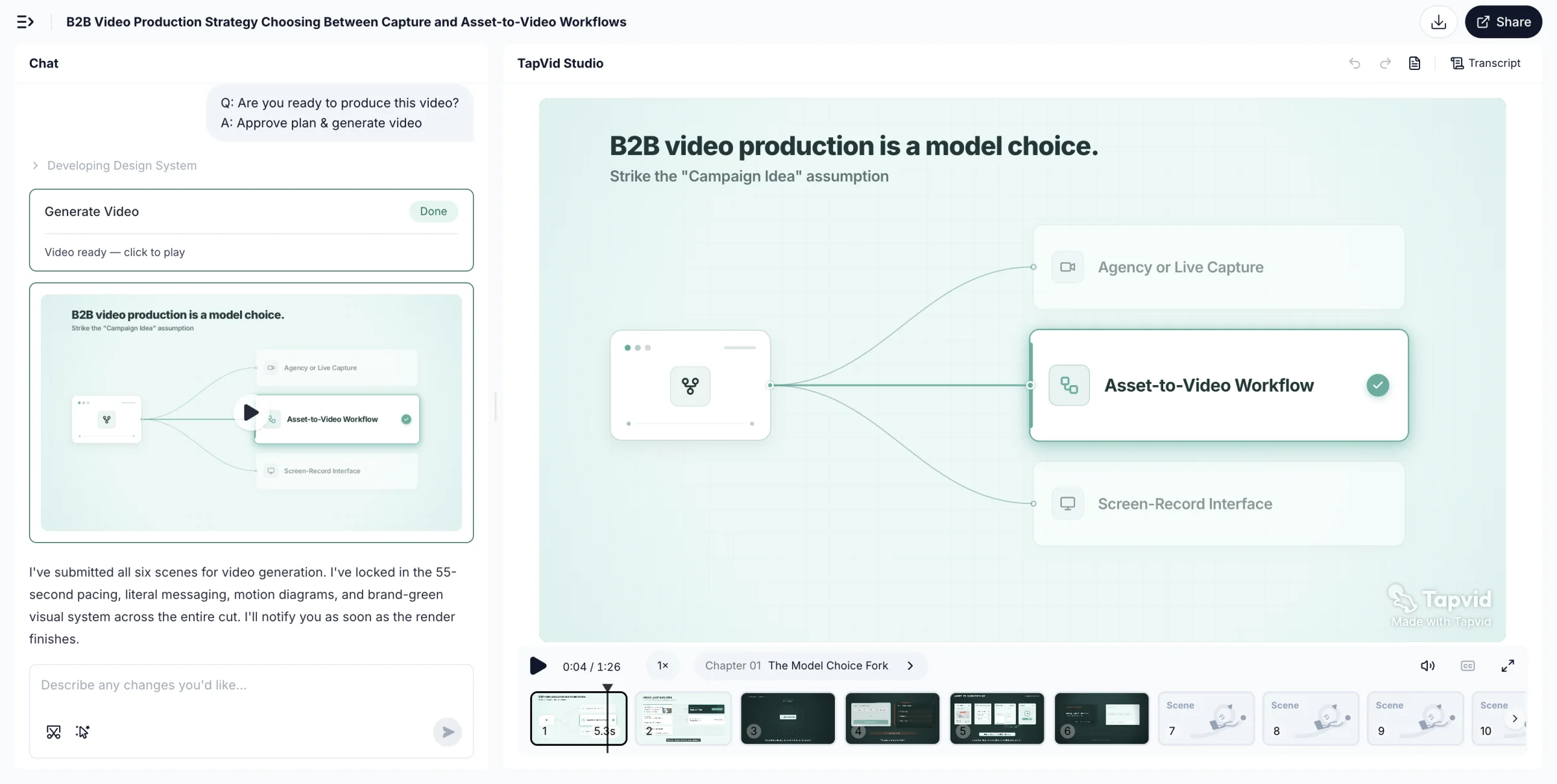
The official AI explainer video generator page, read on 2026-08-25, describes the supported job this way. Start from an approved script, PDF, URL, screenshots, logo, and brand colors. Keep supplied visuals as supplied and approved wording literal. Review the brief, script, and scene plan before the final export. When one scene needs work, change the caption, visual, pacing, or CTA in plain language and rerun that scene while the rest stays fixed. Then export an MP4 or share a link. Narration and synced captions are generated with the video.
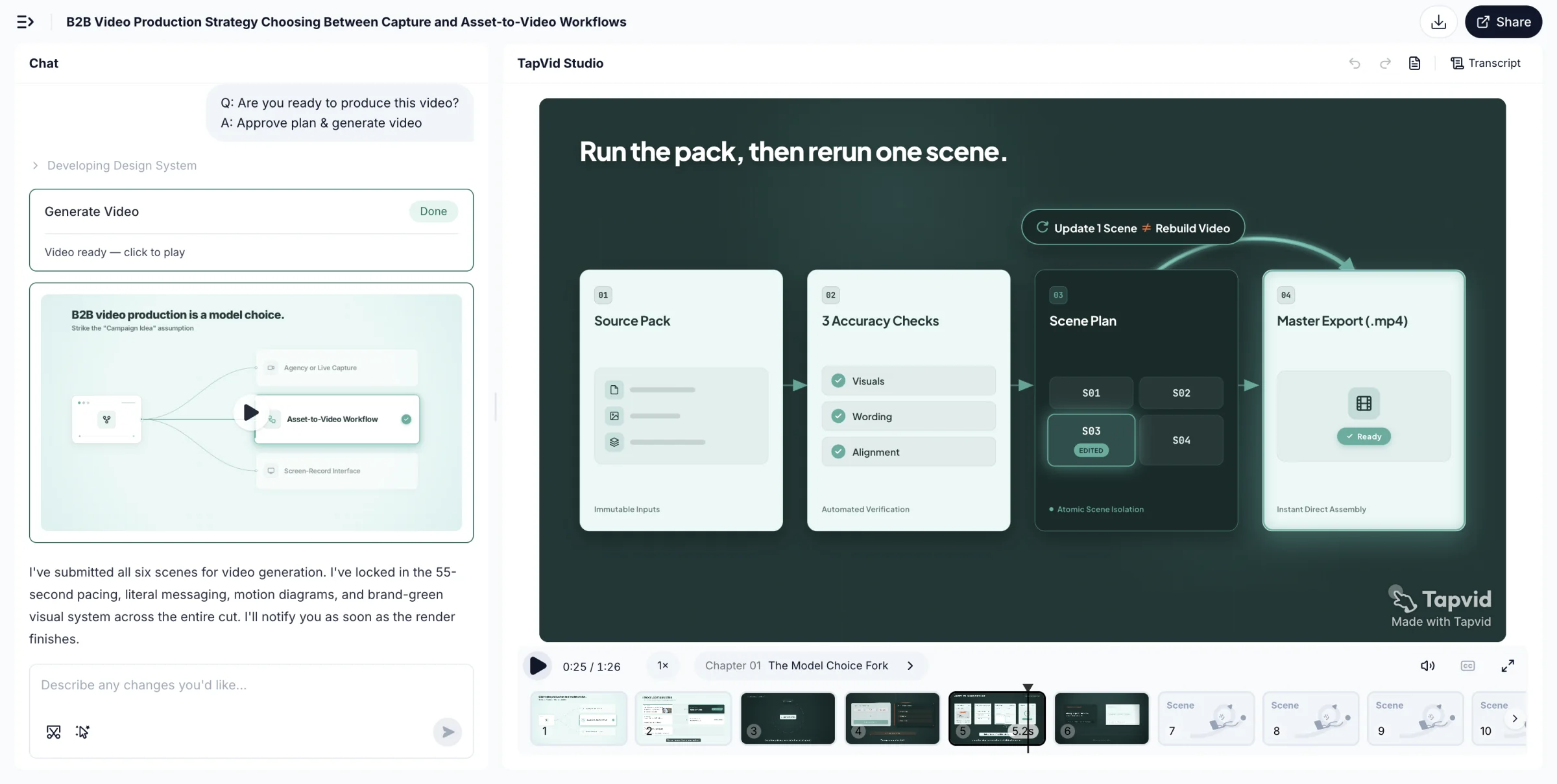
That matches the asset-to-video tests above: correspondence, local edits, and a pack you can reuse. It does not match a flagship film, a testimonial, or a physical-product proof.
Use it for a small B2B team that already owns the source and needs a reviewable explainer, feature update, or SOP cut. Do not use homepage testimonials on tapvid.ai as independent evidence that agencies are obsolete. Those quotes are vendor-published. They are not a measured replacement study.
Limitations sit next to the placement. Human review still owns exceptions. A reviewable plan is not a promise that every render is correct. Isolated scene reruns apply to changes the product can isolate. Input coverage is what the official page lists. The first-hand frames above are one small-team explainer run from the official source page, captured on 2026-08-25. They show a generated reviewable cut in TapVid Studio. They do not prove a customer interview, a factory process, or that agencies are obsolete.
If the cut is a software walkthrough whose proof is the live UI, record the UI. If the cut is a mechanism or changelog story whose proof is approved copy and assets, start from the explainer workflow. Check current pricing before you treat credits as a budget line.
09
B2B video production FAQ
Use these answers as the production-model check. They do not replace a brief, a source pack, or legal review.
What is B2B video production?
B2B video production is the work of turning a committee or user question into an approved, reusable video. The job is inspectable proof, not entertainment. The production model may be agency capture, a screen recording, or an asset-to-video workflow, depending on whether the proof already exists.
Should we hire a B2B video production agency?
Hire an agency or specialist crew when you need a customer, a place, a physical behavior, or craft the team does not own. Do not hire one as the default for every explainer, demo, enablement cut, or feature update whose proof already sits in approved files.
What is an asset-to-video workflow?
It is a production system that builds the video from approved source material, keeps claims and visuals in correspondence, and lets a later change stay inside the affected scene. It is not a synonym for "AI video" and it is not a filming substitute.
How much does B2B video production cost?
Vendor pages read on 2026-08-25 quote wide ranges. ContentBuck puts most projects at $3,000 to $15,000, or $1,500 to $5,000 per month on a subscription. Pixel8 puts traditional projects at $5,000 to $30,000 or more, and dedicated subscriptions at $2,000 to $3,200 per month. Moonb reports $1,000 to $5,000 per finished minute for much of the work it sees. Treat those as attributed observations, then price your own reuse horizon.
Can we make B2B videos without filming?
Yes, when the proof already exists in approved docs, UI, images, diagrams, or permitted recordings. You still need a production contract, a source pack, and a reviewer. You cannot skip filming when the proof is a person, a place, or a physical behavior.
How is this different from B2B video marketing?
Video marketing decides which stories belong in the lifecycle and where they run. Video production decides how each story is made, reviewed, and updated. Mixing the two is how teams write a content calendar and still fail the first legal review.
How often should a B2B video be updated?
Update it when the stale trigger fires: a UI change, a retracted metric, a new qualifier, a pricing change, or a lost permission. The model is working if that update does not require a new kickoff.
Where does TapVid fit?
Only in the asset-led lane, and only from approved source material. TapVid can turn a script, PDF, URL, screenshots, and brand assets into a reviewable explainer, then rerun an affected scene. It is not an agency and it cannot create missing customer or physical proof.