TapVid

Create your motion videos from anything

Turn prompts, ideas, or source materials into structured, motion videos with visuals, voice, and clear explanations.

Log in
    TapVid
    HomeAPI & MCPPricingBlogAbout

    Free AI Explainer Video Generator

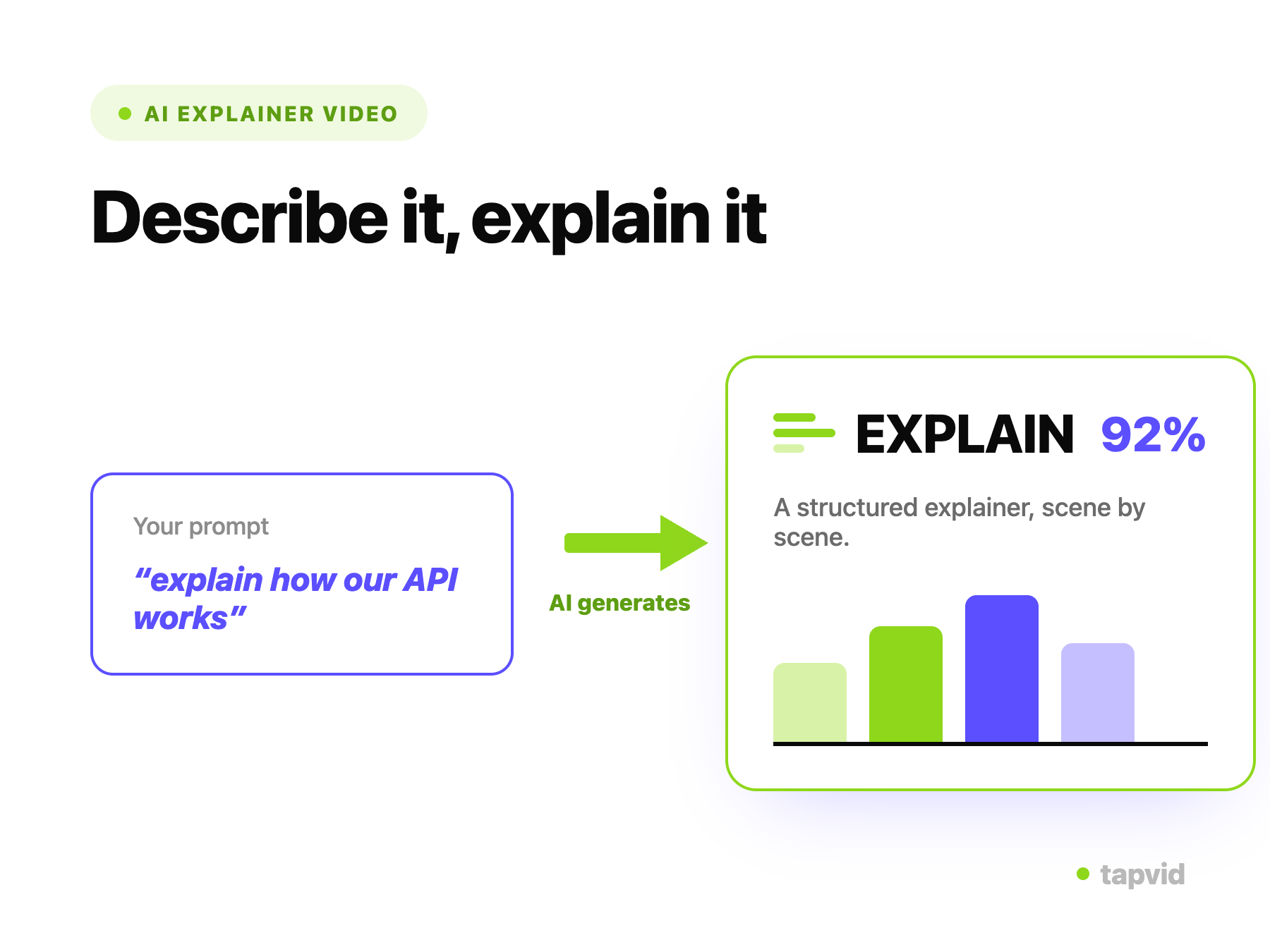
    Turn a prompt, PDF, or link into a finished explainer video with motion graphics and voiceover. No editing skills, no timeline.

    No credit card required. Start free.

    Create better videos with the TapVid community

    Tutorials

    Step-by-step workflows

    Good cases

    See what works

    Support

    Get answers

    Join Discord→

    What is an AI explainer video generator?

    An AI explainer video generator turns a written idea into a finished explainer video automatically. Instead of storyboarding, animating, and editing by hand, you give it a prompt, a script, a PDF, or a link, and it produces a structured video with motion graphics, on-screen text, and voiceover-ready narration. TapVid handles the parts that normally need a designer and an editor, so a marketer, founder, or product manager can ship an explainer without a production team.

    Explainer videos work because they compress a complex idea into something a viewer understands in under two minutes. The hard part has always been making them: scripting the story, designing the visuals, timing the animation, and recording narration. TapVid collapses that pipeline into a single pass and then lets you revise in plain language, so the bottleneck moves from production back to your message.

    Because every video is generated from your own source material, the output reflects your product and your wording rather than a generic template. You stay in control of the script, the visual style, and the level of detail, and you can regenerate any scene until it says what you mean.

    From source to finished explainer

    Pasting a script or uploading a PDF as the source for an explainer video

    Start from a prompt, script, PDF, or link

    Drop in what you already have. TapVid reads your source, pulls out the key points, and structures them into a scene-by-scene explainer outline.

    • Prompt, script, PDF, or URL
    • Automatic scene and narration outline
    An AI-generated animated explainer video with motion graphics

    AI builds the animated explainer

    TapVid generates motion graphics, on-screen text, and voiceover-ready narration for each scene, paced so the explanation actually lands.

    • Animated diagrams and typography
    • Synced voiceover and captions
    Refining an explainer video by editing with a text prompt

    Refine by prompt, then export

    Change the style, pacing, or wording by describing it in plain language. No timeline, no keyframes. Export an MP4 or share a link when it is ready.

    • Edit with words, not a timeline
    • Export MP4 or share a link

    How it works

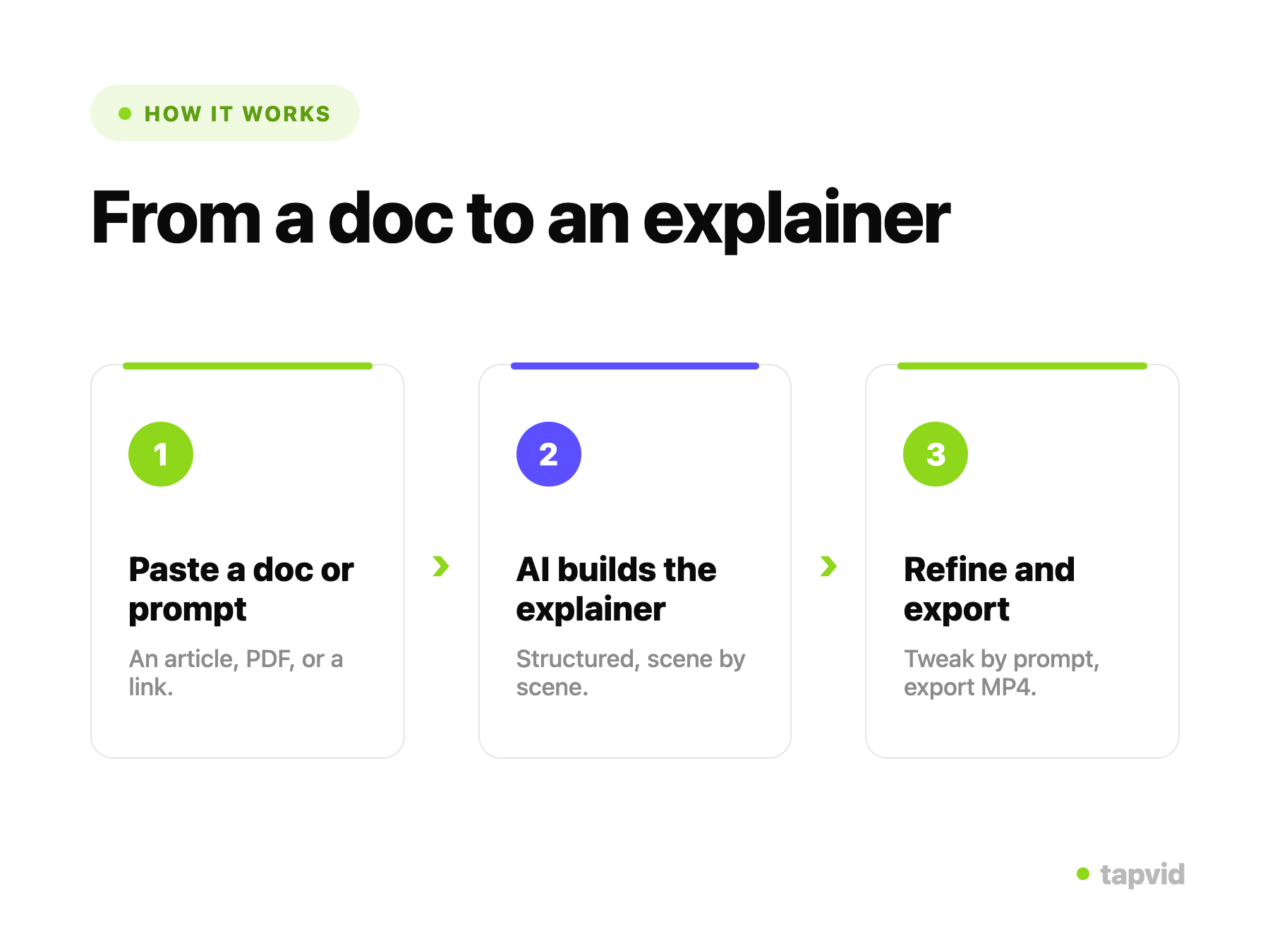
    1

    Paste or upload

    Paste a prompt, script, or link, or upload a PDF or doc as your source.

    2

    AI builds your video

    TapVid structures the scenes, writes narration, and generates motion graphics automatically.

    3

    Refine and export

    Adjust anything with a prompt, then export an MP4 or share a link.

    What you can make with the explainer video generator

    One generator covers the explainer formats teams actually ship, from a 60-second product overview to a full onboarding series.

    Product explainer videos

    Show what your product does and why it matters in a tight, animated walkthrough for your homepage or sales deck.

    How-to and tutorial videos

    Turn a help doc or SOP into a step-by-step explainer that customers can follow without reading a wall of text.

    Onboarding videos

    Walk new users or employees through setup, first actions, and key concepts, the same way every time.

    Concept and "what is" explainers

    Break down an abstract idea, framework, or industry concept into a visual story a non-expert can follow.

    Feature announcement videos

    Explain a new release in the time it takes to read the changelog, ready for launch day and email.

    Pitch and investor explainers

    Turn your narrative into a crisp animated overview of the problem, the solution, and the traction.

    Why make explainer videos with TapVid

    From source to draft in minutes

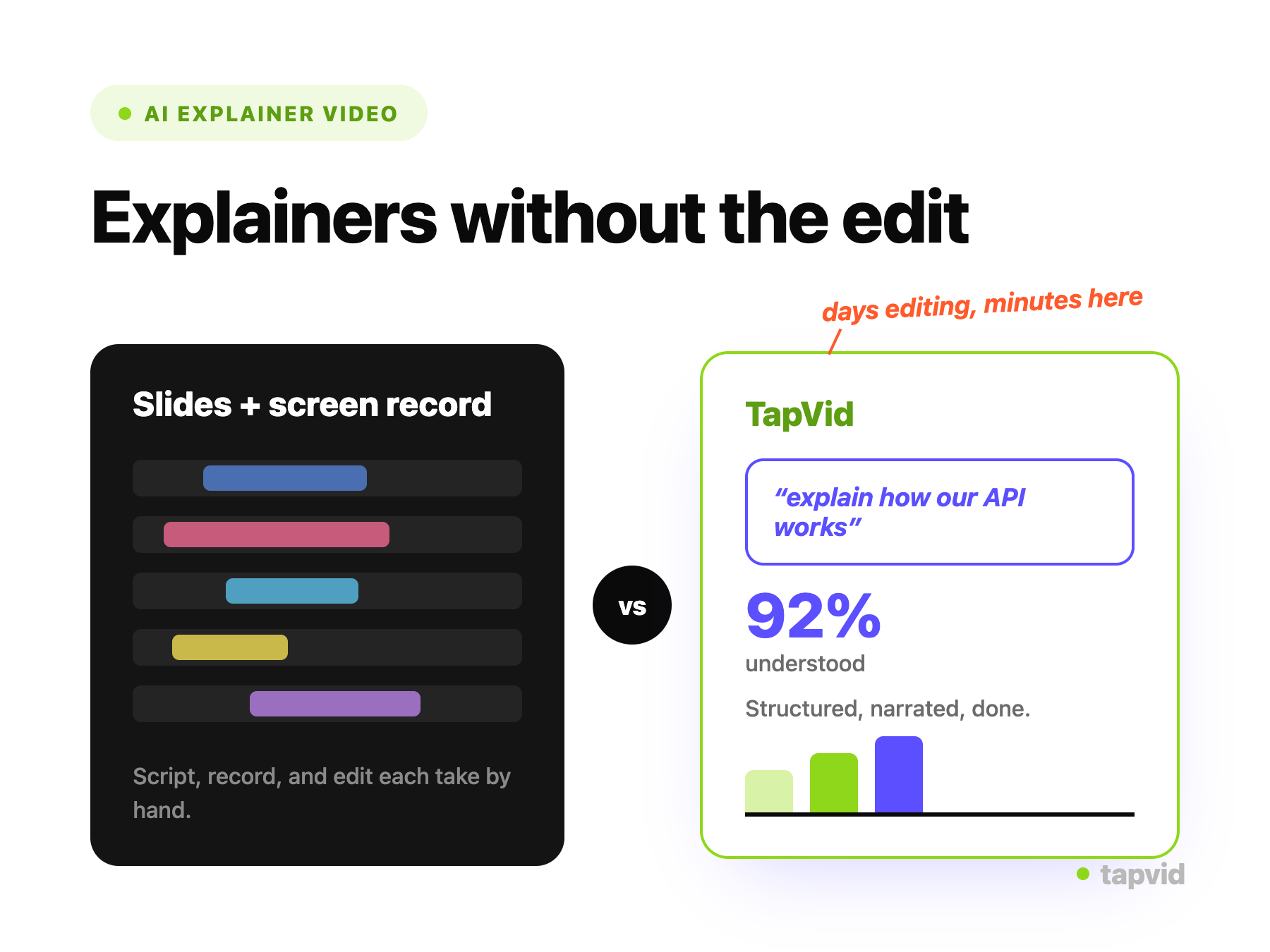
    Go from a script, PDF, or prompt to a watchable explainer draft in minutes, not the days a storyboard-to-edit cycle usually takes.

    Motion graphics built for clarity

    Animated diagrams, callouts, and typography are generated to carry the explanation, not just to decorate the screen.

    Edit by prompt, not timeline

    Change pacing, tone, visuals, or wording by describing the change in a sentence. No keyframes, no scrubbing, no re-render queue.

    Voiceover and captions included

    Narration and synced captions are generated with the video, so it is publish-ready and accessible without extra tools.

    On-brand and consistent

    Reuse a style across every explainer so a series looks like it came from the same team, because it did.

    Built to iterate

    Regenerate a single scene or the whole video as your product and messaging change, without starting over.

    Explainer videos made with TapVid

    Real motion-graphics output generated from prompts and documents.

    Built for Marketing, Onboarding, and Product

    Marketing

    Launch features and campaigns with explainer videos that make the value obvious in seconds.

    Onboarding

    Turn help docs and SOPs into onboarding explainers that cut support tickets and speed up time-to-value.

    Product

    Explain how your product works to prospects, investors, and new users without a video crew.

    Frequently Asked Questions

    Yes. You can start creating explainer videos with TapVid for free. Paste a prompt, upload a PDF, or drop in a link, and the AI generates a first draft with motion graphics and voiceover. No credit card is required to begin.

    Related guides

    • AI Explainer Video Generator Tutorial→
    • Explainer Videos That Convert→
    • Explainer Video Maker: A Team Guide→
    • How to Create an Explainer Video→
    • Explainer Video Examples→
    • How Much Does an Explainer Video Cost?→

    Simple, credit-based pricing

    3 credits = 1 second, so you only pay for what actually renders. Start free, upgrade anytime.

    Basic

    $19/mo

    900 credits / mo

    Most Popular

    Pro

    $39/mo

    2,000 credits / mo

    Max

    $99/mo

    6,000 credits / mo

    Ultra

    $199/mo

    14,000 credits / mo

    See full plans & pricing →

    Need help making a better video?

    Follow tutorials, study good cases, or ask TapVid support.

    Join Discord→

    Ready to create your first video?

    Join thousands of product teams using AI to create professional videos in minutes.

    Your first video in under 5 minutes →Book a demo →
    Tapvid

    TapVid turns prompts, docs, and scripts into production-ready videos with AI. No editor, no crew, no timeline.

    TikTokInstagramXDiscordYouTube

    TapVid

    Features

    AI Explainer Video GeneratorAI Motion Graphics GeneratorTalking Head Video EnhancerAI Product Demo Video GeneratorText to Video AIText to Motion GraphicsAnimated Video MakerAnimated Explainer Video MakerKinetic Typography GeneratorAnimated Chart MakerAnimated Collage MakerFree AI Video Generator

    Convert to Video

    Image to VideoPDF to VideoPPT to VideoArticle to VideoBlog to VideoURL to VideoScript to VideoGoogle Slides to VideoWord to Video

    Use Cases

    SaaS Explainer VideoProduct Launch Video MakerAI Ad Video GeneratorDocumentary Video MakerAnimated Social Media Video MakerInfographic Video MakerWhiteboard Animation MakerEducational VideoTutorial VideoCustomer OnboardingHelp Center VideoAPI Docs Video

    Solutions

    Explainer VideoProduct Demo VideoMeeting Recap VideoWebinar ClipsMarketing VideoFeature AnnouncementCompetitive ComparisonNewsletter VideoLanding Page VideoInvestor Pitch Video

    Featured Guides

    Best Faceless YouTube NichesCollage Animation Guide

    Company

    All FeaturesAboutBlogPricing

    © 2026 TapVid. All rights reserved.

    Privacy
    Terms of Service