Accurate
Assets stay exact
Images, logos, numbers, specs and source copy go on screen unchanged.
AI explainer video engine
Turn your scripts, PDFs, and brand assets into an AI explainer video. Review the storyboard and edit each scene with simple text prompts.
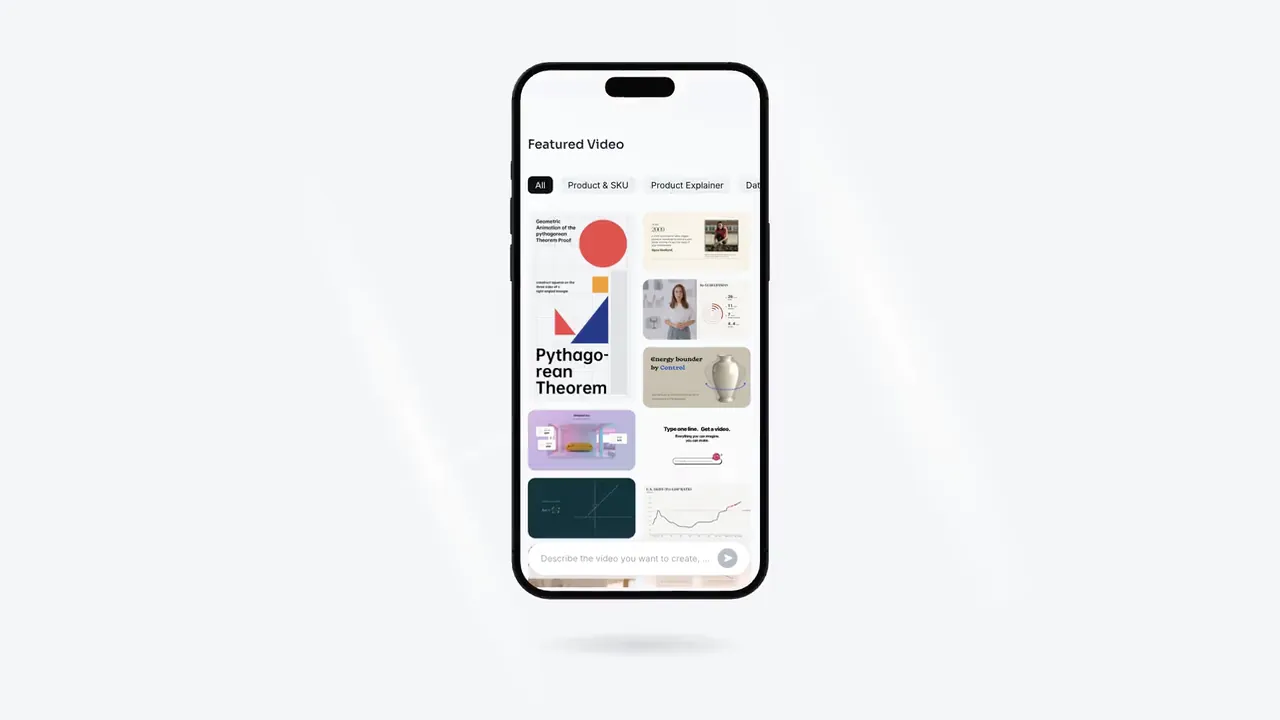
App in the Spotlight
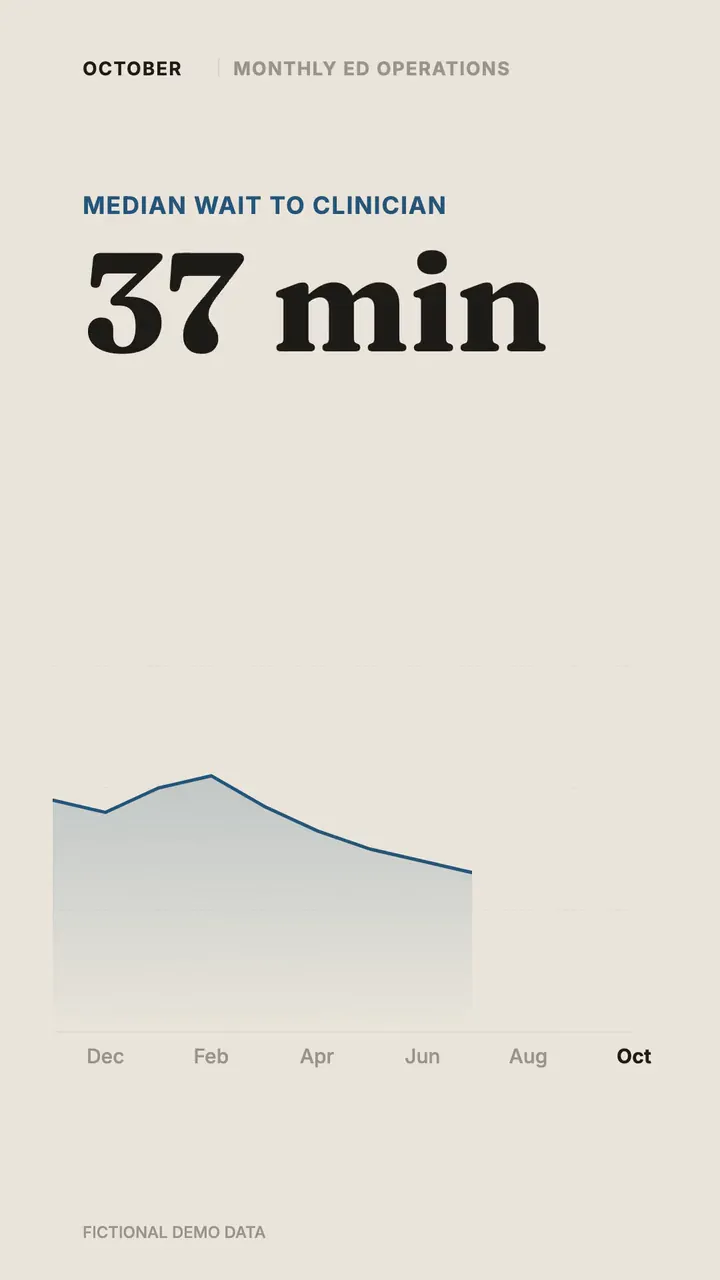
The Monthly Scorecard
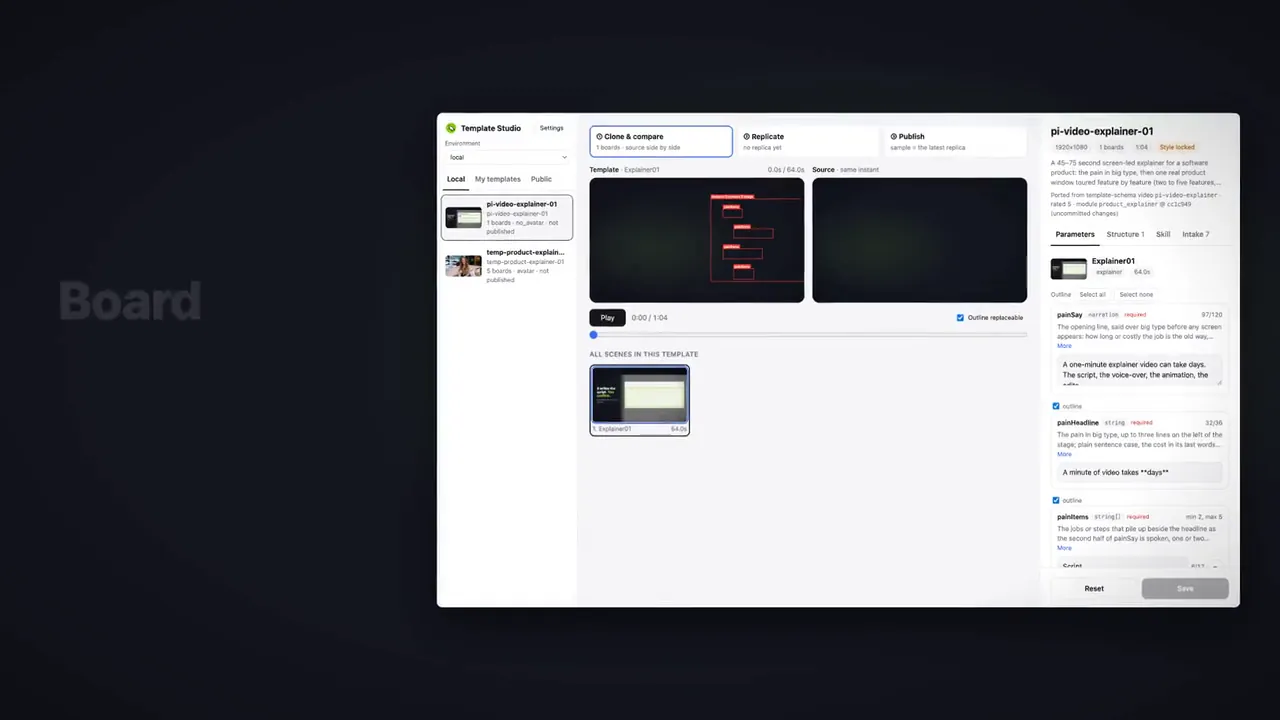
Feature by Feature
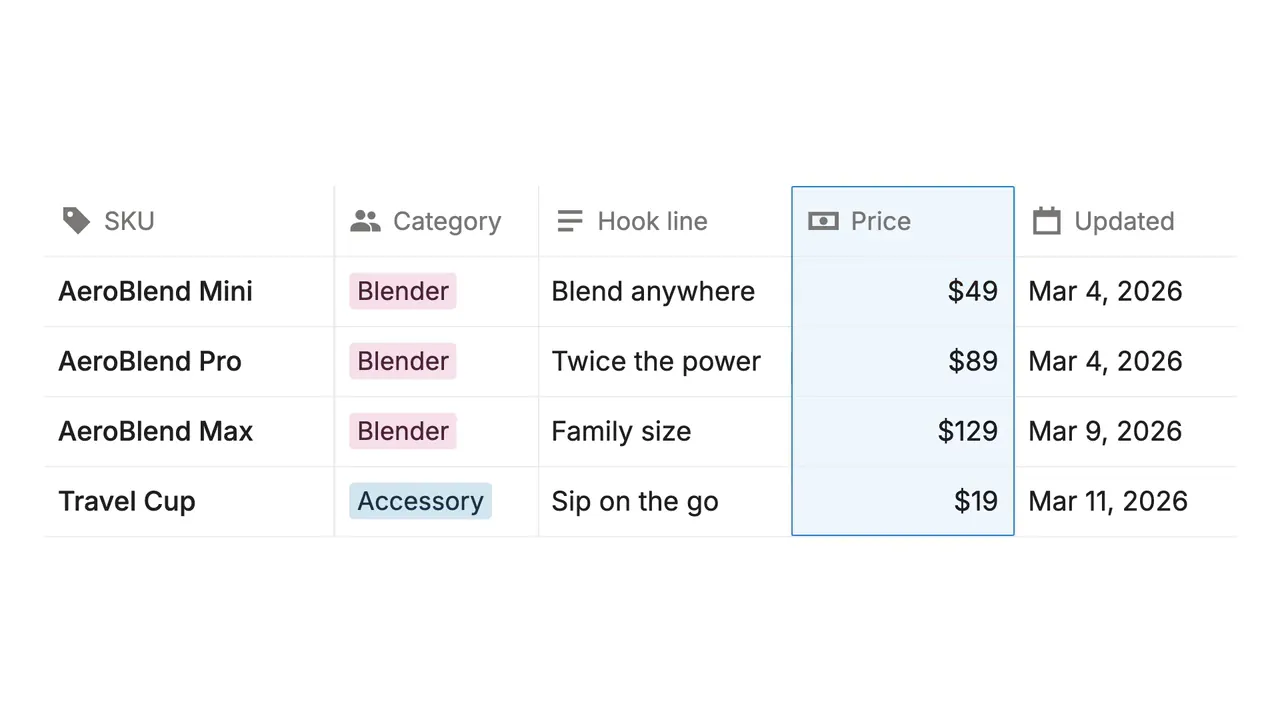
One Feature, Big Difference
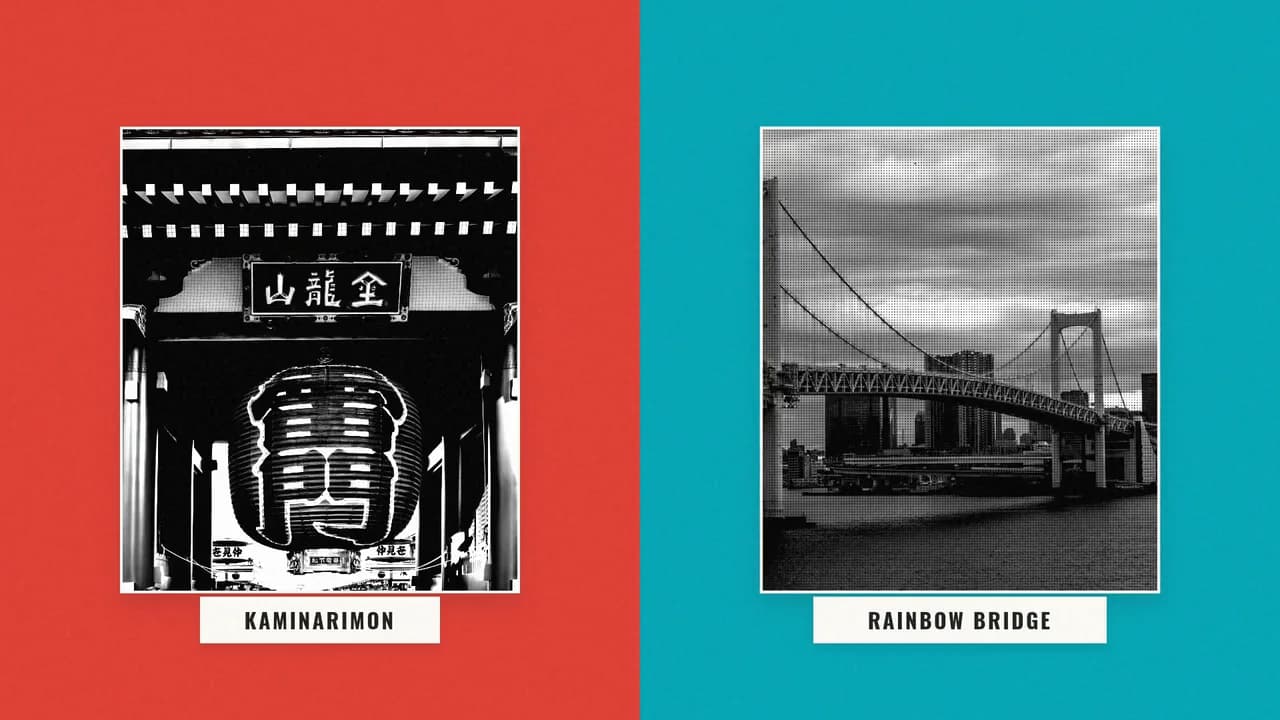
Tokyo Landmarks
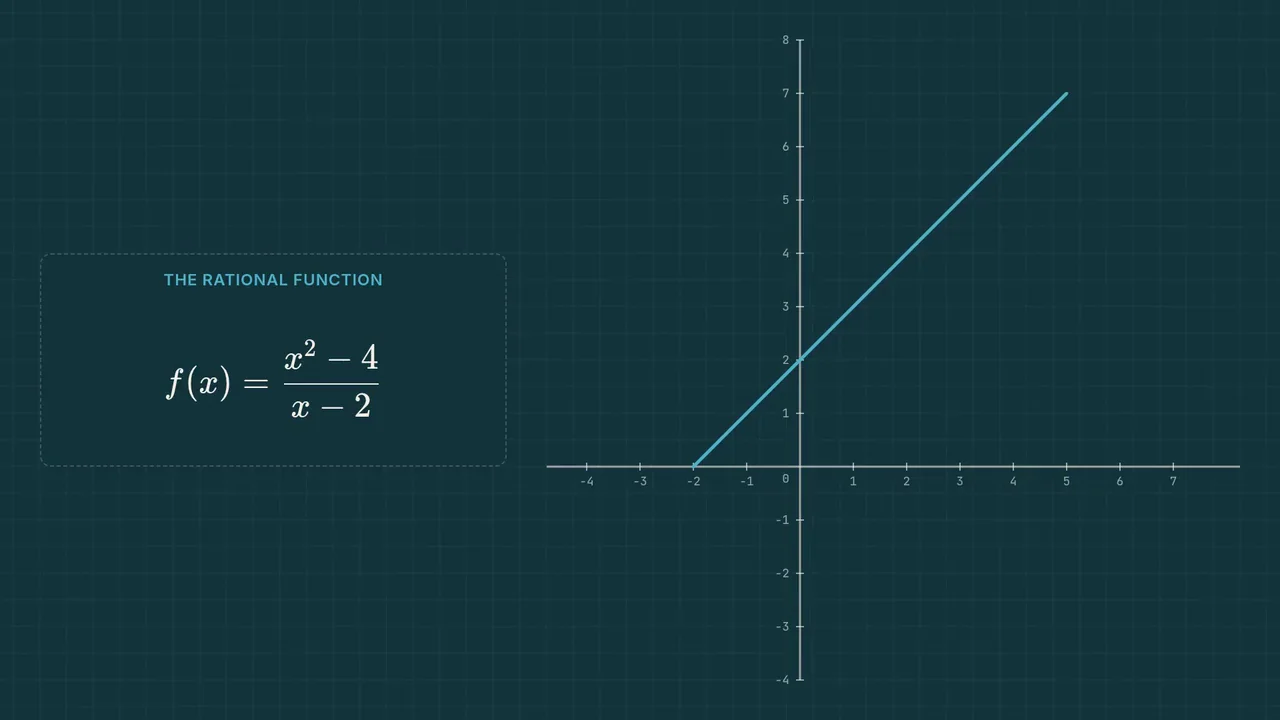
Understanding Rational Functions

TapVid Brand Kit
Five Personalities
The 30-Second Launch
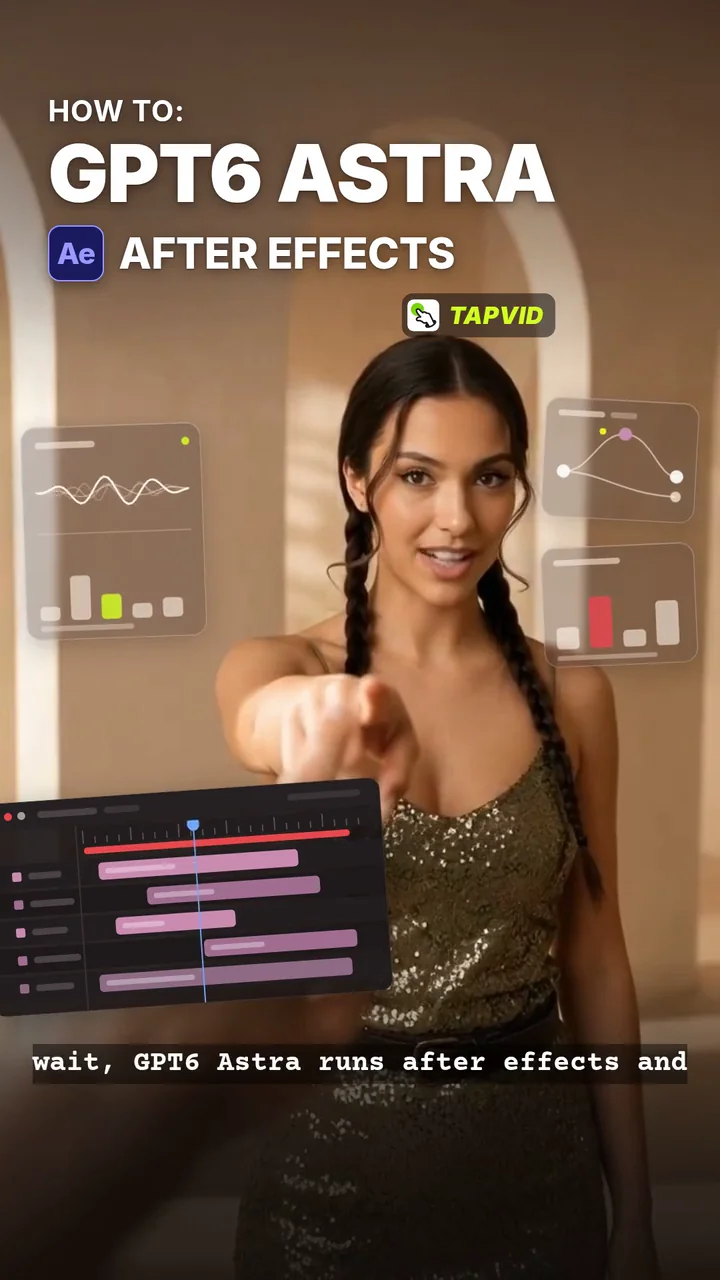
GPT6 Astra & After Effects
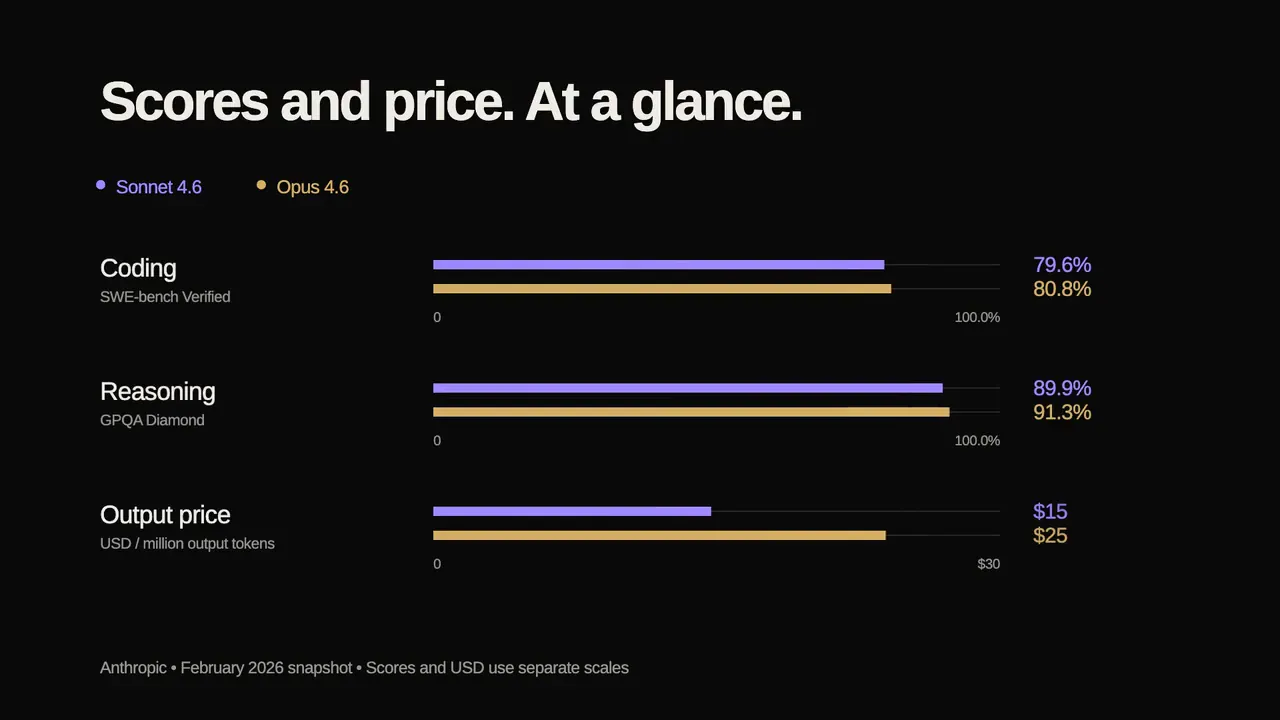
Claude Benchmark: Sonnet 4.6 vs Opus 4.6

Three Tips to Try
Day in My Life
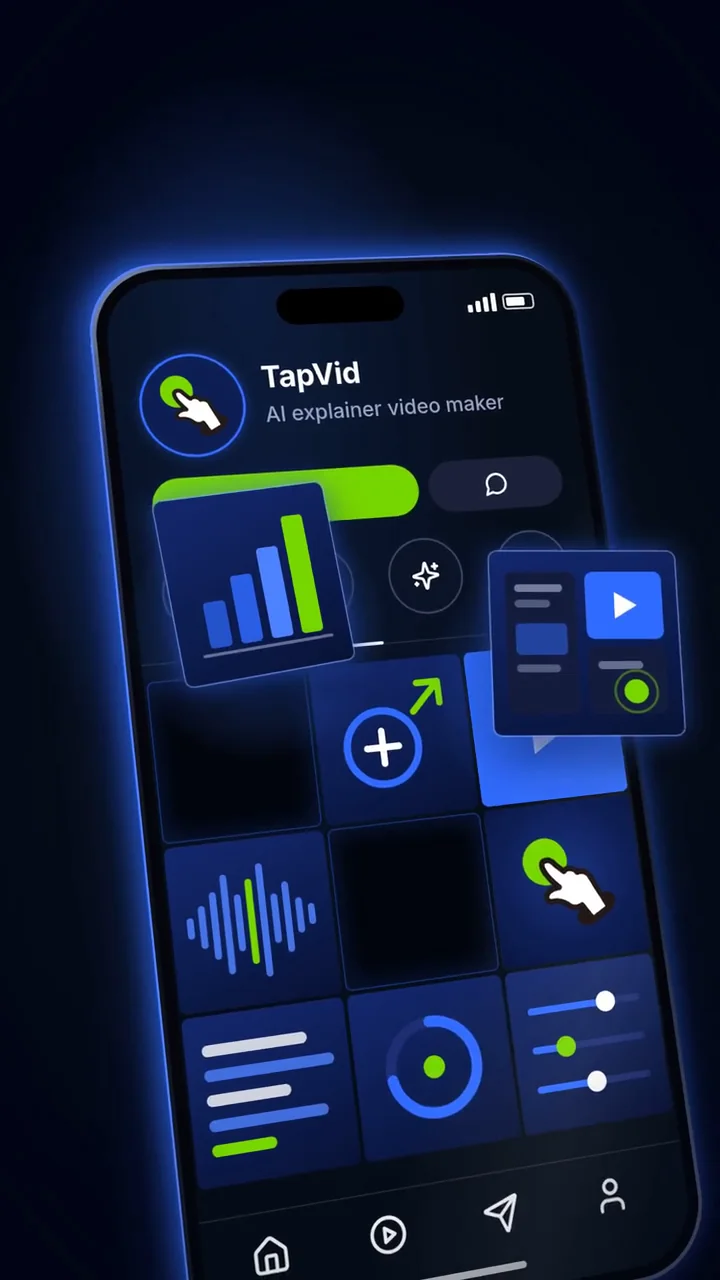
TapVid: AI Explainer Video Maker
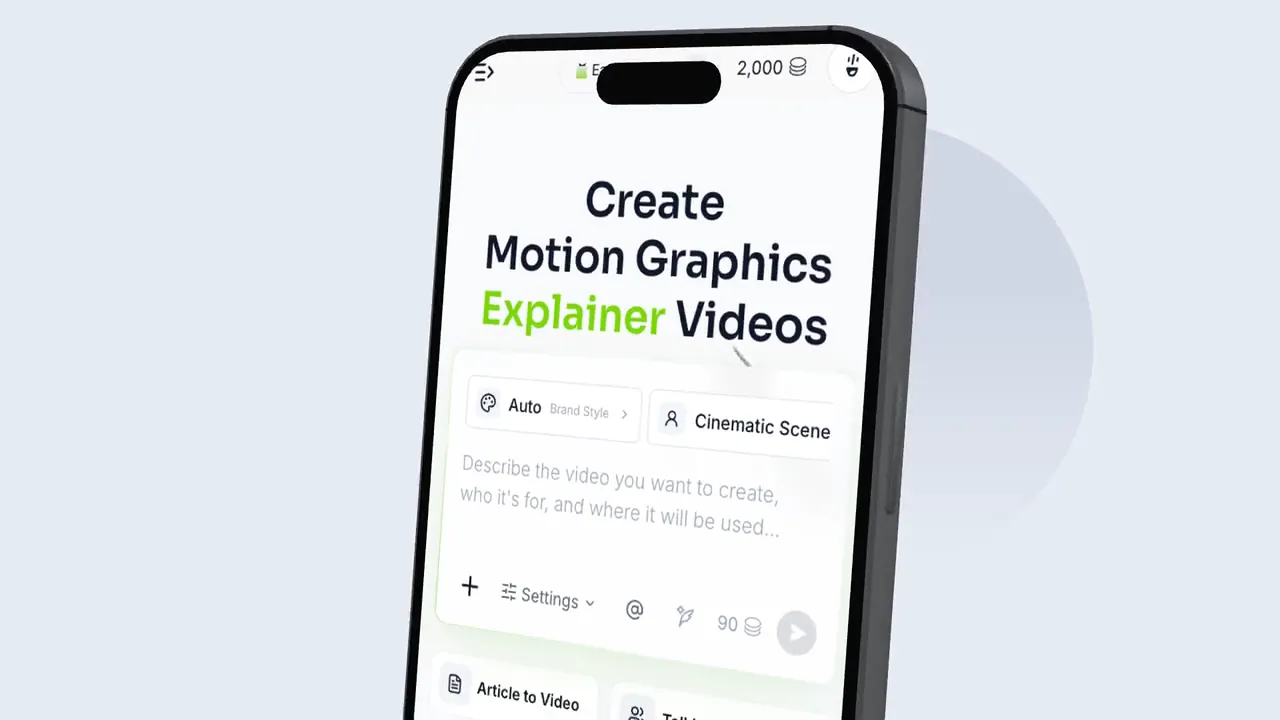
The Device Gallery
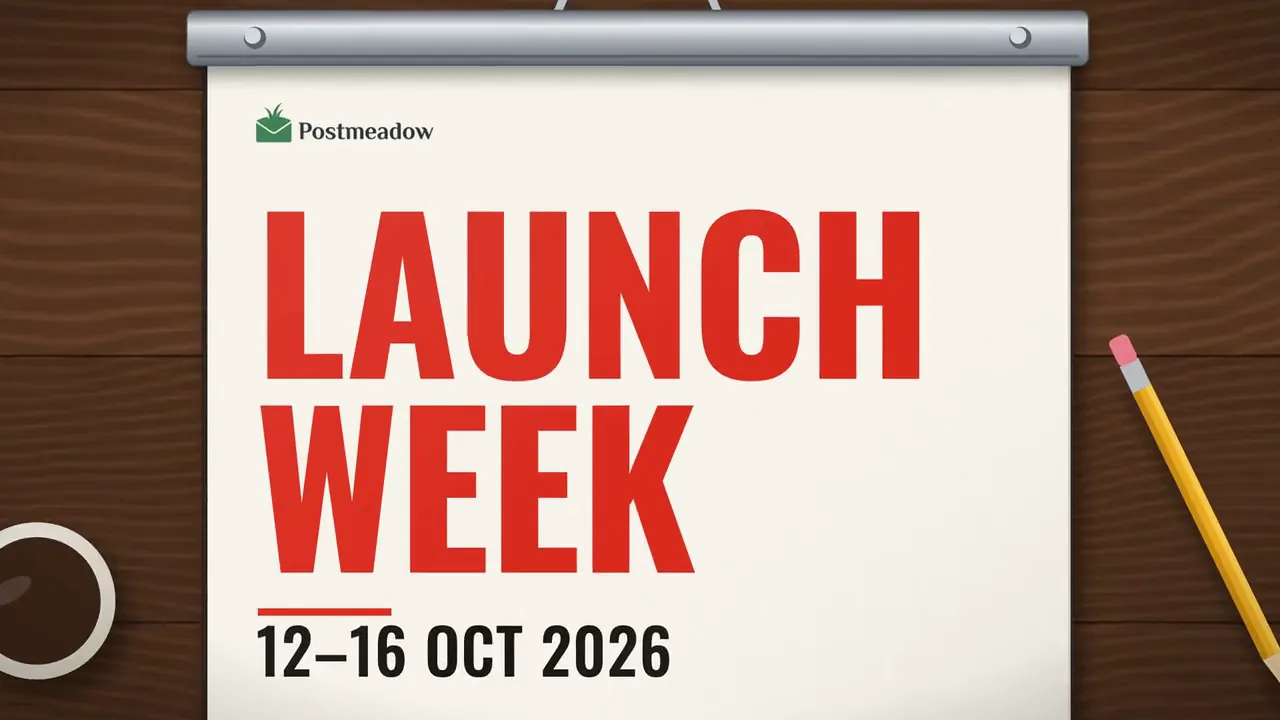
Weekly Release Diary
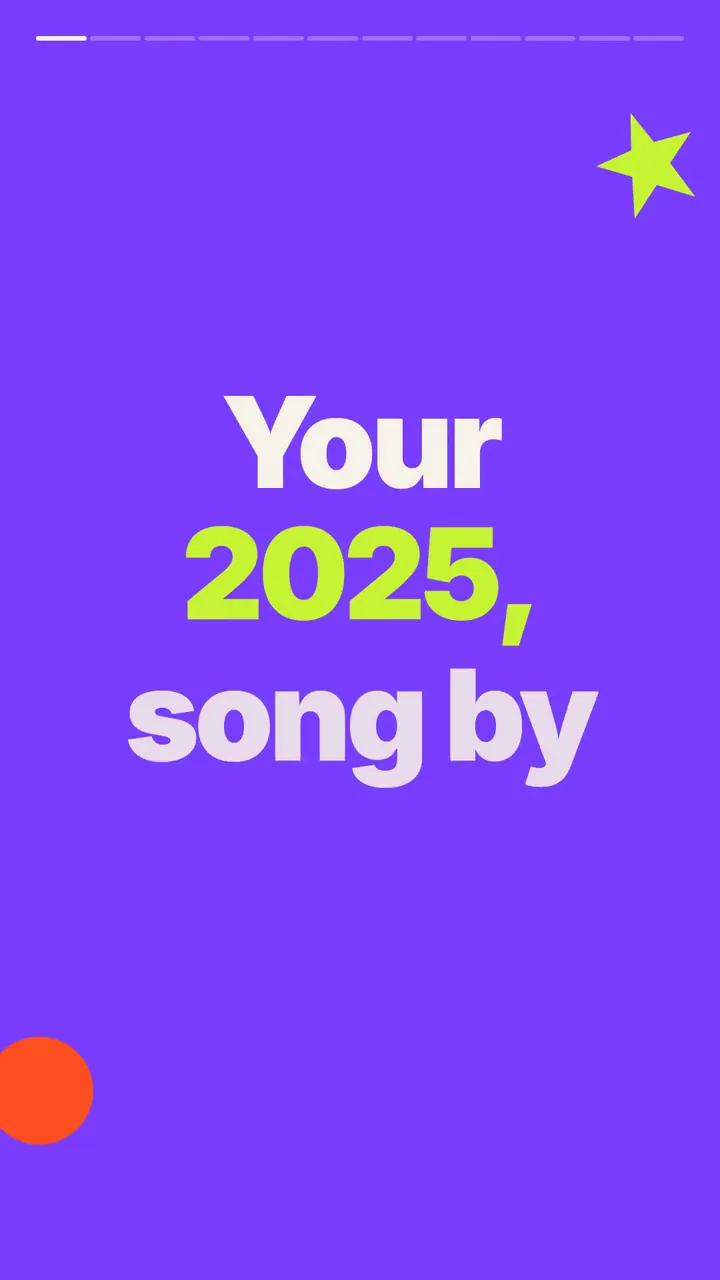
Your Year, Your Story
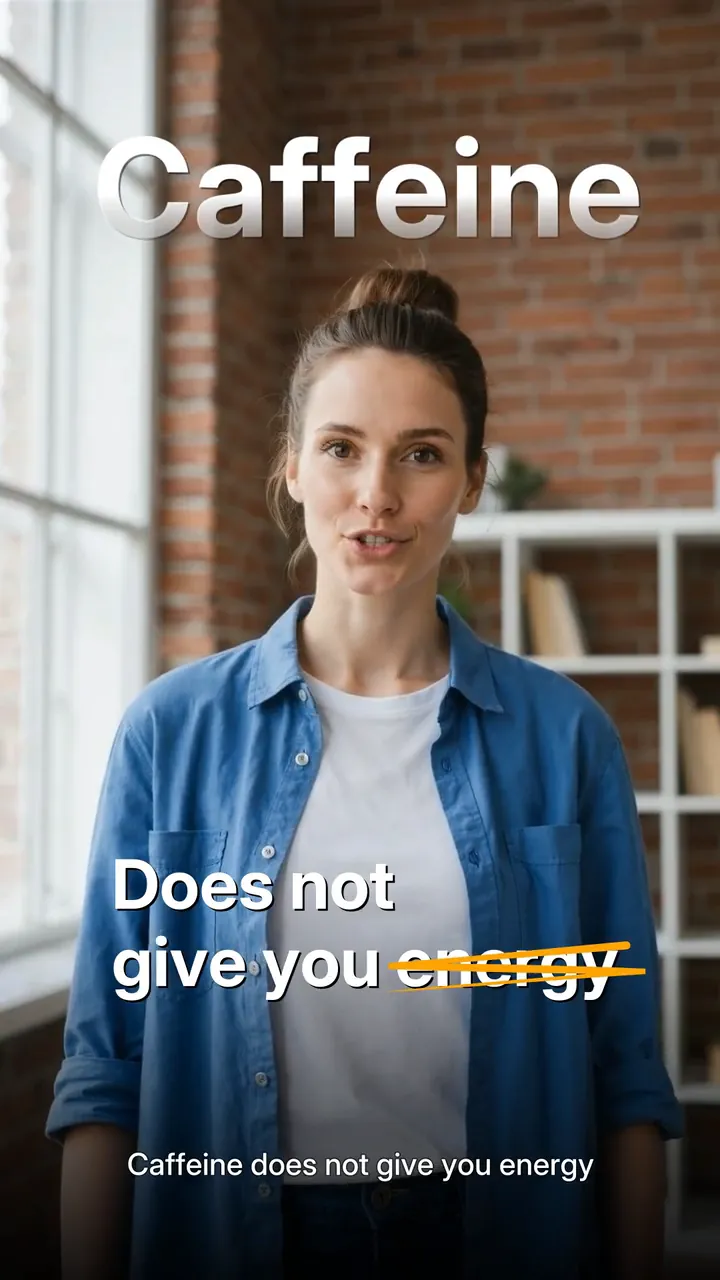
Caffeine and Sleep
USED BY PEOPLE AT



Why TapVid
Swipe to explore all three
How it works
Start from whatever you already have. TapVid runs the right workflow for your input.
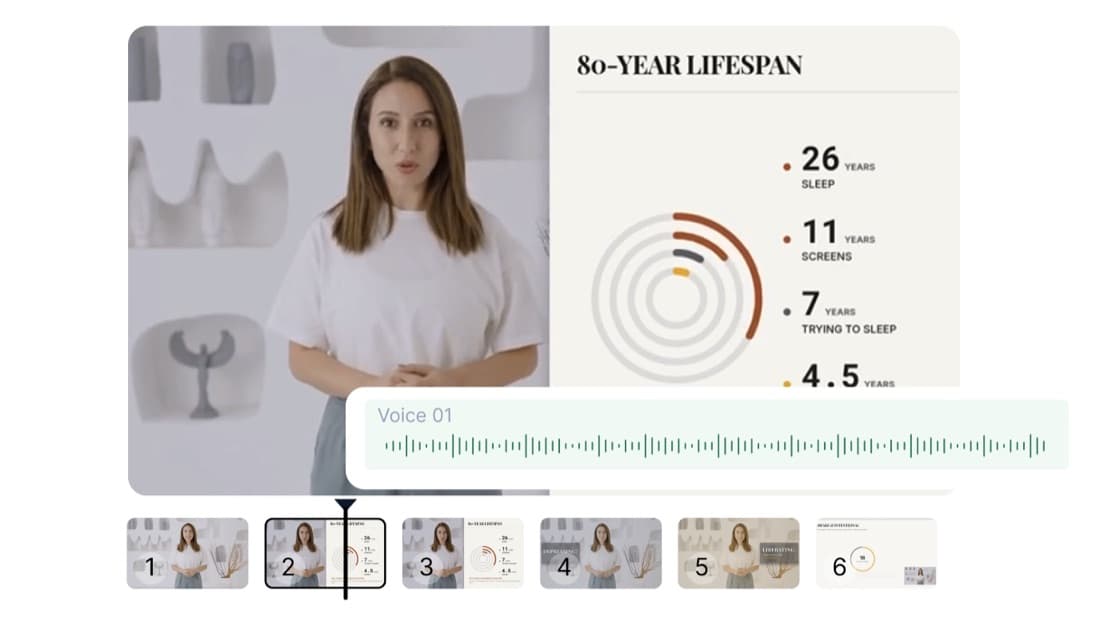
Take any video you like, swap in your content or swap out the structure, and generate your own. Series and batch run through the API & MCP.
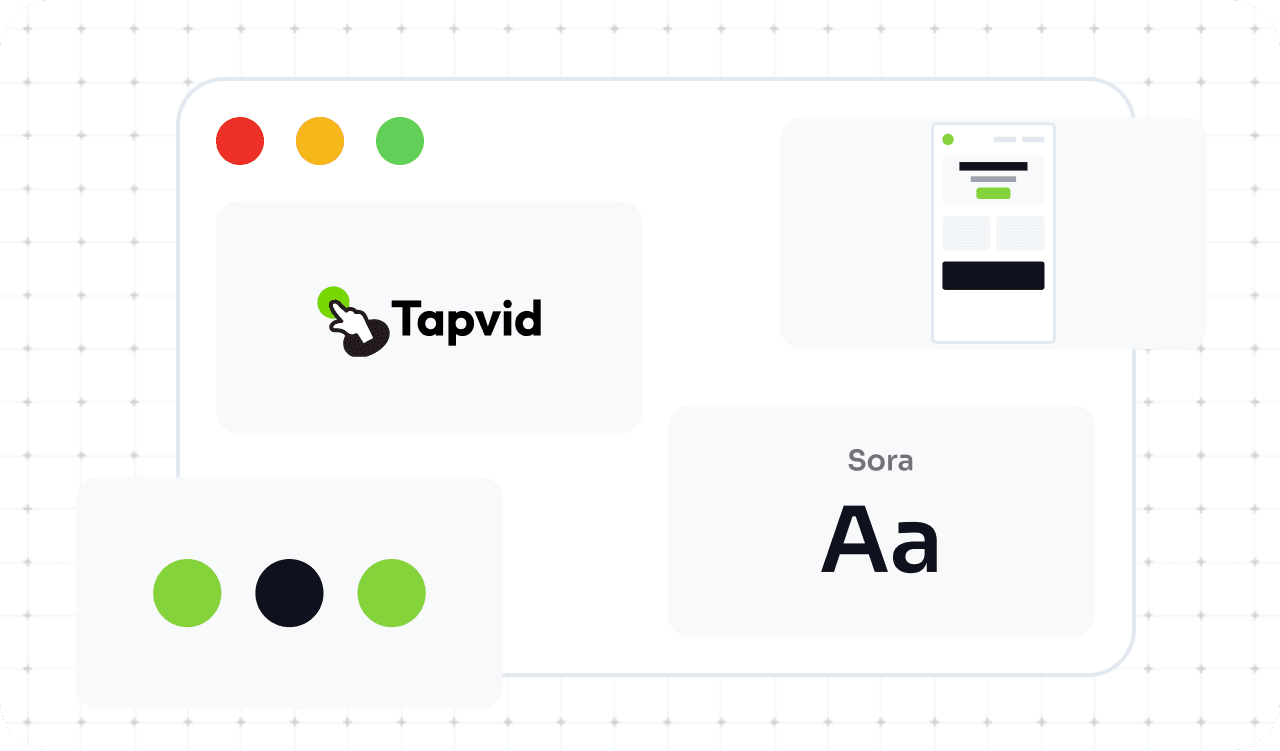
Your assets appear verbatim and your copy stays word-for-word, while Brand Kit auto-applies your colors, logo, fonts and terms.
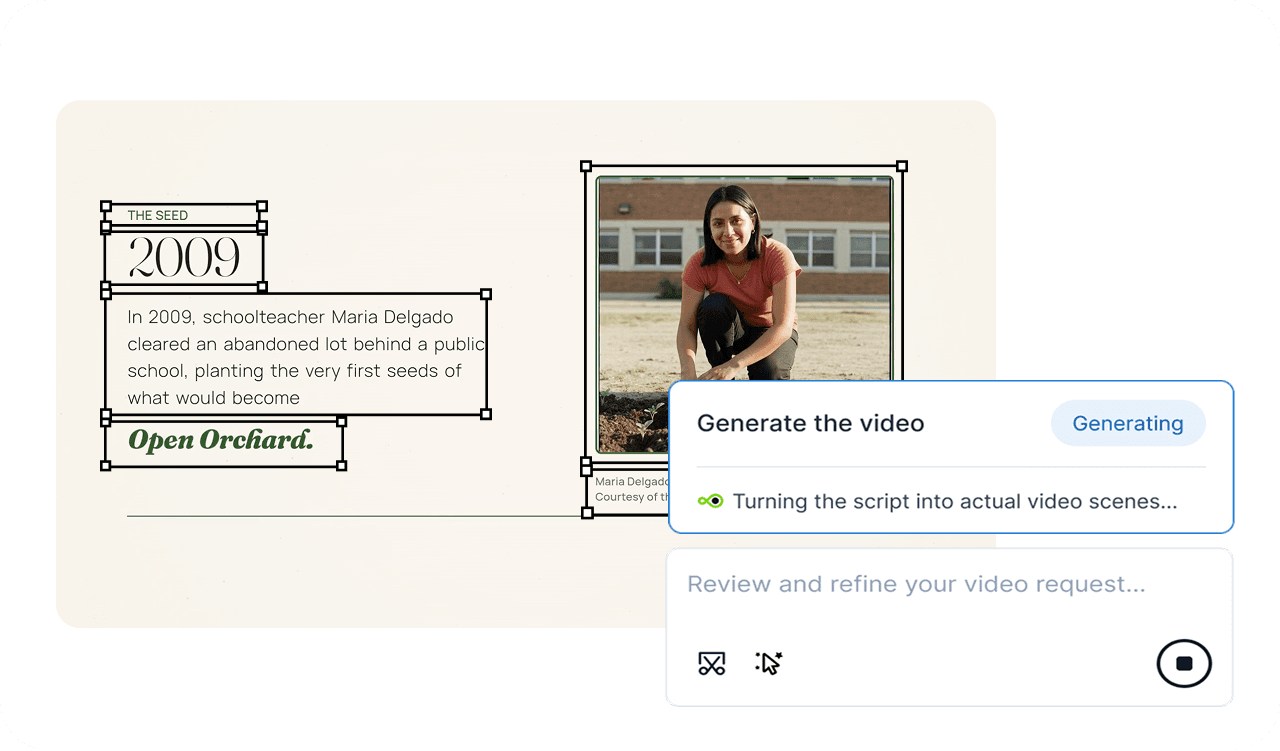
Edit any shot or element right on the frame: reorder, resize, reposition, rewrite. Every change is saved as a version you can roll back.
Solutions

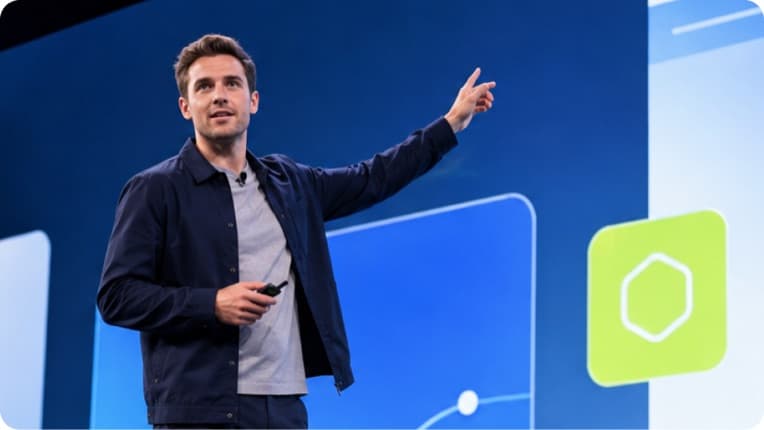



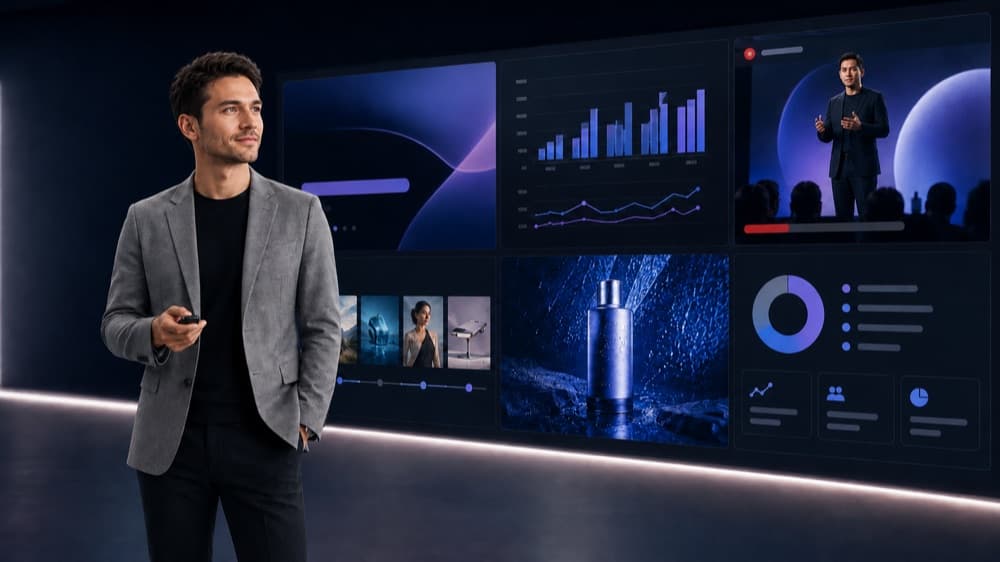
Dozens of SKUs, one video each for detail pages and ads. Images stay as-is, specs and prices intact, batched through the API.
Dozens of SKUs, one video each for detail pages and ads. Images stay as-is, specs and prices intact, batched through the API.
Complex products are hard to explain. Drop in UI shots, product images, and docs; after a release, Remix only what changed instead of redoing the whole thing.
High volume, many revision rounds, delivered for others. Change one shot only; Brand Kit and templates make series delivery a pipeline.
Courses, knowledge products, training providers. Drop in your script and assets for a clear course video; update a few shots, ship many languages.
Onboarding, SOPs, compliance, internal comms. Compliance wording stays verbatim, process changes touch only a few shots, and a presenter avatar is coming soon.
Launches, homepage films, investor decks. A first cut in minutes to check the structure, refine to final without booking outside studio time.
What teams say

I fed it a product doc and had a video I could actually post in about ten minutes. That used to be a week-long back-and-forth with our agency.
Maya Reyes
Product Marketing Lead

What got me is you don't need to know how to edit. I wrote a few lines, dropped in a script, and the video was just there, and I could still tweak it.
Daniel Kwon
Content Manager

We push out dozens of motion graphics a month. We've basically stopped outsourcing, and the team runs it themselves now.
Sofia Almeida
Creative Director

The output quality is way past what I expected. None of that obvious template look. A client actually asked if we'd switched agencies.
Tom Iverson
Brand Studio Owner
From idea to finished video there's almost no dead time. That's the part that actually saves me, not just automating the easy bits.
Priya Nair
Growth Marketer

I turned my course slides into video and watched completion rates climb. Students just stay with it longer now.
Liam Carter
Course Creator
I fed it a product doc and had a video I could actually post in about ten minutes. That used to be a week-long back-and-forth with our agency.
Maya Reyes
Product Marketing Lead
What got me is you don't need to know how to edit. I wrote a few lines, dropped in a script, and the video was just there, and I could still tweak it.
Daniel Kwon
Content Manager
We push out dozens of motion graphics a month. We've basically stopped outsourcing, and the team runs it themselves now.
Sofia Almeida
Creative Director
The output quality is way past what I expected. None of that obvious template look. A client actually asked if we'd switched agencies.
Tom Iverson
Brand Studio Owner
From idea to finished video there's almost no dead time. That's the part that actually saves me, not just automating the easy bits.
Priya Nair
Growth Marketer
I turned my course slides into video and watched completion rates climb. Students just stay with it longer now.
Liam Carter
Course Creator

Content is never rewritten, issues are flagged, and failed renders aren't charged. Data and asset use follow your Terms and contract.

SOC 2in progress

GDPR

No training on your data

AI content labeling

SSO / SAML
Pricing
The $4.99 trial includes one video generation for 3 days. It automatically renews as Pro at $49/month unless you cancel before the trial ends. Review the terms at checkout.
Shared credits, seats, Brand Kit and collaboration for a whole team.

Shared credits, seats, Brand Kit and collaboration for a whole team.
SSO/SAML, batch API & MCP, security review and a dedicated point of contact.

SSO/SAML, batch API & MCP, security review and a dedicated point of contact.
* Approximate, based on 45-second regular videos at 3 credits/second. Avatar and cinematic generation use different rates; actual usage varies.
STILL ON THE FENCE?
Ask ChatGPT, Claude, or Perplexity. Open your favorite and get a straight answer.
One click opens your assistant, question already typed.
FAQ
Everything you need to know about TapVid. Can't find the answer you're looking for? Feel free to .
You can create an account for free and prepare your content. Generation and export depend on your account entitlement and selected plan. See the pricing page for current offers and limits.
Yes. Upload a PDF, doc, or even a link, and TapVid automatically builds an outline, script, and motion-graphics video from it, turning your source material into a publish-ready clip in minutes.
Just paste a prompt or script, and TapVid generates the full video for you: visuals, voiceover, and on-screen motion graphics, all in one shot. You go from idea to finished video without ever touching a timeline editor.
TapVid is built for non-editors. You describe what you want in plain language and get a structured explainer video back. Its Intelligent Edit feature lets you refine the result by typing, not by editing frames.
Yes. TapVid generates AI voiceovers and subtitles automatically, with multiple languages and voices, so your video is ready to publish or localize right away.
TapVid focuses on structured motion-graphics explainers built from your scripts, PDFs, and other source content. Review the storyboard and edit scenes with text prompts to refine the explanation.
Explainer videos, tutorials, article-to-video, product launches, educational and training content, and social clips. You can export in formats like 16:9, with lengths ranging from short clips up to several minutes.
Paid plans support watermark-free 1080p exports. Turn off Video Watermark in the export settings; it is on by default. Subscription credits expire monthly and don't roll over, including on annual plans. Add-on packs stay valid for 12 months.
What you see is your product: nothing redrawn, nothing rewritten.