Choose TapVid
Choose TapVid when an exact product screen, chart, or ordered process needs to carry the message. A visual related to the topic is not always enough. Review how the source becomes a brief and scene script before approving the render.
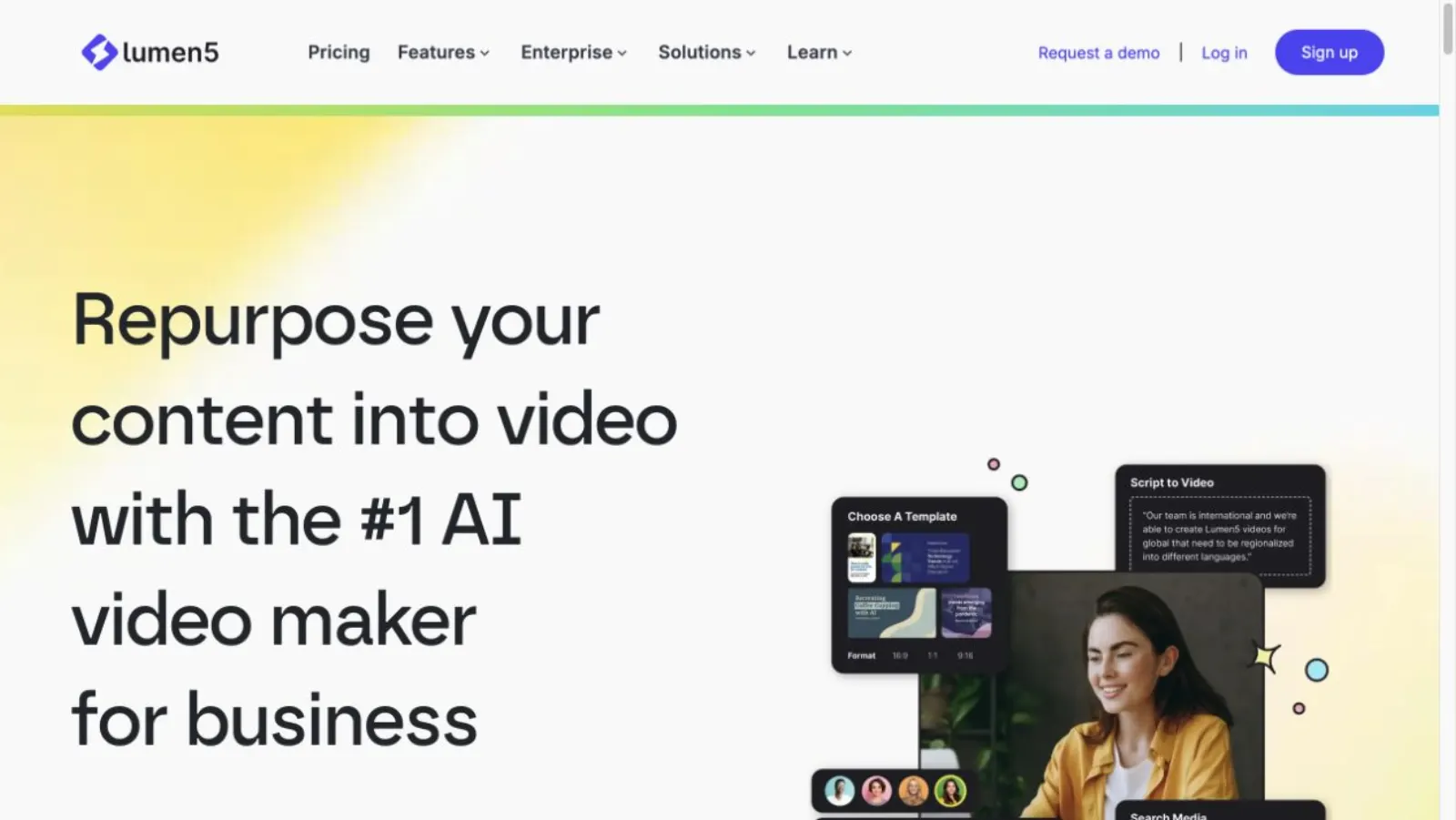
TapVid centers product explainers on your assets and the sequence that makes them understandable. Our Lumen5 article describes a text-and-media workflow for turning written content into branded videos. Start with whether your audience needs a summary or a visual explanation of how something works.
Videos true to your assets. In minutes.
I'd like to add motion graphics and short explanations next to my presenter video about how we spend our 80 years, to help viewers grasp the key numbers.
The useful difference is what your team needs to explain, review, and deliver.
| Your decision |  | Lumen5 |
|---|---|---|
| Primary job | Explain your product using its real assets and approved words. | Branded videos assembled from text and supporting media. |
| Starting material | Product screenshots, documents, images, and your written brief. | Written content and selected media in a template-led workflow. |
| What to review | The brief, outline, and scene script before rendering; then the video and any revised shots. | Review text selection, media matching, scene timing, and brand treatment. |
| A good fit | Product explanations where the right words must stay connected to the right assets. | A short branded summary of an article is the intended deliverable. |
Based on our published article and the sources linked below. Compare workflows, then validate them with your own brief.
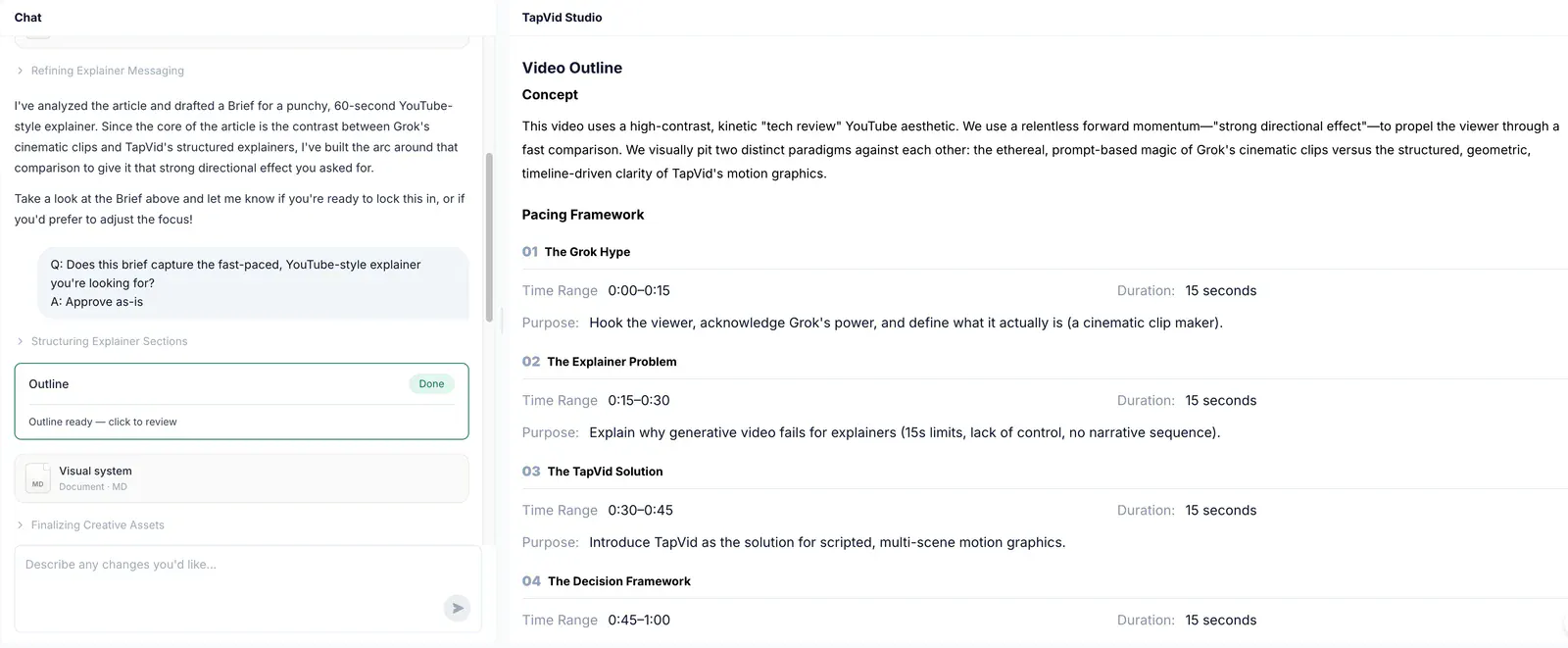
Start with the material you have, then decide what the viewer needs to understand. TapVid's outline makes the progression visible instead of treating every paragraph as a separate scene.
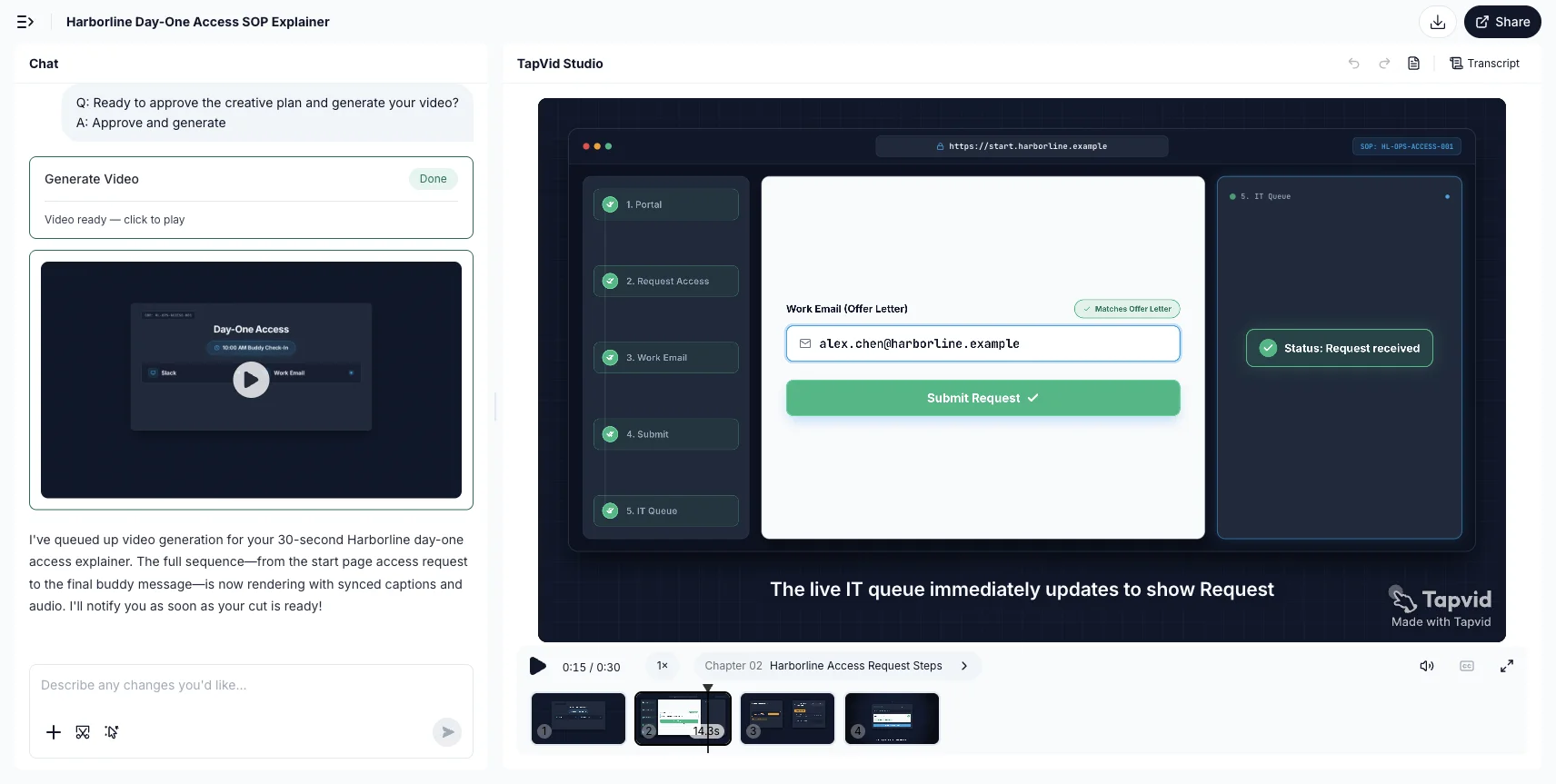
When the article describes an action, let the video show the steps and their outcome. The onboarding example turns a written procedure into a visible request sequence.
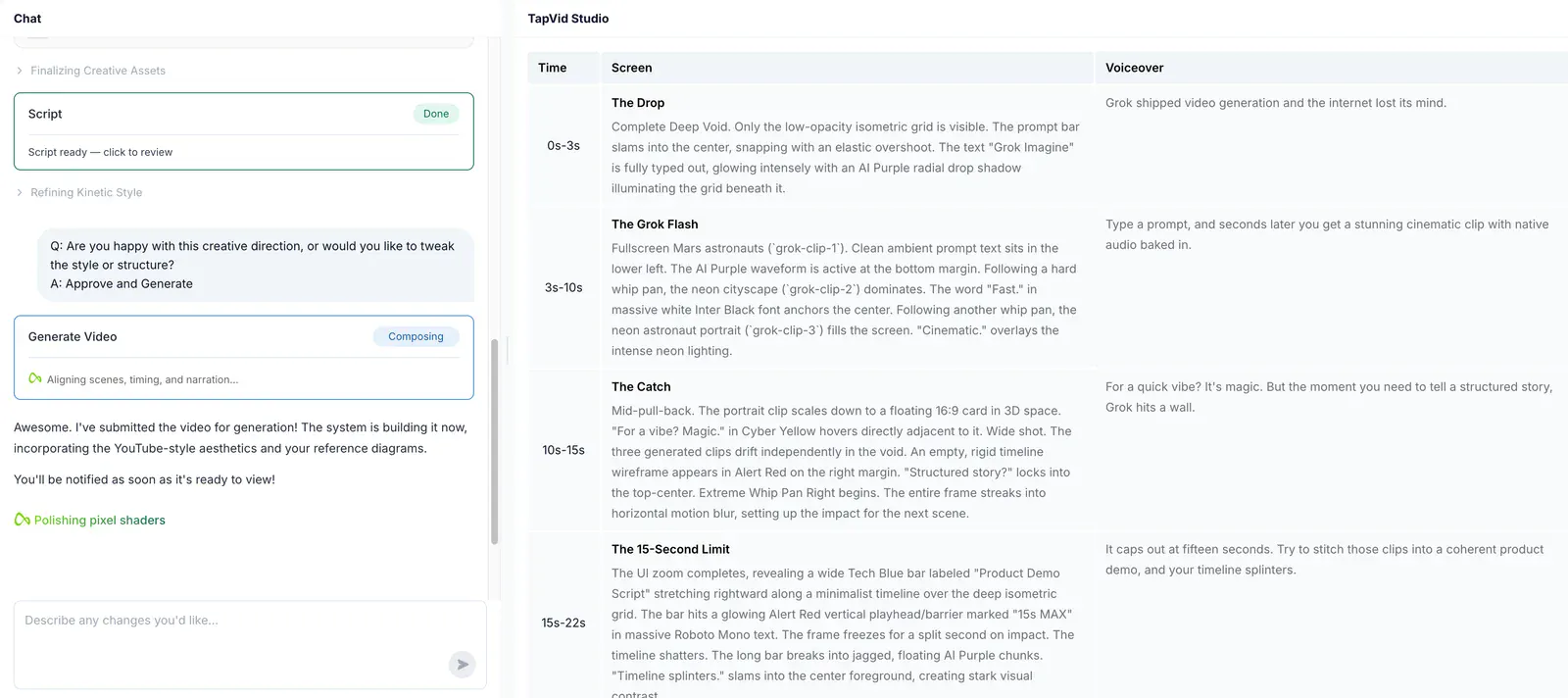
Review timing, screen direction and voiceover together. Give the important relationships enough explanation, then check the rendered video against the source.
Choose TapVid when an exact product screen, chart, or ordered process needs to carry the message. A visual related to the topic is not always enough. Review how the source becomes a brief and scene script before approving the render.
Choose Lumen5 when its text-and-media format already matches the job and your team is comfortable choosing supporting visuals. Staying with a familiar workflow makes sense if changing tools would leave the same editing work without improving the explanation.
Research published by TapVid. Read the sample, method and limitations before applying a result to your own videos.
Published September 7, 2026: 25 scenes, 7 systems and 6,760 blind ratings. Information-dense results describe a task subset, not every video or an independent product certification.
Read methods and limitationsMay 6–August 31, 2026: 6,464 matched registered users in TapVid telemetry. Milestone counts do not measure creative quality or represent an industry average; eligibility rules changed during the window.
Read methods and limitationsNot automatically. Test the same approved source in both tools and make one realistic revision. A switch is useful when it improves the visual explanation or removes recurring work, not simply because the alternative uses a newer interface.
Choose TapVid when an exact product screen, chart, or ordered process needs to carry the message. A visual related to the topic is not always enough. Review how the source becomes a brief and scene script before approving the render.
Choose Lumen5 when its text-and-media format already matches the job and your team is comfortable choosing supporting visuals. Staying with a familiar workflow makes sense if changing tools would leave the same editing work without improving the explanation.
We did not run a paid Lumen5 generation for that article. Its website limited automated access during this refresh, so the Lumen5 workflow description is explicitly based on the archived article, not a fresh feature audit. Check the official site for current scope.
No. Review the planned words and assets before rendering, and check the final video. TapVid is designed to preserve your supplied content and let you revise individual shots; that does not remove the need for approval.
Use the linked article below for the archived evidence and the official product websites for current pricing and plan limits. Historical trials and render times are not promises about a current subscription.
Compare TapVid with other video tools in our published guides.
Written by TapVid. Published evidence and product scope reviewed 2026-09-15. Screenshots are historical records, not a claim that today’s interface is unchanged. Current Lumen5 website access was limited; its description here is based on the sources in our archived article.
Product examples illustrate TapVid workflows; they are not matched-input competitor tests.
Our July 20, 2026 article distinguishes a media clip that illustrates a sentence from a sequence that explains a pricing model, process, or product argument. The Lumen5 discussion uses official documentation and public reviews. The first-party generation in that article was a separate TapVid PDF-to-video run.
We did not run a paid Lumen5 generation for that article. Its website limited automated access during this refresh, so the Lumen5 workflow description is explicitly based on the archived article, not a fresh feature audit. Check the official site for current scope.
Archived official Lumen5 page from our July 20, 2026 article.What you see is your product: nothing redrawn, nothing rewritten.