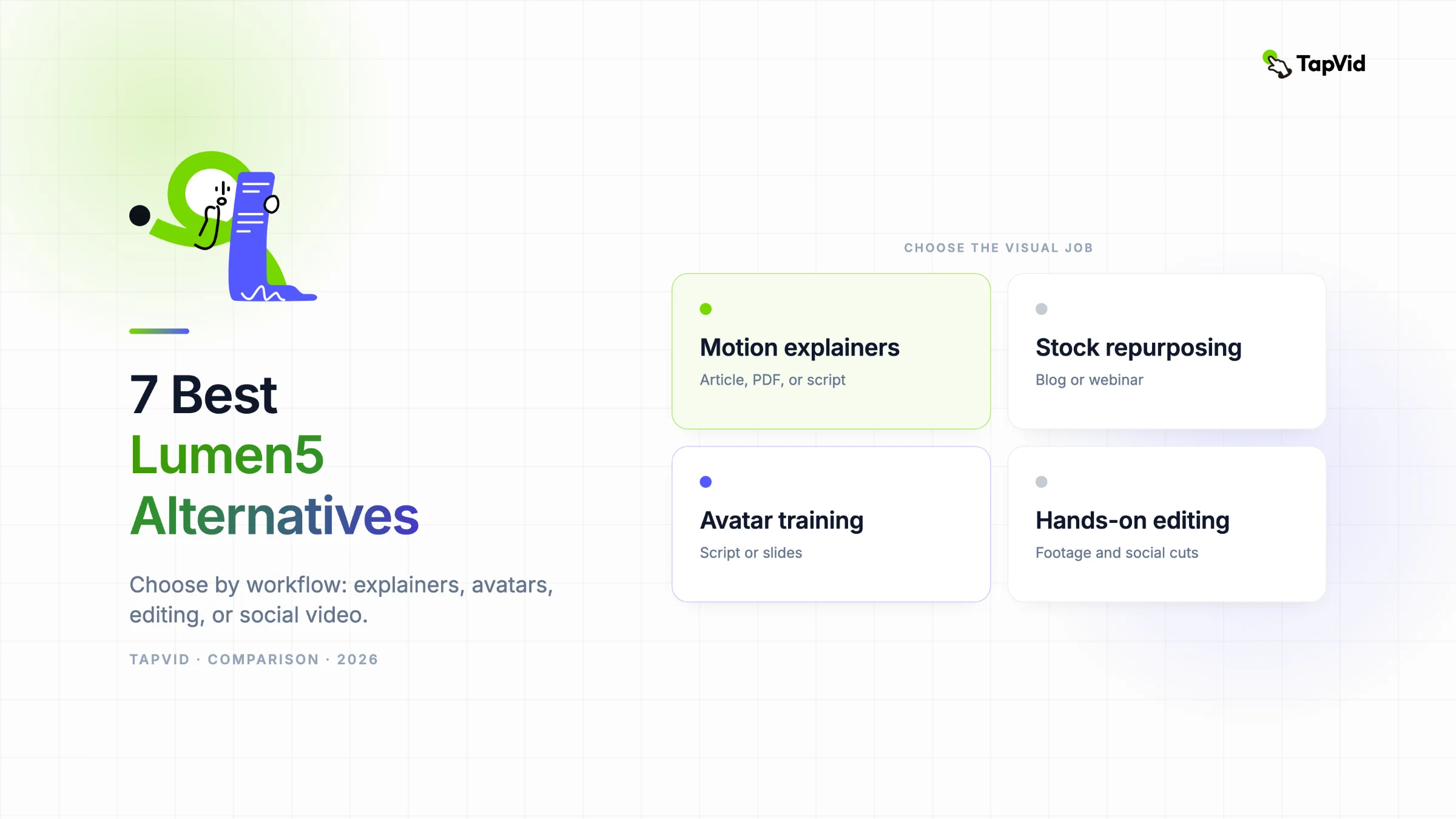

Lumen5 alternatives make sense when the video you need has moved beyond stock footage, text overlays, and a branded template. Lumen5 still handles that job well. The problem starts when you need the visuals to explain an idea, a presenter to deliver training, or an editor that can work with footage you already recorded.
01
Current TapVid terms — October 14, 2026
The dated tests and price observations below are historical records, including any 3-credit-per-second or 180-credit quote. They do not establish today’s price. Simple videos are currently estimated at about 4 credits per second; scene complexity can increase usage. Use the credit quote shown in the app before generating.
The $4.99 trial includes one video generation for 3 days and renews as Pro at $49/month unless canceled before it ends. Subscription credits do not roll over; add-on packs are valid for 12 months. Pro, Max and Ultra include watermark-free 1080p MP4 export. A free account does not establish a free generation or export entitlement. Check current plans, prices and trial terms before purchase.
02
Start with the workflow, not the feature list
I found the cleanest way to compare this category is to ignore the feature count and follow the work. What do you start with? What should the finished video look like? How much cleanup can you tolerate after the first draft?
This article is published by the TapVid team, so TapVid appears first. I tested TapVid with one of our own articles and include the exact input, timing, and tradeoff below. I did not open paid accounts for every competing product. Those sections use current official documentation, pricing pages, and public Lumen5 reviews. A sourced observation is labeled as one. It is not dressed up as a test.
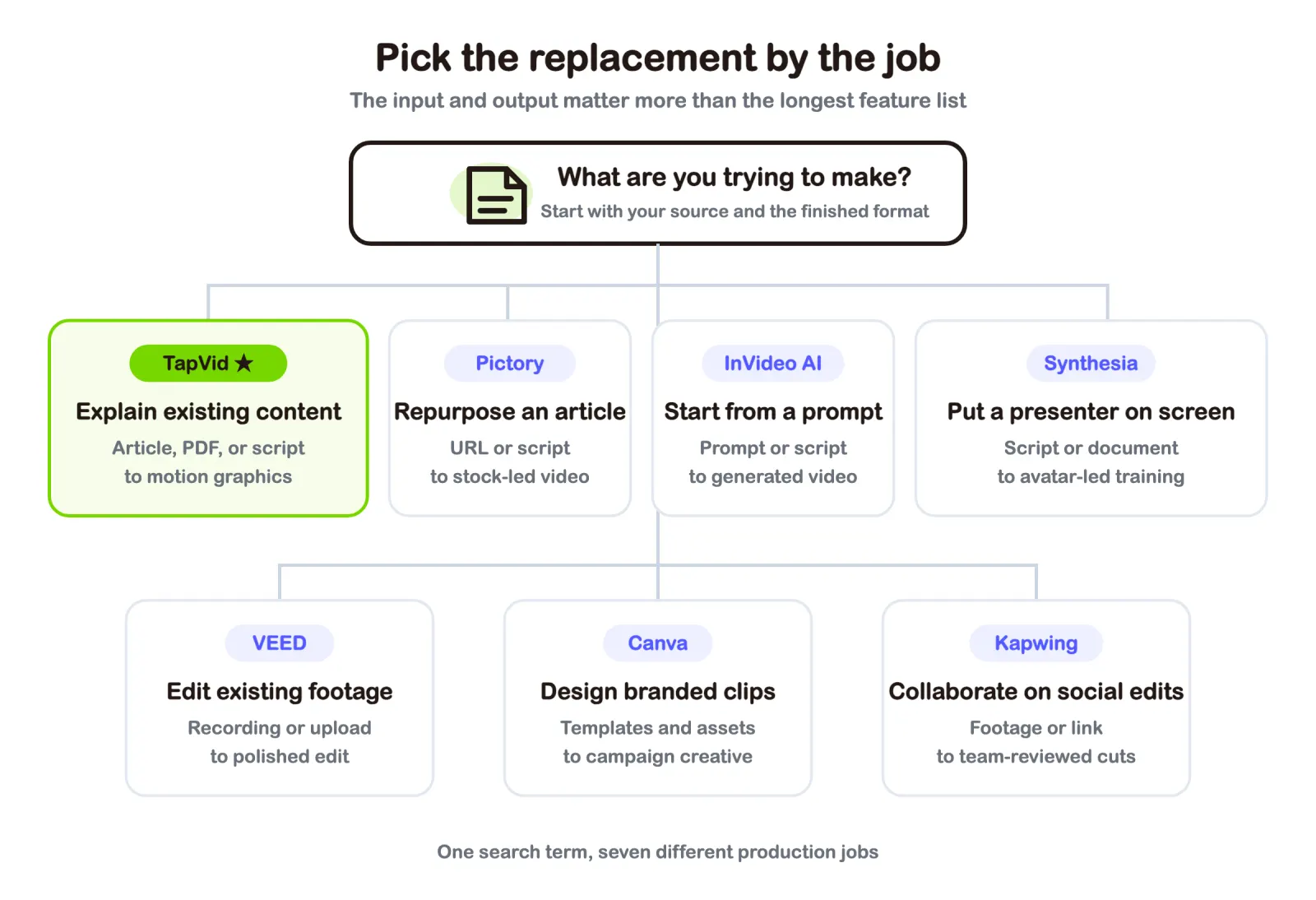
Short answer: TapVid fits creators who already have an article, PDF, or script and want a structured motion-graphics explainer. Pictory is the closest stock-led article repurposer. InVideo AI starts from a prompt. VEED and Kapwing fit editing work. Canva fits template-led brand content. Synthesia fits avatar-led training.
03
Why people look for Lumen5 alternatives in 2026
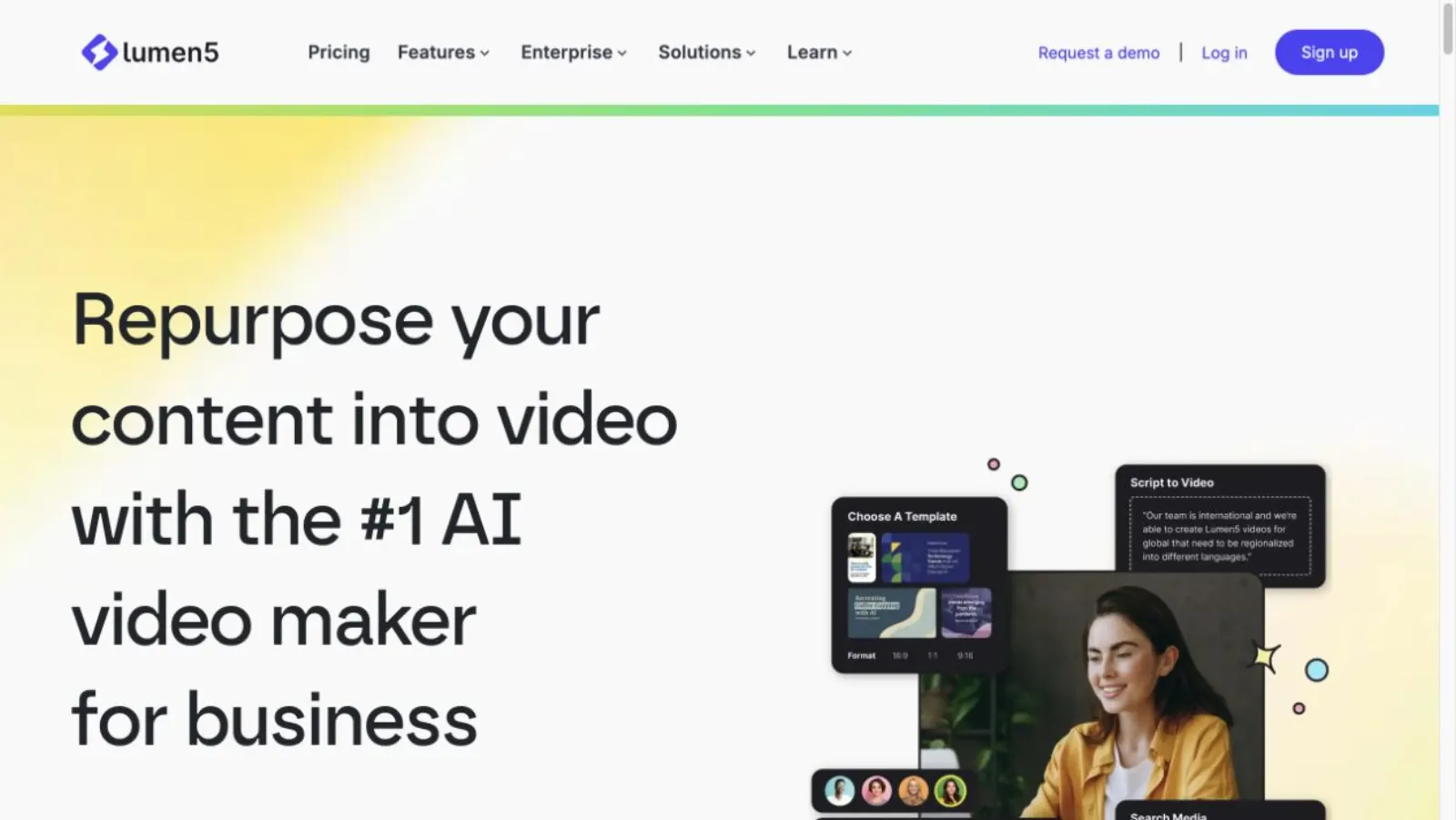
Lumen5 has a clear core job. Paste a blog URL, upload a PDF, add text, or begin with an outline. Its AI selects text, pairs it with media, adds timing and motion, and leaves you with a draft you can customize. The product also offers stock media, brand controls, social aspect ratios, voiceover, and presenter clips.
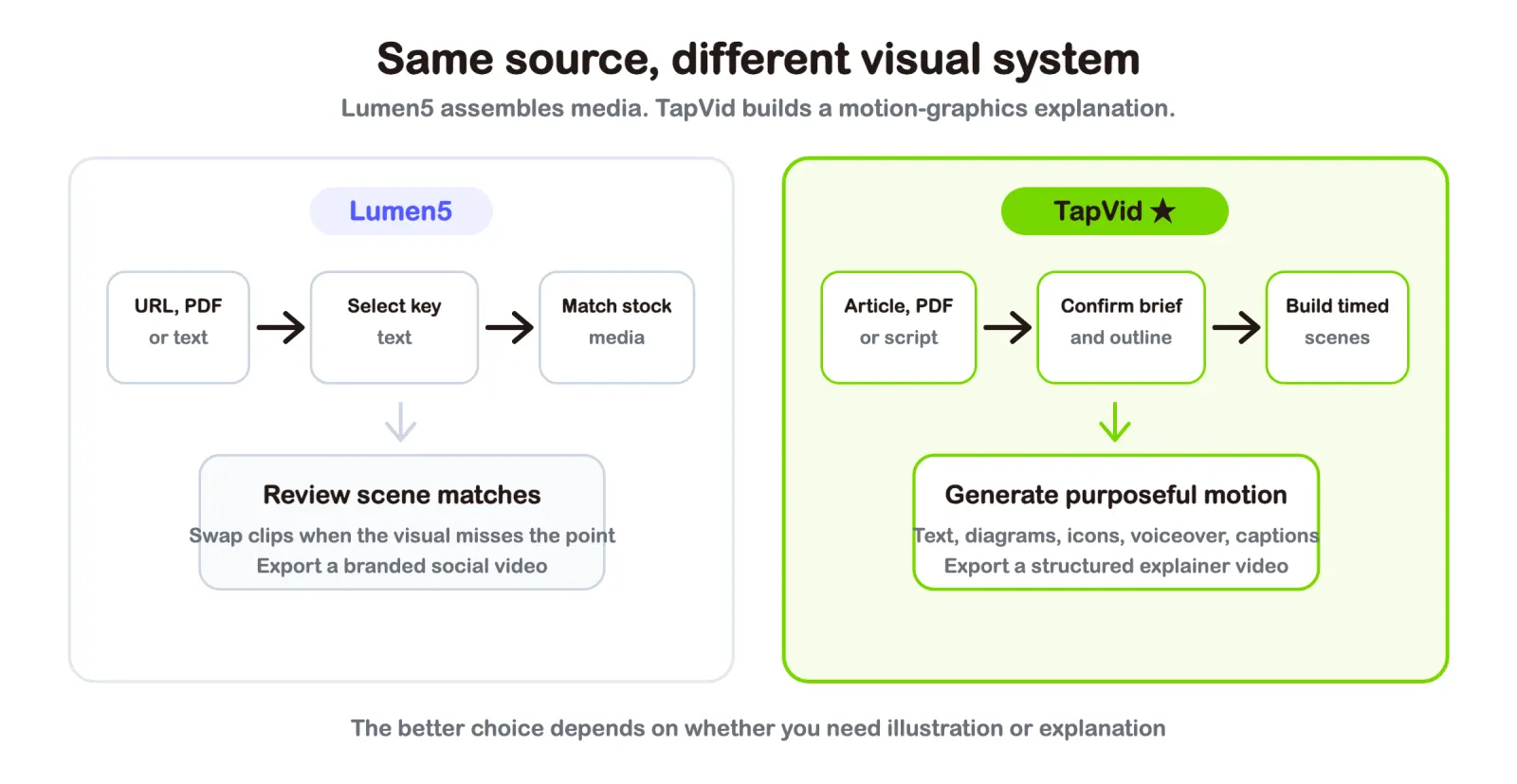
That is useful when the visual job is illustration. A paragraph about remote work can sit over a clip of someone at a laptop. A sentence about growth can sit over a city time-lapse. The video moves, the text is readable, and a marketer can ship it without learning a professional editor.
The limit appears when the visual must carry the logic. A stock clip cannot show how a pricing model works. It cannot animate a process, build a chart in the order the narration describes it, or reveal the parts of a product argument at the right moment. You can keep replacing clips, but the workflow is still trying to illustrate the words rather than explain them.
Public reviews support both sides of that tradeoff. Lumen5 currently has a 4.5 rating from 69 G2 reviews and a 4.6 rating from 140 Capterra reviews. Reviewers often praise the easy interface, fast blog-to-video flow, and polished templates. They also mention time spent correcting media matches, limited access to advanced features, rendering delays, and price concerns. Those are not reasons to dismiss Lumen5. They are clues that the buyer may need a different category of tool.
04
How we compared these Lumen5 alternatives
The current search results are split between review platforms, product-owned listicles, and directory pages. The pages that rank tend to share the same shape: a quick verdict, a comparison table, a list of tools with pros and cons, pricing notes, and a use-case selector near the end. The strongest recent example also says plainly when its own product is not the right fit.
We kept that useful structure and fixed three gaps that appear across the results. First, most lists mix avatar tools, editors, stock-video tools, and generative models as if they were interchangeable. Second, many pricing snapshots have already gone stale. Third, product-owned articles often put the publisher first without disclosing the bias.
Each tool below is judged on the same questions:
- Input: Does the work begin with an article, PDF, script, prompt, or footage?
- Visual system: Does the product use stock media, motion graphics, avatars, generated clips, or a manual timeline?
- Cleanup: What usually needs attention after the first draft?
- Outcome: Which finished video is the product actually good at making?
- Cost to try: Is there a free plan, a trial, or a clear paid entry point?
05
Lumen5 alternatives at a glance
| Tool | Best for | Start with | Visual output | Entry point |
|---|---|---|---|---|
| TapVid | Motion-graphics explainers | Article, PDF, script, link | Animated text, diagrams, icons | Free; paid from $19/month |
| Pictory | Article and webinar repurposing | URL, text, document, video | Stock and generated media | Free trial; Starter from $25/month annually |
| InVideo AI | Prompt-led social and YouTube video | Prompt or script | Stock and generative media | Free; paid credit plans |
| VEED | Editing, captions, and recording | Footage, recording, prompt | Edited video on a browser timeline | Free; paid upgrades |
| Canva | Template-led brand content | Template, assets, prompt | Designed social clips | Free; paid Pro plan |
| Synthesia | Training with an AI presenter | Script, URL, PDF, slides | Avatar-led scenes | Free; Starter from $29/month |
| Kapwing | Collaborative social editing | Footage, text, link | Team-reviewed social cuts | Free; Pro $24/month or $16 annually |
Prices are public US prices checked on July 20, 2026. Billing terms, taxes, regional prices, credits, watermarks, and export limits can change the real cost. Check the linked pricing page before buying.
06
Run a 30-minute same-source test before you switch
Feature tables tell you what a product contains. They do not tell you how much work remains after the first draft. Before moving away from Lumen5, run one source that has already performed well through your two strongest alternatives. Keep the input and target output fixed so the comparison measures workflow quality instead of prompt-writing luck.
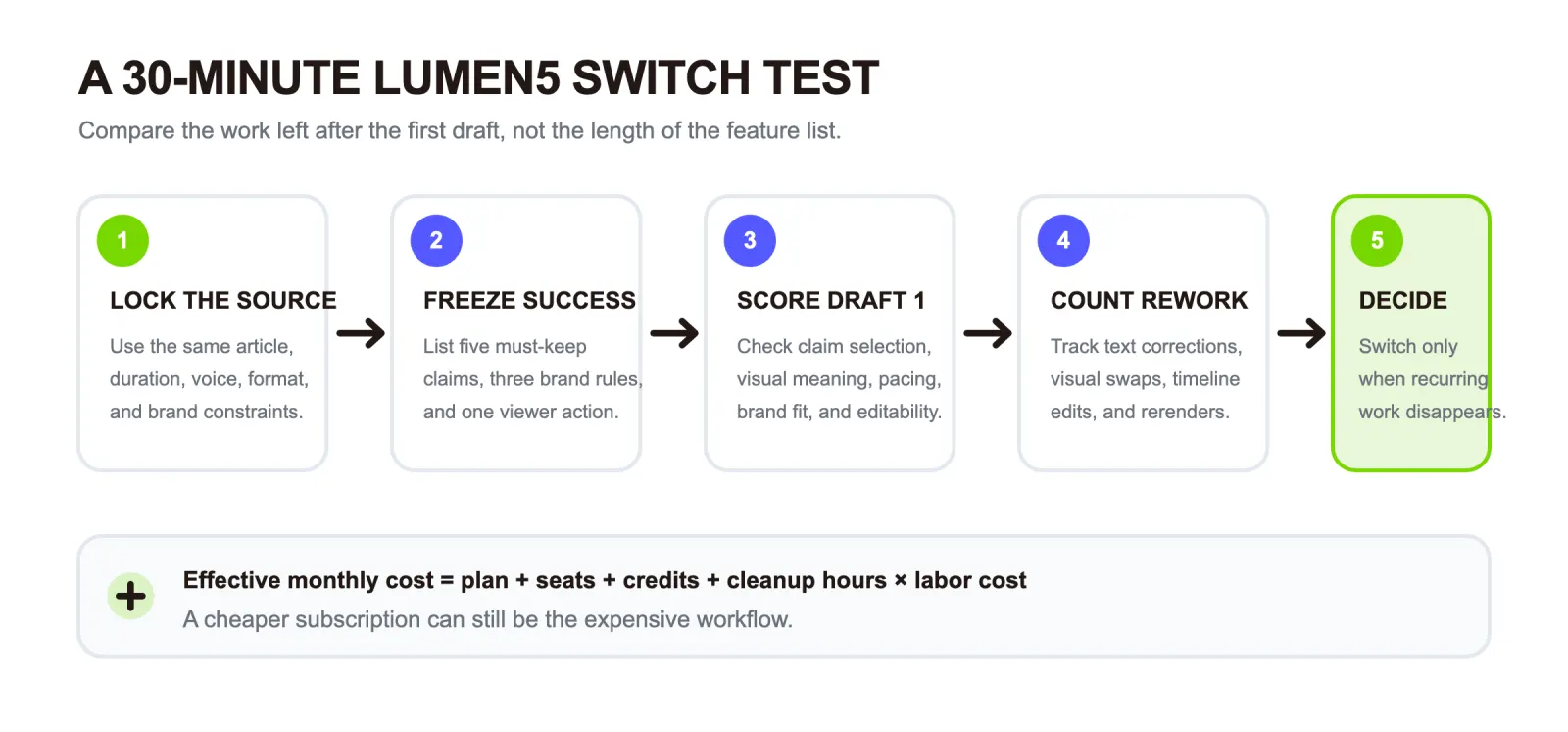
- Lock the source. Use the same 800 to 1,200 word article, PDF, or script. Set the same target duration, aspect ratio, voice, and audience in every tool.
- Freeze the success criteria. Write down five claims the video must preserve, three brand constraints, and one action the viewer should understand. Do this before generating anything.
- Generate the first draft without rescuing it. Use the normal workflow and default recommendations. Do not spend twenty minutes rewriting the prompt for one product while accepting the first answer from another.
- Score the first draft. Rate claim selection, visual meaning, pacing, brand readiness, and editability from zero to two. A score of zero means the draft creates new work. One means usable after correction. Two means ready with minor review.
- Count the cleanup. Record text corrections, visual replacements, timeline changes, and rerenders. The winner is the tool that removes the recurring work your team dislikes, not the tool with the longest feature page.
| Score | 0 | 1 | 2 |
|---|---|---|---|
| Claim selection | Misses or distorts key points | Correct after edits | Preserves the argument |
| Visual meaning | Related images with no explanatory value | Mixed relevance | Visuals carry the idea |
| Pacing | Requires structural changes | Needs timing edits | Sequence already works |
| Brand readiness | Must be rebuilt | Needs styling work | Fits existing standards |
| Editability | Hard to correct | Correctable with effort | Changes are direct |
Calculate effective monthly cost, not subscription price. Use this equation: effective monthly cost = base plan + seat fees + generation credits + cleanup hours multiplied by labor cost. The last term is often the one comparison pages omit. If ten videos each need twenty extra minutes of correction, that is three hours and twenty minutes of monthly work before anyone reviews the final exports.
A lower subscription price does not save money if it creates another media-matching pass, another script review, or another render cycle. Credit systems also change the calculation because an experiment, failed generation, or higher-resolution model may consume part of the monthly allowance.
Set a no-switch rule before the trial. Do not migrate because one first draft looks newer. Switch only when the alternative removes a recurring step, cuts a full review round, or produces a format Lumen5 cannot deliver. If the same cleanup remains after three comparable attempts, the team is changing interfaces rather than changing the production problem.
This protocol is a buyer test, not a claim that we opened paid accounts for every competitor in this article. The product sections still separate our TapVid test from official documentation and public review evidence.
07
1. TapVid: Best for explaining existing content with motion graphics
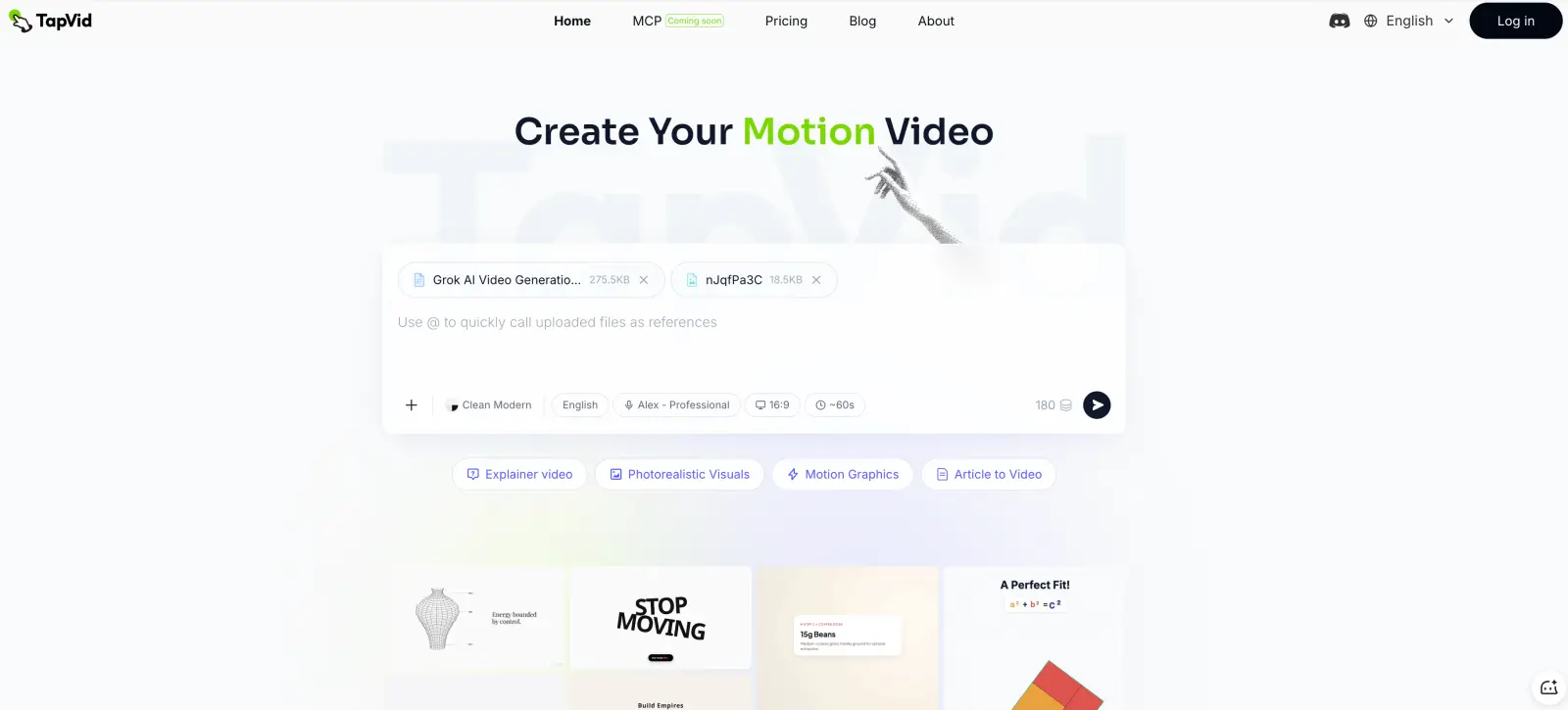
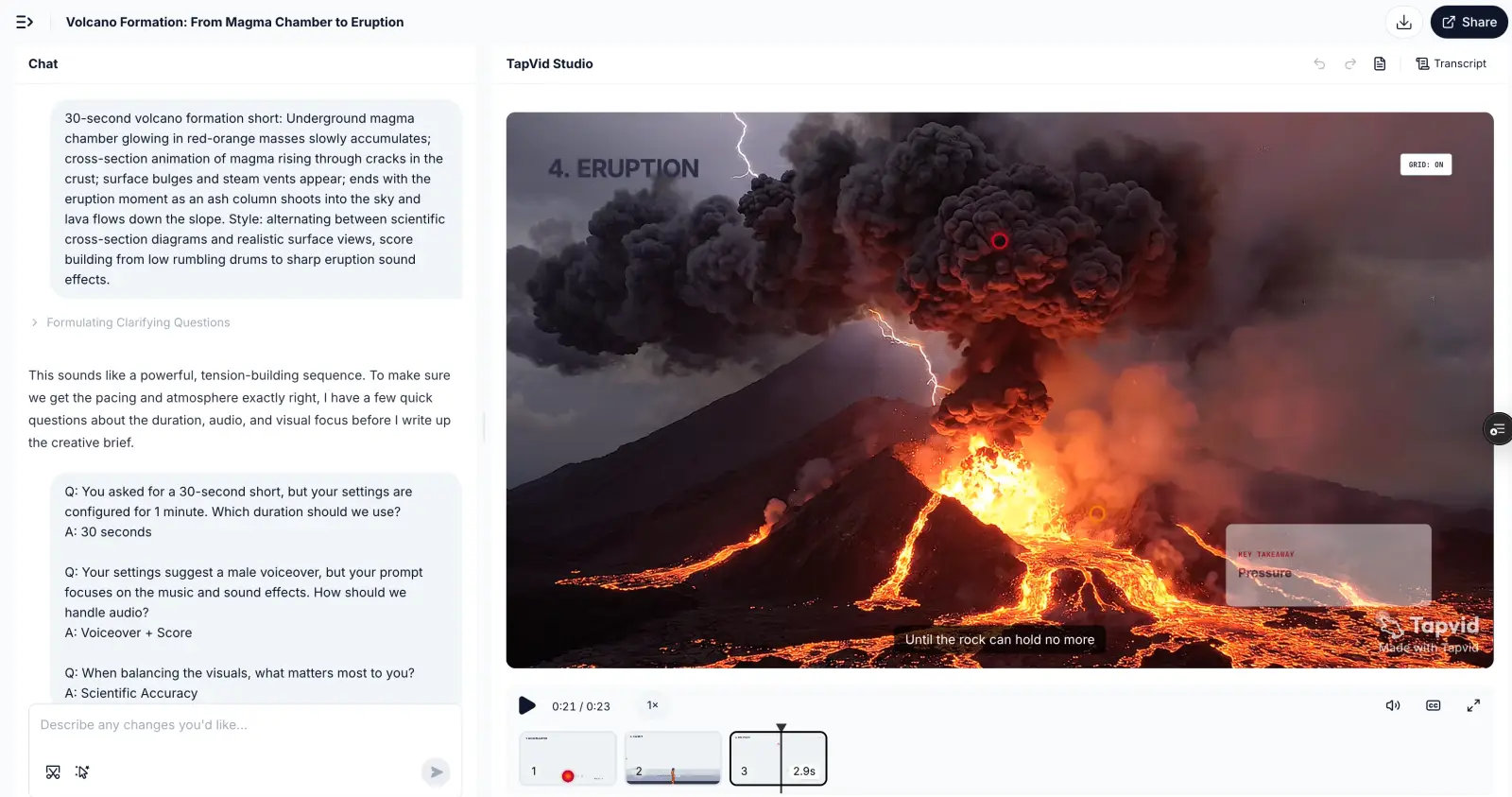
TapVid is an Explainer Video Engine. It starts with content you already own, such as an article, PDF, script, PRD, or product copy, and turns it into a structured explainer video. It is not a Sora-style model that invents a cinematic shot from a prompt. It is not an avatar that reads a script. The visuals are animated text, shapes, icons, diagrams, and timed reveals built around the logic of the source.
I used one of our own articles about Grok’s video model for a real run. The source was a 275KB PDF. My direction was one sentence: “Make a fast-paced, YouTube-style explainer so people get the point without reading the piece.” TapVid returned a brief with the target reaction, core message, audience, 60-second length, 16:9 format, and male voiceover.
After I approved the brief, it produced an outline of four 15-second beats. The next checkpoint was a shot-by-shot script with voiceover written against timecodes. I approved that too. Upload to finished video took 6 minutes 21 seconds. I made three decisions: the direction, the brief, and the script.
The part I liked was not simply the clock. It was where the review happened. The structure was visible before the render, so I could catch a weak angle before waiting for a finished video. I never opened a stock library or dragged clips along a timeline.
The tradeoff is control. I did not hand-place every object. If the job needed a specific illustrated character, exact frame composition, or a long documentary edit, I would use a different tool. For an information-first explainer, the checkpoints were enough.
Best for: Knowledge creators, solo founders, and product marketers who already have something worth explaining but do not want to learn After Effects.
Pricing: TapVid currently offers a $4.99 one-video trial for first-time customers. Monthly plans start with Pro at $49 for 2,000 credits and 1080p watermark-free export. Usage is about 3 credits per successfully rendered second. Check current TapVid pricing before purchase.
Pick it when: The visuals need to follow the argument, not merely sit behind it.
Skip it when: You need a lifelike presenter, detailed footage editing, or pixel-level art direction.
Try the TapVid AI explainer video generator if your source is ready and production is the blocker.
08
2. Pictory: Best for a familiar article-to-video workflow
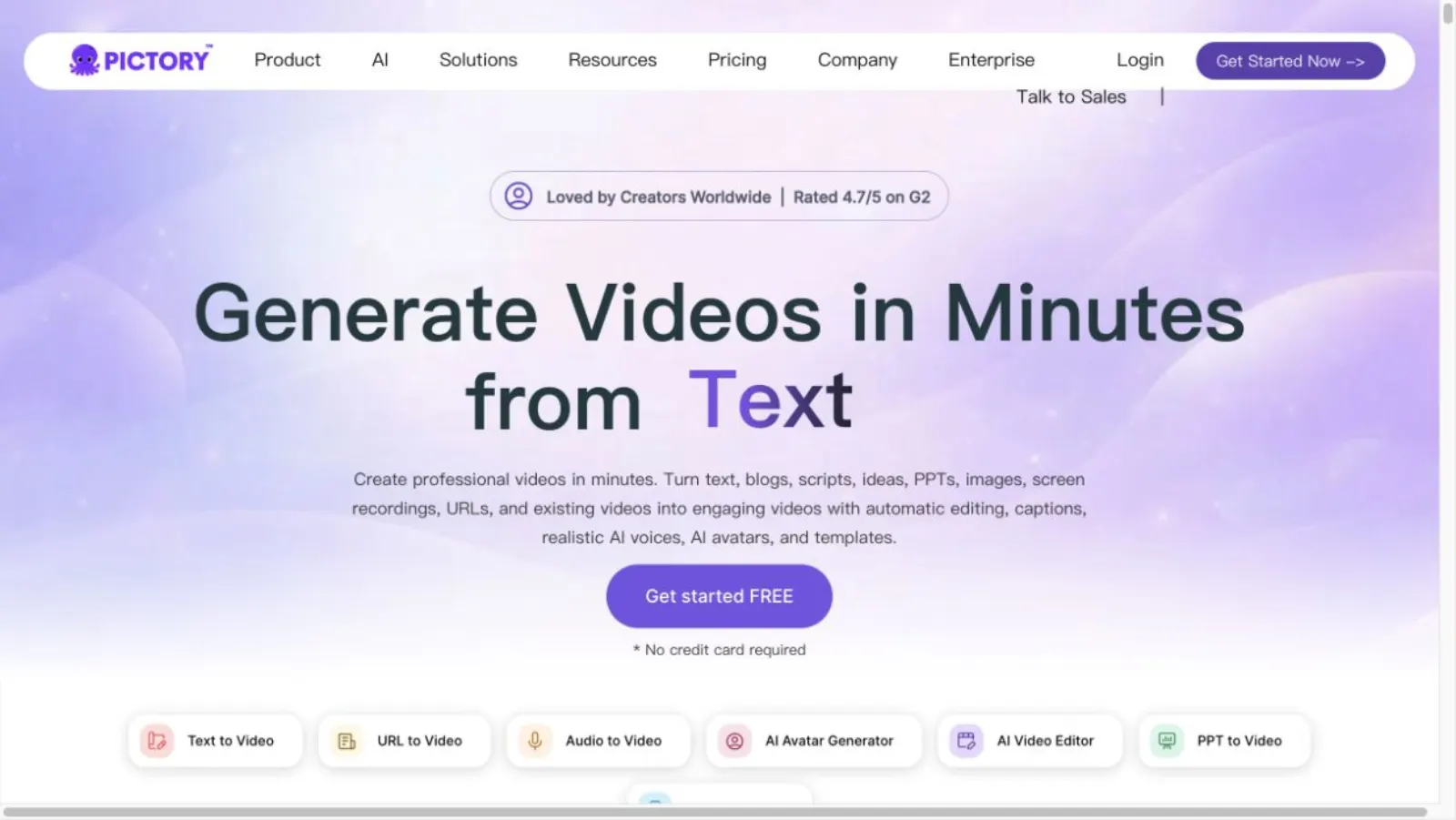
Pictory is the closest substitute for Lumen5 if you still want written content turned into a stock-led video. Paste a public URL or provide text. Pictory extracts the main points, writes an editable script, builds a storyboard, matches media, and adds captions and voiceover.
The useful difference is scope. Pictory also repurposes long recordings into shorter clips, so one subscription can handle blog-to-video and webinar-to-social work. Its current Blog to Video page shows support for URL, text, generated visuals, avatars, captions, voiceover, brand kits, and platform-specific aspect ratios.
The weak point is the same one that sends some people away from Lumen5. Media matching is still not understanding. A stock shot may be related to the topic while missing the point of the sentence. Abstract ideas and technical processes usually require more manual replacement than lifestyle content.
Best for: Content marketers who repurpose articles and long recordings and are comfortable with a stock-media look.
Pricing: Free trial. Starter is listed from $25 per month when billed annually. Check current Pictory pricing.
Pick it when: You want the Lumen5 job with broader repurposing features.
Skip it when: A diagram, sequence, or product concept must animate in step with the narration.
09
3. InVideo AI: Best when the prompt is the starting point
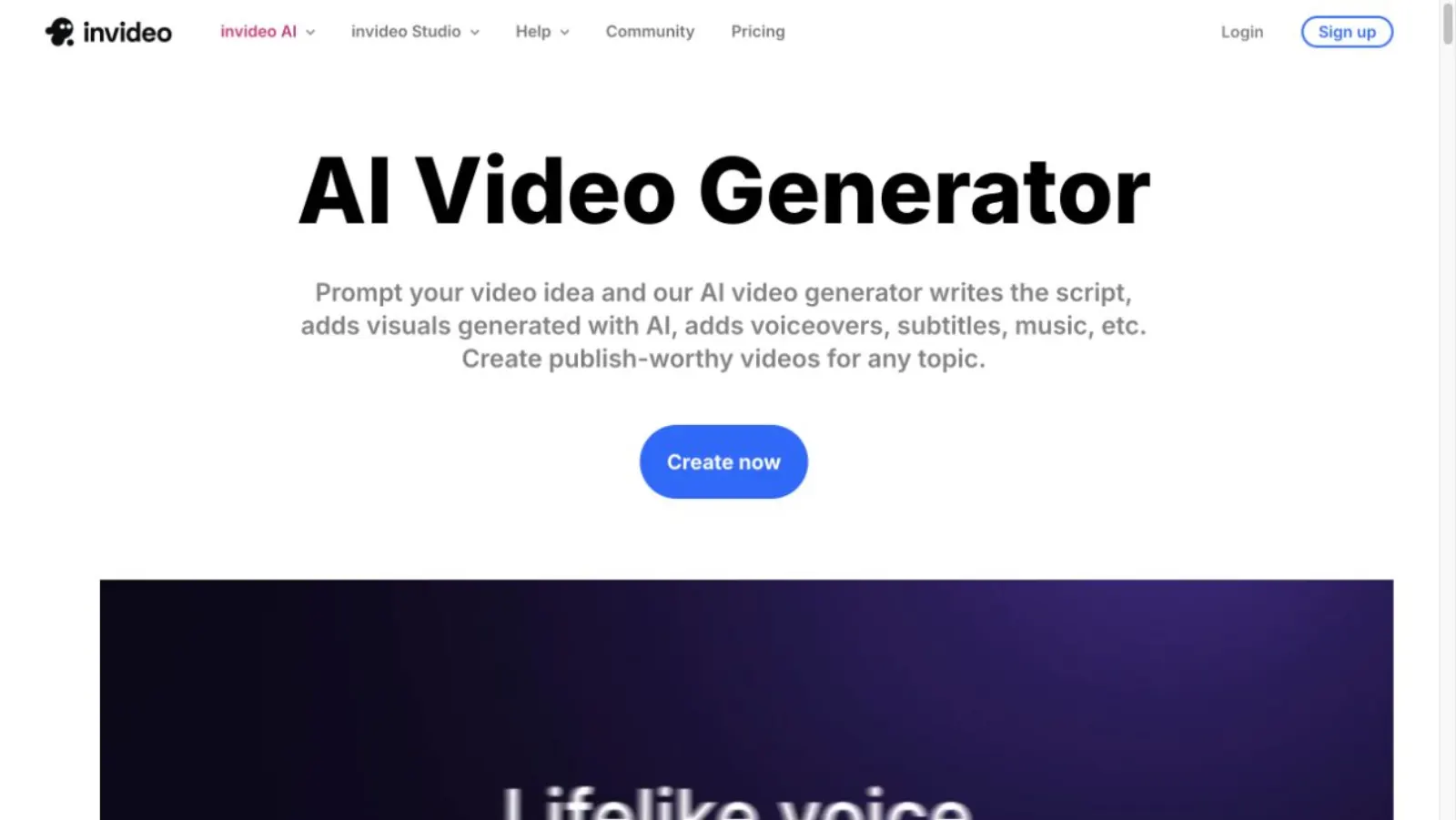
InVideo AI starts earlier in the process. You can give it an idea or your own script, then specify media type, music, subtitle style, and language. Its current workspace provides access to more than 200 video, image, and audio models.
That range is the appeal. It can draft the script, choose visuals, add voiceover, and combine stock with generated media. The same range also makes cost harder to predict. InVideo’s official credit guide says charges depend on the model, resolution, duration, video input, and audio generation. Credits reset monthly and do not roll over.
I would choose InVideo when exploration matters more than repeatability. It is a better place to ask for a broad first draft, try a different visual model, or make a faceless YouTube concept. I would not choose it when every video must follow the same structured explainer pattern and the team wants a simple cost per export.
Best for: Creators who want a prompt-led first draft and access to many generation models.
Pricing: Free plan. Paid plans use monthly credits, with generation cost varying by model and settings. Check current InVideo pricing and the official credit guide.
Pick it when: You want to generate the concept and the media in the same workflow.
Skip it when: You need predictable motion design from a finished article or script.
10
4. VEED: Best when you already have footage to edit
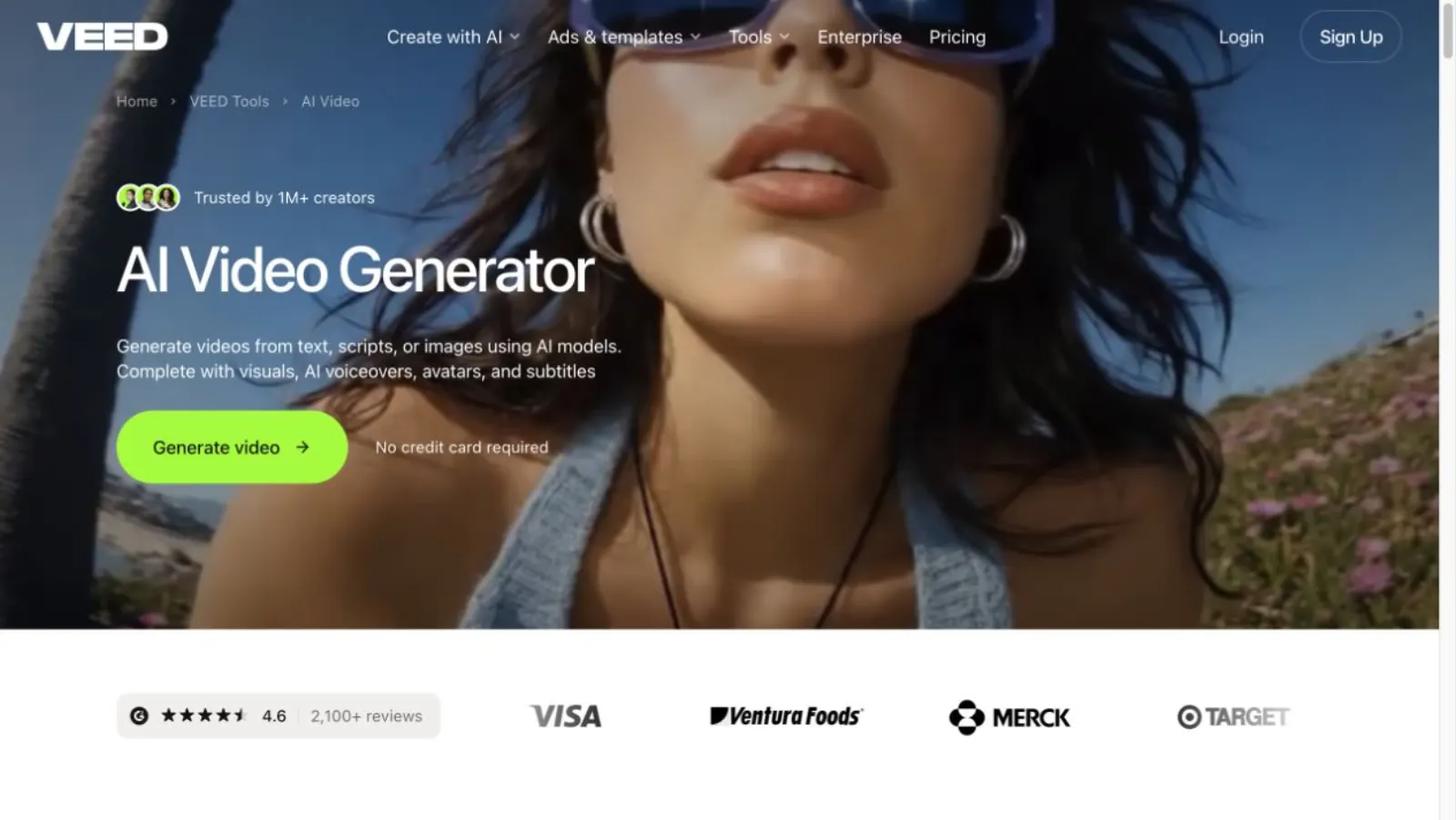
VEED is the first tool on this list that I would call an editor before a converter. Upload footage or paste a link, then trim on a browser timeline, edit from the transcript, add captions, clean audio, generate B-roll, translate, and collect timestamped team feedback.
That makes it a better Lumen5 alternative when the search query is hiding a different problem. You may not need text turned into video. You may already have a screen recording, interview, podcast, or rough talking-head clip that needs to become watchable.
VEED’s official editor page lists automatic subtitles, text-based editing, audio cleanup, AI B-roll, screen recording, translation, and exports up to 4K on eligible plans. The cost is more hands-on work. You are still making editing decisions, even when AI removes the repetitive parts.
Best for: Recorded footage, tutorials, podcasts, subtitles, and social resizing.
Pricing: Free starting tier with paid upgrades. Check current VEED pricing.
Pick it when: The source video already exists and needs editing.
Skip it when: You want a long article or PDF turned into a complete explainer with little timeline work.
11
5. Canva: Best when video is one part of a brand campaign
Canva is the practical choice for a team that already makes decks, social graphics, thumbnails, and campaign assets there. Video sits inside the same design workspace, with templates, stock assets, animation controls, brand kits, and a newer timeline.
Canva’s AI can generate short clips from prompts, and its video tools can turn uploaded media into social-ready cuts. The product is strongest when the video is really a designed asset in a larger campaign. A marketer can reuse the same fonts, colors, layouts, and assets without moving between products.
It is weaker as a long-form source-to-video engine. A finished article does not automatically become a clear sequence just because the team has a good template. Someone still needs to decide what each scene says and how the narrative moves.
Best for: Brand teams already working in Canva and creators who prefer templates to automation.
Pricing: Free plan and paid Pro plans. Check current Canva pricing.
Pick it when: Brand consistency across several asset types matters more than article conversion.
Skip it when: You want the product to read a dense source and plan the explanation for you.
12
6. Synthesia: Best for avatar-led training and onboarding
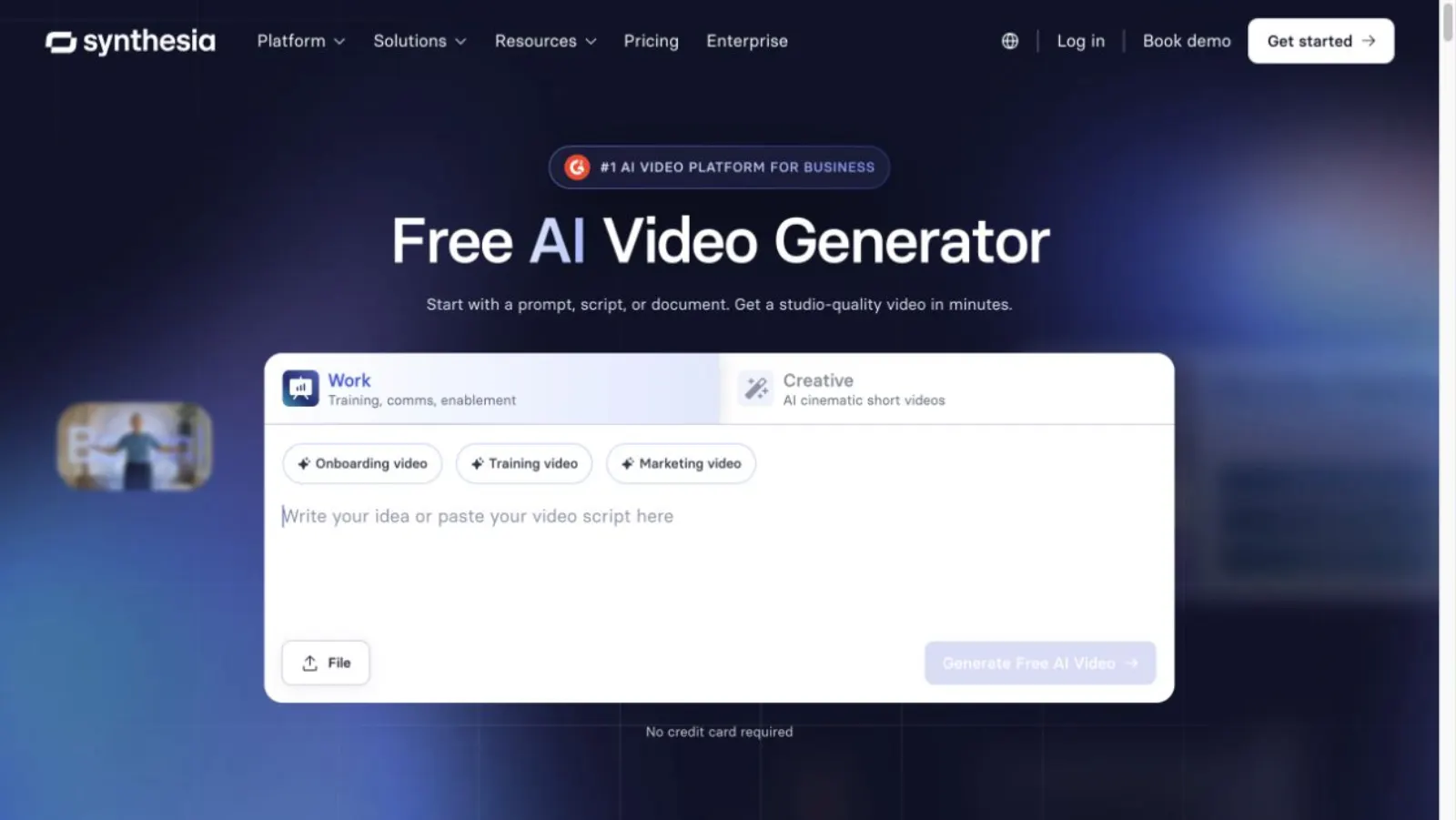
Synthesia is the right comparison when the missing piece is a presenter. Start with a script, URL, PDF, PowerPoint, or prompt. The product turns it into slide-like scenes with an AI avatar, voiceover, captions, and brand styling.
Its official site currently lists more than 240 avatars, voice and translation support across more than 160 languages, brand kits, collaboration, and governance controls. Those features fit onboarding, compliance training, sales enablement, and internal communication. The point is a repeatable presenter without a camera shoot.
That format is not neutral. An avatar draws attention to the speaker. If the viewer needs to follow a system, chart, or product concept, a faceless visual explanation may carry the message better. For training where a presenter adds clarity and familiarity, Synthesia is a stronger choice than Lumen5.
Best for: Training, onboarding, internal communication, and localization with an on-screen presenter.
Pricing: Free plan. Starter is listed at $29 per month, with annual discounts. Check current Synthesia pricing.
Pick it when: The presenter is part of the communication plan.
Skip it when: The idea should be explained through diagrams, motion, or edited footage rather than a face.
13
7. Kapwing: Best for teams making social cuts together
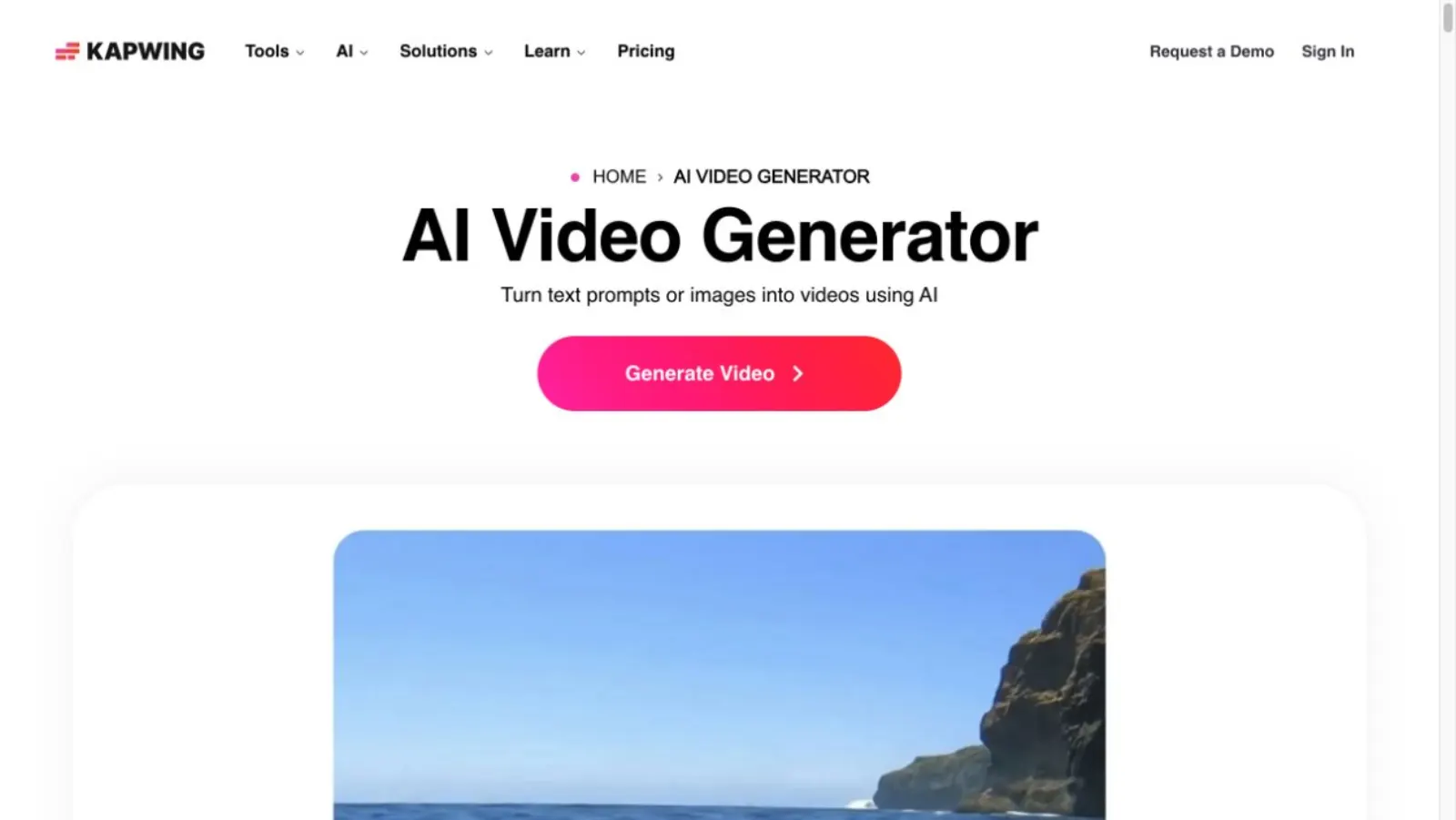
Kapwing is a browser editor built around quick social production. A team can share a workspace, media library, brand assets, and templates. Editors can add subtitles, resize a video, remove a background, generate B-roll, and collect frame-specific comments without passing project files around.
This is a useful replacement when Lumen5 feels too automatic and a desktop editor feels too heavy. Kapwing gives the team more control over the footage while keeping review and version work in the browser.
The free plan has a watermark and tighter duration and export limits. Pro removes the watermark and adds more credits, 4K export, and longer projects. Article-to-explainer automation is not the center of the product, so expect to build the narrative yourself.
Best for: Social teams that need subtitles, resizing, shared assets, and review in one browser workspace.
Pricing: Free plan. Pro is $24 per member per month, or $16 per member per month billed annually. Check current Kapwing pricing.
Pick it when: Several people need to edit and review social video.
Skip it when: Your source is an article or PDF and you want the explanation planned automatically.
14
Which Lumen5 alternative should you choose?
Choose by the work that slows you down after you paste the source.
- Your article or PDF needs to become a motion-graphics explanation: TapVid.
- You want another stock-led article and webinar repurposer: Pictory.
- You want to begin with a prompt and try several generation models: InVideo AI.
- You already recorded the video and need to edit it: VEED.
- The video belongs inside a larger set of branded campaign assets: Canva.
- You need a presenter for training or onboarding: Synthesia.
- Your social workflow depends on team editing and review: Kapwing.
Stay with Lumen5 if its current result is the result you need. It remains a sensible tool for turning written marketing content into short branded videos with stock media. Switching only pays off when the visual system, editing process, or finished format no longer fits the job.
15
Frequently asked questions
What is the best Lumen5 alternative?
For motion-graphics explainers made from articles, PDFs, or scripts, TapVid is the strongest fit. Pictory is closer to Lumen5’s stock-led workflow. Synthesia fits avatar training. VEED and Kapwing fit editing. The best choice depends on the finished video, not the number of features.
Is there a free Lumen5 alternative?
Yes. TapVid, InVideo AI, VEED, Canva, Synthesia, and Kapwing all offer a free starting point. Pictory offers a free trial. Free exports may include watermarks, credit limits, duration caps, or lower resolution, so check the current plan before using a video publicly.
Which Lumen5 alternative is best for turning an article into a video?
TapVid fits an article that needs to become a structured motion-graphics explainer. Pictory fits an article that can become narration over stock or generated media. Synthesia fits an article that should become presenter-led training. The source may be the same, but the visual system changes the answer.
What is the difference between Lumen5 and TapVid?
Lumen5 selects text and matches it with stock media, templates, timing, and motion. TapVid reads the source, confirms the brief and outline, then generates animated text, diagrams, icons, voiceover, and captions as an explainer video. Lumen5 illustrates the narration. TapVid is built to visualize the logic.
Can a Lumen5 alternative replace a professional video editor?
It can remove parts of the work, such as drafting scenes, adding captions, matching media, resizing, and producing a first render. It cannot replace editorial judgment. Someone still needs to check claims, pacing, visual meaning, brand fit, and whether the video earns the viewer’s next minute.
16
Final verdict
The useful Lumen5 alternative is not the product with the most features. It is the product built for the visual job you need next.
If your ideas already live in an article, PDF, script, or product document, and the blocker is turning them into a clear motion-graphics explainer, try TapVid’s AI explainer video generator. You can start free, then check pricing when you need longer, watermark-free, 1080p output.
17
Sources
- Lumen5: Blog to Video
- Lumen5: Pricing overview
- G2: Lumen5 reviews and pricing
- Capterra: Lumen5 reviews
- ngram: Lumen5 alternatives structure benchmark
- TapVid: AI Explainer Video Generator
- TapVid: Pricing
- Pictory: Blog to Video
- Pictory: Pricing
- InVideo: Create a video from a script
- InVideo: Agents and models
- InVideo: Plans and credits
- VEED: Online video editor
- Canva: AI video generator
- Synthesia: AI video generator
- Synthesia: Pricing
- Kapwing: Collaborative video editing
- Kapwing: Pricing