Add approved sources
Provide the script, URLs, audio, visuals, and exact facts the documentary must follow.
Deliver recurring documentary videos for clients or courses using your approved scripts, source URLs, audio and original assets. Keep names, dates and claims reviewable, then rerun the scenes that change.

Generation is paid. The $4.99 trial includes one video generation over 3 days, then renews at $49/month unless you cancel before it ends. See pricing for plan and export details.
These existing TapVid outputs illustrate the video format; they do not verify every input workflow or imply a customer partnership.
Provide the script, URLs, audio, visuals, and exact facts the documentary must follow.
Check narration, chronology, captions, and the visual assigned to every claim before the final render.
Update the affected scene and keep the rest of the approved documentary fixed.
An AI documentary video generator turns an approved script and source pack into a structured, narrated video. TapVid can work from scripts, source URLs, audio, images, clips, and other original assets, then organize them into reviewable scenes.
TapVid does not replace source verification. Your team remains responsible for approving the research, claims, rights, and final cut. Names, dates, quotations, numbers, and approved wording that you supply can stay literal instead of being silently rewritten.
Before delivery, review which claim, narration line, and visual belongs in each scene. If a source, caption, or visual changes, rerun the affected scene while the rest of the approved video stays fixed. That turns recurring documentary production into exception review instead of a full rebuild.
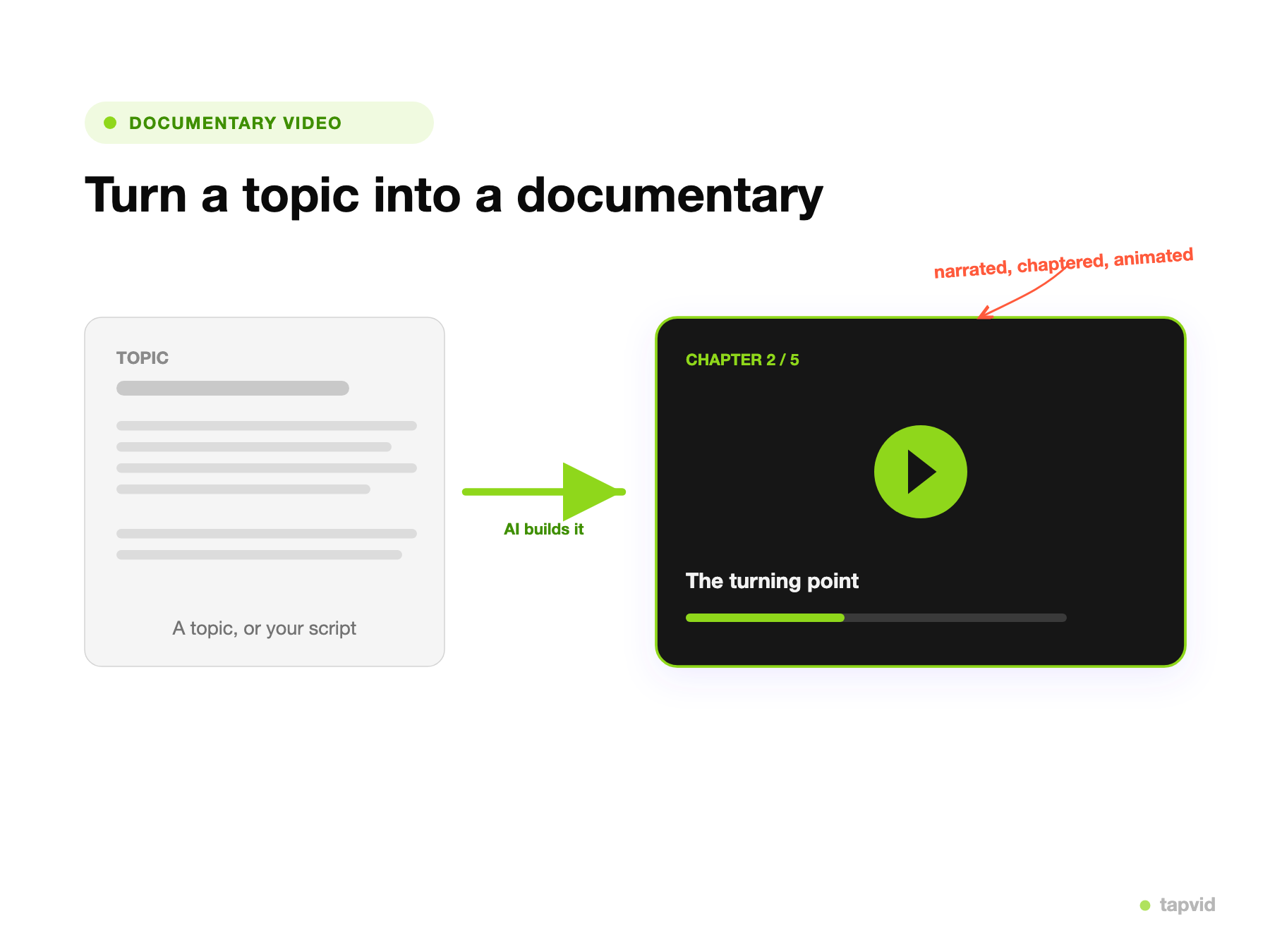
Start with the script, source URLs, audio, images, clips, names, dates, and exact claims the documentary must follow.
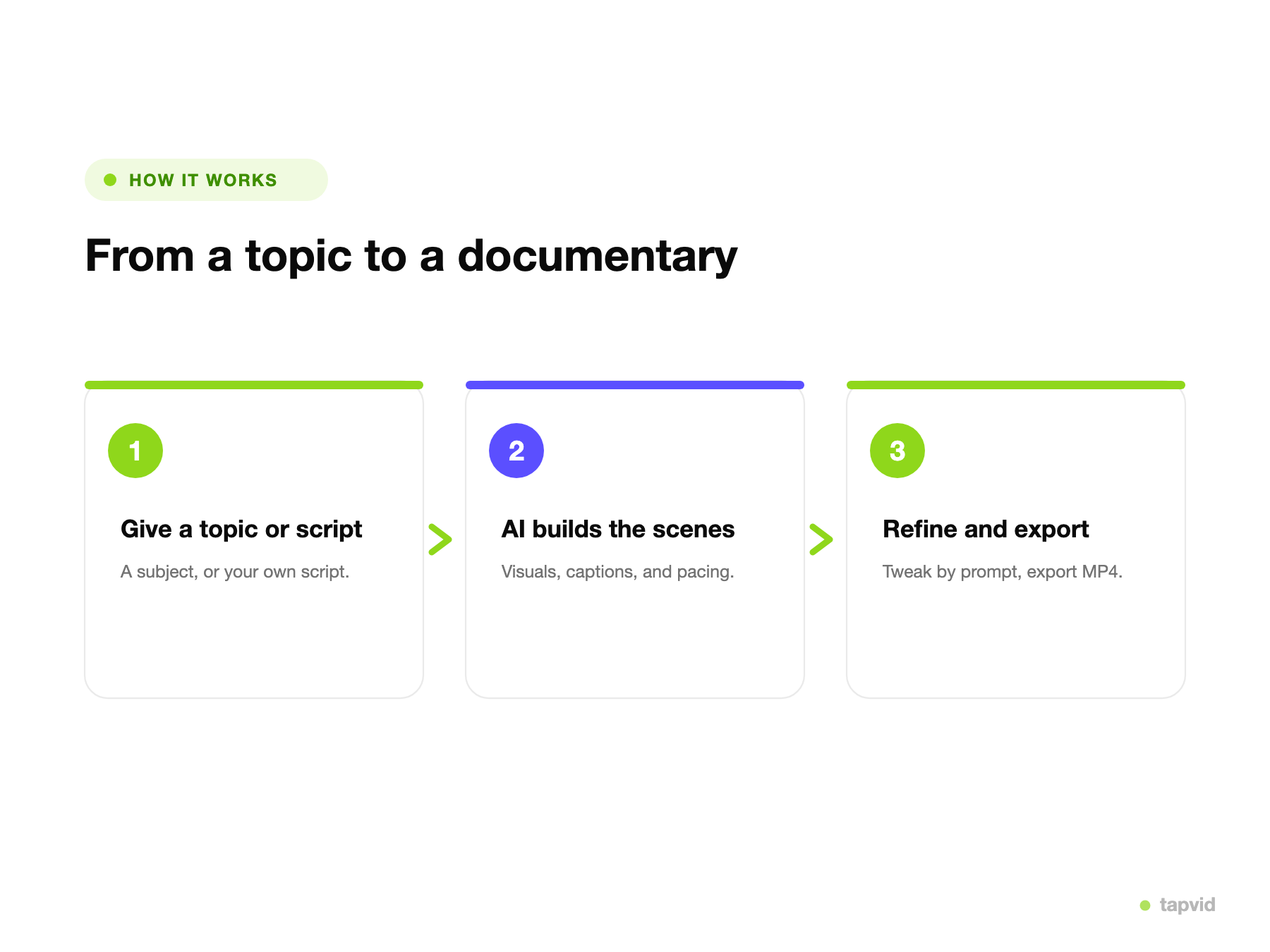
Review the narration, scene order, captions, and source-asset mapping before the final render instead of checking only after export.
Correct a caption, replace a visual, or update an approved claim, then rerun the affected scene while the rest stays fixed.
Keep names, dates, numbers, quotations, and legal wording as supplied instead of silently rewriting them.
Use supplied photographs, footage, screenshots, charts, and logos as the source rather than redrawing them.
Review which source visual supports each narration line before the final cut is delivered.
Inspect the script and scene order before rendering so timeline errors are easier to catch.
Replace a caption, visual, or approved fact by rerunning the affected scene instead of the whole video.
Reuse an approved structure and focus review on changed scenes rather than checking every video from zero.
Choose one audience and one evidence-backed story per video, then adapt the length and format to the channel.
Explain a verified sequence of events with dates, source visuals, and narration kept in order.
Turn approved research into diagrams, labels, and scene-by-scene explanations.
Build a documented story from archival assets, milestones, quotations, and approved brand facts.
Reuse a consistent structure across lessons while keeping each episode tied to its own sources.
Keep original audio or talking-head footage and add supporting visuals, captions, and context.
Present a question, evidence, findings, and limitations without turning unsupported claims into facts.
TapVid structures and visualizes the sources you provide; it is not an independent fact-checker or an archival-rights service. Your team must approve the research, quotations, licenses, and final cut. TapVid helps keep that approved material visible, literal, and mapped to the right scene so review is easier to repeat.
Deliver recurring client documentary explainers from separate, approved source packs without rebuilding the workflow each time.
Turn approved lessons, research, and subject-matter input into reviewable documentary-style modules.
Produce origin stories, product histories, and research-led campaigns while keeping approved claims and original assets intact.
Simple videos use about 4 credits per second; length and scene complexity affect the total. Review plans and trial terms before generating.
$49/mo
2,000 credits / mo
$99/mo
6,000 credits / mo
$199/mo
14,000 credits / mo
Bring one script and its supporting materials. Review the scenes, then revise what changes.