TapVid

Turn existing business content into clear video

Use product footage, narration, documents, and approved copy to make an accurate video that is ready to publish.

Log in
    TapVid
    HomeAPI & MCPPricingBlogAbout

    PPT to Video

    Turn sales, training, or product decks into videos you can deliver faster. TapVid keeps approved wording and supplied visuals tied to the right scenes, then reruns only the scene you change so teams can scale without reviewing every video line by line.

    16:9~30s
    90

    How it works

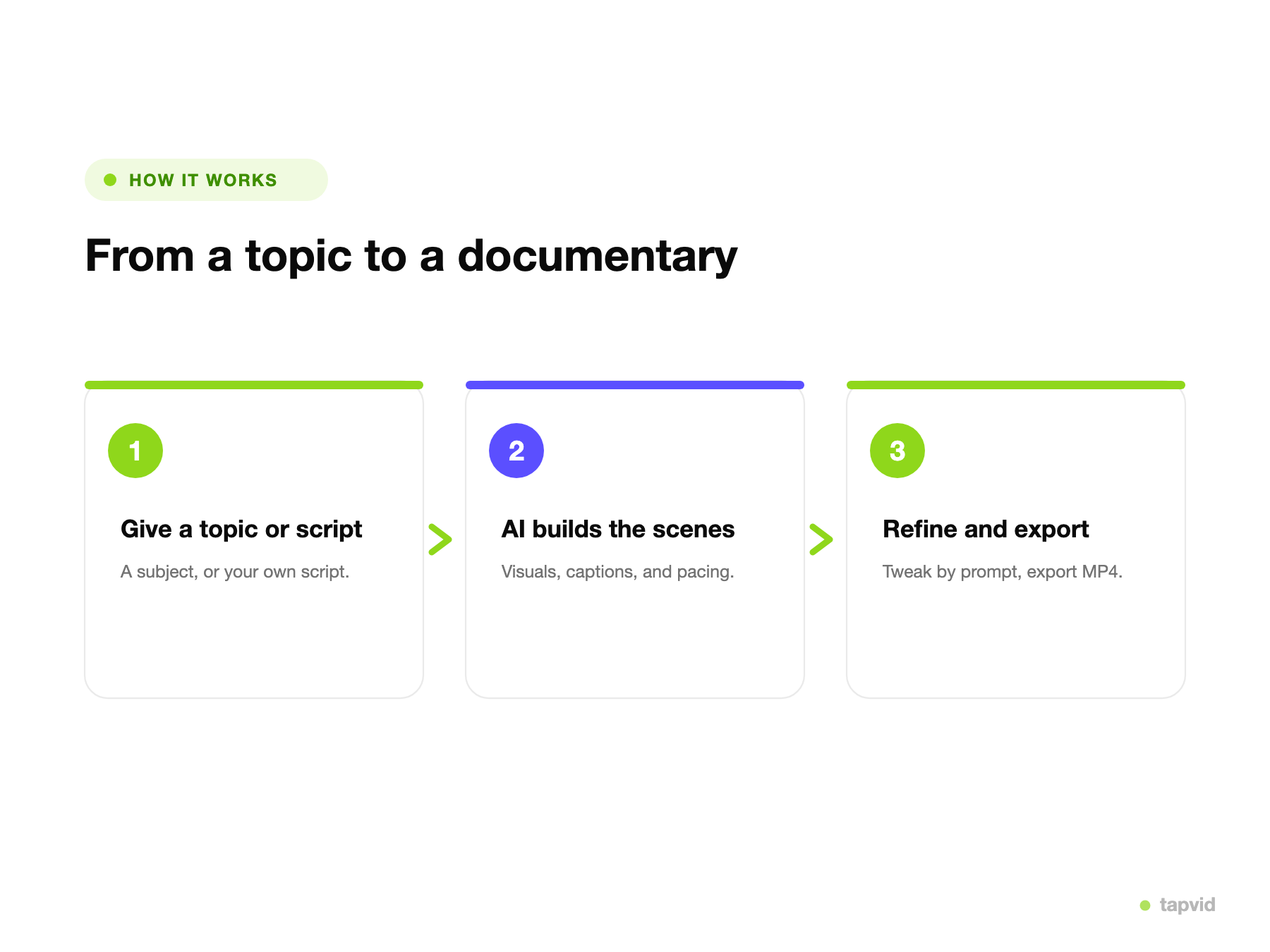
    01

    Upload or paste

    Upload your deck or paste a link as the source.

    02

    AI rebuilds it as video

    TapVid restructures the slides, writes narration, and animates the content.

    03

    Refine and export

    Adjust depth, style, or length by prompt, then export an MP4 or share a link.

    What is PPT to video?

    PowerPoint has a built-in "Export as video," but it just plays your static slides on a timer. The result is dense, slow, and something most people click away from, because slides are designed to be presented in a room, not watched on their own. Exporting them one-to-one keeps every reason they do not work as video.

    PPT to video, done well, restructures the deck. TapVid reads your slides, breaks the content into scenes, writes voiceover-ready narration, and rebuilds bullet lists and tables as motion graphics. Instead of your slides on autoplay, you get a paced, narrated video made to be watched.

    Because the video is generated from your deck, it keeps your content and message while improving the form. You choose the depth and style, and regenerate any scene by describing the change, so a deck becomes a video without a designer or an editor.

    From a deck to a finished video

    Bring in your deck

    Start from your slides. TapVid reads the structure and content and plans a scene-by-scene video, so you do not rebuild it by hand.

    • Upload a deck or paste a link
    • Automatic scene and narration plan
    Uploading a slide deck to turn it into a video in TapVid

    AI restructures it into video

    TapVid repaces the content, turns bullets and tables into motion graphics, and writes narration, so a deck becomes a watchable video.

    • Slides become scenes
    • Bullets become motion graphics
    A slide deck restructured into an animated motion-graphics video

    Refine by prompt, then export

    Change depth, style, or length by describing it, then export an MP4 or share a link when it reads right.

    • Edit with words, not a timeline
    • Export MP4 or share a link
    Refining a deck-based video by prompt and exporting an MP4

    Why turn decks into video with TapVid

    Restructured, not autoplayed

    TapVid rebuilds the deck into scenes and narration instead of playing static slides on a timer.

    Bullets become motion graphics

    Lists, tables, and charts are rebuilt as animation, so the content reads clearly as video.

    Narration written for you

    Voiceover-ready narration is generated from the deck, and you can edit it before it renders.

    Edit by prompt, not timeline

    Change depth, wording, or style by describing it. No keyframes.

    Publish-ready output

    Export an MP4 for training, sales, or on-demand, or share a link.

    Minutes instead of a rebuild

    Turn a deck into a video the same day, without recreating it in an editor.

    What you can turn into a video

    One converter covers the decks teams most want people to watch instead of sit through.

    Training decks

    Turn a training deck into a video employees can watch and replay on their own time.

    Sales decks

    Convert a sales deck into a video you can send instead of presenting live.

    Courseware

    Turn lecture slides into a narrated lesson students can follow.

    All-hands recaps

    Turn an all-hands deck into a recap video for anyone who missed it.

    Investor decks

    Turn a pitch deck into an animated video for investors.

    Webinar decks

    Repurpose a webinar deck into a short on-demand video.

    Decks turned into video with TapVid

    Real motion-graphics output generated from slide decks.

    Built for Training, Sales, and Education

    Training

    Turn training decks into on-demand videos employees actually finish.

    Sales

    Send a deck as a narrated video instead of presenting it live.

    Education

    Convert lecture slides into narrated lessons students can replay.

    Frequently Asked Questions

    Give TapVid your deck and it restructures the slides into scenes, writes narration, and renders a motion-graphics video. Unlike PowerPoint's built-in "Export as video," which just plays your static slides, TapVid rebuilds the content so it is made to be watched.
    No, and that is the point. Slides are laid out to be read in a room, not watched as a video. TapVid improves on the layout: it repaces the content, turns bullet lists and tables into motion graphics, and adds narration, so the result holds attention instead of autoplaying.
    Yes. Instead of the slide transitions PowerPoint offers, TapVid generates motion graphics for the content itself, animated charts, callouts, and scene transitions, paced to narration.
    TapVid generates narration from your deck, and you can edit the script before it renders. Check the current voice options in the app for languages and styles.
    Deck upload limits depend on the current plan; check the app for the exact size and slide-count limits before uploading a large deck.
    You can start turning decks into video for free with 300 one-time credits (valid for 7 days) and no credit card. Free exports are 720p with a watermark and clips up to 1 minute; Pro and higher are watermark-free with 1080p exports and longer clips. See all plans on our pricing page.
    Training decks, sales decks, courseware, all-hands recaps, investor decks, and webinar decks all convert well, especially structured decks you would rather have people watch than sit through.
    Yes. Rewrite the script, restyle a scene, or regenerate a section by describing the change, no timeline required.

    Related guides

    • See all plans and pricing
    • Document to Video: The Complete Guide
    • How to Create an Explainer Video
    • AI Explainer Video Generator Tutorial
    • Infographic Video: The Complete Guide
    • AI Motion Graphics Generator: The Complete Guide
    • The Animation Video Maker Playbook

    Need help making a better video?

    Create with the TapVid community.

    Tutorials

    Step-by-step workflows

    Good cases

    See what works

    Support

    Get answers

    Join Discord→

    Simple, credit-based pricing

    3 credits = 1 second, so you only pay for what actually renders. Start free, upgrade anytime.

    Most Popular

    Pro

    $49/mo

    2,000 credits / mo

    Max

    $99/mo

    6,000 credits / mo

    Ultra

    $199/mo

    14,000 credits / mo

    See full plans & pricing

    Ready to create your first video?

    Join thousands of product teams using AI to create professional videos in minutes.

    Your first video in under 5 minutes →Book a demo →
    Tapvid

    TapVid turns the materials your business already has into an accurate video that explains the job clearly and is ready to publish.

    TikTokInstagramXDiscordYouTube

    TapVid

    Features

    AI Explainer Video GeneratorAI Motion Graphics GeneratorAI Product Demo Video GeneratorProduct Demo Video MakerExplainer Video TemplatesAI Product Video GeneratorAI B-Roll GeneratorTalking Head Video EnhancerAI Video ClonerText to Video AIText to Motion GraphicsAnimated Video MakerAnimated Explainer Video MakerKinetic Typography GeneratorAnimated Chart MakerAnimated Collage MakerFree AI Video Generator

    Convert to Video

    Image to VideoVideo to Video AIPDF to VideoPPT to VideoArticle to VideoBlog to VideoURL to VideoScript to VideoGoogle Slides to VideoWord to Video

    Use Cases

    SaaS Explainer VideoProduct Launch Video MakerAI Ad Video GeneratorDocumentary Video MakerAnimated Social Media Video MakerInfographic Video MakerPodcast to VideoWhiteboard Animation MakerEducational VideoTutorial VideoCustomer OnboardingHelp Center VideoAPI Docs Video

    Solutions

    Explainer VideoProduct Demo VideoMeeting Recap VideoWebinar ClipsMarketing VideoFeature AnnouncementCompetitive ComparisonNewsletter VideoLanding Page VideoInvestor Pitch Video

    Featured Guides

    Video Prompt LibraryBest Faceless YouTube NichesCollage Animation Guide

    Company

    All FeaturesAboutBlogPricingGet in Touch

    © 2026 TapVid. All rights reserved.

    Privacy
    Terms of Service