

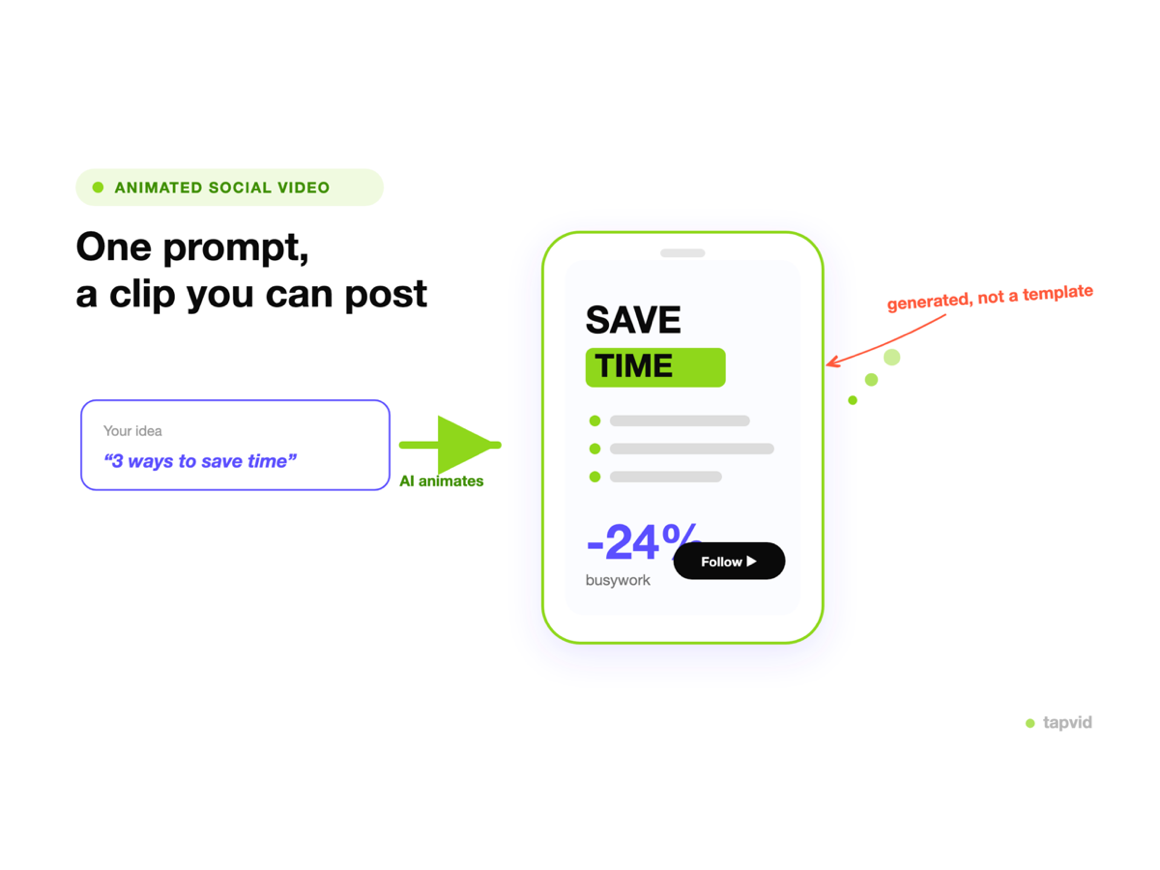
Start faster
Skip the blank page. A prompt is enough to get a full first draft.
Turn one clear brief into more campaign, product, or training videos. Keep supplied facts and assets visible in the scene plan, then rerun only the scene that changes instead of reviewing every version from scratch.
Made with TapVid
See it in action
What it is
Type what the video should cover and TapVid drafts the outline, script, visuals, and voiceover for you.
Every scene stays editable, so you can adjust the wording, pacing, and visuals before you export.
What TapVid adds
Skip the blank page. A prompt is enough to get a full first draft.
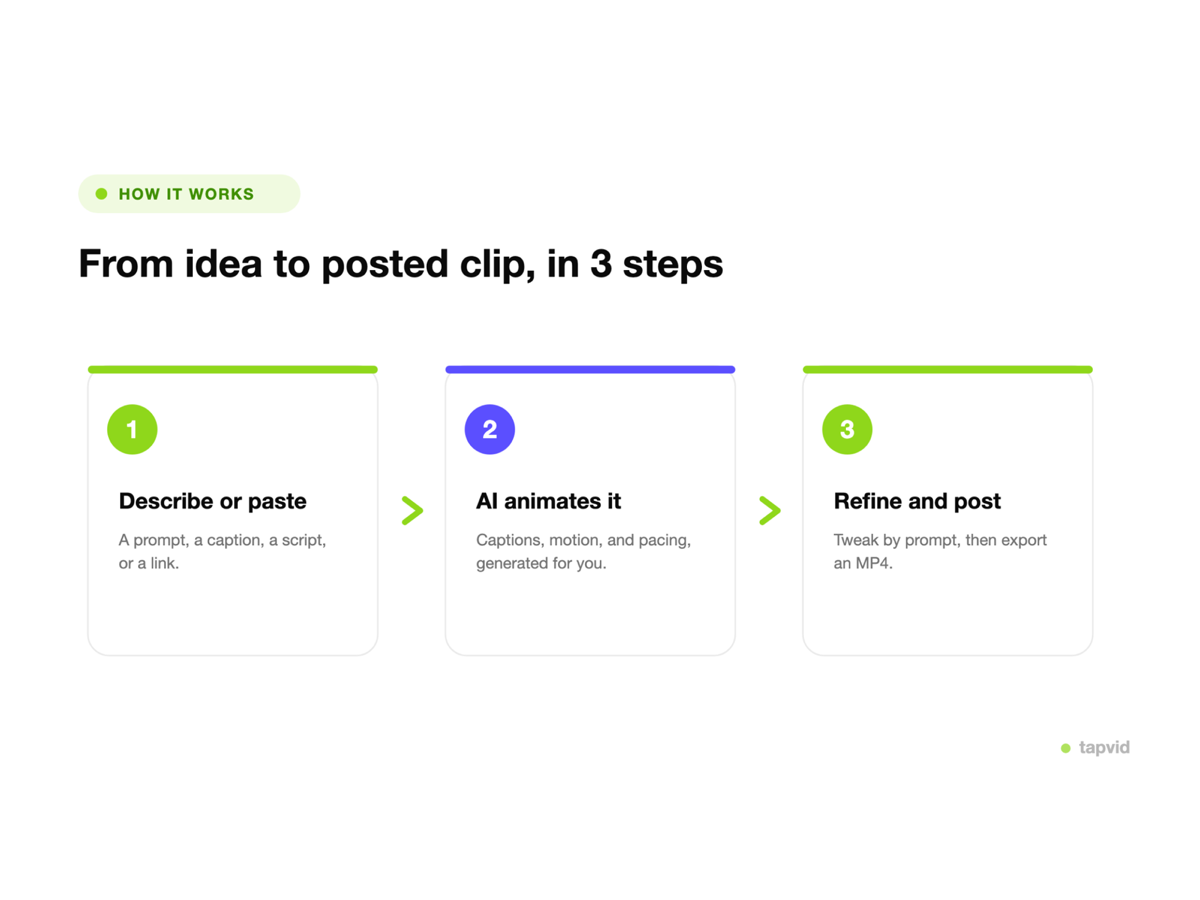
Edit the script, visuals, and voice on every scene.
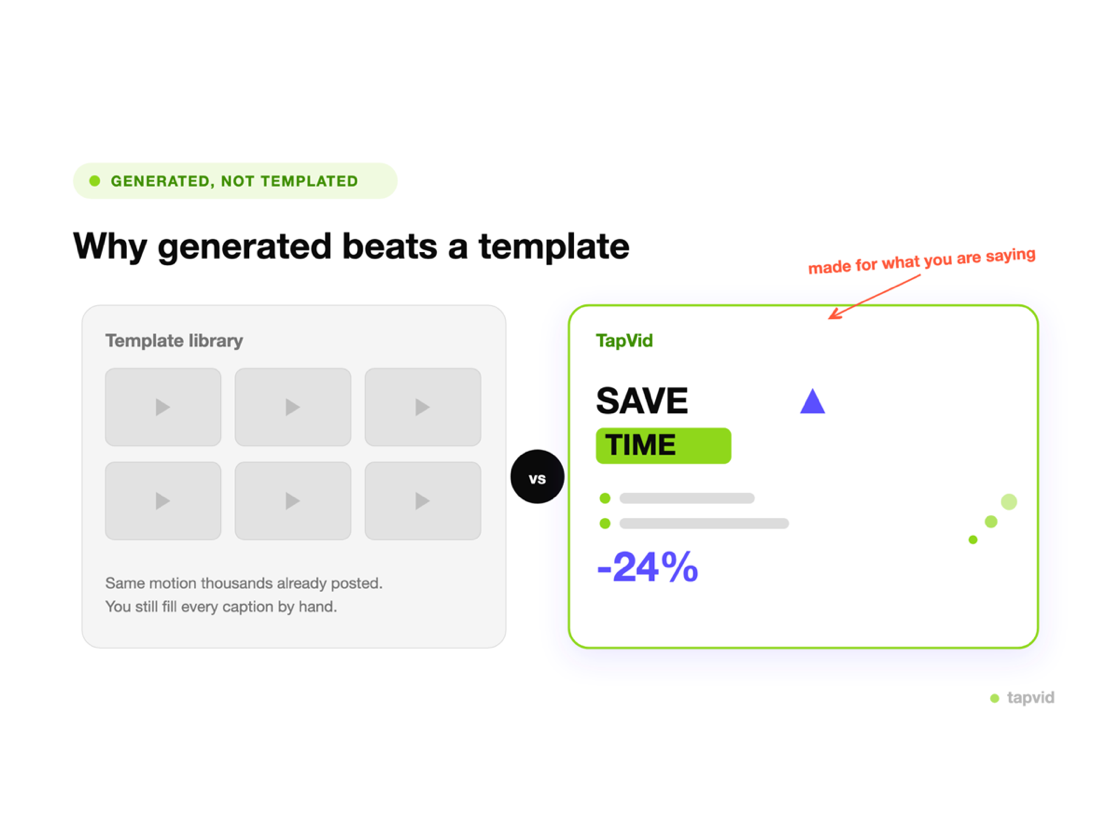
Export a clean, narrated video without extra tools.
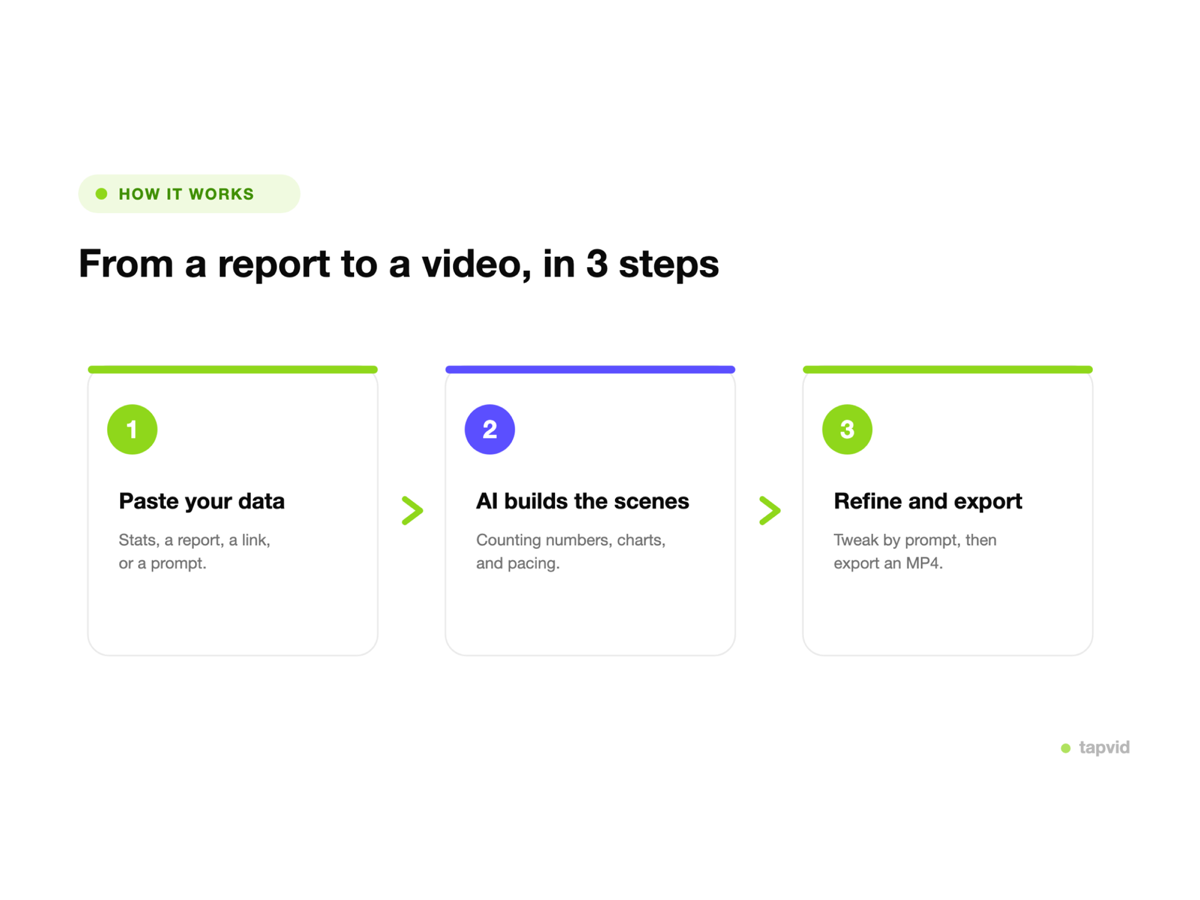
Add approved names, numbers, product details, or wording to the brief so they remain visible for review instead of being silently rewritten.
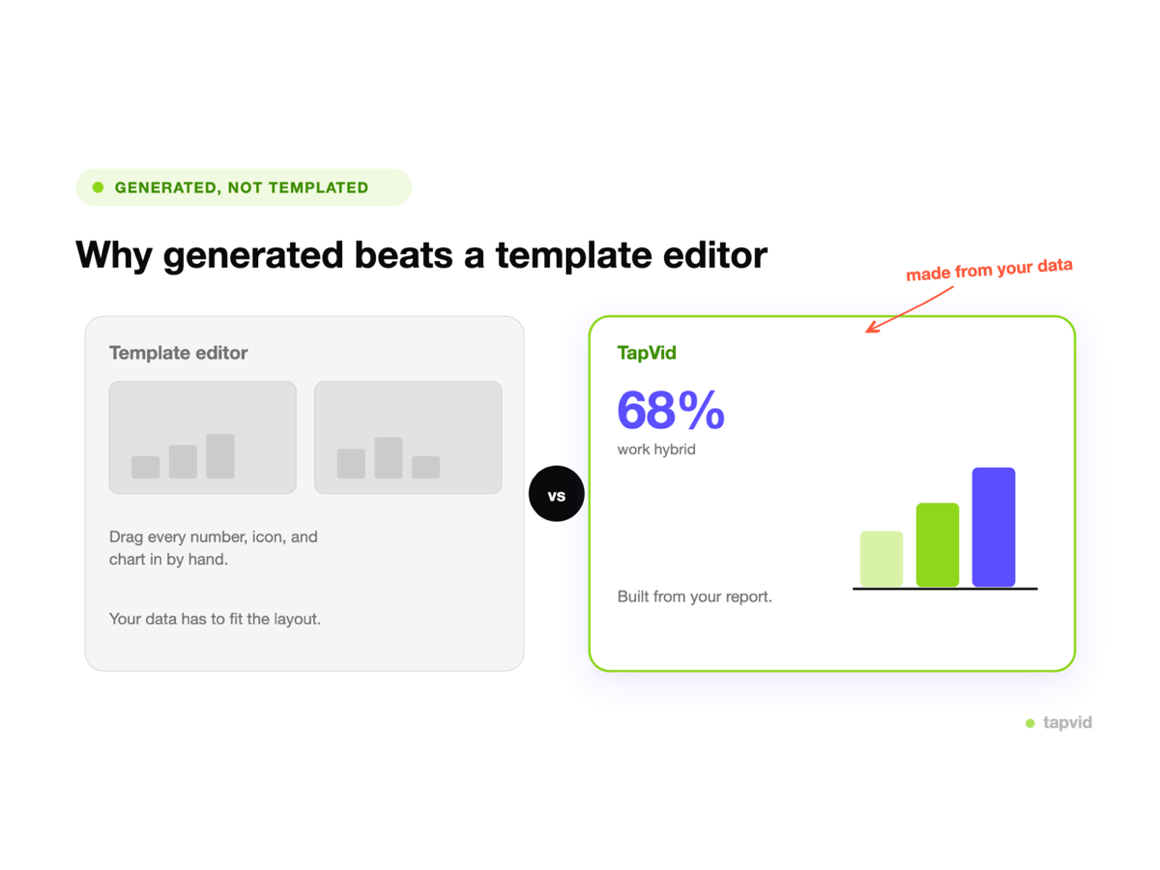
Review the script and scene plan so each point is paired with the right visual before you generate the finished version.
When one line or visual changes, revise the affected scene without rebuilding unrelated parts of the video.
How it works
FAQ
It turns a short text prompt into a structured, narrated video you can edit and publish.
Yes. Every scene, script line, and visual stays editable before you export.
Name the topic, the audience, and what you want the viewer to do or learn.
Yes. Add the source assets the video should use and identify which point each asset supports. Review the scene plan before generation to confirm the matches.
Mark exact wording and protected facts in your brief. TapVid keeps supplied information visible in the script and scene plan so you can verify it before export. Review the final video before publishing.
No. Update the affected instruction, asset, or line and rerun that scene while the other scenes remain available.
More ways to start
Join thousands of product teams using AI to create professional videos in minutes.