

Paste your script
Drop it in scene by scene or as one block. TapVid reads the beats and plans the scenes.
- Scene by scene or one block
- No storyboarding
Turn finished product, campaign, or training scripts into videos you can deliver faster. TapVid keeps approved wording intact and reruns only the scene you change, so teams can scale without reviewing every video line by line.
Made with TapVid
Real output generated from a script, no talking head.
See it in action
What it is
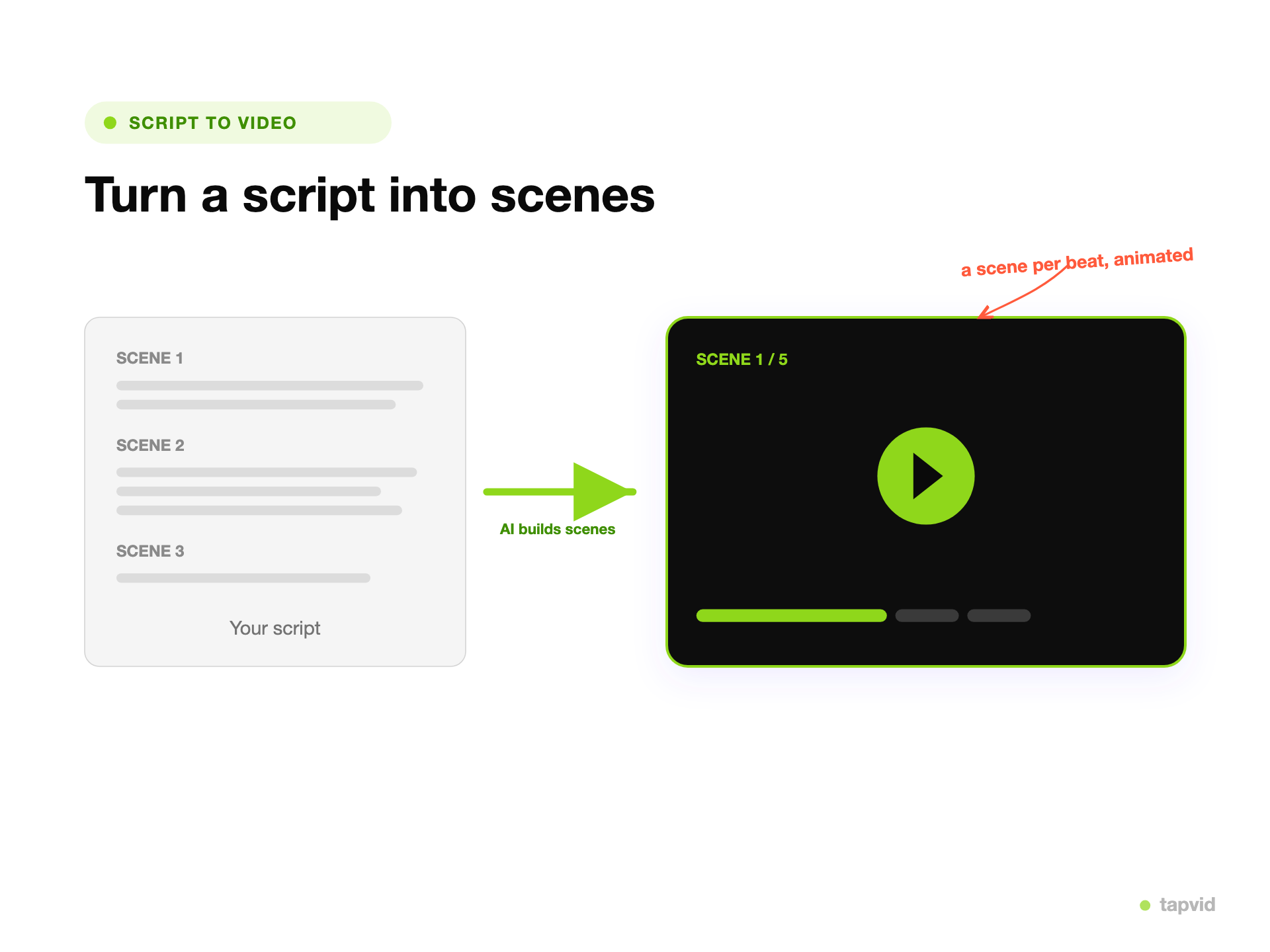
A script to video maker turns a finished script into a short animated video. You paste the script, and TapVid reads it, breaks it into beats, and builds a motion-graphics scene for each one, with animated text and visuals paced to the writing. You are not recording an avatar to read it to camera.
This is different from a general text to video tool. A text to video generator works from a prompt or a loose block of text. Script to video assumes you already wrote the thing, with an order and a rhythm, so TapVid respects the structure and gives each beat its own scene.
Because it is generated, you refine by prompt. Change the pacing of a scene, the emphasis, or the visuals, then regenerate that part and export an MP4.
What TapVid adds
Drop it in scene by scene or as one block. TapVid reads the beats and plans the scenes.
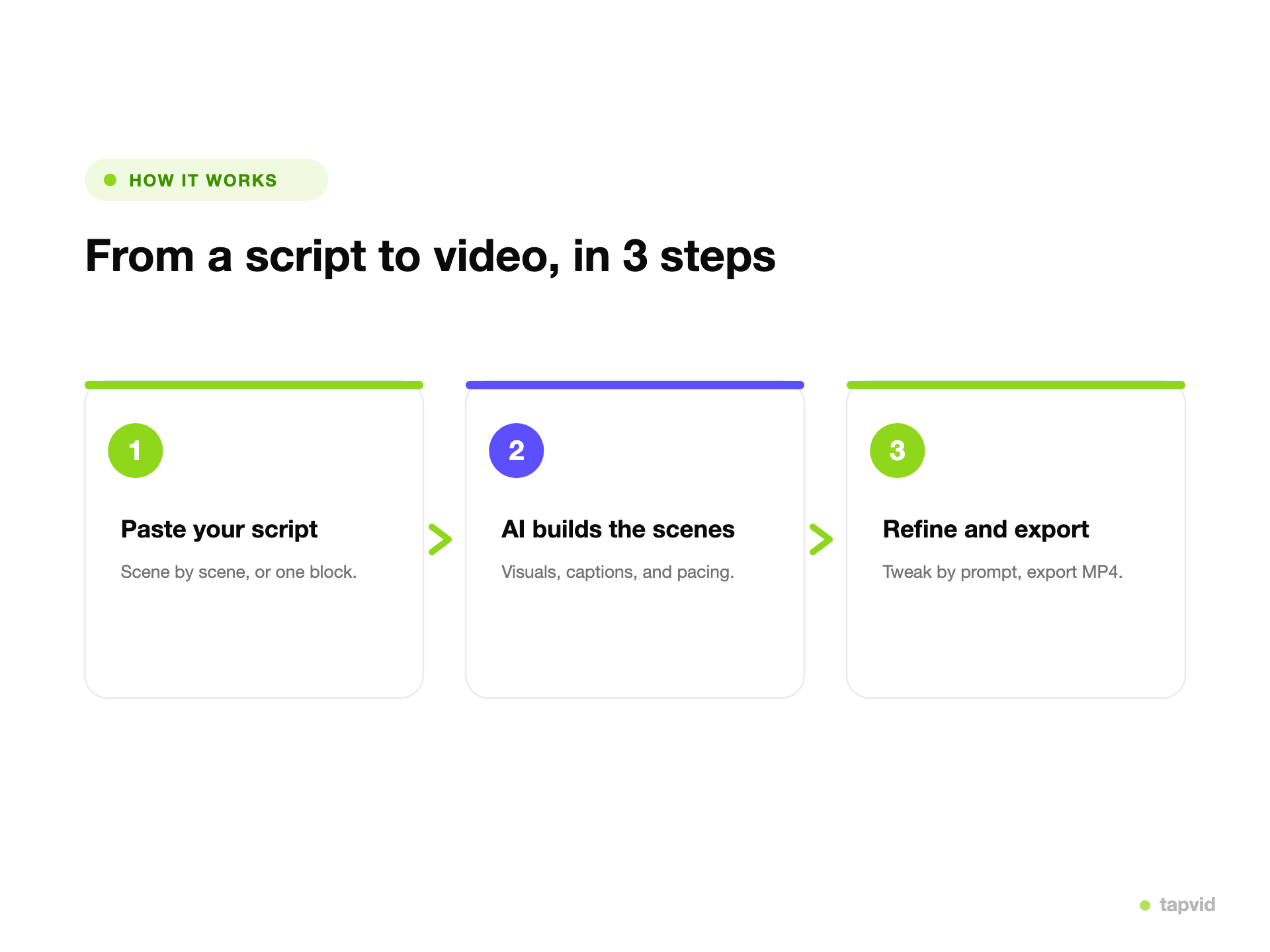
TapVid generates a motion-graphics scene for each beat, with animated text, visuals, and pacing.
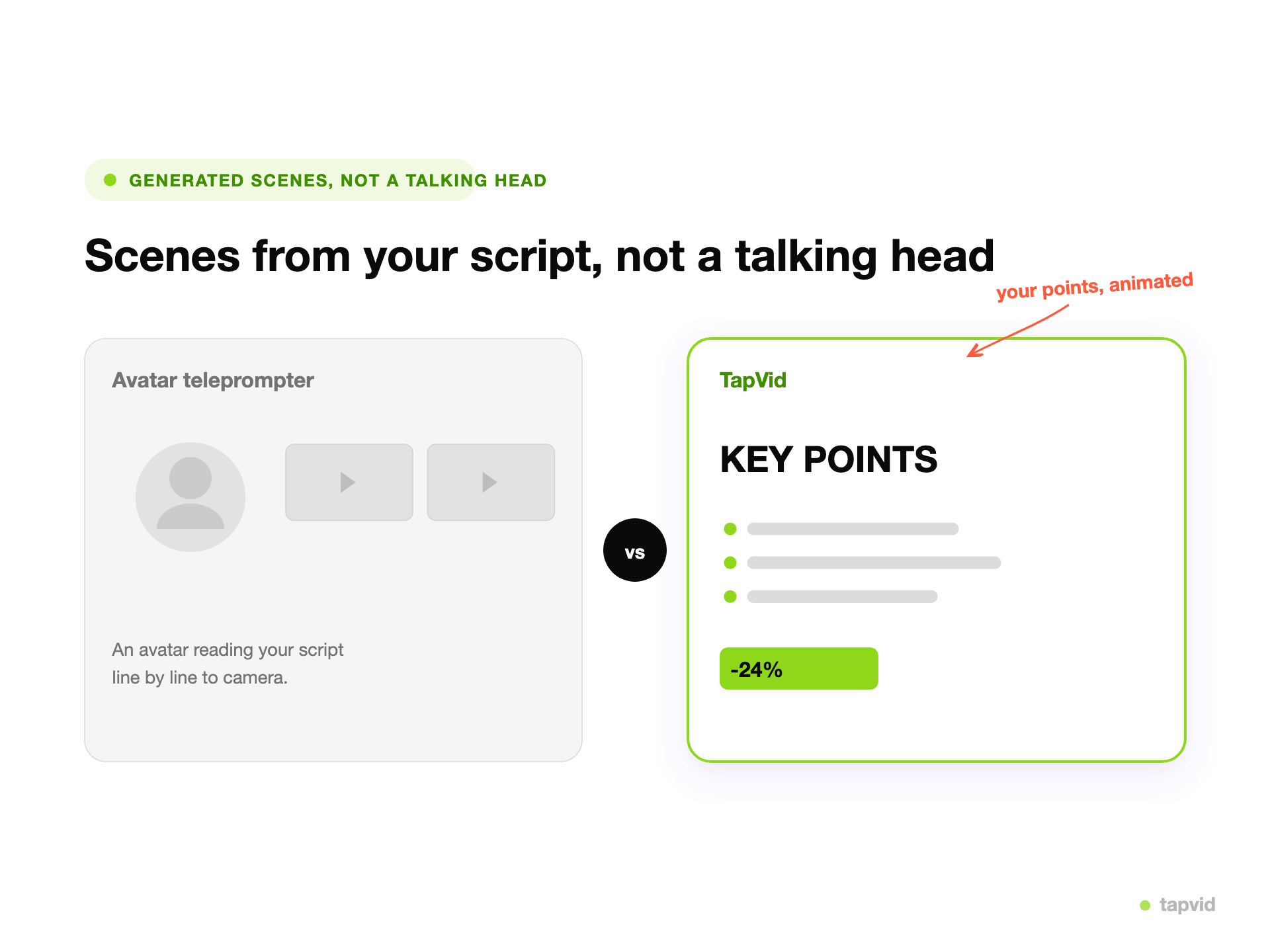
No avatar reading your script to camera. Each beat becomes an animated scene, so the video shows the content.

TapVid respects the order and rhythm of your writing and gives each beat its own scene.

Each beat becomes an animated scene, so the video shows the content instead of an avatar reading it.
Skip the storyboard and the timeline. Paste the script and generate.
Change any scene by prompt without redoing the whole video.
The video follows what you wrote, not a rewritten version of it.
Hold one look across a series so the videos read as one channel.
Bring your own script and get the video formats you publish.
A written explainer turned into animated scenes, beat by beat.
A channel script built into a full animated video.
A short ad script turned into a paced promo.
A hook-and-payoff script cut for reels and shorts.
A lesson script animated for learners.
Scenes paced to your script, ready for narration.
Most script to video tools drop an AI avatar on screen to read your words, with stock clips behind it. The script becomes a voiceover, not a video. TapVid does the opposite. It reads the script, splits it into beats, and animates a scene for each one, so the video shows what each line is about. You keep the writing you wrote, and you refine any scene by prompt instead of re-recording a presenter.
Turn a channel script into a full animated video without filming.
Ship ad and explainer scripts as videos, fast.
Animate a lesson script for learners.
How it works
FAQ
A script to video maker turns a written script into a short animated video. TapVid reads your script, breaks it into beats, and builds a motion-graphics scene for each one, with animated text and visuals.
A general text to video tool works from a prompt or a block of text. Script to video is built for a finished script with a clear order of beats, so TapVid gives each beat its own scene and paces the video to the writing.
No. Instead of an avatar reading your script to camera, TapVid animates each scene with motion graphics, so the video shows the content rather than a presenter.
You export an MP4, ready for YouTube, social, a landing page, or an ad. You can also ask for a vertical cut.
TapVid runs on credits, so check the pricing page for what is included right now. Exported videos carry a small TapVid watermark in the bottom-right corner, and paid plans remove it.
Yes. You refine any scene by prompt, changing the pacing, the emphasis, or the visuals, then regenerate that part.
More ways to start
Join thousands of product teams using AI to create professional videos in minutes.