TapVid
    API & MCPPricingBlogAbout

    Word to Video: Turn Your Document into an Explainer Video

    TapVid is an Explainer Video Engine that turns your Word document into a polished explainer video in minutes. Paste your text or bring the doc as a PDF, and TapVid structures each section into a scene, animates it as motion graphics, and adds voiceover, no editing and no After Effects. Start free.

    Create better videos with the TapVid community

    Tutorials

    Step-by-step workflows

    Good cases

    See what works

    Support

    Get answers

    Join Discord→

    Why turn a Word document into a video?

    Long documents do not get read. A report, a how-to guide, or an onboarding doc sits in a folder while the information inside it goes unseen. Turning a Word document into a video makes the same content easy to watch, so the people who need it actually take it in.

    Doing it by hand is slow. You would rewrite the doc into a script, find or make visuals, record a voiceover, and edit it all together. Most teams never get past the first step, so the document stays a document.

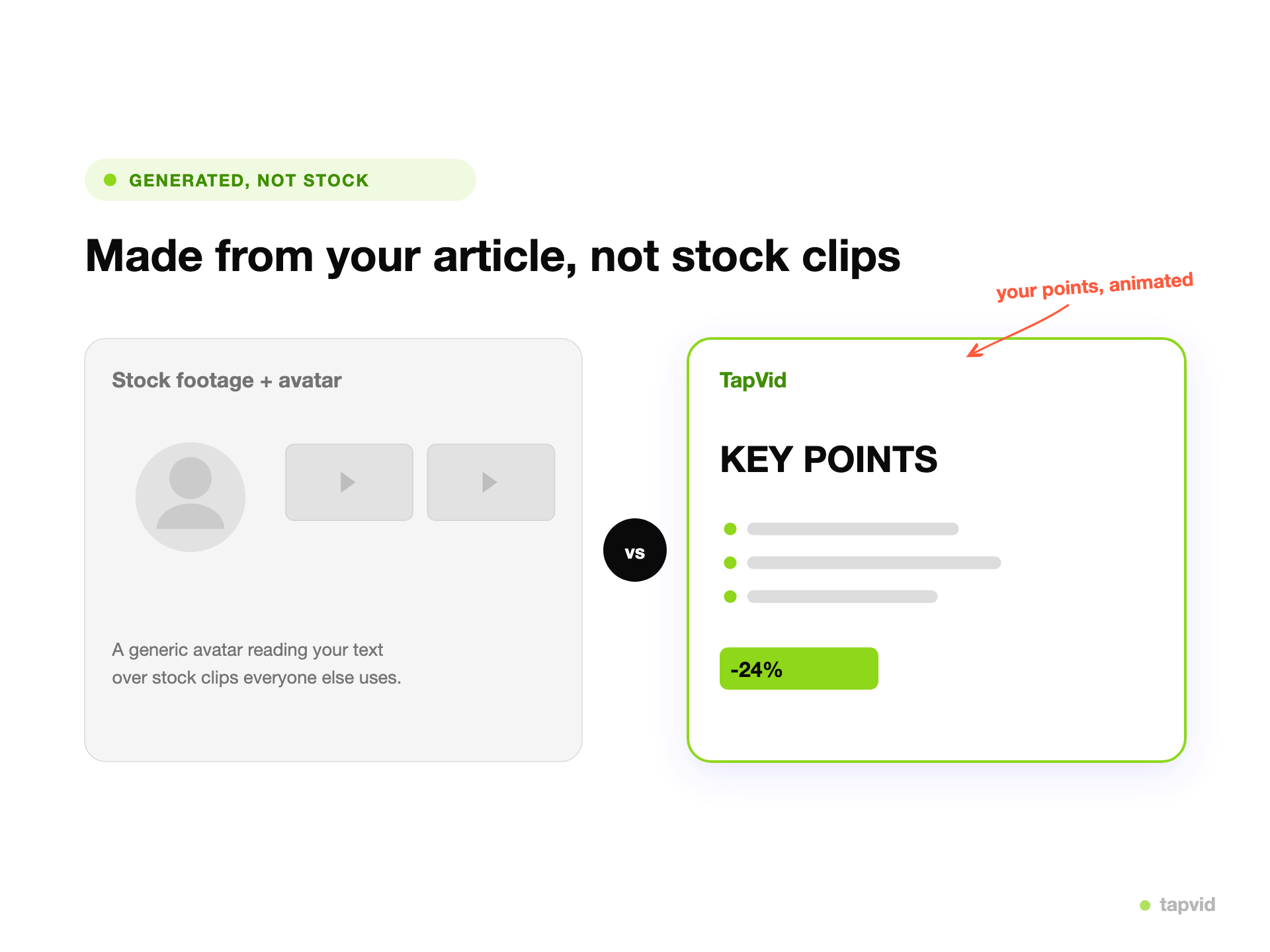
    TapVid is an Explainer Video Engine. You bring your existing document, as pasted text or a PDF, and it reads it, structures each section into a scene, animates it as motion graphics, and adds voiceover and music. The result is a polished explainer video in minutes, no rewriting and no editing.
    How TapVid works

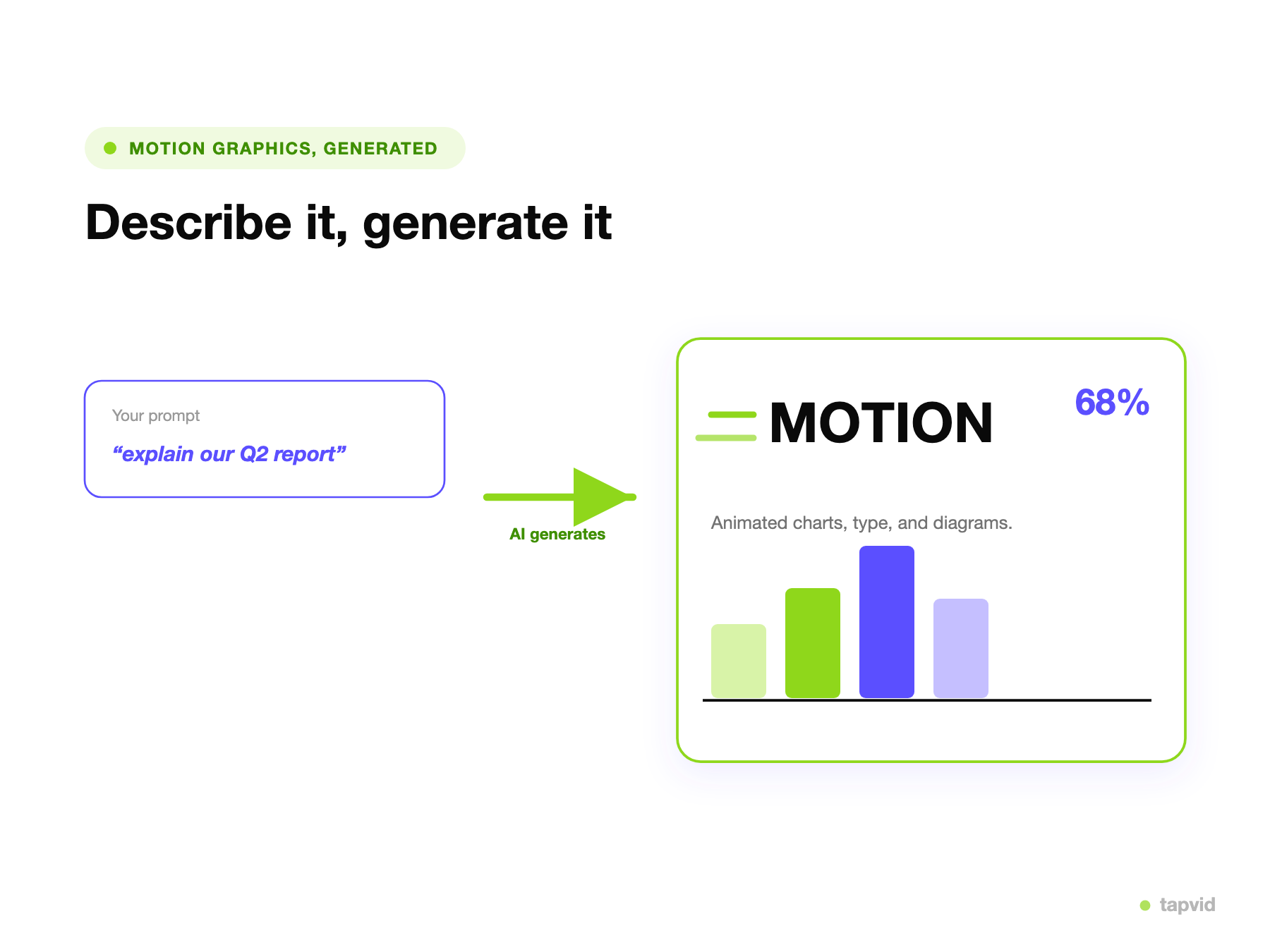
    A Word document brought into TapVid to make an explainer video

    Bring your document

    Paste your Word text or bring the doc as a PDF. TapVid reads it and plans the scenes.
    • Pasted text or PDF
    • No rewriting into a script
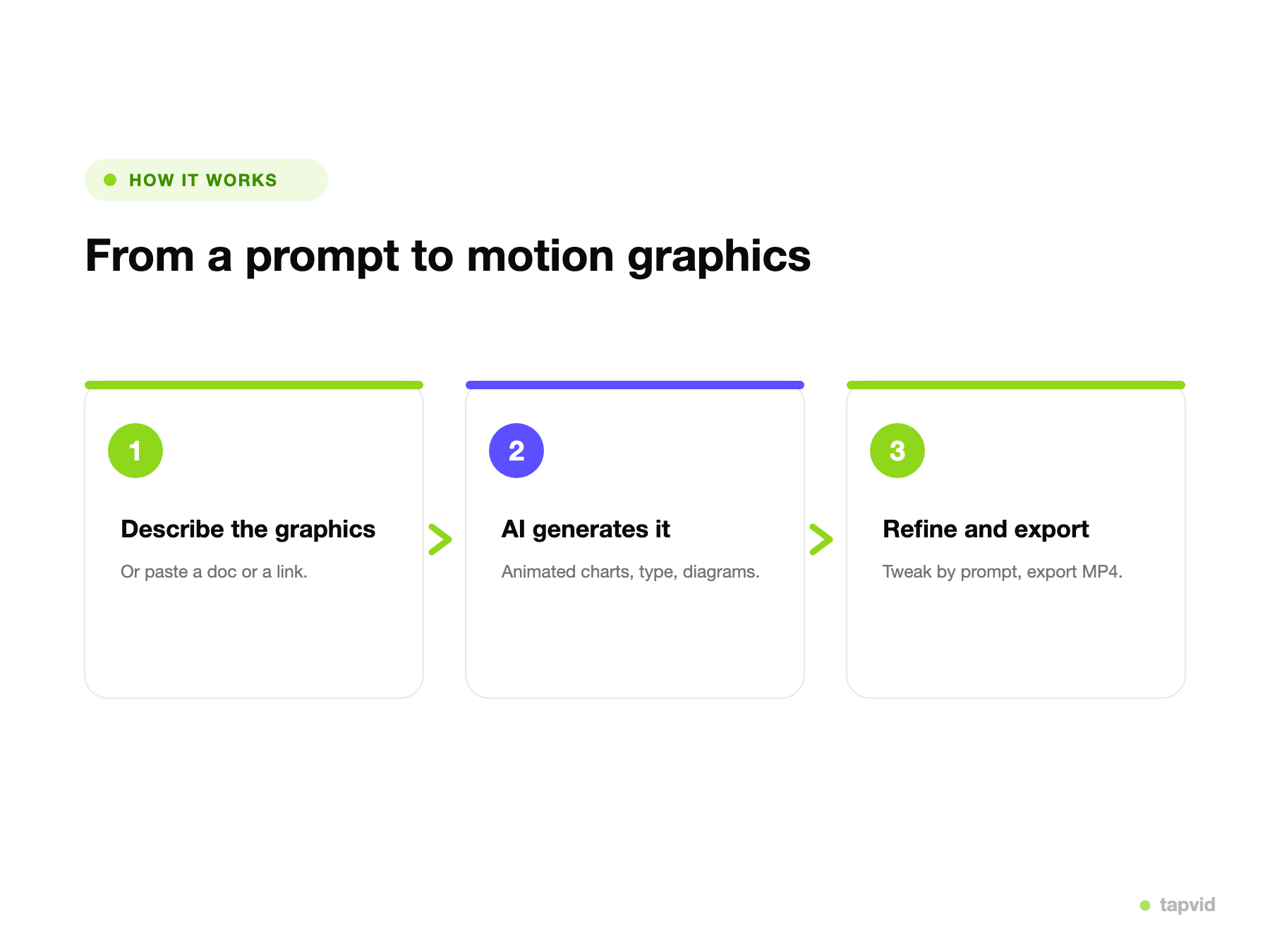
    A document structured into an animated explainer video in three steps

    TapVid builds the video

    Each section becomes an animated scene with on-screen text and motion graphics, plus voiceover and music.
    • Animated scenes, not a wall of text
    • Voiceover and music included
    Refining a document-to-video explainer by prompt and exporting an MP4

    Refine and export

    Adjust anything by describing the change in plain language, then export an MP4 ready to share.

    • Edit by prompt
    • Export MP4

    How it works

    1

    Bring your document

    Paste your Word text or bring the doc as a PDF. No rewriting needed.

    2

    TapVid builds the video

    It structures each section into a scene and animates it, with voiceover and music.

    3

    Refine and export

    Adjust by describing changes in plain language, then export an MP4, watermark-free on paid plans.

    What you can create from a document

    One Word document can become many kinds of video. A few common ones:

    Report summaries

    Turn a long report into a short video that gives the findings people actually need.

    How-to guides

    Turn a written guide into a step-by-step video that is easier to follow than text.

    Onboarding videos

    Turn an onboarding doc into a video new hires or customers can watch on day one.

    Policy explainers

    Turn a policy or process doc into a clear video so teams actually understand it.

    Article videos

    Turn a blog post or article into a video for social or a landing page.

    Case studies

    Turn a written case study into a video that a prospect will watch to the end.

    Why teams use TapVid for document to video

    Watched, not skimmed

    TapVid turns a document into an animated video, so the content gets watched instead of buried in a file nobody opens.

    No rewriting into a script

    TapVid reads your document and structures the script for you, so you do not adapt the text by hand.

    Voiceover without recording

    TapVid narrates the doc for you, so you do not need to record yourself or hire a voice actor.

    No editing skills required

    You do not touch a timeline. Describe what you want and refine it in plain language.

    Structured from your content

    TapVid keeps the structure of your document and turns each section into a clear, self-contained scene.

    Ship-ready output

    Export a clean MP4 with narration and captions. Watermark-free on paid plans, at 1080p, sized for any channel.

    Built for Product, Marketing, and L&D teams

    Product & SaaS

    Turn release notes, a PRD, or a help doc into an explainer or demo people will watch.

    Marketing

    Turn articles, case studies, and one-pagers into videos for social and landing pages.

    L&D & operations

    Turn training, policy, and onboarding docs into videos your team can watch anytime.

    Frequently Asked Questions

    Yes. Paste your Word text or bring the doc as a PDF, and TapVid reads it, structures each section into a scene, animates it, and adds voiceover and music. The result is a polished explainer video, not a document on screen.
    No. TapVid reads your document and writes the script for you, keeping the structure. You can adjust anything by describing the change in plain language.
    Yes. TapVid generates a voiceover from your document, so you do not have to record yourself. You can tweak the script and pacing by prompt.
    You can paste your Word text directly, or bring the document as a PDF, which most people can export from Word in one click. TapVid works from either.
    You can start for free with no credit card. Free exports are 720p with a watermark and clips up to 1 minute; paid plans are watermark-free with 1080p exports. See all plans on our pricing page.
    Report summaries, how-to guides, onboarding videos, policy explainers, article videos, and case studies are all common. Any document meant to explain something can become an explainer video.

    Related guides

    • See all plans and pricing→
    • PDF to Video→
    • Article to Video→
    • AI Explainer Video Generator→
    • Document to Video: A Practical Guide→

    Simple, credit-based pricing

    3 credits = 1 second, so you only pay for what actually renders. Start free, upgrade anytime.

    Most Popular

    Pro

    $49/mo

    2,000 credits / mo

    Max

    $99/mo

    6,000 credits / mo

    Ultra

    $199/mo

    14,000 credits / mo

    See full plans & pricing →

    Need help making a better video?

    Follow tutorials, study good cases, or ask TapVid support.

    Join Discord→

    Ready to create your first video?

    Join thousands of product teams using AI to create professional videos in minutes.

    Your first video in under 5 minutes →Book a demo →
    Tapvid

    TapVid turns the materials your business already has into an accurate video that explains the job clearly and is ready to publish.

    TikTokInstagramXDiscordYouTube

    TapVid

    Features

    AI Explainer Video GeneratorAI Motion Graphics GeneratorAI Product Demo Video GeneratorProduct Demo Video MakerExplainer Video TemplatesVideo Production Plan TemplateVideo Creative Brief TemplateCorporate Video TemplateVideo Sales Letter TemplateVideo Production Proposal TemplatePromo Video TemplateVideo Production TemplateAI Product Video GeneratorAI B-Roll GeneratorTalking Head EditingClone VideoPrompt to VideoText to Video AIText to Motion GraphicsAnimated Video MakerAnimated Explainer Video MakerKinetic Typography GeneratorAnimated Chart MakerAnimated Collage MakerFree AI Video Generator

    Convert to Video

    Screenshot to VideoImage to VideoAssets to VideoAudio to VideoVideo to Video AIPDF to VideoPPT to VideoArticle to VideoBlog to VideoURL to VideoScript to VideoGoogle Slides to VideoWord to VideoSOP to Video

    Use Cases

    AI Study Video MakerSaaS Explainer VideoAI Video AutomationSaaS Video ProductionIndustrial Video ProductionProduct Launch Video MakerAI Ad Video GeneratorDocumentary Video MakerAnimated Social Media Video MakerInfographic Video MakerPodcast to VideoWhiteboard Animation MakerWhiteboard Explainer VideoEcommerce Video AdsStartup Explainer VideoCase Study VideoEducational VideoTutorial VideoCustomer OnboardingHelp Center VideoAPI Docs Video

    Solutions

    Explainer VideoProduct Demo VideoMeeting Recap VideoWebinar ClipsMarketing VideoFeature AnnouncementCompetitive ComparisonNewsletter VideoLanding Page VideoInvestor Pitch Video

    Featured Guides

    Video Prompt LibraryGemini Omni 1.1 Flash Prompt LibraryMiniMax H3 Prompt LibraryBest Faceless YouTube NichesCollage Animation Guide

    Company

    All FeaturesAboutBlogPricingGet in Touch

    © 2026 TapVid. All rights reserved.

    Privacy
    Terms of Service