Choose TapVid
Choose TapVid when viewers need to follow the product asset, diagram or process itself. Use the brief and shot script to check exact statements and their matching visuals before approving the video.
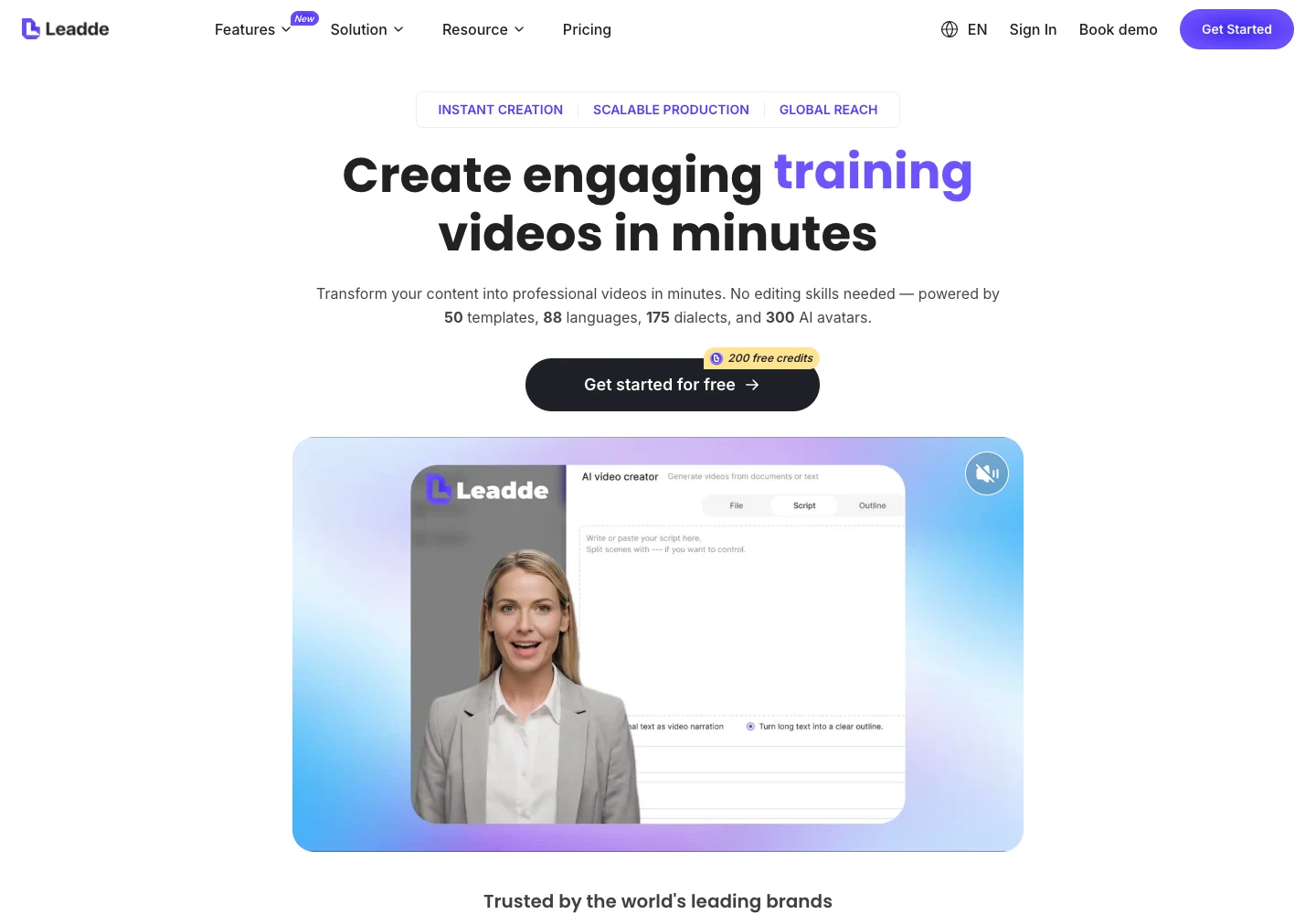
TapVid centers an explainer on your real assets and approved words. Leadde also turns documents into structured video, with digital presenters and multilingual delivery. Document input is shared; compare how the explanation is reviewed and whether a presenter helps the viewer.
Videos true to your assets. In minutes.
I'd like to add motion graphics and short explanations next to my presenter video about how we spend our 80 years, to help viewers grasp the key numbers.
The useful difference is what your team needs to explain, review, and deliver.
| Your decision |  | Leadde |
|---|---|---|
| Primary job | Explain your product using its real assets and approved words. | Document-based business videos, training and multilingual delivery. |
| Starting material | Product screenshots, documents, images, and your written brief. | Existing documents and written business content. |
| What to review | The brief, outline, and scene script before rendering; then the video and any revised shots. | Review scene structure, presenter delivery and localized wording. |
| A good fit | Product explanations where the right words must stay connected to the right assets. | Training or onboarding teams need repeatable presenter-led versions. |
Based on our published article and the sources linked below. Compare workflows, then validate them with your own brief.
For onboarding, start with the approved procedure and the exact actions a new teammate needs to take. Keep the lesson anchored to that task rather than the full handbook.
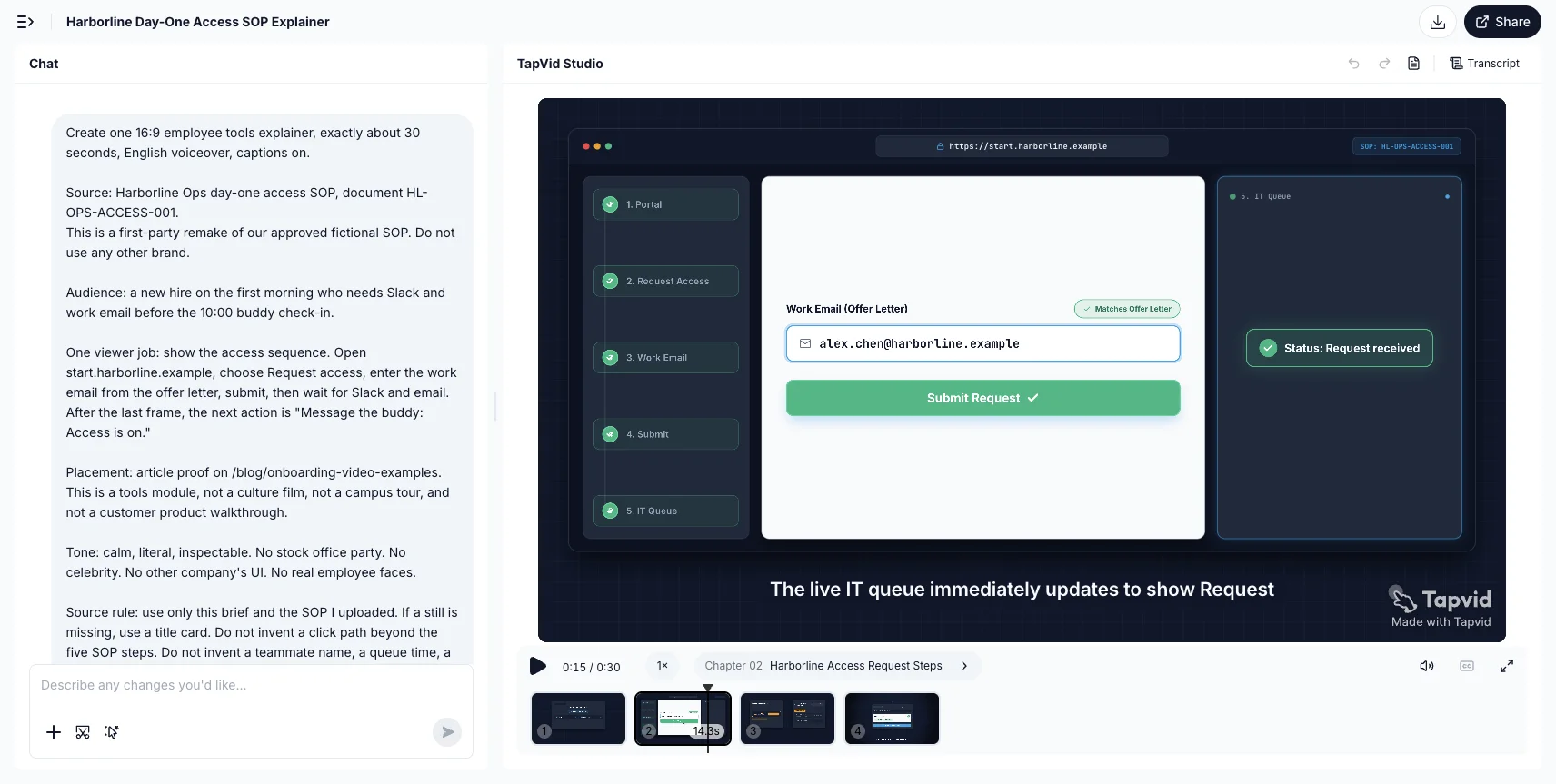
When the learner needs to act, show the sequence they should follow. The Harborline demo illustrates an access request, work-email entry and the resulting queue status.
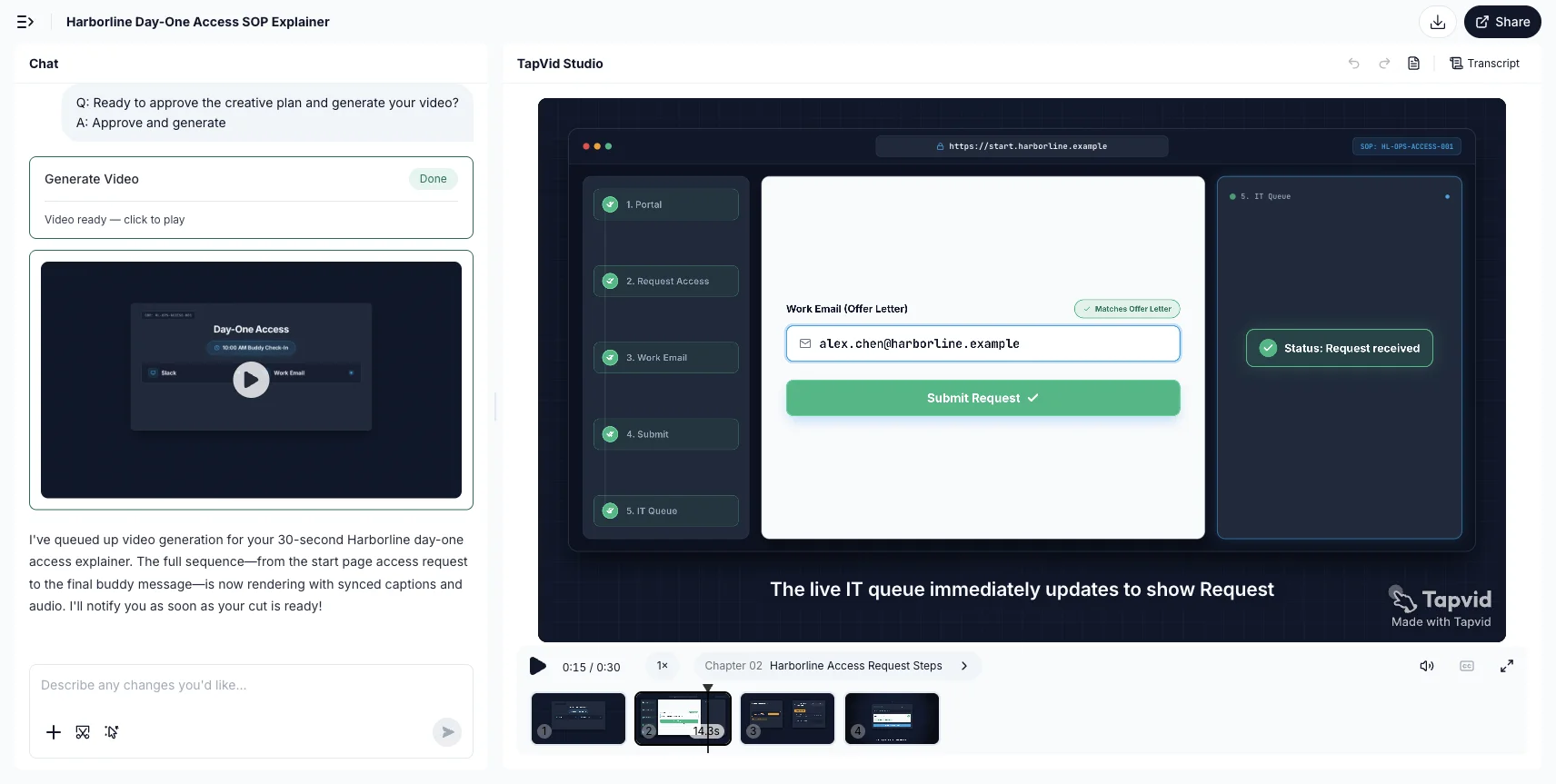
Review the intended audience, message and sequence in the brief. Settle the underlying explanation before adapting its delivery for another team or audience.
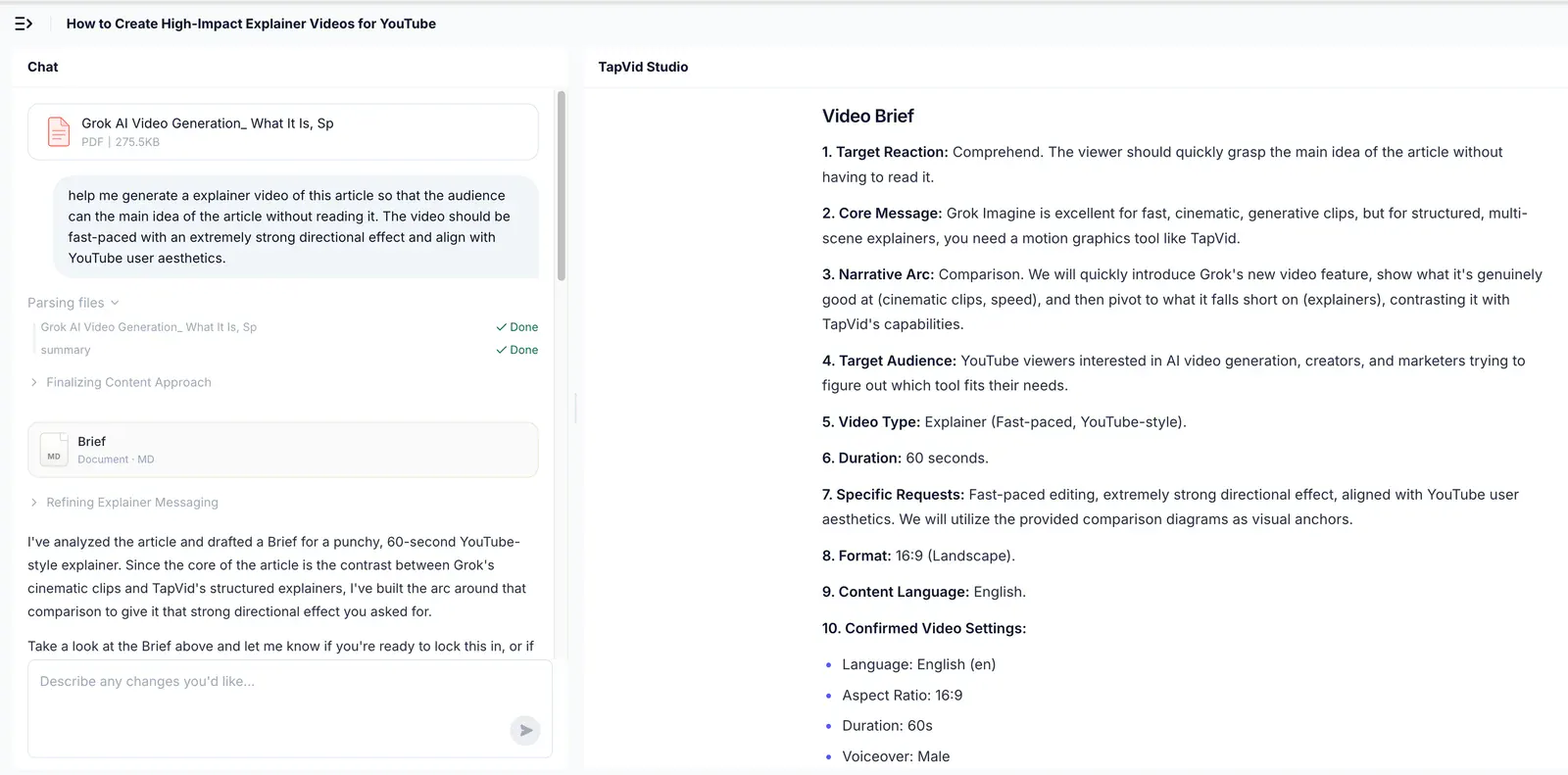
Choose TapVid when viewers need to follow the product asset, diagram or process itself. Use the brief and shot script to check exact statements and their matching visuals before approving the video.
Choose Leadde when a consistent digital presenter and localized business lessons fit the assignment. Its stated workflow also structures documents into scenes, so do not treat document understanding or scene planning as unique to TapVid.
Research published by TapVid. Read the sample, method and limitations before applying a result to your own videos.
Published September 7, 2026: 25 scenes, 7 systems and 6,760 blind ratings. Information-dense results describe a task subset, not every video or an independent product certification.
Read methods and limitationsMay 6–August 31, 2026: 6,464 matched registered users in TapVid telemetry. Milestone counts do not measure creative quality or represent an industry average; eligibility rules changed during the window.
Read methods and limitationsYes. Its official product description includes document-to-scene structuring, narration and localization. Evaluate the output format, handling of your exact source material and who can approve corrections; accepting a document does not establish a quality advantage for either tool.
Choose TapVid when viewers need to follow the product asset, diagram or process itself. Use the brief and shot script to check exact statements and their matching visuals before approving the video.
Choose Leadde when a consistent digital presenter and localized business lessons fit the assignment. Its stated workflow also structures documents into scenes, so do not treat document understanding or scene planning as unique to TapVid.
No Leadde generation or same-input test was performed for this page. The linked TapVid article supplies an onboarding decision framework; Leadde capabilities are vendor-described. Current commercial terms must be checked with the provider.
No. Review the planned words and assets before rendering, and check the final video. TapVid is designed to preserve your supplied content and let you revise individual shots; that does not remove the need for approval.
Use the linked article below for the archived evidence and the official product websites for current pricing and plan limits. Historical trials and render times are not promises about a current subscription.
Compare TapVid with other video tools in our published guides.
Written by TapVid. Published evidence and product scope reviewed 2026-09-16. Screenshots are historical records, not a claim that today’s interface is unchanged. Leadde capability descriptions are based on its official pages. The linked onboarding article is editorial context, not a Leadde product test. No new head-to-head generation was performed.
Product examples illustrate TapVid workflows; they are not matched-input competitor tests.
Our onboarding examples guide cites Leadde when discussing the difference between recruitment content and employee onboarding. That is editorial source analysis, not a test of Leadde generation. Leadde’s current official pages describe document structuring, avatar delivery and multilingual video; compare a real lesson and its review process before choosing.
No Leadde generation or same-input test was performed for this page. The linked TapVid article supplies an onboarding decision framework; Leadde capabilities are vendor-described. Current commercial terms must be checked with the provider.
Leadde official website, captured September 16, 2026. Vendor positioning, not a logged-in test or generated output.What you see is your product: nothing redrawn, nothing rewritten.