Solutions · Content agencies & MCN
More client videos, fewer revision rounds
Produce motion graphics videos for many clients, change only the shot they asked about, and keep every series on brand.

Used by people at




The problem
Volume and revisions eat the margin
Every client wants more
More channels, more formats, more episodes. The team grows slower than the content calendar.
One note, one more full pass
A client changes a line or a logo, and the whole cut goes back through editing and review.
Series drift off brand
Each episode is built by a different person, and fonts, colors and pacing slowly stop matching.
Why TapVid for agencies
A production line you can deliver on

Accurate
Client assets stay exact
Logos, product shots and approved copy go on screen as supplied, so you don't re-check every frame.
 Client material, as delivered

Editable
Fix the shot, not the cut
Edit any shot or element by prompt, keep everything else, and roll back to any saved version.
Every change is a version
Consistent
Series that stay on brand
Set up a Brand Kit per client and reuse a structure with Remix, so episode ten matches episode one.
One Brand Kit per client
How it works
From client brief to delivery in three steps
Step 1
Brief
Add the client's assets, script or reference video, and pick their Brand Kit.
Step 2
Review
Share the outline and storyboard for sign-off before anything renders.
Step 3
Deliver
Export MP4s or send a review link. Handle notes shot by shot.
Made with TapVid
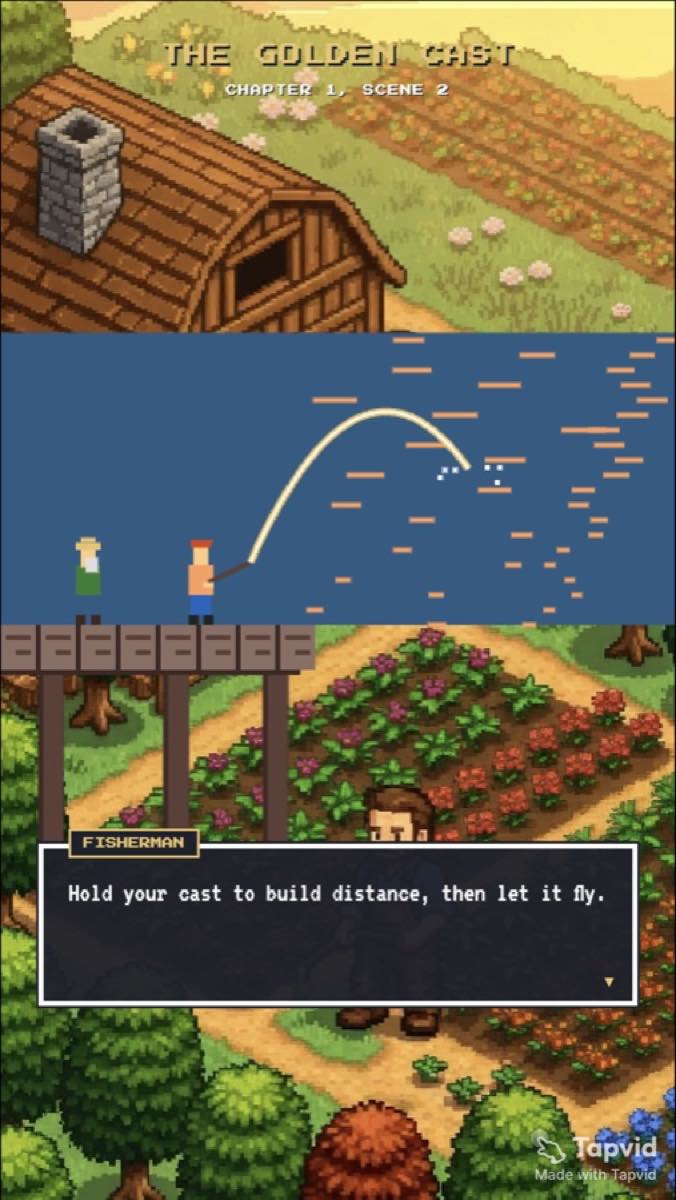
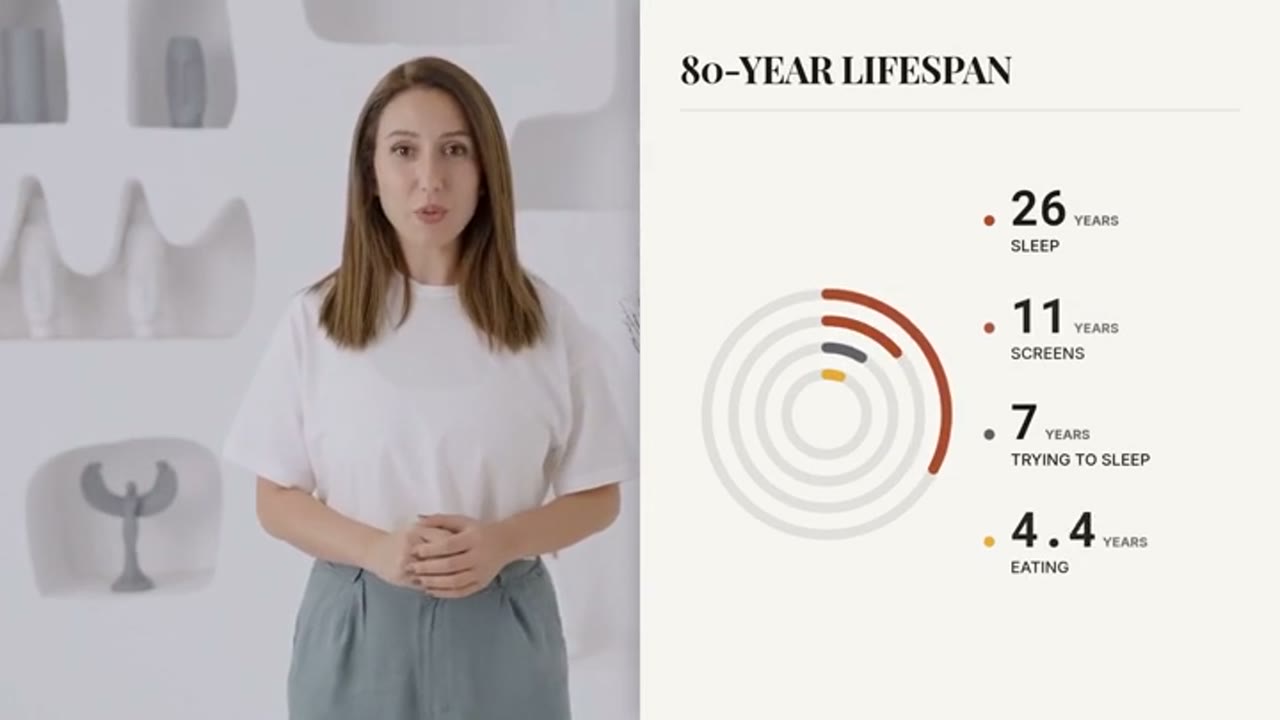
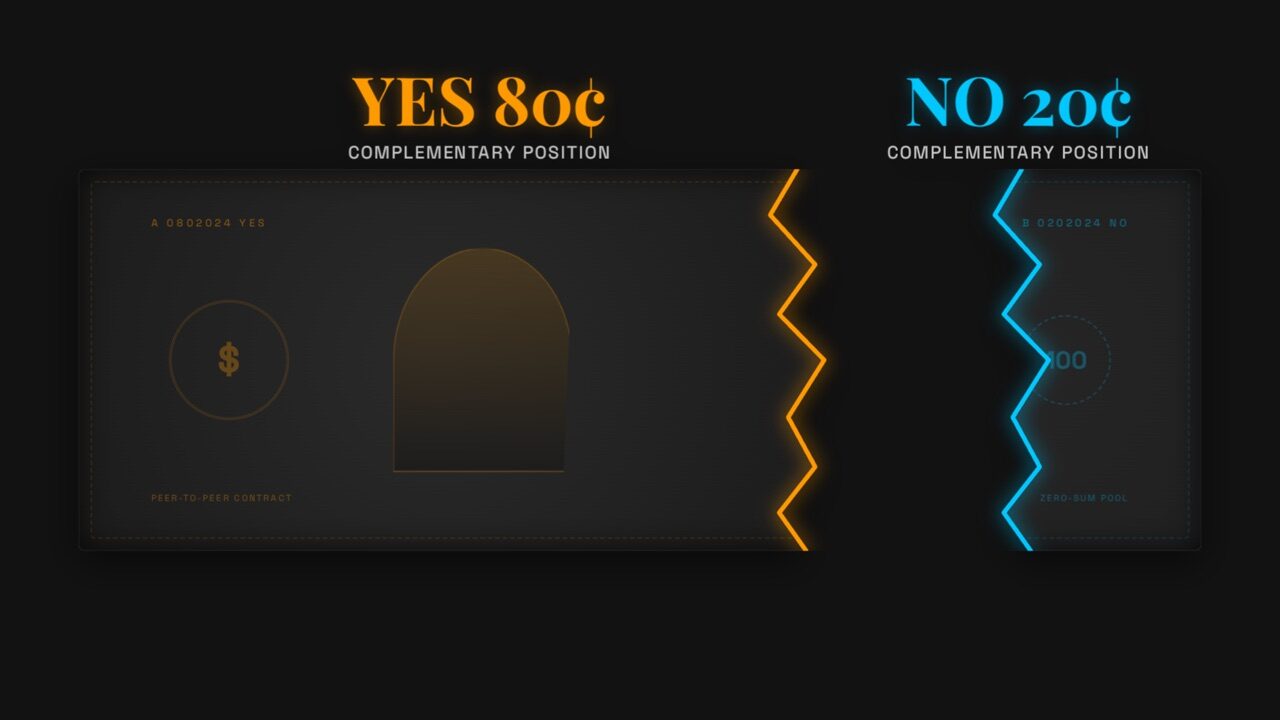
Made from a brief, in very different styles
Built for production teams
The capabilities agencies reach for
- Brand Kit per client
- Clone a reference
- Precise editing
- Version history
- AI voiceover
- REST API & MCP

More output per editor
First cuts in minutes, so the team spends time on craft and client notes.

Shorter revision loops
Change one shot and keep the rest, instead of re-rendering the whole cut.

Repeatable series
Reuse a structure that works and swap in new content for each episode.
Your clients' material, handled with care
Client assets go on screen as supplied, and approved copy stays verbatim. Failed renders aren't charged, and data use follows your Terms.
 Assets applied as-is
- Wording stays verbatim
- Failed renders not charged
- No training on your data
FAQ
Agency questions
Yes. Create a Brand Kit for each client with their colors, logo, fonts and terms, and pick it when you start a video.
Edit the shot or element they flagged by prompt, right on the frame. The rest of the video stays as it was, and every change is saved as a version.
Yes. Clone a reference video to match its structure and pace, then swap in the client's content.
Yes. Reuse a structure with Remix, and batch episodes through the REST API and MCP.
Ownership and use of your content follow our Terms and your contract. We don't train on your data.
Have another question? Get in touch →

Bring your next client brief. See the first cut in minutes.
Change the shot they asked about and keep the rest.

Check the plan before it renders

One video or a whole batch

Failed renders aren't charged