Solutions · E-commerce & cross-border
A video for every SKU, true to every listing
Turn your product photos and listing copy into detail-page and ad videos, across your whole catalog.

Used by people at





The problem
The old way doesn't scale to a catalog
Too many SKUs
Dozens of new products, and each one needs a video for the detail page and the ads. Briefing an agency for every SKU is slow and costly.
The product has to look right
Shoppers compare the video with the listing. A softened logo, a shifted colorway or a wrong spec costs trust and invites returns.
Every drop starts over
New arrivals, restocks and price changes mean the videos go out of date, and redoing them from scratch takes the same effort again.
Why TapVid for e-commerce
Product video that stays true, at any volume

Accurate
Your photo is the product
With Assets to Video, your product image goes on screen as uploaded. Model numbers, specs and prices stay word for word.
 Nothing repainted, nothing reworded

Editable
Check every SKU first
Review the script and storyboard before anything renders, so each SKU is right. Want a change later? Edit any shot.
Confirm before, edit after
Consistent
One catalog, one workflow
One set of assets becomes a video per SKU and per market, batched through the REST API and MCP.
Built for catalog volume
How it works
From catalog to videos in three steps
Step 1
Upload
Add product photos and listing copy for one SKU or a whole sheet. A short prompt works too.
Step 2
Confirm
Review the script and shots for each SKU and adjust the copy right there.
Step 3
Render
Get one video, or batch the whole catalog through the API and pull the files back.
Made with TapVid
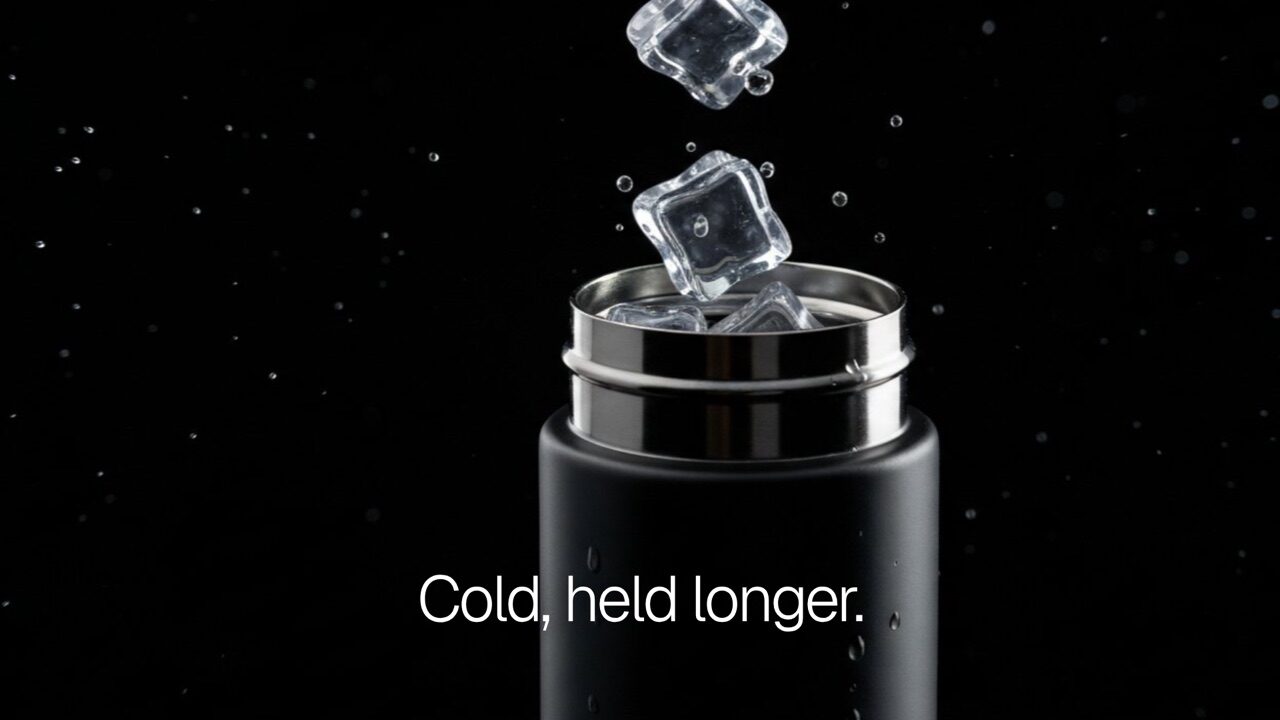
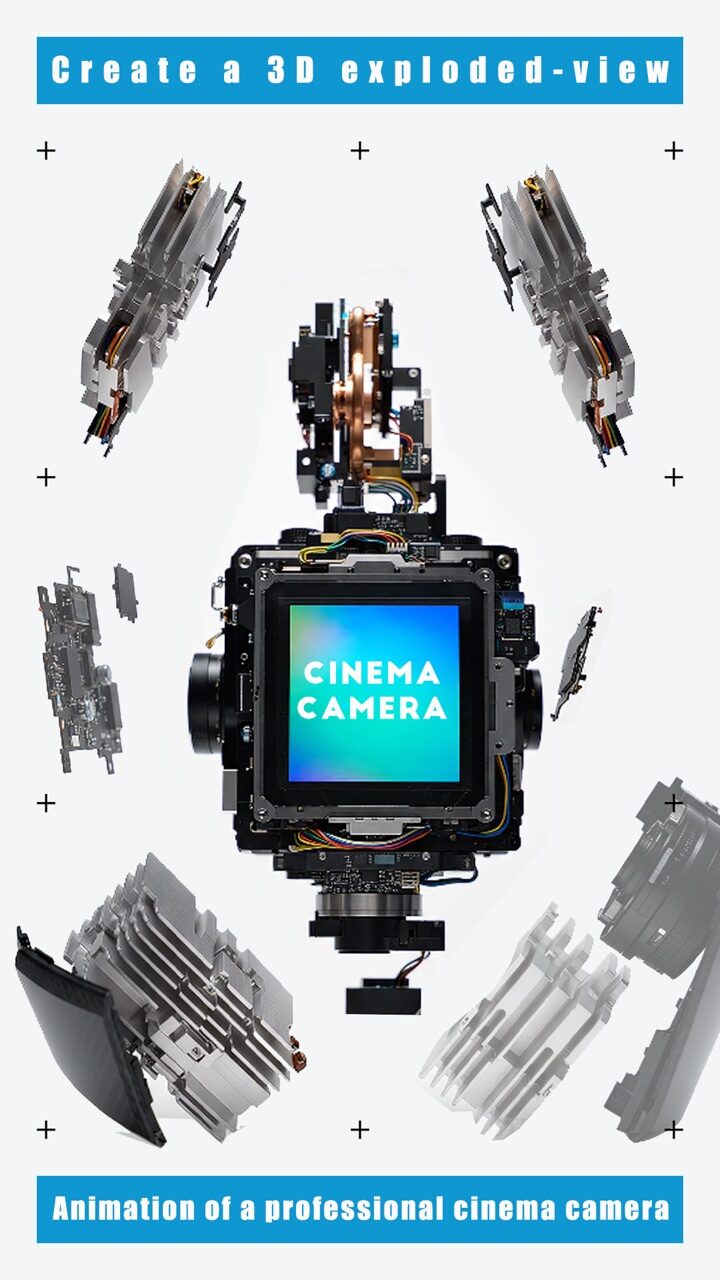
Made from a product photo and a short brief

Built for catalogs
The capabilities sellers reach for
- Assets to Video
- Batch generation
- REST API & MCP
- Multilingual voiceover
- Remix on restock
- Export & share

Minutes, not weeks
A first cut per SKU in minutes, with no agency queue.

One set of assets, many markets
Make each language version from the same photos and copy.

Fits your workflow
Send products in and pull videos out through the API and MCP.
Your product, exactly as listed
Product images go on screen as uploaded, and specs and prices stay verbatim. Failed renders aren't charged, and data use follows your Terms.
 Assets applied as-is
- Wording stays verbatim
- Failed renders not charged
- No training on your data
FAQ
E-commerce questions
No. With Assets to Video, your photo goes on screen as you upload it. Model numbers, specs and prices stay word for word.
Yes. Start with one SKU in the editor, then batch the rest through the REST API or MCP using the same workflow.
Through the REST API and MCP you can send product data in and pull finished videos back. There is no plug-in for a specific store platform yet.
Yes. Generate the voiceover and on-screen text in other languages from the same assets, so every market gets the same product facts.
A product photo and your listing copy is enough. Add a logo, more angles or a spec sheet if you have them. A short prompt also works.
Have another question? Get in touch →

Give it one product photo and your listing copy. See the video in minutes.
What you see is your product: nothing redrawn, nothing rewritten.

Check the plan before it renders

One video or a whole batch

Failed renders aren't charged