Choose TapVid
Choose TapVid when the product explanation and approved claims are already defined. Review the planned shots against your assets and wording, then deliver a version that a product or brand owner can inspect.
TapVid focuses on presenting your product assets and approved copy in a clear explainer. Creatify focuses on ad creation, including URL-to-video, avatars and creative variants. Start with whether the deliverable needs to explain a fixed message or explore several advertising treatments.
Videos true to your assets. In minutes.
I'd like to add motion graphics and short explanations next to my presenter video about how we spend our 80 years, to help viewers grasp the key numbers.
The useful difference is what your team needs to explain, review, and deliver.
| Your decision |  | Creatify |
|---|---|---|
| Primary job | Explain your product using its real assets and approved words. | Ad creation with URL-to-video, avatar and creative-variation workflows. |
| Starting material | Product screenshots, documents, images, and your written brief. | A product link, creative brief or campaign material. |
| What to review | The brief, outline, and scene script before rendering; then the video and any revised shots. | Review hooks, product claims, visual treatment and each ad variant. |
| A good fit | Product explanations where the right words must stay connected to the right assets. | A performance-marketing team needs several creative directions to evaluate. |
Based on our published article and the sources linked below. Compare workflows, then validate them with your own brief.
Use the approved product images and a written brief to define the deliverable. TapVid gives your reviewer a concrete source pack to check before judging the creative treatment.
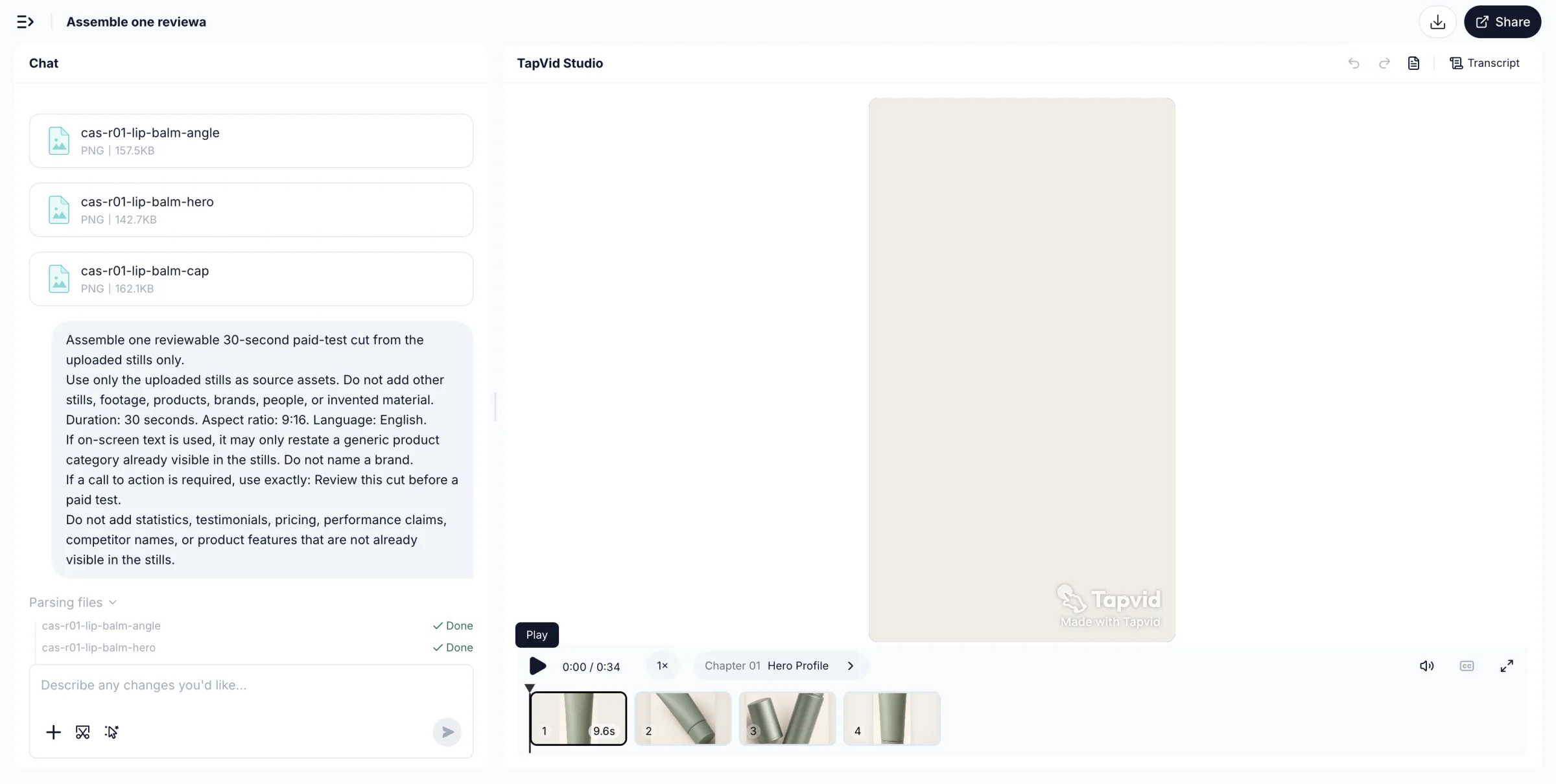
Look at the product image and on-screen words together. Check every adjective and claim against the approved brief before a cut enters a campaign; an attractive render is not approval.
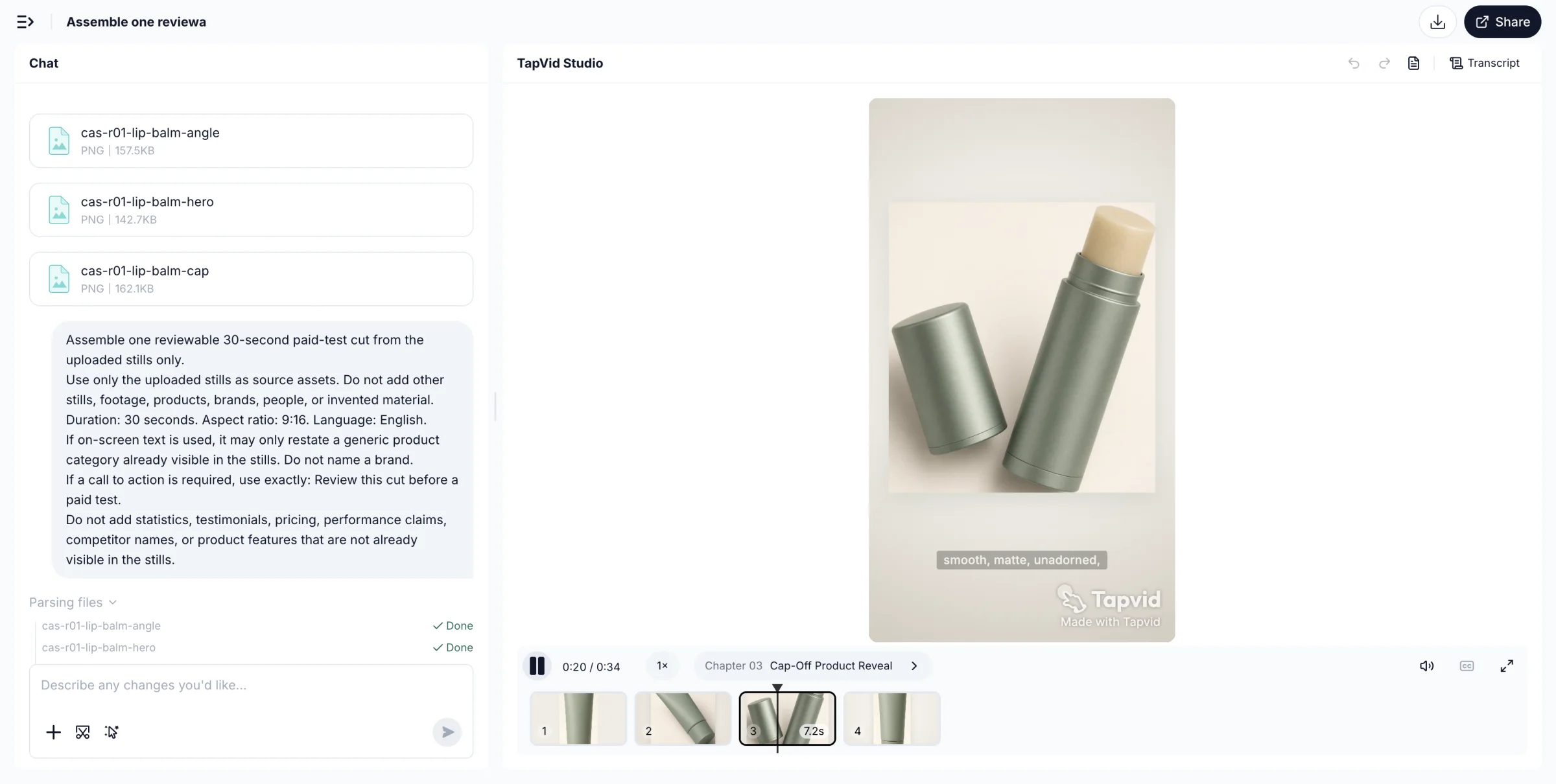
A changed headline does not have to become a new creative direction. Revise the relevant shot, compare versions and keep the rest of the explanation available for review.
Choose TapVid when the product explanation and approved claims are already defined. Review the planned shots against your assets and wording, then deliver a version that a product or brand owner can inspect.
Choose Creatify when developing ad treatments and variations is the central job. Its official product includes both UGC-style and cinematic options, so it should not be reduced to a talking-avatar tool. Keep product-claim review separate from testing a new hook.
Research published by TapVid. Read the sample, method and limitations before applying a result to your own videos.
Published September 7, 2026: 25 scenes, 7 systems and 6,760 blind ratings. Information-dense results describe a task subset, not every video or an independent product certification.
Read methods and limitationsMay 6–August 31, 2026: 6,464 matched registered users in TapVid telemetry. Milestone counts do not measure creative quality or represent an industry average; eligibility rules changed during the window.
Read methods and limitationsNo. A variation workflow increases the number of treatments you can evaluate; it does not prove conversions will improve. Review the factual claims in every variant and evaluate performance using your own campaign setup.
Choose TapVid when the product explanation and approved claims are already defined. Review the planned shots against your assets and wording, then deliver a version that a product or brand owner can inspect.
Choose Creatify when developing ad treatments and variations is the central job. Its official product includes both UGC-style and cinematic options, so it should not be reduced to a talking-avatar tool. Keep product-claim review separate from testing a new hook.
No Creatify generation, advertising experiment or same-input test was performed. The linked TapVid guide is a workflow framework, not a hands-on Creatify review. No conversion, production-speed or cost advantage is claimed.
No. Review the planned words and assets before rendering, and check the final video. TapVid is designed to preserve your supplied content and let you revise individual shots; that does not remove the need for approval.
Use the linked article below for the archived evidence and the official product websites for current pricing and plan limits. Historical trials and render times are not promises about a current subscription.
Compare TapVid with other video tools in our published guides.
Written by TapVid. Published evidence and product scope reviewed 2026-09-16. Screenshots are historical records, not a claim that today’s interface is unchanged. Creatify feature descriptions are based on its official website. The linked TapVid article provides a workflow-selection framework, not a Creatify test. No ad-performance or head-to-head generation test was performed.
Product examples illustrate TapVid workflows; they are not matched-input competitor tests.
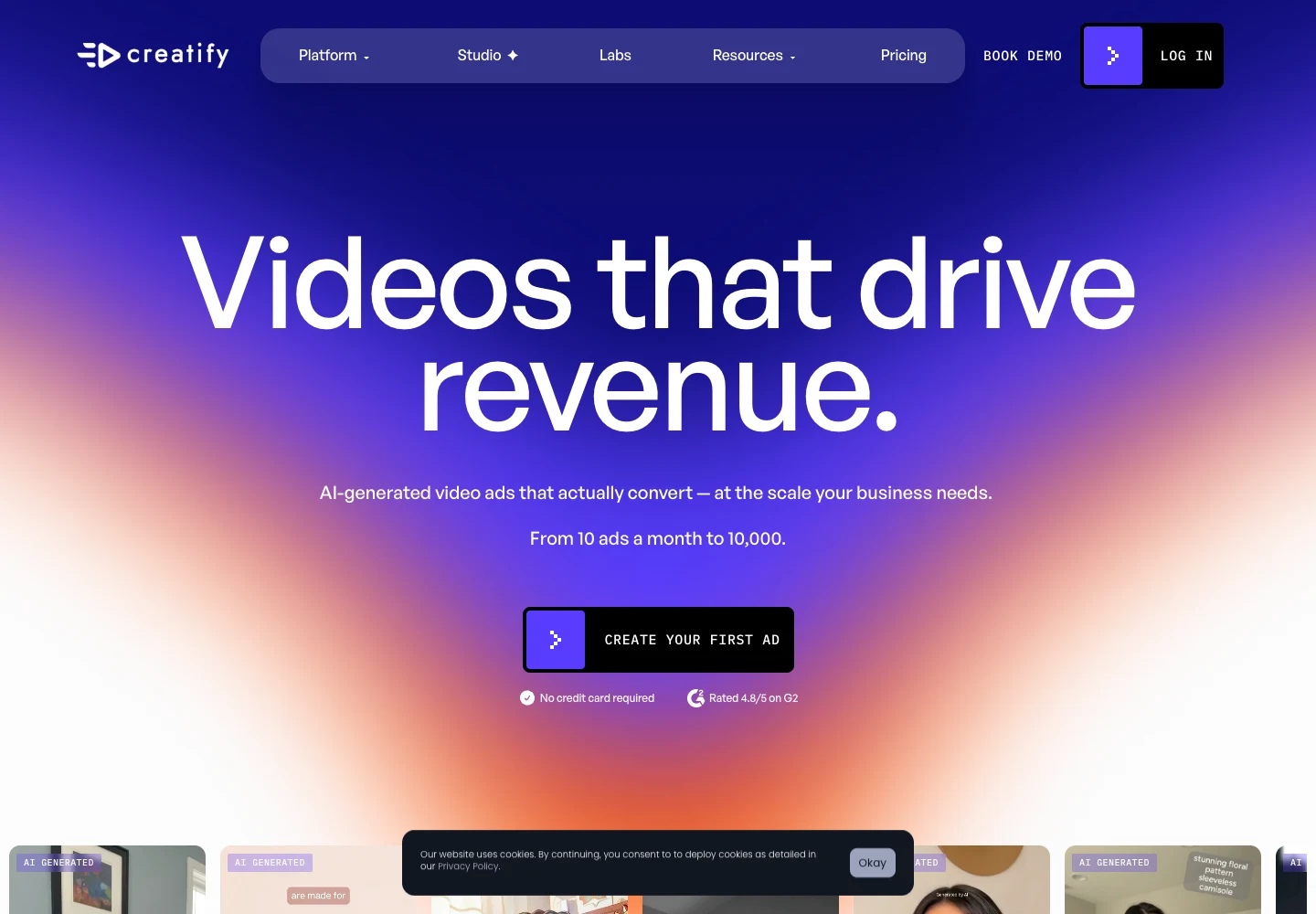
Our creative automation guide separates production tasks before comparing software. Applied here, that means distinguishing an approved product explanation from testing alternative ad treatments. Creatify’s official site describes URL-to-video and batch variants; we did not run a Creatify generation for this comparison.
No Creatify generation, advertising experiment or same-input test was performed. The linked TapVid guide is a workflow framework, not a hands-on Creatify review. No conversion, production-speed or cost advantage is claimed.
Creatify official website, captured September 16, 2026. A vendor feature overview, not evidence of measured ad performance.What you see is your product: nothing redrawn, nothing rewritten.