TapVid
    API & MCPPricingBlogAbout

    Animated Explainer Video Maker

    Turn your script, article, PDF, or brief into a structured animated explainer video without building scenes on a timeline.

    Examples

    Animated videos made with TapVid

    Real output generated from prompts, across styles.

    The workflow

    How it works

    01

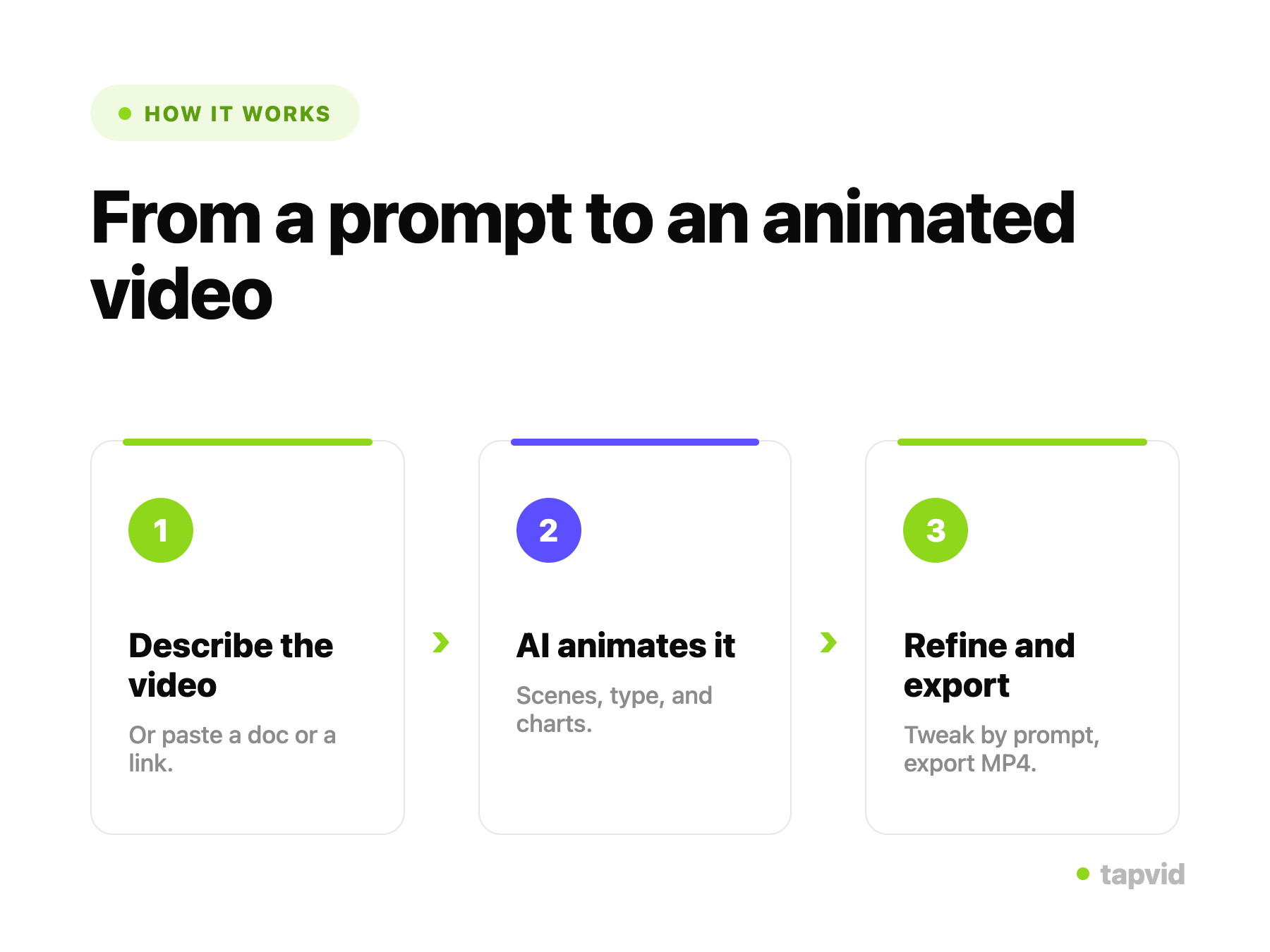
    Type a prompt

    Describe the animated video you want to make.

    02

    AI builds it

    TapVid generates the scenes, motion graphics, and narration.

    03

    Refine and export

    Adjust anything by prompt, then export an MP4 or share a link.

    Overview

    What is an animated explainer video maker?

    An animated explainer video maker turns existing content such as a script, article, PDF, or product brief into a structured sequence of scenes with motion graphics and narration.

    TapVid is an Explainer Video Engine. It helps teams visualize and structure source material without assembling templates, keyframing motion, or building scenes on a timeline.

    After the first draft, you can revise wording, style, or pacing in plain language and regenerate the scenes that need another pass.
    In practice

    From a prompt to a finished animation

    Typing a prompt to make an animated video in TapVid

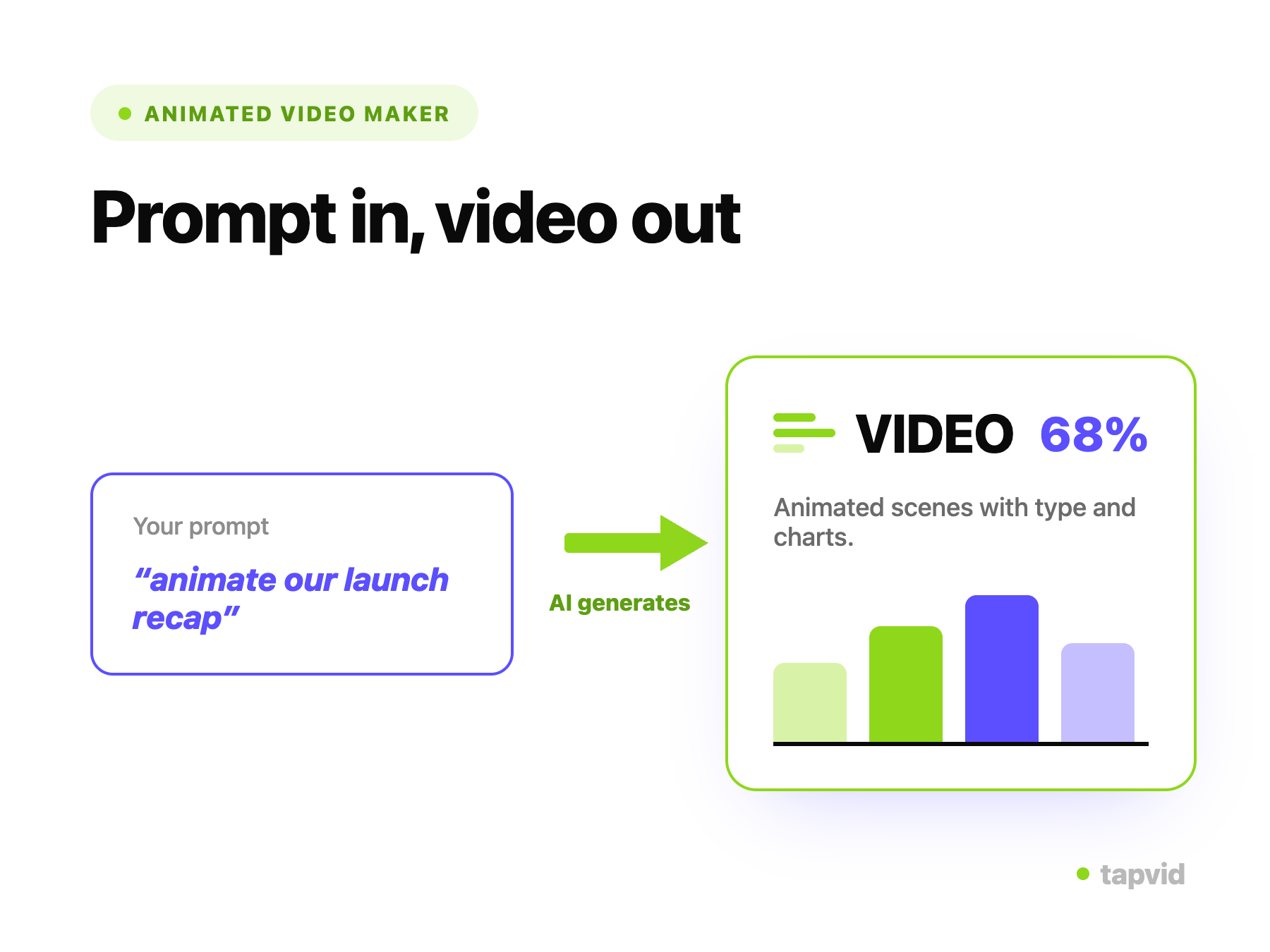
    Type a prompt

    Describe the animated video you want. TapVid reads your prompt and plans the scenes, so you do not start from a template.
    • A prompt, not a template
    • Automatic scene planning
    An AI-generated animated video with motion graphics

    AI builds the animation

    TapVid generates the animated scenes, motion graphics, and narration, built from your prompt rather than assembled from a library.
    • Animation generated for your idea
    • No timeline, no keyframing
    Refining an animated video by prompt and exporting

    Refine by prompt, then export

    Change style, pacing, or wording by describing it, and regenerate any scene. Export an MP4 or share a link when it is ready.

    • Edit with words, not a timeline
    • Export MP4 or share a link
    Why TapVid

    Why make animated videos with TapVid

    No templates to pick

    The animation is generated for your idea, not assembled from a library.

    No timeline to learn

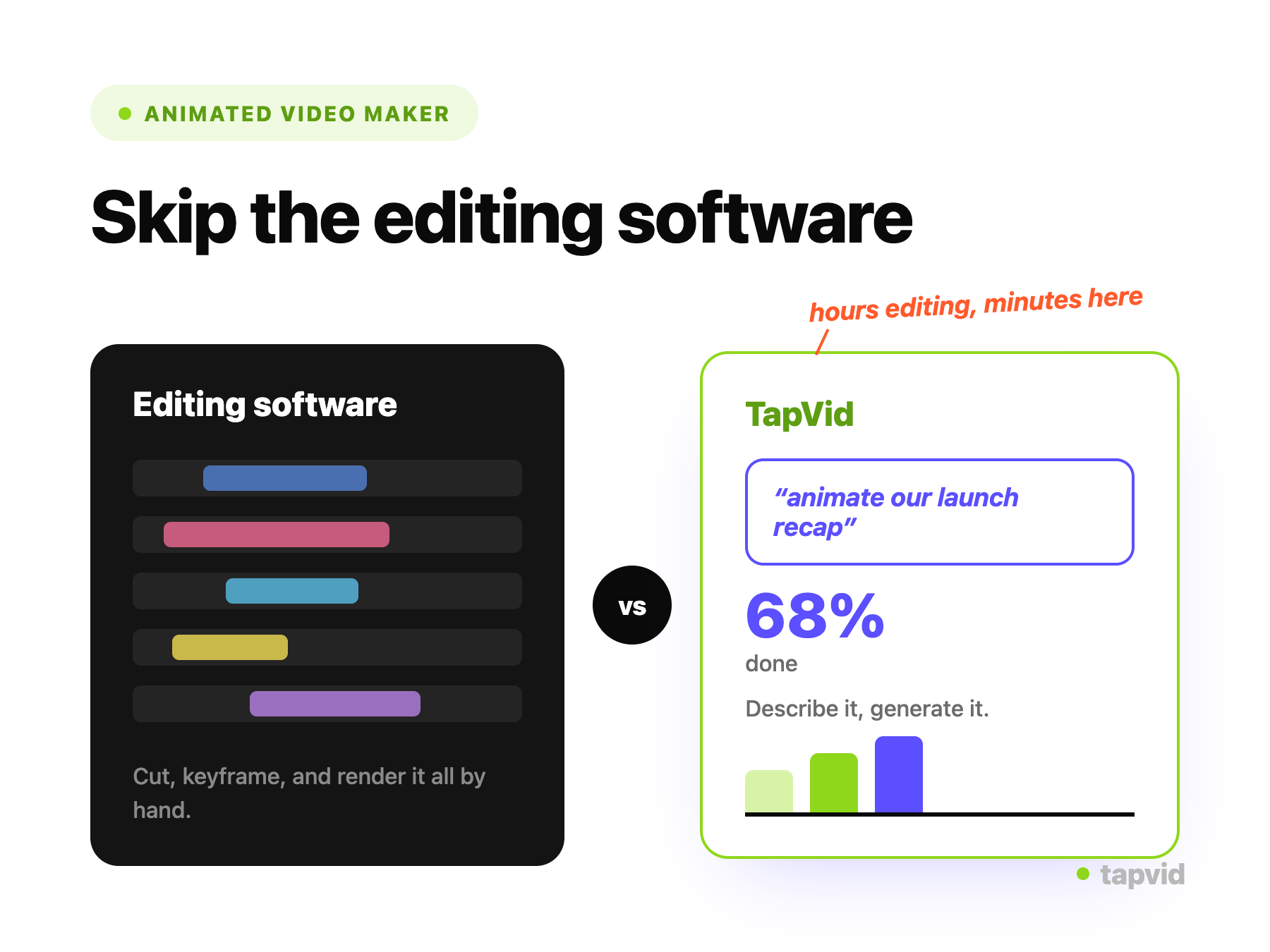
    Skip keyframes and compositing entirely; you work in prompts.

    From text to finished animation

    Type a prompt and get a watchable video in minutes.

    Editable after generating

    Change style, pacing, or wording and regenerate any scene.

    On-brand and consistent

    Reuse a style across a set of videos.

    No skills required

    A founder, marketer, or teacher can make animation without a designer.

    What you can create

    What you can make

    One maker covers the animated formats teams reach for, from a quick social clip to a full explainer.

    Explainer videos

    Turn an idea into a short animated explainer that makes it click.

    Social clips

    On-brand animated clips sized for feeds and stories.

    Ads

    Short animated ads built from a prompt.

    Educational videos

    Animated lessons that make a concept easy to follow.

    Product animations

    Show how a feature works with animated callouts and steps.

    Intros and openers

    A branded animated intro for any video.

    A closer look

    No templates. No timeline.

    Most animated video makers are template editors: you scroll a library, pick a scene, swap your text in, and nudge elements around until it looks close enough. That caps the result at what the templates allow and still takes real time. TapVid is not a template editor. You describe the video and the animation is generated for your idea, then refined in plain language. There is nothing to assemble and no timeline to learn, so the work is deciding what you want to say, not building it frame by frame.

    Use cases

    Built for Marketing, Education, and Product

    Marketing

    Animated clips and ads from a prompt, on brand and on time.

    Education

    Animated lessons and explainers without a production team.

    Product

    Animated demos of how features work, generated from a description.

    Questions & answers

    Frequently Asked Questions

    Yes. Type a prompt and TapVid generates a finished animation, structuring scenes, motion graphics, and narration for you. There is no template to pick and no timeline to edit.
    No. The AI animation generator handles scene structure, motion, and pacing. You describe what you want and refine it in plain language.
    Template makers give you pre-built scenes to assemble. TapVid generates the animation from your prompt, so the video is built around your idea instead of fitted into a template.
    You can start making animated videos for free with 300 one-time credits (valid for 7 days) and no credit card. Free exports are 720p with a watermark and clips up to 1 minute; Pro and higher are watermark-free with 1080p exports and longer clips. See all plans on our pricing page.
    TapVid focuses on 2D motion graphics: animated diagrams, typography, charts, and transitions. Check the app for the current range of styles.
    A first draft usually generates in a few minutes, and each revision takes about one to three minutes.
    Yes. Change the script, visuals, pacing, or style by describing it, and regenerate any scene. No timeline, no keyframes.
    Explainers, social clips, ads, educational videos, product animations, and intros.
    Explore more

    Related guides

    • AI Explainer Video Generator
    • AI Motion Graphics Generator
    • Text to Video AI
    • Marketing Video Maker
    • AI Ad Video Generator
    • Best AI Video Generators Compared
    • See Plans and Pricing
    Plans & credits

    Simple, credit-based pricing

    3 credits = 1 second, so you only pay for what actually renders. Start free, upgrade anytime.

    Most Popular

    Pro

    $49/mo

    2,000 credits / mo

    Max

    $99/mo

    6,000 credits / mo

    Ultra

    $199/mo

    14,000 credits / mo

    See full plans & pricing

    Ready to create your first video?

    Join thousands of product teams using AI to create professional videos in minutes.

    Your first video in under 5 minutesBook a demo
    Tapvid

    TapVid turns the materials your business already has into an accurate video that explains the job clearly and is ready to publish.

    TikTokInstagramXDiscordYouTube

    Ask AI about TapVid.

    ✦G

    TapVid

    Motion Graphics

    Kinetic Typography GeneratorAI Motion Graphics GeneratorAnimated Chart MakerAnimated Collage MakerInfographic Video MakerLogo Animation Maker

    Explainer Videos

    Video Presentation MakerAI Explainer Video GeneratorWhiteboard Animation MakerAI Study Video Maker

    Product & Ad Videos

    Product Demo VideosEcommerce Product VideosProduct Launch VideosVideo Ads

    Creative Videos

    Free AI Video GeneratorDocumentary Video MakerAnimated Social Media Video MakerAI B-Roll GeneratorAnimated Video MakerIntro and Outro Video Maker

    Convert to video

    URL to VideoPDF to VideoImage / Assets to VideoPPT to VideoArticle to VideoScript to VideoSOP to VideoWord to Video
    More convert to video
    Google Slides to VideoText to Video AIAudio to VideoPodcast to VideoVideo to Video AI

    Industries

    SaaSEcommerceEducationManufacturingReal Estate Video Maker

    Prompt & Templates

    Gemini Omni 1.1 Flash Prompt LibraryMiniMax H3 Prompt LibrarySeedance 2.5 Prompt LibraryExplainer Video TemplatesVideo Production Plan TemplateVideo Creative Brief TemplateVideo Production Proposal Template

    Compare

    HeraMotion.soVEEDLeaddeCreatifySynthesia
    More comparisons
    HeyGenMotionvid AITapNowPictoryInVideoFlikiLumen5

    Company

    PricingAboutGet in TouchMCPBlog

    © 2026 TapVid. All rights reserved.

    Privacy
    Terms of Service