


Keep your own visual
Start from a product image, diagram, screenshot, or artwork you already control.
Help viewers understand a product, chart, or process from its real source image. Keep that image tied to the right claim, review the scene plan, and rerun only the scene that changes instead of reviewing every version from scratch.
Made with TapVid
See it in action
What it is
Some image-to-video workflows create a short visual clip from one still. TapVid uses your image as source material for a structured video that explains a product, process, chart, or idea.
Add the point viewers should understand. TapVid organizes the message into scenes, voiceover, captions, and motion while keeping the supplied image available as the source rather than inventing a substitute.
What TapVid adds
Start from a product image, diagram, screenshot, or artwork you already control.

Build a structured story with scenes, narration, captions, and motion around the image.

The image and prompt are restored after login, but generation waits for your explicit confirmation.
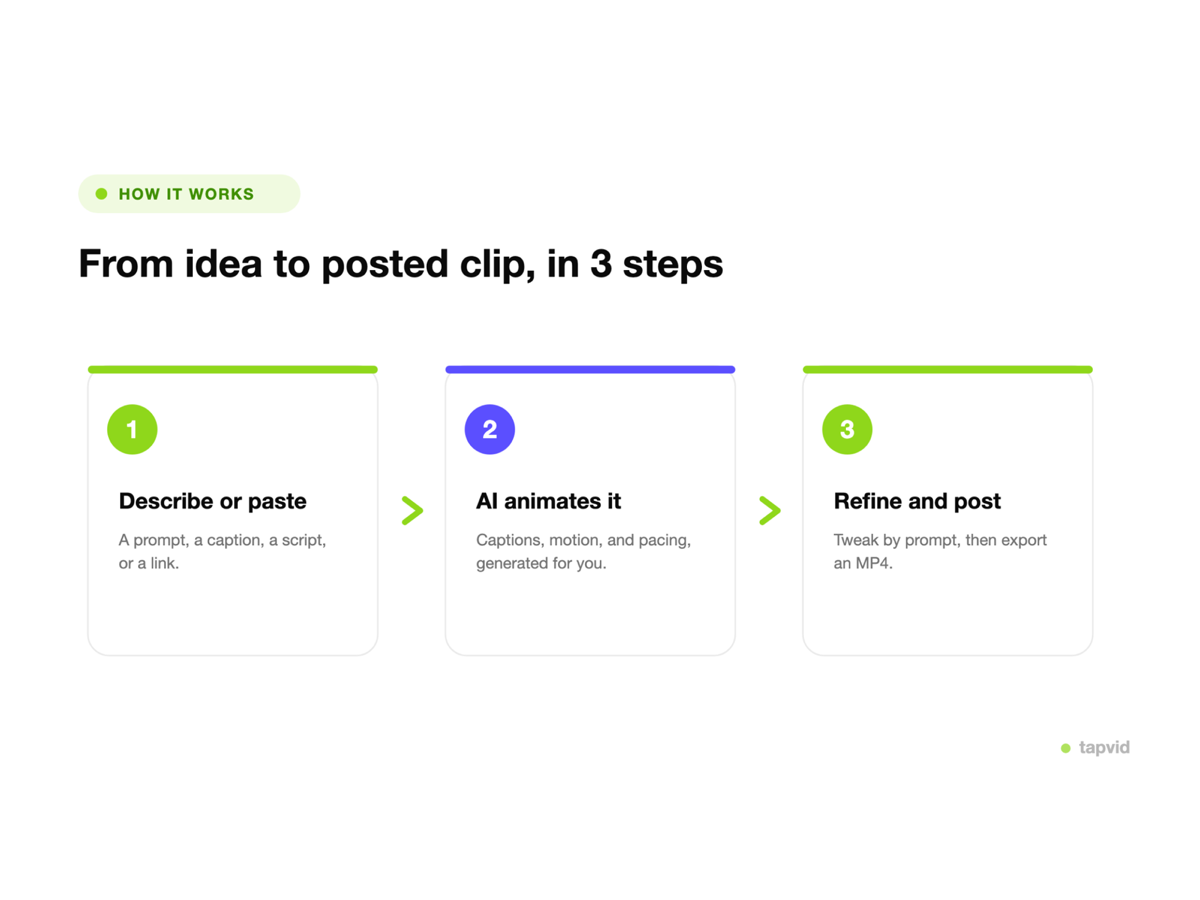
Use the supplied product image, screenshot, chart, or artwork directly instead of asking a model to redraw it.
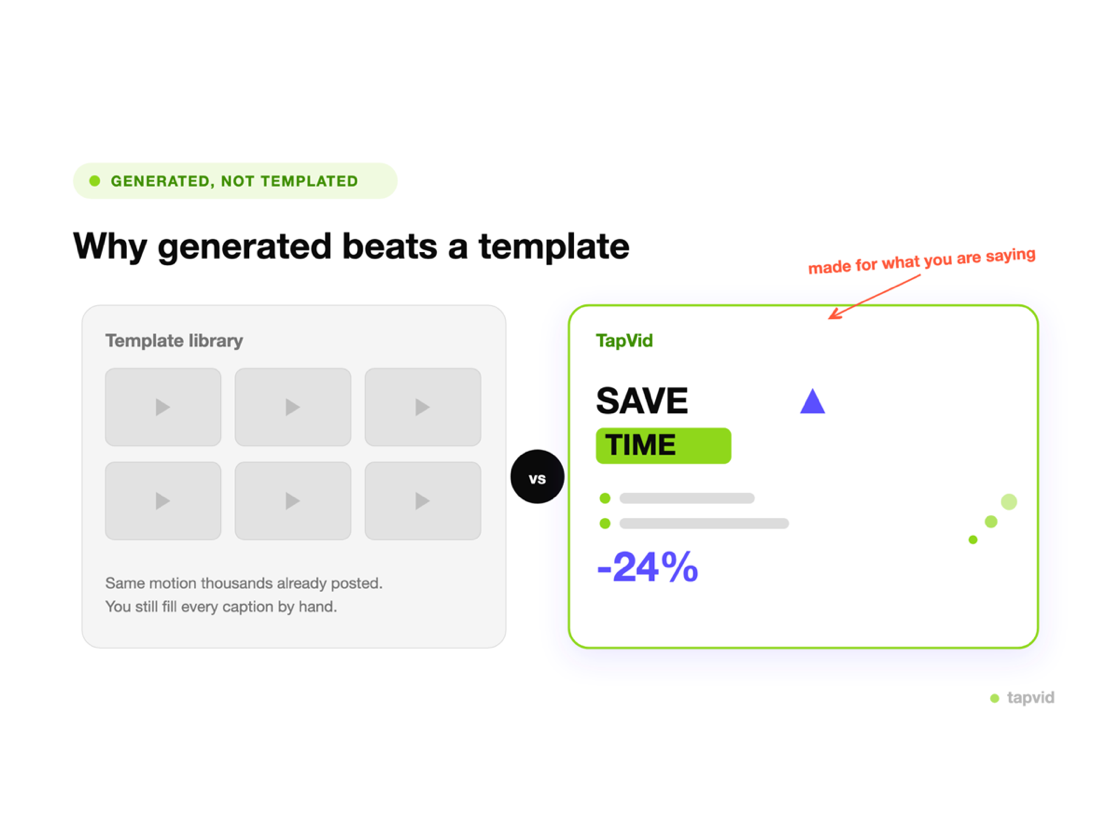
Review the script and scene plan so the source appears where it supports the narration.
When a caption, claim, or visual treatment changes, rerun the affected scene without replacing unrelated scenes.
Turn a product screen into a guided feature or launch explainer.
Add narration and motion that help an audience follow the meaning behind a visual.
Use existing artwork as the starting point for a structured story with captions and voiceover.
How it works
FAQ
This workflow uses your image as source material for a structured video with scenes, motion, voiceover, captions, and a clear message. It is designed to explain the source rather than invent unrelated footage.
Yes, in the same browser. TapVid stores one pending image locally for up to 24 hours, restores it on Home, and removes the handoff after a successful upload.
No. TapVid restores and uploads the image, then waits for you to review the prompt and click Generate. This prevents accidental generation or credit use.
The uploader accepts PNG, JPG, JPEG, GIF, WebP, SVG, and BMP files. Use a clear source image that supports the point you want to explain.
You can create an account for free and prepare your content. Generation and export depend on your account entitlement and selected plan. See the pricing page for current offers and limits.
Yes. Update the affected instruction, caption, or source treatment and rerun that scene while the remaining scenes stay available. Review the new result before publishing.
More ways to start
Join thousands of product teams using AI to create professional videos in minutes.