
I spent three weeks running still images through every free image-to-video AI tool I could find, using real client assets rather than stock photos. The goal wasn't to find the 'best' tool in the abstract — it was to find out which ones could actually produce something I'd show a client without apologizing for it first.
01
How I set up the test
I used the same set of 12 source images across all seven tools: product photos, architectural shots, portraits (with written permission), and abstract textures. Each tool got identical inputs. I judged outputs on four criteria — temporal consistency, motion naturalness, edge preservation, and whether the output was usable without post-processing.
One thing I want to be upfront about: 'free' means different things across these tools. Some are genuinely free with no watermark and reasonable output quality. Others are free-tier trials that watermark everything and limit resolution. I'll flag that for each one.
02
The tools and what I found
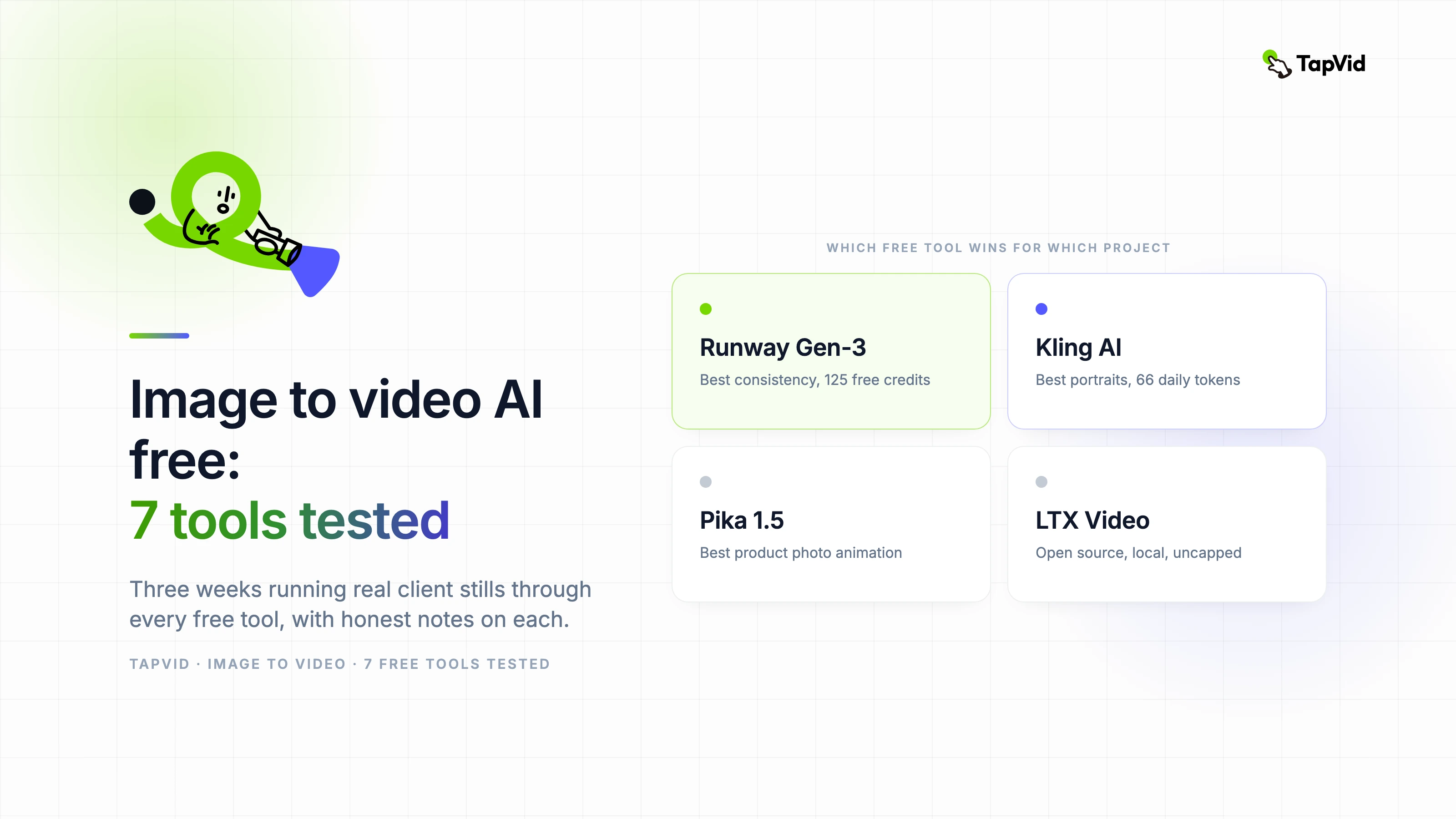
- Runway Gen-3 Alpha (free tier): 125 free credits per month, watermarked. Best temporal consistency of any free option tested. Motion quality is good enough for presentation-level concepting. Credit burn is fast on longer clips.
- Kling AI (free tier): 66 daily tokens. Standout performance on portrait animation — facial movement looked the most natural of the group. Heavily throttled on free plan; production use requires a paid tier.
- Pika 1.5 (free tier): Strong on product photography animation. The "inflate" and "expand" motion modes are genuinely useful for e-commerce. Free plan watermarks are discreet but present.
- Hailuo AI (free tier): Surprisingly capable on architectural and environmental shots. Motion range is conservative but the edges stay clean. The free access window is generous compared to most competitors.
- LTX Video (open source): Runs locally, no watermarks, no credit limits. Output quality is below the hosted tools on most input types, but for teams with GPU infrastructure it's the only option with no usage ceiling.
- Stable Video Diffusion (open source): Similar story to LTX — local, uncapped, lower quality ceiling. Best for subtle motion on texture and abstract images. Not competitive on portraits or complex scenes.
- Viggle AI (free tier): Specialized for motion transfer — animating a static character to match a reference motion clip. Not a general image-to-video tool, but exceptional for its specific use case. Worth knowing about.
03
Which tool to use for which project type
For product photography that needs a subtle animated treatment for ads or landing pages, Pika 1.5 is currently the strongest free option. The output is polished enough for professional use at the concept stage, and the motion modes give you more creative control than most competitors.
For portrait and character animation, Kling AI's free tier produces noticeably better facial motion than anything else in the free category. If you're working on social content that features people, it's worth spending your daily tokens there.
If you need uncapped output for a production pipeline and you have access to a decent GPU, LTX Video or Stable Video Diffusion let you generate at volume without any credit constraints. The quality gap is real but it's workable for backgrounds, textures, and non-hero clips.
04
What free actually gets you in 2026
The honest picture: free tiers in 2026 are better than paid tiers were two years ago. You can produce usable, client-presentable animation from still images without spending a dollar, as long as you understand the constraints: limited credits, watermarks at some resolution tiers, and output quality that's good but rarely exceptional.
Where free tiers fall short is volume and resolution. If you need to generate 50 clips for a campaign or need 4K output for broadcast, you're going to hit credit walls quickly. The tools built their free tiers as acquisition funnels, not production pipelines. Use them to prove out a direction, then upgrade for the production run.