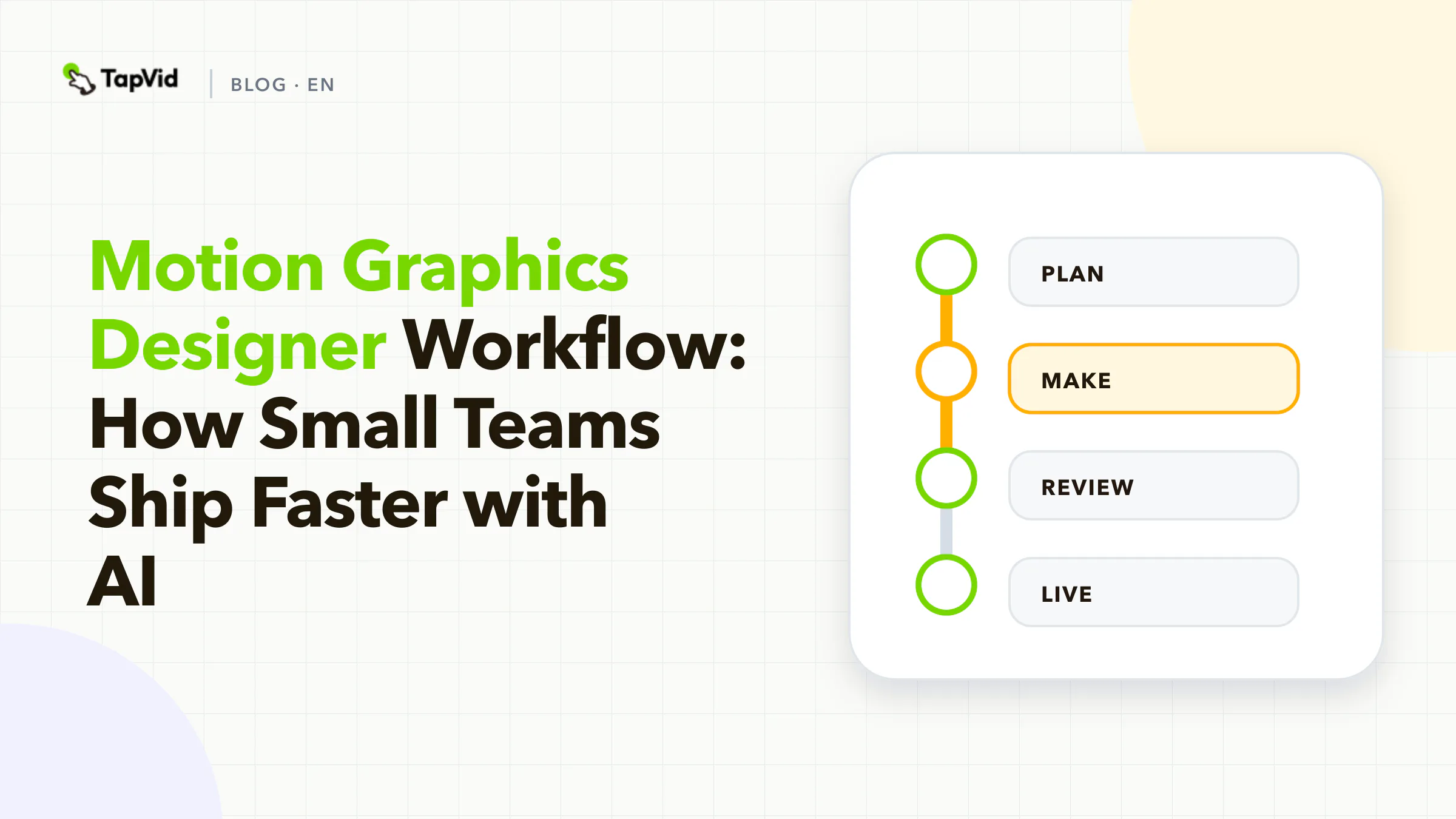

Teams often search for motion graphic design advice and get style inspiration instead of production clarity. The real advantage comes from reusable scene logic, not one-off visual experiments. This guide focuses on building a scalable system you can run every week.
01
From project-based animation to system-based delivery
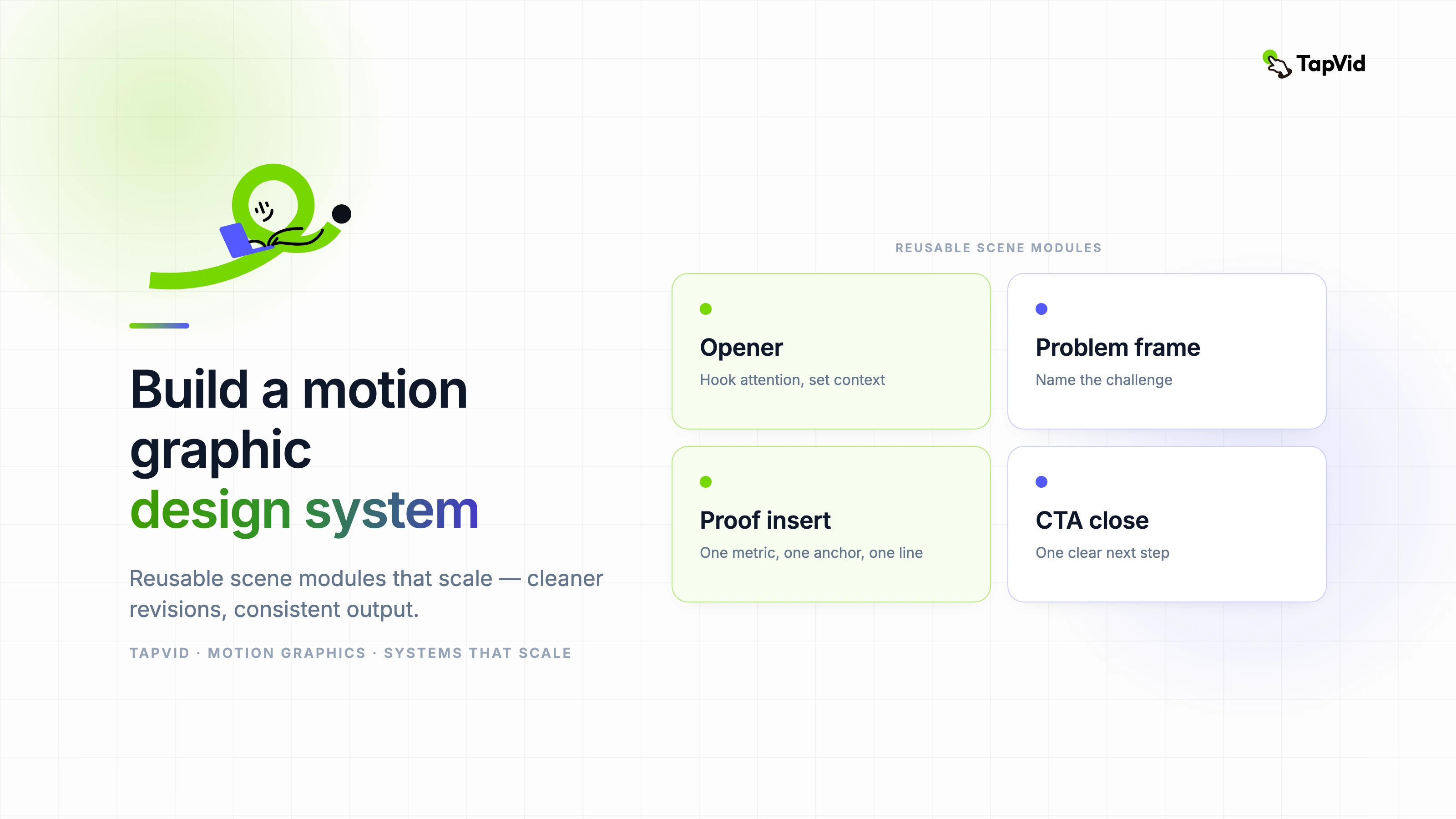
A scalable motion graphic design setup uses repeatable scene types: opener, problem frame, proof insert, comparison card, and CTA close. With predefined modules, teams spend less time debating structure and more time improving message quality.
This shift reduces production risk. When each asset follows known scene logic, new contributors can onboard faster and output stays on-brand across channels.
02
How to build your reusable scene library
Document scene purpose before visual style. For example, define exactly what a proof scene must include: one metric, one visual anchor, one supporting line. This prevents ambiguous layouts and weak data storytelling.
Then keep each module parameterized: headline length limits, animation timing range, and transition rules. TapVid workflows become much faster when teams edit parameters instead of rebuilding composition from zero.
03
Quality controls that keep your system healthy
- Run a monthly audit on scene reuse rate and revision causes.
- Track sections where viewers drop off to identify pacing failures.
- Maintain a short blocklist of effects that repeatedly hurt readability.
- Set clear acceptance criteria before exporting a final cut.
04
Feature path for implementation
If your team ships recurring educational assets, use https://tapvid.ai/feature/educational-video to convert structured notes into consistent instructional scenes.
For feature launches and release updates, connect your library with https://tapvid.ai/feature/feature-announcement-video so each launch video reuses proven narrative blocks.
05
Frequently asked questions
How many reusable modules should a team start with? Start with five to seven core scene types. Too many modules early creates management overhead.
Do reusable modules reduce creativity? No. They reduce structural confusion, which gives creators more room for meaningful visual experimentation.
Can this system work for short-form social videos? Yes. The same modules can be compressed into 15 to 45 second cuts by simplifying transitions and text density.