
If you are searching for a practical motion graphics designer workflow, the real challenge is not software choice. It is building a repeatable system that turns briefs into publishable videos without reworking every scene. This guide shows a production model that keeps quality high while reducing revision cycles.
01
Why "motion graphics designer" now means systems, not solo execution
The role of a motion graphics designer has shifted from hand-crafting every frame to designing a reliable production system. Teams now expect one designer to manage scripts, scene logic, brand consistency, and channel adaptation in one pipeline.
That is why process design matters more than isolated visual talent. When your workflow is stable, output quality becomes predictable and deadlines become realistic, even when production volume increases.
02
A practical TapVid workflow for weekly production
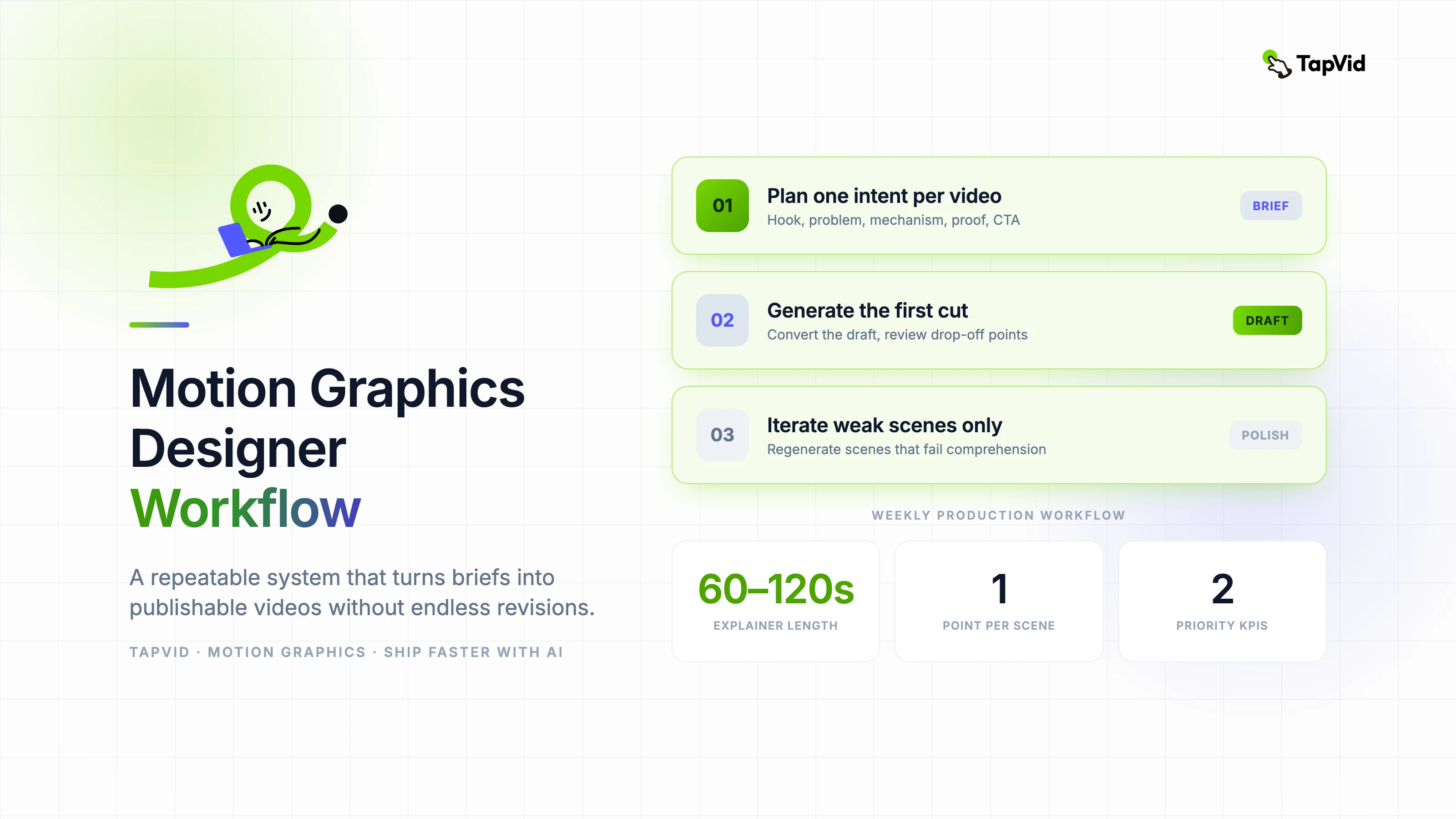
Start by turning one approved brief into a clear scene plan: hook, problem, mechanism, proof, and call-to-action. This structure prevents over-animation and keeps each scene tied to one communication goal.
Then use TapVid to convert your draft into a first cut, review drop-off points, and iterate only weak scenes. This targeted approach shortens feedback loops and protects visual consistency across the full video.
- Define one viewer intent per video before visual work begins.
- Lock typography, color, and transition rules in a mini brand kit.
- Review in sequence: message clarity, pacing, then visual polish.
- Regenerate only scenes that fail comprehension, not the full timeline.
03
Common mistakes that slow down motion teams
Most teams lose time in late-stage style debates. If the visual system is not decided upfront, every revision round becomes a branding round. That creates friction that has nothing to do with storytelling quality.
Another frequent issue is scene density. When too many ideas are placed in one sequence, viewers remember none of them. A better rule is one key point per scene with a clear hierarchy of motion.
04
Feature path for this workflow
For product narratives and screen-led stories, start with https://tapvid.ai/feature/product-demo-video to translate technical value into watchable motion structure.
If your next step is conversion-focused placement, pair this with https://tapvid.ai/feature/landing-page-video so the final edit matches on-page behavior and CTA flow.
05
Frequently asked questions
How long should a motion graphics explainer be? For most SaaS and education use cases, 60 to 120 seconds performs best because it balances clarity and retention.
Should a motion graphics designer still use After Effects? Yes, for advanced compositing and precision control. But AI-assisted pipelines are now faster for draft generation and iteration.
What KPI should teams track first? Watch completion and CTA click-through are the two highest-signal metrics for early optimization.