AI Educational Video Generator

Convert lesson notes, PDFs, and slide decks into engaging learning videos with AI motion graphics. Create educational content that students actually watch — and remember.

Teacher uploading PDF lesson material to convert into educational video

PDF to video and slides to video — automatically

Upload a PDF lesson, PPTX slide deck, or plain lesson notes — TapVid reads the instructional structure and generates an animated learning video with narration, in minutes.

  • Converts PDF, DOCX, PPTX, and plain text into structured learning video
  • Preserves concept order and instructional hierarchy from source materials
  • Generates animated visuals for diagrams, processes, and abstract concepts
  • Adds narration script aligned to each visual scene
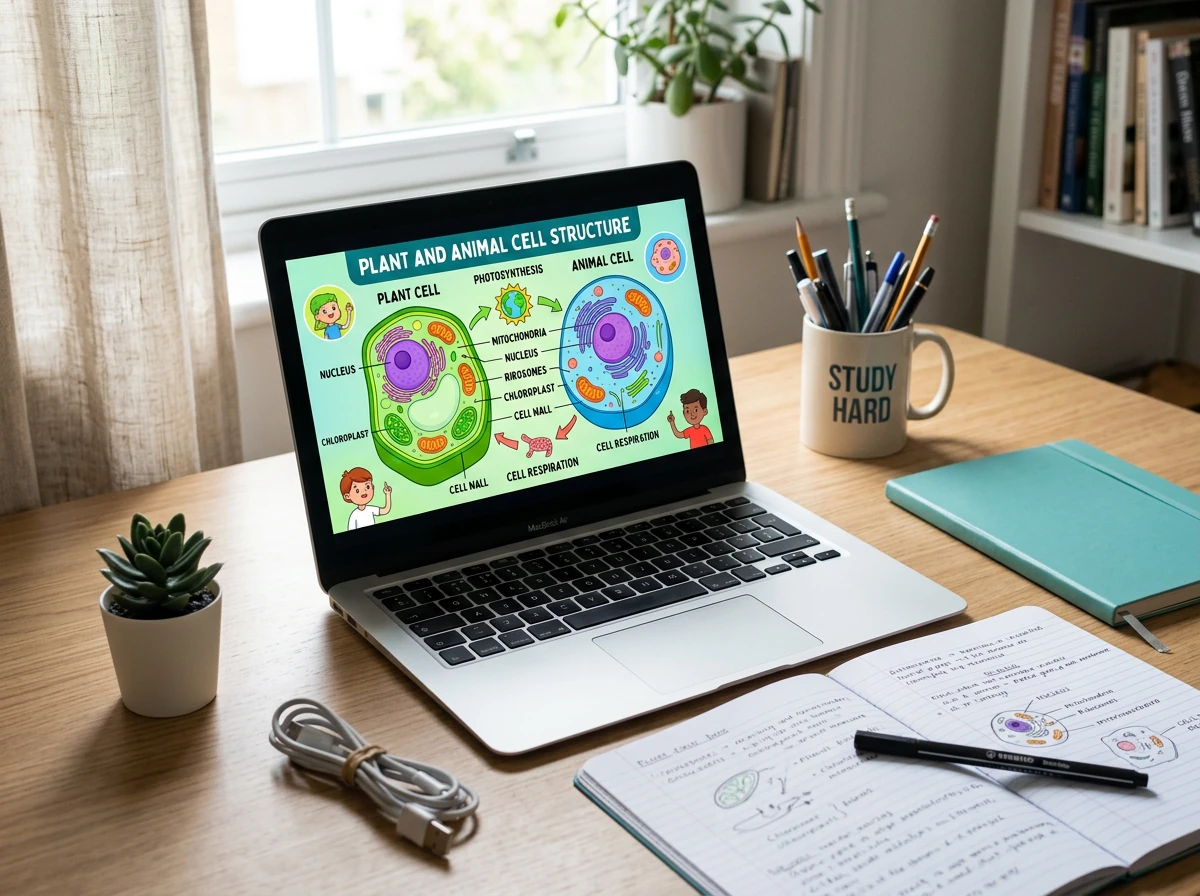
Animated educational video playing on screen with colorful concept diagrams

Animation that explains, not just illustrates

TapVid generates animations that reveal concepts sequentially — cause-and-effect shown through motion, abstract ideas grounded in concrete visuals. Choose from whiteboard, infographic, or clean academic styles.

  • Sequential reveal animation that matches how learners build understanding
  • Process flow and step-by-step animation for procedural content
  • Comparative animation for contrasting concepts or before/after scenarios
  • Whiteboard, infographic, and clean academic visual styles available
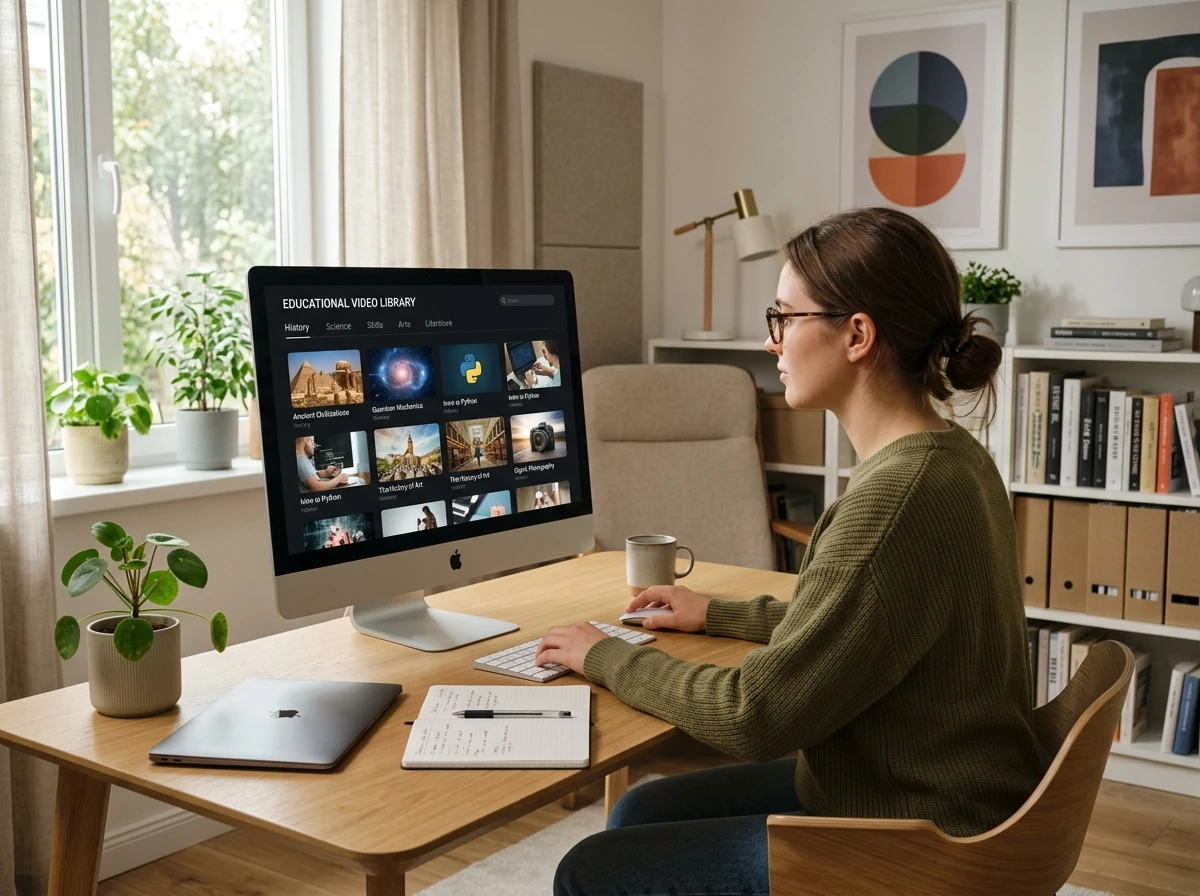
Organized library of educational video content on learning management system

Build a scalable library of learning content

TapVid produces modular clips, full lessons, and course summaries that can be organized into a structured curriculum and reused across cohorts. Update source content once — regenerate and redeploy.

  • Generate modular clips organized by topic, subtopic, or learning objective
  • Reuse visual assets across related lessons — update source content and regenerate
  • Export for LMS (SCORM-compatible), YouTube, direct download, or embed

Frequently Asked Questions

More Features

View all →

Ready to create your first video?

Start with a script, a document, or just a prompt. TapVid handles the rest.