Build step-by-step tutorial videos from any document, workflow, or written process — without screen recording, narration, or editing. TapVid generates visuals and voiceover from your content automatically.
Build step-by-step tutorials from any document or workflow
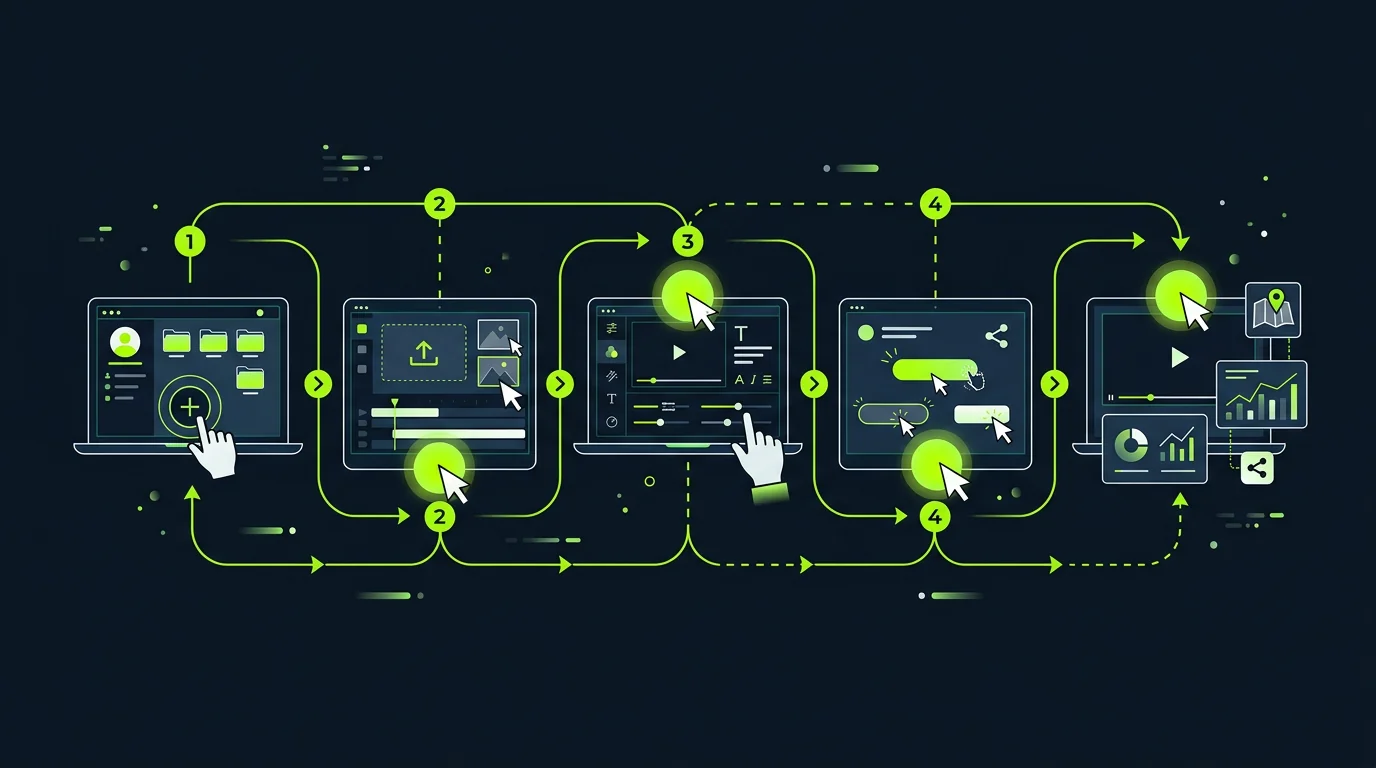
Paste a process doc, upload a how-to guide, or describe a workflow in plain language — TapVid structures it into a logical step sequence, generates annotated visuals for each step, and produces a narrated tutorial video ready for review.
Supports PDF guides, markdown docs, SOPs, Notion pages, and plain text
Auto-numbers and sequences steps from unstructured written content
Generates annotated UI mockups or diagram scenes for each step
Includes a voiceover script synced to visual pacing per step
Screen recording alternative — no recording required
Traditional software tutorials require screen recording software, a clean demo environment, and multiple takes. TapVid generates annotated UI scenes from descriptions or screenshots — no recording setup, no retakes, no editing.
Generate UI walkthrough scenes from screenshots, Figma frames, or text descriptions
No screen recording software or demo environment needed
Consistent audio quality without microphone setup or noise concerns
Update tutorials instantly when your product changes
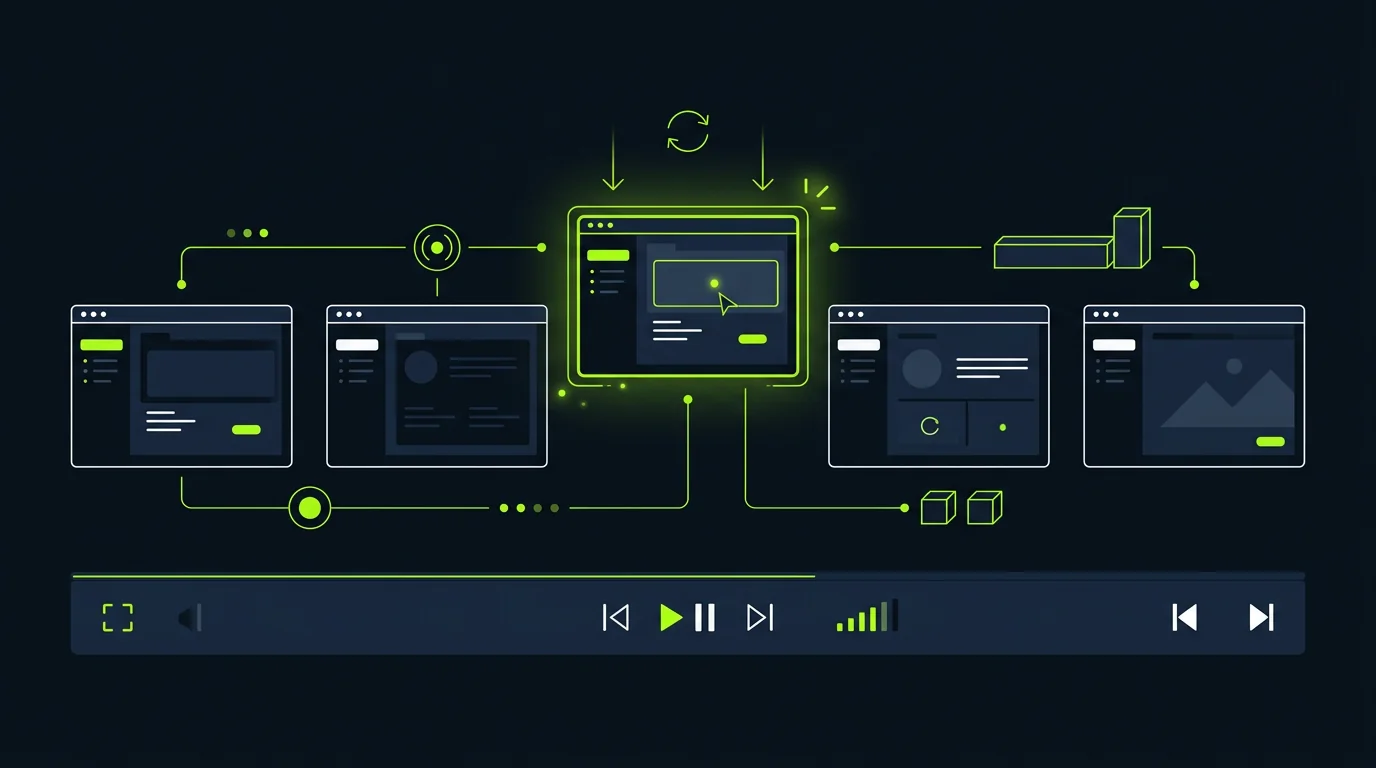
When a UI changes or a workflow gets updated, regenerate only the affected steps without rebuilding the full video. Tutorial libraries stay accurate without requiring a full re-recording cycle.
Update specific steps by describing the change — surrounding steps stay intact
Bulk regeneration for UI redesigns: swap screenshots and regenerate annotations
Version history lets you restore a prior step version if a change is rolled back
Export updated tutorial and replace the embedded video in one workflow
Questions & answers
Frequently Asked Questions
An AI tutorial video maker generates step-by-step instructional videos from written content — documentation, SOPs, or workflow descriptions — without requiring screen recording or video editing. TapVid reads your source content, structures a step sequence, and produces narrated tutorial videos automatically.
No. TapVid generates annotated UI scenes and step visuals from your documentation, screenshots, or text descriptions. You don't need screen recording software, a clean demo environment, or multiple takes.
Upload or paste your how-to documentation into TapVid. The AI reads the steps, generates visual scenes for each one, syncs a voiceover script, and produces a ready-to-share MP4. No timeline editing, no keyframes, no audio mixing.
Yes. Describe what changed or upload updated screenshots, and TapVid regenerates only the affected step scenes. Your other steps stay intact, so you don't rebuild the entire tutorial for a minor UI update.
Product teams use them for feature walkthroughs. Customer success teams use them for onboarding flows. IT departments use them for internal software training. Support teams use them to reduce ticket volume by creating self-serve how-to videos.