Turn meeting notes, decisions, and action items into shareable recap videos in minutes. Replace long follow-up threads with a two-minute video that aligns the whole team — asynchronously.
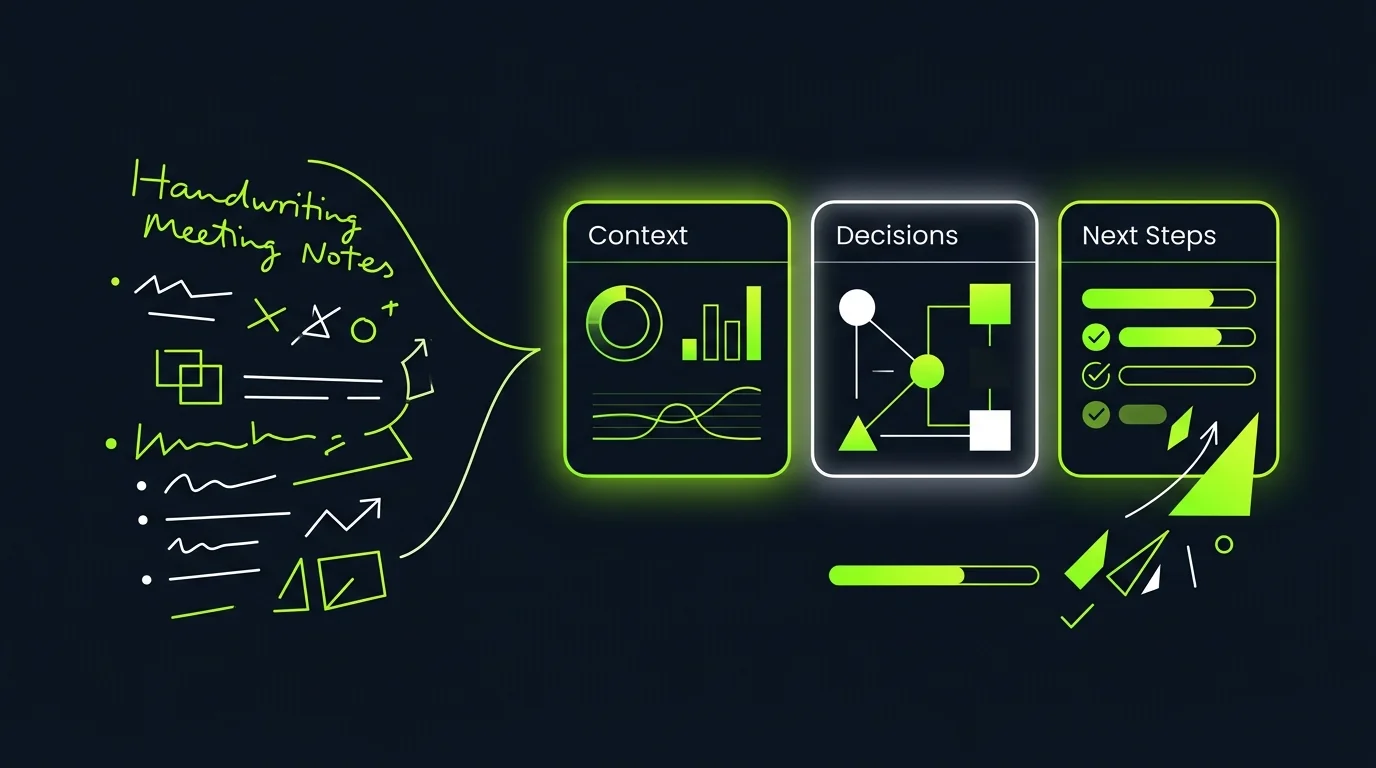
Paste your meeting notes, upload a transcript, or connect your notes tool — TapVid structures the content into a clear narrative recap with decisions, action items, and next steps highlighted visually. No editing, no scripting.
Supports pasted notes, uploaded transcripts, Notion pages, and Google Docs
Auto-identifies decisions, action items, owners, and due dates from unstructured notes
Structures recap in a three-part flow: context, decisions, next steps
Generates a one to three minute video ready to share in Slack or email
Structured recaps with action items and decisions highlighted
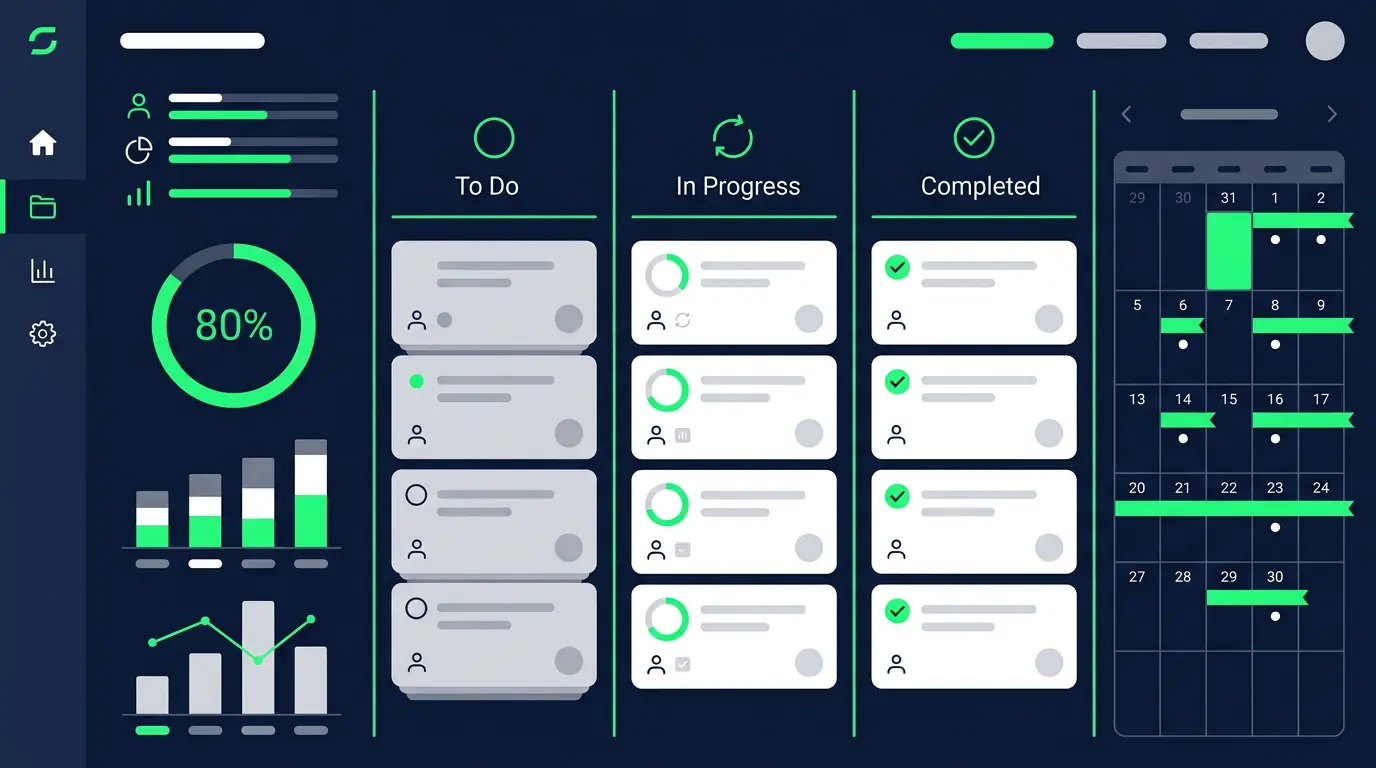
Not all meeting content is equal. TapVid emphasizes what actually matters — who owns what, what was decided, and what happens next. Action items appear as visual callouts, not buried in paragraphs.
Decision callout cards: each decision appears as a distinct visual element
Action item list with owner names and due dates highlighted per slide
Risk and blocker flags surfaced visually if mentioned in notes
Summary card at end: three bullets covering the whole meeting outcome
Share across teams without scheduling another call
Send the recap video in Slack or email instead of scheduling a fifteen-minute sync for people who missed the meeting. Stakeholders watch it at their own pace, leave comments, and get aligned without adding to anyone's calendar.
Shareable link works in Slack, Teams, Notion, and email — no download needed
Mobile-friendly player for stakeholders watching on their phone
Timestamp-linked comments: feedback tied to specific moments in the recap
Watch confirmation: know who has and hasn't seen the recap
Questions & answers
Frequently Asked Questions
A meeting recap video is a short structured video summary of a meeting that covers decisions made, action items assigned, and next steps — typically one to three minutes. They replace long follow-up emails and status calls for stakeholders who couldn't attend.
Paste your meeting notes, upload a transcript, or link your Notion or Google Docs page into TapVid. The AI identifies decisions, action items, and key context, then generates a structured recap video with visual callouts for the most important points.
Yes. Upload a transcript from Zoom, Fireflies, Otter.ai, or any transcription tool. TapVid reads the full conversation, filters to the most relevant decisions and actions, and generates a condensed recap video from the transcript.
Video recaps are faster to consume than long notes threads and more engaging than wall-of-text emails. Stakeholders get the context they need in two minutes instead of fifteen — without adding another meeting to your calendar.
Cross-functional teams with distributed or remote members benefit most. Product, engineering, and leadership sync videos are especially high-value because they involve stakeholders from multiple time zones who can't always attend live.