Extract the highest-value moments from any webinar and turn them into branded short clips, LinkedIn content, and social highlights — automatically. One 60-minute webinar becomes weeks of shareable video.
Extract the best moments from any webinar automatically
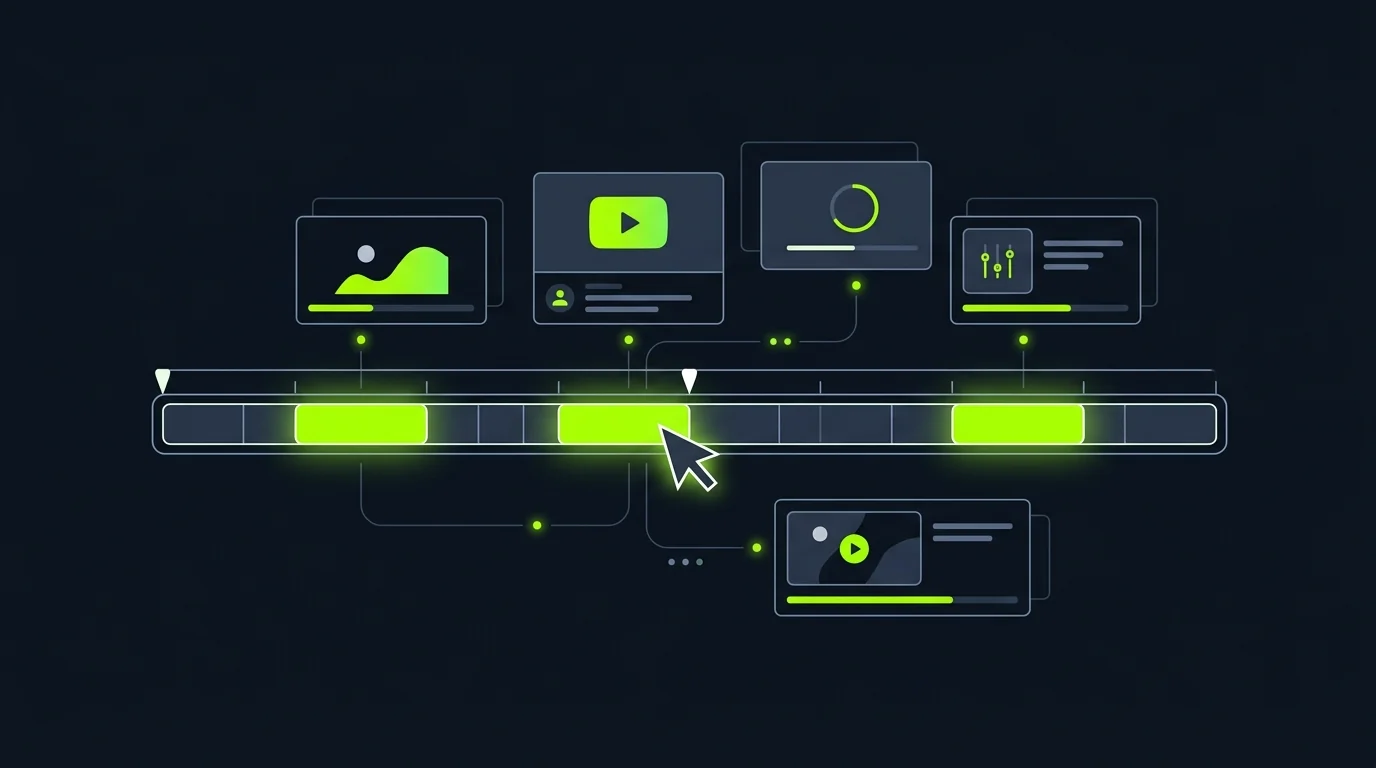
Upload your webinar recording or transcript — TapVid identifies the most quotable, insightful, and engagement-worthy moments. It surfaces key takeaways, strong soundbites, and high-value exchanges you can repurpose as clips.
Upload webinar MP4, connect a recording link, or paste a transcript
AI identifies high-value moments: quotable insights, data points, and Q&A highlights
Ranks clips by relevance, quotability, and audience value score
Generates a short summary of each clip to help you choose what to publish first
Turn one webinar into a month of social content
A single 60-minute webinar contains enough content for five to fifteen short-form clips. TapVid formats each clip with your branding, adds captions, and sizes it for LinkedIn, Twitter/X, and Instagram — ready to schedule.
Auto-format clips to 60s, 90s, and 3-minute lengths for different platforms
Add branded intro frame, logo watermark, and outro card automatically
Auto-generated captions for silent playback on social feeds
Export in 16:9, 9:16, and 1:1 from the same source clip
Add context and branding to every clip in minutes
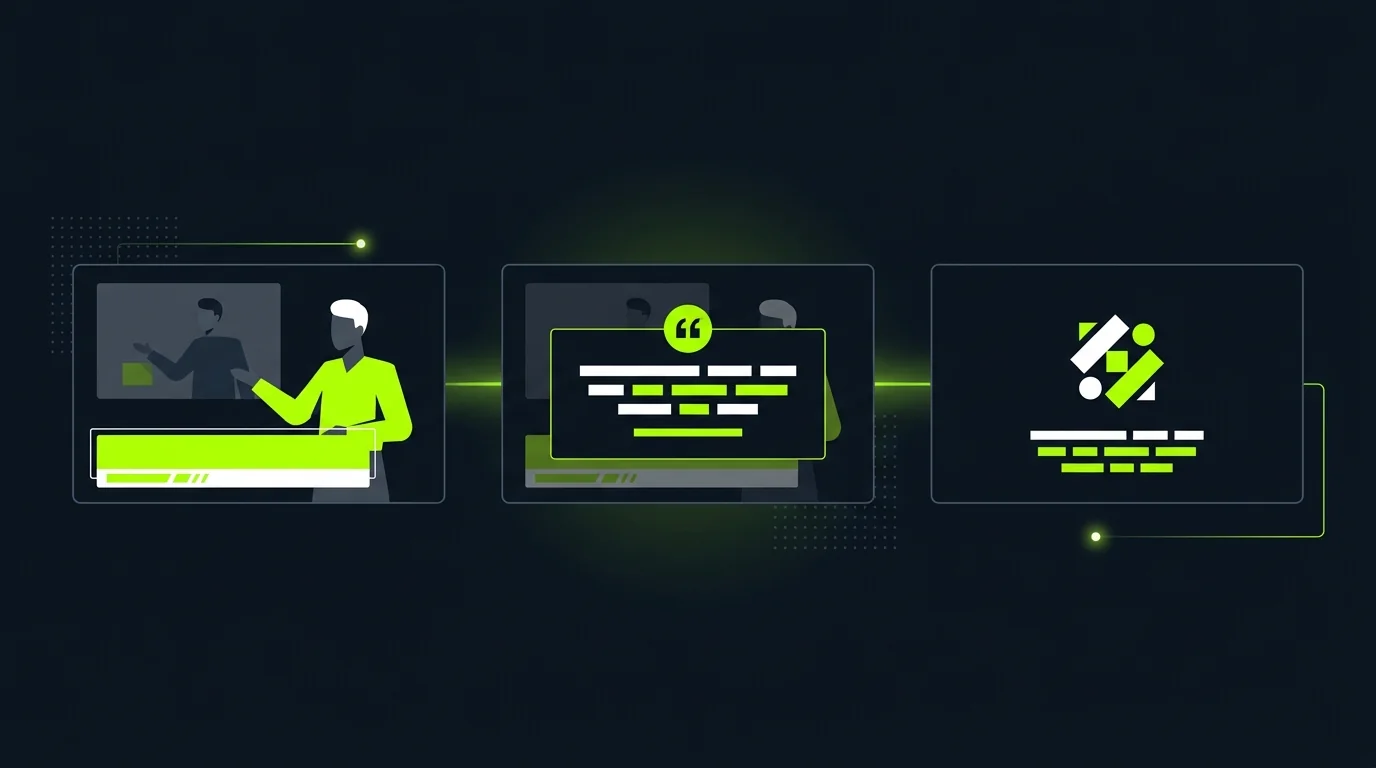
Each clip gets a custom title card, speaker nameplate, and branded end frame — automatically. Add a pull-quote overlay for the most quotable moments, or include a data visualization for clips anchored around a specific statistic.
Speaker name and role nameplate on every clip with no manual setup
Pull-quote text overlay auto-generated from the clip's most quotable line
Data card inserts for clips that reference specific numbers or study results
Brand color palette and typography applied consistently across all clips
Questions & answers
Frequently Asked Questions
Webinar clips are short extracts from a longer webinar recording — typically 60 seconds to 3 minutes — that highlight a key insight, audience question, or memorable moment. They're used for social media promotion, lead generation follow-up, and content repurposing.
Upload your webinar recording or transcript to TapVid. The AI identifies your highest-value moments, creates branded short clips, adds captions, and formats each one for LinkedIn, Instagram, and Twitter/X — without manual editing.
A 60-minute webinar typically contains five to fifteen strong clip candidates. TapVid surfaces and ranks them, so you can choose which to publish first. Most teams publish two to three clips per week from a single webinar recording.
Yes — 85% of social media video plays without sound. Auto-generated captions are critical for webinar clips to perform on LinkedIn, Instagram, and Twitter/X feeds. TapVid generates accurate captions from the speaker transcript automatically.
Absolutely. Short webinar clips are one of the most effective B2B demand generation assets — they demonstrate thought leadership, preview full-webinar content for lead magnets, and drive registrations for future webinars.