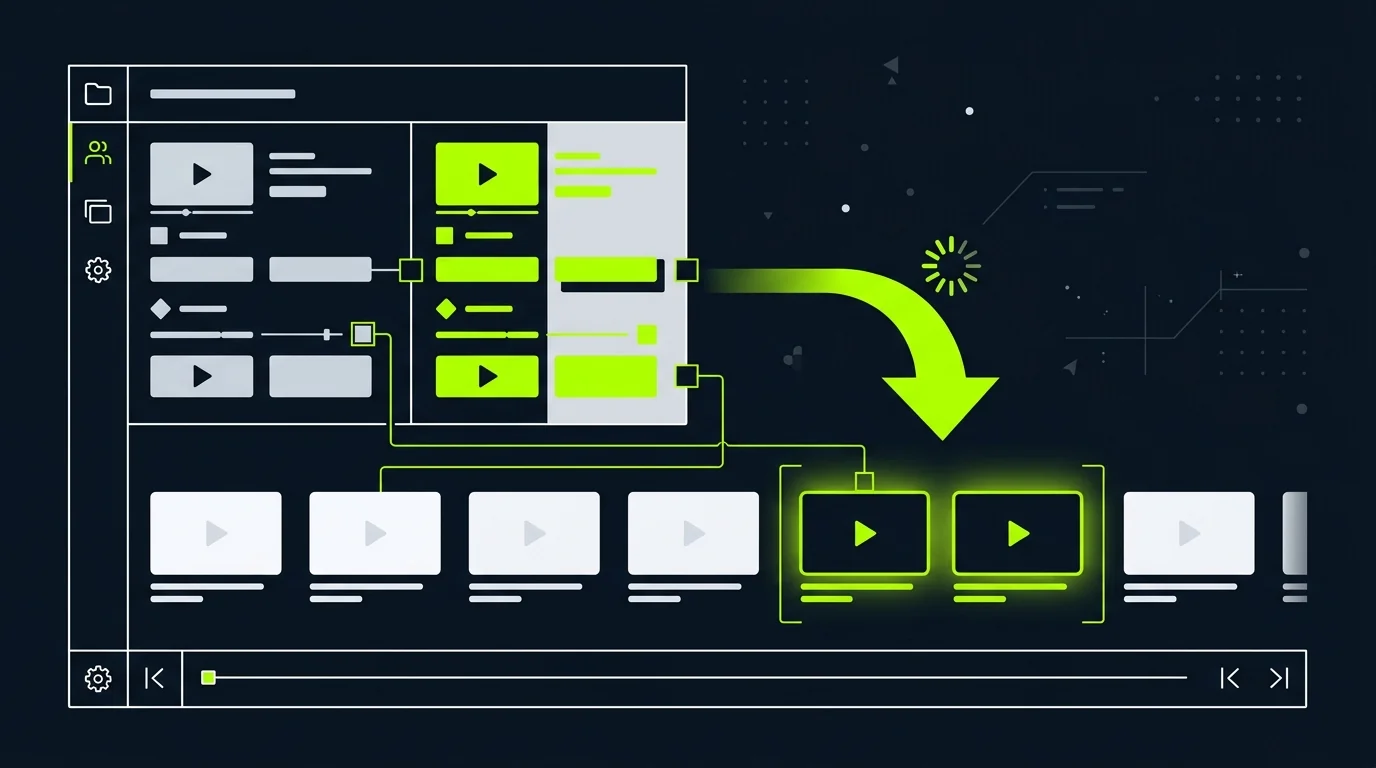
Turn current pages into more launch, sales, and onboarding videos. Keep each page's original assets and approved copy tied to the right scenes, then rerun only the scene that changes instead of reviewing every version from scratch.
Review the script, scenes, and source-to-visual mapping before export. Change one scene later without rerunning the rest.
Watch how to turn a URL into a video
An English overview of turning source pages into videos. An AI presenter and pixel animations illustrate the steps.
Your next video starts with a link.
A product page. An article. A how-to guide. You already have the material—now give people another way to understand it.
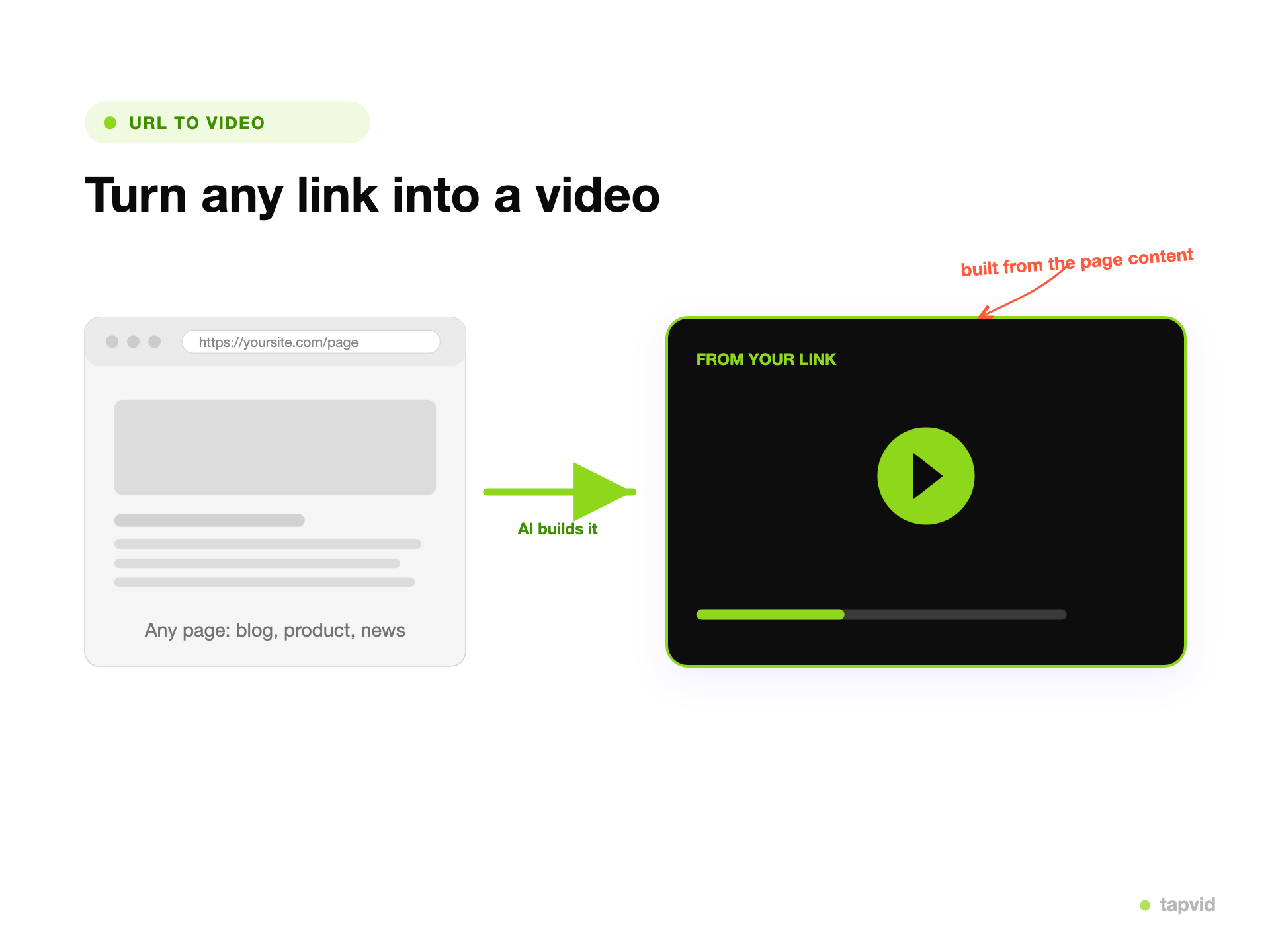
With TapVid, paste a public URL to turn that source into a script and scene plan. Review the words, numbers, and available images against the original page.
See something that needs work? Change a line, swap an image, or rerun that scene while keeping the parts you've approved.
If the page can't be read, add your approved copy and assets directly. Then review the result and export your video as an MP4.
Have a page worth sharing? Start with your link at tapvid dot ai slash URL to video.
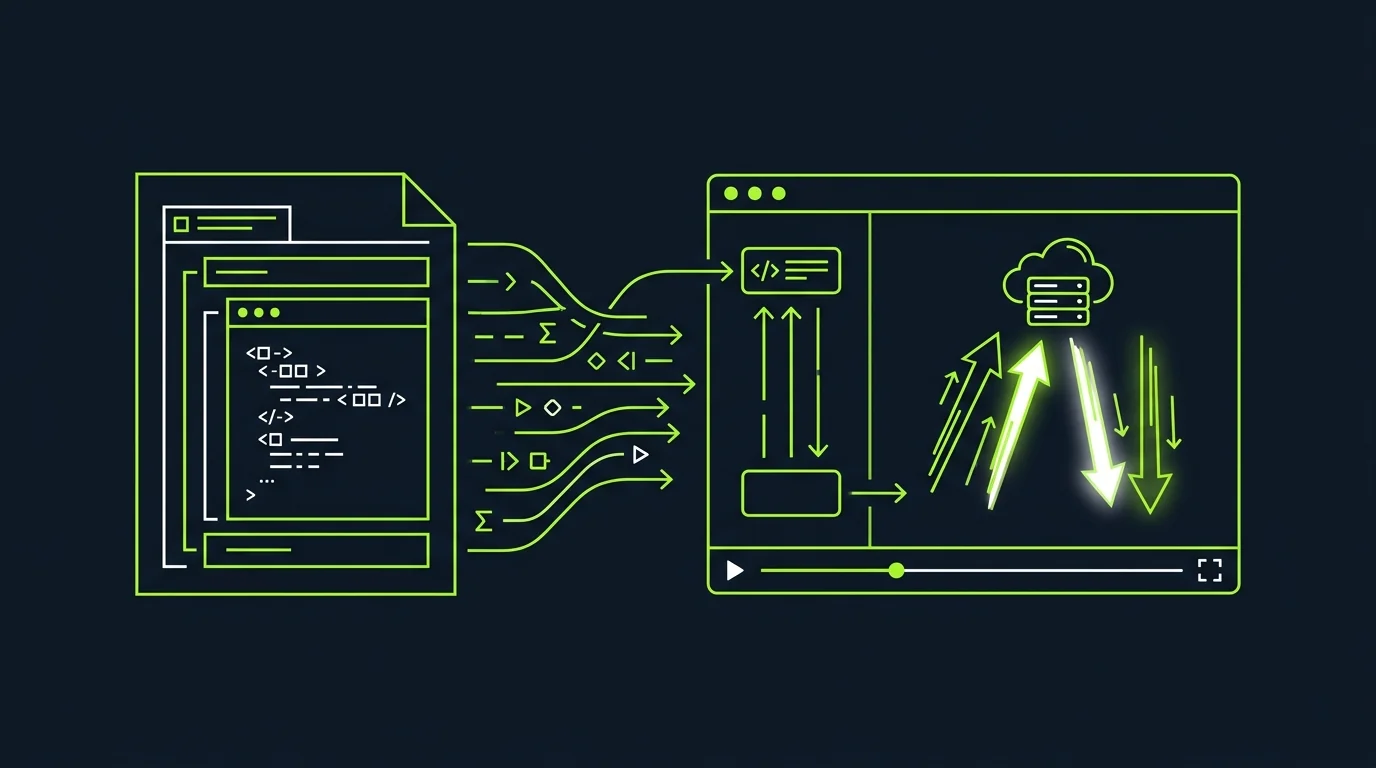
A URL to video maker lets you turn a link into a video without rebuilding the page by hand. TapVid reads the source URL and arranges its approved copy, numbers, and available source assets into editable scenes.
The first job is accuracy: product images and logos stay recognizable, approved wording and figures are not silently rewritten, and each scene can be checked against the part of the page it explains.
Review the script and scene plan before export. If one sentence, image, or scene needs work, change that part and rerun it without replacing the rest of the video.
What TapVid adds
Why turn a URL into video with TapVid
Start from the source page
Paste a public product, landing-page, article, or documentation URL. TapVid uses that page as the source of truth for the video.
Product, landing-page, article, or documentation URL
Source copy and available assets stay traceable
Check the script-to-scene mapping
TapVid turns the source into a visible script and scene plan, so you can check which visual supports each claim before export.
Approved wording and figures stay literal
Product A is not paired with Product B
Fix one scene without starting over
Replace one image, correct one line, or adjust one scene while keeping the approved parts and their versions intact.
Scene-level revisions
Export the approved video as MP4
Keep source assets recognizable
Use product images, screenshots, logos, and other available page assets without redrawing the product.
Keep approved facts literal
Check names, numbers, prices, parameters, and legal wording before the video is exported.
Check what each scene explains
The script, storyboard, and visuals remain visible so a claim is not paired with the wrong product or screen.
Edit one scene at a time
Correct a line or replace an image without rerunning the scenes that are already approved.
One link, many videos
Reuse one approved source for a product cut, a social clip, and a controlled ad variation.
Move from source to video in minutes
Remove repeated scripting and timeline setup while keeping a human review step before delivery.
Ways to turn a link into video
Start with the page type and publishing job, then keep the source material visible through review.
Product page videos
Turn product images, features, approved claims, and the CTA into a reviewable product explainer.
Landing page videos
Turn one offer page into a concise video for the page, ads, or social distribution.
Documentation videos
Explain a workflow or feature from a documentation URL without retyping every step.
Article recap videos
Turn a published article into a shorter watchable version with the source points reviewable.
Social cut-downs
Create a vertical or square cut while preserving the approved message and assets.
Ad variations
Create controlled variations from one approved page without rebuilding the base video.
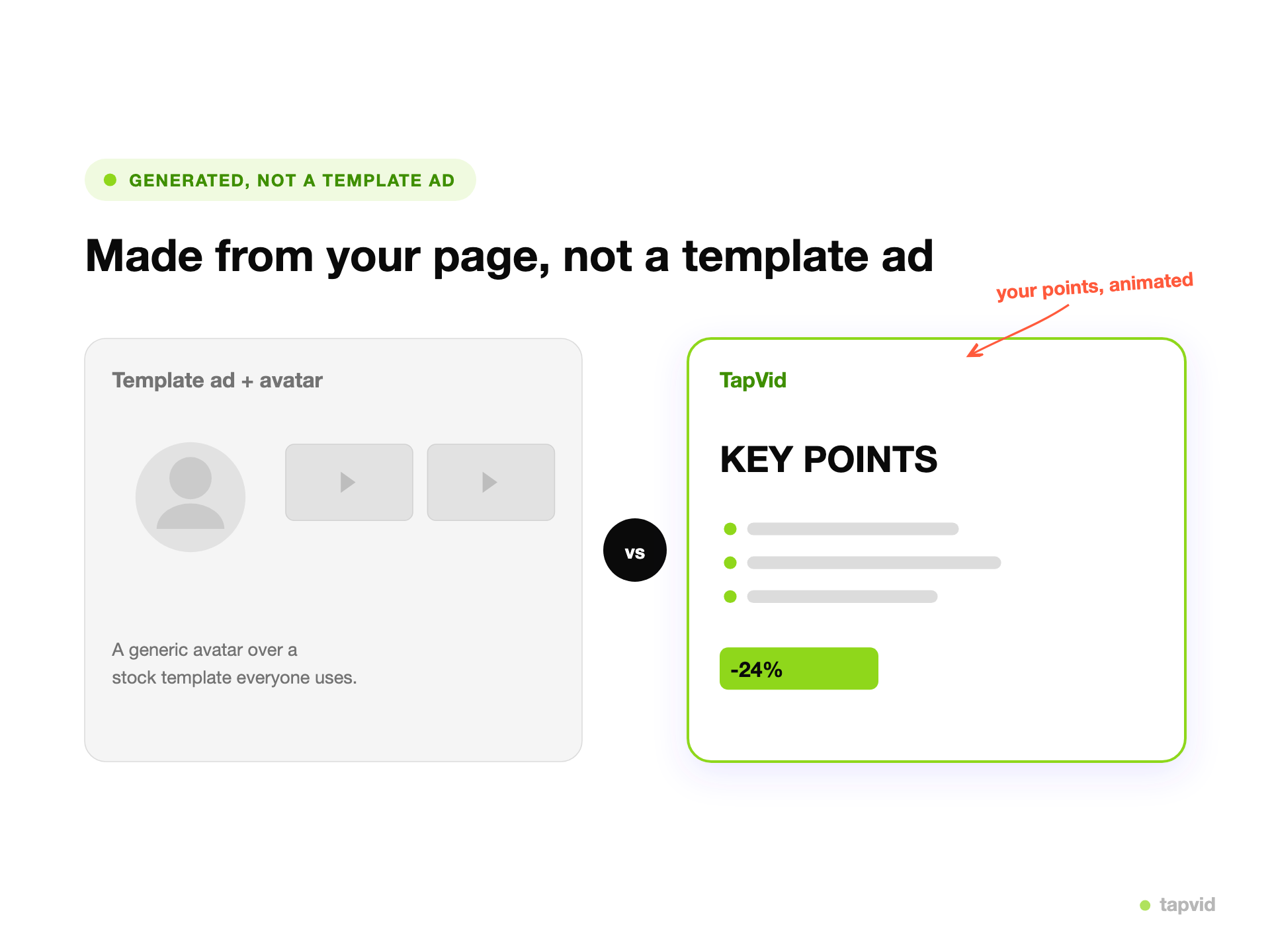
URL to video vs. an avatar reading over stock footage
A generic URL-to-video workflow may summarize the page, add a presenter, and fill gaps with stock footage. TapVid takes a different route: the source page remains the reference for assets, approved wording, figures, and scene relationships. You review the plan before export and can rerun only the scene that needs work.
Who turns links into video
Marketing & ads
Turn approved product and landing pages into explainers, ad cuts, and social versions.
Content & SEO teams
Repurpose selected articles and documentation pages without losing the source facts.
Agencies & production teams
Produce repeatable client variations while keeping source assets and revisions traceable.
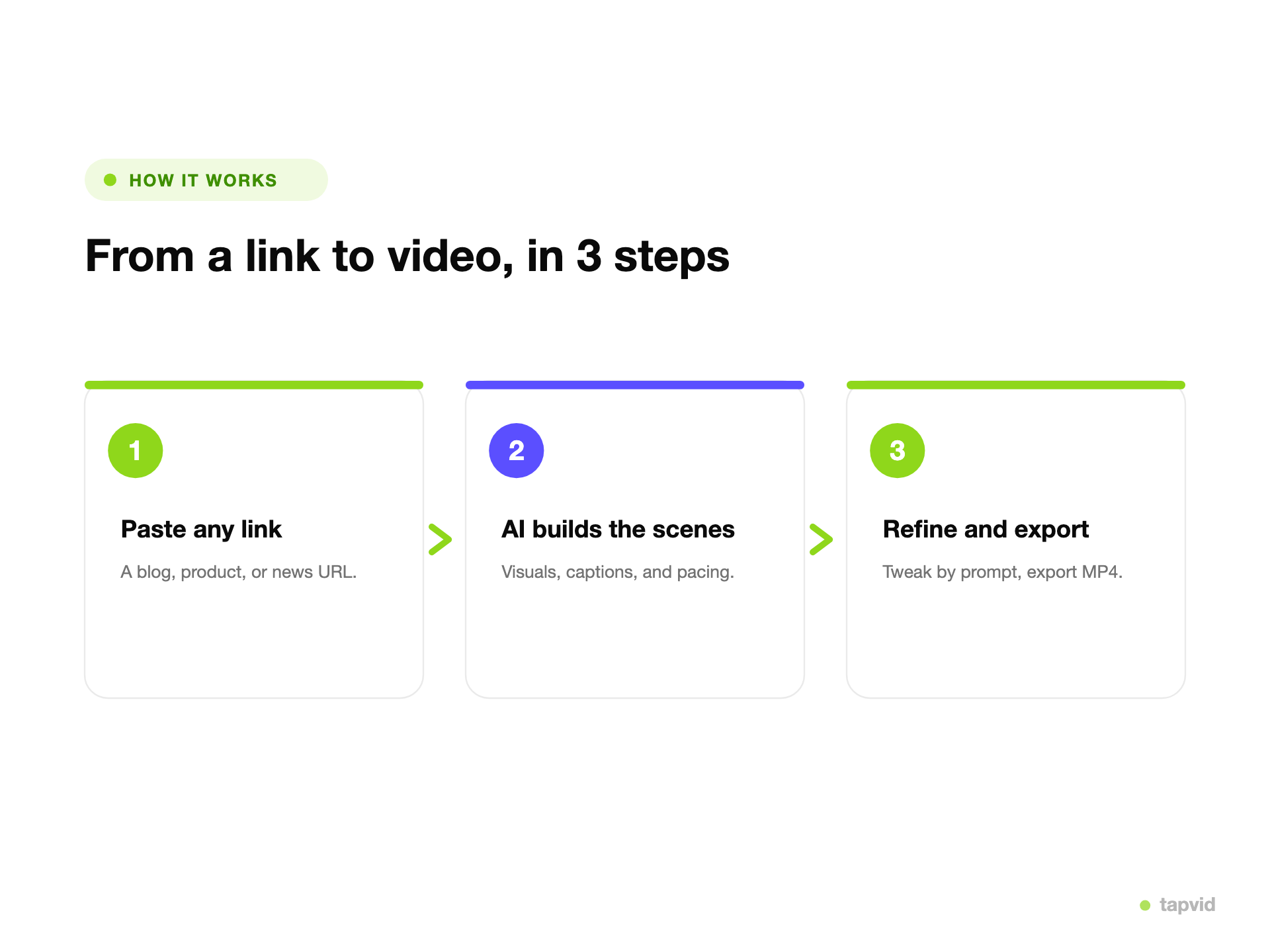
How it works
From source to finished video in three steps
01
Paste the source URL
Use a public product, landing-page, article, or documentation page.
02
Review script and scenes
Check the copy, figures, assets, and source-to-visual mapping.
03
Refine only what changed
Rerun the scene that needs work, then export an MP4.
FAQ
Frequently Asked Questions
Paste a public source URL, review the extracted script and scene plan, correct any wording or visual mapping that needs attention, then generate and export the approved video.
Yes. Product and landing pages are strong inputs because they usually contain the product images, features, approved claims, and CTA needed for an explainer or ad cut.
TapVid uses available source assets and keeps approved wording and figures reviewable. Always check the script, storyboard, and visual mapping before export; pages that block access or contain ambiguous assets may need manual input.
Yes. You can correct a line, replace an image, or adjust one scene and rerun that part while keeping the approved scenes and versions intact.
Yes. You can create vertical, square, or landscape versions for social, landing pages, and ads while keeping the approved source material consistent.
A blocked, private, or unusually structured page may not provide enough reliable source material. Review the extracted content before generation; if it is incomplete, supply the approved copy and assets directly or try a public version of the page.