

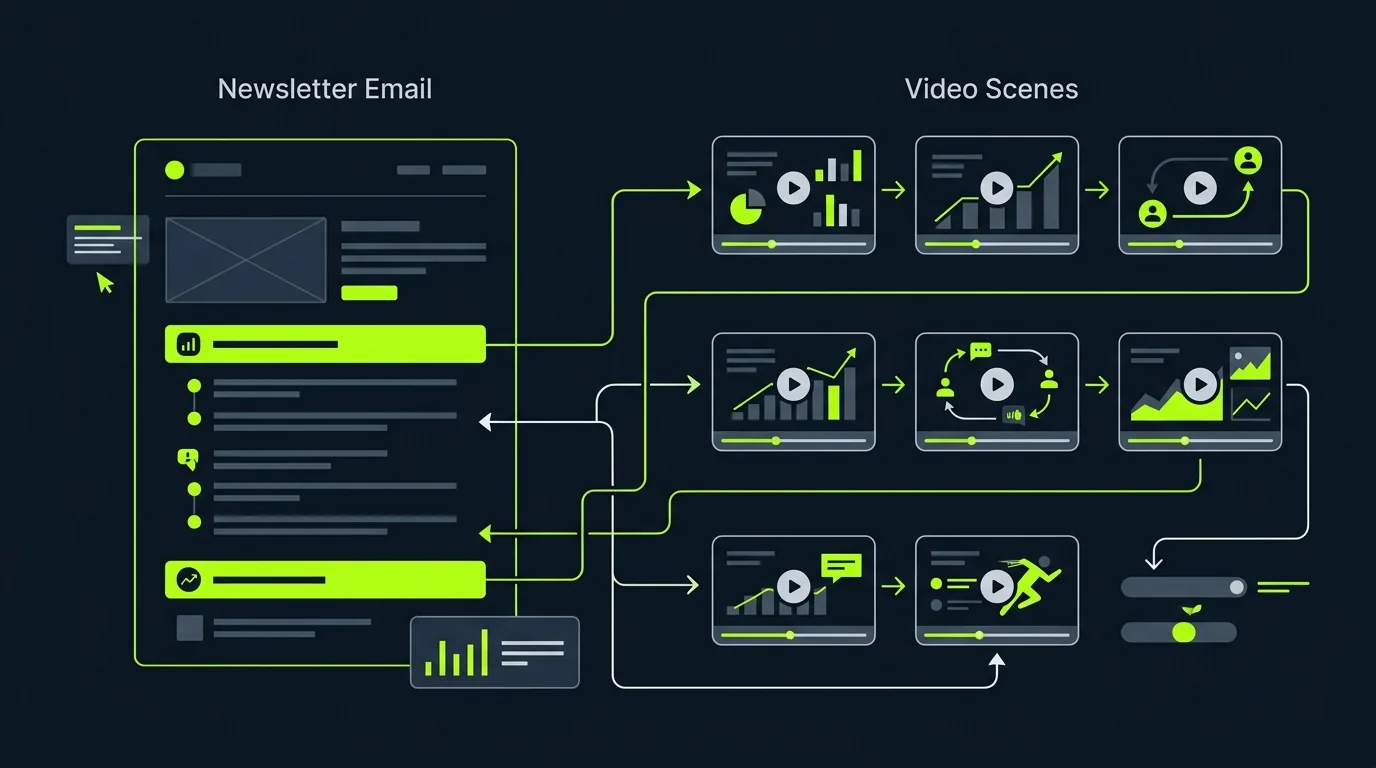
Reach more viewers
Give audio only content a visual format that performs on social and search.
Give a recording, voiceover, or podcast more places to work. Review how each line maps to its visual, then rerun only the scene that needs a change instead of rebuilding and reviewing every cut from scratch.
Made with TapVid
See it in action
What it is
Bring your own audio and TapVid builds matching visuals, captions, and scenes around it.
Every scene stays editable, so you can adjust the visuals and pacing before you export.
What TapVid adds
Give audio only content a visual format that performs on social and search.
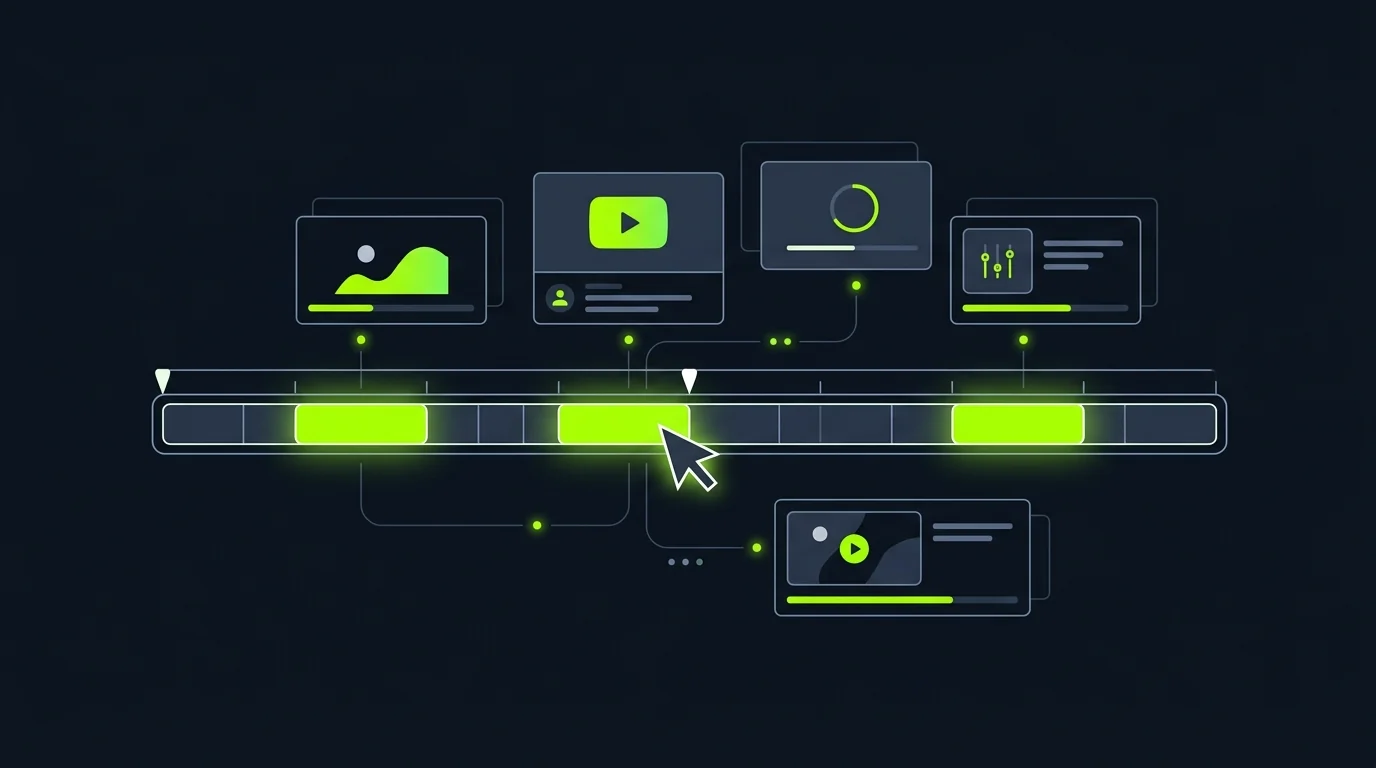
Edit the visuals, captions, and pacing on every scene.
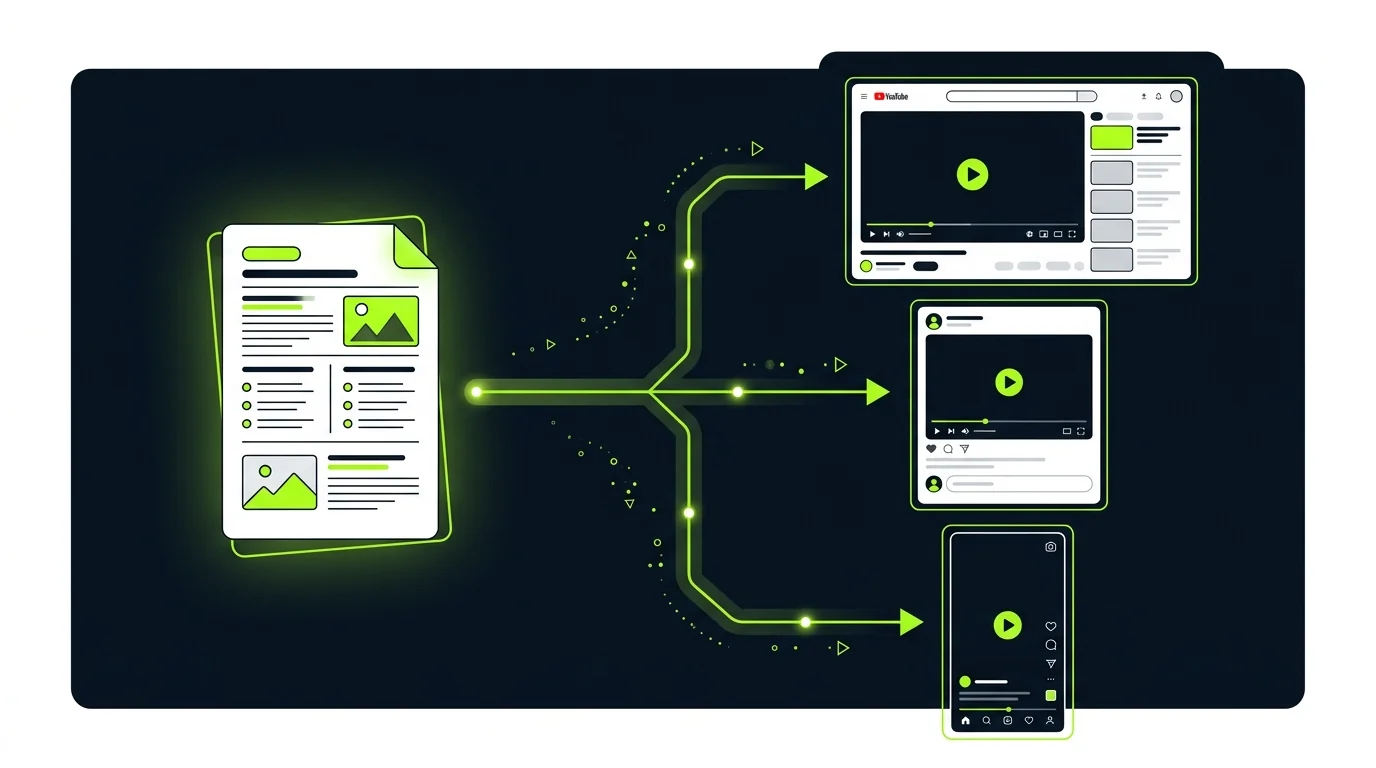
Export a captioned, structured video without extra tools.
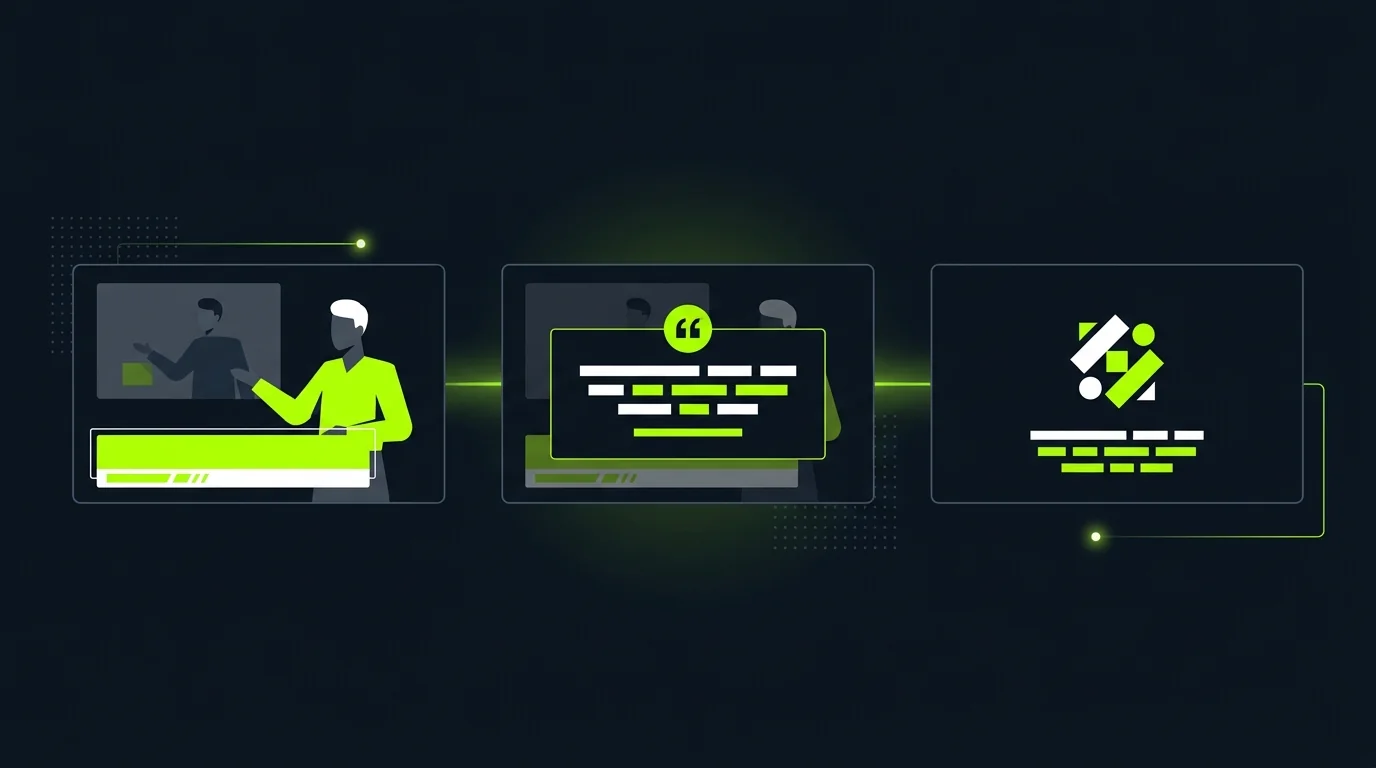
Build scenes and captions around the source audio instead of forcing the message into an unrelated stock-video sequence.

Check the scene plan before export so each visual supports the line being heard at that moment.
If one visual or caption needs work, update that scene without restarting the entire video.
How it works
FAQ
It turns an audio file into a structured video with visuals and captions you can edit and publish.
Recordings, voiceovers, and podcast clips all work as a starting point.
Yes. Every scene, caption, and visual stays editable before you export.
The audio-to-video workflow starts from the recording you provide and builds the visual structure around it. Review the restored source and project settings before generation.
Review the script and scene plan before export. Each scene should support the specific line being heard rather than merely filling time with a generic clip.
No. Change the affected visual, caption, or instruction and rerun that scene while the remaining scenes stay available.
More ways to start
Join thousands of product teams using AI to create professional videos in minutes.