
Turn your talking-head video into an explainer video
Upload an existing product talk or training recording. TapVid keeps the original face, voice, wording, and order, then adds captions, diagrams, callouts, and supporting visuals you can review scene by scene.

Before / after comparison
From raw recording to polished explainer
What it is
What is talking head video editing?
Talking head video editing turns a face-to-camera recording, interview, webinar, or lesson into a clearer video by adding captions and supporting visuals around the speaker. It keeps the presenter’s face, voice, and message at the center instead of replacing them with an AI avatar.
With TapVid, you upload the recording, review the captions and visual plan, refine individual scenes, and export the finished cut. It works well for product explanations, training videos, course lessons, and founder or expert updates.
What TapVid adds
Make Every Point Easier to Follow
Complex points, instantly clear
Numbers become bold data shots, steps become clean flows, terms get definitions, and comparisons sit side by side. The hard-to-follow parts turn into visuals people actually get.
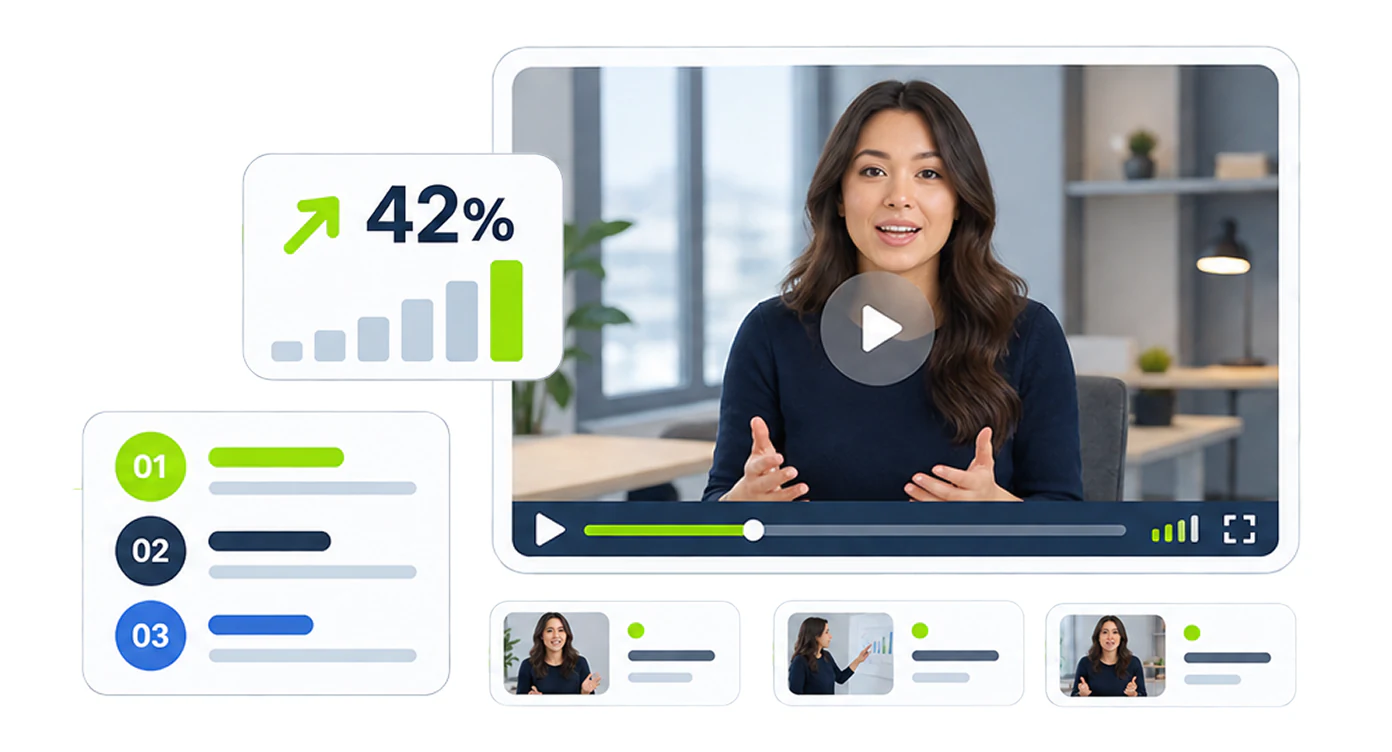
Understands before it enhances
TapVid reads your whole video first and splits it into titled chapters, keeping the simple parts clean. The emphasis goes where it counts: numbers, steps, and comparisons.
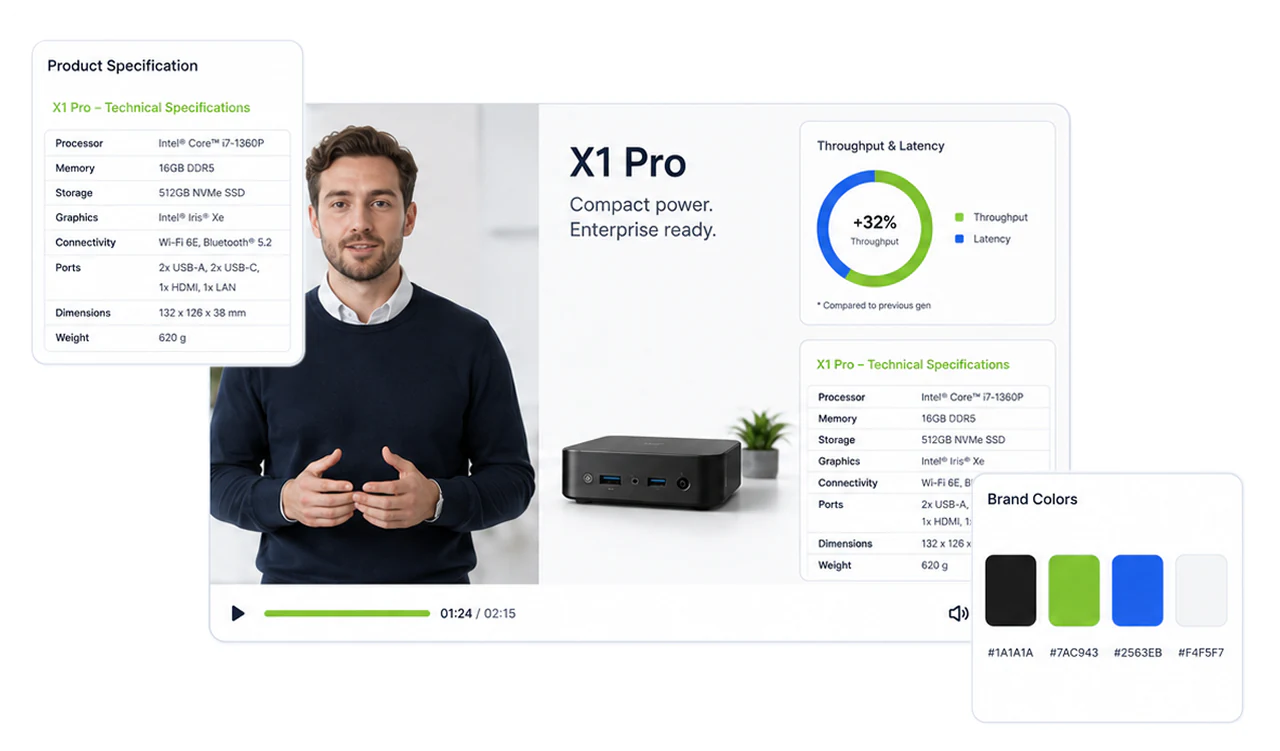
True to your original
Your delivery stays yours. TapVid never re-cuts your take or changes your order, voice, or point of view. It only adds synced visuals where they help.
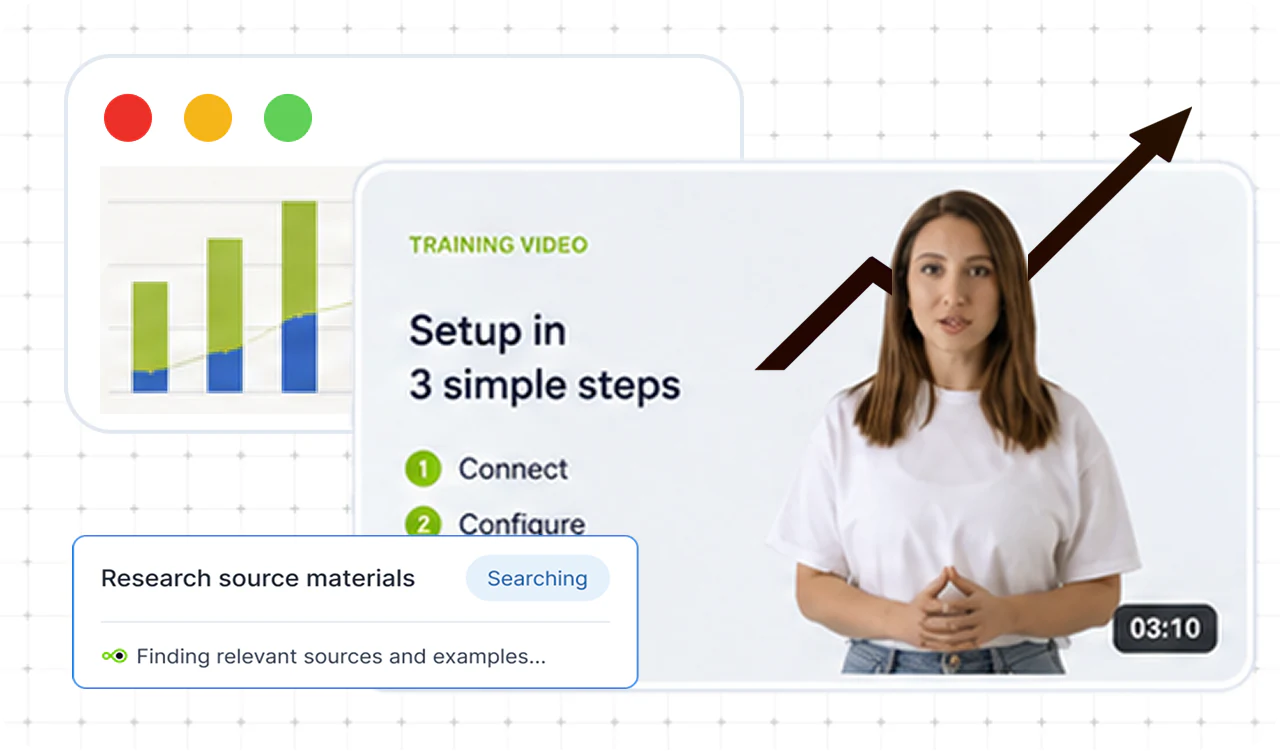
Grounded in real research
Turn on web search and TapVid looks up your topics, turning the data, definitions, and examples into visuals that make your point land harder.
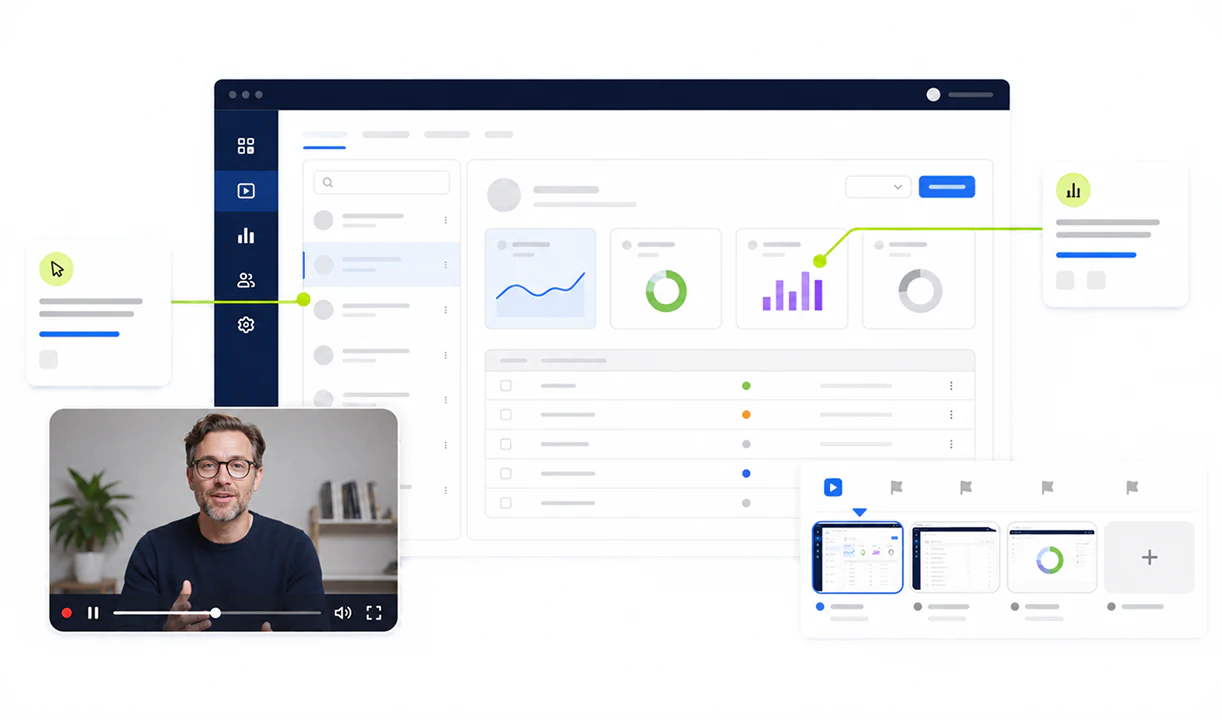
The right layout for every moment
Full-screen callouts, overlays, split screen, picture-in-picture, and stacked layouts. TapVid picks the right one for each segment, with transitions to match, so it never leans on one template.
Review first, refine after
Confirm the script up front, then fix any shot afterward with a single prompt, down to one element.
Brand Kitcoming soon
Apply your colors, logo, and fonts across every video in one consistent style.
API & MCP
Once one video works, batch the rest through the TapVid API or an MCP client, all in one style.
How it works
From recording to finished video in three steps
Made with TapVid
See what a recording becomes
FAQ
Questions, answered
No. A phone or webcam take works, and TapVid adds captions and visuals around it. Clearer audio and a cleaner recording usually produce better results, but you do not need professional equipment to get started.
No. Your recording stays yours. TapVid edits around your delivery and adds visuals; it does not generate a synthetic presenter.
Yes. Before production, TapVid confirms the brief and script with you. After the video is generated, you can still edit the visuals precisely, shot by shot down to a single element. Nothing publishes until you approve it.
Captions follow your actual words, and figures or product names stay tied to what you said. Review the result and fix any shot before export.
Yes. Each video keeps a consistent style that adapts to your scene and background, and you can also set the style by hand. Shared colors, logo, and fonts through a Brand Kit are coming soon.
Yes. Once one video works, you can produce the rest through the TapVid API or an MCP client, keeping one style across the whole series.
Yes. After you review the edit, you can export a finished MP4 for publishing or sharing. Available resolution and watermark options depend on your plan; see the pricing page for current details.
More ways to start
One explainer generator, focused source branches
These are source-specific entry points into the same Explainer Video Generator.
Drop in your talking head,
get a polished cut in minutes.
Your take stays yours. We caption and build visuals around your delivery, not over it.
Check it frame by frame
One video or a batch
Failed renders aren't charged