

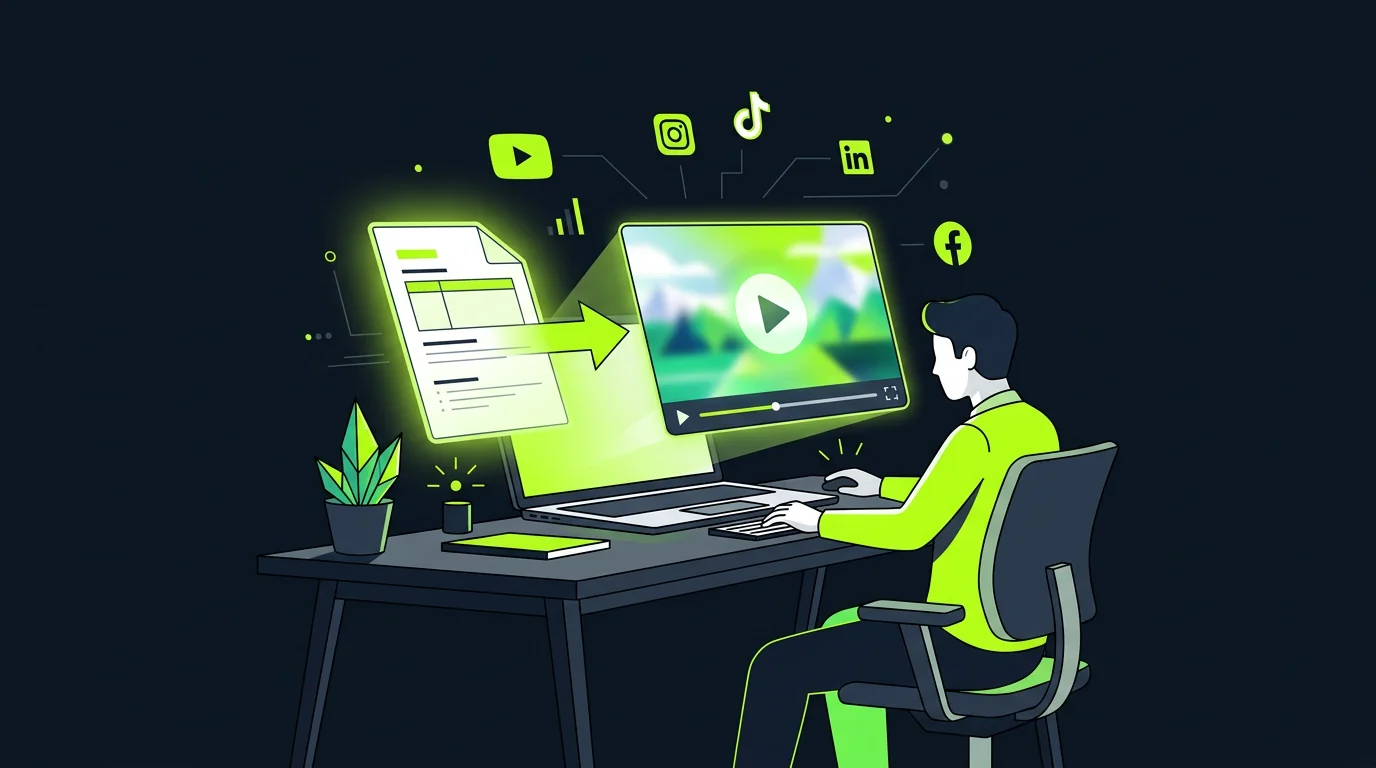
The method becomes reusable
Hook timing, information density and scene progression become a scene plan your team can apply again.
Repeat a proven campaign structure across products without reviewing every version from scratch. Rebuild it with approved images, claims, and CTA; review the plan before generation and rerun only the scene that changes.
Made with TapVid
See it in action
What it is
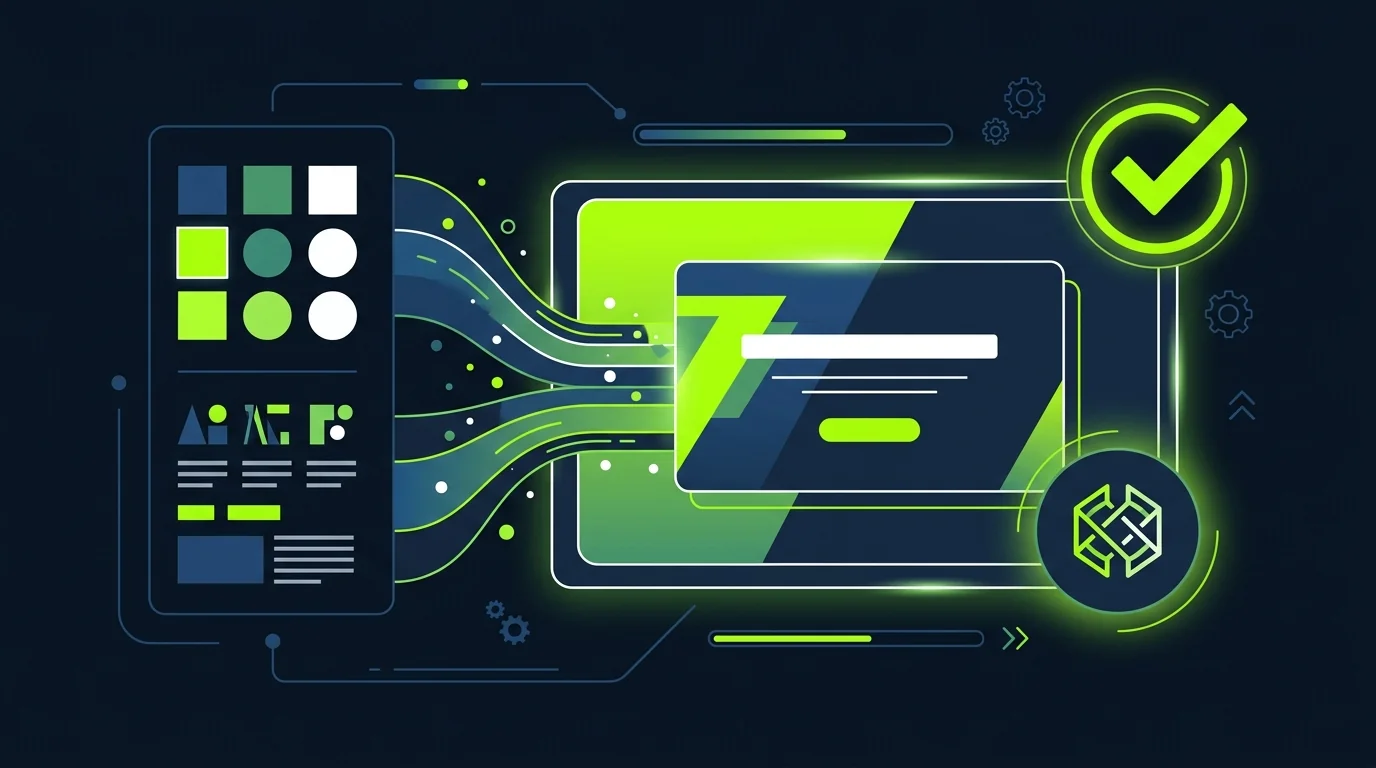
AI video cloner can mean face, avatar or voice duplication. That is not this workflow. TapVid analyzes a reference clip's hook timing, information density, pacing changes and scene progression, then turns those decisions into a reusable scene plan.
The new campaign is rebuilt with your approved product images, screenshots, claims and CTA. Agencies and merchants can repeat a proven structure across products while reviewing the script and storyboard before generation instead of checking every exported video from scratch.
What TapVid adds
Hook timing, information density and scene progression become a scene plan your team can apply again.
Product images, model numbers, prices and approved copy stay literal in the new campaign.
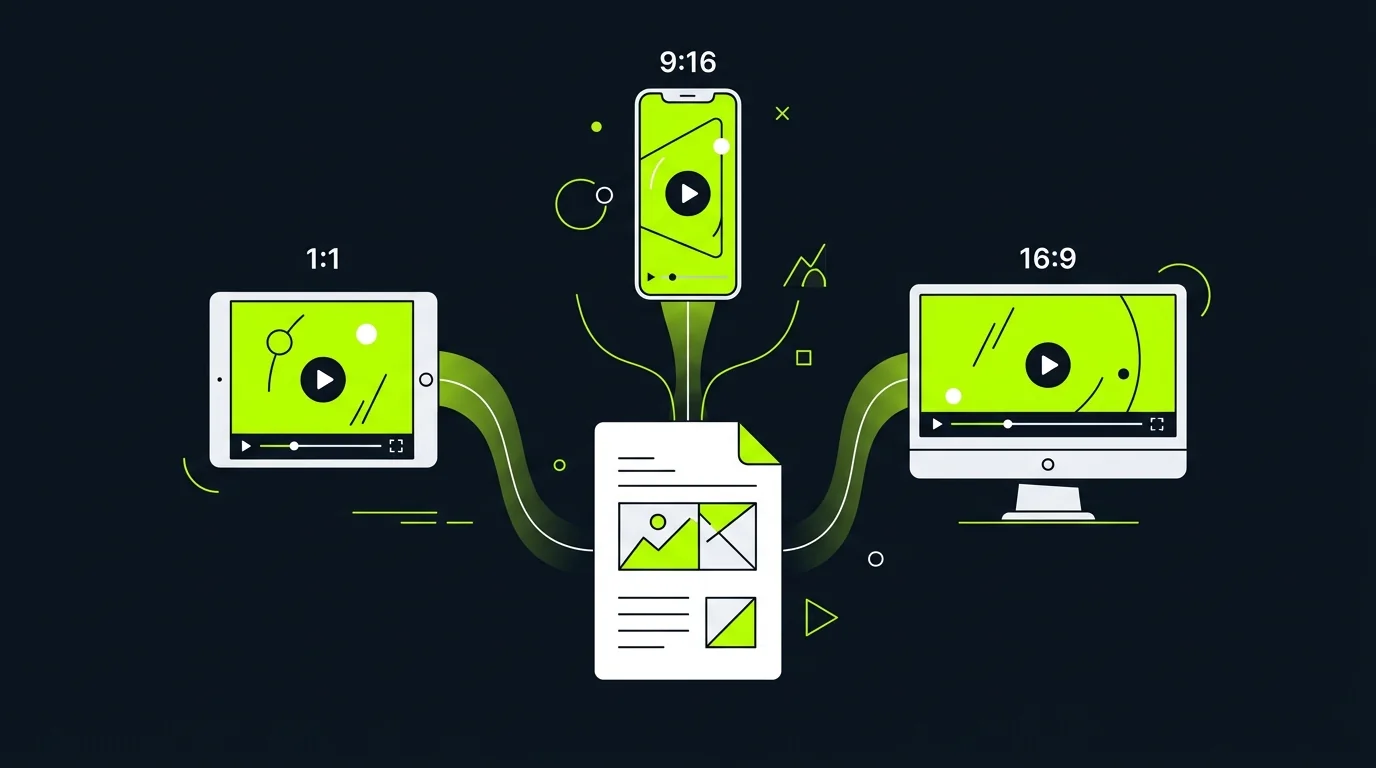
The storyboard connects each claim to the correct product source before generation.
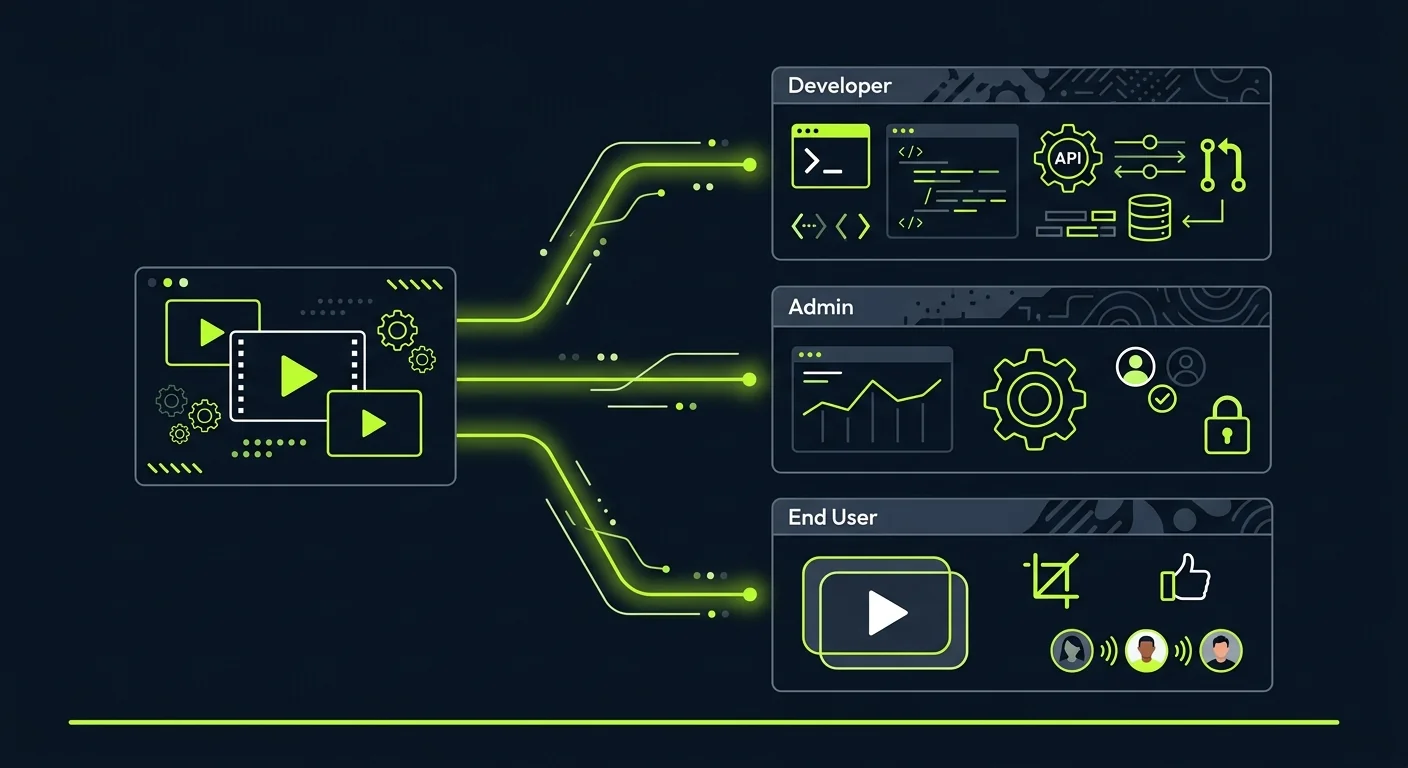
Update one claim or image and rerun only that scene rather than restarting every version.
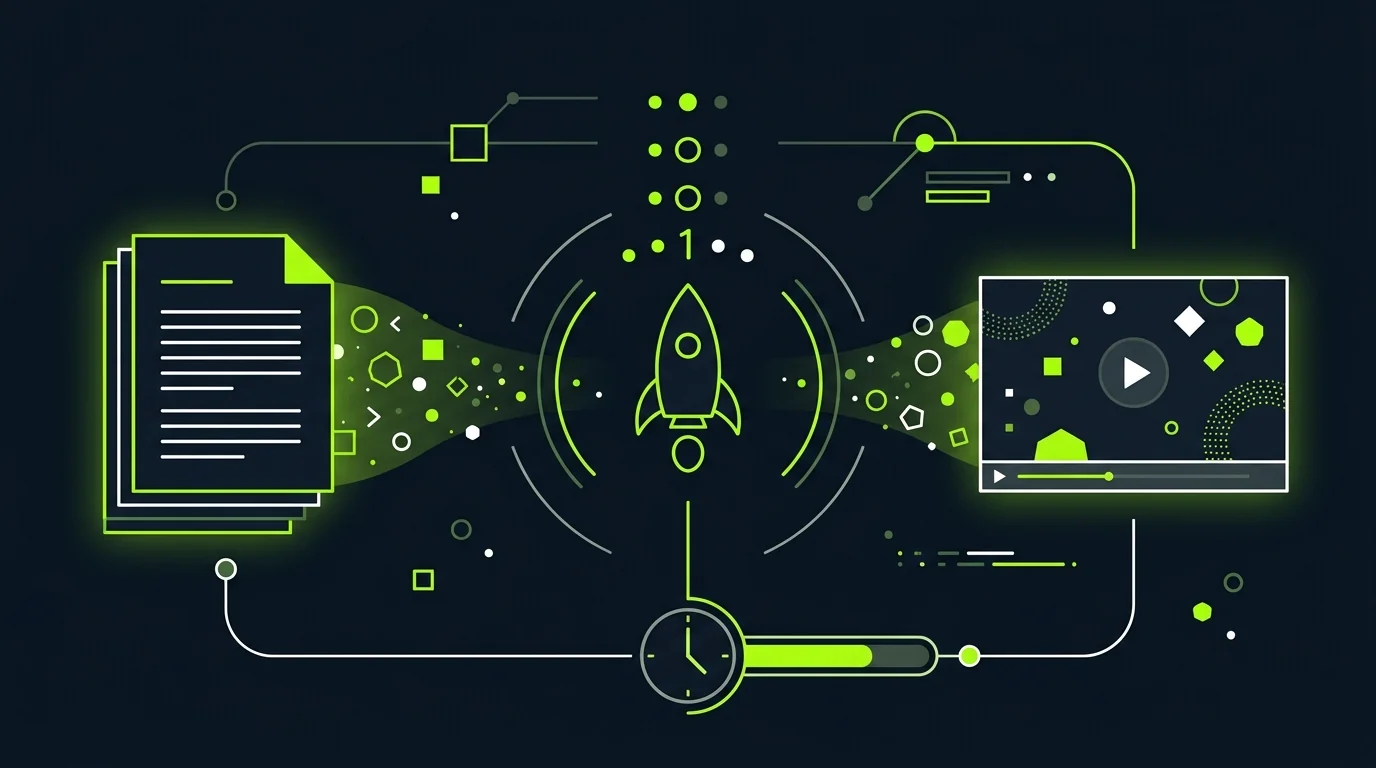
Agencies can inspect the script and storyboard before generating the campaign instead of reviewing every final file from zero.
The workflow does not copy the source footage, person, or voice; it rebuilds the scene logic with your material.
Clone the decisions that made a reference clear, then rebuild the campaign with material you control.
Reuse a working hook and scene order with a new product, offer or CTA.
Apply one approved scene plan while each product receives its own correct images and specifications.
Turn a useful reference into a repeatable brief for client-approved assets and copy.
Keep the same narrative structure while approved wording and assets change by market.
Carry one clear product-ad structure across many SKUs without mixing images, claims or specifications.
Convert a reference clip into a reviewable scene plan, then deliver variants with client-approved inputs.
Reuse a proven launch rhythm while every screenshot, feature name and CTA comes from the new release.
How it works
FAQ
An AI video cloner can refer to several jobs. TapVid focuses on structure cloning: it analyzes a reference clip's hook, pacing and scene progression, then rebuilds a new video with your approved material.
No. This workflow does not copy the source footage, person, or voice. It turns the reference's scene logic into a plan for your own product assets and copy.
Provide a permitted reference clip, then add the product images, screenshots, specifications, approved claims and CTA for the new campaign.
You can study a reference you own or have permission to use. TapVid rebuilds structural decisions with your own content; it does not grant rights to copy protected footage, identity, voice or branding.
Yes. Reuse the approved scene plan while supplying the correct images, specifications and wording for each product version.
Yes. Update the affected claim, asset or instruction and rerun only that scene while the other scenes remain available.
TapVid analyzes the reference clip's hook, pacing and scene progression, then rebuilds a new video with your approved product images, claims and CTA. It does not copy the source footage, person or voice.
More ways to start
Join thousands of product teams using AI to create professional videos in minutes.