Original source
The supplied talking-head footage before kinetic typography was added.
Turn product claims, campaign hooks, and training instructions into kinetic type while keeping supplied wording and assets reviewable—so your team can ship more versions without rebuilding every scene.

Compare the original talking-head clip with the TapVid output that adds timed, animated captions. The pair demonstrates this specific transformation; it does not claim that every style or input will produce the same result.
The supplied talking-head footage before kinetic typography was added.
The same footage with timed kinetic captions added around the original presenter.
Paste the exact wording and add the assets or audio that belong with it.
Describe reading order, emphasis, pace, and the role of each supplied visual.
Verify every word and scene, then rerun only the affected scene when something changes.
A kinetic typography generator turns written language into timed, moving type. It is useful when the words carry the message: a product claim, launch hook, training instruction, quote, or title sequence.
TapVid starts from the wording you approve. Product names, figures, prices, and legal language stay literal while you direct hierarchy, pacing, and emphasis in plain language.
The animated type can sit inside a fuller explainer with your screenshots, product images, footage, or audio. Review the proposed scenes before rendering; if one line changes, rerun only the affected scene.
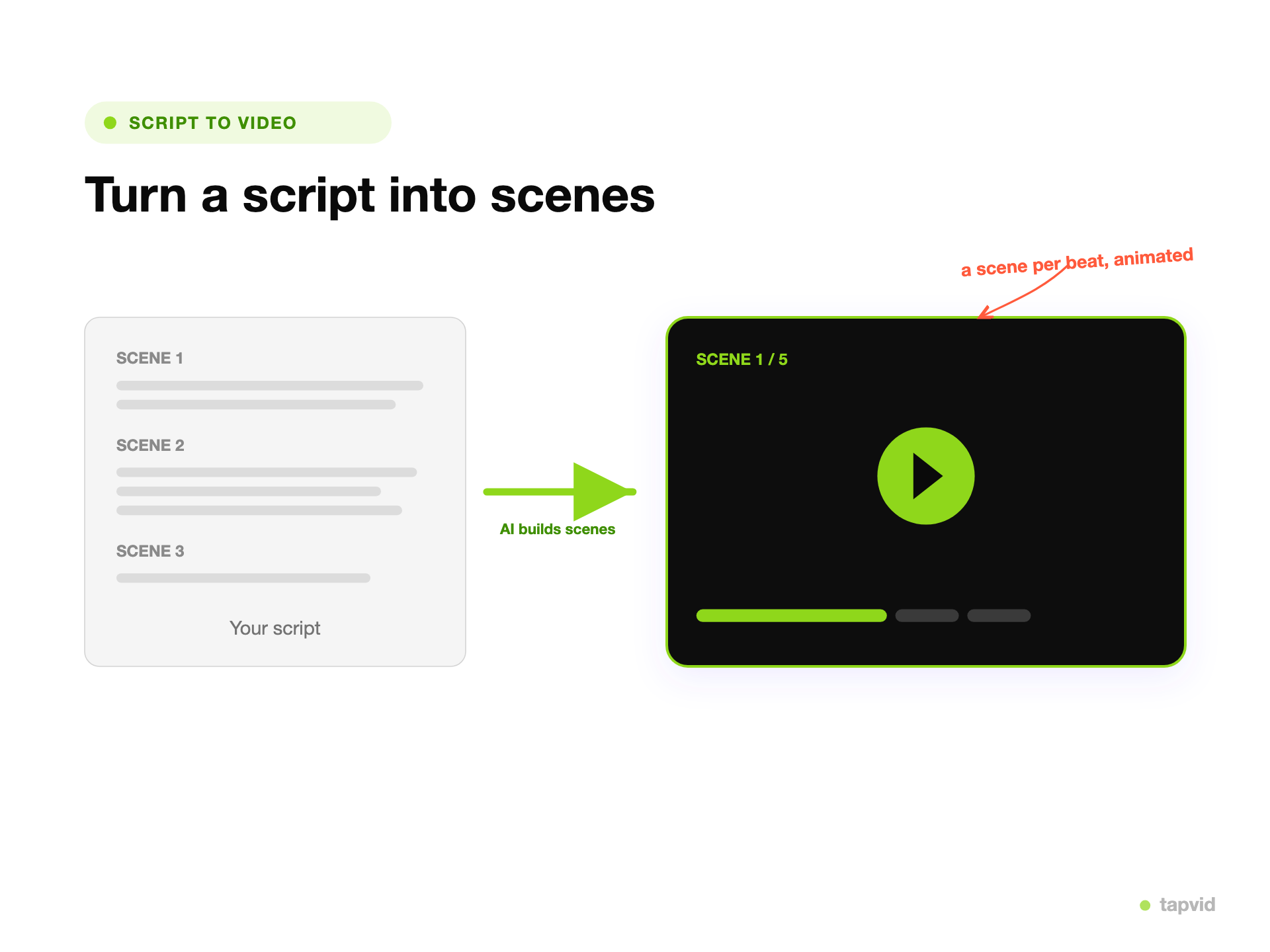
Start with the exact product claim, campaign hook, training instruction, or title that must appear on screen.
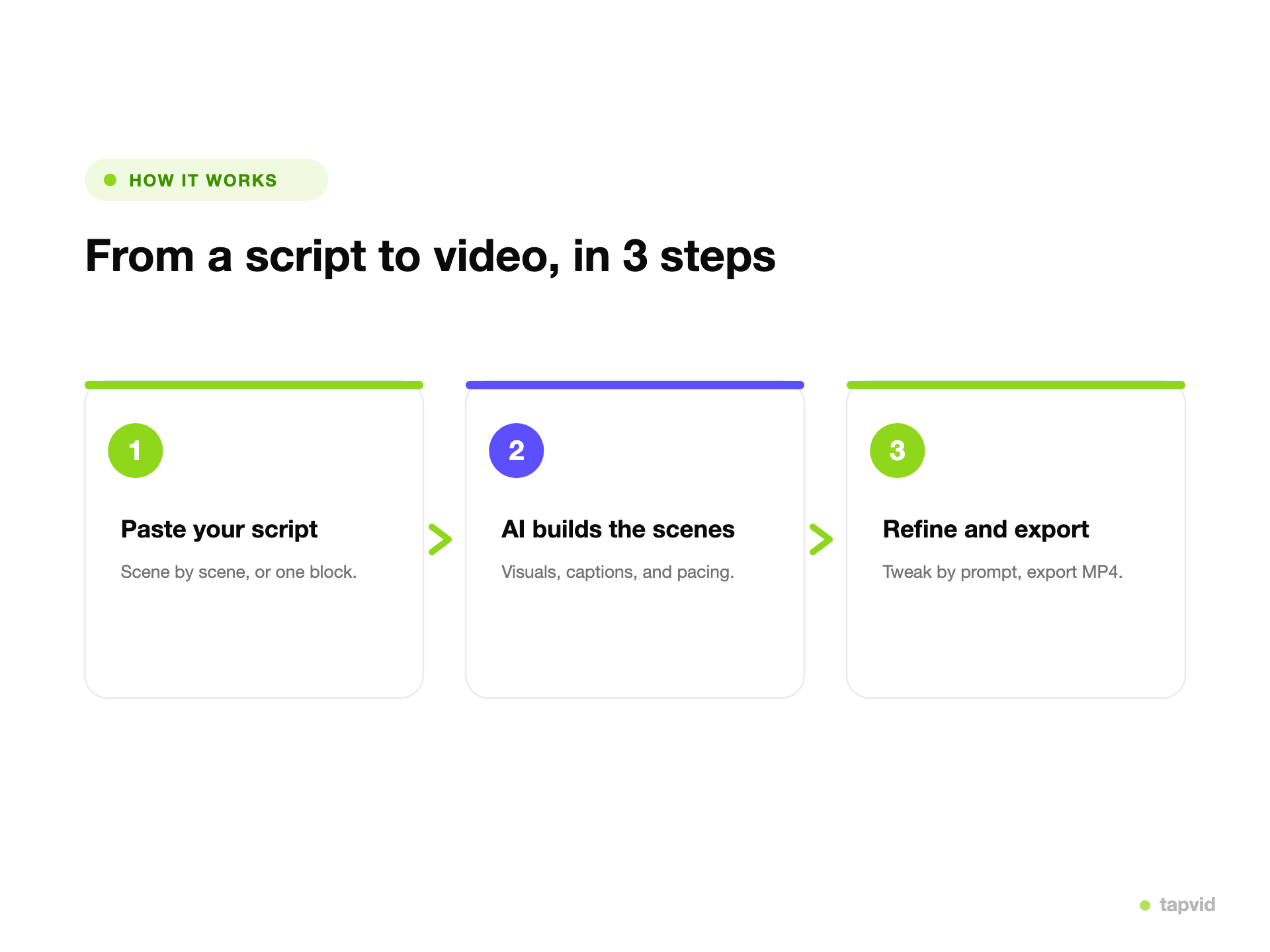
Describe the reading order, pauses, emphasis, and supporting visuals instead of setting every keyframe by hand.
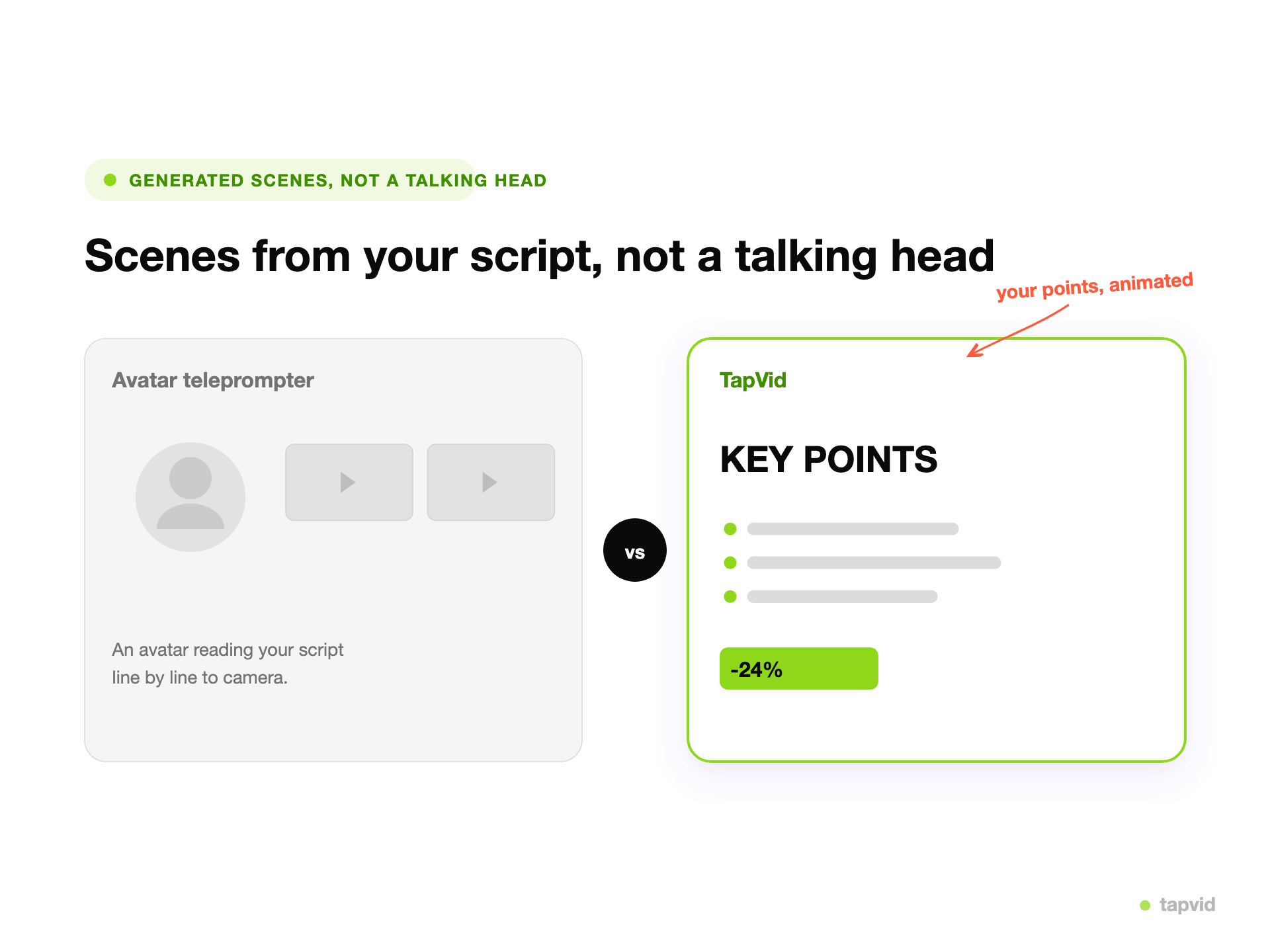
Check the wording, scene order, and emphasis before final render. If one part is wrong, revise and rerun only that scene.
Product names, figures, prices, and approved claims remain literal on screen.
Tell TapVid which phrase leads, where to pause, and what needs visual emphasis.
Keep each product claim beside the supplied screenshot, image, footage, or audio it describes.
Check the wording, scene order, and visual emphasis before committing to the final render.
Change one line or direction and rerun only the affected scene while the rest stays unchanged.
Use kinetic type as part of a product explainer, campaign hook, training clip, or branded opener.
One generator covers the animated-text formats creators reach for most.
Turn lyrics or a quote into animated type that moves with the words.
Open a reel or post with a line that animates on to stop the scroll.
Animated titles and lower thirds for a video opener.
Turn a spoken line into animated captions for audio clips.
Make a slogan land with timing and emphasis.
A short animated intro built entirely from type.
Choose by how much timing control and manual production your project needs.
| Preset text editor | TapVid | Manual timeline editor | |
|---|---|---|---|
| Starting point | Fixed text-animation preset | Paste the approved words or script and describe the hierarchy, pacing, and emphasis you want. | Blank composition and layers |
| Timing control | Preset-level adjustments | TapVid keeps supplied wording verbatim so product names, figures, and claims remain accurate. | Frame-level keyframes |
| Production work | Low, with limited variation | Review the animated draft, adjust the direction, and rerun the scene that needs a change. | Highest manual effort |
| Best fit | Fast template text | Built for product explainers, campaign hooks, training clips, and branded titles. | Custom motion design |
Animate feature names, product claims, and calls to action beside the correct product visuals.
Turn approved launch lines and ad hooks into short, visually paced openings.
Make required steps and terminology easier to follow without rewriting the instruction.
3 credits = 1 second, so you only pay for what actually renders. Start free, upgrade anytime.
$49/mo
2,000 credits / mo
$99/mo
6,000 credits / mo
$199/mo
14,000 credits / mo
Join thousands of product teams using AI to create professional videos in minutes.