Solutions · SaaS, software & hardware
Explain your product the way it actually works
Turn UI screenshots, product images and docs into explainer, demo and release videos that match what customers will see.
Sign in to start with your own product brief. No demo call needed.
A short preview of a product promo made with TapVid
Used by people at




Made with TapVid
Made from a script and product visuals
The problem
Product videos fall behind the product
Complex products are hard to show
A workflow that takes a minute to use can take a week to storyboard, animate and voice.
The UI has to be the real UI
Buyers and users check the video against the product. A made-up screen or a wrong label undermines the whole explainer.
Every release breaks the video
Ship a new feature and last quarter's demo is out of date. Re-recording the whole thing for one change rarely gets done.
Why TapVid for software teams
Explainers that keep up with your releases

Accurate
Your screens, as they are
Screenshots, product shots and diagrams go on screen as uploaded. Feature names, numbers and claims stay exactly as written.
 Your UI, not an approximation

Editable
Approve the story first
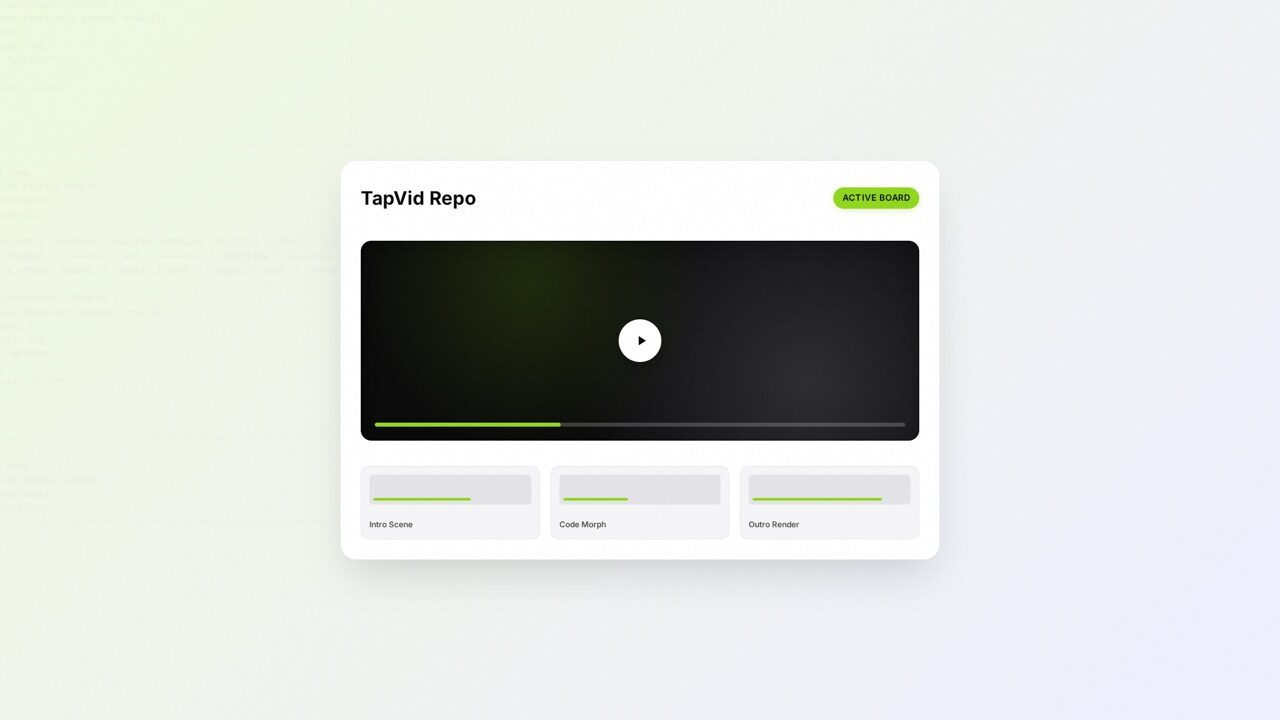
Review the outline and storyboard before rendering, then edit any shot or element on the frame.
Confirm before, edit after
Consistent
Update only what changed
After a release, Remix the shots that changed instead of rebuilding the video. Brand Kit keeps every version on brand.
One video, many releases
How it works
From docs to explainer in three steps
Step 1
Upload
Add UI screenshots, product images, a doc, a URL or a script.
Step 2
Confirm
Review the outline and storyboard, and fix any wording before it renders.
Step 3
Render
Export an MP4 or share a link. When the product changes, Remix only the affected shots.
Built for product teams
The capabilities software teams reach for
- Assets to Video
- Doc and URL to Video
- Storyboard review
- Precise editing
- Remix
- REST API & MCP

Ready for launch day
A first cut in minutes, so the video ships with the feature.

Change one shot, not the video
Edits and Remix touch only what changed, with versions you can roll back.

Fits your release process
Generate release videos from your docs through the API and MCP.
Your product, shown the way it is
Screenshots and product visuals go on screen as uploaded, and your wording stays verbatim. Failed renders aren't charged, and data use follows your Terms.
 Assets applied as-is
- Wording stays verbatim
- Failed renders not charged
- No training on your data
FAQ
Software team questions
No. Screenshots and product images you upload go on screen as they are. TapVid builds the motion and layout around them.
Open the video, Remix the shots that changed or edit them by prompt, and render again. The rest of the video stays as it was.
Yes. Upload a doc or paste a URL, and TapVid drafts the outline and script from it for you to review.
Yes. Upload product photos and spec sheets, and the video shows the product as photographed with the specs word for word.
Yes. The REST API and MCP let you create and render videos from your own tools or scripts.
Have another question? Get in touch →

Give it your screenshots and a short brief. See the explainer in minutes.
What you see is your product: nothing redrawn, nothing rewritten.

Check the plan before it renders

One video or a whole batch

Failed renders aren't charged