Solutions · Education
Course videos that teach clearly, in any language
Turn your script, slides and lesson notes into clear motion graphics lessons, then update or translate them without starting over.

Used by people at


The problem
Good teaching material, hard to turn into video
Video takes too long to make
Recording, animating and editing one lesson can take days, so most courses stay as slides and PDFs.
Facts have to be right
A wrong formula, date or term in a lesson spreads to every learner who watches it.
Courses change every term
Curricula update, and re-recording a whole lesson for one change rarely happens.
Why TapVid for education
Lessons that stay correct and easy to update

Accurate
Your material, word for word
Formulas, terms, figures and diagrams appear as you wrote them, so the lesson matches the syllabus.
 Nothing reworded

Editable
Check the lesson first
Review the outline and storyboard before rendering, then refine any shot after.
Confirm before, edit after
Consistent
One course, many languages
Generate voiceover and on-screen text in other languages from the same lesson, and update only the shots that change.
Multilingual by default
How it works
From lesson notes to video in three steps
Step 1
Upload
Add a script, slides, a PDF or lesson notes, plus any diagrams you use.
Step 2
Confirm
Review the outline and each scene, and correct any term before it renders.
Step 3
Render
Export the lesson, then generate other language versions from the same material.
Made with TapVid
Made from a short lesson brief
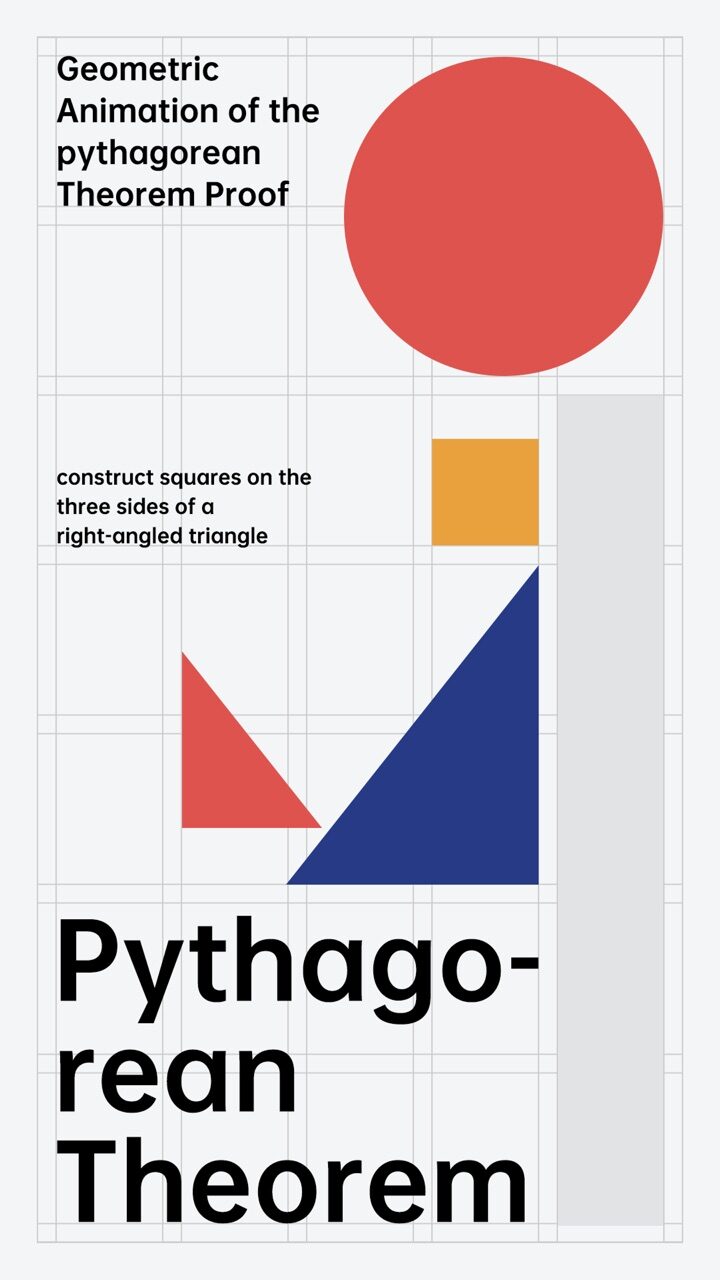

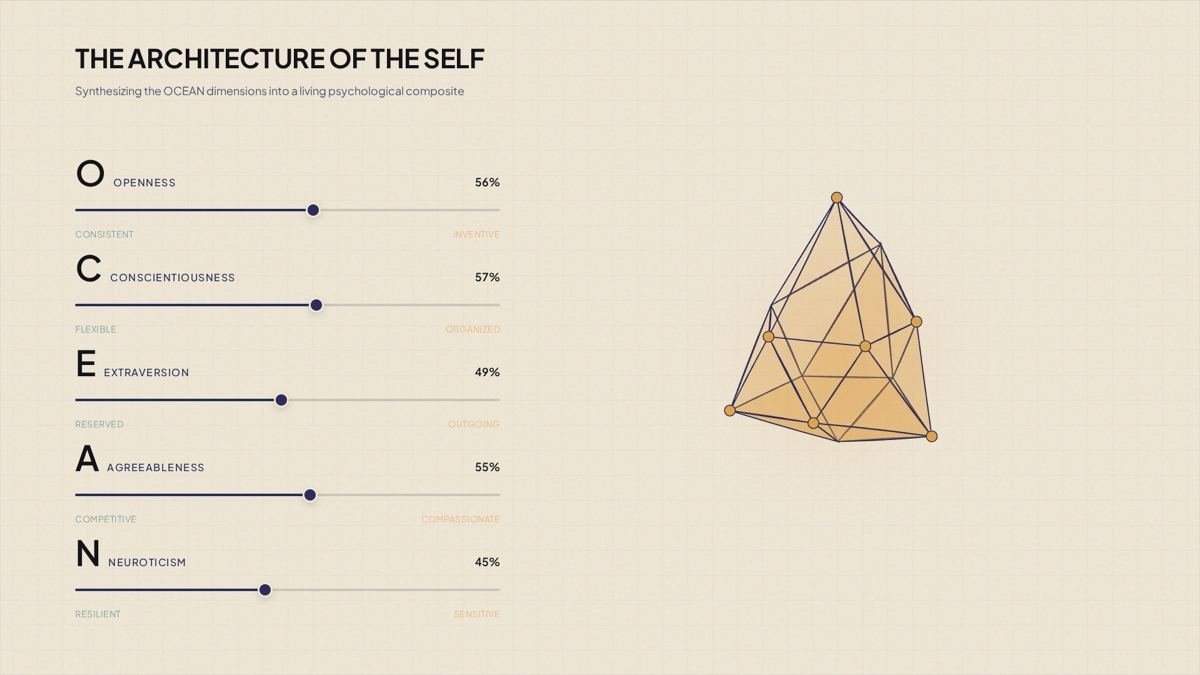
Built for learning
The capabilities educators reach for
- Script to Video
- PPT and PDF to Video
- Storyboard review
- Multilingual voiceover
- Precise editing
- Export & share
- AI Avatar

A lesson in minutes
Turn existing slides and notes into video without a production team.

Update, don't re-record
Change the shots affected by a curriculum update and keep the rest.

Reach more learners
Ship the same lesson in other languages from one source.
Your material, taught as written
Your diagrams and images go on screen as uploaded, and terms and figures stay verbatim. Failed renders aren't charged, and data use follows your Terms.
 Assets applied as-is
- Wording stays verbatim
- Failed renders not charged
- No training on your data
FAQ
Education questions
Yes. Upload a PPT, Google Slides export or PDF, and TapVid builds a narrated motion graphics lesson from it.
Yes. The wording, numbers and terms you provide appear as written. You can review every scene before it renders.
Yes. Generate voiceover and on-screen text in other languages from the same lesson.
Edit the affected shots by prompt or Remix them with new content. The rest of the lesson stays as it was.
No. You write or upload the material, review the plan, and TapVid handles the motion and timing.
Yes. Create an AI avatar from a photo of the instructor, with their consent confirmed, or pick a ready-made presenter from the public avatar library, and use it in every lesson.
Have another question? Get in touch →

Bring a lesson you already teach. See it as a video in minutes.
Your material, word for word, with motion that makes it clear.

Check the plan before it renders

One video or a whole batch

Failed renders aren't charged