TapVid vs Fliki: Build the visual explanation, or lead with the voice?
TapVid builds a product explanation around your assets and approved words. Fliki combines text-to-video, AI voices, media, and presenter options. Both support narration; choose by whether the voice or the precise visual explanation does the most work for your audience.
I'd like to add motion graphics and short explanations next to my presenter video about how we spend our 80 years, to help viewers grasp the key numbers.
Compare workflowsStart with the job. Then choose the tool.
The useful difference is what your team needs to explain, review, and deliver.
Your decision
Fliki
Primary job
Explain your product using its real assets and approved words.
Voice-led text-to-video with media and presenter options.
Starting material
Product screenshots, documents, images, and your written brief.
A script, article, prompt, or other supported source.
What to review
The brief, outline, and scene script before rendering; then the video and any revised shots.
Review spoken text, voice delivery, media choices, and scene edits.
A good fit
Product explanations where the right words must stay connected to the right assets.
Narration and an approachable scene workflow are the central requirement.
Based on our published article and the sources linked below. Compare workflows, then validate them with your own brief.
Why TapVidSeparate what is said from what is shown.
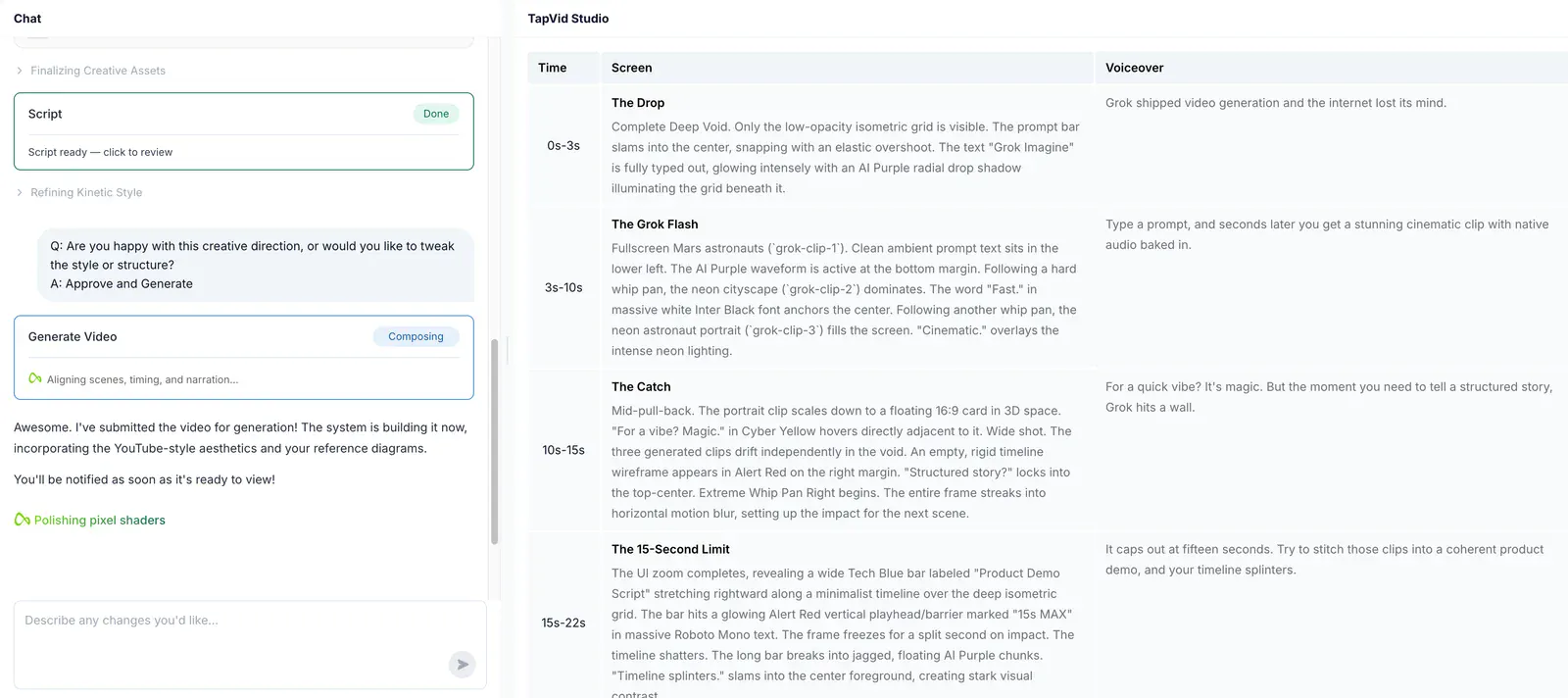
Put spoken text and production direction in their own columns. Review the shot script so an instruction to the video maker does not become a line intended for the audience.
The workflowGive the voice a visual explanation to work with.
Narration can introduce a number; graphics can show its relationship to the whole. TapVid's presenter example pairs an existing talk with explanatory motion graphics.
The workflowCheck the story's logic before choosing its delivery.
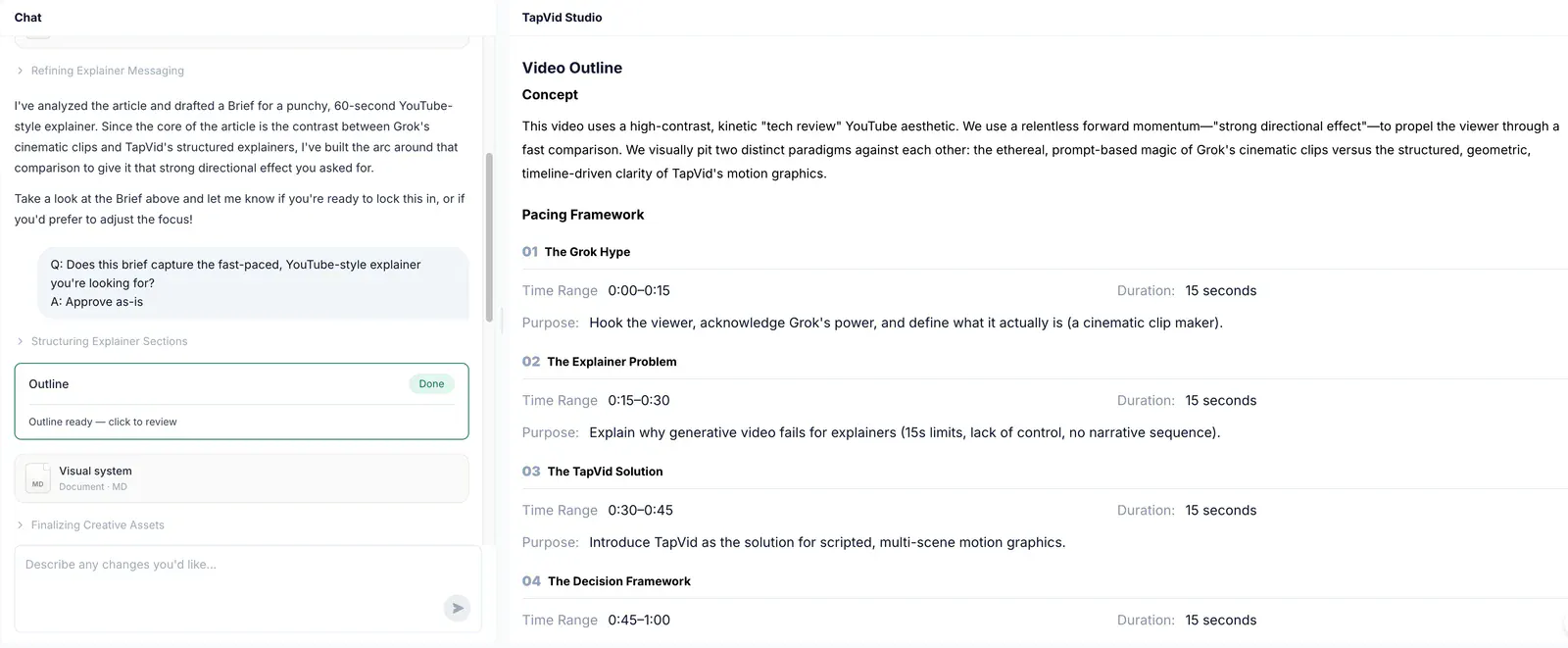
Use the outline to check that each idea prepares the viewer for the next. The voice then carries an explanation whose structure your team has already reviewed.
Find your fitChoose for the video you need to deliver.
Choose TapVid
Choose TapVid when each point must line up with a specific product asset, process step, or diagram. The source and planned sequence are reviewable before render. This is useful when topic-related media alone would leave the product’s actual behavior unexplained.
Choose Fliki
Choose Fliki when the narrator, voice choice, and supporting scenes already meet the brief. Its current site includes AI clips and digital twins as well as text-to-video, so the comparison should not limit it to stock footage.
Check the evidence behind the workflow
Research published by TapVid. Read the sample, method and limitations before applying a result to your own videos.
Accuracy and comprehension
Published September 7, 2026: 25 scenes, 7 systems and 6,760 blind ratings. Information-dense results describe a task subset, not every video or an independent product certification.
May 6–August 31, 2026: 6,464 matched registered users in TapVid telemetry. Milestone counts do not measure creative quality or represent an industry average; eligibility rules changed during the window.
Is narration exclusive to Fliki, or motion exclusive to TapVid?
Neither. These products overlap. Compare the work left after the first draft: spoken-text cleanup, asset matching, scene changes, and final review. Choose the tool that handles your recurring deliverable with a process the team can inspect.
When should I choose TapVid over Fliki?
Choose TapVid when each point must line up with a specific product asset, process step, or diagram. The source and planned sequence are reviewable before render. This is useful when topic-related media alone would leave the product’s actual behavior unexplained.
When is Fliki the better fit?
Choose Fliki when the narrator, voice choice, and supporting scenes already meet the brief. Its current site includes AI clips and digital twins as well as text-to-video, so the comparison should not limit it to stock footage.
Were these tools tested with the same input?
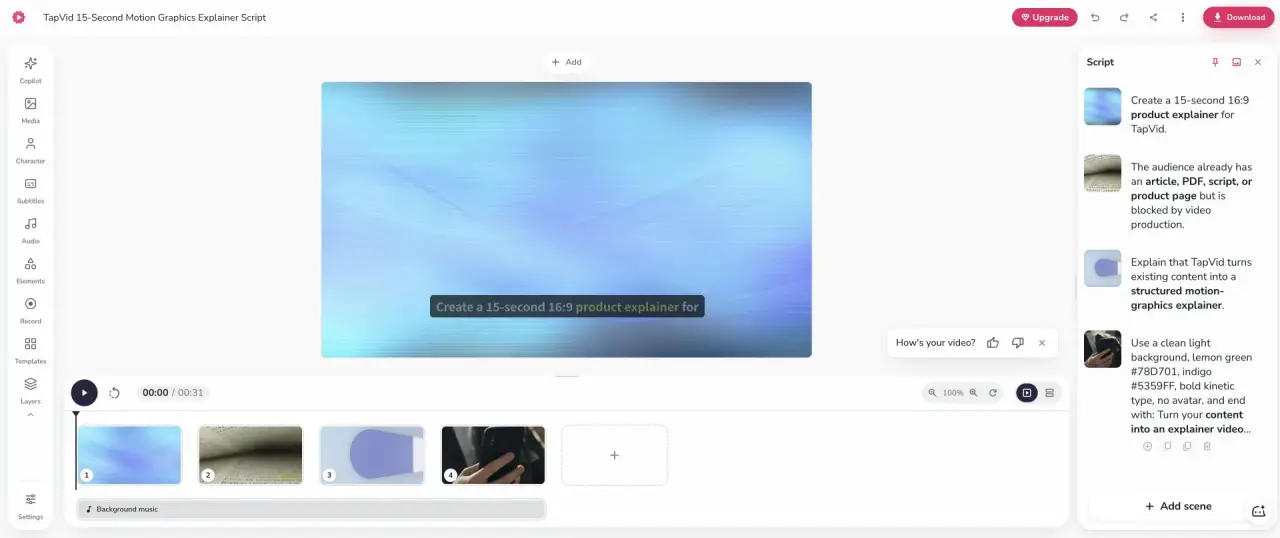
The screenshot comes from the linked HeyGen test, not a new paid Fliki benchmark. The Fliki alternatives article itself is a workflow review and does not compare paid renders across all listed tools.
Does TapVid guarantee a perfect video?
No. Review the planned words and assets before rendering, and check the final video. TapVid is designed to preserve your supplied content and let you revise individual shots; that does not remove the need for approval.
Where can I check pricing and the full evidence?
Use the linked article below for the archived evidence and the official product websites for current pricing and plan limits. Historical trials and render times are not promises about a current subscription.
Explore moreExplore more comparisons
Compare TapVid with other video tools in our published guides.
Written by TapVid. Published evidence and product scope reviewed 2026-09-15. Screenshots are historical records, not a claim that today’s interface is unchanged. Official product pages were checked for current scope; no new paid head-to-head test was performed.
Product examples illustrate TapVid workflows; they are not matched-input competitor tests.
Read the full article
Our HeyGen alternatives test also recorded a Fliki project with four scenes totaling 31 seconds from a 15-second production brief. Some instructions appeared in the narration and needed cleanup. The later Fliki alternatives article frames the broader decision around the source, output shape, and revision workflow rather than a universal winner.
The screenshot comes from the linked HeyGen test, not a new paid Fliki benchmark. The Fliki alternatives article itself is a workflow review and does not compare paid renders across all listed tools.