
The best Fliki alternatives do not all replace the same job. Fliki starts with text, a blog post, a presentation, or another written source, then combines narration with stock or generated media. Some alternatives stay close to that model. Others swap the output for a digital presenter, a motion-led explainer, a browser editing timeline, or a voice track that still needs visuals.
That distinction matters more than a long feature checklist. If you choose an avatar tool when you wanted visual storytelling, you have changed the format. If you choose a voice tool, you have removed video assembly from the purchase. A lower monthly price can also cost more in practice when revisions consume credits.
I reviewed current official pricing pages and credit documentation on August 5, 2026. I also read public user threads and captured the source comments used here. I did not run paid renders in every product, so this is a documentation-verified workflow comparison, not a hands-on speed benchmark.
01
Quick answer: which Fliki alternative fits your workflow?
If you want the closest replacement for Fliki's script-to-stock workflow, start with Pictory or InVideo AI. Pick HeyGen when a synthetic presenter is the point of the video. Pick Synthesia when training governance, localization, and team review matter more than creator-style output.
TapVid belongs in this comparison for a different reason. It is an Explainer Video Engine that turns creator-owned text, articles, PDFs, scripts, PRDs, and product copy into structured motion-led explainers in minutes, without After Effects. VEED makes more sense when you want a browser editor and plan to control the assembly yourself. ElevenLabs fits when narration is the bottleneck and you already have a visual workflow. That is the rule behind the ranking below.
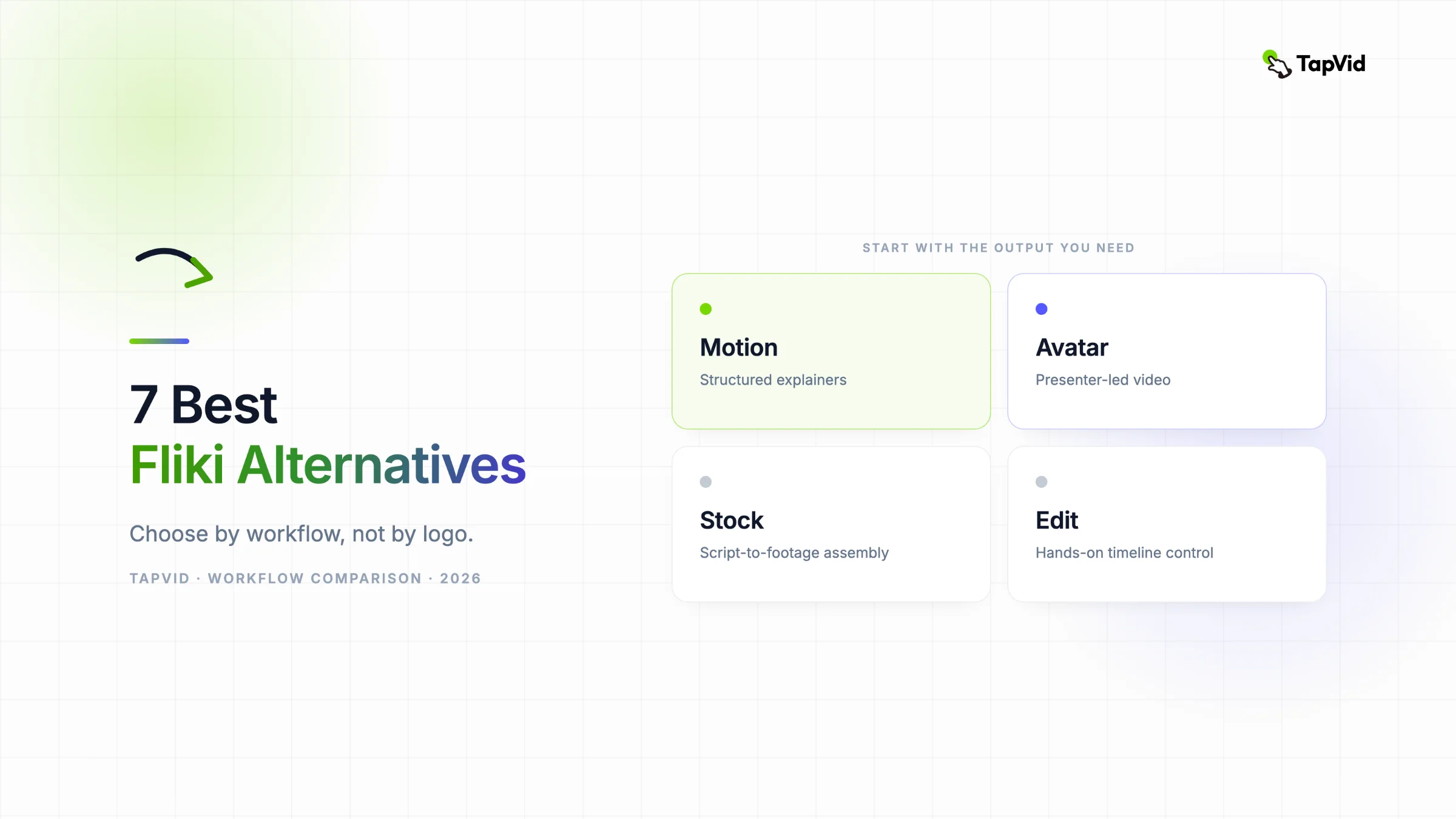
Workflow map for seven Fliki alternatives, from motion explainers to voice-only production.
| Alternative | Best for | Starts from | Primary output | Main compromise |
|---|---|---|---|---|
| TapVid | Motion-led explainers | Existing creator content | Structured visual explanation | Not an avatar or stock-footage clone of Fliki |
| Pictory | Blog and long-video repurposing | Script, URL, long video | Stock-led video with captions | Auto-selected footage still needs review |
| InVideo AI | Prompt-to-video automation | Prompt or script | Automated scenes with stock and AI media | Generation credits matter during iteration |
| HeyGen | Avatar-led creator and business video | Script, voice, avatar source | Synthetic presenter video | Premium avatar models draw from credits |
| Synthesia | Training and localization | Script and training content | Governed presenter video | Less natural fit for creator-native motion pieces |
| VEED | Browser editing | Footage, screen recordings, text | Editor-controlled video | More hands-on assembly |
| ElevenLabs | Voice generation | Text or recorded audio | Narration and speech assets | No complete visual assembly |
02
Why creators look for Fliki alternatives
Fliki remains a sensible choice when the brief is simple: turn written material into a narrated video, use its media library, and publish without learning a full editor. Its current pricing page still offers a free plan with 3 credits each month, 720p export, and a watermark. Standard lists 2,160 credits per year with 1080p export and videos up to 15 minutes. Premium lists 7,200 credits per year and videos up to 40 minutes.
The catch is that one credit is not one unit of output. Fliki's official credit guide, updated July 17, 2026, says standard voices use 0.5 credits per minute. Multilingual, ultra, studio, and cloned voices use 1 credit per minute. Uploaded and stock media do not consume credits, but AI video can cost from 0.1 to 5 credits per second. Export costs 0.1 credits per minute.
Replaying an unchanged section is free, and editing one scene only regenerates that scene. Those rules are fairer than charging for every preview, but the price of an AI-media-heavy video can still be very different from the price of a stock-led video. That difference is why plan mechanics belong in the comparison.
Current billing logic for Fliki, Pictory, and InVideo AI, based on official documentation checked August 5, 2026.
People also leave because their required proof has changed. A product launch may need animated diagrams instead of stock clips. Training may need one controlled presenter in many languages. A creator may decide that a real editing timeline is worth the work because every visual choice must be deliberate. The product name has not become worse. The job has moved.
03
How I compared these Fliki alternatives
I used six decision fields: the source material, the output shape, revision control, billing logic, publishing use case, and the strongest public user evidence I could verify. I checked official pages first for pricing and plan limits. Public comments are treated as anecdotes, not statistics.
I also separated direct replacements from adjacent tools. Pictory and InVideo AI are direct comparisons when the goal is automated scene assembly around narration. HeyGen and Synthesia are adjacent because the presenter becomes the visual center. TapVid changes the endpoint to motion-led explanation. VEED changes the production model to editing. ElevenLabs only replaces the speech layer. A tool can be excellent and still be the wrong replacement.
Category check: direct Fliki replacements versus adjacent video and voice tools.
This method avoids fake precision. I did not assign a 9.2 score to one product and an 8.8 to another without running the same paid brief. Instead, each section answers a practical question: what job does this product replace, what does the current plan meter, what evidence supports the recommendation, and when should you skip it?
04
1. TapVid: best for motion-led explainers from existing content
TapVid is the strongest choice here when the real goal is not a voice over stock footage and not a digital presenter. It is an Explainer Video Engine for creators who already have something worth explaining. You provide an article, PDF, script, PRD, or product copy. TapVid organizes that material into a motion-led explainer with visual structure, so the outcome is closer to motion design than to stock assembly.
This fits professional creators who already spend on AI tools and need better visual proof, plus almost-ready creators who have good written material but are one production step away from publishing it as video. The useful distinction is input ownership. TapVid visualizes your content. It does not promise to invent the underlying argument for you.
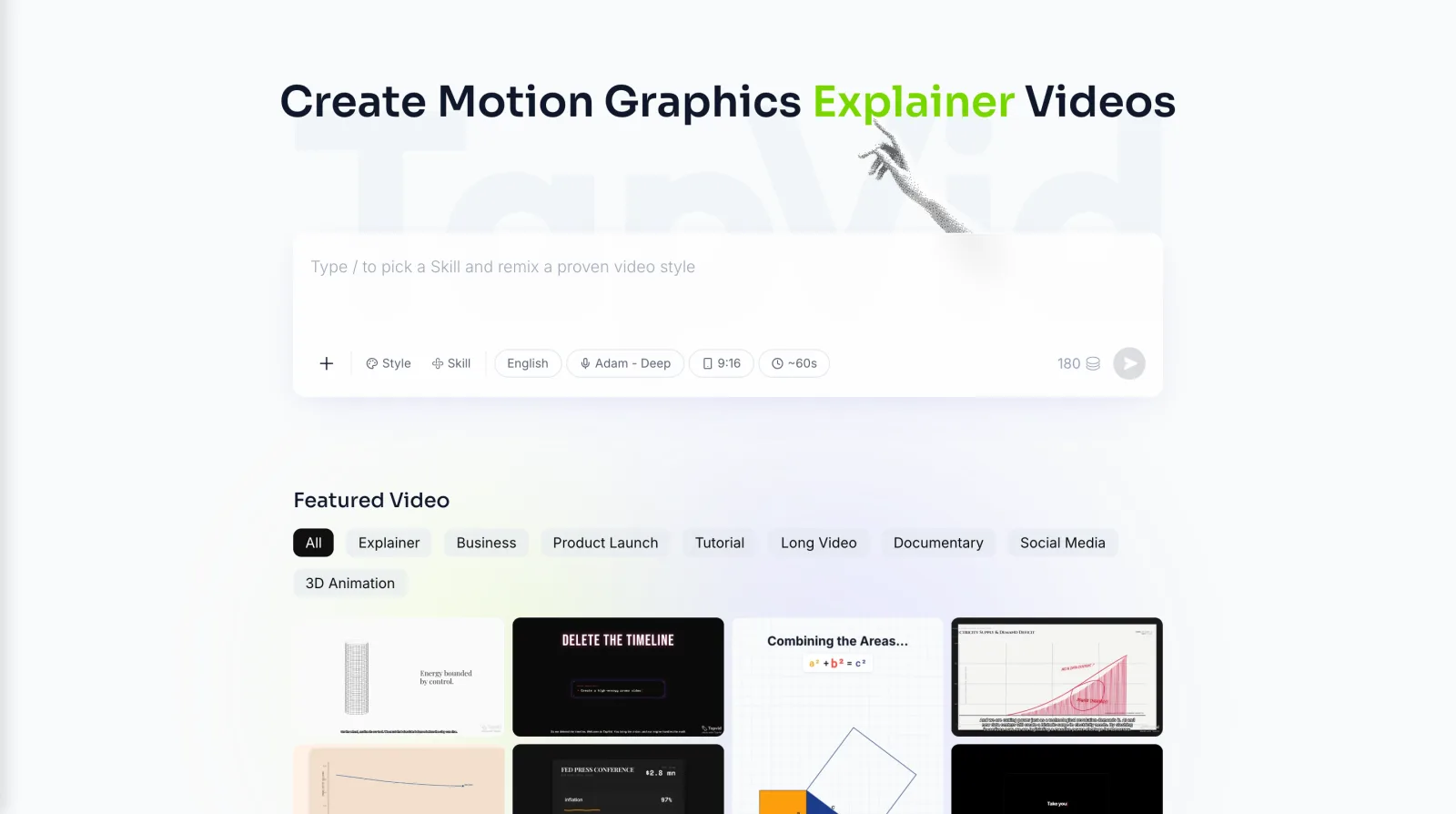
Choose TapVid when: your article or product narrative is already finished, the explanation needs kinetic text or diagram-like sequencing, and an After Effects workflow is too slow. The relevant starting points are the AI explainer video generator and AI product demo video generator.
Skip TapVid when: you need a photorealistic avatar, a library-first stock video, live screen recording, or a narration file with no visual assembly. For current plan details, use the TapVid pricing page rather than assuming its billing works like Fliki credits.
The evidence boundary is clear: TapVid's category and use cases were checked against messaging manual revision 76, but this article does not place a paid TapVid render beside paid exports from the other six tools. The recommendation is about workflow fit, not measured render speed or output quality.
05
2. Pictory: best direct replacement for blog and long-video repurposing
Pictory stays close to Fliki's original job. It accepts a script, URL, prompt, or long video, then assembles scenes with stock media, captions, and voice. The product is particularly relevant when you want to turn one blog post into a narrated video or cut a long recording into shorter pieces without starting in a timeline.
The official pricing page currently lists Starter at $25 per month when billed annually, or $29 month to month, with 200 video minutes per month. Professional is $35 per month when billed annually, or $59 month to month, with 600 minutes per month. The 14-day trial covers three projects and 15 total minutes at 720p.
One billing detail is easy to miss: previewing, editing, and sharing a preview do not consume video minutes. Export does. That makes Pictory easier to budget when your workflow includes several visual swaps before the final file.
A public Reddit post from a documentary creator reported that Pictory selected unrelated footage and became slow with many scenes. The post is three years old, and Pictory has changed since then. I use it to identify what a paid test must inspect, not to claim the current product has the same performance. Treat that as an anecdote, not a current performance measurement.
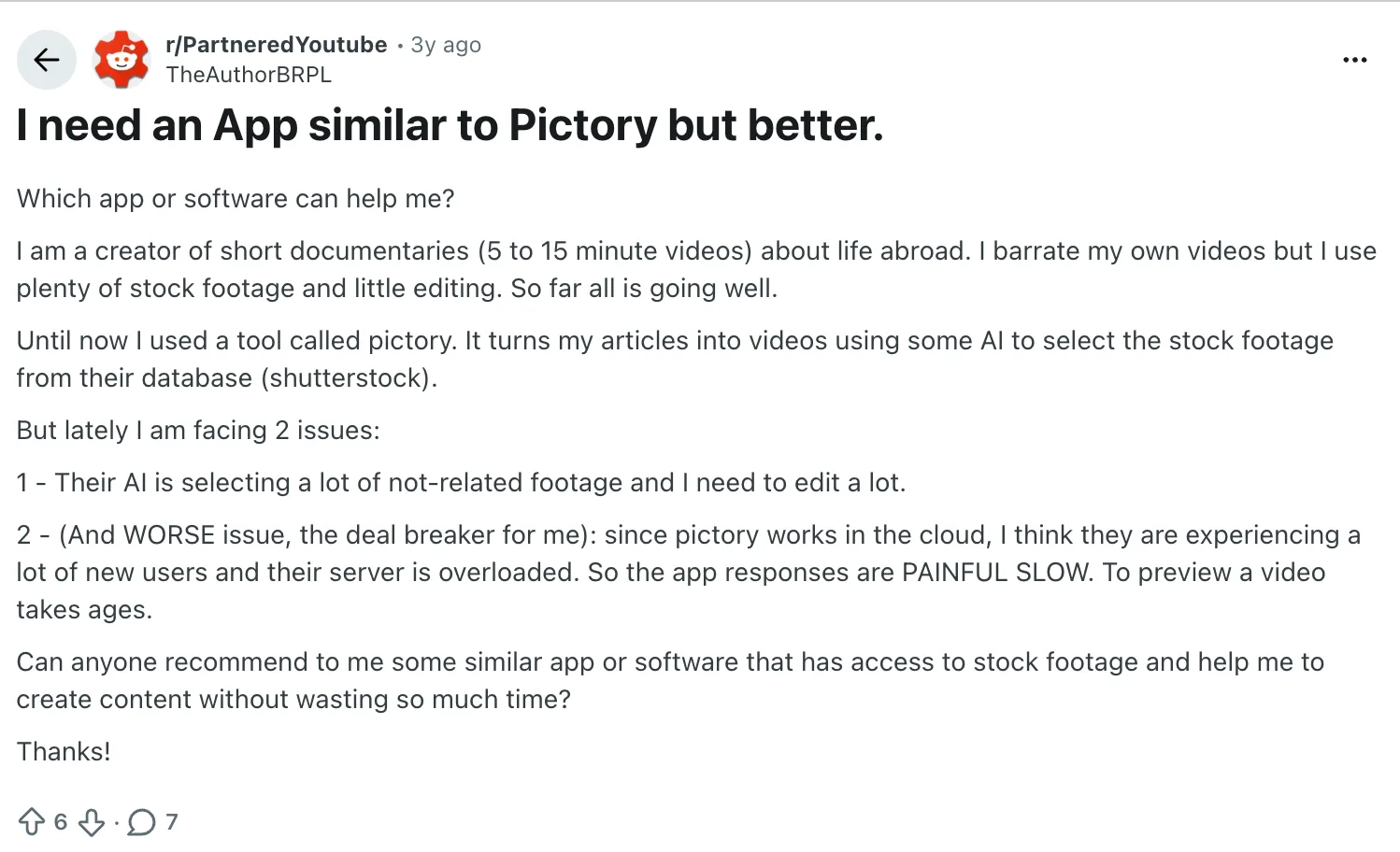
User evidence: a documentary creator described unrelated stock matches and slow previews in a public Reddit thread.Open the original post.
Choose Pictory when: your preferred format is narrated stock footage, captions are central, and you want predictable export-minute accounting. Skip it when: the meaning depends on custom motion, product UI choreography, or imagery that stock search is unlikely to understand.
06
3. InVideo AI: best for prompt-to-video automation
InVideo AI is the more automation-heavy direct alternative. It can start from a prompt or script, plan scenes, generate narration, and combine stock with AI media. That makes it attractive when you want a fast first assembly and are comfortable replacing scenes that miss the brief.
Its current plans and credits guide confirms that free allowances reset each Monday in UTC. Generation uses credits. Downloading or exporting a finished video does not. I have not included a paid price in this draft because the current page did not expose a stable dollar amount in the research crawl, and an old number would be worse than no number.
The practical cost question is how many generations survive the first draft. A one-click result may look cheap until visual replacements or a rewritten scene trigger another generation. Before buying, run the same 60-second brief twice and record the remaining balance after the second revision.
Choose InVideo AI when: you want prompt-led automation and a broad mix of stock and generated media. Skip it when: you need the motion system to follow a detailed information hierarchy rather than assemble a plausible sequence of scenes.
07
4. HeyGen: best for avatar-led creator video
HeyGen is not a cleaner version of Fliki's stock-video workflow. It is a presenter tool. Choose it when the synthetic speaker is the proof, such as a creator twin, localized talking-head video, sales outreach, or a training presenter who can be updated without reshooting.
The current pricing page lists Creator at $29 per month, or $24 per month when billed annually, with 600 monthly credits, 1080p export, voice cloning, and support for more than 175 languages and dialects. I have not repeated conflicting Pro prices found in older crawls. The official current page should be checked on the purchase date.
The strongest current risk is plan interpretation. A May 2026 Reddit post praised Avatar III but objected to a move from unlimited use toward credit billing. The post itself included an in-product notice stating that Avatar III would use 3 credits per minute on the new plan. That post is one user's response, not a market-wide conclusion.
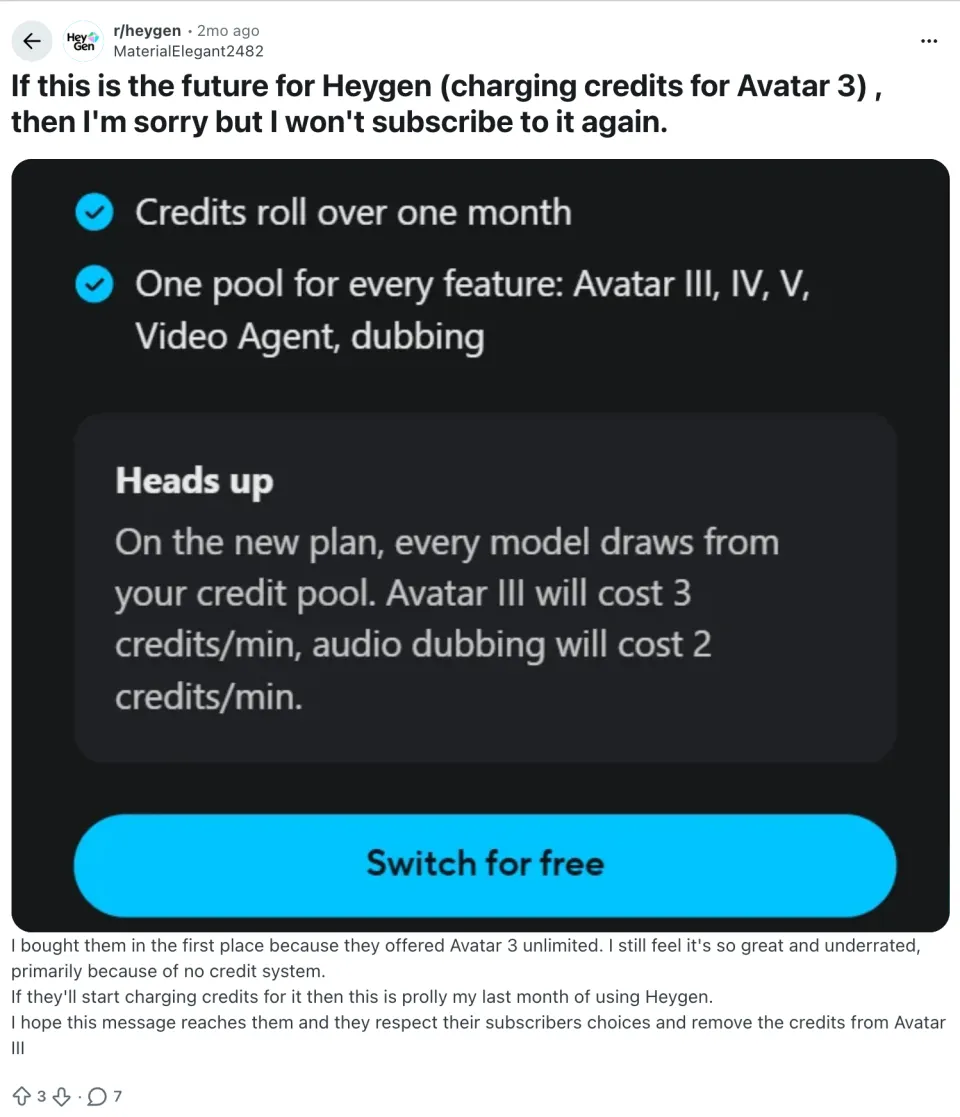
User evidence: a HeyGen subscriber reacted to new credit rules for Avatar III.Open the original post.
Choose HeyGen when: a recognizable presenter improves the message and localization volume justifies the avatar setup. Skip it when: the video should feel like motion design, a product diagram, or an article translated into visual logic without a face on screen.
08
5. Synthesia: best for governed training and localization
Synthesia fits teams that treat video as training infrastructure. Its current positioning centers on scripted avatar video, localization, review, and enterprise controls. That is a stronger match for onboarding, compliance refreshers, and repeatable learning modules than for creator-native social edits.
The official pricing page currently lists Basic at $0 with 10 video minutes per month, Starter at $29 per month with 10 minutes, and Creator at $89 per month with 30 minutes. Enterprise adds controls such as SSO and SCORM support. The page states support for more than 160 languages.
A recent Reddit discussion among training practitioners offers a useful boundary. One commenter said Synthesia sat between Colossyan and HeyGen for perceived realism and reported that longer avatar clips lost vocal energy. Another said short policy modules worked better than a 20-minute talking head. The first commenter also promotes a related product, so the account is not neutral. The author has a commercial interest in another stack, so I treat the comment as contextual evidence.
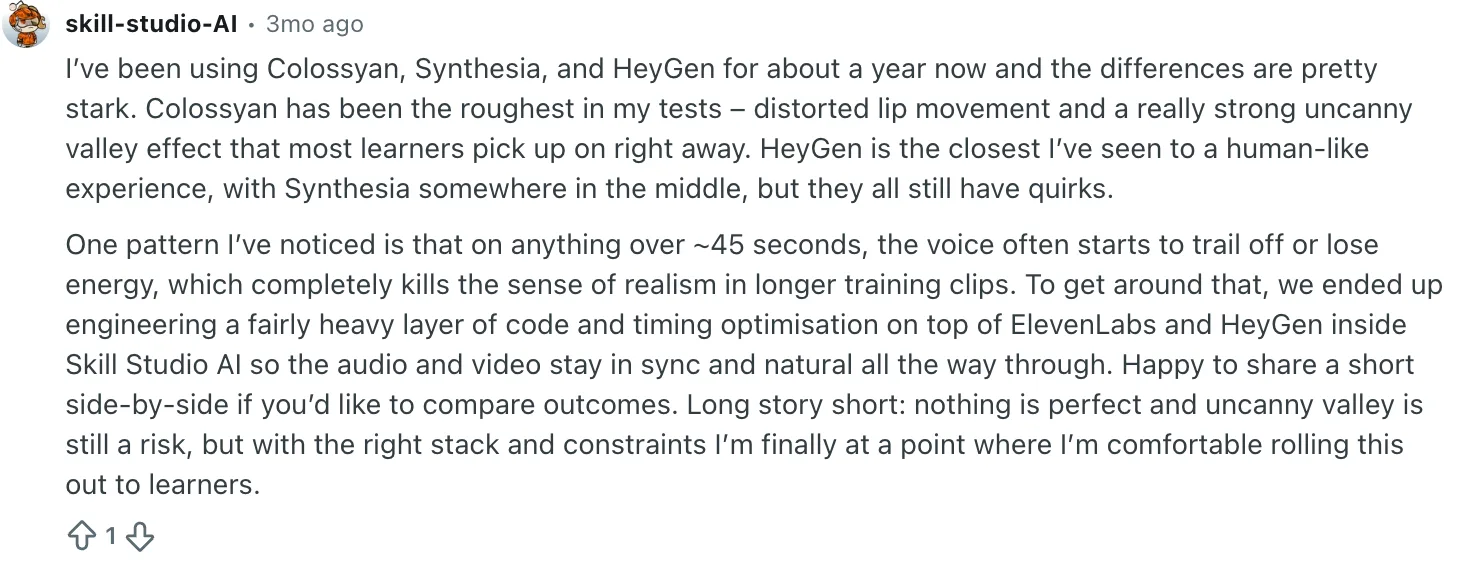
User evidence: training practitioners discussed realism limits and shorter module length for AI-avatar content.Open the original thread.
Choose Synthesia when: governance, repeatable localization, and training workflows matter more than maximum avatar realism. Skip it when: the content needs fast creator pacing, custom motion language, or direct control over every shot.
09
6. VEED: best for creators who want a browser editor
VEED is the right alternative when automation is not the whole goal. You can work with uploaded footage, screen recordings, subtitles, translations, and AI-assisted features inside a browser editor. The difference is agency: you own more of the assembly, so you also own more of the cleanup.
The official pricing page exposed current plan capabilities during research but did not provide a stable dollar amount in the crawl, so this draft does not quote one. That is deliberate. Pricing pages change, and an unsourced number would weaken the article.
VEED makes sense for creators who already understand pacing and only want to remove desktop setup. It makes less sense if the real need is to convert a finished article into an explanation without constructing scenes by hand.
Choose VEED when: captions, screen capture, and direct timeline control matter. Skip it when: you want the tool to infer the complete video structure from existing text.
10
7. ElevenLabs: best when the voice is the bottleneck
ElevenLabs is the odd one out, and that is exactly why it belongs here. Some people who search for Fliki alternatives are satisfied with their visual editor and only want better narration, voice cloning, or multilingual speech. In that case, replacing the whole video product would add unnecessary work.
The official pricing page currently lists Free at $0 with 10,000 credits per month. Starter is $6 per month with 30,000 credits, instant voice cloning, and a commercial license. Creator is $22 per month, with a first-month offer shown at $11 during this research, and includes 121,000 credits.
The limitation is clear: a voice track is not a finished video. ElevenLabs can be paired with VEED, Pictory, InVideo, or another visual workflow, but the second tool still needs to assemble scenes, captions, and exports.
Choose ElevenLabs when: narration quality or consistent multilingual voice is the missing layer. Skip it when: you need one product to produce the finished visual file.
11
How to choose without wasting a month of subscriptions
Checklist
- Start with the proof your viewer must see. If the proof is an argument made visible through motion, test TapVid. If the proof is a person speaking, test HeyGen or Synthesia. If the proof is supporting stock footage under narration, test Pictory or InVideo AI. If the proof already exists in your footage and screen recordings, use VEED. If only the voice is missing, use ElevenLabs.
- Then run one controlled migration test. Use the same 500-word article or finished script in each direct candidate. Set the same 60-second output and audience. Make two revisions, not one. Record credits or minutes after each version, plus the time spent replacing visuals. Finally, inspect the export for factual accuracy, visual fit, and cleanup work. The second revision is where credit systems and editor friction reveal themselves.
- A winner should reduce work after revision. A fast first draft that needs 25 scene swaps is not faster. An avatar that looks impressive but weakens the format is not a better video. A voice model with no visual path is not a full replacement.
Four-step migration test for comparing Fliki alternatives with one real content job.
12
When staying with Fliki is the better decision
Stay with Fliki if your current workflow already produces usable narrated stock videos, you value its voice options, and your revision pattern fits the credit rules. Switching has a cost: new templates, new pronunciation rules, a new media library, and another export checklist.
A Fliki user in a public Reddit thread said a two-minute voice-cloning sample produced a voice that sounded like them, though they wanted more inflection. That is a good reason to stay if narration quality matters more than visual authorship.
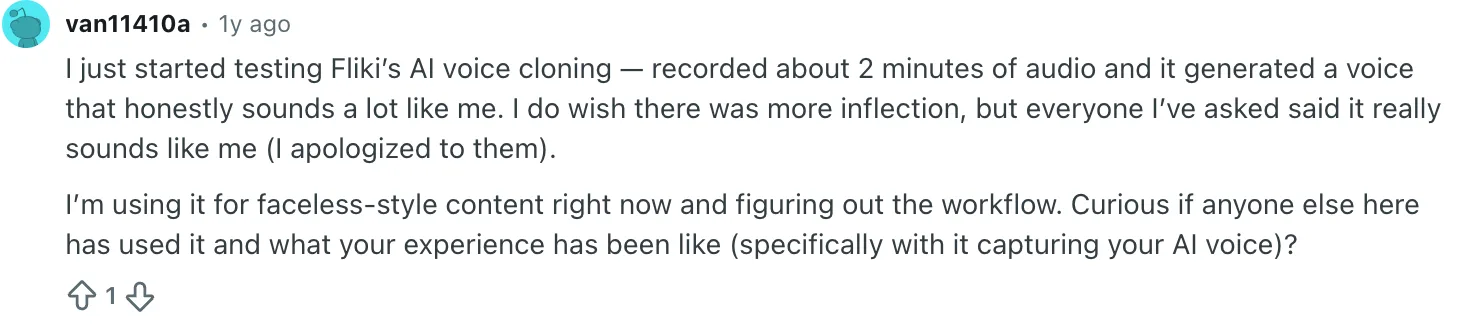
User evidence: a Fliki user described strong voice similarity with limited inflection.Open the original thread.
Do not switch because an alternatives article says one product is universally better. Switch when your source material, required visual proof, or revision economics no longer fit Fliki.
13
Fliki alternatives FAQ
What is the best Fliki alternative?
Pictory is the closest match for blog-to-stock-video work. InVideo AI fits prompt-led automation. TapVid fits motion-led explainers from existing content. HeyGen and Synthesia fit avatar video. VEED fits browser editing, and ElevenLabs fits narration.
Is there a free alternative to Fliki?
Several products have free access, including Fliki, HeyGen, Synthesia, InVideo AI, and ElevenLabs, but limits differ by credits, minutes, resolution, and watermark rules. Check the official pricing page on the day you test because free allowances change.
Which Fliki alternative is best for turning a blog post into a video?
Use Pictory when you want stock footage and captions. Use TapVid when the article needs a structured motion-led explanation. Stay with Fliki when its narration and automated media workflow already match the brief.
Which alternative is best for AI avatars?
HeyGen is the creator-oriented choice for avatar-led output. Synthesia is the stronger fit for governed training, localization, and enterprise review. Neither is a direct replacement for stock-led or motion-led visual storytelling.
Can ElevenLabs replace Fliki by itself?
No. ElevenLabs can replace or improve the speech layer, but you still need another product to assemble visuals, captions, and the final video export.
How should I compare credit-based video tools?
Run the same source and target duration, then make two revisions. Record generation credits, export minutes, and manual cleanup time. Compare the cost of the revised usable file, not the cost of the first draft.
14
Final verdict
There is no single winner among these Fliki alternatives because they buy different outputs. Pictory and InVideo AI are the closest direct replacements. HeyGen and Synthesia change the format to a presenter. VEED gives you editing control. ElevenLabs changes only the voice layer.
TapVid is the best fit when you already own the content and need it turned into a structured motion-led explainer. That is a narrower claim than “best AI video generator,” and it is more useful. Start with the explainer video workflow, then compare current plans on the pricing page.
Before changing subscriptions, run the controlled migration test described above. Documentation narrows the shortlist; your second revision reveals the real cost.