TapVid vs Synthesia: Your product explanation, or a presenter-led video?
TapVid keeps your product assets and approved words at the center of an explainer. Synthesia builds business videos around AI presenters, with workflows for training and localization. Both accept written material; the useful question is what viewers need to see.
I'd like to add motion graphics and short explanations next to my presenter video about how we spend our 80 years, to help viewers grasp the key numbers.
Compare workflowsStart with the job. Then choose the tool.
The useful difference is what your team needs to explain, review, and deliver.
Your decision
Synthesia
Primary job
Explain your product using its real assets and approved words.
Presenter-led business communication, training, and localization.
Starting material
Product screenshots, documents, images, and your written brief.
Scripts, prompts, documents, and links, shaped into scenes.
What to review
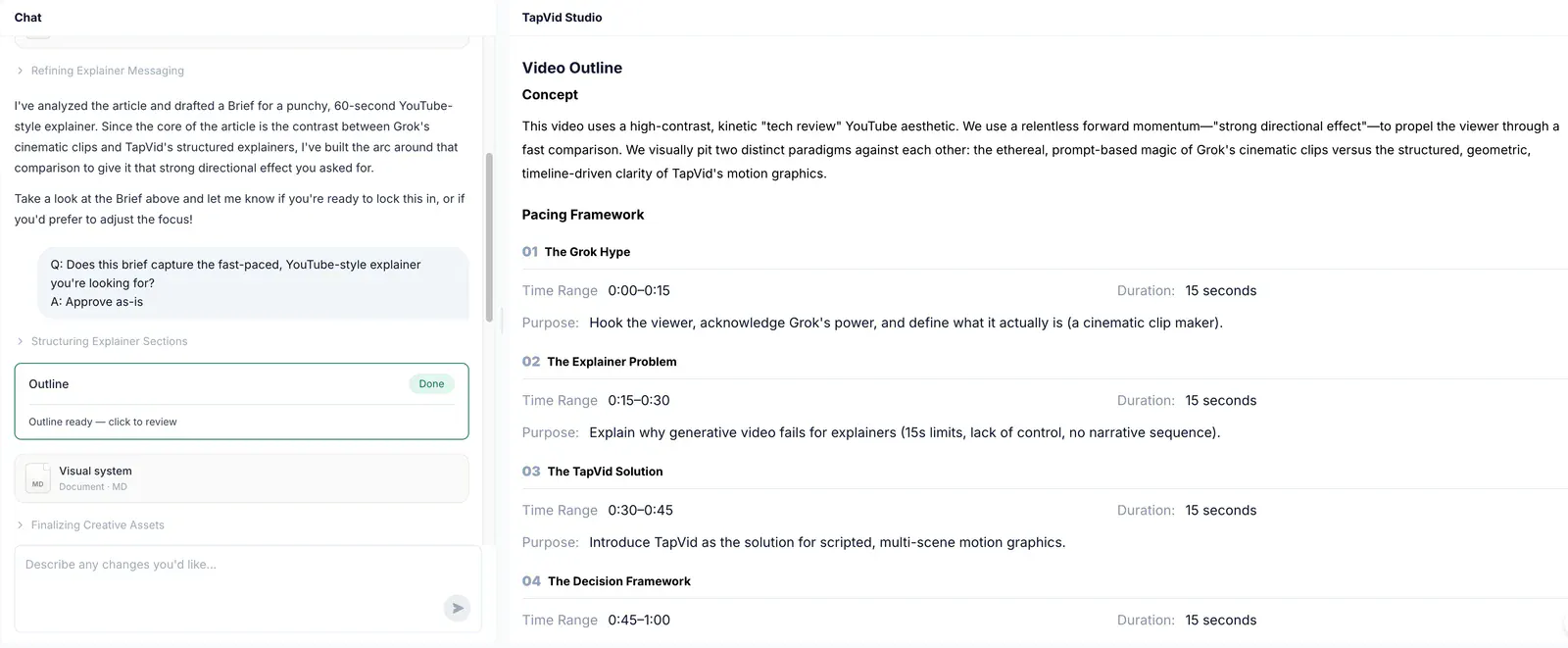
The brief, outline, and scene script before rendering; then the video and any revised shots.
Review the template, presenter, script, brand assets, and final playback.
A good fit
Product explanations where the right words must stay connected to the right assets.
A repeatable on-screen instructor or spokesperson is part of the brief.
Based on our published article and the sources linked below. Compare workflows, then validate them with your own brief.
Why TapVidMake the task the center of the lesson.
When onboarding depends on a procedure, begin with the steps and approved wording. TapVid builds the explanation around what the employee needs to do, rather than choosing a presenter first.
The workflowShow the action the learner must recognize.
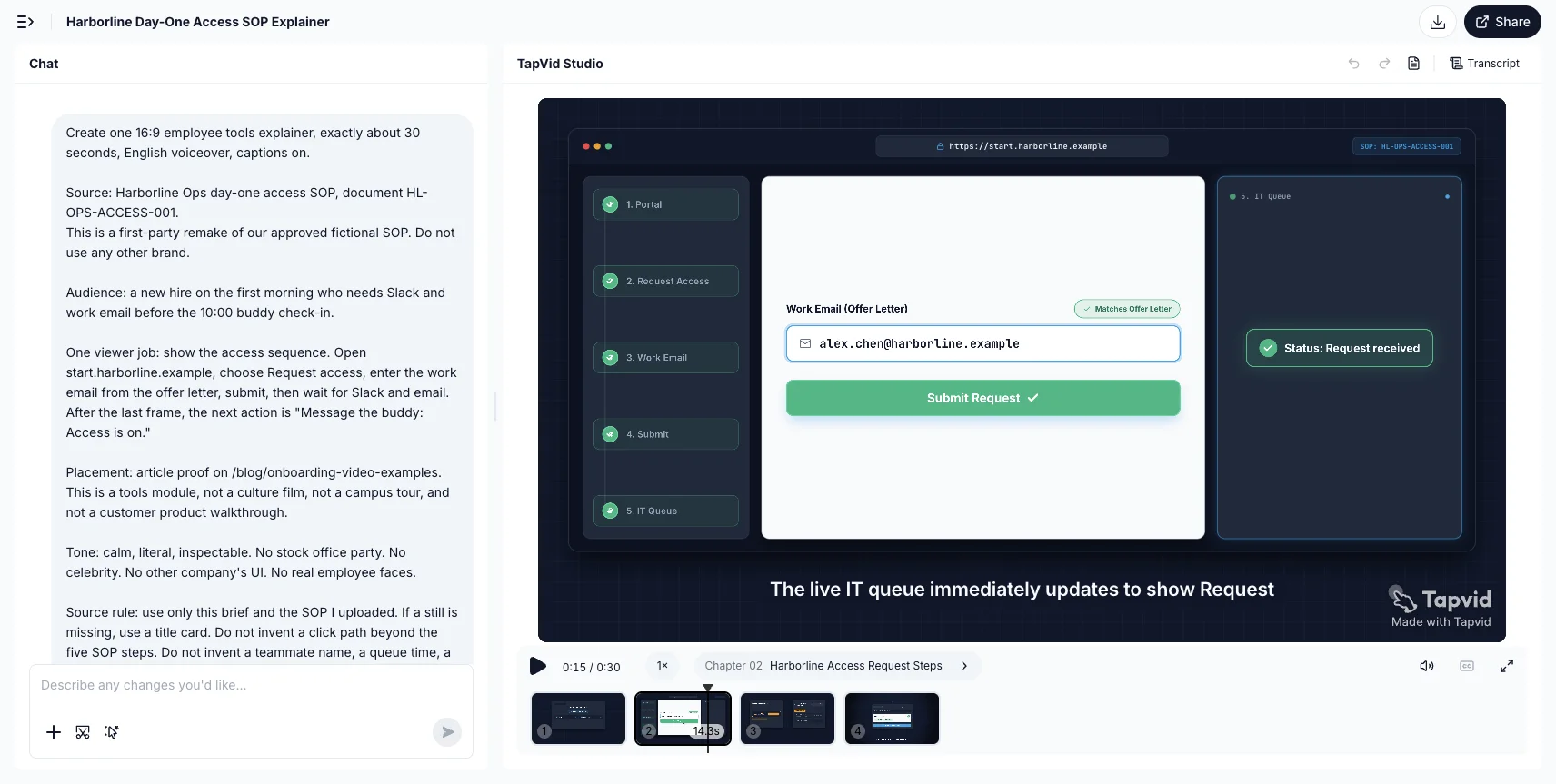
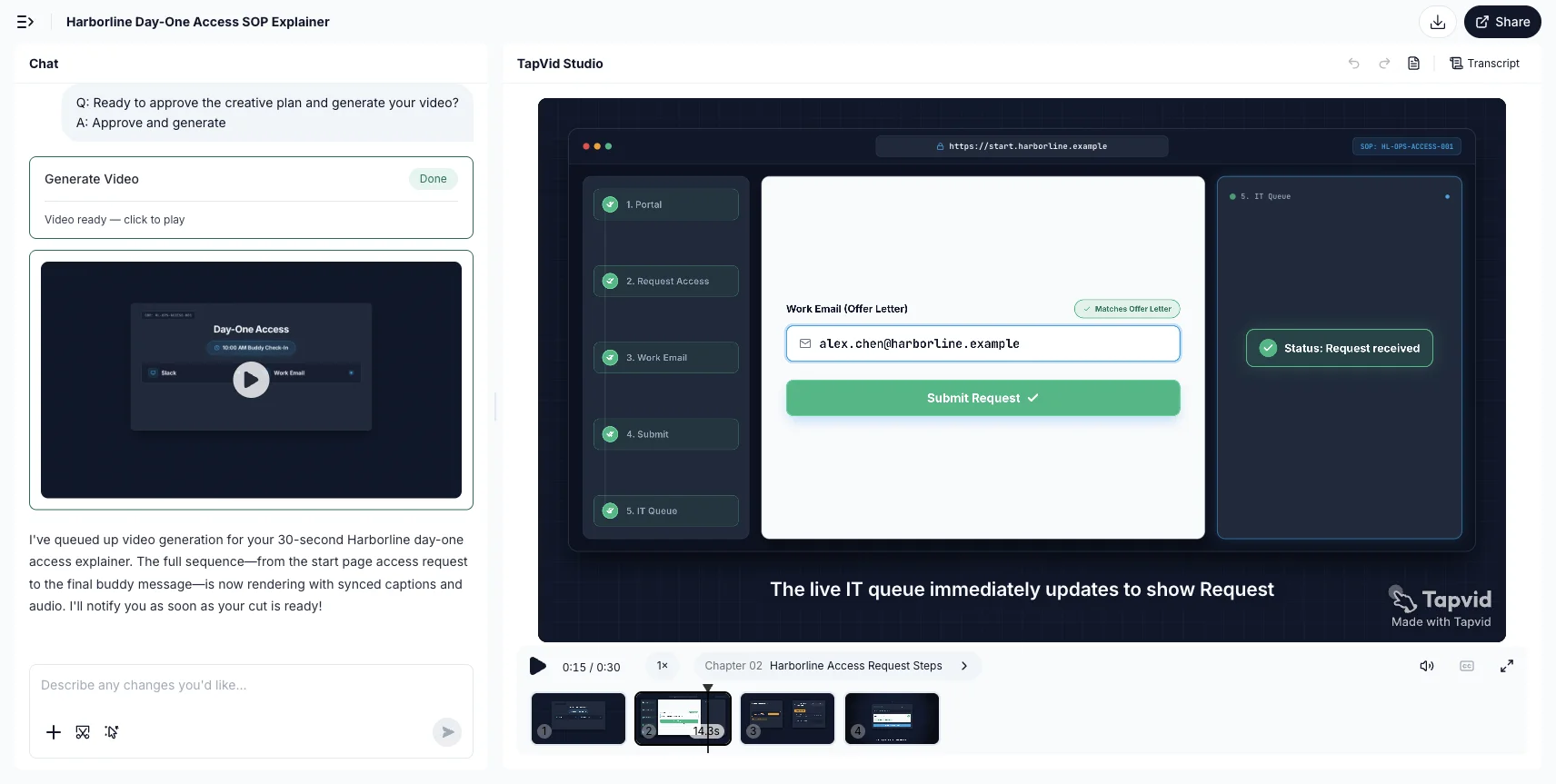
A process lesson needs more than a spoken description. Use a visible sequence for the request, required information and expected result, as in the Harborline access demo.
Find your fitChoose for the video you need to deliver.
Choose TapVid
Choose TapVid when a product screen, process, or approved statement needs to carry the explanation. Review the planned sequence and the match between words and assets before rendering. An on-screen presenter is optional to the message, rather than the reason for the video.
Choose Synthesia
Choose Synthesia when a consistent presenter belongs in your training, onboarding, or internal communication. Evaluate its review and localization workflow using the languages, script, and template your team will actually use.
Check the evidence behind the workflow
Research published by TapVid. Read the sample, method and limitations before applying a result to your own videos.
Accuracy and comprehension
Published September 7, 2026: 25 scenes, 7 systems and 6,760 blind ratings. Information-dense results describe a task subset, not every video or an independent product certification.
May 6–August 31, 2026: 6,464 matched registered users in TapVid telemetry. Milestone counts do not measure creative quality or represent an industry average; eligibility rules changed during the window.
Yes. Our test accepted documents and links as well as prompts and scripts. Document support alone is not a TapVid differentiator. Compare the output format, the review checkpoints, and whether the actual product assets appear where the explanation needs them.
When should I choose TapVid over Synthesia?
Choose TapVid when a product screen, process, or approved statement needs to carry the explanation. Review the planned sequence and the match between words and assets before rendering. An on-screen presenter is optional to the message, rather than the reason for the video.
When is Synthesia the better fit?
Choose Synthesia when a consistent presenter belongs in your training, onboarding, or internal communication. Evaluate its review and localization workflow using the languages, script, and template your team will actually use.
Were these tools tested with the same input?
This is one historical template and account, not evidence that every Synthesia video requires an avatar. The TapVid example used a different source PDF and is not a controlled quality or speed comparison.
Does TapVid guarantee a perfect video?
No. Review the planned words and assets before rendering, and check the final video. TapVid is designed to preserve your supplied content and let you revise individual shots; that does not remove the need for approval.
Where can I check pricing and the full evidence?
Use the linked article below for the archived evidence and the official product websites for current pricing and plan limits. Historical trials and render times are not promises about a current subscription.
Explore moreExplore more comparisons
Compare TapVid with other video tools in our published guides.
Written by TapVid. Published evidence and product scope reviewed 2026-09-15. Screenshots are historical records, not a claim that today’s interface is unchanged. Official product pages were checked for current scope; no new paid head-to-head test was performed.
Product examples illustrate TapVid workflows; they are not matched-input competitor tests.
Read the full article
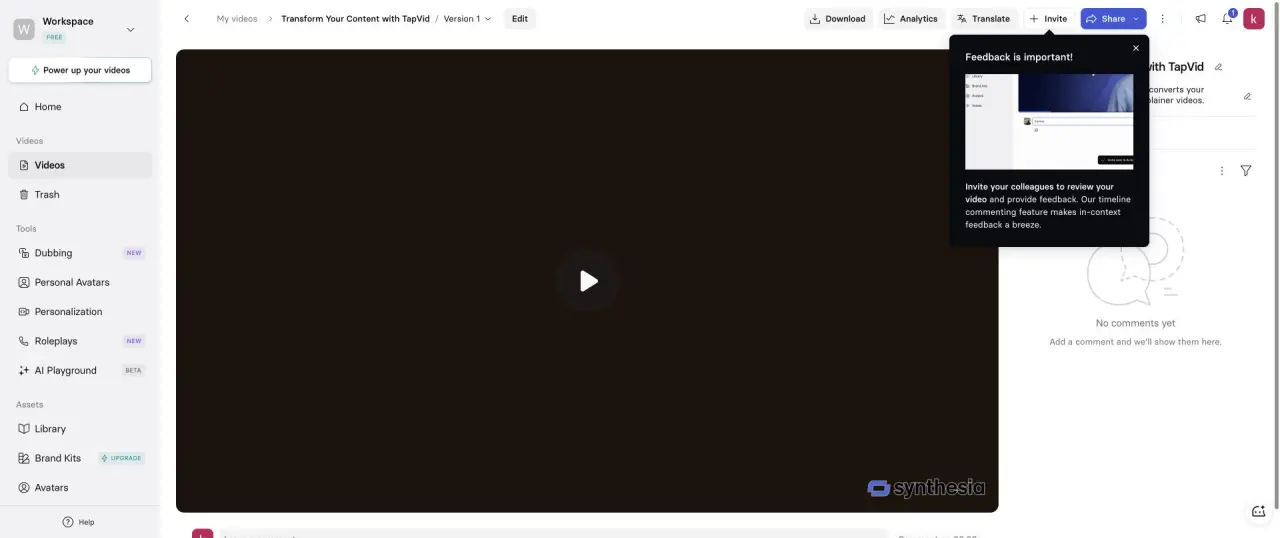
Our July 23, 2026 article records a logged-in Basic-workspace test. A 15-second brief explicitly requested no avatar. The shortest selectable setting was 30 seconds, and the completed video lasted 40 seconds with a presenter and a placeholder logo. It was a working, playable result, but that selected template did not fit the requested format.
This is one historical template and account, not evidence that every Synthesia video requires an avatar. The TapVid example used a different source PDF and is not a controlled quality or speed comparison.