TapVid

Turn existing business content into clear video

Use product footage, narration, documents, and approved copy to make an accurate video that is ready to publish.

Log in
    TapVid
    HomeAPI & MCPPricingBlogAbout

    Text to Motion Graphics

    Describe it in words, get real motion graphics you can edit. Animated diagrams, kinetic type, and charts, with no After Effects.

    Create better videos with the TapVid community

    Tutorials

    Step-by-step workflows

    Good cases

    See what works

    Support

    Get answers

    Join Discord→

    What is text to motion graphics?

    Text to motion graphics turns a written description into animated graphics automatically. Instead of building each element on a timeline, you describe what you want, an animated diagram, a chart that draws itself on, a headline that lands with timing, and the AI generates it. The work that normally needs a motion designer and After Effects happens in one generation pass.

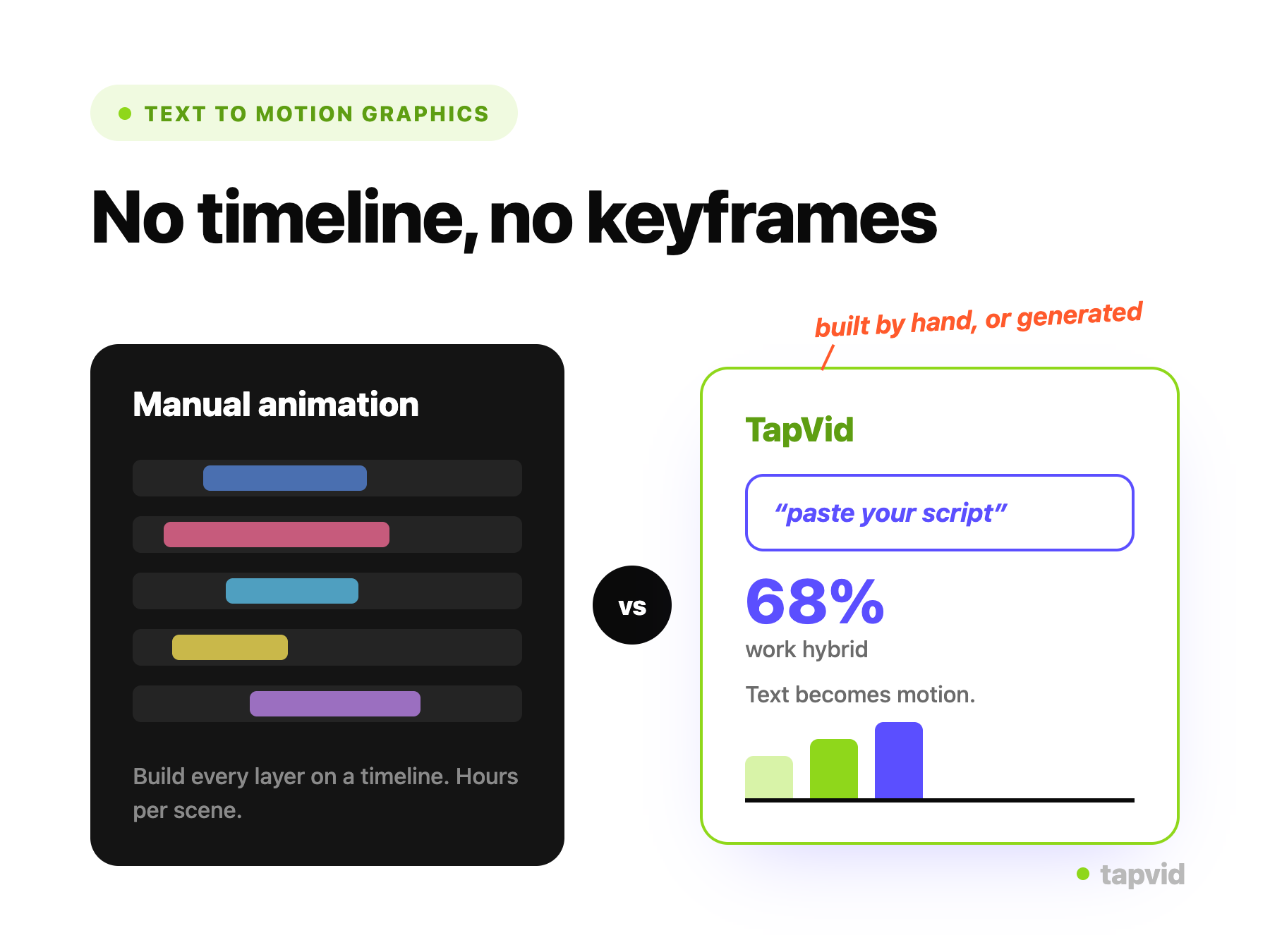
    Motion graphics are how teams make information move, but making them has always been the bottleneck: keyframing, easing, and compositing every element by hand. TapVid generates the animation from your prompt and keeps the result editable, so the effort moves from production back to deciding what you want to say.

    Because every graphic is generated from your own text, the output matches your content instead of a stock template. You can switch styles, change the pacing, and adjust any element by describing it, then reuse the look across a series so it reads as one system.
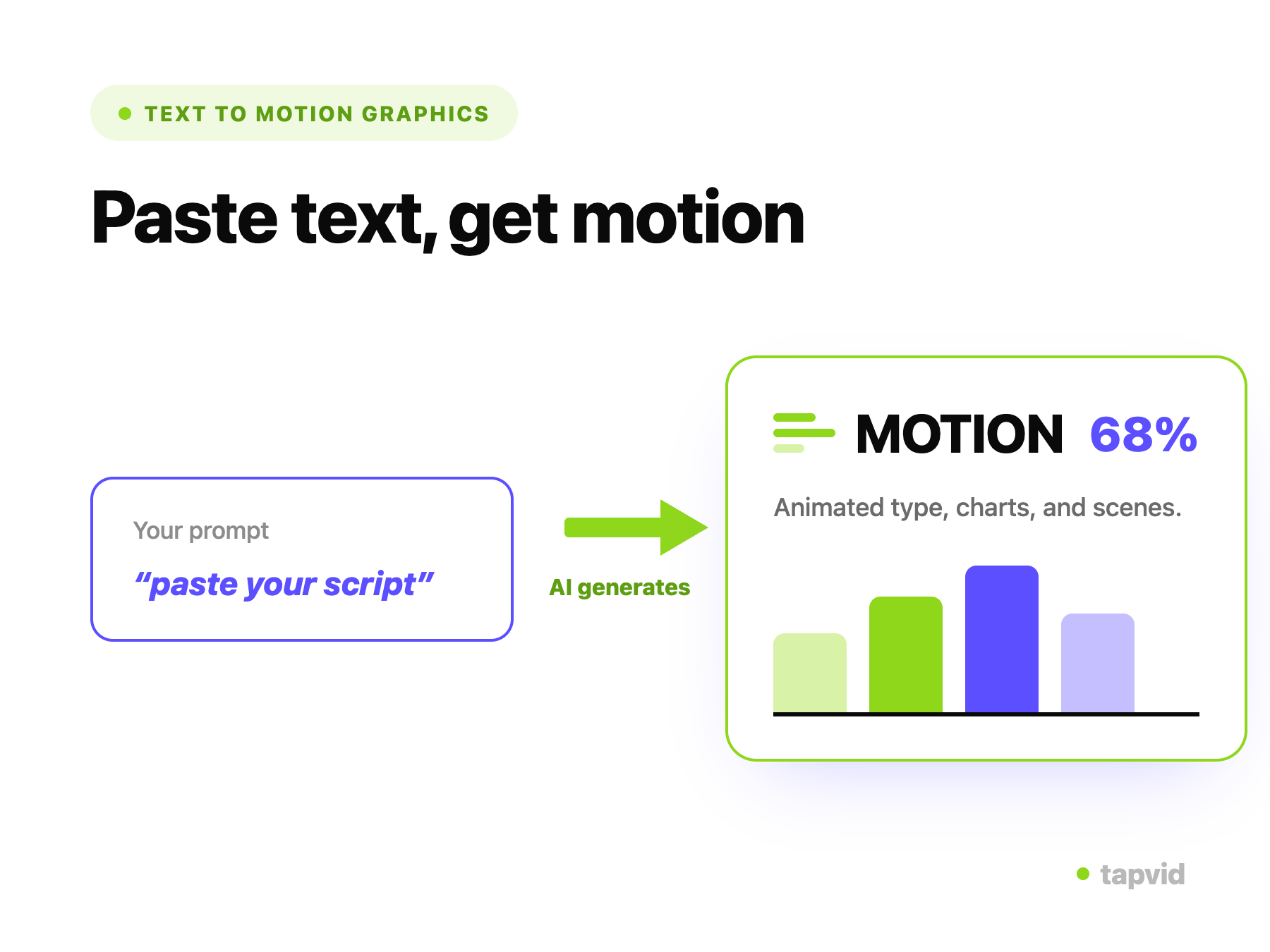
    From a prompt to editable motion graphics

    Entering a text prompt to generate motion graphics in TapVid

    Describe what you want

    Write a prompt or paste the text to animate. TapVid reads it and decides what to build, so you do not start from a blank timeline.
    • Prompt or text to animate
    • Automatic style and layout
    AI-generated motion graphics with animated diagrams and typography

    AI generates the animation

    TapVid builds the motion graphics for your prompt: animated diagrams, kinetic typography, charts, and transitions, paced like a designer would.
    • Diagrams, charts, kinetic type
    • No After Effects, no keyframing
    Editing the timing of a single motion-graphics element by prompt

    Change an element or its timing, then export

    Select an element and change its wording, color, or timing by describing it, and TapVid re-renders just that. Export an MP4 or share a link when it looks right.

    • Element and timing edits by prompt
    • Export MP4 or share a link

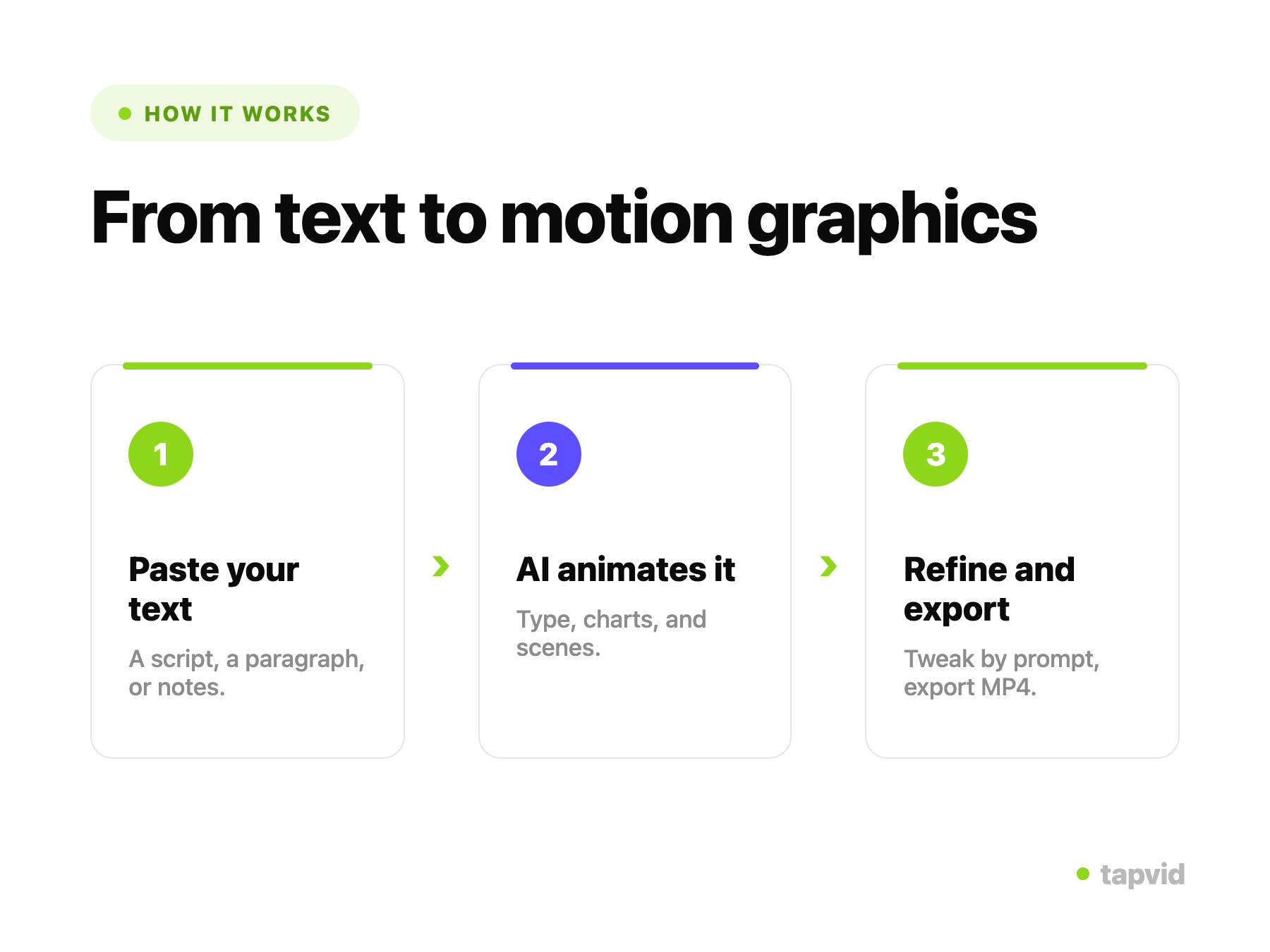
    How it works

    1

    Write a prompt

    Describe the motion graphics you want, or paste the text to animate.

    2

    AI generates it

    TapVid builds animated diagrams, typography, and charts from your prompt.

    3

    Refine and export

    Change any element or its timing by prompt, then export an MP4 or share a link.

    What you can generate from text

    One generator covers the motion-graphics formats teams reach for, from a single animated diagram to a full kinetic sequence.

    Explainer motion graphics

    Animated diagrams and process flows that make a complex idea easy to follow.

    Data and chart animations

    Turn numbers into animated bar, line, and pie charts that build on screen.

    Kinetic typography

    Make text move with the message: animated headlines, quotes, and captions.

    Logo and intro animations

    Open a video with a branded animated title, lower thirds, and transitions.

    Diagrams and flows

    Turn a concept or workflow into an animated diagram that reveals step by step.

    Social motion clips

    Short, on-brand animated graphics sized for feeds and stories.

    Why generate motion graphics from text with TapVid

    No After Effects, no designer

    Describe the result and generate it, even if no one on the team animates.

    Editable, down to the element

    Change wording, color, or timing element by element, not by re-prompting the whole thing.

    Generated from your prompt

    The animation matches what you wrote, so it is specific to your content, not a template.

    Timing you control

    Adjust pacing and emphasis in plain language, with no keyframes to set.

    Multiple styles on demand

    Switch between infographic, kinetic-type, data-viz, and diagram looks in a click.

    Consistent across a series

    Reuse a style so a set of graphics looks like one campaign.

    Motion graphics generated from text

    Real output generated from prompts, no manual animation.

    Built for Marketing, Product, and Education

    Marketing

    On-brand animated diagrams, charts, and kinetic type from a prompt.

    Product

    Animated explainers of how a feature works, generated from a description.

    Education

    Animated diagrams and data that make a concept click.

    Frequently Asked Questions

    Text to motion graphics turns a written prompt into animated graphics automatically. You describe the diagram, chart, or animated text you want, and TapVid generates editable motion graphics, so you skip After Effects, timelines, and keyframing.
    Text to video builds a full video with scenes and narration. Text to motion graphics focuses on the animated graphic itself: a diagram, an animated chart, kinetic typography, or a logo animation you can drop into a larger video or use on its own.
    Yes. TapVid generates the animation from your prompt, so you do not need After Effects, a motion-graphics plugin, or animation experience. You describe the result and refine it in plain language.
    Yes. Because the output is editable rather than a rendered clip, you can change a word, a color, or the timing of an element by describing it, and TapVid re-renders just that. You control pacing element by element.
    Animated diagrams and process flows, data and chart animations, kinetic typography, logo and intro animations, infographics, and social-ready motion clips.
    You can export a finished MP4 to use anywhere or share a link. Transparent-background and Lottie export for overlaying motion graphics on other content are on the roadmap; check the current export options in the app.
    Yes. You can start for free with 300 one-time credits (valid for 7 days) and no credit card. Free exports are 720p with a watermark and clips up to 1 minute; Pro and higher are watermark-free at 1080p. See all plans on our pricing page.
    Yes. Steer the colors, type, and look with a prompt and reuse it across a set of graphics, so a series reads as one system instead of one-off clips.

    Related guides

    • See all plans and pricing→
    • AI Motion Graphics Generator: The Complete Guide→
    • Infographic Video: The Complete Guide→
    • Motion Graphics for Social Media→
    • Motion Graphics Software Comparison→
    • Motion Graphics: A Professional Workflow→
    • How AI Animation Software Works→
    • AI Motion Graphics Generator→
    • Kinetic Typography Generator→

    Simple, credit-based pricing

    3 credits = 1 second, so you only pay for what actually renders. Start free, upgrade anytime.

    Most Popular

    Pro

    $49/mo

    2,000 credits / mo

    Max

    $99/mo

    6,000 credits / mo

    Ultra

    $199/mo

    14,000 credits / mo

    See full plans & pricing →

    Need help making a better video?

    Follow tutorials, study good cases, or ask TapVid support.

    Join Discord→

    Ready to create your first video?

    Join thousands of product teams using AI to create professional videos in minutes.

    Your first video in under 5 minutes →Book a demo →
    Tapvid

    TapVid turns the materials your business already has into an accurate video that explains the job clearly and is ready to publish.

    TikTokInstagramXDiscordYouTube

    TapVid

    Features

    AI Explainer Video GeneratorAI Motion Graphics GeneratorAI Product Demo Video GeneratorProduct Demo Video MakerExplainer Video TemplatesAI Product Video GeneratorAI B-Roll GeneratorTalking Head Video EnhancerAI Video ClonerText to Video AIText to Motion GraphicsAnimated Video MakerAnimated Explainer Video MakerKinetic Typography GeneratorAnimated Chart MakerAnimated Collage MakerFree AI Video Generator

    Convert to Video

    Image to VideoVideo to Video AIPDF to VideoPPT to VideoArticle to VideoBlog to VideoURL to VideoScript to VideoGoogle Slides to VideoWord to Video

    Use Cases

    SaaS Explainer VideoProduct Launch Video MakerAI Ad Video GeneratorDocumentary Video MakerAnimated Social Media Video MakerInfographic Video MakerPodcast to VideoWhiteboard Animation MakerEducational VideoTutorial VideoCustomer OnboardingHelp Center VideoAPI Docs Video

    Solutions

    Explainer VideoProduct Demo VideoMeeting Recap VideoWebinar ClipsMarketing VideoFeature AnnouncementCompetitive ComparisonNewsletter VideoLanding Page VideoInvestor Pitch Video

    Featured Guides

    Video Prompt LibraryBest Faceless YouTube NichesCollage Animation Guide

    Company

    All FeaturesAboutBlogPricingGet in Touch

    © 2026 TapVid. All rights reserved.

    Privacy
    Terms of Service