
Most people who use AI animation tools have no idea what's actually happening inside them — and that's fine, until it isn't. When the output is wrong in a specific way, or when a prompt keeps producing the same artifact no matter how you rephrase it, understanding the underlying mechanism is the fastest path to fixing it. This is the explanation I give colleagues who want to use these tools more effectively.
01
The core mechanism: what AI animation software is actually doing
When you type a prompt into an AI animation software tool and receive a video output, several distinct computational processes happen in sequence. Understanding these processes at a high level helps you predict what the tool will do well, where it will fail, and how to write prompts that produce better results.
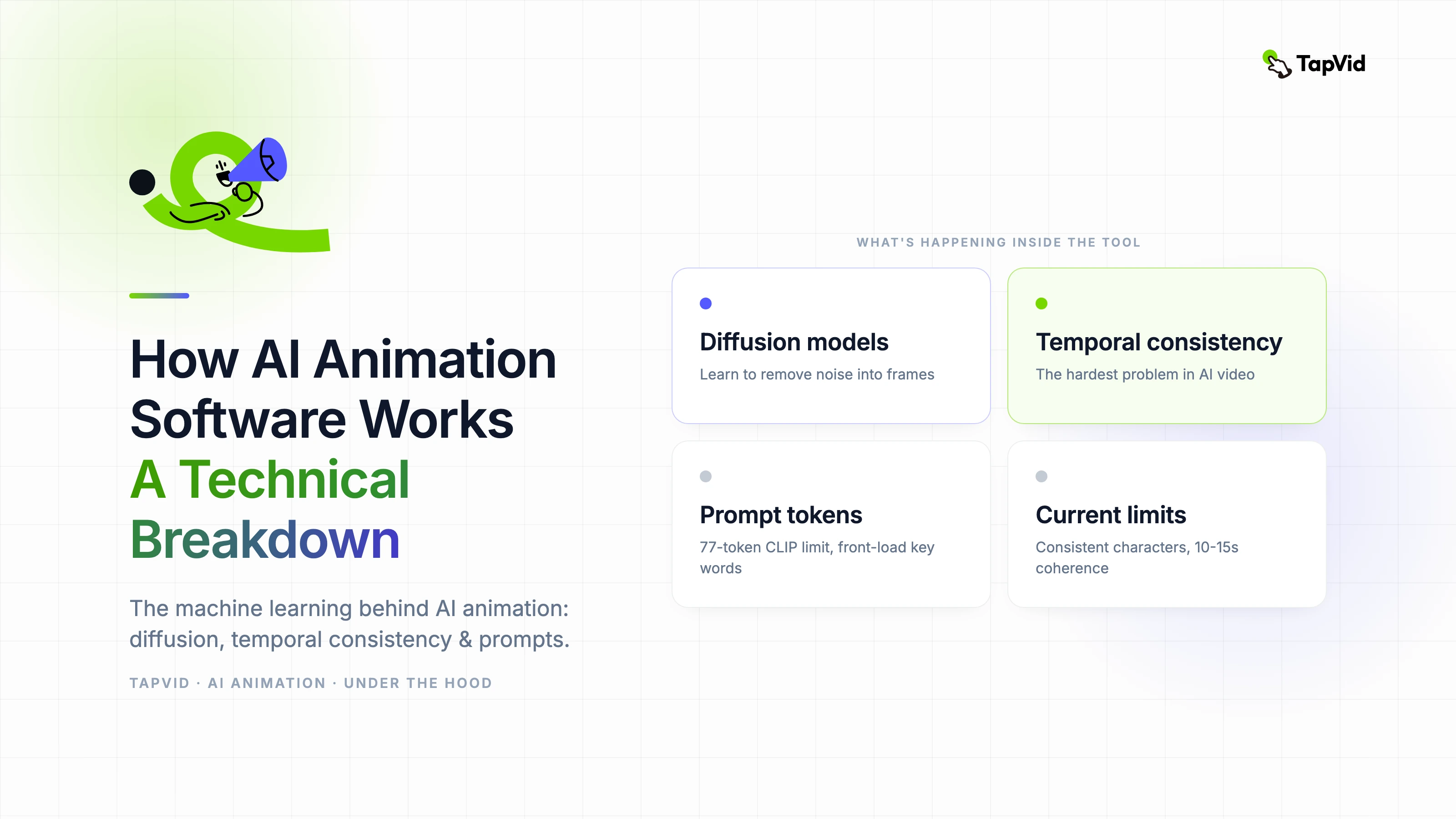
Most current AI animation tools are built on diffusion model foundations. A diffusion model learns to generate images by training on the reverse of a noise-adding process — it learns to remove noise from a completely random signal and gradually reconstruct a coherent image. Video generation extends this to produce sequences of frames that are temporally consistent, meaning adjacent frames look like they belong to the same scene.
The quality of temporal consistency — how smoothly frames transition — is the primary technical differentiator between AI animation tools right now. It is why some tools produce fluid-looking animation and others produce the stuttering or morphing artifacts that make AI video look artificial.
02
How diffusion models generate motion from text
Text-to-video generation starts with a text encoder that converts your prompt into a numerical representation — a vector in high-dimensional space. This vector conditions the diffusion process, meaning it steers the noise-removal process toward frames that are consistent with the semantic meaning of your prompt.
The model was trained on large datasets of video clips paired with descriptions. During training it learned statistical associations between descriptions and visual patterns. When you prompt it at inference time, it is drawing on those associations to construct plausible video sequences.
This is why specificity in prompts matters technically, not just creatively. A specific prompt activates a narrower, more coherent set of statistical associations. A vague prompt activates a diffuse set of associations and the output averages across them, producing generic results.
03
Temporal consistency: the hardest problem in AI animation
Generating a single high-quality AI image is a solved problem. Generating a sequence of images that look like frames from the same scene — with consistent lighting, geometry, and motion physics — is significantly harder.
The technical approaches vary by model architecture. Some use explicit optical flow estimation to constrain how pixels can move between frames. Others use attention mechanisms that allow each frame to attend to adjacent frames during generation. The most recent models use 3D convolutional architectures that process spatial and temporal dimensions simultaneously.
From a practical standpoint, what this means is that AI animation output will have characteristic failure modes depending on the approach. Optical flow methods sometimes produce warping artifacts when fast motion occurs. Attention-based methods sometimes produce flicker at high-frequency detail. Understanding which method your tool uses helps you design around its specific weaknesses.
04
Why your prompt length and structure affect output quality
Prompt engineering for AI animation is not arbitrary. It maps onto specific properties of how the text encoder processes language. Most text encoders used in video generation models have a maximum token length — typically 77 tokens for CLIP-based encoders, longer for T5-based encoders.
If your prompt exceeds the model's token limit, later words are truncated or down-weighted in the conditioning signal. This is why very long prompts often produce results that seem to ignore the second half of what you described. The practical recommendation is to put your most important descriptors first in the prompt.
Negative prompts — specifying what you do not want — work by creating a conditioning signal that the diffusion process moves away from. They are effective for avoiding common failure modes like specific distortion types, but they are not reliable for complex semantic exclusions.
05
What AI animation software cannot currently do well
- Consistent characters: maintaining the same character appearance across multiple generated clips remains technically unsolved for most models without explicit conditioning.
- Physics accuracy: fluid dynamics, cloth simulation, and rigid body collision are approximated from training data, not simulated. Results are plausible but not physically accurate.
- Long-form coherence: coherence degrades in sequences longer than 10-15 seconds for most current models.
- Fine-grained control: specific camera movements, exact spatial positioning, and frame-accurate timing are difficult to specify through text prompts.
- Brand color precision: diffusion models sample from probability distributions. Exact hex-code color matching requires explicit conditioning mechanisms that most consumer tools do not yet expose.
06
The technical trajectory: what is improving fastest
Temporal consistency is improving rapidly. Models trained in late 2025 and early 2026 produce measurably smoother output than models from two years prior on the same prompts. The improvement is driven by larger training datasets with better temporal annotation and more sophisticated architectural choices in the temporal attention layers.
Character consistency is the area seeing the most active research investment. Techniques like IP-Adapter and ControlNet variants allow explicit visual conditioning that constrains character appearance across frames. Consumer implementation of these techniques is lagging research results by roughly 12 to 18 months.
The practical implication for teams using AI animation software now: the limitations you encounter today will be meaningfully reduced over the next 18 to 24 months. Build workflows that can incorporate better tools as they arrive rather than optimizing too deeply around current tool limitations.