
The most common complaint about AI generated animation is that it "looks AI." Usually what the person means is that something specific is technically wrong — a face morphs slightly between frames, a logo flickers at the edges, movement does not follow real physics. These are solvable problems once you understand what is causing them. The issue is not that the models are bad. The issue is that generation and consistency are different technical problems, and most tools only partially solve the second one.
01
How AI video generation actually produces frames
Current video generation models are mostly diffusion-based, meaning they start from noise and progressively refine toward an output that matches the conditioning signal — your prompt, reference images, or both. The refinement happens in a compressed representation of the visual space called a latent space, not directly on pixel values, which is part of why generation is computationally feasible at current hardware levels.
The distinction between frame-by-frame generation and temporal generation matters enormously for output quality. Frame-by-frame models generate each frame independently with some shared context — they are fast but produce flicker because each frame is a slightly different solution to the same prompt. Temporal models explicitly model motion across time, which produces smoother output but requires significantly more compute.
Most tools available to consumers use some combination of temporal attention mechanisms that link nearby frames together while still allowing independent generation for longer sequences. Understanding this architecture explains why short generations tend to be more consistent than long ones — the temporal attention window has limits.
02
Temporal consistency: why it is technically hard
Temporal consistency means that objects, textures, and lighting remain stable across frames in a way that matches how the physical world behaves. This is trivially easy for humans to notice when it fails — we have spent our entire lives observing physical reality — but it is genuinely difficult to enforce in a generative model.
The core problem is that diffusion models generate each solution somewhat independently, even when conditioned on previous frames. Small variations in the denoising path produce visually different results at the pixel level, even when the semantic content is identical. These variations accumulate across frames and manifest as flicker.
Models address this through several mechanisms: optical flow constraints that enforce pixel-level consistency between nearby frames, attention mechanisms that propagate features across the temporal dimension, and explicit motion conditioning that anchors how objects are expected to move. No current model perfectly solves all three simultaneously at high resolution.
03
Prompt engineering for more consistent output
- Style anchors: include specific visual style terms ("cel animation", "clean vector", "photorealistic") — these constrain the generation space and reduce variance
- Negative prompts: explicitly exclude common artifact types ("flickering", "morphing", "distorted edges") — models respond to negative conditioning
- Seed control: fix the generation seed when iterating on a working result — this preserves the initialization state that produced good output
- Reference images: conditioning on a style reference image produces significantly more consistent color and texture than prompt-only generation
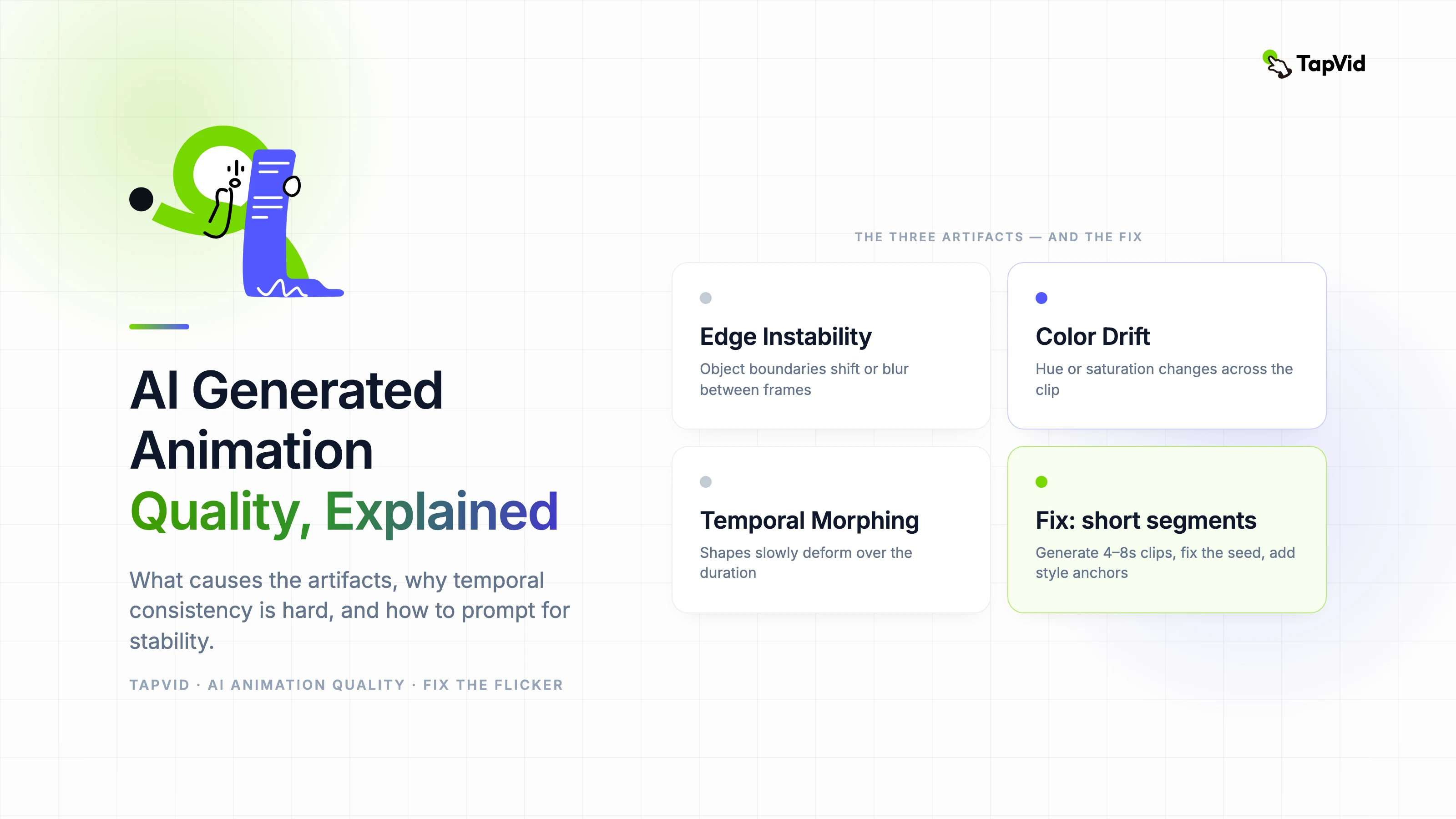
- Keep it short: generate in 4–8 second segments for best consistency — longer generations accumulate more temporal drift
04
How to evaluate AI animation output systematically
Frame-scrub the output at 1× speed once, then again at 25% speed. Watch for the three most common artifact types: edge instability (object boundaries that shift or blur between frames), color drift (hue or saturation that changes across the clip), and temporal morphing (object shapes that slowly deform over the duration).
For any clip that will be used in a professional context, export a frame sequence and review individual frames at 100% zoom. Compression artifacts in video format can hide quality issues that are visible at the frame level.
Compare your output against the same prompt run three times with different seeds. If the variance between runs is high, the generation is not stable and will require significant manual QC for each output. If variance is low, you have found a reliable prompt that can be reused.
05
Where AI generation outperforms traditional animation pipeline
Style exploration speed is the clearest advantage. Generating ten visually distinct interpretations of a motion concept in thirty minutes — work that would require days with traditional tools — changes how early-stage creative development works. The investment in traditional production only needs to happen for the direction that has been validated.
Abstract and non-representational motion is an area where generators consistently excel. Motion backgrounds, particle systems, fluid dynamics, and geometric transformations all produce reliable high-quality output because there is no character or object consistency to maintain.
06
Current hard limits and what is improving
Character consistency across scenes remains the most significant unsolved limitation. A character generated in one scene will look noticeably different in a second scene unless specific consistency conditioning is applied. Current solutions (reference images, ControlNet-style conditioning) help but do not fully solve the problem. This limits narrative animation significantly.
The improvements happening fastest are output resolution, generation speed, and style control. The improvements happening slowest are semantic understanding — the model's ability to follow complex spatial and temporal instructions accurately — and physical plausibility, particularly for rigid body dynamics. Expect significant progress on resolution and speed in the next twelve months; expect character consistency and physics to remain partial solutions for longer.