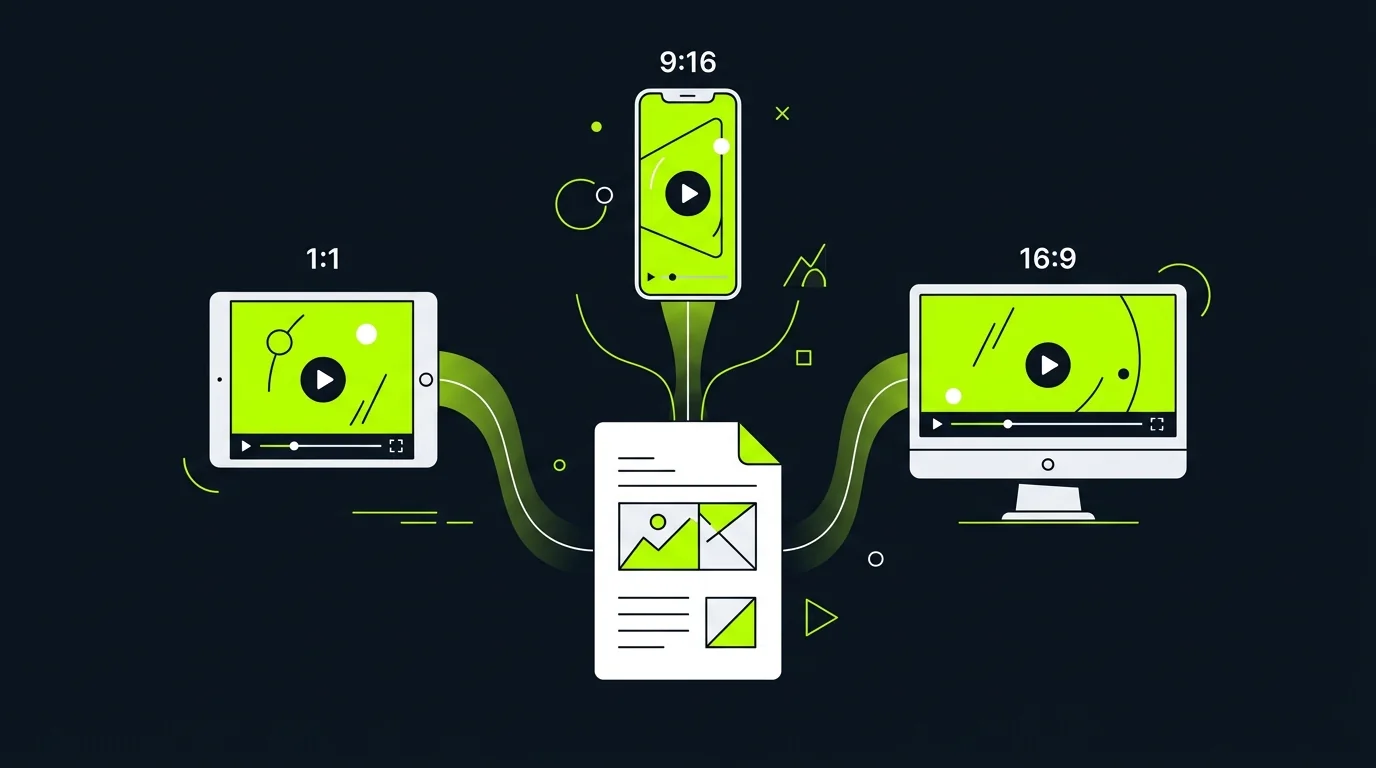
Turn campaign briefs, product copy, landing page text, or product docs into structured videos that explain an offer clearly. For direct-response ads, use the dedicated AI Ad Video Generator.
Paste your campaign brief, product description, or ad copy into TapVid and get a complete marketing video — scenes, voiceover, and motion graphics — in under ten minutes. No stock footage library, no template hunting.
Supports campaign briefs, landing page copy, product specs, and direct prompts
Auto-structures scenes around benefit statements and CTAs
Generates voiceover script matched to visual pacing
Outputs MP4 ready for social, paid ads, or embedded web use
Match brand guidelines with zero design work
Set your brand colors, font style, and tone once. TapVid applies them consistently across every video — no exporting to Figma, no brand review loops. Your team ships on-brand content without a creative bottleneck.
Brand color palette and typography applied across all generated scenes
Choose tone: professional, playful, urgent, or aspirational
Add logo and outro frame automatically to every export
Scale video output across campaigns and channels
One brief → multiple video variants for Instagram, LinkedIn, and email in a single generation run. Change the hook, swap the CTA, or adapt messaging for different audiences without rebuilding from scratch.
Generate channel-specific cuts (16:9 web, 9:16 vertical, 1:1 square) from one brief
A/B test hooks and CTAs by regenerating with variant prompts in two minutes
Localize marketing videos by swapping narration language, not rebuilding visuals
Export individual scenes for further customization in your existing workflow
Questions & answers
Frequently Asked Questions
An AI marketing video maker turns written content — campaign briefs, product copy, or ad scripts — into animated marketing videos automatically. TapVid generates scenes, motion graphics, and voiceover from your input, so marketing teams ship video content without video production skills.
Yes. TapVid generates all visual elements — backgrounds, typography animation, motion graphics — from your text input. You don't need design skills, a stock footage subscription, or video editing software. The output is a production-ready MP4.
Paste your brief or upload a PDF into TapVid. The AI reads your messaging, structures a scene sequence around your key benefits and CTA, generates motion graphics, and produces a voiceover-ready draft in under ten minutes.
Yes. From one brief, TapVid can generate 16:9 for web and YouTube, 9:16 for Reels and TikTok, and 1:1 for feed posts. Each cut is optimized for its channel without rebuilding the content.
A first-draft marketing video from a brief or product description generates in under ten minutes. Iteration rounds — changing messaging, swapping visual style, or adding a variant CTA — each take one to three minutes.