Help Center Video Creator

Convert help articles, support docs, and FAQ entries into searchable, embeddable videos. Give customers a faster path to answers and reduce ticket volume without expanding your support team.

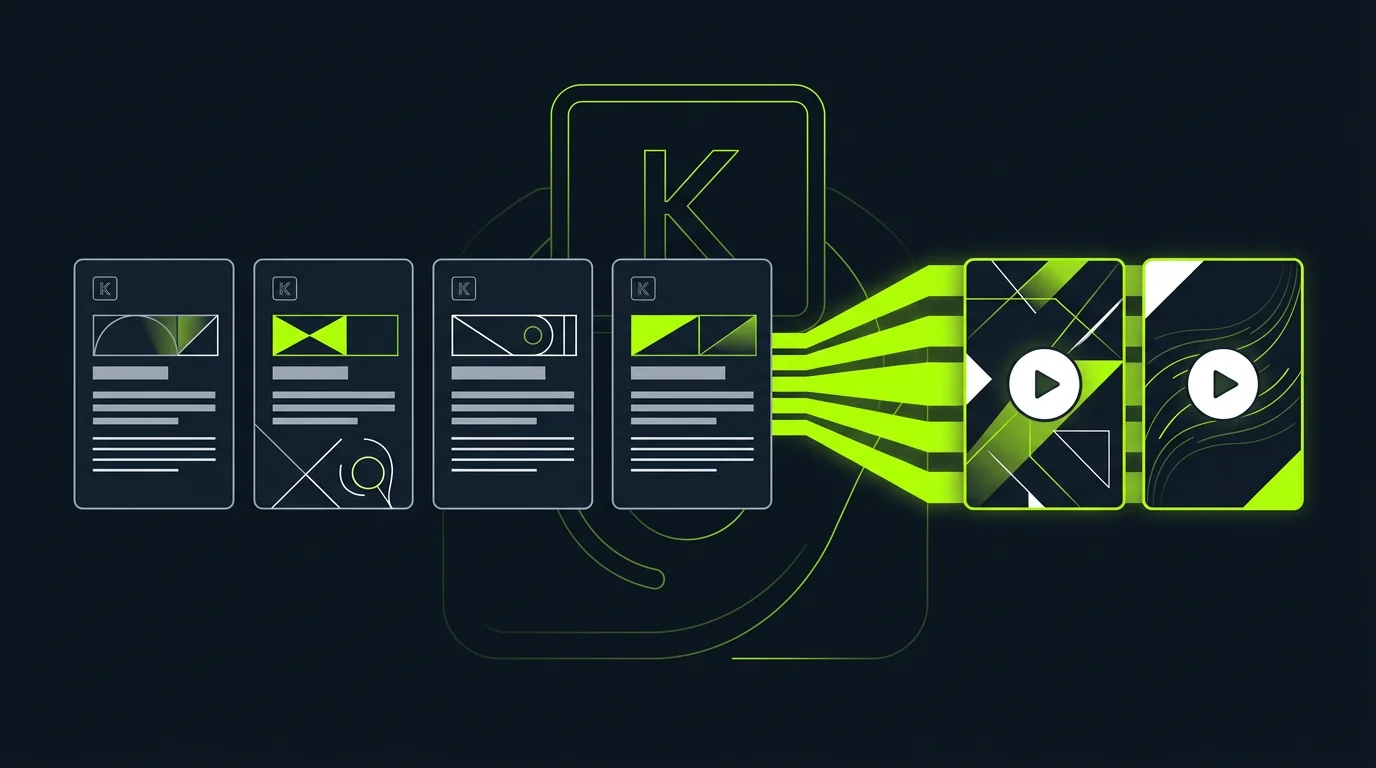
Help center knowledge base articles being converted into self-serve videos

Convert every help article into a searchable video

Upload your knowledge base articles, FAQ docs, or Zendesk exports — TapVid generates a short video for each entry. Customers who prefer watching over reading get the same answer through a different medium, reducing inbound tickets.

  • Supports Zendesk, Intercom, Notion, Confluence, and plain text help docs
  • Generates one to three minute videos for how-to and troubleshooting articles
  • Video thumbnail and title auto-generated from article headline and first paragraph
  • Embeds alongside existing text articles without replacing them
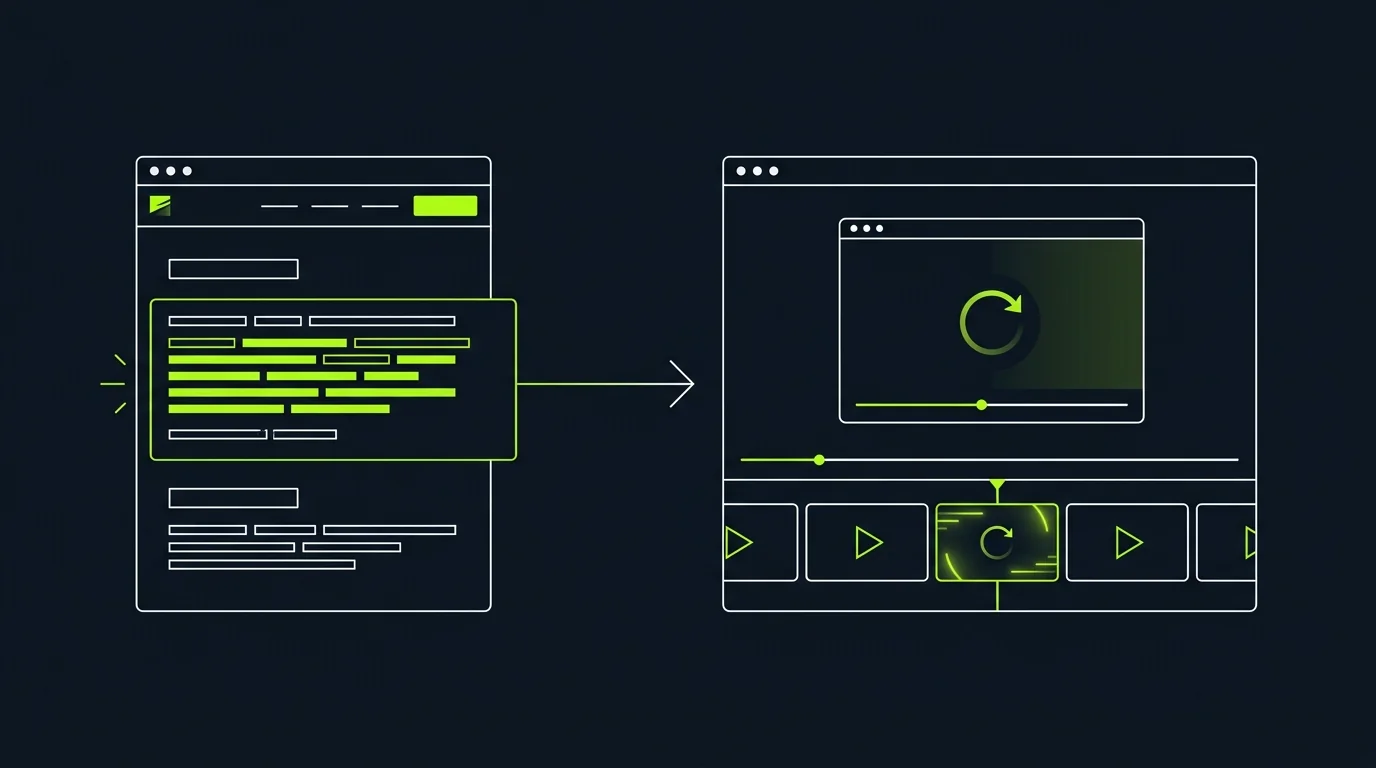
Support team updating help center videos after a product change

Auto-update help videos when your docs change

When you update a help article, regenerate its video with one prompt. No recording, no re-narrating — just describe what changed and TapVid updates the affected scenes while preserving the rest of the video.

  • Per-article video sync: update the text, regenerate the video in minutes
  • Versioned video history: restore prior version if a doc update is reverted
  • Bulk regeneration for large-scale product UI changes across the knowledge base
  • Auto-publish updated videos to embedded locations without manual re-linking
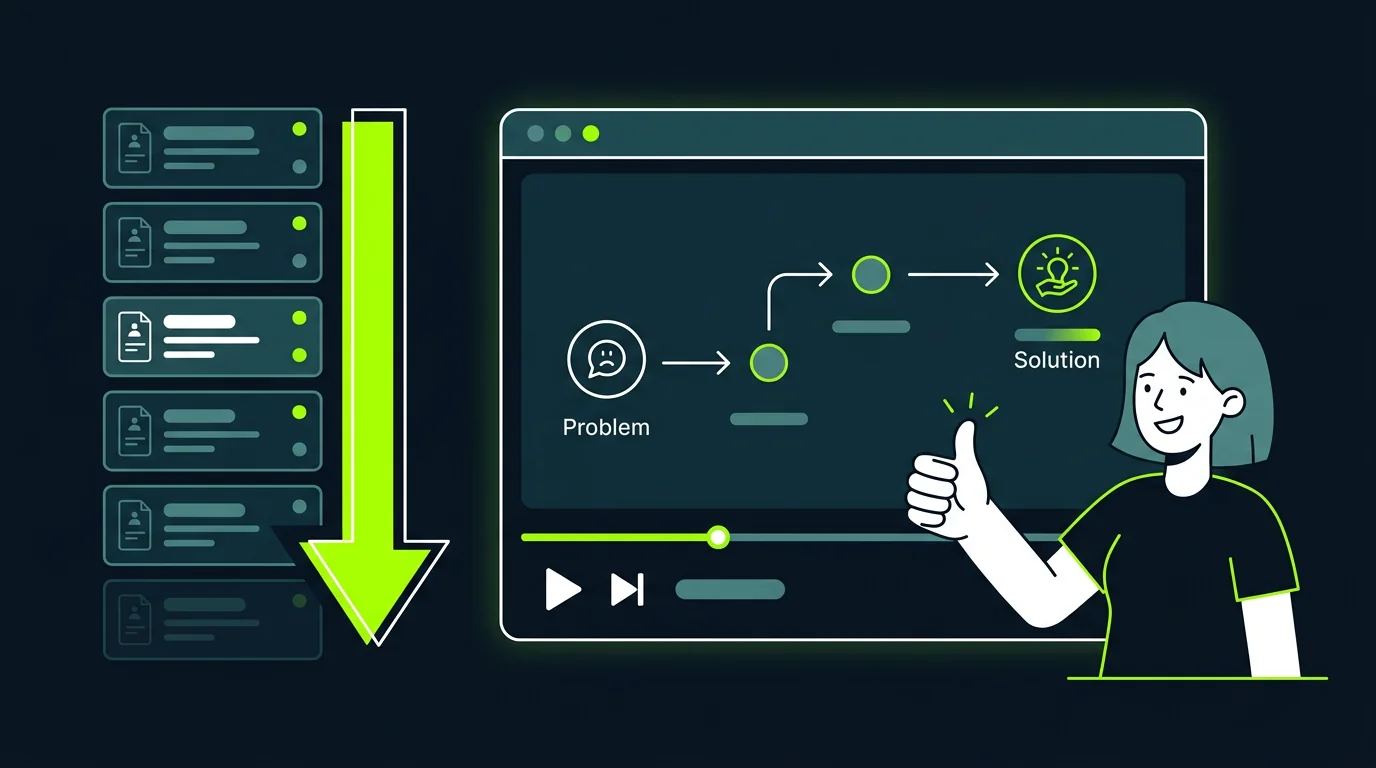
Customer resolving their issue with a help center video without opening a ticket

Reduce support tickets with self-serve video help

Video answers deflect more tickets than text answers because customers engage with them longer and complete the steps they describe. Adding video to your top-ten most-visited help articles is the highest-ROI deflection investment you can make.

  • Track which video articles drive the most ticket deflection
  • Surface video answers in chatbot and in-product search results
  • Mobile-friendly player for customers on support apps
  • Caption and subtitle support for accessibility and non-native speakers

Frequently Asked Questions

More Features

View all →

Ready to create your first video?

Start with a script, a document, or just a prompt. TapVid handles the rest.