

TapVid
    API & MCPPricingBlogAbout
    Blog›Text to Video AI: A Motion Designer's Honest Breakdown
    Back to Blog

    Text to Video AI: A Motion Designer's Honest Breakdown

    A motion design professional's unfiltered review of text-to-video AI tools in 2026, including what works, what doesn't, and where the quality ceiling is.

    Compare
    Yibo WangYibo WangApril 12, 2026 · 9 min readApr 12, 2026 · 9 min readDiscord
    Yibo WangYibo WangCPO & Head of Product Design, TapVid

    Connect with the author, meet other video creators, and watch hands-on tutorials.

    Join our Discord
    April 12, 20269 min read
    Text to Video AI A Motion Designers Verdict
    Summarize with6 assistants
    ChatGPTPerplexityTapVidvideoClaudeGeminiGrok
    Create videos from your AI agentConnect TapVid API & MCP→

    In this article

    1. 01What text-to-video AI is actually doing
    2. 02The output quality in 2026: honest assessment
    3. 03The AI animation software worth knowing about
    4. 04How to prompt effectively for motion design outputs
    5. 05My verdict as a working professional
    Summarize withAPI & MCP →
    ChatGPTPerplexityTapVidClaudeGeminiGrok

    I came to text-to-video AI tools skeptically. As someone who's spent twelve years learning how to control every aspect of a moving image, I wasn't excited about handing compositional decisions to a model. That skepticism has been partially revised. Here's my honest assessment of where these tools fit in a professional workflow — and where they categorically don't.

    01

    What text-to-video AI is actually doing

    When you write a text prompt and a video comes back, what's happening isn't a system that understands your description and constructs a scene from first principles. It's a diffusion model that's learned statistical associations between text descriptions and video sequences. It's generating the most probable video that matches the distribution of videos in its training data that correspond to your text.

    This matters practically because it explains why text-to-video tools produce such different results from the same prompt. They're sampling from a probability distribution, not executing a precise specification. The implications: you'll get variation across runs, the model has strong biases toward common visual interpretations, and highly specific compositional requirements are difficult to enforce through text alone.

    02

    The output quality in 2026: honest assessment

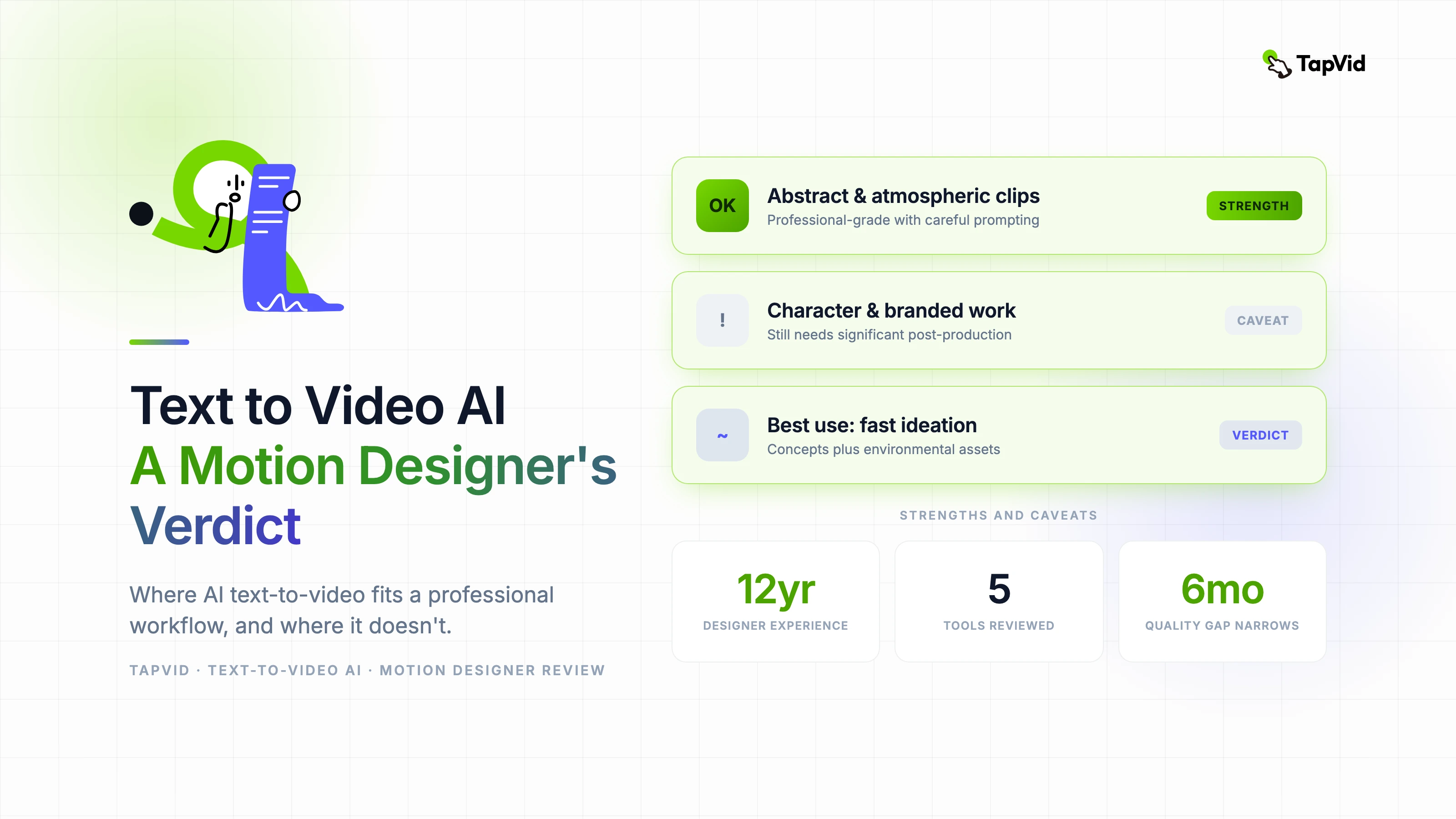
    The best text-to-video outputs in 2026 — from Sora, Veo 3, and Runway Gen-3 at their respective quality ceilings — are genuinely impressive. For abstract and atmospheric content, environmental scenes without human subjects, and stylized motion graphics sequences, the output can be professional-grade with careful prompting and curation.

    For anything requiring precise compositional control, consistent characters, readable text in frame, or precise timing tied to external audio, text-to-video AI is still a support tool rather than a primary production tool. The gap between what a professional can specify and what a model can reliably deliver narrows every six months, but it hasn't closed.

    The honest benchmark I use: would I submit this clip to a client without explaining it came from AI? For abstract environments and atmospheric clips, yes, regularly. For character work, branded content with specific visual requirements, and anything requiring product accuracy, not without significant post-production work.

    03

    The AI animation software worth knowing about

    • Runway Gen-3 Alpha: Highest quality ceiling for text-to-video. Best temporal consistency. The editor tools are good enough for post-generation refinement.
    • Veo 3 (Google): Strong on cinematic prompts. Better than Runway on photorealistic environments. Access is currently limited through Vertex AI.
    • Sora (OpenAI): Exceptional prompt comprehension, particularly on complex scene descriptions. Access limitations make it less practical for regular production use.
    • Kling AI: Best performance on human motion and character-focused prompts. Korean-developed, well-supported in Asian markets.
    • Hailuo AI: Strong value proposition. Consistent quality on atmospheric and environmental content. Less capable on complex narratives.

    04

    How to prompt effectively for motion design outputs

    After extensive testing, the prompting structure that consistently produces the most useful motion design outputs follows this pattern: camera movement first, then subject description, then environment, then visual style, then duration and pacing cues. 'Slow dolly forward, neon grid lines forming geometric patterns, dark studio environment, flat motion graphics style, smooth and unhurried' produces substantially better results than a paragraph of descriptive text.

    Reference to specific cinematographic or design styles helps significantly. Terms like 'Bauhaus geometric', 'Swiss design', 'neon noir', 'cel animation style', and 'kinetic typography aesthetic' all produce more consistent and specific outputs than general aesthetic descriptions. Build a library of style modifiers that work for your typical output requirements.

    05

    My verdict as a working professional

    Text-to-video AI belongs in a professional motion design workflow as a fast ideation and asset generation tool, not as a replacement for production expertise. The value I get from it is concentrated in two areas: rapidly generating visual concepts to explore before committing to manual production, and producing atmospheric and environmental assets that would otherwise require significant production time.

    The professional risk to watch out for is quality drift — when you get comfortable accepting AI output that's good enough rather than right. The output ceiling of these tools is high, but reaching it requires consistent critical judgment. The tool doesn't do the quality control; you do.
    Yibo Wang

    Written and edited by

    Yibo Wang

    CPO @TapVid | Building the AI video tools creators deserve | Product strategy · Design systems · Creator economy

    Yibo Wang invites you to join the conversation with fellow video creators on Discord.

    Join Yibo on Discord →

    Use the materials you already have

    From yourfilesfilesto a ready-to-publish video

    WEB→ VIDEOPPT→ VIDEOPDF→ VIDEOASSETS→ VIDEOAUDIO→ VIDEOVIDEO→ VIDEOTALKING HEAD→ VIDEOWEB→ VIDEOPPT→ VIDEOPDF→ VIDEOASSETS→ VIDEOAUDIO→ VIDEOVIDEO→ VIDEOTALKING HEAD→ VIDEO

    Keep reading

    Related stories

    Motion Design for Brand Videos
    Motion Graphics·12 min read

    Motion Design for Brand Videos: How Top Studios Build a Visual System

    How professional studios approach motion design for commercial brand videos — from visual system design to AI-assisted production at scale.

    Apr 3, 2026

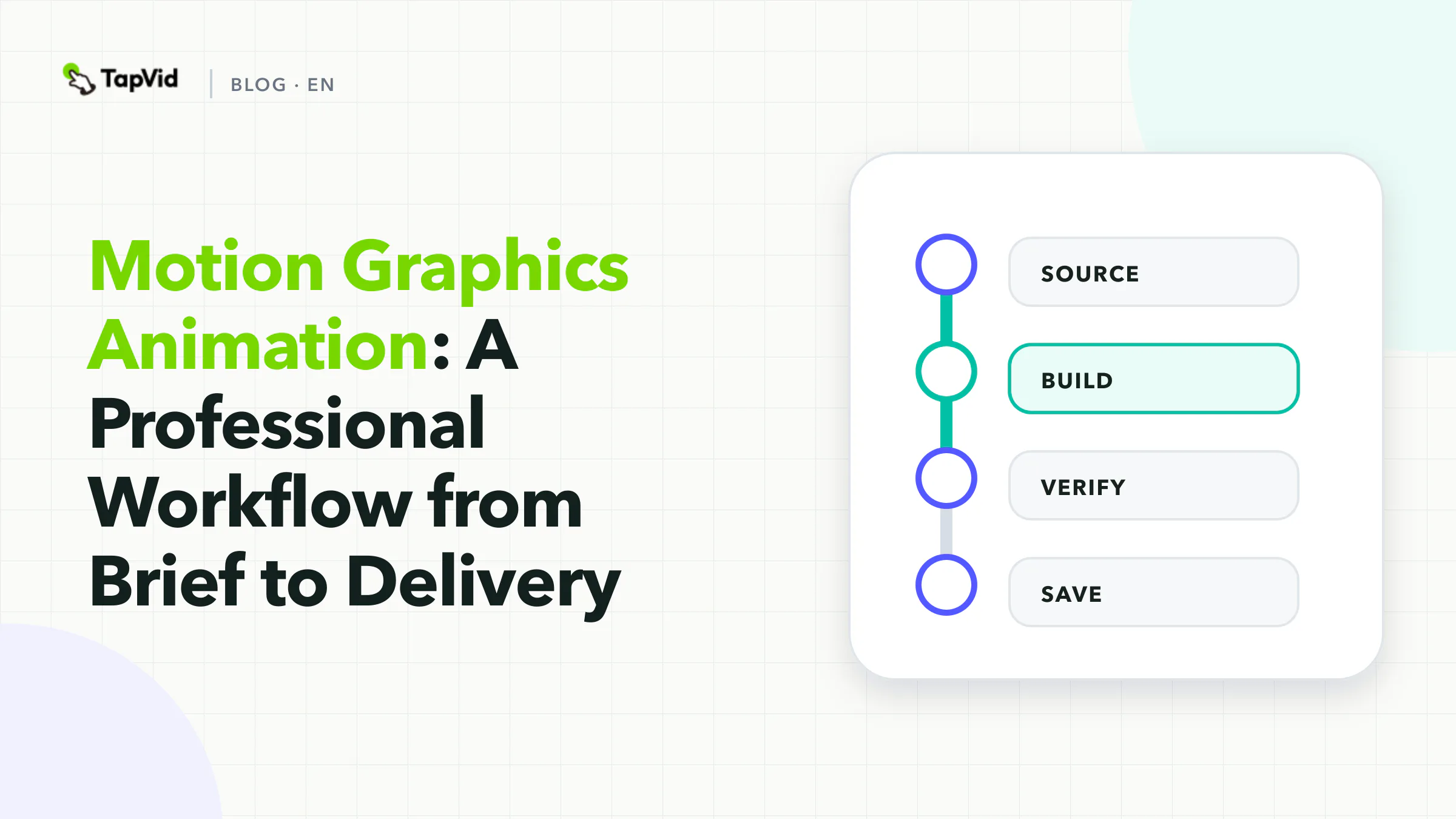
    Motion Graphics Animation Brief to Delivery
    Motion Graphics·13 min read

    Motion Graphics Animation: A Professional Workflow from Brief to Delivery

    How professional motion graphics animators approach commercial projects — from initial brief to final delivery — and where AI fits into a real production system.

    Apr 3, 2026

    How AI Animation Software Works A Technical Breakdown
    AI Tools·12 min read

    How AI Animation Software Works: A Clear Technical Breakdown

    A clear explanation of the machine learning mechanisms behind AI animation software — diffusion models, temporal consistency, and what these mean for the output you get.

    Apr 3, 2026

    Ready to create your first video?

    Join thousands of product teams using AI to create professional videos in minutes.

    Your first video in under 5 minutes →Book a demo →
    Tapvid

    TapVid turns the materials your business already has into an accurate video that explains the job clearly and is ready to publish.

    TikTokInstagramXDiscordYouTube

    TapVid

    Features

    AI Explainer Video GeneratorAI Motion Graphics GeneratorAI Product Demo Video GeneratorProduct Demo Video MakerExplainer Video TemplatesVideo Production Plan TemplateVideo Creative Brief TemplateCorporate Video TemplateVideo Sales Letter TemplateVideo Production Proposal TemplatePromo Video TemplateVideo Production TemplateAI Product Video GeneratorAI B-Roll GeneratorTalking Head EditingClone VideoPrompt to VideoText to Video AIText to Motion GraphicsAnimated Video MakerAnimated Explainer Video MakerKinetic Typography GeneratorAnimated Chart MakerAnimated Collage MakerFree AI Video Generator

    Convert to Video

    Screenshot to VideoImage to VideoAssets to VideoAudio to VideoVideo to Video AIPDF to VideoPPT to VideoArticle to VideoBlog to VideoURL to VideoScript to VideoGoogle Slides to VideoWord to Video

    Use Cases

    AI Study Video MakerSaaS Explainer VideoAI Video AutomationSaaS Video ProductionIndustrial Video ProductionProduct Launch Video MakerAI Ad Video GeneratorDocumentary Video MakerAnimated Social Media Video MakerInfographic Video MakerPodcast to VideoWhiteboard Animation MakerWhiteboard Explainer VideoEcommerce Video AdsStartup Explainer VideoEducational VideoTutorial VideoCustomer OnboardingHelp Center VideoAPI Docs Video

    Solutions

    Explainer VideoProduct Demo VideoMeeting Recap VideoWebinar ClipsMarketing VideoFeature AnnouncementCompetitive ComparisonNewsletter VideoLanding Page VideoInvestor Pitch Video

    Featured Guides

    Video Prompt LibraryMiniMax H3 Prompt LibraryBest Faceless YouTube NichesCollage Animation Guide

    Company

    All FeaturesAboutBlogPricingGet in Touch

    © 2026 TapVid. All rights reserved.

    Privacy
    Terms of Service