
Twelve years in professional motion graphics has taught me that the quality of a final delivery is almost entirely determined before anyone opens a piece of software. The brief, the storyboard conversation, the scope agreement — these are where projects succeed or fail. The animation itself is just executing a plan. What I want to share in this piece is the plan, because most tutorials skip straight to the tools.
01
The brief is where motion graphics projects succeed or fail
After twelve years producing motion graphics for commercial clients, I can identify within the first briefing conversation whether a project will run smoothly or spiral into revision chaos. The variable is almost always the brief quality, not the client's demands or the budget.
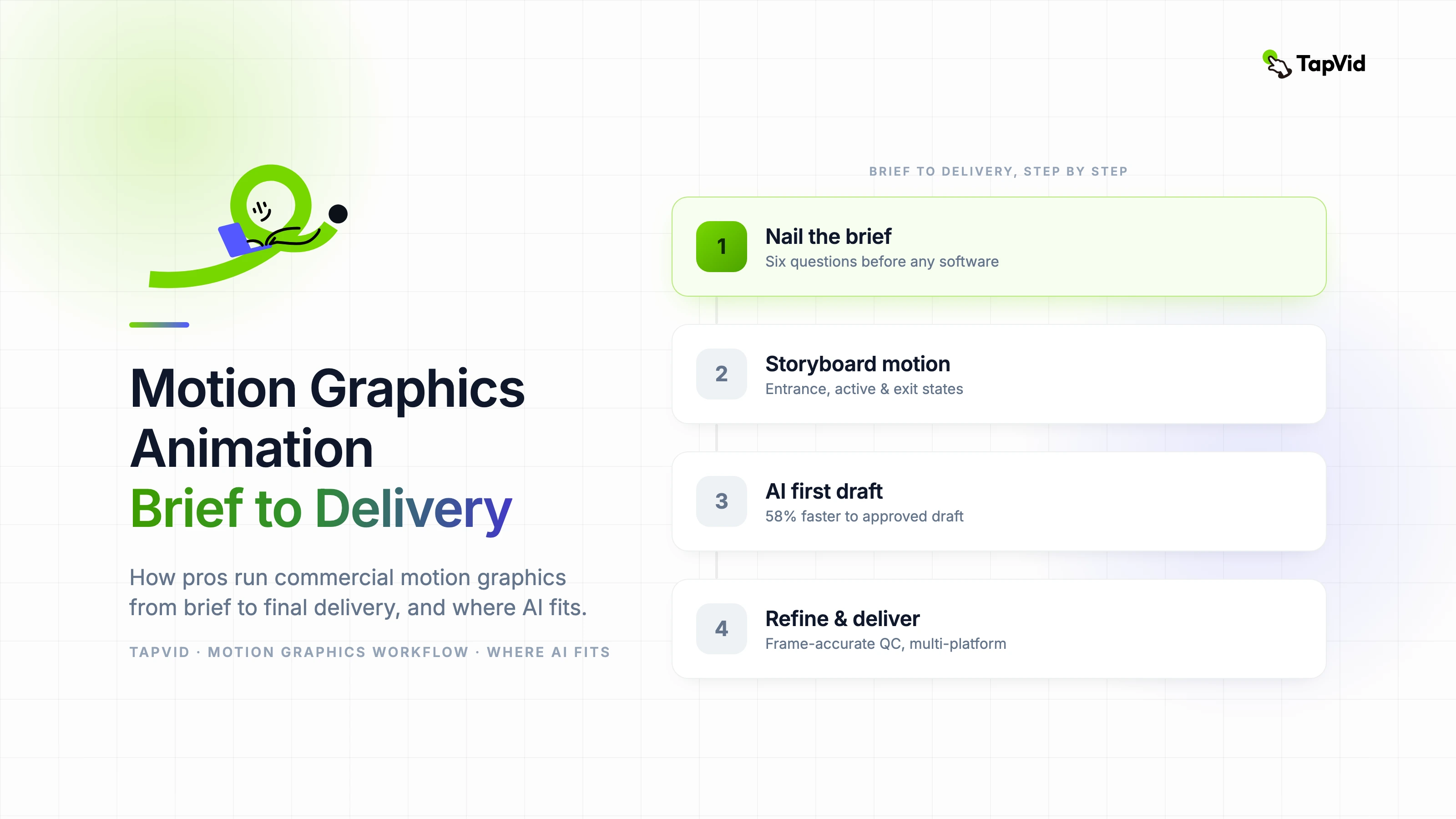
A good motion graphics brief answers six questions before production begins: What is the message in one sentence? Who is the audience? Where will this be shown and at what dimensions? How long is the deliverable? What brand constraints apply? What does success look like beyond "it looks good"?
Teams that answer all six questions before opening any software save an average of two revision cycles per project. Two revision cycles at professional rates represents a significant budget and timeline impact.
02
Storyboarding for motion: different from film, different from print
Motion graphics storyboarding is a distinct discipline from both film storyboarding and static design. Film storyboards focus on camera angles and narrative staging. Static design focuses on composition at a single moment. Motion storyboards focus on state changes — what does the scene look like at the start, at the midpoint transition, and at the end?
For each scene, a motion storyboard should capture three frames: the entrance state (how elements begin), the active state (peak composition), and the exit state (how elements leave or resolve). This three-frame model makes timing conversations with clients concrete and avoids the abstraction that causes approval of the wrong thing.
Annotate every frame with approximate timing. "3 seconds" written next to a storyboard frame sets expectations immediately and prevents the feedback "this feels too fast" at the end of production.
03
Where AI fits into a professional motion graphics pipeline
I was skeptical of AI motion tools for professional work until I ran a controlled comparison on a real client project: traditional production versus AI-assisted production with human refinement, same brief, same creative direction, measured by time to client-approved draft.
AI-assisted production reached client-approved draft 58 percent faster. The output required meaningful human refinement — timing adjustments, brand color corrections, transition smoothing — but the structural work happened in hours rather than days. For a studio billing project-based fees, that efficiency translates directly to margin.
The professional integration point is pre-production and first draft, not final delivery. Use AI to generate the motion skeleton from your storyboard. Use human animation skill to dress that skeleton with brand precision, emotional nuance, and frame-accurate timing.
04
Choosing motion graphics software for professional work
The professional motion graphics software landscape has two tiers: compositing-first tools and animation-first tools. Compositing-first tools like After Effects prioritize frame-by-frame control and complex layer management. Animation-first tools prioritize timeline-based keyframe animation with simpler compositing.
For commercial brand work requiring precise brand color, custom asset integration, and deliverables at multiple aspect ratios simultaneously, compositing-first tools remain the professional standard. The learning investment is significant but the output ceiling is essentially unlimited.
AI-native motion tools occupy a third tier: they are fastest to first output but have less precision control for brand-critical work. The right choice depends on the deliverable, not a philosophical preference for one type of tool.
05
Quality control before delivery
- Frame-accurate review: scrub through the timeline frame by frame at every scene transition.
- Brand asset audit: verify every logo treatment, color value, and typographic style against brand guidelines.
- Audio sync check: listen to the final export in full — audio sync errors that were invisible in the editor appear clearly on export.
- Multi-platform check: view the export on at least three screen types (desktop monitor, laptop, mobile) before delivery.
- File format verification: deliver in every requested format and confirm playback on the client's preferred viewing environment.
06
Building a sustainable motion graphics practice
The technical skills in motion graphics depreciate faster than in almost any other creative discipline. Tools change, formats change, and aesthetic standards shift. What does not change is the underlying design thinking: message clarity, visual hierarchy, timing as communication.
Invest in design fundamentals consistently. Study typography, color theory, and composition independently of whatever software you are currently using. These skills compound over a career. Software proficiency alone does not.
Teaching is one of the best ways to deepen motion graphics expertise. Explaining a complex concept clearly reveals gaps in your own understanding and forces you to systematize knowledge that otherwise stays implicit. Whether through internal workshops, online content, or formal instruction, teaching accelerates professional development in ways that solo production does not.