
Most guides on how to make an AI product demo video answer the wrong question. They tell you which button to click, but they skip the decision that actually shapes the video: what kind of demo you are making. A screen recording of your dashboard and a 30-second animated explainer are both "product demo videos," and they need completely different tools. Get that choice wrong and you spend an afternoon making something that does not fit where you plan to use it.
01
What an AI product demo video looks like
I work in product and design, so I make these often. Here is the process I use, written so you can follow it whether your product is a polished SaaS UI or an idea that does not have a screen yet.
02
First, decide what kind of demo you need
There are two honest paths, and the tool you pick follows from which one you are on.
- Show the interface: if the point is "here is where you click and what happens," you want a screen recording with AI narration on top. The real UI is the story.
- Show the idea: if the point is "here is what this does and why it matters," and the UI is either boring, not built yet, or beside the point, you want an animated demo built from a script. No screen capture, no presenter. This is the same approach as an AI explainer video, just pointed at your product.
Teams default to screen recording because it feels safe. Then the demo comes out looking like a support tutorial when what they needed was a 30-second pitch for the homepage. So before anything else, answer one question: is the interface the story, or is the idea the story? The rest of this guide splits along that answer.
03
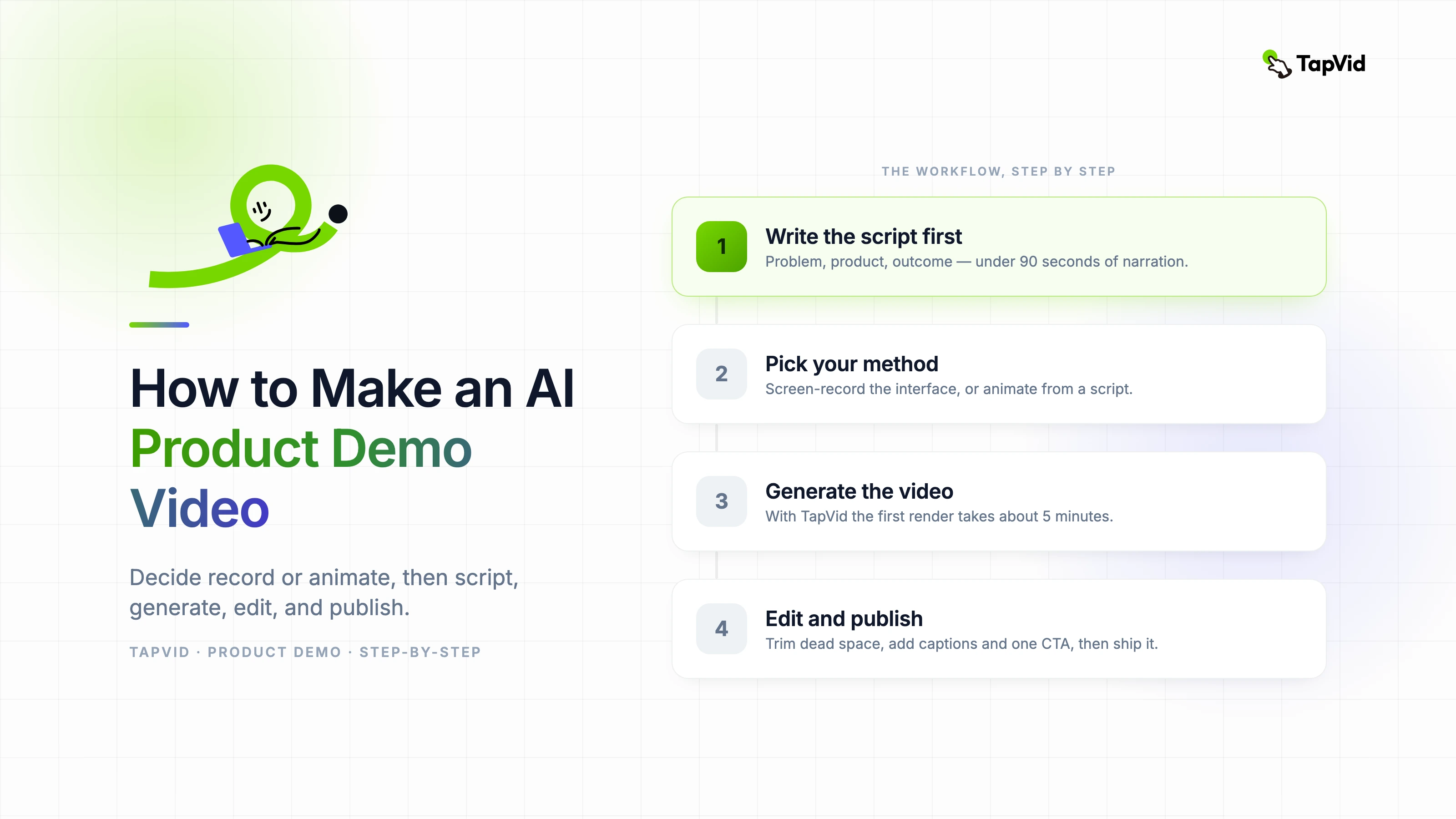
Step 1: Write the script first
Every good demo starts as text, not as a recording. Write the script before you touch any tool, because the script is what keeps the video short and on point.
Use a simple frame:
- Problem: one sentence on the pain your viewer feels today.
- Product: what your product does about it, in plain language.
- Outcome: what life looks like after, ideally something concrete.
Keep sentences short enough to say out loud without running out of breath. Write for the ear, not the page. And write to a clock: aim for under 90 seconds of narration, because completion rates fall off a cliff after the two-minute mark and shorter demos simply get watched more often.
One thing worth saying plainly: an AI tool can draft a script for you from a product URL or a rough prompt, and that is a fine starting point. But the draft always needs a human pass to cut the fluff and fix the pacing. Do not ship the first generation.
04
Step 2: Pick your method
This is the fork. Match the method to the answer from the top of the guide.
| Method | Best when | What it produces | Skill needed |
|---|---|---|---|
| Screen-record + AI narration | The interface is the story | A walkthrough of your real UI with an AI voiceover | Low |
| Animation from a script | The idea is the story, or there is no UI to show | A motion-graphics demo with narration and captions | Low |
| Avatar presenter | You need a human face for a sales or enterprise pitch | A digital presenter reading your script | Low |
Most software walkthroughs are the first row. Launch videos, feature teasers, concept explainers, and anything that runs as an ad are usually the second row. Sales decks that need a spokesperson are the third. You can also combine two, and I will come back to that at the end.
05
Step 3: Generate the video
The steps differ by method, so here are the two you will actually use most.
If you are recording the interface:
- Prepare the screen: close notification-heavy apps, hide personal bookmarks, and load your product with realistic demo data. Empty states and "test test test" text kill trust faster than anything.
- Record one clean pass: move the cursor slowly and deliberately. Do not narrate live; record the screen silently and add voice later, so a stumble does not force a full retake.
- Let AI generate the narration: modern screen-record tools transcribe your actions and draft a voiceover you can edit. Tools like Loom, Trainn, and Supademo work this way, and Arcade turns the same recording into an interactive click-through as well.
If you are animating from a script:
- Paste your script or a prompt: with an animation-led tool you describe the demo in plain language instead of capturing a screen. With TapVid you write the script or a prompt and it builds a motion-graphics video with narration and subtitles.
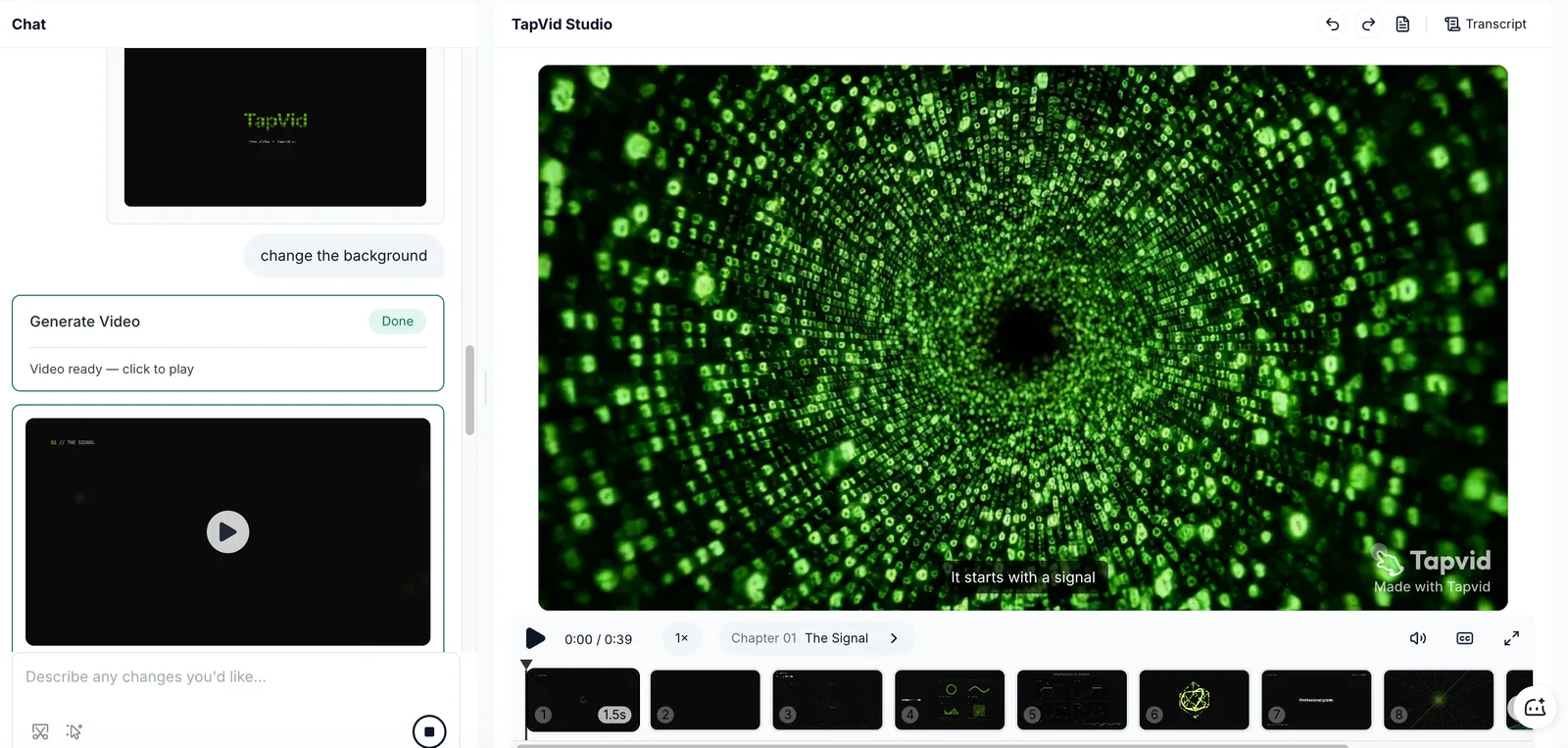
- Generate and review: the tool assembles the scenes, voiceovers, and captions in one pass. The first render takes a few minutes. If you use TapVid, the initial generation usually takes only about 5 minutes.
- Swap what does not fit: adjust the wording, the scenes, or the voice, then regenerate. Because nothing was filmed, editing is a text change, not a reshoot.
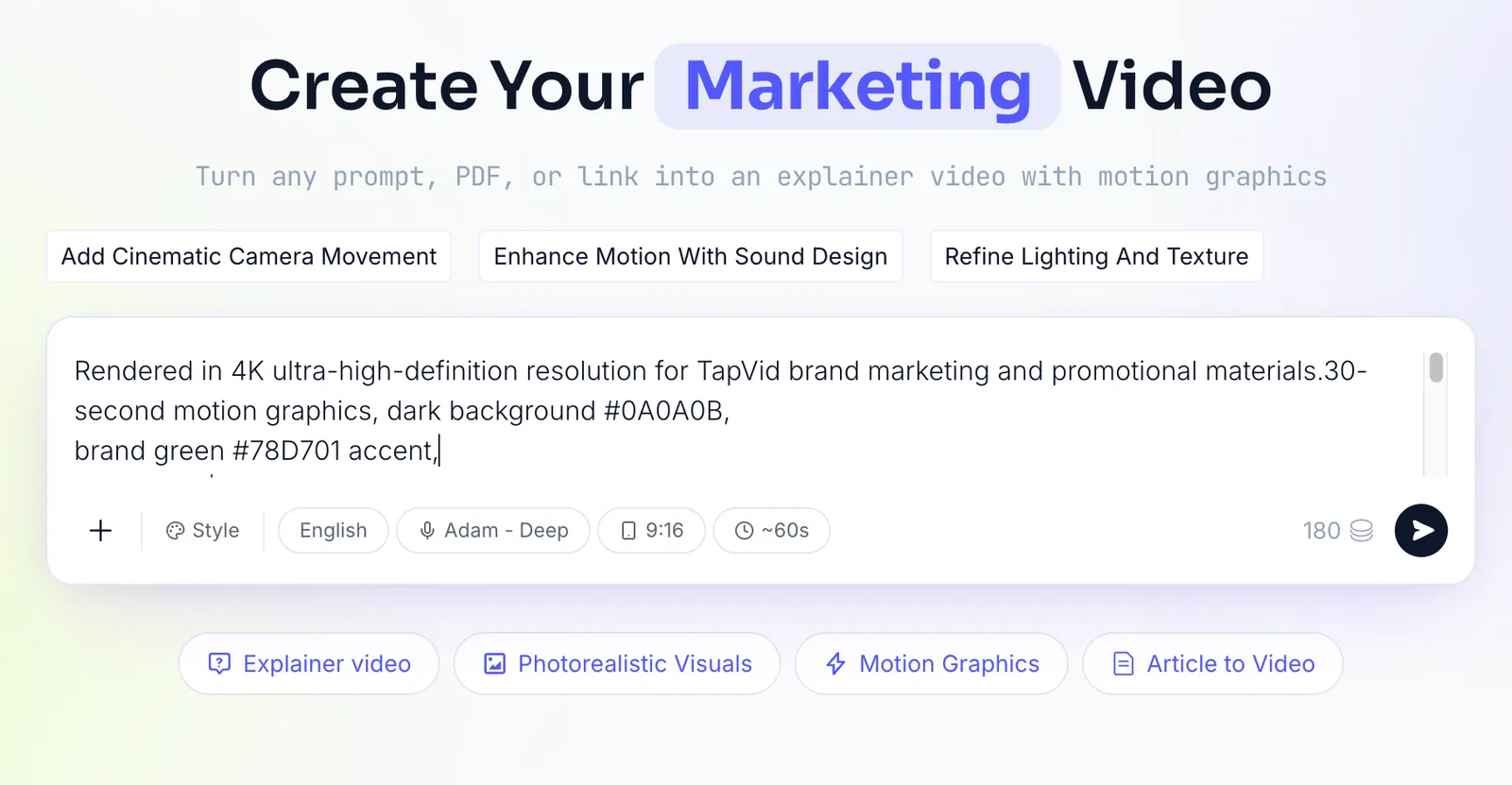
This second path is the one most how-to guides skip, and it is the right call in more cases than people expect: pre-launch products with no shippable UI, abstract features that a screenshot cannot explain, and social or ad cuts that need motion in the first three seconds.
06
Step 4: Add voiceover and captions
Whichever path you took, two things are non-negotiable.
- A clear voice: pick an AI voice that sounds calm and matches your pace. Robotic delivery is less about the voice model now and more about punctuation, so break your script into short lines and let the pauses land.
- Captions, always: a large share of demos get watched on mute, in a feed or on a second monitor. Burned-in captions are not an accessibility afterthought, they are how most people will actually read your demo.
07
Step 5: Trim, emphasize, and add a CTA
A raw generation is 80% there. The last 20% is editing.
- Cut dead space: remove the silence at the start and any spot where nothing moves.
- Draw the eye: zoom in on the exact moment the key action happens, so the viewer never wonders where to look.
- End with one ask: sign up, start a free trial, or book a demo. One call to action, stated plainly, on screen and in the voiceover.
08
Step 6: Publish it where it earns its keep
A demo video is an asset only if people see it. Put it where intent is highest.
- Homepage and landing pages: a short demo above the fold lifts conversion because it answers "what is this" before the visitor bounces.
- Sales outreach: a 60-second demo in a follow-up email lands harder than another paragraph of text.
- Onboarding and help docs: the same demos cut support tickets by answering "how do I" visually.
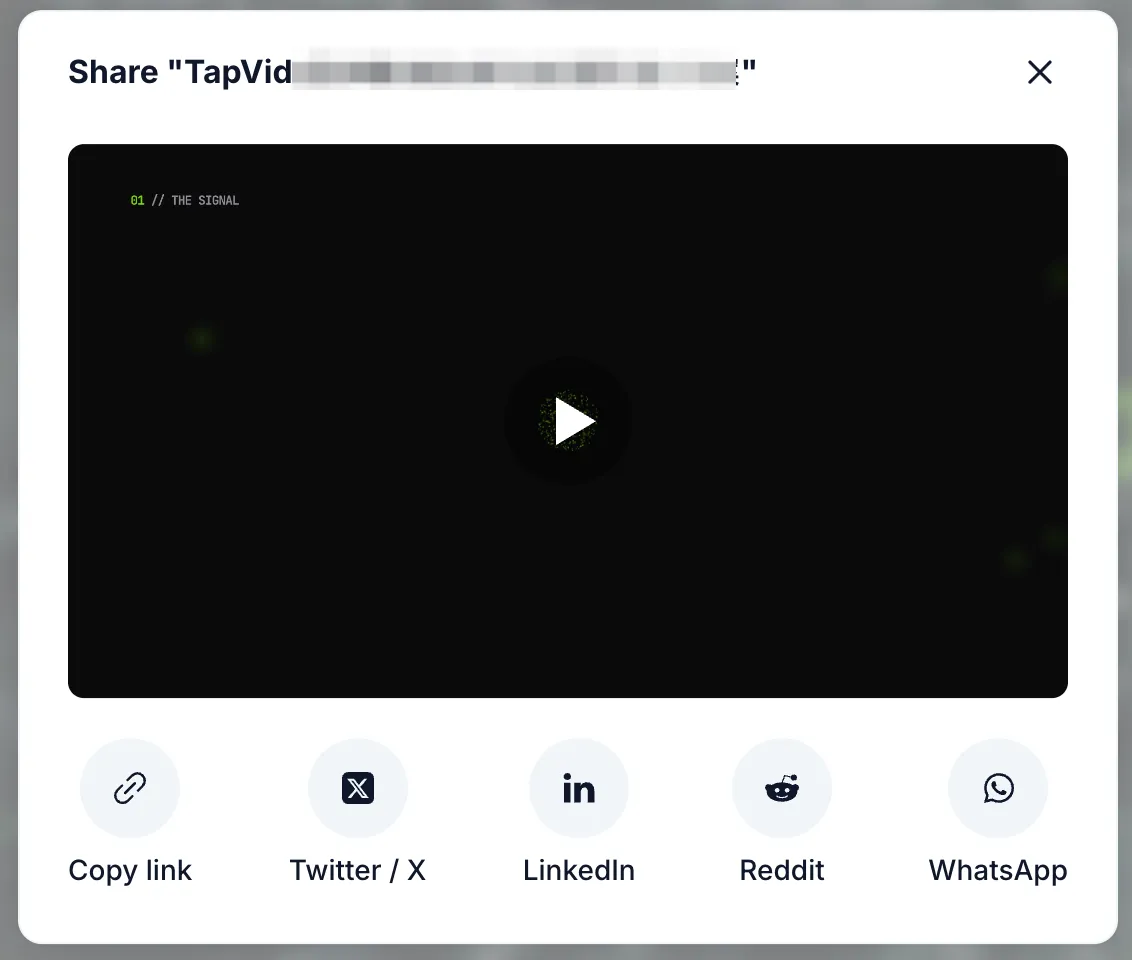
- Social and launch: cut a punchy 15 to 30 second version for LinkedIn, X, and a Product Hunt launch.
09
Step 7: Keep it up to date
Here is the quiet problem nobody warns you about: your UI changes, and every screen-recorded demo goes stale the day you ship a redesign. This is demo debt, and it is why teams stop making demos at all.
Two ways out. Re-record on a schedule, which is honest but slow. Or lean on tools where an update is an edit, not a reshoot. Animation-led and script-driven tools have an edge here, because changing a line of narration or a scene does not mean recording your product again from scratch.
10
Common mistakes to avoid
- Talking about features instead of outcomes: nobody buys "supports webhooks." They buy "your data shows up in Slack automatically."
- A boring first ten seconds: if the hook is weak, the completion rate is dead on arrival.
- No clear next step: a demo without a CTA is a video that entertained someone and then let them leave.
- Making it too long: when in doubt, cut it in half.
11
Frequently asked questions
How do I make an AI product demo video for free?
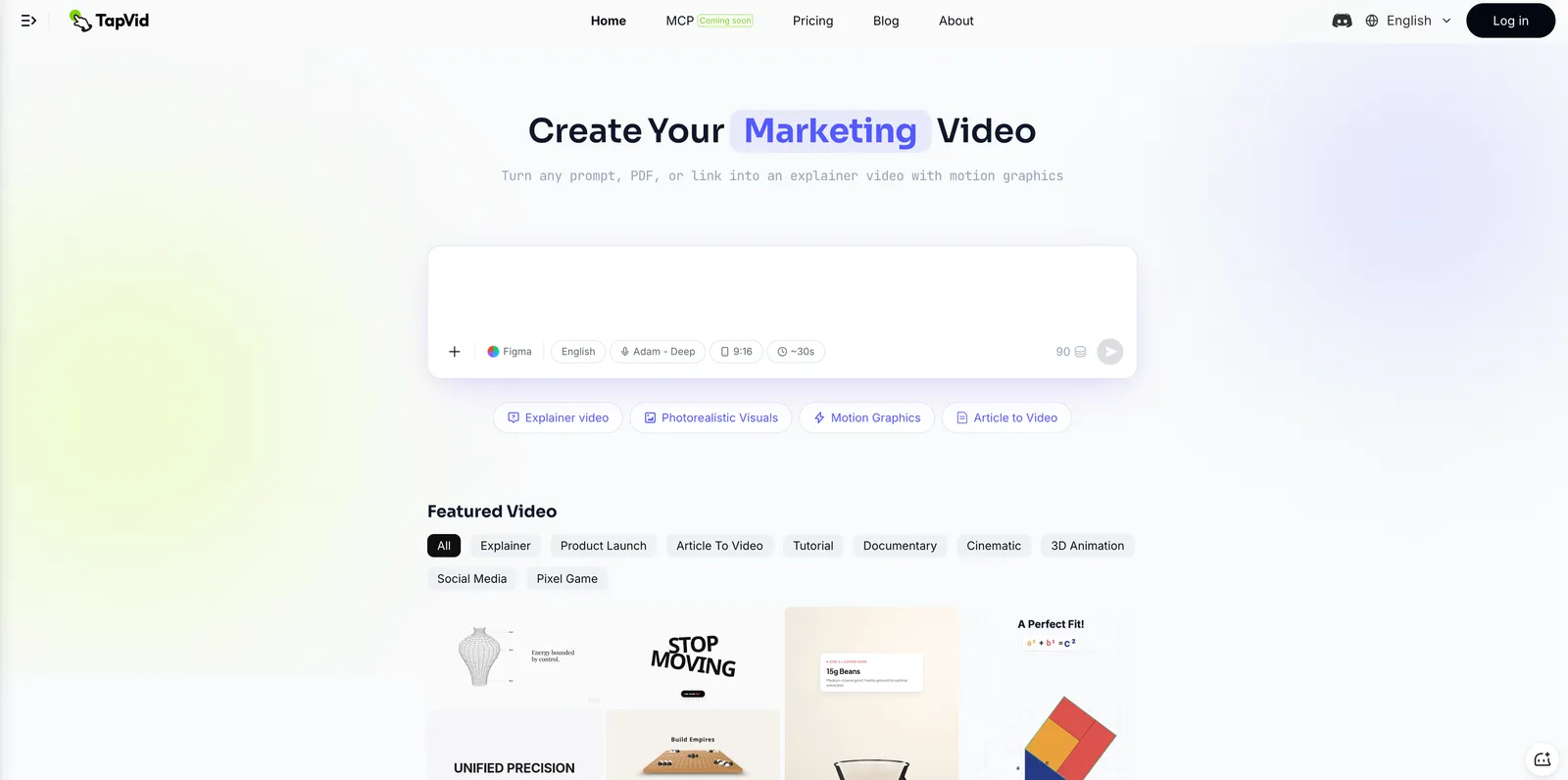
Several tools have free tiers, including TapVid, Loom, and Supademo. Free exports usually carry a watermark, so check the export terms before you rely on one for a public launch.
Can AI make a product demo video without recording my screen?
Yes. An animation-led tool like TapVid builds the demo from a script or prompt, with no screen capture and no presenter, which is the better fit when the UI is not the point or does not exist yet.
How long should a product demo video be?
Under 90 seconds for a homepage or ad, under 3 minutes for a full walkthrough. Completion drops sharply past the two-minute mark.
Do I need a script to make an AI demo video?
For animation and avatar tools, a script or prompt does most of the work, so yes. Screen-record tools can draft narration from the recording itself, but a quick script still makes the result tighter.
What is the best AI product demo video generator?
It depends on the job. For animated concept and launch demos, TapVid. For interactive UI walkthroughs, Arcade or Supademo. For a presenter-led sales pitch, an avatar tool like Synthesia, though it is worth weighing the alternatives first.
12
The takeaway
Making an AI product demo video is not hard once you make the one decision that matters: are you showing the interface, or showing the idea. Record the interface when the UI is the story. Animate from a script when the value is the story or the UI is not ready. Most teams need both at some point, and the cleanest setup is an animated intro that sells the why paired with a screen walkthrough that shows the how.
To make the animated version of your own product demo, start with the AI product demo video generator, or explore the full AI video generator if you need other formats too. Check pricing for plan details.