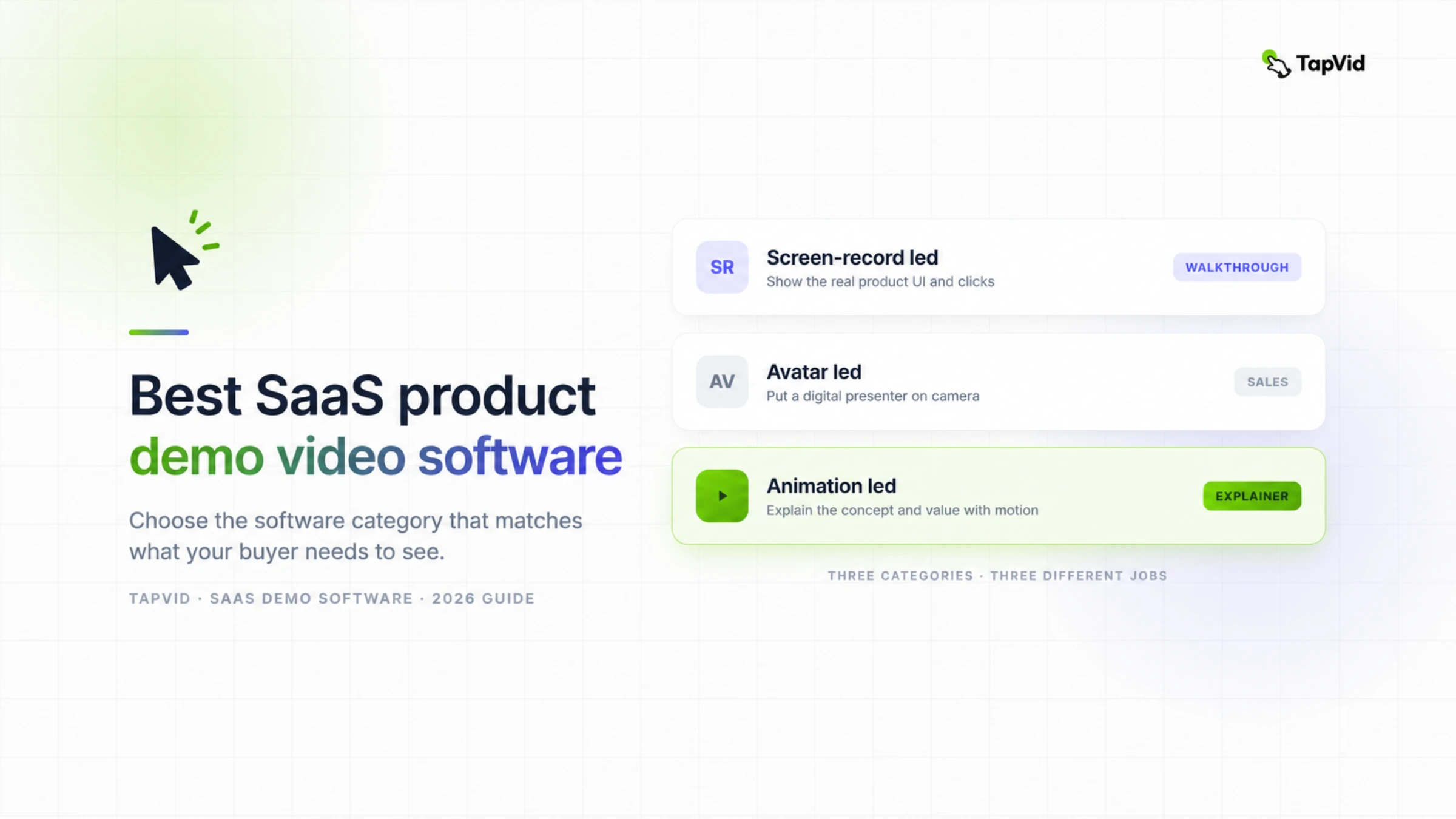

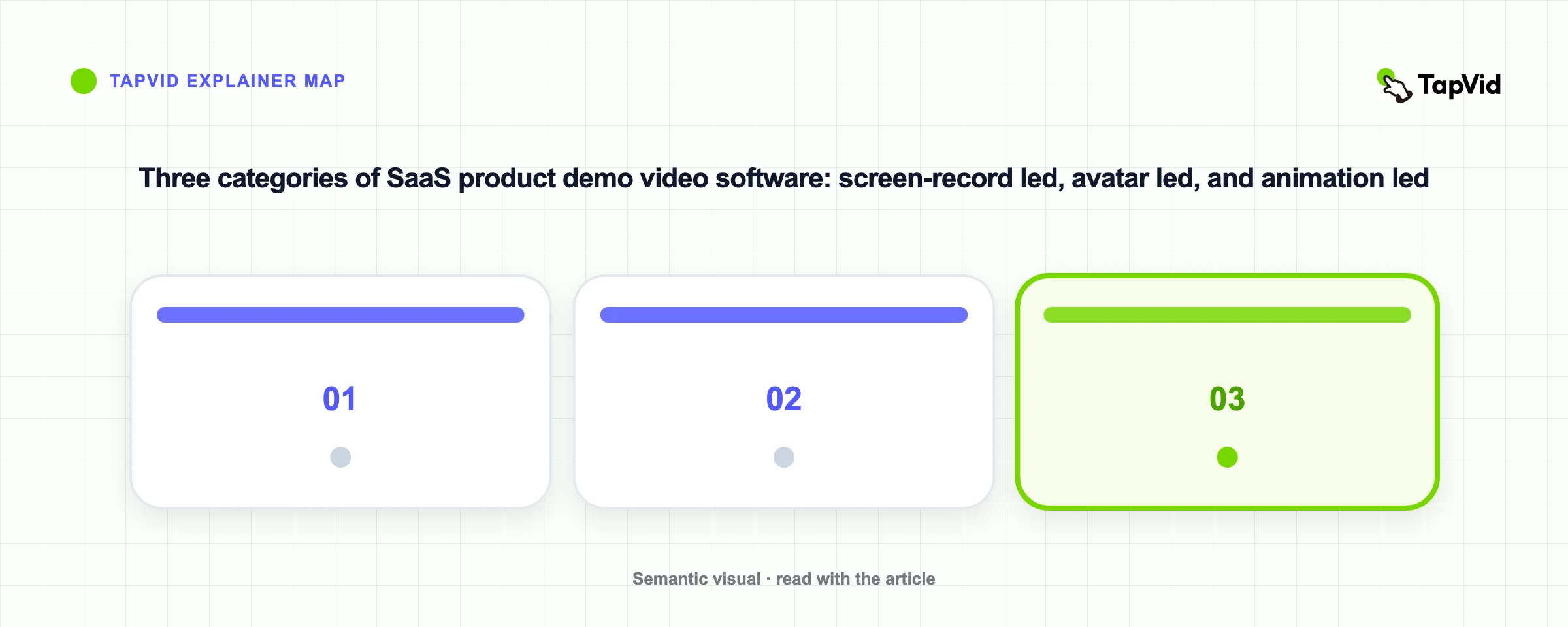
The best SaaS product demo video software depends on what your buyer must be able to verify: the real interface, a presenter's explanation, or an animated account of the product's value. This guide separates those outputs before comparing tools, then looks beyond the first export at source fidelity, revision control, maintenance, approval workflow, and distribution. That is the difference between choosing a demo that looks good once and choosing a system your team can keep using after the product changes.
Create a product demo video with TapVid
01
Best SaaS product demo video software by category
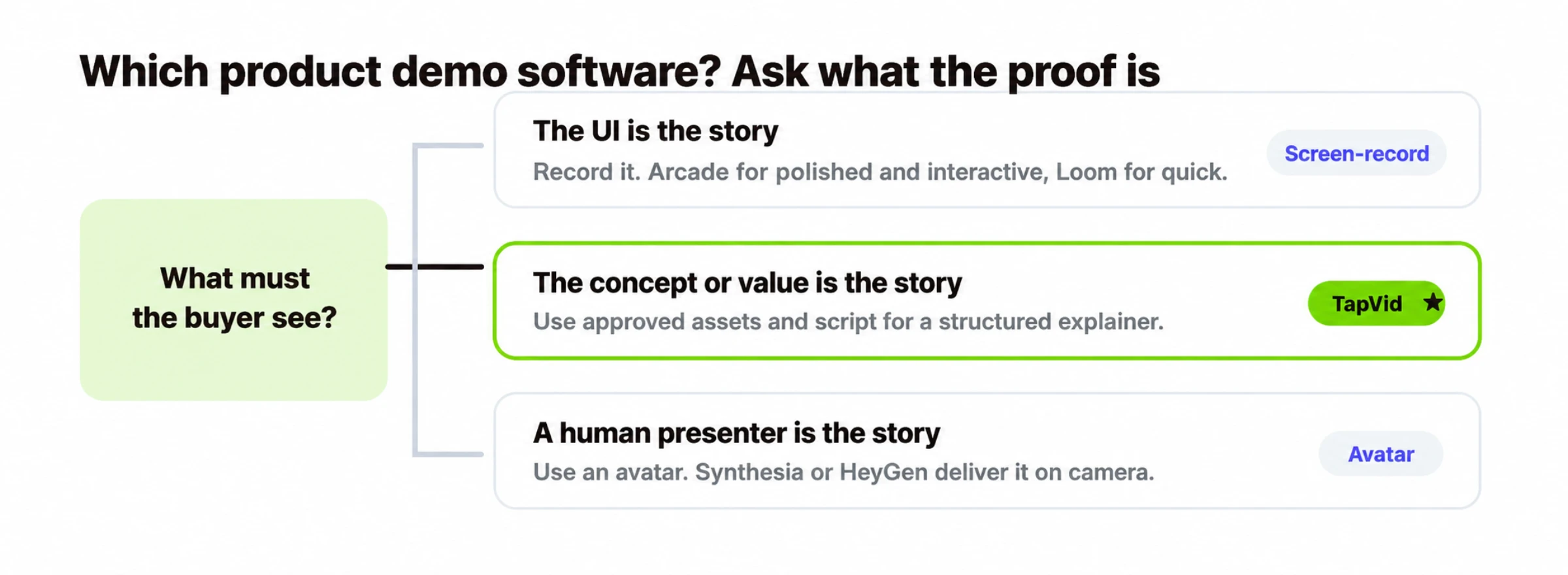
Choose the proof format before the tool
The buyer must verify exact clicks or UI states
Use a screen recording or interactive tour. Choose Loom for a linear explanation and Arcade when the viewer should click through the flow.
The buyer must understand the value before using the UI
Use an animation-led fixed video. TapVid fits when approved assets and wording need to become a structured product explanation.
A consistent presenter carries the explanation
Use an avatar-led fixed video such as Synthesia or HeyGen, then add real interface footage if the workflow itself also needs proof.
Start with the proof object: the thing a skeptical buyer should be able to inspect after watching. It might be an exact product state, an approved product claim, a before-and-after outcome, or a clear explanation from a trusted presenter. The proof object determines the format. The format then narrows the software shortlist.
One boundary matters throughout this guide: an interactive tour and a fixed video are different deliverables. A tour lets the viewer click through a guided replica of the interface. A fixed video plays a controlled linear story that can be embedded on a landing page, sent by sales, posted on social channels, or exported for an ad. Arcade is strongest when interaction is the proof. Loom, avatar tools, and TapVid serve fixed-video jobs, even though the way they produce that video differs.
Many SaaS teams use two formats. A short animation-led video can establish the problem and value; a tour or recording can prove the workflow. The waste begins when one video is expected to pitch the category, document every click, onboard a new user, and answer support questions at the same time.
02
Quick comparison
| Tool | Output | Primary proof object | Smallest practical update | Best for | Free entry |
|---|---|---|---|---|---|
| TapVid | Animation-led fixed video | Approved assets, wording, and their scene-by-scene correspondence | A scoped scene or source asset, subject to the current workflow | Concept and value demos, launches, landing pages, social | Available; confirm current export terms on pricing |
| Arcade | Interactive guided tour | The viewer can follow the real UI path | A step, annotation, or captured flow; recapture changed states | Interactive software walkthroughs | Available; check current publishing limits |
| Loom | Screen-recorded fixed video | A person performs and explains the real workflow | Trim or edit the recording; changed clicks often need a new take | Quick, authentic recorded demos | Available; check current recording limits |
| Synthesia | Avatar-led fixed video | A consistent presenter delivers approved narration | Script or presenter segment; UI proof needs separate media | Sales and enterprise presenter demos | Limited entry; verify current export terms |
| HeyGen | Avatar-led fixed video | A realistic presenter delivers multilingual narration | Script or presenter segment; UI proof needs separate media | Presenter realism and multilingual delivery | Limited entry; verify current export terms |
The update column shows whether a changed price, navigation label, screenshot, or legal sentence can be corrected without rebuilding approved work. Treat free entry as a pilot route, not pricing; confirm current terms before purchase.
03
How we compared SaaS product demo video software
A feature-count table hides the category's biggest differences, so this guide uses a workflow test instead. First define the output and proof object. Then give every shortlisted tool the same source pack: one short approved script, two or three product screenshots, one logo, one exact number that must not change, and one sentence that the reviewer will deliberately revise. The purpose is not to force different formats to look identical. It is to expose where each workflow stores truth and how it behaves when truth changes.
- Source fidelity. Check exact product names, numbers, screenshots, logos, and UI states against the source pack. Record whether the tool embeds the source, captures it, or creates a visual interpretation of it.
- Revision granularity. Make one small correction after the first draft. Note whether the unit of change is a word, scene, recording, tour step, presenter segment, or entire project. Smaller is not automatically better; it is better only when the untouched approved material stays stable.
- Maintenance trigger. Simulate a normal SaaS change: a navigation label moves, a plan name changes, or a screenshot becomes stale. Count which assets and approvals must be reopened. This is the cost that first-export comparisons miss.
- Approval workflow. Identify who signs off on claims, brand, UI accuracy, and final delivery. Look for a review artifact that non-editors can inspect, such as a share link, scene plan, script, transcript, or clickable preview.
- Distribution fit. Decide whether the asset must be an MP4, embedded player, sales link, social cut, help-center video, or interactive tour. Export format and viewer action are part of the product decision, not an afterthought.
Keep evidence labels separate. “Observed” means the stated workflow was completed and recorded. “Vendor-published” means a current official page documents the boundary. “Editorial judgment” is the conclusion drawn from the use case. The current Blog Forge audit still identifies missing per-product hands-on and independent-review proof, so use this shortlist as a decision framework and run the pilot below before buying.
Use the comparison table as a router, not a universal ranking. Arcade and Loom make sense when the live interface is the proof, but one creates an interactive experience and the other records a fixed explanation. Avatar software makes sense when a consistent presenter is the proof. TapVid fits when approved product assets and supplied wording need to become a structured explainer video. The winning stack is the smallest set of formats that completes the buyer journey without making one asset carry incompatible jobs.
04
TapVid: animation-led product demo software
TapVid fits asset-led explanations, not exact click proof
Choose TapVid when approved product assets and supplied wording must become a structured motion-graphics explanation. Choose another format when the buyer must inspect a live click path or when the presenter is the main source of trust.
Best for
- Pre-launch concepts, feature announcements, landing-page explainers, and short product-value videos
- Teams that need product images, logos, screenshots, numbers, and approved wording tied to specific scenes
Avoid if
- The exact current interface and click sequence are the proof
- A human or avatar presenter must carry the entire sales message
TapVid
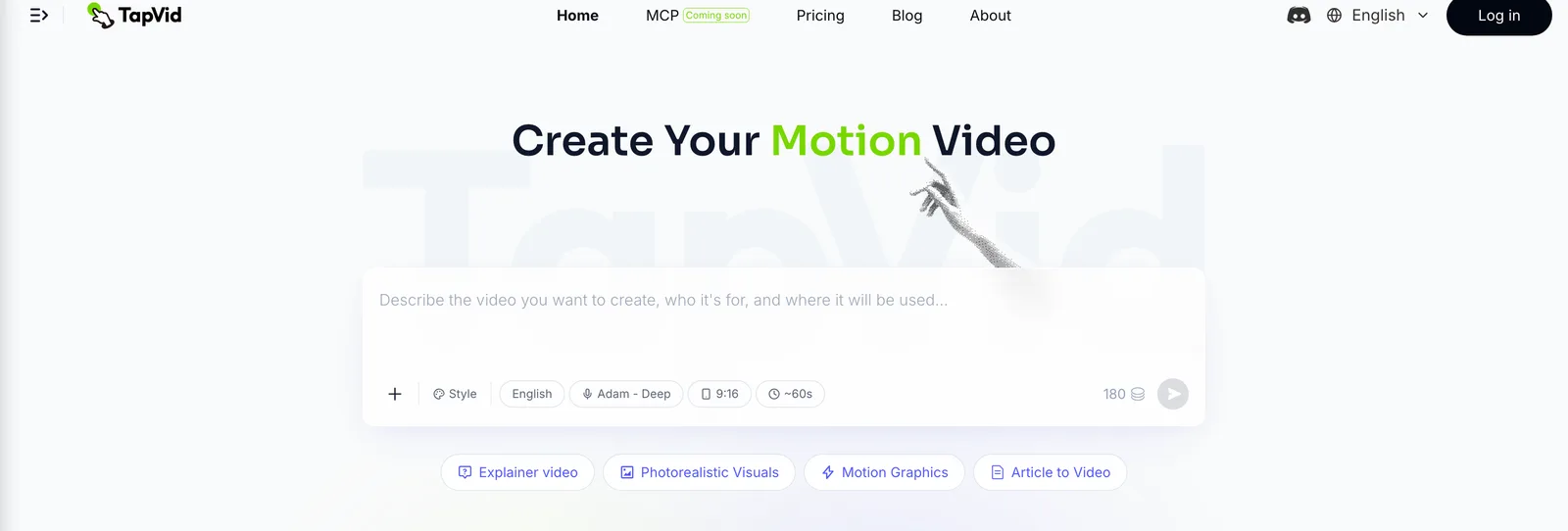
Best for: showing what your product does and why it matters, as a motion graphics demo.
Not every demo should be a screen recording. When you are launching, teasing a feature, or explaining a concept the UI does not show on its own, the interface may be supporting evidence rather than the story. TapVid is an Explainer Video Engine: give it product assets and supplied wording, and the workflow organizes them into a motion-graphics video with narration and subtitles. The product noun matters because the job is explaining with your source material, not generating a substitute product from a loose prompt.
Where it fits:
- Launch and teaser videos where the buyer needs the problem, mechanism, and product value before seeing a workflow.
- Concept demos for a feature that is abstract, visually quiet, or not yet available as a stable interface.
- Landing-page and social cuts that need a controlled fixed video rather than an interface the viewer must operate.
Where it does not fit, and I would steer you elsewhere:
- You need to show the exact UI and clicks. Use a screen-record tool like Arcade.
- You need a human presenter for a sales deck. Use an avatar tool.
- You need a self-serve clickable experience. Use an interactive tour, then place an animation above it only if the page also needs a short value story.
The TapVid decision is mainly about fidelity and handoff. Product images, logos, UI screenshots, approved copy, numbers, and model names should stay tied to the scene they support; reviewers should be able to inspect the script and scene plan before final delivery. This still requires verification. Teams need to check the finished sequence against the approved source pack. The AI product demo video generator page shows the workflow, and pricing has current plan and export details.
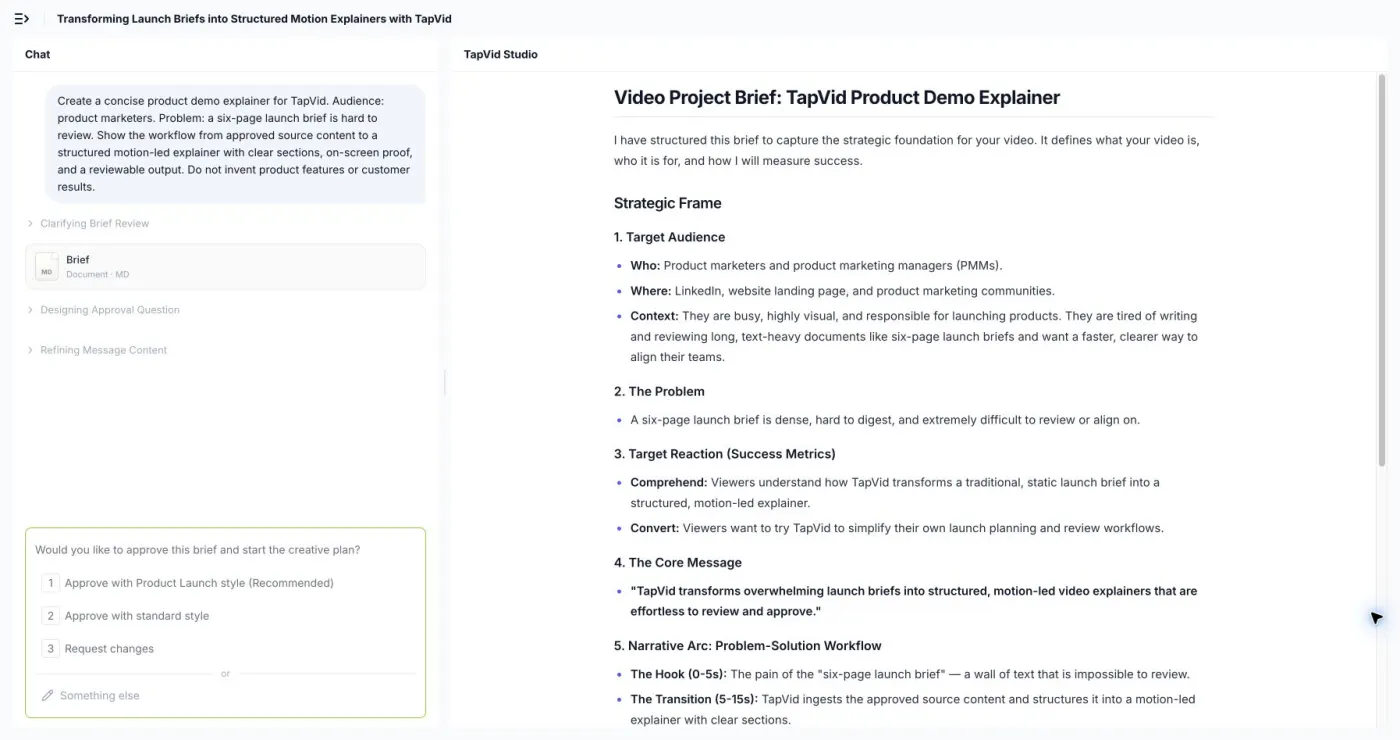
On August 5, 2026, a logged-in 30-second test turned the supplied product-demo prompt into a structured brief with audience, problem, target reaction, core message, narrative arc, and production settings before asking for approval. The run stopped at the approval boundary, so it proves source structuring and reviewability, not final render quality.
TapVid: Official evidence checked on August 20, 2026
| Dimension | What the source establishes | Official source |
|---|---|---|
| Pricing | TapVid's official pricing page documents credit use, export resolution, watermark terms, clip limits, and support tiers. | Official source |
| Capability | TapVid's official product-demo page documents a workflow that uses product footage, narration, documents, and approved copy. | Official source |
| Integrations | TapVid's official API and MCP page documents automation entry points for external workflows. | Official source |
| Support | TapVid's official contact page provides a public customer-support route for product and account questions. | Official source |
05
Arcade: interactive product demo software
Arcade
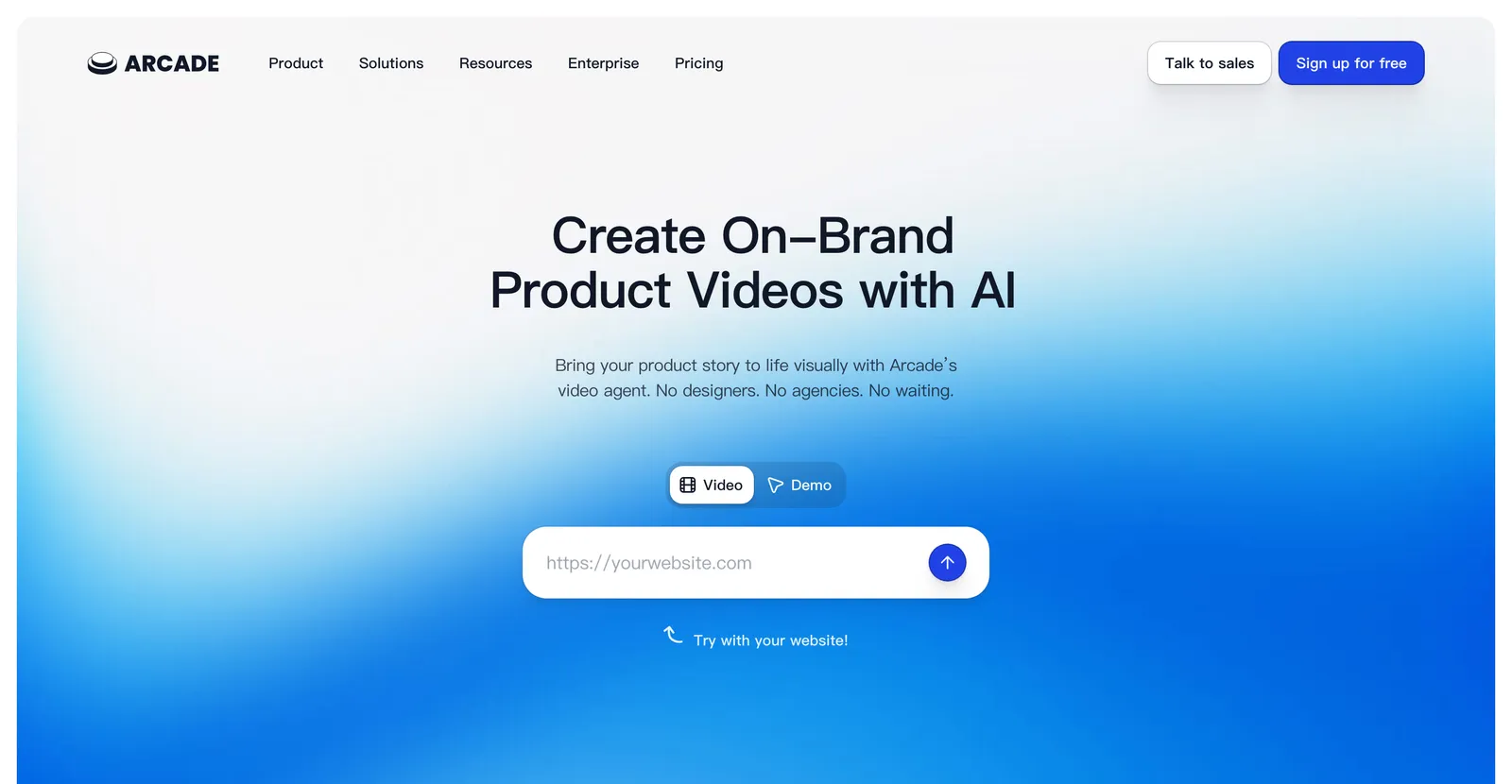
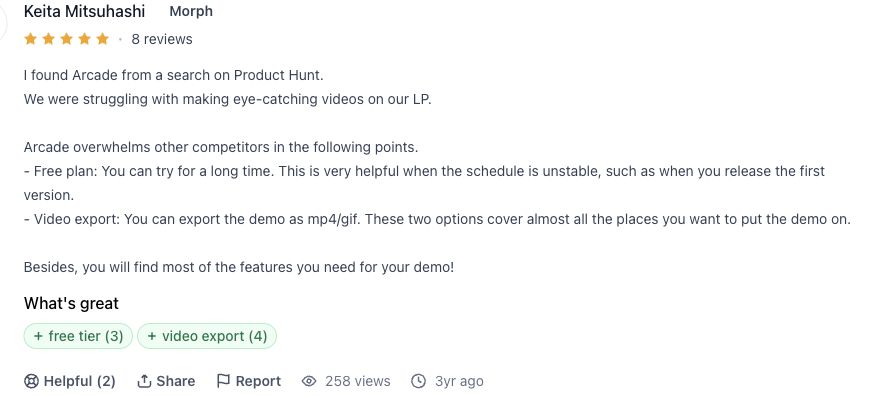
Best for: interactive software demos. Arcade captures the real interface and turns a flow into a clickable guided experience. That makes it useful when the buyer should perform or simulate the workflow rather than only watch it. The proof object is the path itself: each step, state, tooltip, and branch should correspond to the current product. Check the current Arcade pricing page for publishing, team, and plan limits before purchase.
The maintenance advantage is modularity, but it is not automatic. A changed tooltip may be a small edit; a redesigned navigation path can invalidate several captured states. During the pilot, change one UI label and one step order. Then record whether the editor can update only the affected segment, whether existing analytics or share URLs remain usable, and which reviewers must approve the revision.
Arcade: Official evidence checked on August 20, 2026
| Dimension | What the source establishes | Official source |
|---|---|---|
| Pricing | Arcade's official pricing page documents the free, Growth, and Enterprise publishing, export, credit, and collaboration boundaries. | Official source |
| Capability | Arcade's official product page documents interactive demos built from captured product flows with forms, analytics, integrations, and branching. | Official source |
| Integrations | Arcade's official integration directory lists analytics, CRM, CDP, form, collaboration, and embedded-content connections. | Official source |
| Support | Arcade's official knowledge base and pricing matrix document public help, live chat, and higher-tier customer-success routes. | Official source |
06
Loom: screen-recorded product demo software
Loom
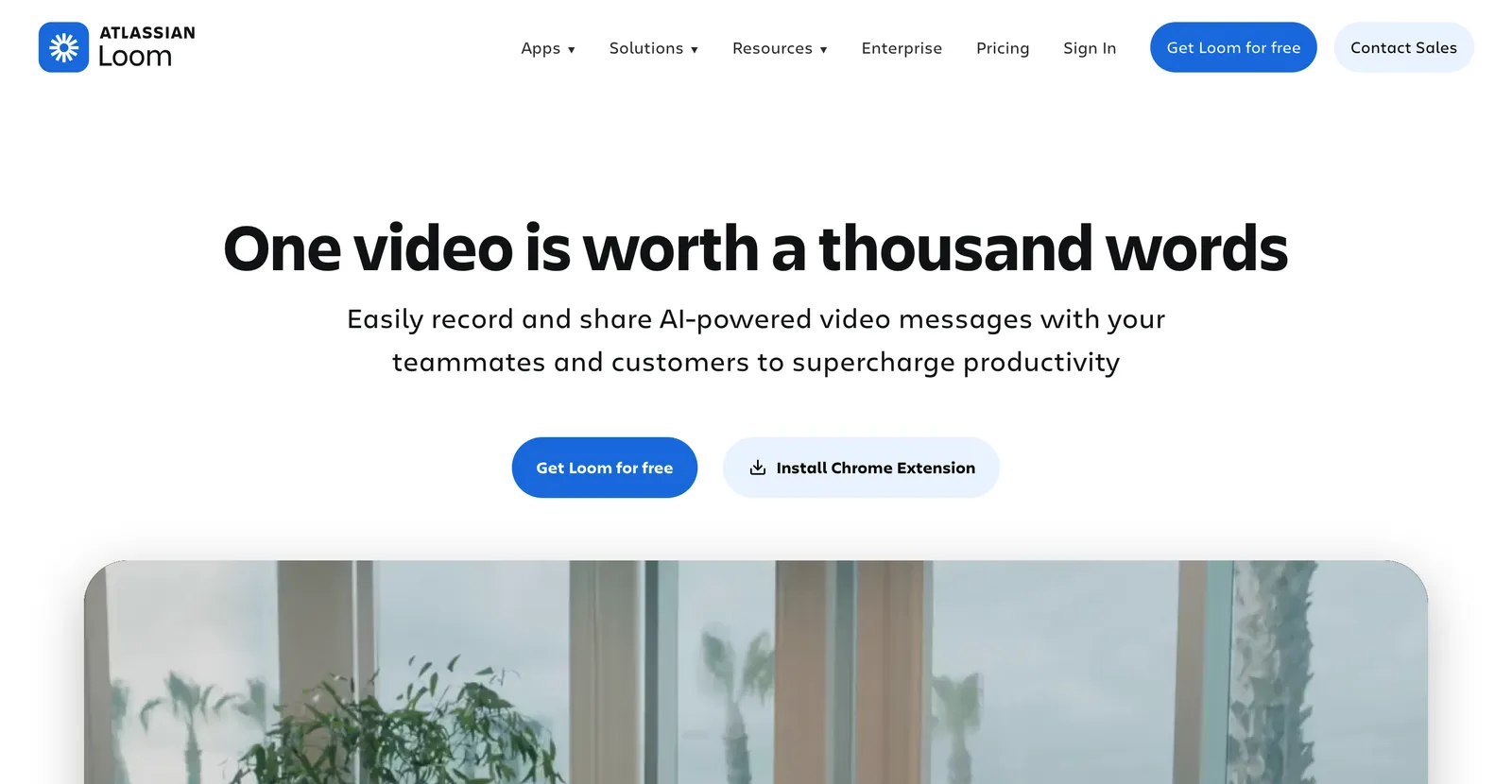
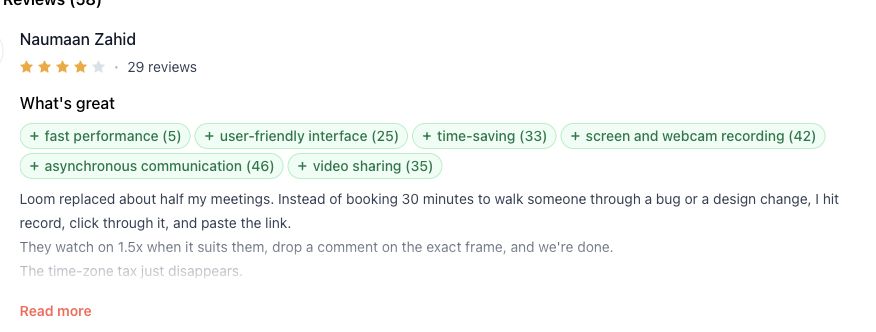
Best for: fast, authentic fixed-video walkthroughs. Loom is useful when a product manager, salesperson, or support specialist needs to explain a real workflow in their own voice without constructing a tour. The proof object is a recorded performance of the product, so the result can feel more direct than a polished campaign asset. Check the current Loom pricing page for recording and workspace limits.
The tradeoff appears after the interface changes. Trimming, transcript editing, and overlays can repair presentation issues, but a changed click path may require a new take. That can be completely acceptable for a short sales follow-up or support answer. It becomes expensive when one master recording has many localized versions, approvals, or downstream edits. Choose Loom when speed and human context matter more than reusable scene structure.
Loom: Official evidence checked on August 20, 2026
| Dimension | What the source establishes | Official source |
|---|---|---|
| Pricing | Loom's official pricing page documents recording, editing, workspace, analytics, interaction, integration, and support limits by plan. | Official source |
| Capability | Loom's official screen-recorder page documents screen, camera, audio, editing, comments, captions, embeds, and instant-link sharing. | Official source |
| Integrations | Loom's official pricing page lists Slack, Jira, Confluence, GitHub, Gmail, Notion, Intercom, Zendesk, and other connections. | Official source |
| Support | Loom's official support center publishes product documentation, troubleshooting, billing help, and a contact-support route. | Official source |
07
Synthesia: avatar-led product demo software
Synthesia
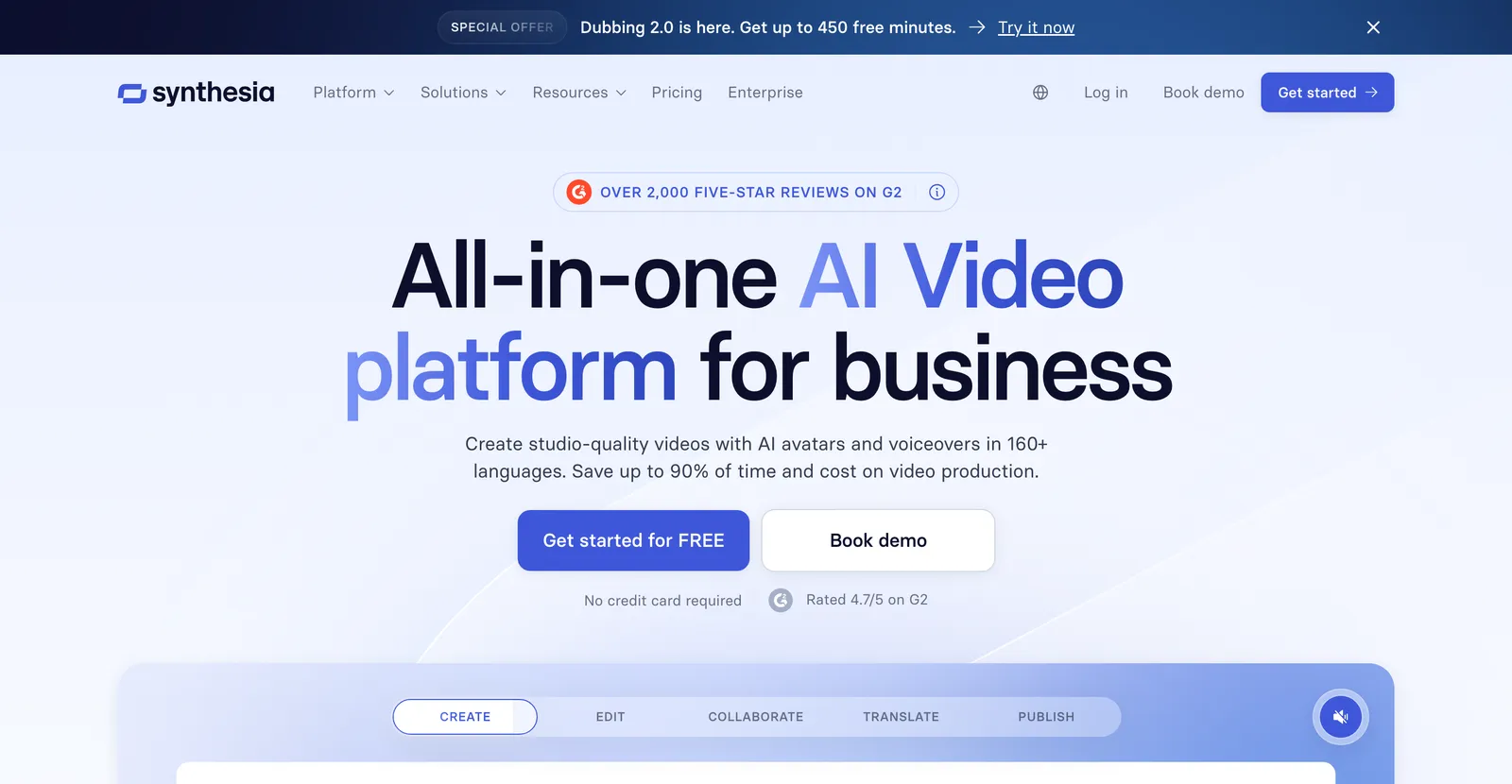
Best for: presenter-led sales, enablement, and rollout videos in multiple languages. A digital presenter delivers the approved script with consistent framing, which can be useful when filming a person repeatedly would slow production. The presenter proves consistency of delivery, not operation of the product. If a claim depends on an exact workflow, place verified screen footage beside the presenter rather than asking the avatar to substitute for interface evidence. Confirm current limits on the Synthesia pricing page.
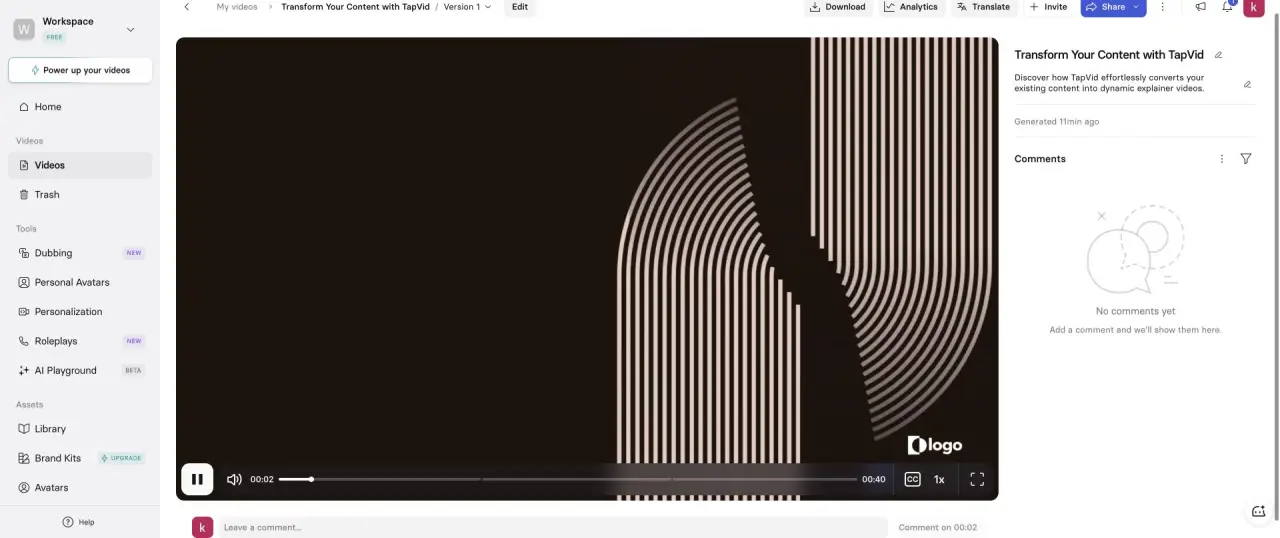
In a logged-in Basic workspace, Synthesia accepted the same 15-second no-avatar brief but its shortest selectable duration was 30 seconds; it generated three scenes and a 40-second final video, inserted an avatar, and retained a placeholder logo.
Synthesia: Official evidence checked on August 20, 2026
| Dimension | What the source establishes | Official source |
|---|---|---|
| Pricing | Synthesia's official pricing page documents plan-specific credits, generated-video allowances, workspace roles, avatars, exports, and support. | Official source |
| Capability | Synthesia's official pricing and feature matrix documents avatar-led video, languages, uploads, screen recording, interaction, and dubbing. | Official source |
| Integrations | Synthesia's official integration documentation covers LMS, CMS, API, SCORM, PowerPoint, and embedded delivery workflows. | Official source |
| Support | Synthesia's official contact guide documents 24/7 customer support through email and logged-in live chat. | Official source |
08
HeyGen: multilingual avatar demo software
HeyGen
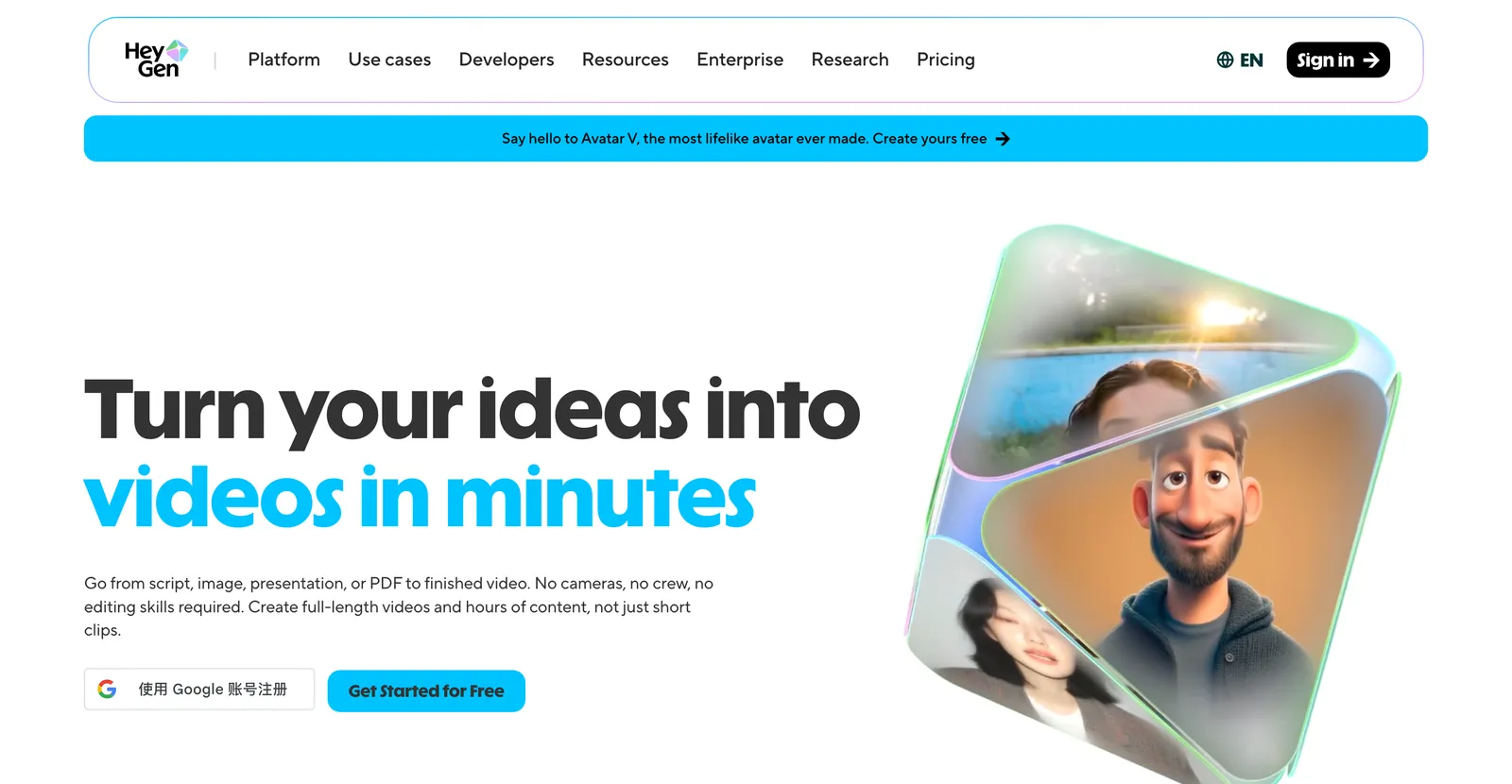
Best for: realistic presenter-led and multilingual delivery. HeyGen serves a similar job to Synthesia with strong emphasis on presenter appearance and translated delivery. Evaluate it with the same approved script in the languages your team actually ships. Review pronunciation, product names, numbers, subtitles, and timing rather than judging only the avatar's face. Confirm current limits on the HeyGen pricing page.
Avatar workflows are often maintainable when the script changes but can become complex when presenter segments, screen inserts, subtitles, and localized timing all depend on one another. Test one sentence correction and one product-name pronunciation change. Ask whether the correction stays scoped, which language versions must be reopened, and whether the team can compare the revised output with the previously approved version.
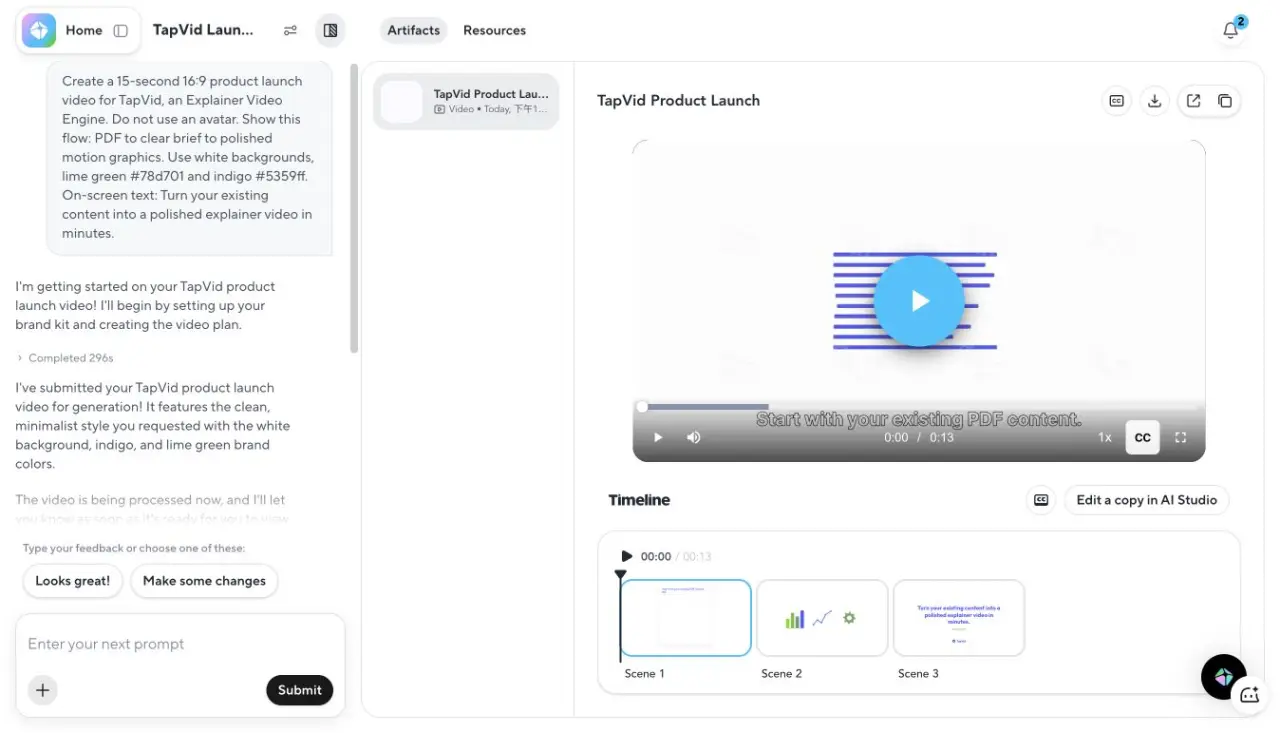
In a logged-in free workspace, HeyGen's Video Agent completed the same 15-second no-avatar brief in 296 seconds plus 17 seconds of final processing; the output was 13 seconds, used three scenes, respected the no-avatar constraint, and exposed a 720p export.
HeyGen: Official evidence checked on August 20, 2026
| Dimension | What the source establishes | Official source |
|---|---|---|
| Pricing | HeyGen's official pricing page documents free, individual, business, and enterprise plan limits, credits, resolution, and collaboration. | Official source |
| Capability | HeyGen's official avatar page documents stock avatars, photo avatars, video-based digital twins, scripts, voices, languages, and export. | Official source |
| Integrations | HeyGen's official developer portal documents API-based avatar video, translation, streaming, and automated production workflows. | Official source |
| Support | HeyGen's official support guide publishes chat and email routes for technical, avatar-quality, moderation, privacy, and enterprise questions. | Official source |
09
What changes after the first export
Structured updates versus full-flow recapture
Pros
- Scene, step, or segment structure can keep an isolated correction from reopening the entire project.
- A reviewable script, transcript, tour preview, or scene plan gives non-editors a concrete approval artifact.
- Reusable source assets make recurring plan, screenshot, and messaging updates easier to locate.
Cons
- A redesigned UI path can invalidate several recordings or tour states at once.
- Localization multiplies dependencies between narration, subtitles, presenter timing, and inserted product footage.
- A small editor control is not useful if the workflow cannot show which approved source the changed scene depends on.
Compare the cost of the second version, not only the speed of the first export.
The first export is a weak buying benchmark because SaaS products do not stand still. Navigation changes, screenshots age, pricing language is revised, integrations are renamed, and legal reviewers replace one approved sentence with another. Maintenance cost is the number of production units and approvals reopened by those ordinary changes.
| Change request | Screen recording | Interactive tour | Animation-led video | Avatar-led video |
|---|---|---|---|---|
| One wording correction | Edit transcript or retake the line | Edit annotation or step copy | Edit the affected script or scene | Edit and regenerate the presenter segment |
| One changed UI state | Recapture the affected sequence | Recapture affected step states | Replace the screenshot or affected scene if UI is shown | Replace inserted screen footage; presenter may stay |
| New language | Record or dub a new version | Localize step text and media | Localize script, narration, subtitles, and on-screen copy | Localize script, presenter delivery, subtitles, and UI inserts |
| Major workflow redesign | Usually record a new flow | Rebuild affected path and branches | Revise only if the explanatory story or shown UI changed | Revise presenter copy and any workflow media |
Revision granularity is the smallest unit the team can change while preserving approved work around it. Ask the vendor to demonstrate that unit with your source pack. Unchanged scenes should remain stable, links and approvals should still point to the right version, and reviewers should see exactly what was reopened. A regulated or multilingual team may also need a versioned approval trail.
10
Recommended stacks by SaaS stage
SaaS stage changes the buyer question, so it changes the demo stack. A pre-launch team is proving that an idea is understandable. A product-led growth (PLG) team is helping a user reach value inside a live product. A sales-led team is building confidence across several stakeholders. Onboarding and support teams are reducing repeated explanation after purchase. One format rarely serves all four jobs equally well.
| Context | Primary buyer job | Recommended first format | Add only when needed |
|---|---|---|---|
| Pre-launch or new category | Understand the problem, mechanism, and promised workflow before stable UI exists | Animation-led fixed video | Prototype captures or an interactive mockup for workflow detail |
| Product-led growth (PLG) | Reach a real activation step in the current interface | Interactive tour or short screen recording | A short animation for category education or feature announcement |
| Sales-led motion | Align champions, decision-makers, and technical reviewers | Short value video plus a role-specific recorded or interactive walkthrough | Avatar presenter when repeatable multilingual delivery is required |
| Onboarding and support | Complete a task and recover when something goes wrong | Short screen recording or modular tour | Animation for concepts that are not visible in the interface |
Keep the stack intentionally small. The animation explains why, the tour or recording proves how, and the presenter supplies consistent delivery when that matters. Do not duplicate the same five-minute script in three formats. Split the buyer journey into questions, assign one proof object to each question, and give every asset an owner and an update trigger.
11
A 30-minute pilot before you buy
Use one source pack and one correction request
- Prepare a 75-word approved script, two current screenshots, one logo, one exact number, and one product name that must stay verbatim.
- Define the proof object and required output before opening the tool: MP4, share link, embedded player, or interactive tour.
- Create the smallest complete demo that covers one buyer question instead of attempting the whole product.
- Compare the draft with the source pack and mark every changed word, stale state, missing asset, and unsupported addition.
- Change one sentence and replace one screenshot, then record the smallest unit the tool forces you to reopen.
- Share the review artifact with the actual approver and check whether they can understand what changed without entering the editor.
- Record current plan limits from the vendor page on the same day; do not rely on a roundup's older pricing table.
A 30-minute pilot is a test time box, not a promise for a polished final video. Test one buyer question, one source pack, one output, and one correction. Setup time reveals adoption cost; a correction with no clear boundary reveals maintenance cost.
Score source fidelity, proof completion, correction scope, reviewer clarity, and distribution fit. Write observations, not adjectives: “Replacing screenshot two rebuilt three steps” is useful; “editing felt clunky” is not. Preserve the source pack, output, and notes so a teammate can repeat the comparison.
The pilot also prevents format bias. A tour should not lose points for not being an MP4 when the deliverable is clickable. An animation should not claim exact click proof. Judge each tool against the declared buyer job, then compare the cost of keeping that proof current.
12
Frequently asked questions
What is the best SaaS product demo video software?
There is no single best, because it depends on the demo. For animated concept and launch demos, TapVid. For interactive UI walkthroughs, Arcade. For presenter-led sales demos, Synthesia.
Can I make a product demo without recording my screen?
Yes. An animation-led tool like TapVid builds a demo from a script, with no screen capture and no presenter.
Is there free product demo video software?
Yes. TapVid, Arcade, and Loom have free tiers. Free exports often carry a watermark, including TapVid's.
What is the best demo tool for SaaS?
For showing the real interface, Arcade. For explaining the value as an animated demo, TapVid. Many SaaS teams use both.
Do I need a script for an AI demo video?
For animation and avatar tools, a script or prompt helps a lot. Screen-record tools can generate narration from the recording itself.
Is an interactive product tour the same as a product demo video?
No. A tour is a clickable guided experience, while a product demo video is a fixed linear asset. A tour is stronger when the buyer should perform a workflow. A video is easier to control, embed, post, and send when the story must play in one order.
How should I compare the maintenance cost of demo software?
Make one normal SaaS change after the first draft: replace a screenshot, rename a navigation item, or correct one approved sentence. Record how much of the project and approval workflow must be reopened. That second-version cost is more predictive than first-export speed.
13
The takeaway
The best SaaS product demo video software is the one that preserves the proof your buyer needs and lets your team maintain it after the product changes. Record exact interface behavior, use a tour when the viewer should interact, use an avatar when the presenter carries trust, and animate the value story when the interface alone cannot explain it. If you are ready to create rather than compare, start with the product demo video maker. For an explicitly AI-led workflow, use the AI product demo video generator.