
TL;DR
Choose one audience decision, select the format that best carries your proof, write a five-part script, verify every factual claim, then make separate website, sales, event, recruiting, and social cuts from the approved master story.
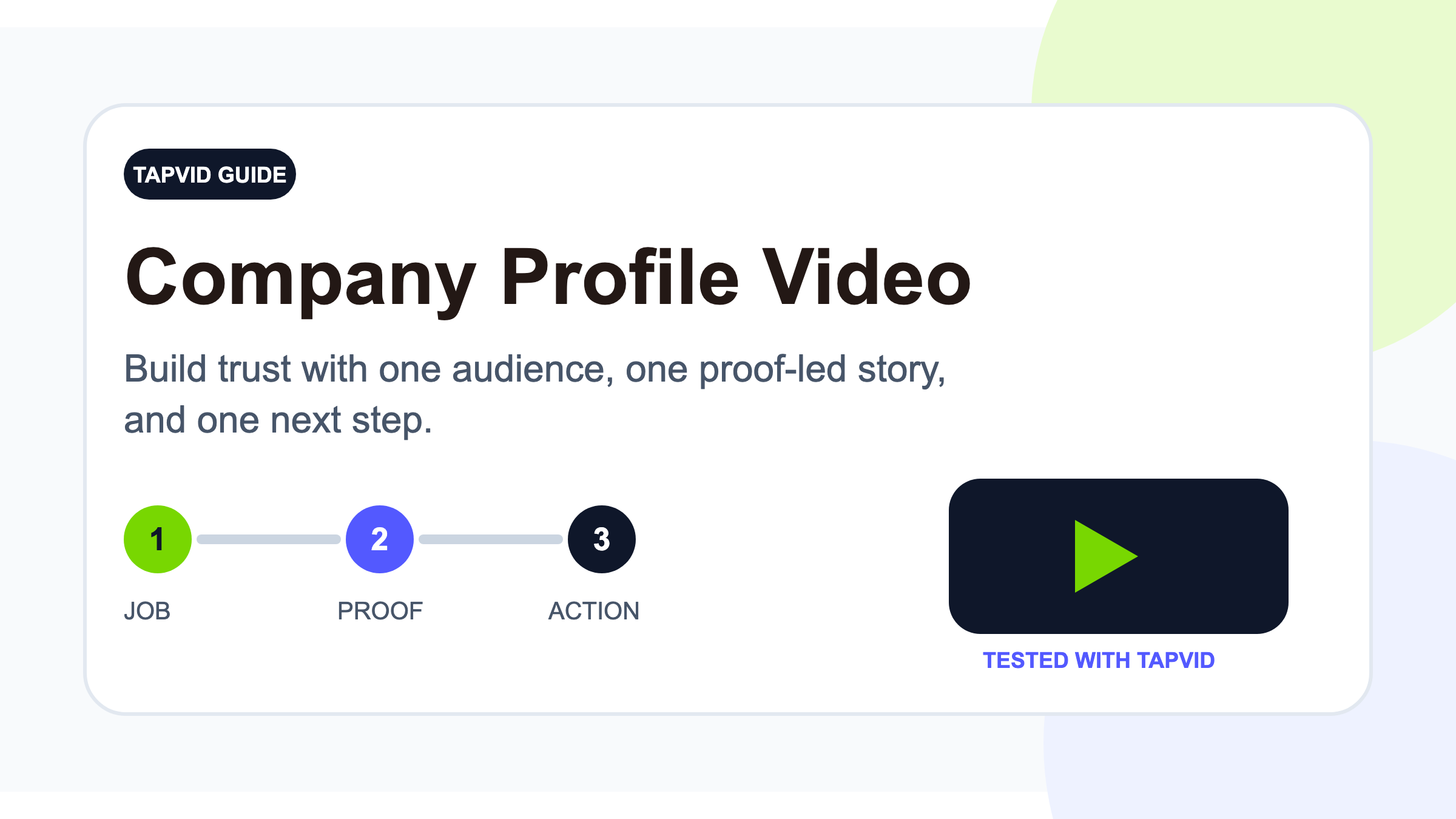
A company profile video should not be a compressed company history. It should answer one useful question for one audience: why should this viewer trust this company now? Search results often label this a company promo video; keep that label only when there is no time-bound offer, code, or deadline. This guide shows a small business or startup team how to define that job, select the right format, write a source-bound script, produce the first version, and adapt it for the places where it needs to work.
Turn approved company content into a motion-graphics explainer
01
What a company profile video is, and what it is not
A company profile video introduces the business through a specific viewer's decision. A prospect needs to know whether you understand the problem and can deliver. A candidate wants to see how the team works. A partner wants to understand the mutual value. That is why a spoken About page usually fails: it asks the viewer to find the point inside founding dates, service lists, values, and milestones. Start with the audience's question instead. If the company name could be removed and a competitor could use every sentence unchanged, the script has description but no proof. Replace broad claims with a method, product behavior, operating choice, customer situation, or verified result that only this company can honestly use. For campaign, offer, and CTA examples, see promotional video examples. For a page-accurate website cut, see how to make a website promo video.
02
Pick one job before you write the script
Write the video's job at the top of the brief before choosing a camera or animation style. A homepage cut might help a first-time visitor understand the offer and keep exploring. A sales cut might give a buying committee shared context before a call. A recruiting cut might help a qualified candidate judge how the team works. An event cut might make the company legible with no sound. Each is a different decision even when the logo, product facts, and core positioning remain the same.
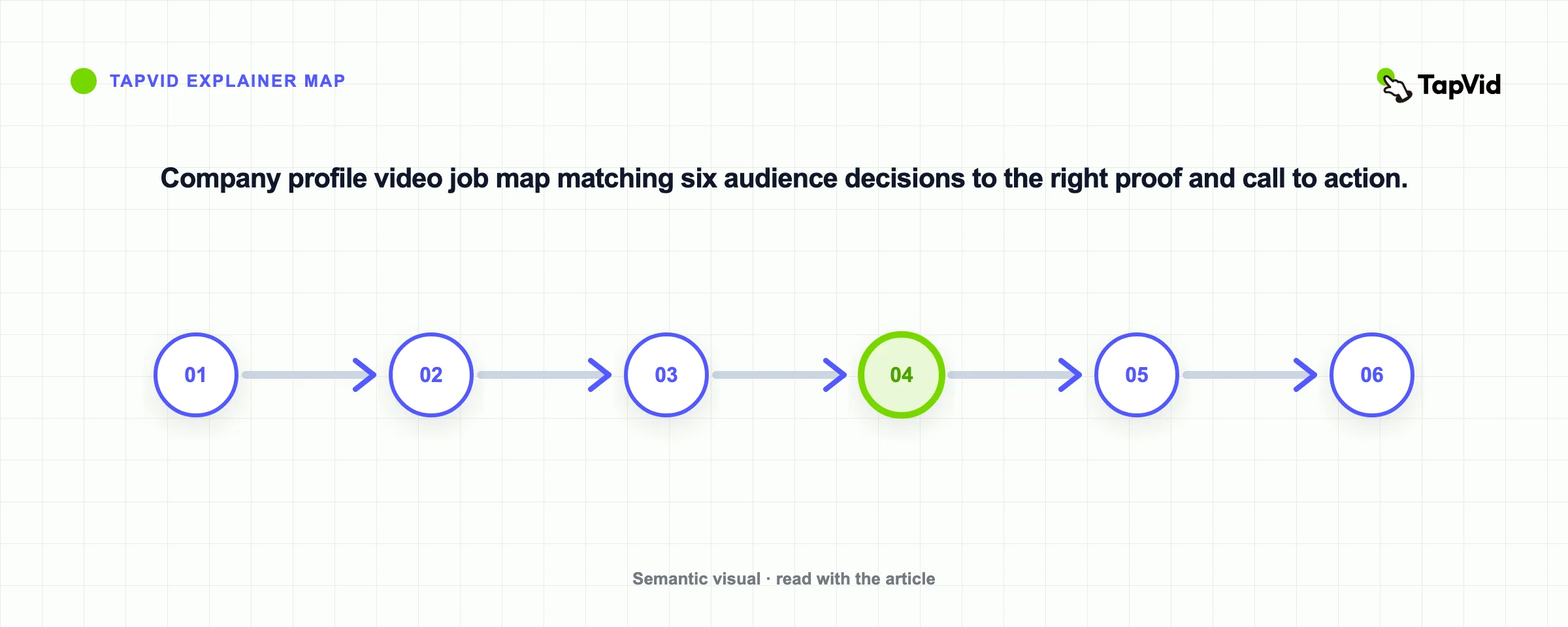
Choose one primary action after the job is clear. Book a demo and join our team do not belong in the same final cut. Reuse the source, approved facts, visual system, and selected scenes across variants, but let each version lead one viewer toward one next step. Define success from that step: relevant page visits or signups for a homepage cut, correct buyer understanding for sales, applicant quality for recruiting, or qualified partner conversations for a partner version. The measurement follows the job instead of an invented vanity metric.
03
Choose the right format for the proof you have
Four formats cover most projects. Live action is strongest when the place, people, or physical work is the evidence. Talking head plus B-roll works when trust depends on a founder or expert, while screens, documents, or operations make the claims concrete. Motion graphics fit ideas, workflows, data relationships, and software concepts. They organize evidence already present in an article, PDF, script, product page, or approved brief. This is a good use for TapVid when the source already contains the facts and point of view. For the underlying format, see what an explainer video is. A hybrid combines a short real-person opening with graphics for the explanation. Choose the format from the strongest proof, not from which option seems most cinematic.
04
Use a five-part, proof-led company profile script
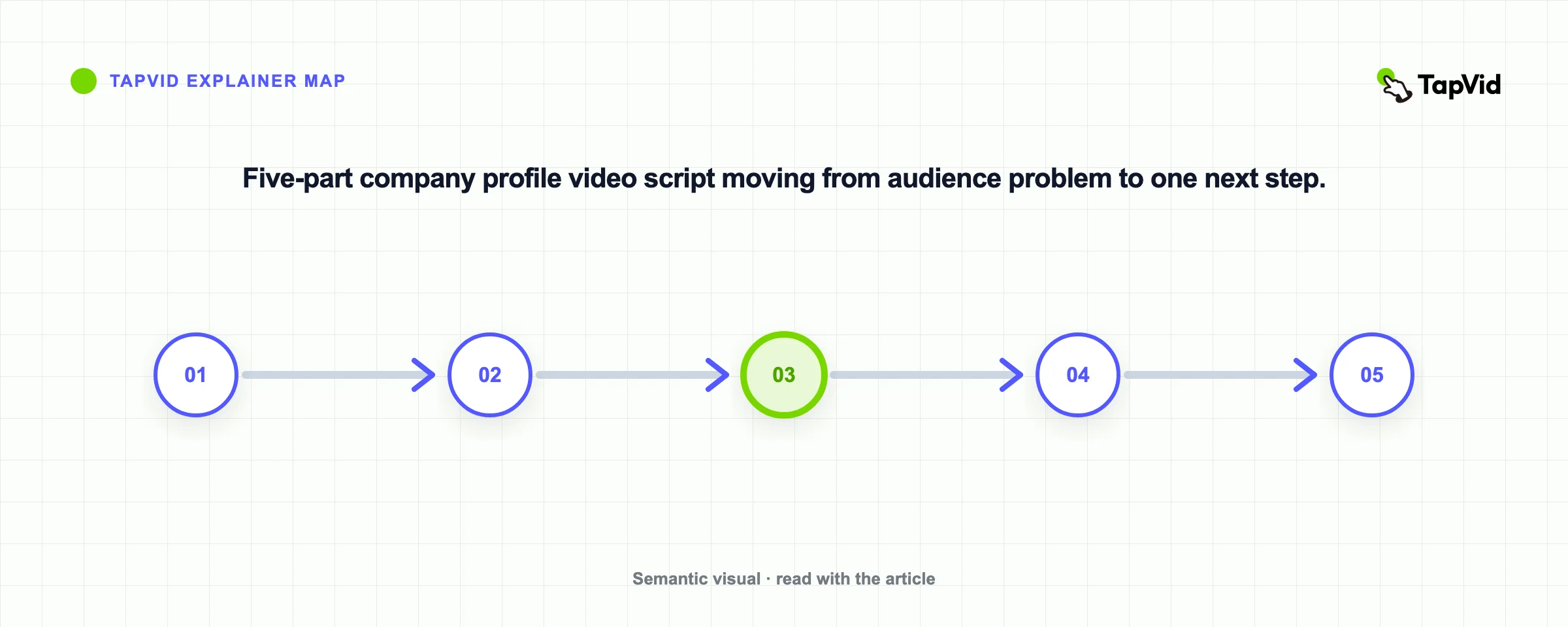
Use five parts: audience problem, company answer, proof, human detail, and next step. Name a recognizable friction before the logo. Explain what the business changes in one plain sentence. Show the method, process, product behavior, customer evidence, or sourced result that supports the answer. Add one detail that reveals how the team works, then ask for one action that fits the placement. Read the narration aloud. Remove stacked adjectives and any line that sounds like a brochure. Every title, statistic, customer name, and outcome must trace to an approved source.
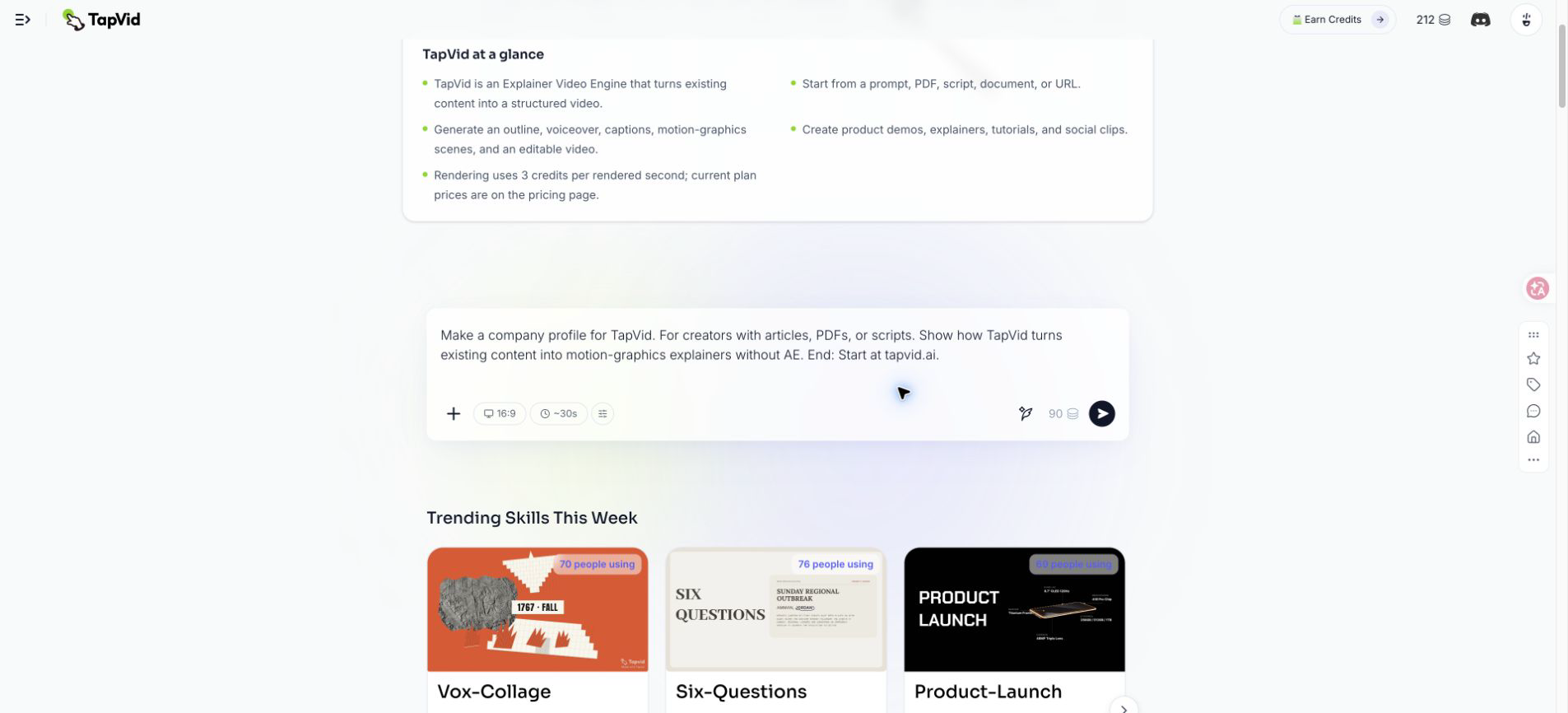
For TapVid, a source-bound version is: creators often finish the article, PDF, or script before they have a practical way to turn it into video. TapVid turns those existing materials into a clear video with a reviewable script, scenes, narration, and captions. Product facts, model numbers, prices, and approved wording stay tied to the source instead of being rewritten during generation. Review the script and scenes, correct any unsupported claim, then generate the cut you need. Obvious abnormalities can be detected and a failed scene can be rerun, but the workflow does not promise zero errors. Start at tapvid.ai.
05
A practical production workflow for a small team
Collect an approved source pack with current positioning, audience, product or service description, proof points, brand colors, pronunciation notes, and the exact call to action. Mark each number with its owner and source. Write constraints rather than adjectives: aspect ratio, duration target, narrator, captions, current colors, whether a human likeness is available, and the exact end card. Build one narration beat and one visual job per scene. Then run three reviews: facts, story, and visuals. Check titles, numbers, URLs, pronunciations, logic, captions, contrast, logos, and whether every scene supports the spoken line.
Make channel variants only after the master has passed those reviews. This keeps a small team from debating crops and transitions while a wrong claim remains in the script. Website, sales, recruiting, event, and social versions can share the source and design system while changing the opening, crop, caption density, and call to action. If you need a broader production walkthrough, the AI explainer video guide covers the source-to-scenes workflow in more detail.
06
What I learned from generating a TapVid company profile
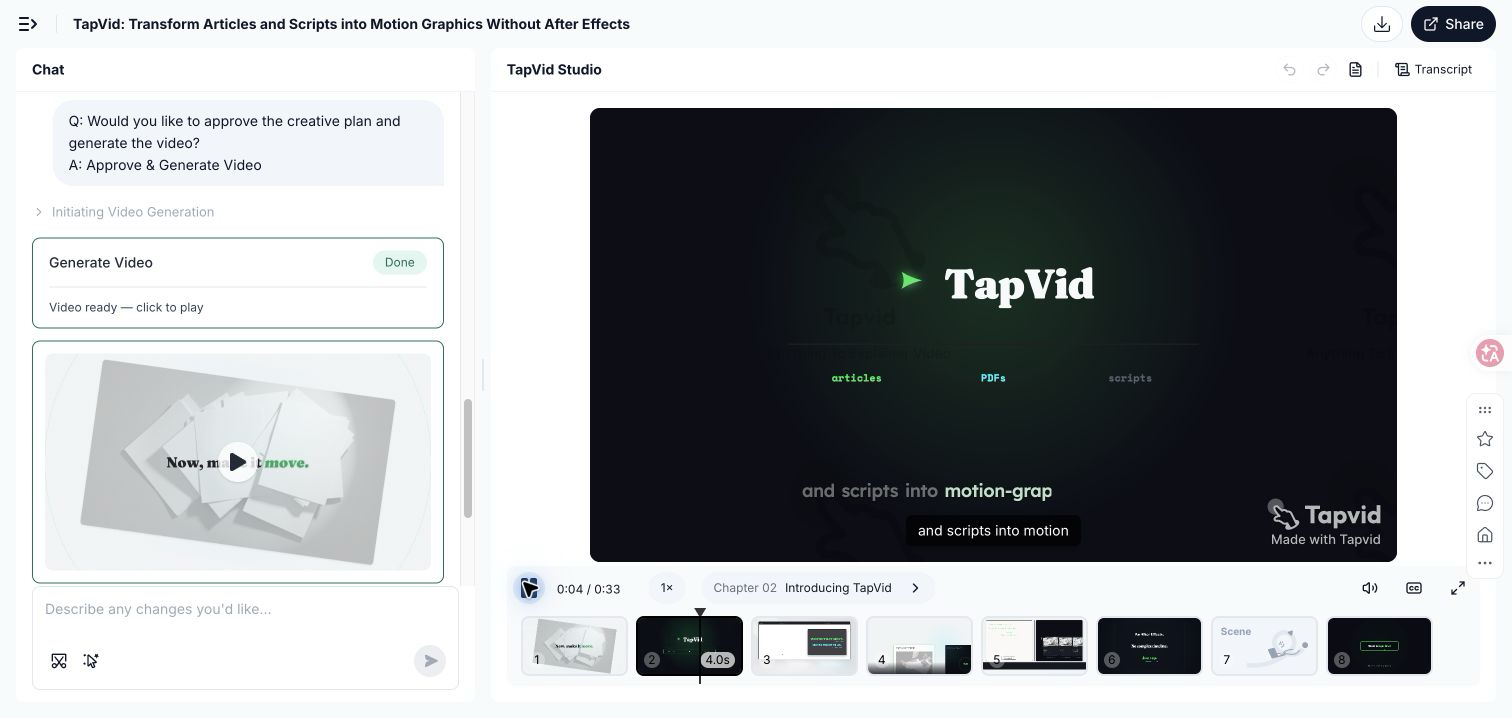
I tested TapVid with a brief targeting 30 seconds and based only on public product positioning. The completed output ran 33 seconds and contained 8 scenes. It turned the prompt into a friction hook, product introduction, three owned-content transformations, a production benefit, value sequence, and final tapvid.ai direction. The planning stage made the outline, narration, visual system, and scenes reviewable before final rendering, which is the right place to catch a wrong claim.
The test also exposed the approval boundary. The automatic visual system used an older green instead of the current TapVid lemon green. One scene introduced an unsupported +94% engagement metric that did not exist in the source. I completed the run to inspect the behavior, but I would not publish that scene. Remove or replace the metric with verified evidence and lock the current colors before rendering again. Generation can reduce production work, but fact approval stays with the company. A plausible sentence is not an approved fact.
07
Distribute one master story as channel-specific cuts
Keep the master story stable: audience problem, company answer, proof, human detail, next step. Adapt the context around it. A website cut answers what this is and lets the nearby page provide the detail. A sales cut starts from the buyer problem and establishes shared context before a conversation instead of trying to replace that conversation. A recruiting cut shows how the team works and where a qualified candidate might fit. An event cut uses large type, a complete silent path, and an action that can be taken while people move past. A social cut delivers one useful idea instead of squeezing the whole company profile into a feed. Check current official LinkedIn video guidance before export because specifications change, and preview the real interface for caption and control overlays. Avoid founding-date openings, vague values, generic stock footage, unsourced numbers, and several competing actions. Stock footage is useful only when it depicts the real customer context or operation; it cannot supply evidence that the source does not contain. Likewise, a polished transition cannot repair a script that serves three audiences. A short factual cut for one decision will usually do more work than a glossy film that tries to represent the whole company. Keep the approved source pack and master script after publishing so a title, claim, brand color, or CTA can be updated without rebuilding the story from zero.
08
Frequently asked questions
How long should a company profile video be?
Use the shortest length that completes the job. Write the proof-led script, read it aloud, and remove repetition before selecting a duration.
What should a company profile video include?
Include the audience problem, the company answer, evidence, one human or operating detail, and one next step. Add history only when it explains present trust.
Do we need to film our office and team?
No. Film people and places when they are part of the proof. Use motion graphics for ideas, documents, workflows, and product concepts, or combine both in a hybrid.
Can AI make the full company profile video?
It can structure, narrate, caption, and animate approved source material. The company must still correct invented titles, numbers, customer claims, and brand choices.
How often should we update the video?
Review it whenever positioning, product behavior, leadership titles, proof, brand identity, or the call to action changes.