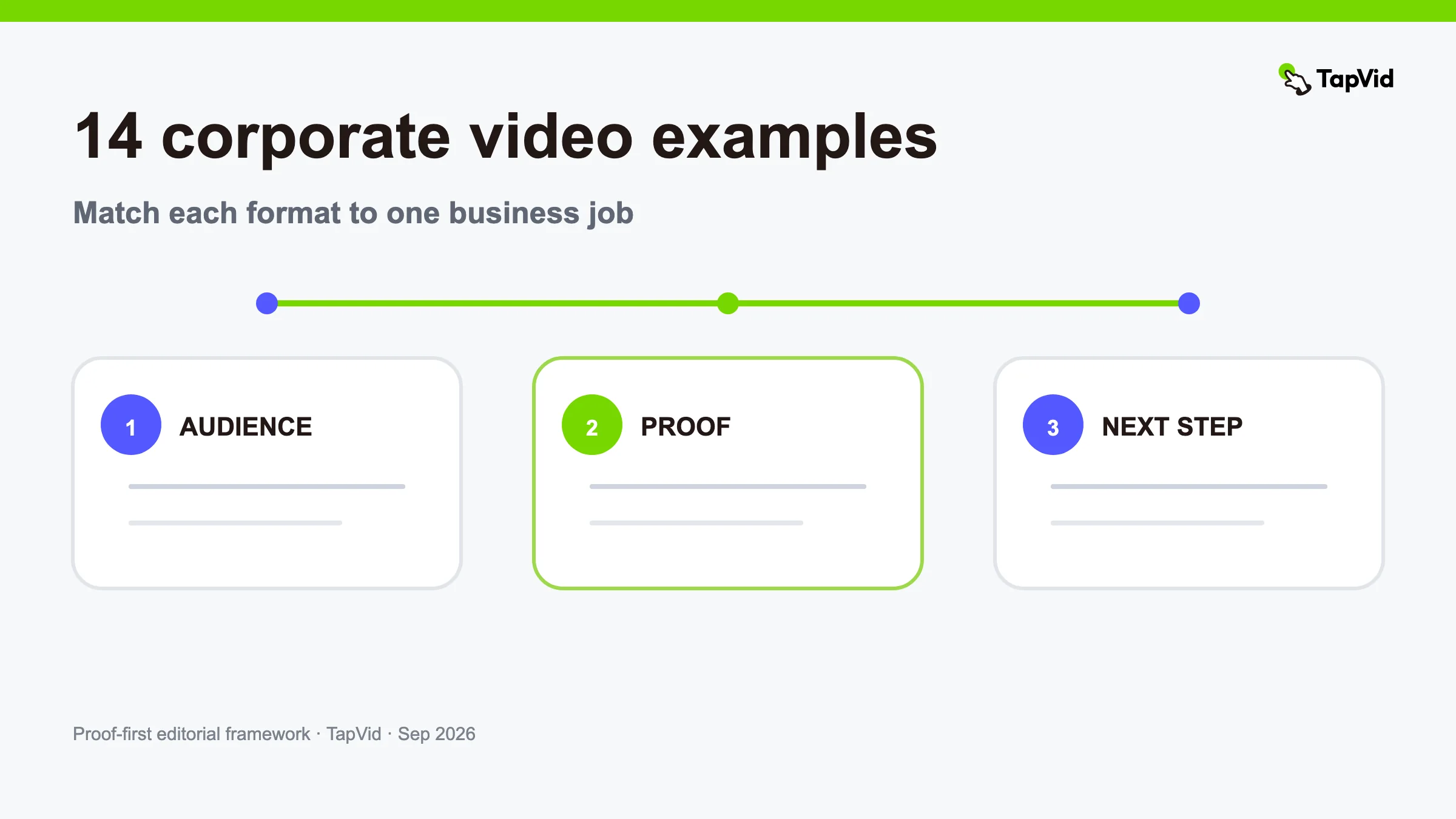

The best corporate video examples are not interchangeable brand films. A company-story video, product launch, sales explainer, training video, recruiting piece, and investor update each answer a different question. The useful way to study examples is to identify the job, proof, audience, and next action behind the creative treatment.
This guide organizes 14 example patterns by business job and explains what to copy from each. It also includes a verified TapVid Good Case with the exact playable clip. For a narrower explanation format, see our corporate explainer video guide. If you already know the format and need words and shots, use the corporate video script example.
01
A scoring lens for corporate video examples
Before copying an example, score it on five questions:
- Job: What decision or action should change after the video?
- Audience: Which role recognizes the problem and controls the next step?
- Proof: Which supplied asset, screen, document, person, or result supports the message?
- Correspondence: Does each spoken point match the visual shown at that moment?
- Boundary: What important condition, limitation, or approval remains visible?
A corporate video can be polished and still fail these tests. The strongest examples make the company's claims inspectable. They keep logos, products, interfaces, names, and approved wording accurate; use motion to explain; and avoid inventing specificity that the source material does not contain.
02
1. Company origin story
An origin story explains why the company exists by showing the problem that made the founders act. It should connect the origin to the current customer, not become a chronology of offices, funding rounds, and awards. Open with the unresolved tension, show the people or environment involved, then connect the founding decision to what the company does now.
Copy this pattern when the origin helps a buyer understand product philosophy or trust. Use original photographs, founder footage, early product artifacts, and exact dates. If the story has become mythology, label what is documented and what is recollection.
03
2. Corporate brand film
A brand film expresses a point of view through a real customer or market situation. Its job is not to list every service. A clear brand film establishes the world, names the tension, shows how the company behaves, and ends with a concrete promise the rest of the site can support.
Use this pattern for launches, events, partnership conversations, and top-of-funnel campaigns. Keep the product or service visible enough that viewers understand what the company actually delivers. A mood without a mechanism is an expensive screensaver.
04
3. Product launch video
A launch video focuses on the user job changed by a new product or release. Begin with the old friction, reveal the new capability, show the workflow, and state availability accurately. Our product launch video examples page covers this category in greater depth.
Copy the clarity, not just the pace. Use current screens, approved release notes, and correct plan or region information. Record the product version so the team knows when the video may become stale.
05
4. Product feature explainer
A feature explainer follows a four-step chain: feature → mechanism → visible effect → user outcome. It is useful in product marketing, help centers, launch campaigns, and sales follow-up. The visual should stay on the critical product action long enough to inspect it.
Use a prepared safe account rather than blurring private information after recording. Do not claim a broad business outcome when the video only demonstrates a feature action. The outcome must stay inside what the mechanism and available evidence support.
06
5. Sales enablement video
A sales video answers one recurring evaluation question. It might explain implementation, compare two workflows, handle a common objection, or preview what happens after purchase. The best examples are specific enough to send in a real conversation, not generic enough for any prospect.
Copy this pattern when sales repeatedly explains the same point. Pair the answer with a live product state, architecture diagram, timeline, or approved customer evidence. End with the logical next step: a relevant demo, technical review, or documentation path.
07
6. Customer testimonial or case study
A customer story lets a real user describe the before state, decision, use, and qualified result. The production should preserve the customer's meaning and show relevant evidence. It should never manufacture a customer or turn an observation into a universal claim.
Use our customer testimonial video guide for consent, non-leading questions, claim approval, and editing checks. In a corporate-video library, this pattern belongs under proof rather than brand assertion.
08
7. Recruiting and culture video
A recruiting video helps a candidate evaluate work, not merely admire an office. Strong examples show the role, team interaction, decision environment, and tradeoffs. Let employees describe specific work and give viewers a realistic next step.
Copy this pattern for a role family or hiring campaign. Avoid a universal “day in the life” assembled from unrelated teams. Confirm employee consent and remove confidential screens, customer names, and unreleased work from the footage.
09
8. Internal communications update
An internal update converts a decision, plan, or change into a message employees can act on. It should answer what changed, why, who is affected, what happens next, and where the source of truth lives. The executive face is optional; the operational details are not.
Copy this pattern for policy changes, reorganizations, quarterly priorities, security updates, and launches. Use exact dates and owners. Link to the current document rather than placing every detail in narration. If the plan changes, update the relevant scene instead of recreating unrelated sections.
10
9. Corporate training video
A training video teaches a repeatable task and makes the acceptance criteria visible. Show the starting state, action, decision point, error path, and completed state. Divide long workflows into chapters so employees can return to the step they need.
Copy it for onboarding, compliance, software, safety, and process training. Training claims require source owners and revision dates. A clean screen recording with accurate instruction is more useful than decorative animation that hides the click path.
11
10. Event opener or keynote film
An event opener earns attention and frames the question the speaker will answer. It can combine customer problems, market context, product evidence, and a strong visual rhythm, but it should hand off to the live program. Do not cram the entire keynote into the first minute.
Copy this pattern for launches, conferences, partner summits, and roadshows. Design for the actual screen, room, audio system, and caption needs. Keep a web-safe export if the clip will be reused after the event.
12
11. Investor or board update
An investor update explains performance and decisions with governed numbers. A clear structure is period → change → driver → response → next checkpoint. Visuals should reveal relationships rather than add motion to a spreadsheet.
Copy this pattern when stakeholders need a repeatable reporting format. Lock source dates, definitions, currency, and calculation methods. Distinguish actuals, forecasts, management observations, and external benchmarks. Do not animate an unverified number into apparent certainty.
13
12. Partnership or API integration video
An integration video shows two systems completing one end-to-end job. Name the trigger, data exchanged, important permissions, user-visible result, and ownership boundary. Technical buyers need to see what the integration does and what it does not do.
Copy this pattern for partner launches, marketplaces, sales engineering, and developer marketing. Use current documentation and a safe environment. Confirm availability, authentication method, and plan requirements before putting them on screen.
14
13. Corporate social proof reel
A proof reel combines several short pieces of evidence around one claim: a product action, a customer quote, an approved result, and an artifact. It can work on a homepage, at an event, or in social distribution. Each item must remain attributable and readable.
Copy it when the audience already understands the category and needs confidence. Do not mix customers, products, or periods in a way that implies one combined result. The reel should have an evidence inventory behind it even if the edit is fast.
15
14. Nonprofit or mission film
A mission film connects an organization's work to people, place, and a defined mechanism of change. It should respect participants and make the organization's role clear without reducing people to emotional B-roll. Show how the work happens and where support goes.
Copy this pattern for nonprofit, education, civic, and community organizations. Obtain appropriate consent, especially for vulnerable participants. Use documented program facts and avoid implying outcomes beyond the available evidence.
16
Verified corporate video example: Open Orchard
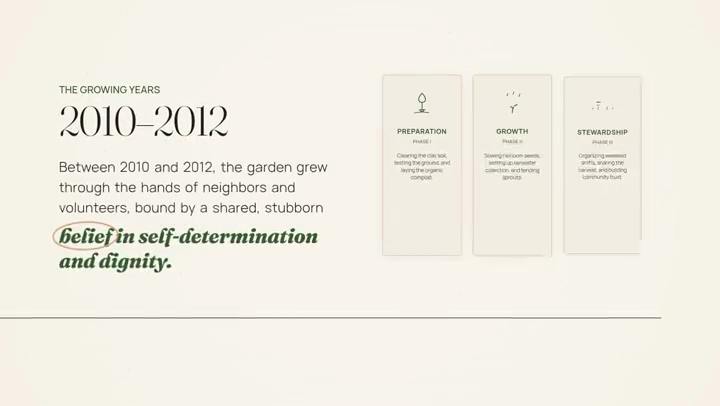
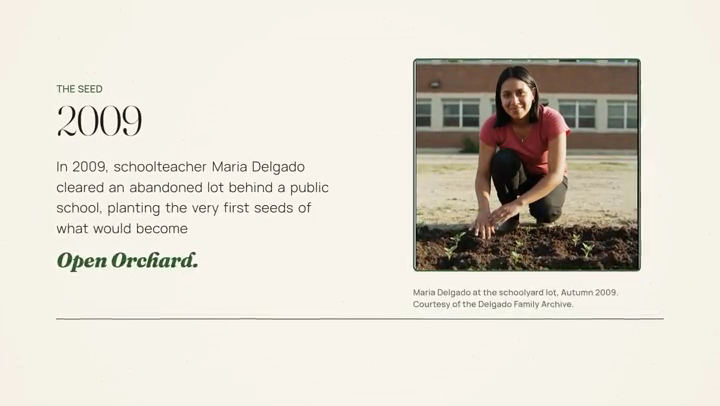
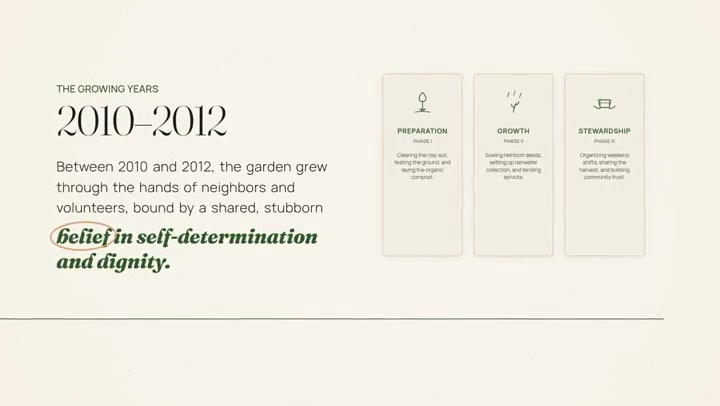
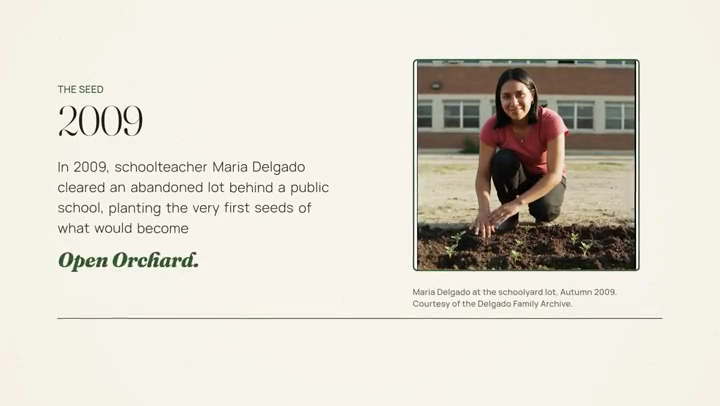
The following clip is from “Open Orchard,” a verified TapVid Good Case in the corporate brand-film category. The linked case is 16:9 and was created for a nonprofit-style corporate narrative. We selected it because it demonstrates how supplied organizational context can be turned into a concise visual story while keeping the message tied to one mission.
Evidence links: Good Case share page and full TapVid video.
The lesson is not to copy the visual style for every corporate job. It is to establish one audience and one promise, then make each visual serve that promise. A product launch needs product proof; a training video needs an exact workflow; a mission film needs documented program context.
17
Match the example to your source package
After choosing a pattern, build a source package with the approved script, current logos and product visuals, exact names and numbers, rights-cleared footage, a single next action, and a list of exclusions. Add an owner and stale-after date for every fast-changing source.
Review three layers separately. Asset fidelity checks that the company's supplied product image, logo, UI, document, or footage remains recognizable. Information fidelity checks exact wording and facts. Correspondence checks that narration about product A is not illustrated with product B, and that a quoted result is not paired with an unrelated chart.
TapVid is an Explainer Video Engine that can organize supplied assets and approved copy into a structured video. Its role is production: turning source material into editable scenes and keeping the review visible. It does not create permission, validate an unsupported claim, or replace the business owner who approves the facts.
18
Common mistakes in corporate video examples
The most common mistake is starting with format before job. “We need a cinematic video” does not say who should do what. The second is hiding the product behind generic office footage. The third is using the same corporate film for recruiting, sales, launch, and training even though those audiences need different proof.
Other failure modes include stale screenshots, unapproved logos, numbers without sources, captions that change the speaker's wording, and a call to action unrelated to the story. Fix these in the brief and source packet. Post-production is a costly place to discover that the video answers the wrong question.
19
Frequently asked questions
What is a corporate video?
A corporate video is a company-produced video serving a business communication job, such as brand story, product explanation, sales, customer proof, recruiting, training, internal communication, investor reporting, or partnership launch.
Which corporate video example should a small company start with?
Start with the repeated communication bottleneck closest to a real decision. For many small teams, that is one product workflow, a sales objection, or a customer story—not a general company montage.
How long should a corporate video be?
Length follows the job and evidence. A feature or event opener may fit under a minute; training and case studies may need several minutes. Use chapters for longer material and remove repeated setup before cutting necessary proof.
Can one corporate video serve every channel?
One approved source package can support several edits, but the audience, opening, length, and call to action usually need to change. Keep claims and source assets consistent across versions.