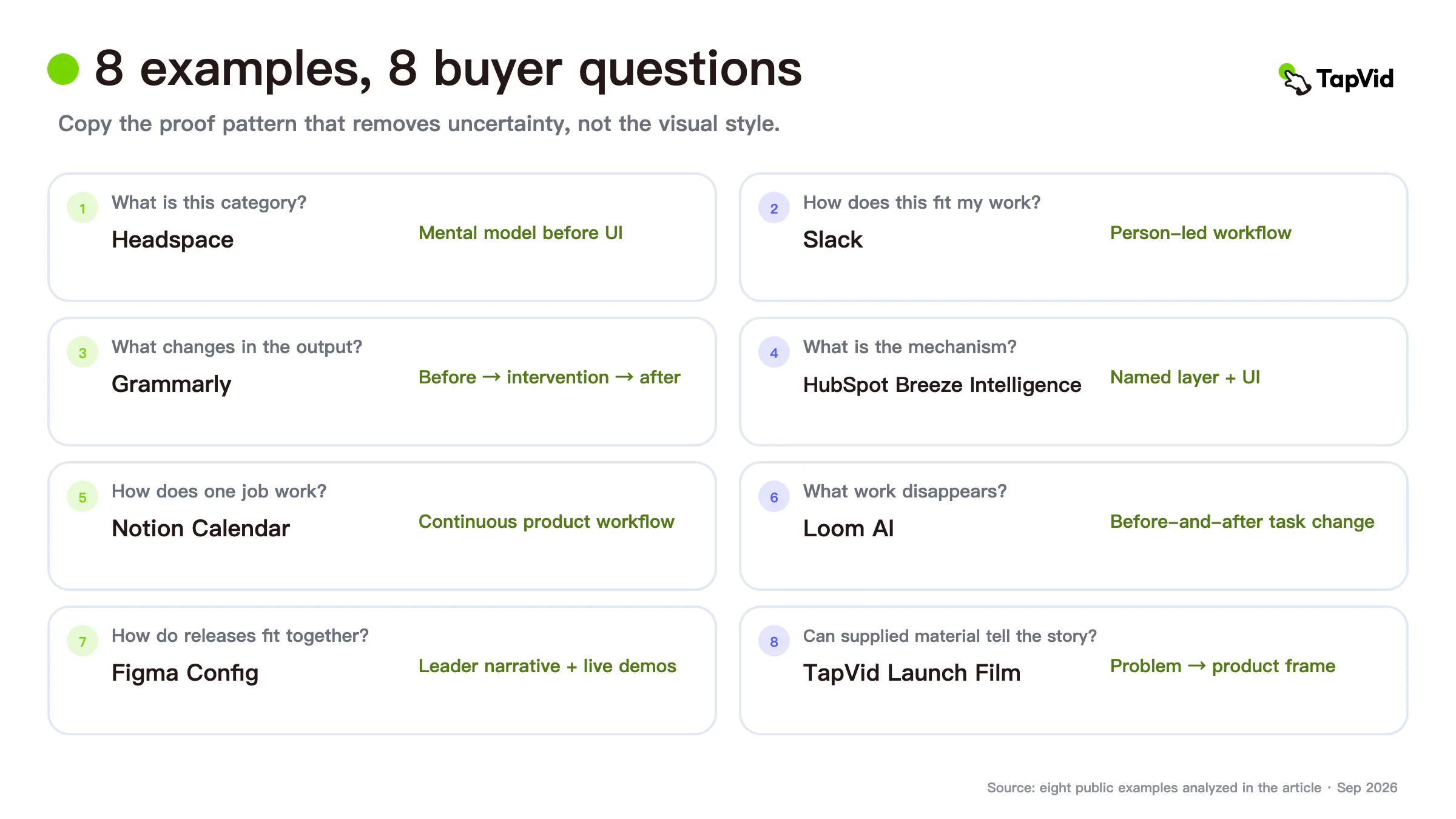

The most useful SaaS explainer video examples do not share one visual style. They remove different buyer risks. Headspace makes an intangible category understandable. Slack puts a person inside a workplace workflow. Grammarly shows a visible change in real work. HubSpot names a mechanism inside a larger platform. TapVid explains its own production problem with product material on screen.
This guide groups eight examples by the uncertainty they remove. Copy the proof pattern, not the color palette, animation style, or soundtrack.
01
Choose SaaS explainer video examples by the question they answer
| Buyer uncertainty | Example | Proof pattern | What not to copy blindly |
|---|---|---|---|
| “What is this category?” | Headspace | Simple mental model before UI | Character style |
| “How does this fit my work?” | Slack | Person-led workplace workflow | Comedy or office setting |
| “What changes in the output?” | Grammarly | Before, intervention, after | A broad productivity claim |
| “What is the product mechanism?” | HubSpot Breeze Intelligence | Named data layer plus UI | Keynote confidence without implementation detail |
| “How does one focused job work?” | Notion Calendar | Continuous product workflow | Fast pacing for an unfamiliar audience |
| “What work disappears?” | Loom AI | Before-and-after task transformation | Treating feature footage as ROI evidence |
| “How do several releases fit together?” | Figma Config | Product-leader narrative plus live demos | A long keynote for one small update |
| “Can supplied product material become the story?” | TapVid Launch Film | Problem-to-product explanation using the product frame | First-party claims as independent proof |
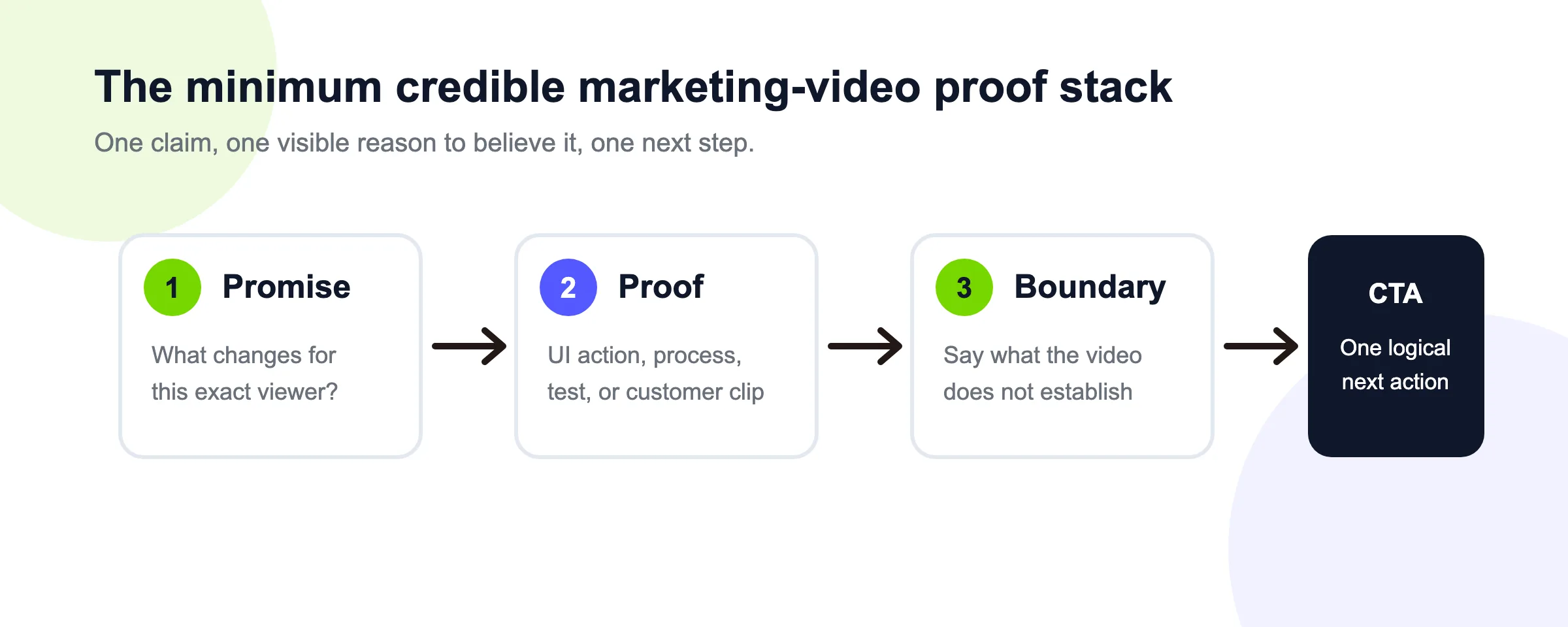
Before selecting a reference, write the buyer's question in one sentence. If the video cannot answer that question with visible evidence, it is a mood reference, not a production blueprint.
02
1. Headspace: explain an invisible category before the interface
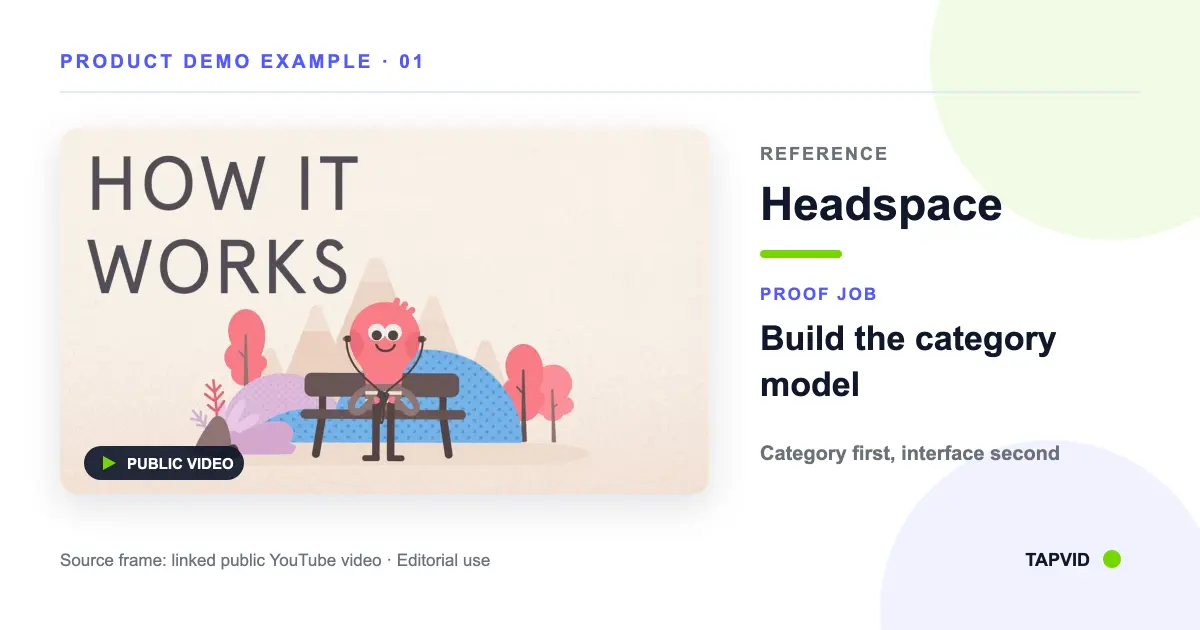
Headspace's public product demo addresses a difficult SaaS communication problem: meditation is not a physical object, and one app screen cannot explain the value. The video first builds a simple mental model with characters and narration. Only then does it show enough of the app to make starting feel concrete.
This is the right pattern when the buyer does not yet understand the category or the behavior behind it. A dense interface tour would answer “where do I click?” before answering “why would I do this?” Headspace reverses that order.
What to copy: define the unfamiliar job in plain language; use a diagram, metaphor, or short scenario to establish the relationship; then show the product action that makes the concept real.
Accuracy boundary: a metaphor is a teaching device. It should not replace the actual product behavior or imply a clinical, financial, or performance outcome that the video does not prove.
03
2. Slack: put a person inside the workflow
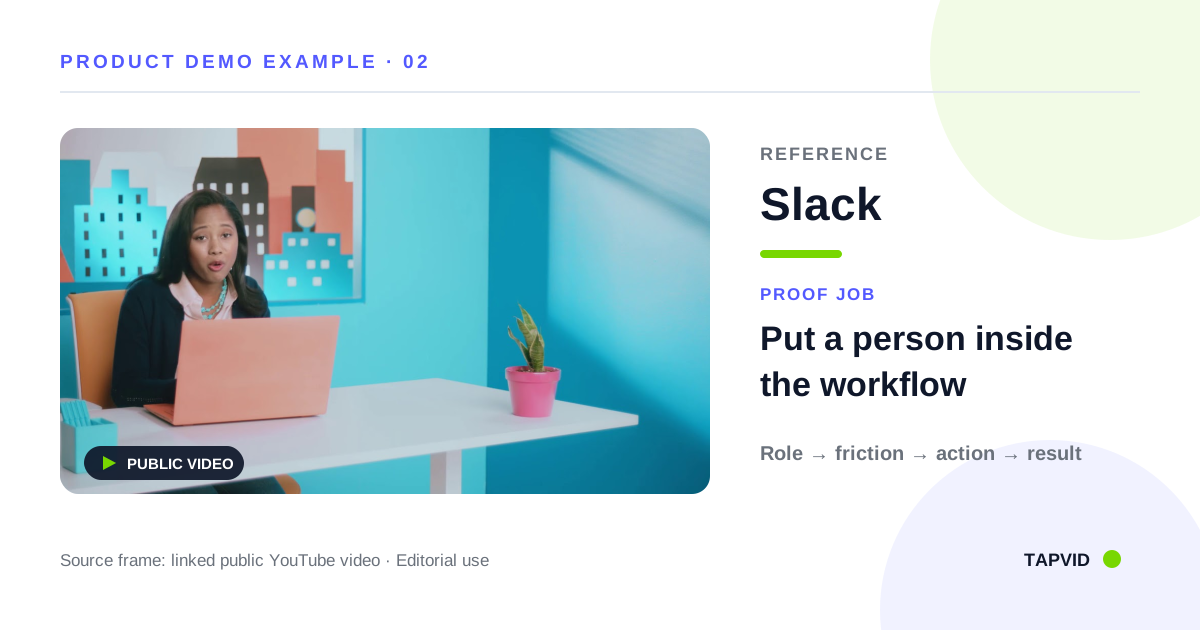
Slack's “You've Probably Heard of Slack” video combines a person, narration, workplace scenes, and product interface. The person gives the software a social context: the viewer sees not only buttons and channels, but how a colleague experiences the communication problem.
This pattern works when adoption depends on several people changing behavior. A pure UI reel may explain individual functions but miss the reason the team should coordinate in a new place.
What to copy: choose a recognizable role, establish the work situation, show the product at the moment it changes the interaction, and return to the human result.
Accuracy boundary: keep the depicted workflow available to the intended plan and audience. A relatable character does not validate every promise in the narration. The interface and claims still need their own review.
04
3. Grammarly: make the transformation visible
Grammarly's public product video shows the product acting inside a piece of writing. The proof is not a list of writing features. It is the visible difference between the original work, the intervention, and the revised result.
This is a strong pattern for products that change an artifact: text, image, code, report, plan, or dataset. The buyer can inspect the changed object rather than accepting an abstract claim such as “work better.”
What to copy: hold the starting state long enough to understand it; show the product action; then hold the resulting state long enough to compare. Keep other variables stable.
Accuracy boundary: one successful example does not establish an average outcome. Label a product demonstration as a product demonstration, not a controlled performance study.
05
4. HubSpot Breeze Intelligence: name the mechanism
HubSpot's official Breeze Intelligence video frames the product as a data layer inside the HubSpot platform. The explanation is more specific than “AI improves your marketing.” It gives the buyer a named mechanism and shows product interface around that mechanism.
This pattern helps a multi-product SaaS company explain how a new capability fits an existing system. The mechanism organizes several benefits without forcing the viewer to memorize a feature inventory.
What to copy: state the fragmented or costly current state, name the product mechanism, show where it operates, and connect each claimed benefit back to that mechanism.
Accuracy boundary: a product spotlight does not show price, packaging, implementation effort, data quality, or every plan boundary. Keep those questions in current product documentation and sales qualification rather than implying the launch film settled them.
06
5. Notion Calendar: organize the video around one job
Notion Calendar's launch video keeps scheduling at the center. The interface sequence follows the job rather than jumping through unrelated feature cards. Because the audience already understands the calendar category, the video can spend its time on how this product approaches the workflow.
This is a strong SaaS explainer pattern when one recurring job makes the product easiest to understand. It also creates a clean script: start state, important action, and resulting state.
What to copy: identify the primary job; capture the exact start and end states; remove secondary features that interrupt the chain; and let the interface remain visible during the critical proof.
Accuracy boundary: fast product footage assumes category knowledge. If the audience is new to the concept, add context before accelerating through the UI.
07
6. Loom AI: show what work changes after the feature
Loom's official AI product video presents a workflow transformation rather than an isolated button. The useful lesson is the comparison between the work surrounding a video message before and after the feature.
This structure works for automation products and AI features because the feature's value often sits in removed follow-up work: summarizing, documenting, or turning communication into tasks. The video should make that disappearance visible rather than relying on a generic speed claim.
What to copy: map the old workflow, show the new product action, then identify the specific task or handoff that changes.
Accuracy boundary: a shorter on-screen flow is not a measured ROI result. If you claim time or cost savings, cite a defined source and disclose the basis. Otherwise describe the visible workflow change only.
08
7. Figma Config: use a keynote when several releases need one story
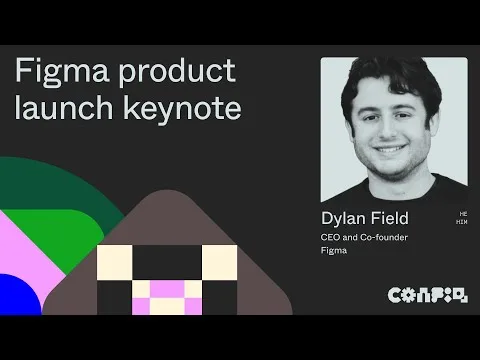
Figma's Config 2024 product launch keynote uses product leaders and live demonstrations to connect several releases. A keynote format gives the company room to explain how the pieces fit a broader product direction.
This is a useful reference for a SaaS platform with multiple coordinated launches or a significant shift in workflow. The presenter can name the narrative while the product demo carries the evidence.
What to copy: group releases by one buyer change, introduce each feature only where it advances that narrative, and switch from presentation to product proof at the exact moment the claim becomes inspectable.
Accuracy boundary: do not use a long keynote because it looks important. A single small update usually needs a focused explainer. Keynotes also require current screenshots, rehearsed product states, and a plan for failures during live demonstration.
09
8. TapVid Launch Film: turn the production problem into the opening
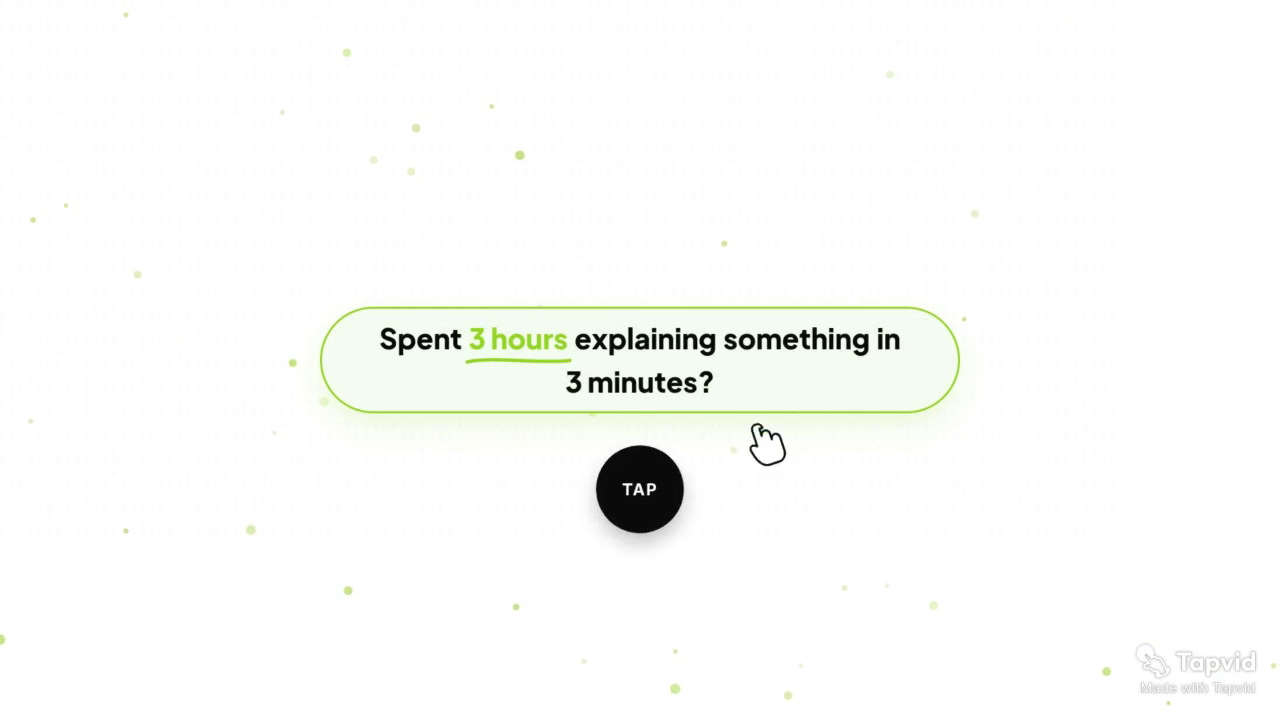
The approved TapVid Launch Film is a 68-second first-party case. It opens with the friction of spending hours explaining something that should take minutes. At five seconds, the statement appears inside the TapVid product frame, tying the problem to the actual product context rather than to generic stock footage.
The pattern is useful for a SaaS product whose category is already crowded. Instead of opening with “we are an AI video platform,” the film opens with the job and then moves into the product mechanism.
What to copy: state a specific production problem, show the supplied product material, reveal the mechanism, and end with an action appropriate to the audience.
Accuracy boundary: this is TapVid's own case, not an independent review. It demonstrates a source-to-video structure and visible product correspondence. It does not prove a universal time saving or guarantee error-free output.
Case sources: share page and video page.
10
Turn an example into a claim-to-proof brief
Do not hand a production team a link and say “make it like this.” Convert the reference into a reviewable brief.
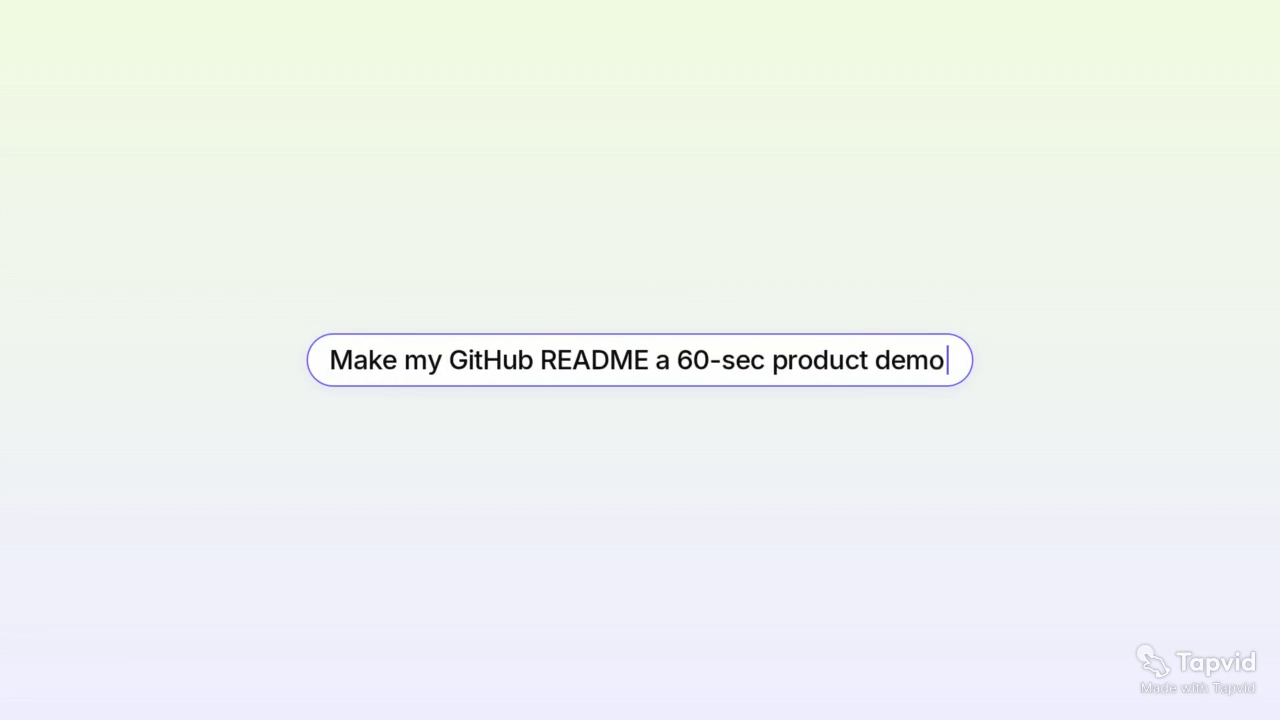
1. Write the buyer question
Examples:
- What is this category?
- How does this fit the way my team works?
- What changes after I use the product?
- How does this feature fit the platform?
- What work disappears from the current process?
One video should answer one main question. A secondary question can support it, but it should not create a second story.
2. Choose the proof pattern
Use a mental model for an unfamiliar category, a person-led workflow for behavioral change, a before-and-after artifact for visible transformation, a continuous UI flow for one job, or a mechanism-led explanation for a platform capability.
3. Build the source package
Include approved screenshots, product footage, logo, diagrams, exact copy, current names and numbers, availability, a call to action, and exclusions. Label every file with its owner and version.
4. Map each claim to a visual
Create a simple table:
| Scene | Spoken or written claim | Approved visual | Reviewer |
|---|---|---|---|
| 1 | The current problem | Verified workflow or problem context | Product marketing |
| 2 | The product mechanism | Current UI, diagram, or product asset | Product or engineering |
| 3 | The visible change | Before-and-after state | Product owner |
| 4 | The next action | Current CTA and availability | Growth or sales |
This catches the common failure where every sentence is individually true but the visuals imply the wrong relationship.
5. Review before and after rendering
Before rendering, check the script, scene order, voiceover, and asset mapping. After rendering, inspect the actual frames, captions, audio, and final export. A plan can be correct while the final video introduces a cropped label, stale interface, or mismatched visual.
11
How this page differs from a product demo or launch gallery
A product demo gallery helps choose how to show product behavior. A launch gallery helps structure a release moment. This SaaS explainer collection is organized around buyer uncertainty: category, workflow, transformation, mechanism, adoption, and platform direction.
That distinction prevents one video from trying to perform every job. A feature launch may use Notion Calendar's focused workflow pattern. An evergreen homepage explainer may learn more from Headspace's category model or Slack's human context. A sales follow-up may need Grammarly's inspectable before-and-after proof.
12
Common mistakes when copying SaaS explainer examples
Copying visual style instead of proof. The animation, color, or pacing may not answer your buyer's question.
Using generated UI as product evidence. If the interface is the proof, use current supplied screens or a verified recording.
Showing many features without one decision. A feature inventory creates recall work for the viewer. Organize features around one mechanism or job.
Treating a first-party example as performance validation. It proves how the company presents the product, not how the product performs across customers.
Skipping the correspondence review. Correct narration over the wrong product state is still inaccurate.
13
Final recommendation
Choose a SaaS explainer reference by the buyer risk you need to remove. Use Headspace for category understanding, Slack for a human workflow, Grammarly for visible transformation, HubSpot for a named platform mechanism, Notion Calendar for one focused job, Loom for workflow change, Figma for a coordinated platform story, and the TapVid Launch Film for a problem-to-product structure built around supplied product material.
If the selected pattern needs an asset-led production path, review TapVid's SaaS explainer video workflow. When the reference is chosen and the team is ready to build, continue with the step-by-step SaaS explainer guide. For release-specific proof patterns, compare the separate product launch video examples.
Then rebuild the reference as your own claim-to-proof brief. Keep the product screens, wording, and correspondence reviewable. The goal is not to resemble a famous video. It is to make your buyer's next decision easier with evidence they can inspect.
14
Frequently asked questions
What makes a good SaaS explainer video?
A good SaaS explainer answers one buyer question, shows the real product or an accurate concept model, keeps claims tied to relevant visuals, states important boundaries, and ends with one appropriate next action.
How long should a SaaS explainer video be?
Length should follow the job. A focused feature explanation can be short; an unfamiliar category or multi-release platform story needs more context. Remove sections that do not help the buyer answer the main question.
Should a SaaS explainer show the real interface?
If the interface is evidence for the claim, show the current real interface. If the buyer first needs a concept model, use a clear diagram or scenario, then connect it to the actual product.
Can I copy the script from an example?
No. Use the example's proof pattern, then write from your own approved product facts, buyer question, assets, and boundaries.