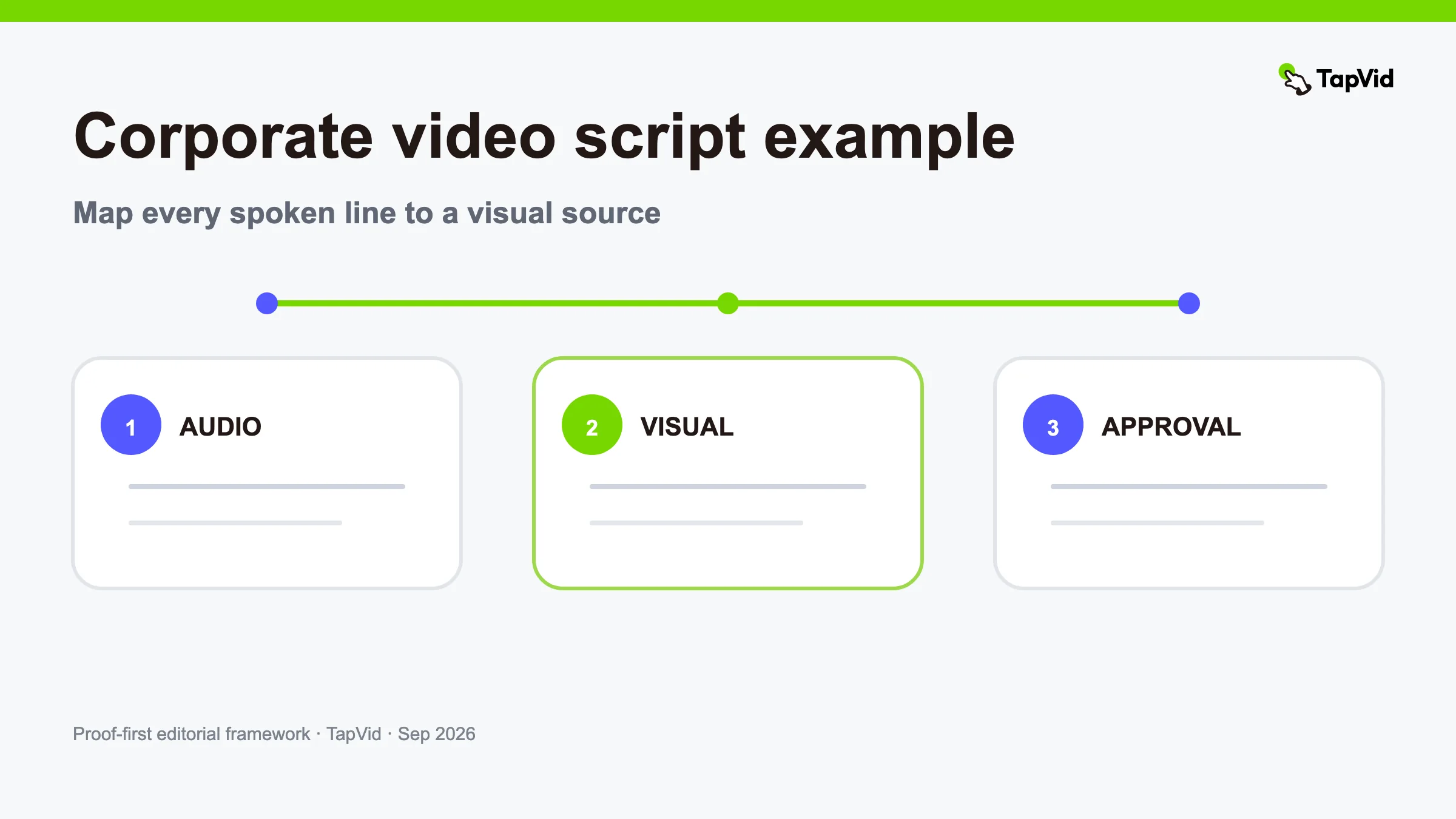

A useful corporate video script example must show more than voiceover. It should map every line to a visual, identify the source for important facts, and make approvals visible before production begins. The two-column audio/visual format below gives a small team a script it can actually review, shoot, animate, and update.
The example is fictional so no company result is presented as real. It follows a B2B software company introducing an operations product to growing service teams. Replace the placeholders with your verified facts and current assets. For format inspiration first, see corporate video examples. For a broader narration framework, use the explainer video script guide.
01
Brief for this corporate video script example
Audience: operations leaders at growing service businesses.
Situation: work requests arrive through several channels, and the team cannot easily see ownership or status.
Approved promise: “Northstar keeps each request, owner, and next step visible in one shared workflow.”
Primary proof: current product screens supplied by the fictional company.
Next action: view the workflow demo.
Boundaries: do not claim a time-saving percentage, error rate, price, security certification, customer count, or integration that is not in the approved source packet.
That brief is intentionally narrow. The script is not trying to explain the company's whole history, every feature, and every market. It gives one audience enough context and proof to decide whether to inspect the workflow.
02
Full 75-second corporate AV script
| Time | Audio | Visual and source | Review note |
|---|---|---|---|
| 0–7s | “The request arrived in email. The update lived in chat. The owner was still in a spreadsheet.” | Three supplied, privacy-safe interface fragments enter in sequence. Source: approved sample inbox, chat, and tracker screens. | Keep product and sender names fictional. Do not show real customer data. |
| 7–15s | “For a growing service team, the work was moving—but no one could see the same picture.” | The three fragments align into one incomplete workflow. A missing handoff is highlighted. | This is a workflow observation, not a quantified performance claim. |
| 15–24s | “Northstar keeps each request, owner, and next step visible in one shared workflow.” | Current Northstar request page, owner field, and next-step state. The camera pauses on each label as it is spoken. | Product name and UI labels must match the current approved build. |
| 24–34s | “A request enters once. The right teammate sees the context, updates the status, and passes the work forward.” | One end-to-end screen recording: new request → assigned owner → status update → handoff. | Do not cut away during the critical state change. Use a safe demo account. |
| 34–44s | “The team can review what is waiting, what changed, and what needs a decision.” | Queue, activity history, and decision flag shown in that order. | Only show capabilities available to the intended plan and region. |
| 44–54s | “Managers get a current view without rebuilding the report from separate tools.” | Approved dashboard screen, followed by the old manual reporting diagram with a clear “previous workflow” label. | Do not imply the product eliminates every reporting task. |
| 54–64s | “The workflow stays editable: change an owner or next step, and the rest of the request remains in place.” | Edit one field, confirm the saved state, then return to the unchanged request context. | Record this exact behavior in the current version before publishing. |
| 64–75s | “See how Northstar handles one request from intake to handoff.” | Product lockup, one workflow thumbnail, and button text “View the workflow demo.” | The destination must show the promised workflow, not a generic homepage. |
Read the table horizontally during review. Every spoken noun should have a matching visual or a deliberate reason to remain off-screen. Every important assertion should have a source and an owner. That makes the script a production contract rather than an aspirational paragraph.
03
Why this script structure works
The opening uses a recognizable operating situation instead of a company introduction. It lets the viewer diagnose the problem before hearing the product name. The next section states one promise and immediately shows the interface that supports it. The middle follows a complete task, then adds management context. The ending asks for one relevant next step.
The script also separates what is exact from what is illustrative. Product labels and behavior must match the current build. The fictional workflow problem can be visualized, but the video cannot turn it into an unsupported number. The “previous workflow” diagram is labeled so viewers do not mistake it for customer research or measured performance.
This is information fidelity in practice: approved names, numbers, model labels, prices, parameters, and legal wording remain as given. It is also correspondence: narration about the owner field is paired with the owner field, not a generic dashboard.
04
Build the source packet before you write
Collect the material that can make the script true:
- one audience and one decision;
- an approved one-sentence claim;
- current product screens or physical product images;
- exact names, labels, numbers, dates, and required legal wording;
- a safe sample account or rights-cleared footage;
- the destination for the call to action;
- exclusions, such as private data, stale UI, unavailable features, or visuals that must not be generated;
- a named approver for product, brand, legal, and customer material where relevant.
Do not begin by searching for stock footage. First decide what the viewer must understand and which source proves it. Visual style should support the evidence hierarchy. If the script says the product preserves a supplied asset, show that asset. If it names an exact parameter, keep the parameter on screen long enough to read.
05
Write audio and visual columns together
Writing the narration first often creates a late visual problem: the script makes claims that have no inspectable source. Draft one row at a time. For each line, ask what the viewer should see, where that visual comes from, and who can approve it.
The audio column should sound natural when read aloud. Keep one idea per sentence and use concrete nouns. The visual column should describe a state change, relationship, or evidence moment rather than “show engaging animation.” The review column should record availability, privacy, rights, and factual dependencies.
Use a pickup instead of rewriting a person's meaning in the edit. Use a current screenshot instead of animating a remembered interface. When the source is missing, mark the row blocked; do not fill the gap with a confident claim.
06
Time the corporate video script by scene
Read the audio at a natural pace and time every row. Leave room for product states to be inspected, not merely flashed. A typical English corporate narration may vary widely by speaker and emphasis, so recorded timing is more reliable than a fixed words-per-minute rule.
The first draft should include transition time, title cards, and pauses. If the script runs long, remove duplicated setup, extra adjectives, and secondary features before accelerating the voice. A rushed proof moment is not efficient; it makes the video harder to trust.
For a 75-second piece, eight purposeful scenes are usually easier to review than twenty micro-cuts. Each scene can remain editable. If a UI label changes later, replace that scene and keep approved sections intact.
07
Verified Good Case: House Buy Fast brand-film script
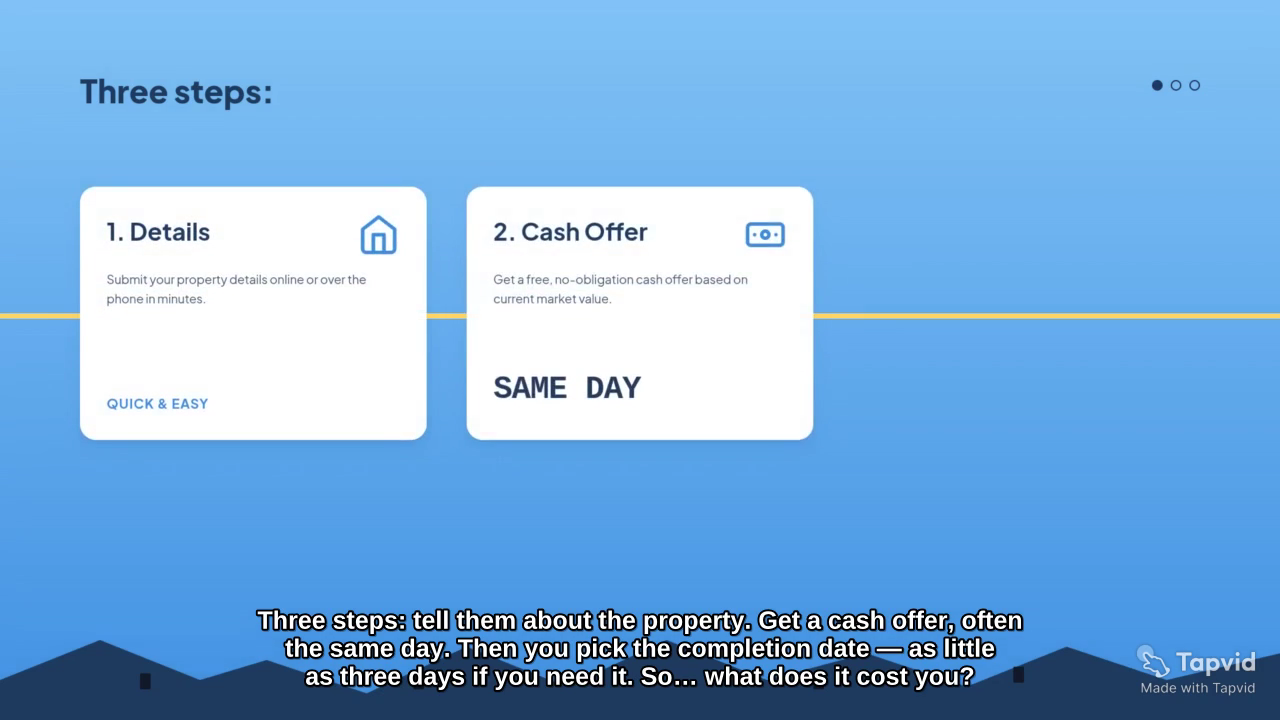
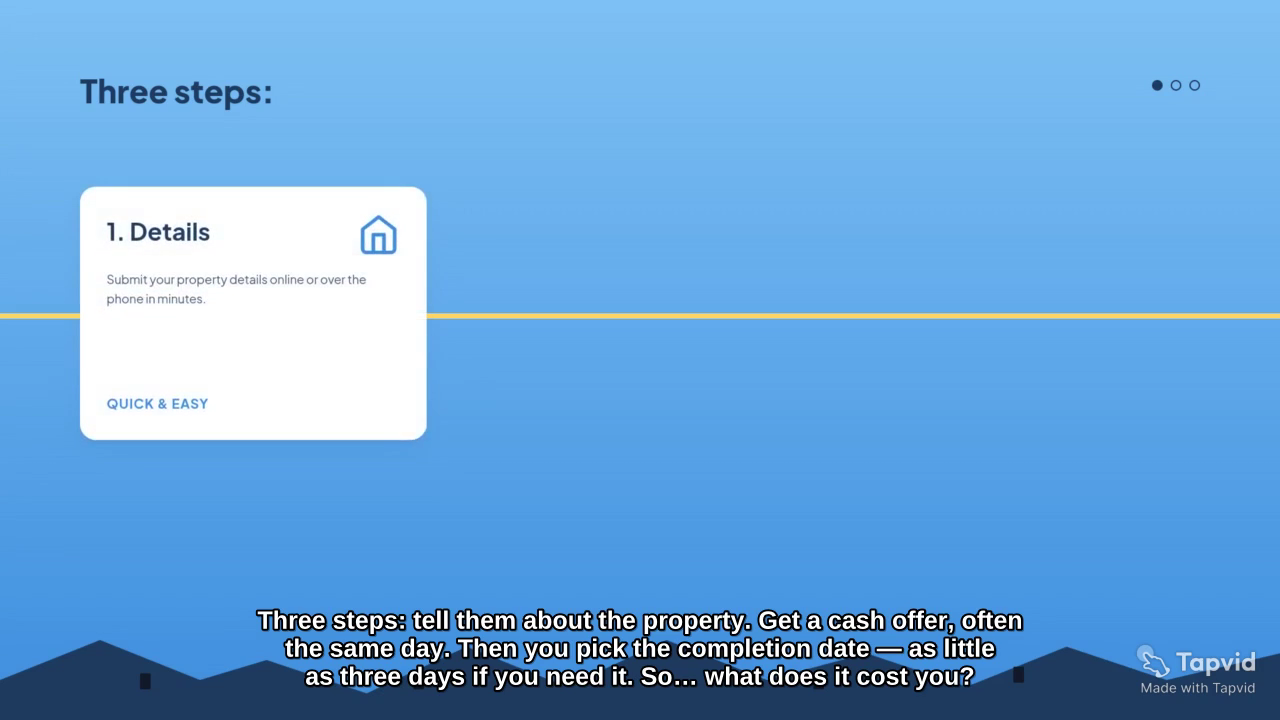
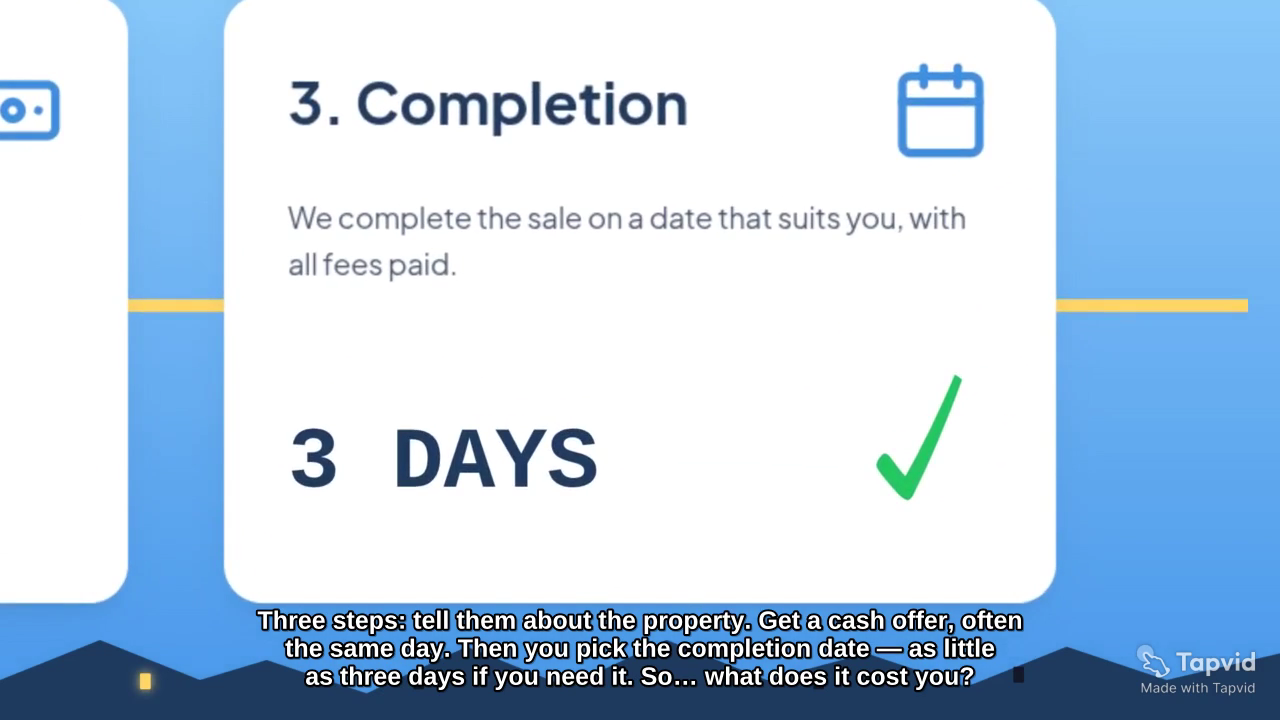
The following clip comes from “House Buy Fast,” a verified TapVid Good Case. Its original brief defines a cold open, four sections, exact visual constraints, and a call to action for a 75-second corporate brand film. We selected it because the source itself is a structured production brief, making it relevant to a script-and-scene workflow.
Evidence links: Good Case share page and full TapVid video.
The lesson is not that every company should copy this housing-market treatment. It is that a precise brief can lock the sequence, exact on-screen language, brand assets, and visual exclusions before rendering. TapVid can organize approved copy and supplied assets into editable scenes; it does not validate unsupported company claims or create usage rights for material the team does not own.
08
Adapt the script to five corporate jobs
For a company story, replace the workflow demonstration with documented origin artifacts and connect the founding problem to the current customer. For a product launch, use the old friction, the new interaction, the visible result, and the current availability boundary. For recruiting, show the actual role, team decision environment, and next hiring step rather than a generic office montage.
For training, expand each action into a chapter with the starting state, decision point, error path, and completed state. For an investor or board update, replace marketing language with period, change, driver, response, and next checkpoint; attach the source and definition for every number.
The AV table stays useful across all five. What changes is the audience, proof, and approval owner.
09
Corporate script review checklist
Run four passes before production.
Truth pass: Does every claim have an approved source? Are names, numbers, dates, labels, and quotations exact? Are observations distinguished from measured results?
Correspondence pass: Does the visual match the specific product, person, or workflow named in the audio? Does any generic B-roll imply evidence it does not contain?
Production pass: Are the assets available, current, privacy-safe, rights-cleared, and the correct orientation? Can the viewer read important text? Is each scene independently replaceable?
Audience pass: Does the opening name a recognizable problem? Does the middle show how the promise works? Does the call to action continue the same job?
Record approvals against the exact script version. If a claim, screen, or destination changes, reopen the affected row rather than treating the whole document as permanently approved.
10
Common corporate video script mistakes
The first mistake is writing a company biography before defining the viewer's decision. The second is stacking vague claims such as “innovative,” “seamless,” and “powerful” without a visible mechanism. The third is placing all visual thinking in a later storyboard, when unsupported narration is already politically difficult to remove.
Other mistakes include hiding required qualifiers in small text, using stale product screens, inventing a performance number, sending the call to action to an unrelated page, and translating exact claims without a fluent factual review. A clear AV script exposes these risks early, when they are cheap to fix.
11
Frequently asked questions
What format should a corporate video script use?
Use at least audio, visual, timing, source, and review notes. A two-column AV script is the minimum; adding source and approval fields turns it into a safer production document.
How many words fit in a 75-second corporate video?
Time the actual speaker. Pace changes with language, emphasis, product names, and pauses for visual inspection. Cut duplicated ideas before asking for faster delivery.
Should the CEO narrate a corporate video?
Only when the CEO is the right source for the message. Product, training, customer, and technical videos often benefit from the person closest to the evidence.
Can AI write the final corporate script?
AI can help structure and draft, but the business must supply and approve the facts, assets, claims, rights, and boundaries. The final review should compare the script and visuals with those sources.