
TL;DR
A useful video sales letter aligns one audience, one problem, one mechanism, verifiable proof, a bounded offer, and one call to action. Build a claim-proof ledger before drafting, keep approved wording and product assets exact, map every claim to the scene that supports it, and measure the whole page journey. No script or tool can guarantee results or automatically create high-converting copy.
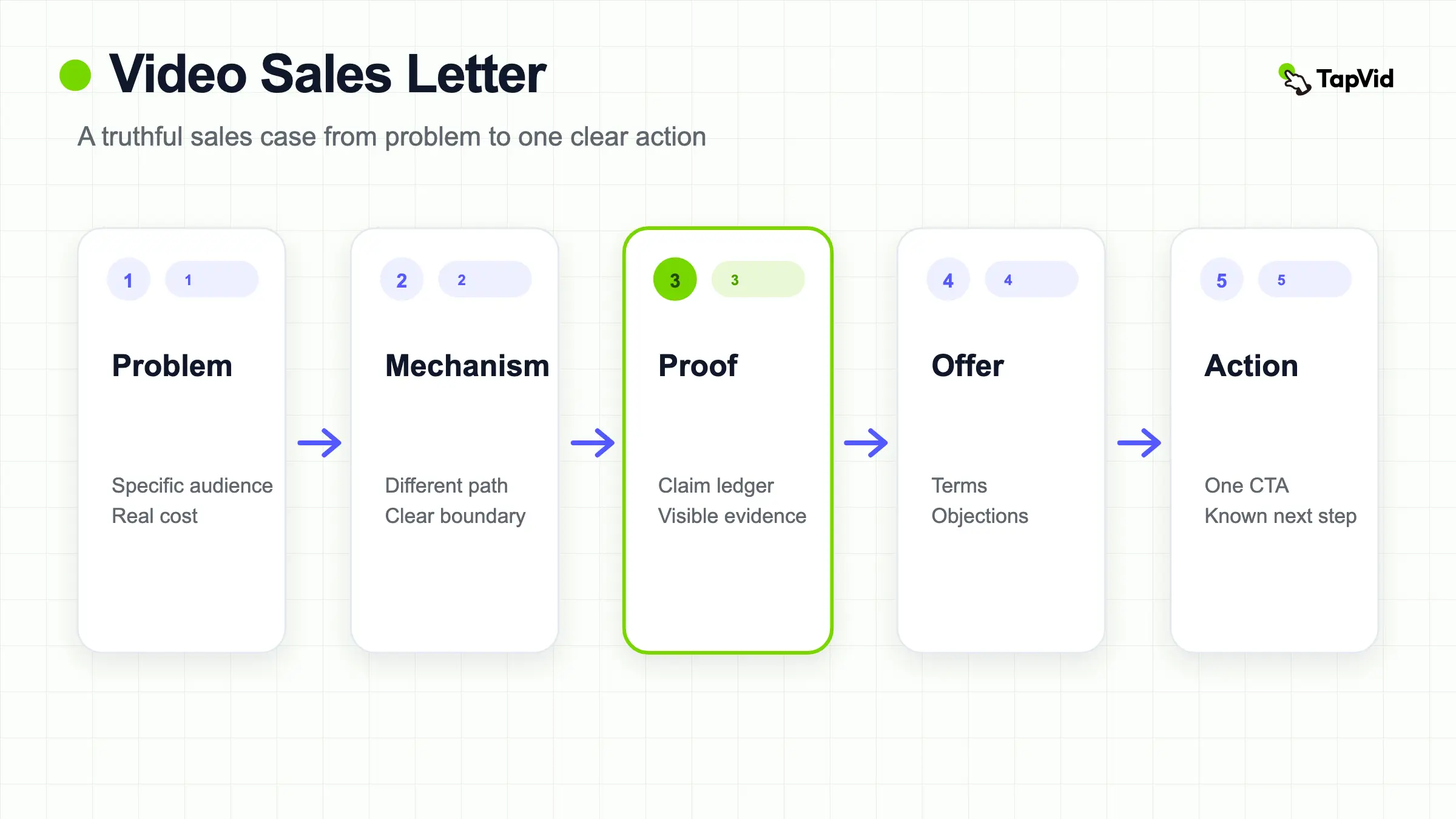
A video sales letter is a persuasive sales argument delivered as video. It moves one defined audience from a costly problem to a credible mechanism, supported proof, a bounded offer, and one clear next action. The format is not a license to manufacture urgency, testimonials, or results.
Turn an approved sales script and product assets into a reviewable video
01
What a video sales letter is
A video sales letter, commonly shortened to VSL, is a sequential sales case presented in video rather than only in written copy. It identifies a specific audience and problem, explains a mechanism or path to improvement, shows evidence, defines an offer, handles relevant objections, and asks for one action. The viewer cannot scan the entire argument at once, so order matters. Each claim arrives before the next one, and the visual shown at that moment can strengthen or contradict the words.
A VSL differs from a product demo, which proves how a workflow behaves, and from a brand film, which may prioritize recognition or emotion. A product-led VSL can include a demo, but the demonstration serves the sales argument. The right format depends on the buyer’s question. Use a concise demo when “show me how it works” is the main barrier. Use an explainer when the category is unfamiliar. Use a VSL when the buyer needs a structured case from problem through proof and offer before acting.
02
Decide whether the format fits the buying decision
A VSL fits when the offer needs ordered explanation, proof, and objection handling. It can support a complex service, a software workflow, a product with unfamiliar mechanics, or an offer whose value becomes clear only after the viewer sees the cost of the current approach. It is a poor default when the product is already understood and the visitor only needs price, availability, or a quick demonstration. Adding fifteen minutes of persuasion to a simple decision creates friction rather than clarity.
Write a page contract before a script: after watching, [defined audience] should understand [one mechanism and outcome], believe it because of [specific proof], and feel ready to [one action]. State what the VSL will not do. It cannot establish claims that the underlying evidence does not support. It cannot fix a weak offer, an unclear checkout, a broken form, or an audience mismatch. It should also work with the page around it, not hide essential terms only inside the video.
03
Build the offer and source pack first
Collect the approved offer before writing hooks: audience, problem, product or service, mechanism, deliverables, eligibility, price and billing terms, guarantees if legally approved, fulfillment limits, proof, objections, CTA destination, and owner. Separate fixed facts from creative framing. A price, model number, feature condition, legal qualifier, or customer quote may need to remain verbatim. If the team cannot agree on the offer in a structured source pack, a polished script will only conceal the disagreement until review.
Add original product assets and evidence to the same pack: screenshots, UI recordings, product images, diagrams, approved testimonial footage, research links, and terms. Give each item a stable ID and rights note. For TapVid or any production workflow, this makes three reviews possible: asset fidelity, information fidelity, and correspondence between the spoken claim and the visible proof. Accuracy comes first because speed is useless when a sales asset presents the wrong product, wording, or condition.
Create a VSL source brief before writing the hook. Record the audience, moment of need, problem, desired outcome, mechanism, offer, one call to action, approved claims, protected wording, proof assets, conditions, source owner, and reviewer. Link each field to its current source and state who should not act on the offer. Prices, availability, guarantees, eligibility, and legal terms need an owner and review trigger. The brief gives the writer a bounded argument and production the original material that must stay recognizable. It also exposes weak inputs early: stronger adjectives cannot replace a missing demonstration or current terms.
04
Create a claim-proof ledger before the script
A claim-proof ledger is a table with the claim, claim type, exact wording, evidence, evidence owner, allowed context, required qualifier, planned scene, and status. Classify claims as observable product behavior, customer evidence, quantified performance, comparative claim, policy or offer term, or illustrative example. “Exports an approved video” can be supported by the actual workflow and result. “Cuts production time by 80%” needs a defined measurement and relevant evidence. If the cell is empty, the line is not ready for a sales script.
Treat testimonials and endorsements as evidence with boundaries, not decoration. The US Federal Trade Commission says endorsements must be honest and not misleading, and cannot be used to make a claim the marketer could not legally make: FTC Endorsement Guides Q&A. Record who said it, the original source, material connection or disclosure requirements, permission, date, and the product context. Do not turn one customer’s experience into a typical result unless the evidence supports that interpretation.
Use explicit Claim-proof ledger columns: spoken claim, proof source and date, on-screen asset, required qualifier, owner, script beat, review date, and decision. Review claim and visual together. A dashboard statement cannot rely on an unrelated lifestyle shot, and a before-and-after image needs matching conditions. Mark a row blocked when rights, context, or current terms are unclear; decorative motion cannot replace missing proof. At final review, read the claims and qualifiers in sequence, then inspect the proof column for the correct product, market, and version. The ledger turns fact checking into a finite task instead of a general request to “make sure it is accurate.”
05
Write the VSL structure from hook to call to action
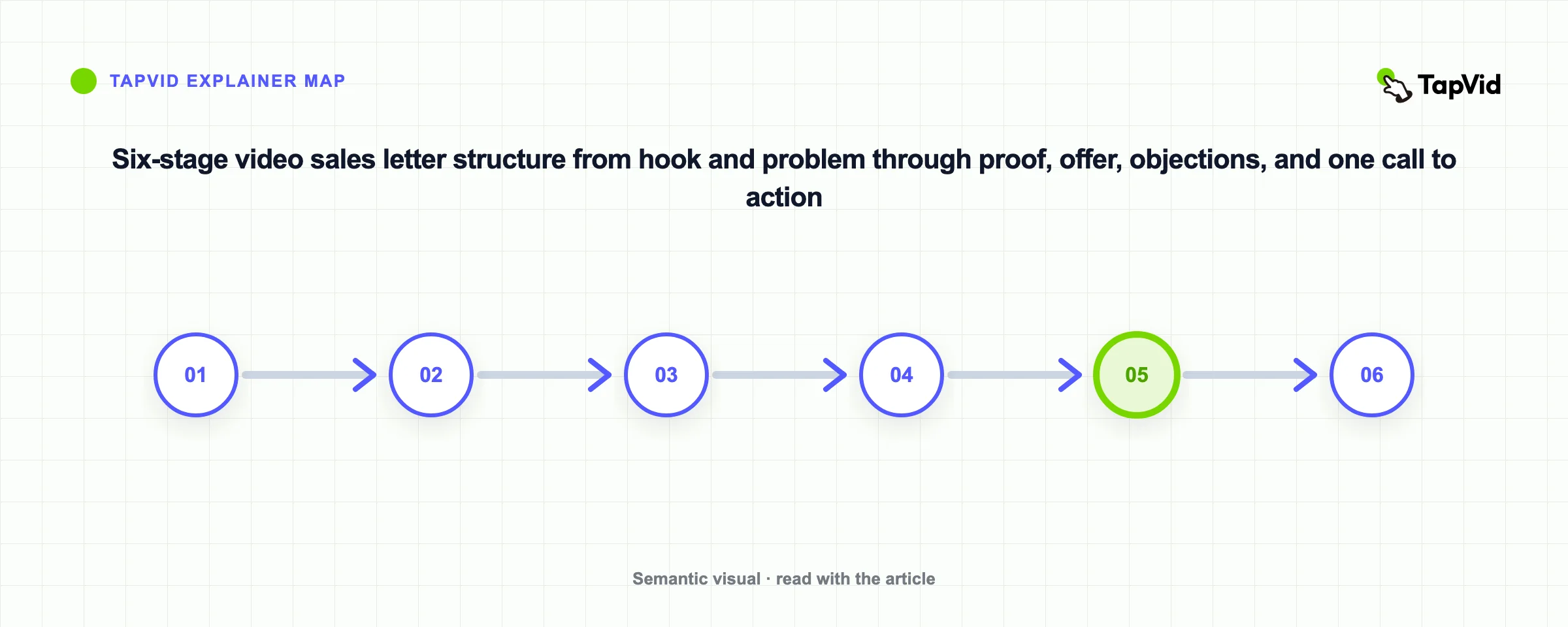
Use a structure that earns the next beat. Hook: name a costly or recognizable situation without inventing fear. Problem: show why the current path fails for this audience. Mechanism: explain the different approach in concrete terms. Proof: demonstrate behavior, evidence, or a relevant example. Offer: define what the buyer receives and the conditions. Objection: answer the few doubts that block this action. Call to action: state one next step, who it is for, and what happens after the click.
Keep the script specific and spoken. Replace “revolutionize your workflow” with the action the viewer can inspect. Use exact approved wording where a number, price, product name, or condition matters. Label hypothetical examples and do not let a fictional scenario look like a customer case. Read the draft aloud, remove repeated setup, and test whether the proof arrives close enough to the claim it supports. The CTA should not introduce a new promise that the argument never established.
Purple’s public “The Purple Mattress Passes The Raw Egg Test” video is a useful industry example of placing visible proof close to a product claim and then continuing the sales argument. It is not a TapVid output, and its inclusion here does not establish conversion results. Inspect the claim-to-proof structure only, and verify any current claims, offer details, guarantees, or terms with Purple’s official source.
06
Map every line to a truthful shot plan
Create a shot map with beat ID, narration, on-screen copy, source asset, intended motion, proof role, duration estimate, and review owner. The frame should answer “why am I seeing this now?” When the narration names Product A, show Product A. When it states a feature condition, display the relevant screen or a restrained diagram, not generic stock footage. When exact text matters, keep it readable long enough to verify. The shot map makes correspondence review possible before animation becomes expensive.
Use code or layout for information that must stay exact, such as UI, prices, labels, and structured comparisons; use visual generation or motion to support mood and explanation without redrawing protected assets. In TapVid, a prepared script and source assets can be reviewed through a visible scene plan, and a changed line or image can be rerun in the relevant scene while other work remains preserved. Review the actual output, because a planned correspondence can still fail in rendering, timing, captions, or transitions.
Make the Shot map columns explicit: beat, narration, visual source ID, protected text, proof state, duration range, transition, caption requirement, audio note, and reviewer. The hook should qualify the audience as well as earn attention. The problem beat should show a recognizable situation without inventing fear. The mechanism beat should reveal how the offer works. The proof beat should pause long enough for the evidence and qualifier to be understood. The offer beat should use current terms, and the final beat should contain one clear action. Test the map without narration: a reviewer should still be able to see which claim each source supports. Then test it without visuals: the spoken argument should remain factual and coherent. These two passes catch cases where attractive footage hides a weak argument or a confident voiceover outruns the proof on screen.
07
Produce and place the VSL as part of the page
Record or generate a first reviewable master before polishing variants. Check the opening without sound, narration, captions, on-screen claims, product assets, pacing, music rights, mobile readability, CTA, and end state. Keep prior versions and change requests traceable. Create channel or aspect-ratio variants only after the master argument is approved, and review each crop because it can hide proof or qualifiers. A new hook or offer creates a meaningful branch, not merely a different export name.
On the page, give the video a descriptive heading and nearby written context. Do not force viewers to watch to discover price, eligibility, cancellation terms, or safety information. Provide captions and a text alternative. Match the CTA beneath the player to the CTA in the video, and explain the next step. Test player loading, consent behavior, mobile layout, analytics, and form or checkout flow. The VSL is one component of the decision path; measure and debug the complete path.
08
Measure, test, and review the VSL ethically
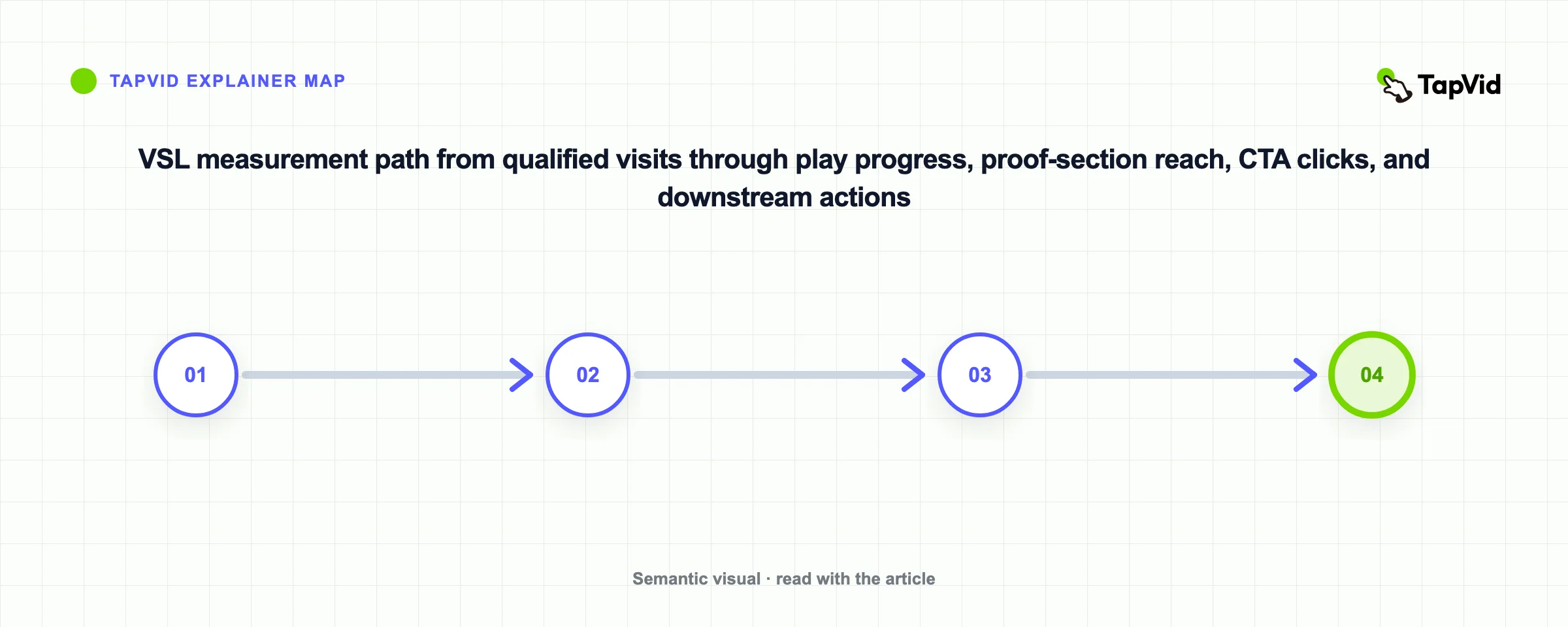
Define the primary action and measurement window before launch. Useful diagnostics include qualified page visits, play rate, meaningful progress, completion, CTA clicks, form starts, completed actions, refunds or cancellations, and support questions about the offer. Segment by traffic source, device, audience, and experiment. A high completion rate with no qualified action can mean the offer or CTA is weak; a low play rate can mean the page makes the video look irrelevant. Do not treat one metric as a universal verdict.
Test one meaningful hypothesis at a time: audience framing, opening problem, mechanism explanation, proof placement, offer clarity, CTA, or page context. Keep a baseline and sufficient observation window, and document concurrent changes. Reject fake scarcity, unsupported guarantees, hidden terms, fabricated testimonials, and misleading before-and-after edits. A good VSL does not guarantee results. It makes a truthful sales case easier to understand, inspect, and act on while giving the team a clear record of what it tested.
Write the test hypothesis before looking at results. Name the changed variable, audience, page or channel, start date, denominator, observation window, confounders, and decision rule. Change one material element when possible while keeping the offer and traffic source stable enough to interpret. Measure starts, meaningful progress, proof-section reach, CTA clicks, and downstream events separately. Completion can rise because an edit is shorter, and clicks can rise with less qualified traffic, so neither proves revenue impact alone. Record tracking failures and overlapping campaign, inventory, or page changes. Keep unsuccessful variants and their conditions. Ethical testing narrows uncertainty; it does not turn correlation into a conversion claim.
How long should a video sales letter be?
Long enough to make the necessary case and no longer. A simple product may need a few minutes; a complex offer may need more. Let audience, evidence, objections, and next action determine length.
Can AI write a high-converting VSL automatically?
AI can help organize or draft from approved inputs, but it cannot verify your offer, evidence, legal boundaries, audience fit, or likely performance. A human owner must approve claims and the actual result.
Does a VSL need a talking head?
No. Use the visual proof that best supports the claim: product screens, original assets, diagrams, a presenter, customer footage with permission, or a combination.
What should I test first?
Start with the largest uncertainty in the buying decision. Often that is audience-message fit, mechanism clarity, proof relevance, offer comprehension, or CTA continuity rather than color or animation style.