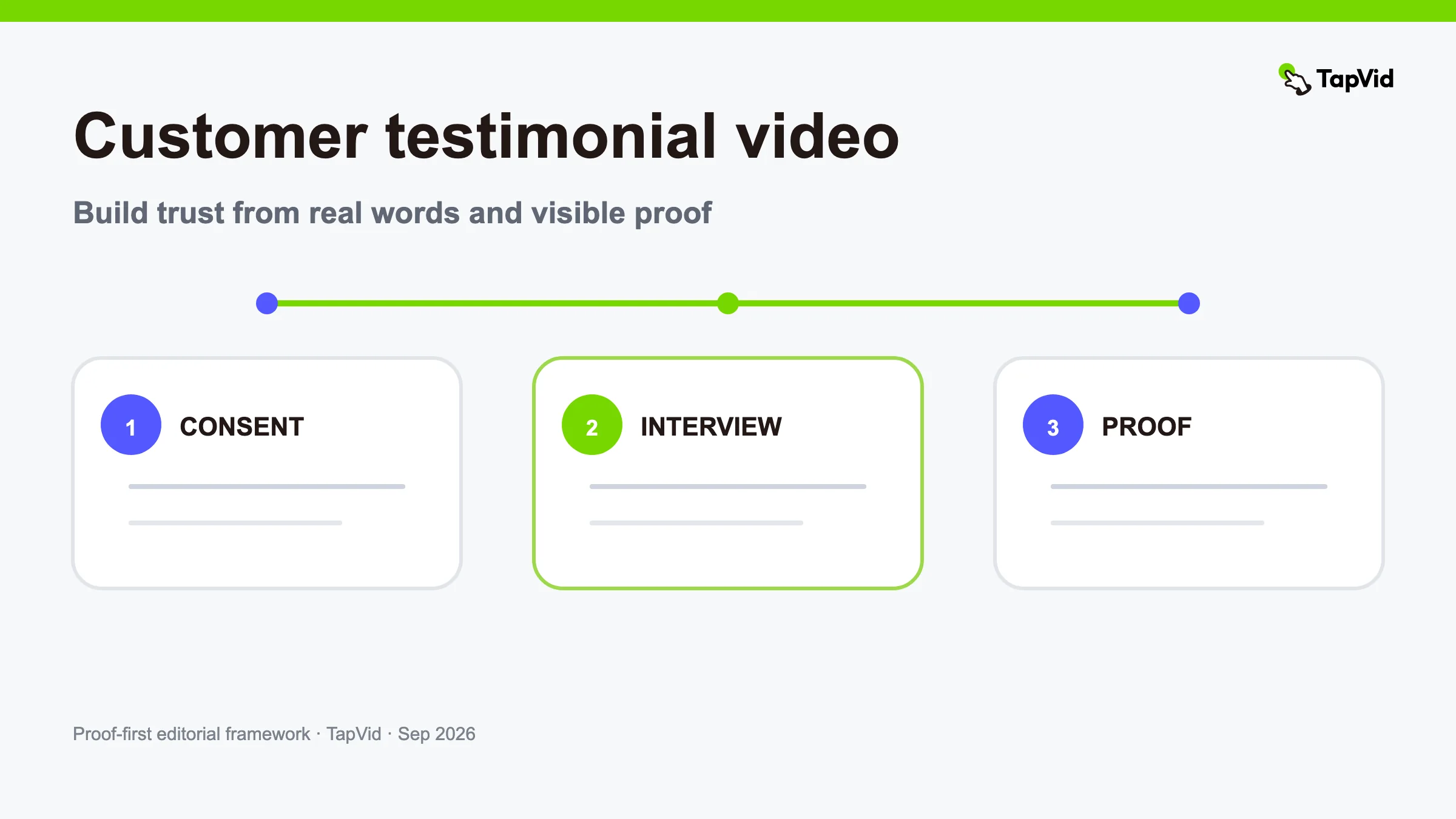

A customer testimonial video works when a real customer explains a specific change and the viewer can see enough evidence to judge the claim. It fails when the story sounds rehearsed, the result floats without context, or polished B-roll distracts from what the customer actually said. The practical goal is not to make praise louder. It is to make the customer's experience easier to understand and verify.
This guide covers the full workflow: consent, research, non-leading interview questions, story selection, proof collection, scripting, editing, review, and reuse. It is designed for lean SaaS, ecommerce, agency, and B2B teams. If you want inspiration before building the workflow, see our testimonial video examples. For presenter and framing options, use the separate talking-head video examples guide.
01
Decide what the customer testimonial video must prove
Start with one buyer question, not a broad request for praise. A useful brief names the audience, the situation they recognize, the change the customer experienced, and the evidence available to support it. “Why did this operations team change its workflow?” is a workable question. “Tell us why our product is amazing” is not.
Write a one-sentence evidence promise before you book the interview: “A real customer will explain the old workflow, show the new workflow, and qualify the result in their own words.” That sentence becomes a filter. If an interview answer does not help the viewer understand the problem, decision, use, or result, it probably does not belong in the final cut.
Also define the boundary. A testimonial can report a customer's experience; it does not prove the same outcome for every buyer. Avoid turning a personal observation into a universal performance claim. If the customer says a process “feels faster,” do not rewrite it as a percentage. If an exact number is important, identify who owns it and where it came from before production.
02
Get consent and claim approval before editing
Consent is a production input, not a line item to fix after the video is finished. Agree on where the video may appear, how long the permission lasts, whether paid ads are included, whether short edits are allowed, and who can approve the final cut. Confirm the customer's name, title, company spelling, logo use, and any topics that must remain private.
Create a small claim sheet with four columns: proposed claim, exact wording, source, and approver. The source may be the customer's own statement, an analytics export, an invoice, a timeline, a support record, or a product screen. Mark anything that cannot be shown publicly. This sheet prevents a common late-stage problem: the edit looks complete, but legal, sales, or the customer cannot approve the strongest sentence.
Keep the raw interview and the approved claim sheet separate. The raw recording preserves what the customer actually said. The sheet records what the team is permitted to publish. Both matter. Editing should improve clarity without silently changing meaning.
03
Ask non-leading testimonial interview questions
Good interview questions invite description rather than the answer the brand hopes to hear. Ask one question at a time, leave space after the response, and follow concrete details instead of rushing through a script.
Use questions such as:
- What was happening before you looked for a different approach?
- Who was affected by that problem, and how did it show up in normal work?
- What alternatives did you consider?
- What made you comfortable trying this option?
- Walk me through the first real task you completed with it.
- What changed, and what stayed the same?
- Which result matters most to you, and how do you know?
- Where is the product not the right fit?
- What would you tell a peer evaluating the same decision?
Avoid questions such as “How much time did our product save?” unless the customer already has a verified time comparison. Ask “What changed in the time or steps required?” and let the customer define the evidence. Avoid feeding adjectives into the question. A natural pause and an unprompted detail are often more credible than a perfectly delivered slogan.
04
Build a proof packet around the interview
The interview is the narrative spine, but most strong customer testimonial videos also show the thing being discussed. Gather current product screenshots, workflow recordings, before-and-after artifacts, approved charts, relevant photos, and exact labels. Remove personal data and stale interface states before they enter the edit.
Review the packet in three layers. Asset fidelity means the supplied logo, interface, document, or product image stays recognizable. Information fidelity means names, numbers, prices, parameters, and approved wording are not rewritten. Correspondence means the visual on screen actually matches the line being spoken. A beautiful dashboard shot is not evidence if the customer is talking about a different feature.
Name each file by what it proves, not by when it was downloaded. “billing-export-approved-2026-08” is more useful than “final-v3-new.png.” Add an owner and a stale-after date for product screens. This makes later updates less risky.
05
Turn the interview into a truthful story arc
Transcribe the conversation, then highlight complete thoughts rather than individual flattering phrases. A reliable structure is context → friction → decision → use → result → boundary → recommendation. The sequence can change, but the viewer should understand what the customer did and why the result is relevant.
Draft a paper edit before opening the video editor. Put the customer's exact sentences in one column and the proposed visual evidence in another. Note every cut that joins phrases from different moments. If the join changes meaning, remove it. If the customer uses a product or industry term incorrectly, ask for a pickup rather than correcting their voice in post.
Aim for one main claim. A 60- to 90-second story can usually support a problem, one mechanism, and one result. Trying to include the whole relationship creates a highlight reel with no decision logic. Longer case-study videos can add implementation detail, objections, and multiple stakeholders, but each section still needs its own evidence.
06
Script the opening without scripting the customer
The editor may write a cold open, title cards, transitions, and narration, but the customer should not be turned into a spokesperson reading brand copy. Start with the customer's most specific tension or change, then establish who they are and why their situation matters. Put the brand introduction after the viewer understands the problem.
A simple 75-second outline:
- 0–7 seconds: the customer's concrete problem or surprising change.
- 7–18 seconds: name, role, company, and relevant context.
- 18–35 seconds: the previous workflow and why it failed.
- 35–52 seconds: the product use shown with matching assets.
- 52–67 seconds: the qualified result and evidence.
- 67–75 seconds: recommendation, boundary, or next action.
The timestamps are planning constraints, not truth. Let a useful answer breathe. Cut repeated setup, filler, and internal jargon before cutting the evidence that makes the claim believable.
07
Use visual enhancement without manufacturing a testimonial
TapVid can organize a customer-provided interview, screen recording, product images, exact copy, B-roll, and data into a structured explainer. It does not replace the real customer's participation, consent, or approval. Do not generate a synthetic person and present them as a customer. Do not write a testimonial that no customer gave.
The Good Case clip below is not a customer testimonial. It is a verified TapVid production selected because it demonstrates a related editing mechanism: a person-led narrative can be supported with readable visual context, subtitles, and branded motion. The distinction matters. We are using it to inspect production treatment, not as proof that a customer endorsed TapVid.
Evidence links: Good Case share page and full TapVid video.
In your testimonial, replace those contextual visuals with evidence from the customer's real workflow. Keep the interview audio primary. Use animation to explain relationships or direct attention, not to cover weak or missing proof.
08
Review the cut with three separate passes
Do not combine every approval into “looks good.” Run three passes with different questions.
First, a truth pass: Is every quoted sentence faithful to the recording? Is every number supported? Does each visual match the spoken subject? Are the name, title, company, product, and date current? Second, a customer pass: Does the participant approve the meaning, context, and permitted distribution? Third, a viewer pass: Can someone unfamiliar with the account understand the problem, decision, use, result, and limitation without extra explanation?
Watch once without sound to find misleading B-roll. Listen once without picture to hear awkward edits or claims that depend on an unseen qualifier. Finally, view the exported file on mobile and desktop with captions enabled. Check subtitle timing, text size, color contrast, logo treatment, and the final link.
Save the approved transcript, release terms, source packet, final export, and version history together. If one scene changes later, the rest of the approved evidence should remain stable.
09
Adapt one approved testimonial for several channels
Reuse should change framing and length, not the customer's meaning. From one approved master, a team can create a homepage edit focused on the decision, a sales edit focused on implementation, a social clip built around one specific line, and a customer-success edit about the workflow. Keep the same source sentence and approved qualifier in every version.
Do not assume approval for the master automatically covers paid ads, partner channels, subtitles in new languages, or edited quotes. Check the agreed usage scope. When translating, preserve product names, figures, and legal wording, and let a fluent reviewer compare the translation with the approved original.
10
Customer testimonial video checklist
Before publishing, confirm:
- A real customer participated and consented to the intended use.
- The brief names one audience, one question, and one main claim.
- Interview questions were descriptive rather than leading.
- Exact claims have sources and named approvers.
- Product screens and brand assets are current and privacy-safe.
- Every important line has a corresponding visual or a deliberate reason not to.
- The paper edit preserves the customer's meaning.
- Captions, names, numbers, and calls to action were checked in the export.
- The customer approved the final context, not only a transcript.
- Reuse stays inside the agreed distribution rights.
The best customer testimonial video is specific enough to be checked and human enough to be believed. Start with the customer, protect the meaning of what they said, and use visual production to make the evidence easier to follow.
11
Frequently asked questions
How long should a customer testimonial video be?
Use the shortest length that preserves the problem, decision, use, result, and necessary qualifier. A focused web or sales story often fits in 60 to 90 seconds; a deeper implementation case may need several minutes. Do not cut the evidence simply to hit an arbitrary runtime.
Should a testimonial be scripted?
Script the production structure, interviewer prompts, narration, and visual plan. Do not make the customer read praise written by the brand. If an exact factual statement is required, ask the customer to verify and restate it naturally.
Can AI create a customer testimonial video?
AI tools can help transcribe, organize, caption, translate, and assemble customer-provided material. They should not invent the customer, experience, quote, result, or consent. The human customer and the source evidence remain the truth layer.