Original video · Y Combinator
Y Combinator’s published video, including its existing captions. Watch the original on YouTube.
Turn SaaS product URLs, PDFs, screenshots, and approved claims into accurate informational videos for launches, sales, and conversion. Facts stay literal, so you can scale without reviewing every video.

These clips come from the same TapVid workflow documented in our product-demo guide, not from a stock demo reel.
Compare Y Combinator’s original published video with the TapVid version of the same talk. The original already includes captions; it is not unedited camera footage.
Y Combinator’s published video, including its existing captions. Watch the original on YouTube.
The finished video keeps the speaker and message while adding captions, diagrams, and motion.
Paste the product URL or upload the PDF, then add screenshots, brand colors, audience, and approved claims.
Confirm the approved facts and source assets once before batch generation.
Detect exceptions, request focused changes in plain language, rerun only the affected scene, and export an MP4 or share link.
An AI product demo video generator turns product source material into a video that explains what the product does and why it matters. The useful input is not only a prompt. It can include a product URL or PDF, an approved script or release note, UI screenshots, a logo, brand colors, and the claims your team has approved.
TapVid uses that source pack to create a brief, outline, script, and animated scenes while product facts stay literal. Ask for a scene-level change in plain language and rerun only the affected scene. This workflow fits launch videos, sales follow-ups, onboarding explainers, and landing-page demos that need to scale without an end-to-end review of every video.
TapVid does not record a live screen and does not create an interactive click-through demo. It also does not approve product claims for you. If the viewer must follow exact UI clicks, use a screen-demo tool. If the goal is a presenter-led message, use an avatar tool.
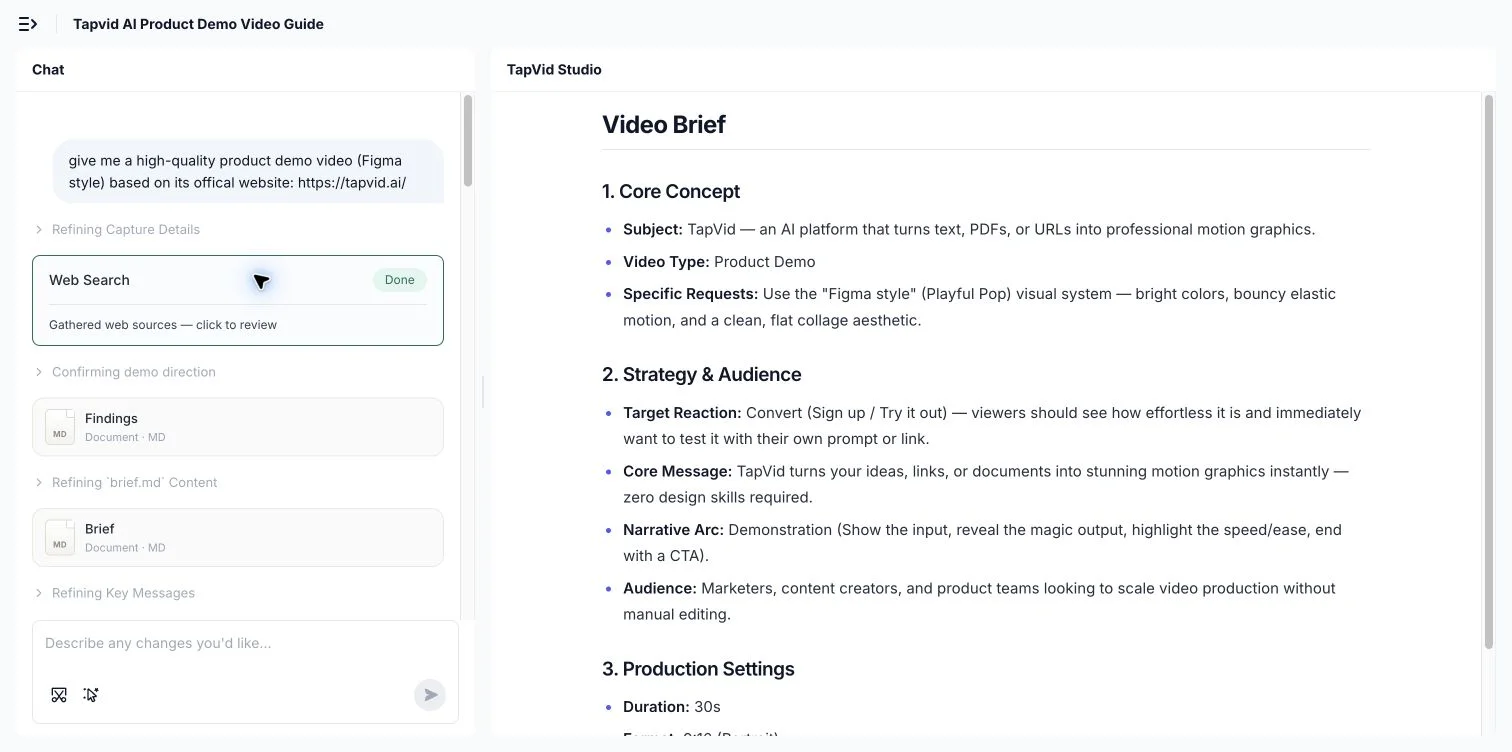
Start with a product URL, PDF, script, or release note. Attach UI screenshots and a logo, then state the audience, approved claims, brand colors, and desired CTA in the prompt.
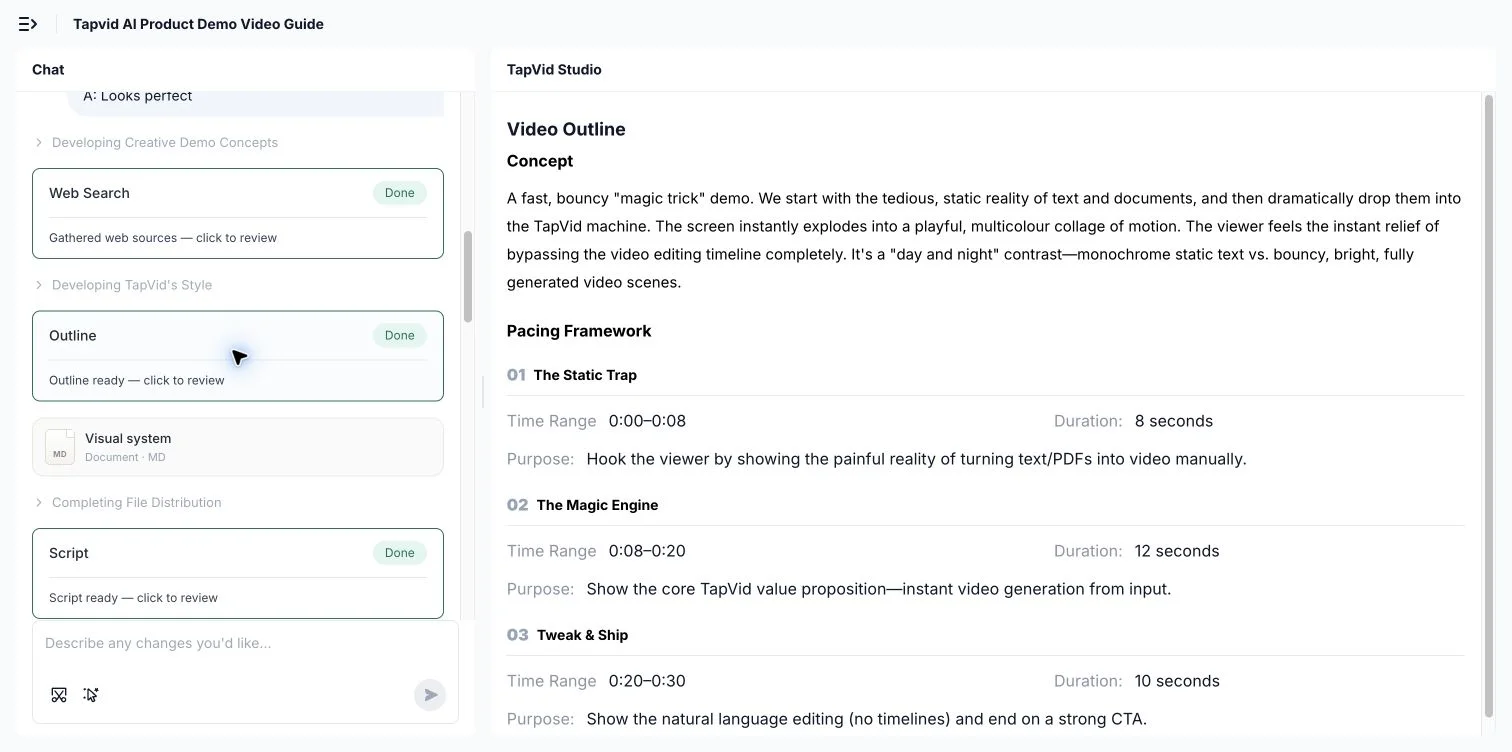
Product names, model numbers, parameters, prices, approved claims, and source images stay outside generative rewriting and are rendered from the supplied material.
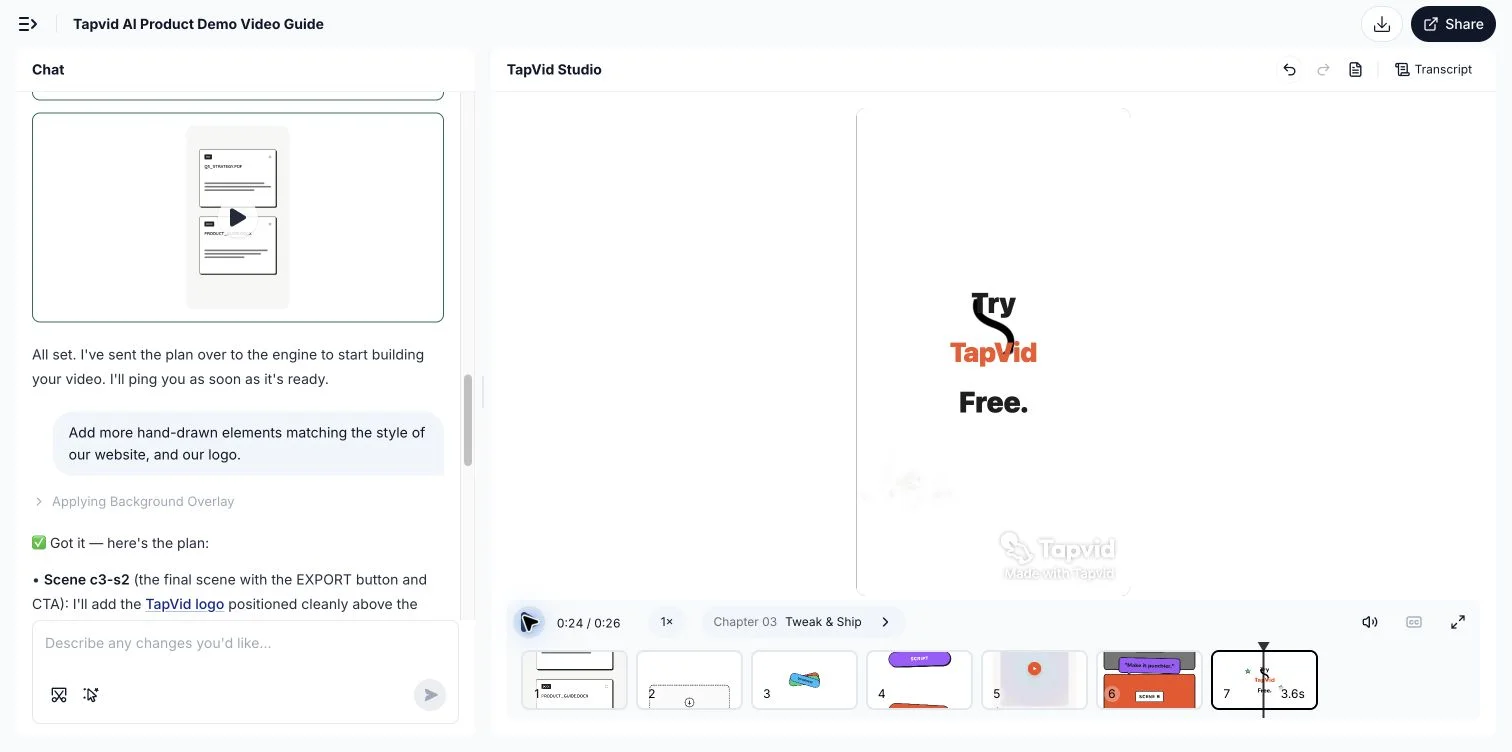
Ask TapVid to shorten an opening, correct a caption, replace a visual, or change the CTA. Rerun only the affected scene while the rest stays fixed, then export or share.
Compare names, numbers, feature availability, and promises with the product URL, PDF, or release note you supplied.
Confirm that each screenshot shows the right product state and that no scene implies a click path the product does not support.
Check logo placement, contrast, color values, and typography against your current brand guidance.
Read the narration aloud and compare captions with the spoken track, especially product names and technical terms.
Lead with the audience problem, keep one idea per scene, and move secondary features after the core value is clear.
Confirm the final CTA, aspect ratio, resolution, watermark status, and destination before publishing.
Research published by TapVid. Read the sample, method and limitations before applying a result to your own videos.
Published September 7, 2026: 25 scenes, 7 systems and 6,760 blind ratings. Information-dense results describe a task subset, not every video or an independent product certification.
Read methods and limitationsMay 6–August 31, 2026: 6,464 matched registered users in TapVid telemetry. Milestone counts do not measure creative quality or represent an industry average; eligibility rules changed during the window.
Read methods and limitationsOne generator covers the product demos teams most want people to watch instead of read, from a launch clip to an onboarding walkthrough.
Turn a changelog or release doc into a 60-second demo for the launch post and the in-app announcement.
Send a tailored product walkthrough on demand instead of scheduling another live call.
Show new users the core workflow the moment they sign up, so they reach value faster.
Convert a how-to page into a short video walkthrough people actually watch instead of skim.
Make a clean product demo from your deck for the data room or a cold outreach.
Generate a looping product demo for the top of your page to lift conversion.
TapVid will not replace an interactive click-through demo or a pixel-accurate recording of a live interface. Product images, model numbers, parameters, prices, and approved wording stay literal instead of being rewritten. If a scene needs changing, rerun only the affected scene while the rest stays fixed. Obvious anomalies can be detected and failed generations can be rerun, but this is not a zero-error promise.
The tools below can all appear for the same search, but they start from different evidence and produce different outputs. Choose by the job your viewer needs to complete.
| Avatar video (Synthesia) | Screen demo (Supademo) | Stock and AI video (InVideo) | TapVid | |
|---|---|---|---|---|
| Primary input | A script for a presenter | Captured UI steps or screens | A prompt, script, or media brief | A product URL, PDF, script, and screenshots |
| Typical output | Presenter-led video | Interactive or recorded UI walkthrough | Promo or social video | Structured animated product explainer |
| Best when | The presenter carries the message | Exact clicks and UI states are the lesson | The goal is fast ad or social creative | The product story needs structure and motion |
| Main review risk | Script and presenter delivery | Outdated or incomplete UI capture | Generic media or weak product evidence | Claims, screenshots, captions, and CTA |
Turn release docs and one-pagers into launch and onboarding demos your whole team can reuse.
Send tailored product walkthroughs on demand and drop a demo on the landing page.
Make an investor-ready product demo from your deck without a designer or an agency.
Simple videos use about 4 credits per second: about 120 credits for 30 seconds or 240 for a minute. Cinematic scenes use more. These are display estimates; use the credit quote shown in the app before generation.
$49/mo
2,000 credits / mo
$99/mo
6,000 credits / mo
$199/mo
14,000 credits / mo
Join thousands of product teams using AI to create professional videos in minutes.