
TL;DR
The best video automation software is the one whose operating model matches your source material, control needs, review burden, failure cost, and delivery path. TapVid fits source-led motion explainers with web, REST API, and MCP routes. Shotstack, Creatomate, Plainly, JSON2Video, and Remotion fit increasingly structured or code-owned rendering. HeyGen and Synthesia fit avatar-led communication. ShortFast fits scheduled short-form publishing, while VEED fits editor-led automation. These products are not interchangeable, and their official documentation confirms materially different inputs and control surfaces. This comparison does not claim a universal quality winner because no same-brief test has been run.
Video automation software can reduce repetitive assembly, but the phrase covers several different products. One tool turns a document into a motion explainer. Another renders a locked template from JSON. A third gives developers a React codebase. A fourth generates an avatar-led training video. A fifth edits footage and subtitles in a browser.
Buying from a feature checklist hides the biggest operational difference: what happens when one input is wrong. If a typo forces a complete rerender, the workflow has a different failure cost from one that lets an editor revise a bounded scene. If each new format needs engineering work, the system has a different ownership model from a no-code template. The useful question is not, "How much can this tool automate?" It is, "Which part of our production system should this tool own?"
01
What counts as video automation software?
Video automation software turns a repeatable source into a video or an edited video state with less manual timeline work. The source might be a prompt, document, URL, spreadsheet row, API payload, code-defined composition, script, avatar brief, or existing recording. The output might be a finished MP4, a reviewable project, a render job, or a scheduled social post.
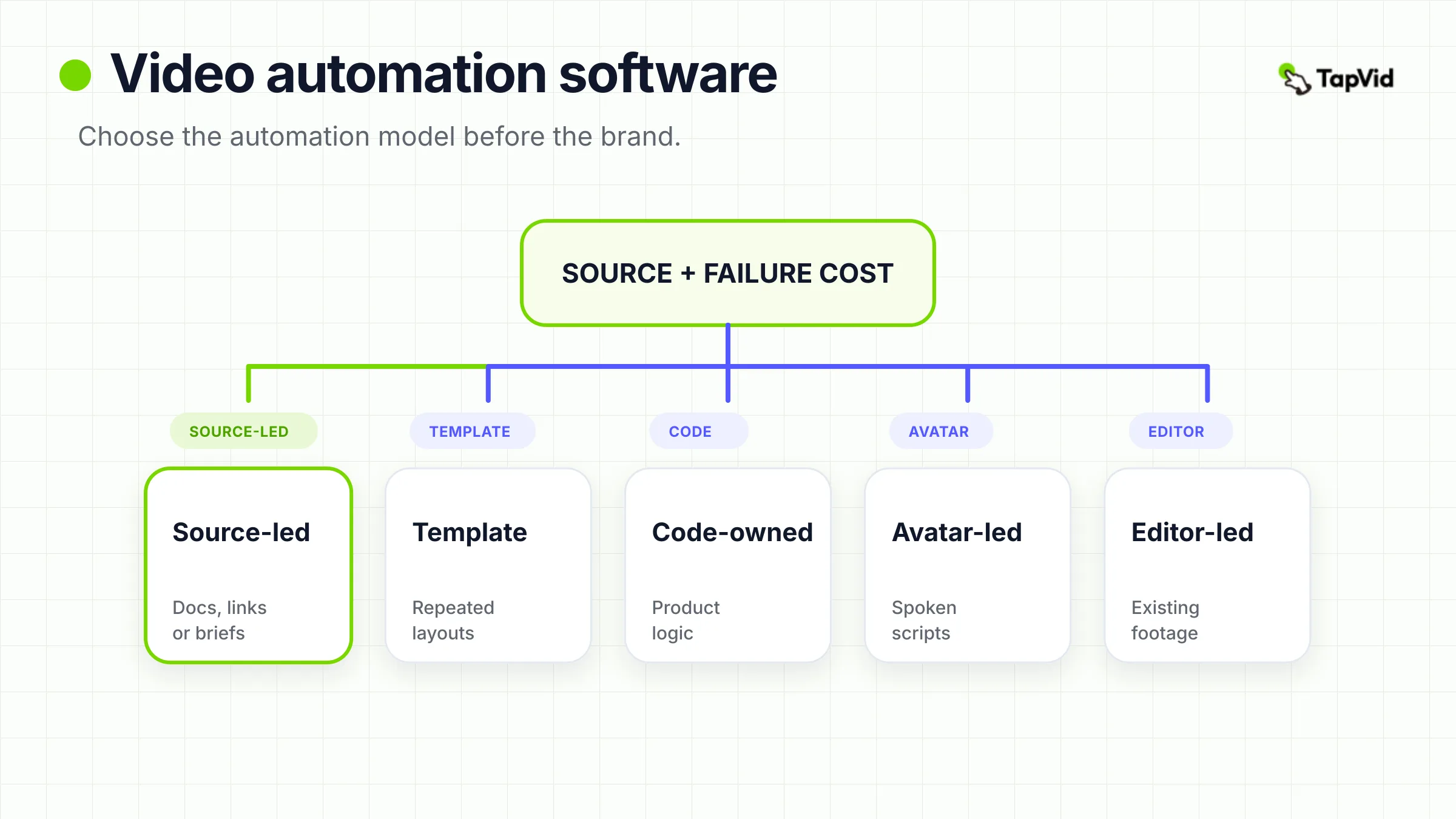
Five models cover most of the market:
- Source-led generation: A document, link, or prompt becomes a structured video draft. This works when the source already contains the information that the video must explain.
- Template rendering: Data populates predefined scenes, layers, and brand rules. This works when many videos share the same visual grammar.
- Code-owned rendering: The team defines video logic in code and treats each render as software output. This works when control and reuse matter more than a no-code interface.
- Avatar-led generation: A script becomes presenter-led video. This works for training, localization, sales, and repeated spoken communication.
- Editor-led automation: AI removes silences, generates captions, proposes cuts, or assembles a first pass, while a human remains in an editing interface.
Some products cross categories, but every implementation still needs a dominant operating model. A hybrid feature list does not remove the underlying choice between editable source, template constraints, code ownership, generated speech, and timeline review.
02
Choose the automation model before the brand
Start with the shape of the input and the cost of a bad output.
Choose source-led generation when each job begins with a different document, URL, or brief, but the output must still tell a coherent story. Choose template rendering when the story structure is fixed and only names, numbers, images, or clips change. Choose code-owned rendering when video behavior is part of the product and developers need version control, tests, reusable components, and custom logic. Choose avatar-led generation when the value is a consistent presenter delivering many scripts or languages. Choose editor-led automation when the team already has footage and wants to shorten the path to an approved cut.
Then ask about failure cost. A low-risk social variant can tolerate broad regeneration. A compliance video, customer-specific report, or product walkthrough may need narrower recovery. This gives a practical decision rule:
- Unstructured source plus low failure cost points toward generative automation.
- Structured source plus repeated layout points toward template automation.
- Product logic plus engineering ownership points toward code-owned rendering.
- Spoken instruction plus localization points toward avatar automation.
- Existing footage plus human judgment points toward assisted editing.
03
How we compared these tools
This comparison uses seven operating questions instead of a generic feature score:
- Trigger: Does work start in a UI, spreadsheet, automation platform, REST call, MCP request, or code build?
- Input: Is the source a document, URL, data object, template, React component, script, or recording?
- Production model: Does the product generate, assemble, render, or edit?
- Review: Where can a human inspect and correct the result?
- Recovery: How much work must be repeated when one part is wrong?
- Delivery: Does the result return through a download, webhook, API response, app integration, or publishing schedule?
- Cost per approved video: What labor, rerenders, infrastructure, and subscription usage are consumed before the output is usable?
Capability statements come from current official pages and documentation checked on August 17, 2026. Independent review sources are used only for tradeoffs, never as substitutes for product documentation. No cross-product render speed, output quality, or cost winner is declared because the tools have not been tested with the same brief.
04
Video automation software comparison at a glance
| Tool | Dominant model | Primary input | Control surface | Delivery path | Best when | Main tradeoff |
|---|---|---|---|---|---|---|
| TapVid | Source-led generation | Prompt, PDF, or link | Web, REST API, MCP | Download or programmatic result | Source material must become a motion explainer | No evidence here for avatar-first work, arbitrary scale, or code-owned rendering |
| Shotstack | Managed rendering API | JSON edit | REST API | Render job and status result | Developers want a hosted media-rendering backend | The team still owns schemas, validation, and job orchestration |
| Creatomate | Template automation | Template modifications or RenderScript | UI, no-code integrations, API | Render result through automation | Marketers and developers share reusable templates | Flexible templates still need governance |
| Plainly | After Effects automation | AE project plus variable data | AE workflow and API | Cloud render | Motion teams already work in After Effects | Setup depends on well-structured AE projects |
| JSON2Video | JSON assembly | Scenes and elements in JSON | REST API | Async render and webhook or polling | A compact JSON vocabulary fits the content | Complex art direction can make JSON verbose |
| Remotion | Code-owned rendering | React components and props | Codebase | Local or cloud render workflow | Video is part of a software product | React and video-engineering ownership are required |
| HeyGen | Avatar-led generation | Script or audio | UI and API | Async generated video | Personalized or presenter-led communication | First-pass scripts and visuals still require review |
| Synthesia | Governed avatar workflow | Script, template, or batch input | UI and API | Polling or webhook | Training and localization need consistent presenters | Brand and customization needs can depend on plan and workflow |
| ShortFast | Short-form autopublishing | Topic, assets, or campaign setup | Web app | Scheduled social publishing | Daily faceless or UGC-style shorts are the goal | Independent hands-on review evidence was not found |
| VEED | Editor-led automation | Prompt or existing footage | Browser editor | Export and collaboration | A human editor wants AI assistance in one workspace | It is less suitable as a deeply programmable rendering backend |
05
1. TapVid: best for source-led motion explainers with API or MCP access
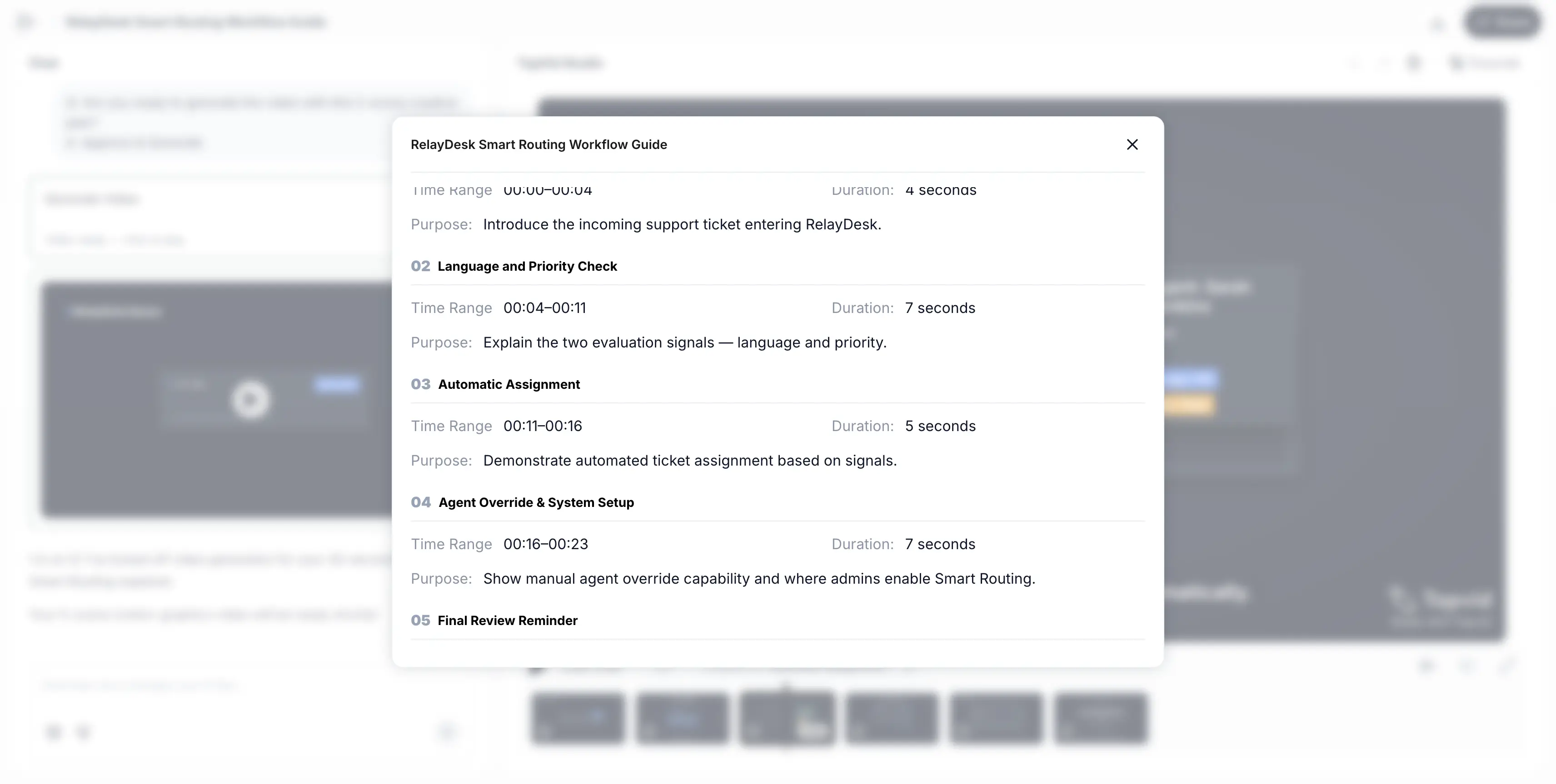
TapVid fits teams that start with information rather than a finished storyboard. Its official product page describes a workflow that accepts a prompt, PDF, or link and turns it into a motion-graphics explainer. The same page presents plain-language refinement, which matters because source-led generation is useful only if the first output can enter a review loop.
For workflow builders, the more distinctive layer is the integration surface. TapVid documents both a REST API and MCP route. The REST example uploads source material, creates a video job, and polls for the result URL. MCP offers an agent-facing path for workflows where a user or agent already works inside an MCP-capable environment. This makes TapVid a candidate when video should be generated from a research, product, education, or content pipeline rather than from a manual timeline.
The fit is strongest when the source contains a story that needs explanation, and the team wants motion output without building a rendering engine. It is weaker when the job is mainly a talking avatar, a frame-by-frame React composition, or thousands of fixed-layout data variants. The verified sources also do not establish concurrency, SLA, arbitrary batch scale, or a zero-review result. Those limits matter. API access describes a control surface, not operational reliability under every workload.
TapVid is placed first because its source-led, REST, and MCP model matches the article's selected large-scale workflow audience. It is not yet eligible for final freeze, however, because this article still needs a new hands-on evidence asset from the same run. Until that route is complete, this section is an evidence-backed product fit assessment, not a first-person product test.
06
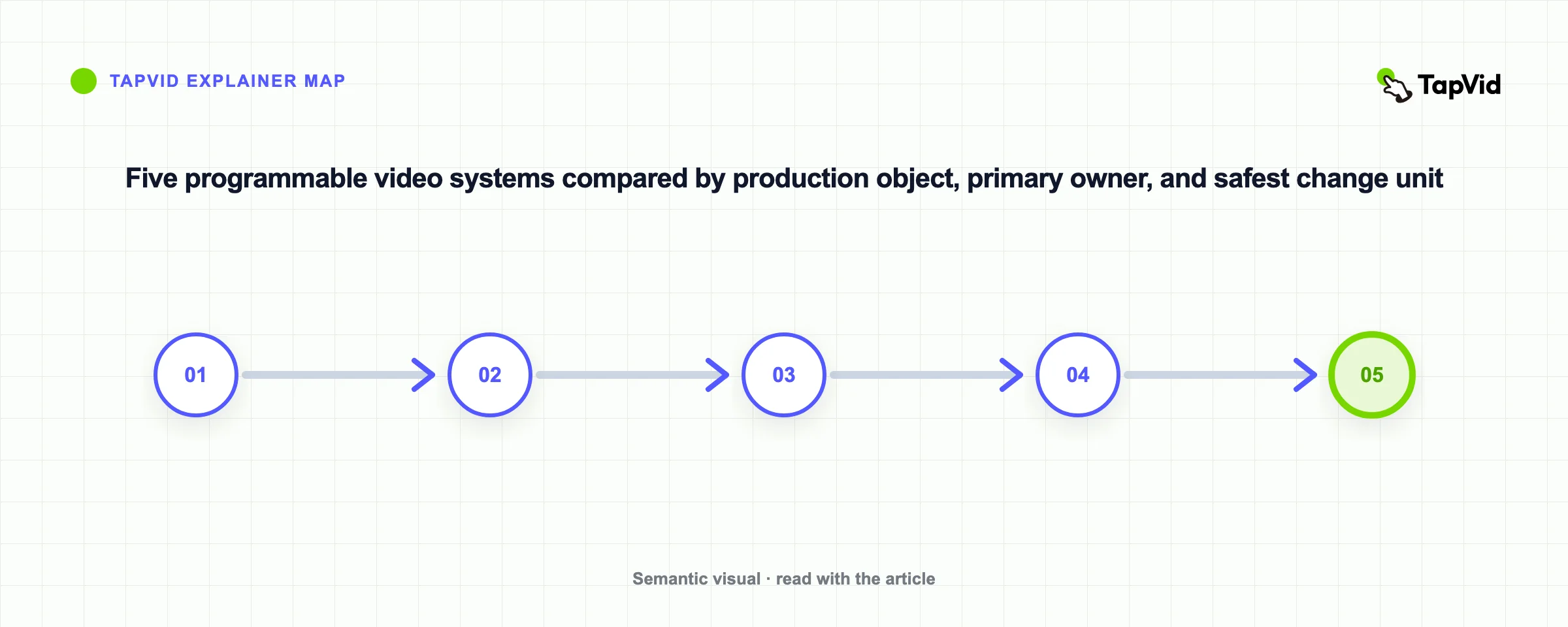
2–6. Programmable rendering and template systems
These five tools all automate structured production, but they give your team control over different objects. Choose the object your team can maintain after the first successful render—not the demo that looks easiest on day one.
- 2. Shotstack — managed JSON rendering. Docs submit JSON edits to a hosted renderer. Best for: applications with a known timeline. Watch for: your team still owns validation, retries, assets, and review.
- 3. Creatomate — shared templates. Quick start combines templates with field modifications. Best for: designer-owned layouts triggered by operations or developers. Watch for: uncontrolled variables can make templates fragile.
The practical dividing line is ownership: templates keep design bounded, JSON keeps render instructions explicit, After Effects preserves motion-design authorship, and React provides the widest code-level control. Pick the narrowest model that can still handle your hardest expected video.
- 4. Plainly — After Effects at scale. Developer guide turns selected AE layers into variables. Best for: teams preserving After Effects authorship. Watch for: projects, fonts, assets, and variable behavior need disciplined setup.
- 5. JSON2Video — compact JSON assembly. Tutorial defines videos as JSON scenes and elements. Best for: repeated video grammar expressed as data. Watch for: complex art direction can turn the payload into a private programming language.
- 6. Remotion — code-owned video. Remotion builds video with React components and props. A developer's hands-on write-up shows the added work around pacing and audio. Best for: custom logic in version control. Watch for: React ownership is required.
07
7–10. Avatar, distribution, and editor-led systems
These tools automate different output objects. HeyGen and Synthesia center the presenter, ShortFast centers the publishing loop, and VEED centers a human-editable browser project. They should not be compared as if they were interchangeable rendering backends.
- 7. HeyGen — personalized avatar messages. API accepts script or audio for avatar-led video. Best for: sales, onboarding, support, and localized presenter variants. Watch for: wording, pronunciation, lip sync, text, and brand fit need review.
- 8. Synthesia — governed training. API quick start documents asynchronous avatar-video creation. Best for: consistent presenters across instructional libraries. Watch for: test brand templates, language, pronunciation, and updates before migration.
Choose the workflow by what must remain editable: the presenter's script and delivery, the channel schedule, or the footage and captions. That choice determines where human review belongs and what a failed output costs to correct.
- 9. ShortFast — scheduled short-form publishing. ShortFast combines generation with scheduled social delivery. Best for: a recurring shorts cadence. Watch for: independent hands-on validation was not found, so test brand safety before connecting live accounts.
- 10. VEED — editor-led browser workflow. VEED combines assisted creation, captions, and browser editing. A 2026 hands-on review notes post-generation decisions. Best for: footage or drafts needing cleanup. Watch for: it is less natural as an invisible backend.
08
Build the workflow around review and recovery
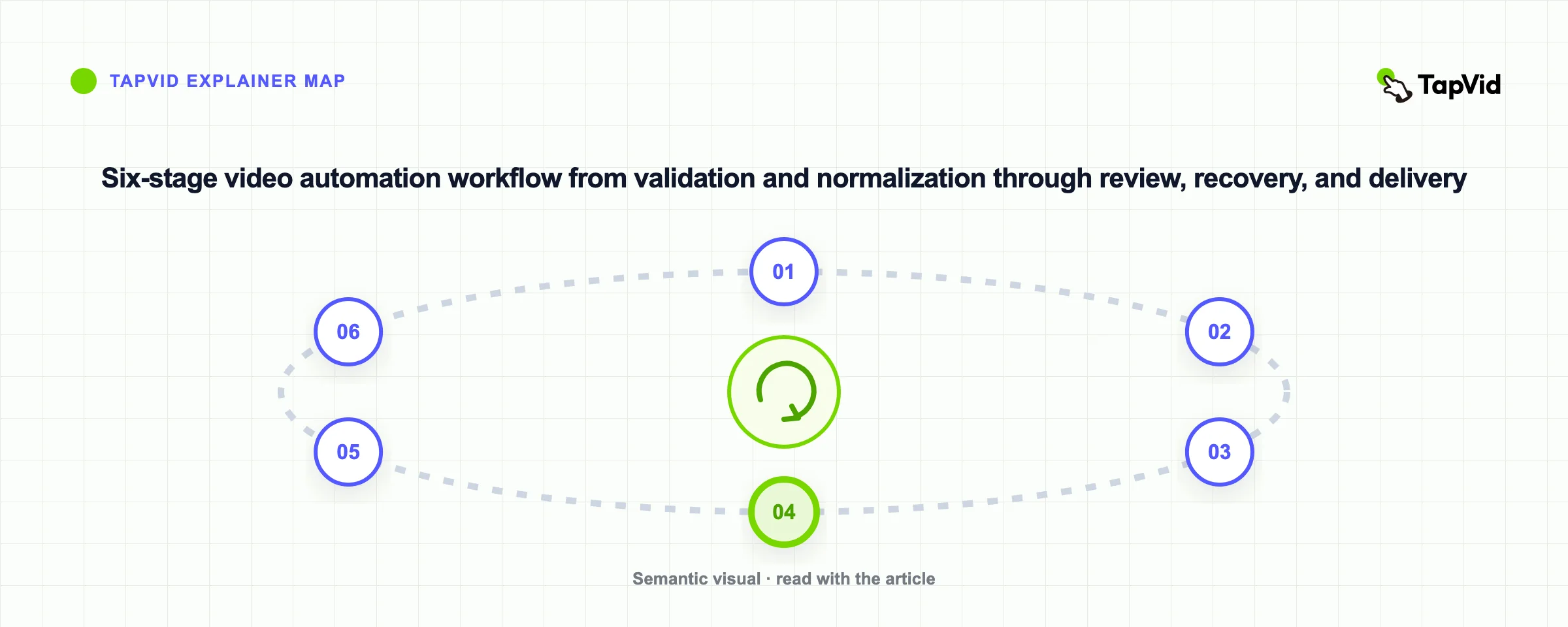
The video engine is only one part of a reliable automation. A production workflow needs six explicit stages:
- Validate the trigger. Confirm the request includes the required source, format, audience, and destination.
- Normalize the input. Clean long text, missing assets, unsupported media, names, dates, and brand terms before generation.
- Create the video job. Send the smallest complete instruction set to the selected engine.
- Review the output. Check factual accuracy, text, pronunciation, timing, visual hierarchy, accessibility, and destination-specific constraints.
- Recover narrowly. Rerun the smallest safe unit if the tool supports it. Otherwise decide whether a full rerender is cheaper than manual repair.
- Deliver with traceability. Store the approved output, source revision, destination, and approval result so the workflow can be audited.
The review stage should not be a vague human-in-the-loop box. Define who approves facts, brand, accessibility, and publishing. A product team may need separate checks for source accuracy and final media. A short-form channel may accept one lightweight review. A compliance or customer-specific video may need a named approver and retained source version.
09
Compare cost per approved video, not subscription price
Monthly price is easy to compare and often misleading. A useful cost model is:
Cost per approved video = platform usage + human preparation + review + failed renders + correction work + infrastructure + delivery operations.
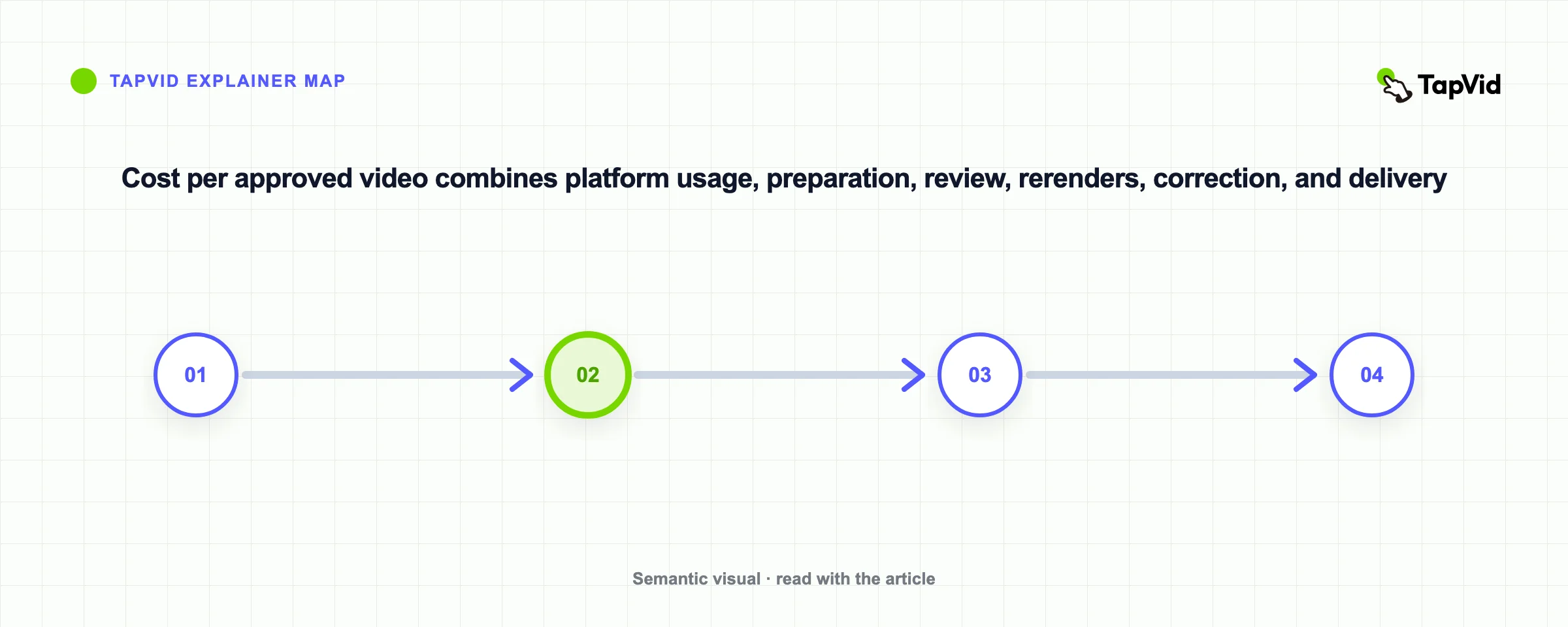
This model changes the shortlist. A low-cost API can be expensive if engineers maintain complex schemas and retry logic. A higher-cost avatar tool can be efficient if it replaces recurring filming and localization work. A code-owned system can have a high initial cost and a low marginal cost after the composition library stabilizes. A browser editor can be economical for ten carefully reviewed videos and inefficient for ten thousand data variants.
Measure one representative workflow for two to four weeks. Record source-preparation time, generation time, review time, correction count, rerender scope, failed-job rate, and final delivery work. Do not mix vendor-advertised render time with your own approval cycle. The approved output, not the first generated file, is the unit the business consumes.
10
A practical migration path
Most teams should not begin by automating the entire video pipeline. Start with the repeated step that has clear inputs and a reversible output.
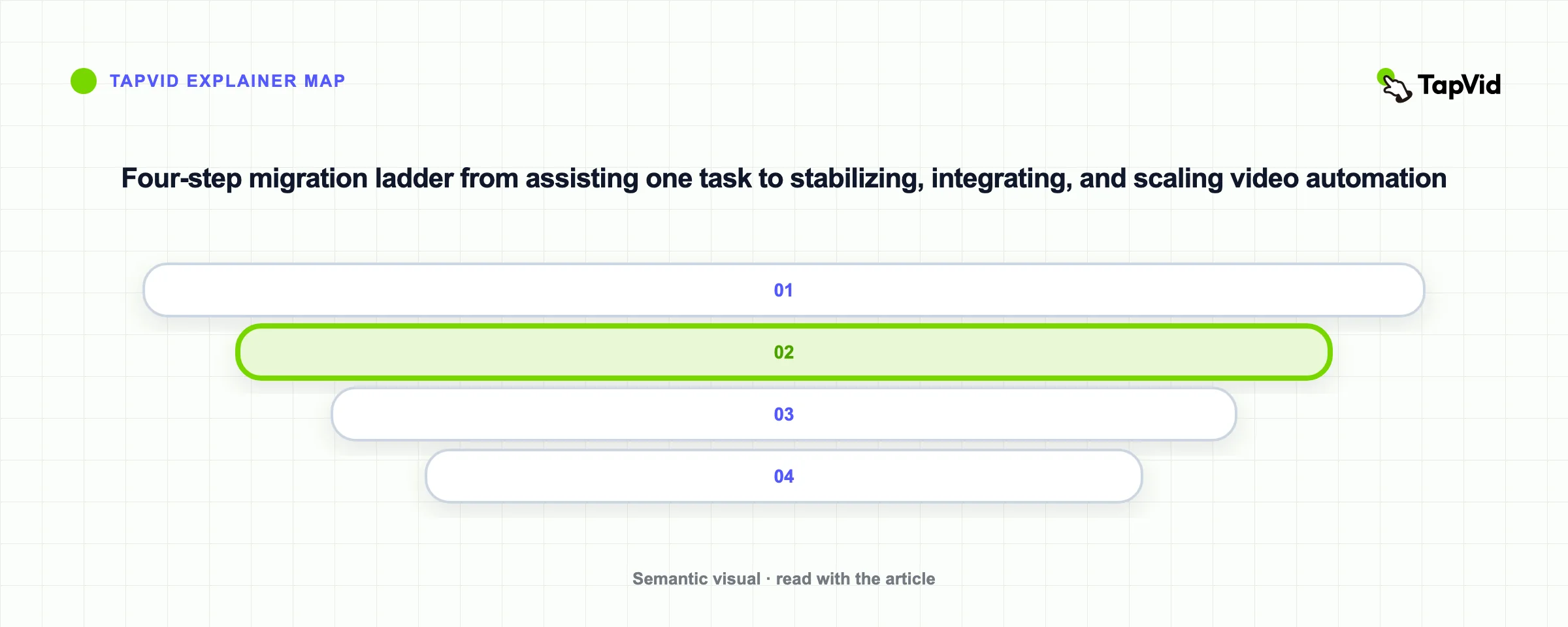
First, document the current workflow. Separate creative decisions from mechanical actions. Then automate one stable unit, such as captions, data population, a repeated scene structure, an avatar script, or a document-to-draft step. Keep the human review checkpoint in place and measure why outputs are rejected.
Move to deeper automation only after the rejection reasons become predictable. Template rules can handle repeated layout problems. Input validation can catch missing assets. A narrower rerun can reduce correction cost. API or MCP integration becomes valuable when the upstream and downstream systems are stable enough to benefit from it.
For teams exploring source-led integration, TapVid's API and MCP documentation is the relevant implementation path. For teams that want the full REST pattern in context, the text-to-video API tutorial goes deeper without turning this comparison into an integration guide.
11
Frequently asked questions
Video automation software creates value when it removes repeated production work without hiding review and recovery costs. Choose the operating model first, test one representative workflow, and expand only after the team can explain how a request becomes an approved video.
What is the best video automation software?
There is no universal winner. TapVid is a strong candidate for source-led motion explainers with REST or MCP access. Shotstack, Creatomate, Plainly, JSON2Video, and Remotion fit structured rendering at different ownership levels. HeyGen and Synthesia fit avatar-led communication. ShortFast fits scheduled shorts, and VEED fits browser-based assisted editing.
What is the difference between video automation and AI video generation?
AI video generation creates media from a prompt, script, image, or model input. Video automation is broader. It includes triggers, templates, code-defined compositions, rendering, review, recovery, delivery, and publishing. A workflow may use AI generation for one stage without giving it control of the whole system.
Which video automation tools are best for developers?
Shotstack and JSON2Video expose API-first JSON models. Creatomate combines templates with API and no-code routes. Remotion gives developers the most direct code ownership through React. TapVid offers REST and MCP paths when the input is source material that should become a motion explainer.
Which tools are best for training videos?
Synthesia and HeyGen are the clearest avatar-led options in this comparison. TapVid is relevant when the training source should become a motion explainer rather than a presenter video. The right choice depends on presenter requirements, localization, brand controls, review steps, and update frequency.
Can video automation publish directly to social platforms?
Some products include distribution, but many stop at a rendered file or project. ShortFast explicitly presents scheduled publishing to YouTube Shorts, TikTok, and Reels. For other tools, delivery may require an automation platform, social scheduler, custom integration, or manual approval step.
How should a team evaluate video automation software?
Use a real source and measure the path to an approved video. Check trigger, input, control, review, recovery, delivery, and total operational cost. Test the hardest expected case, record why drafts are rejected, and avoid choosing from first-render quality alone.